

MOKiN Dual Monitor USB-C Docking Station (2 HDMI, RJ45, 100W PD) — 13-in-1 Hub for Dell/HP/Lenovo
Product description
What this MOKiN docking station is for
If your laptop feels “stuck” to one screen and a few cables, this MOKiN dual monitor docking station is built to loosen that grip. It’s a USB-C hub with video output (2 HDMI ports), wired Ethernet (RJ45), multiple USB connections, and a dedicated USB-C power charging port rated up to 100W. On paper, it’s the kind of all-in-one dock that helps you go from cramped desk setup to a more “real workstation” layout.
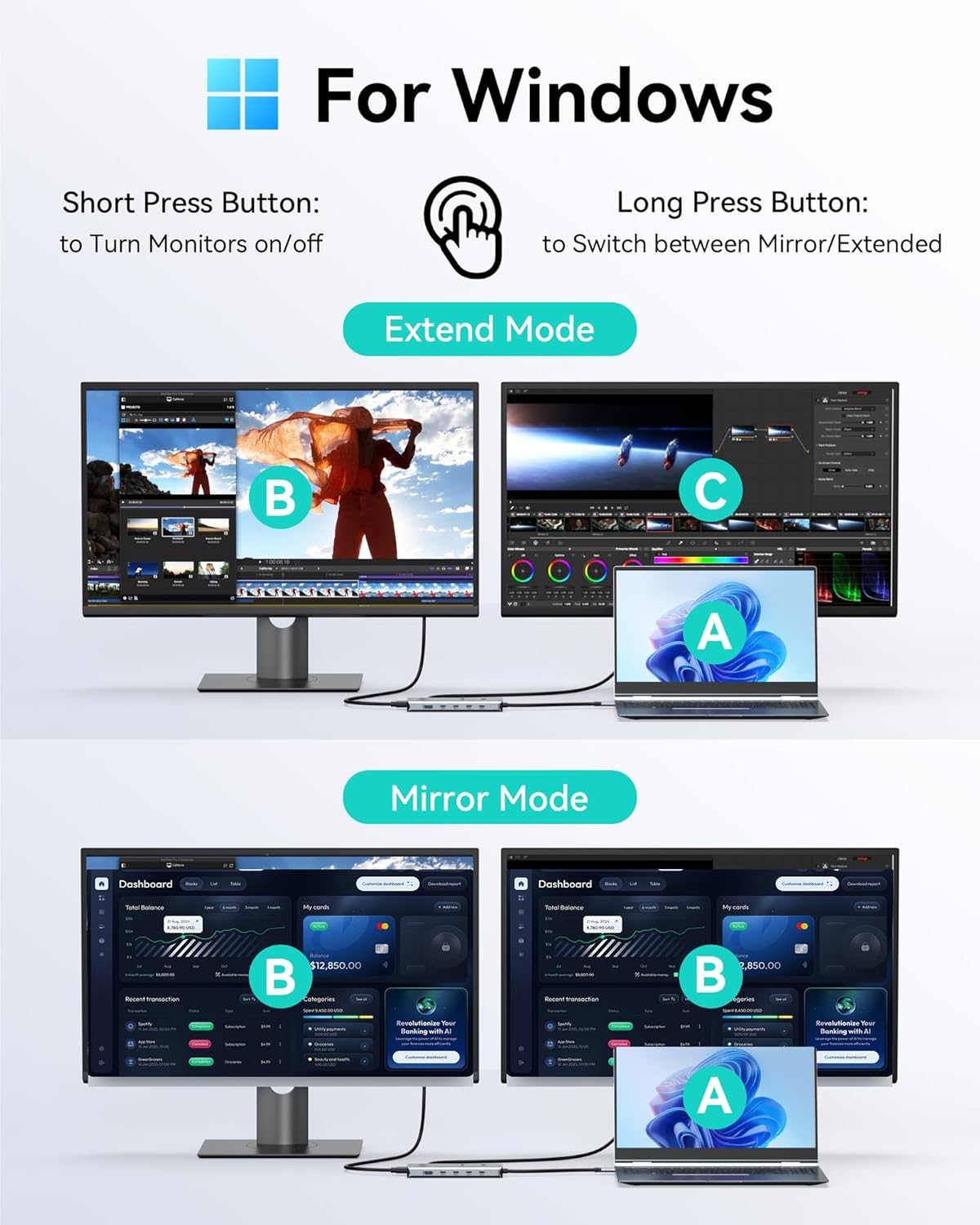
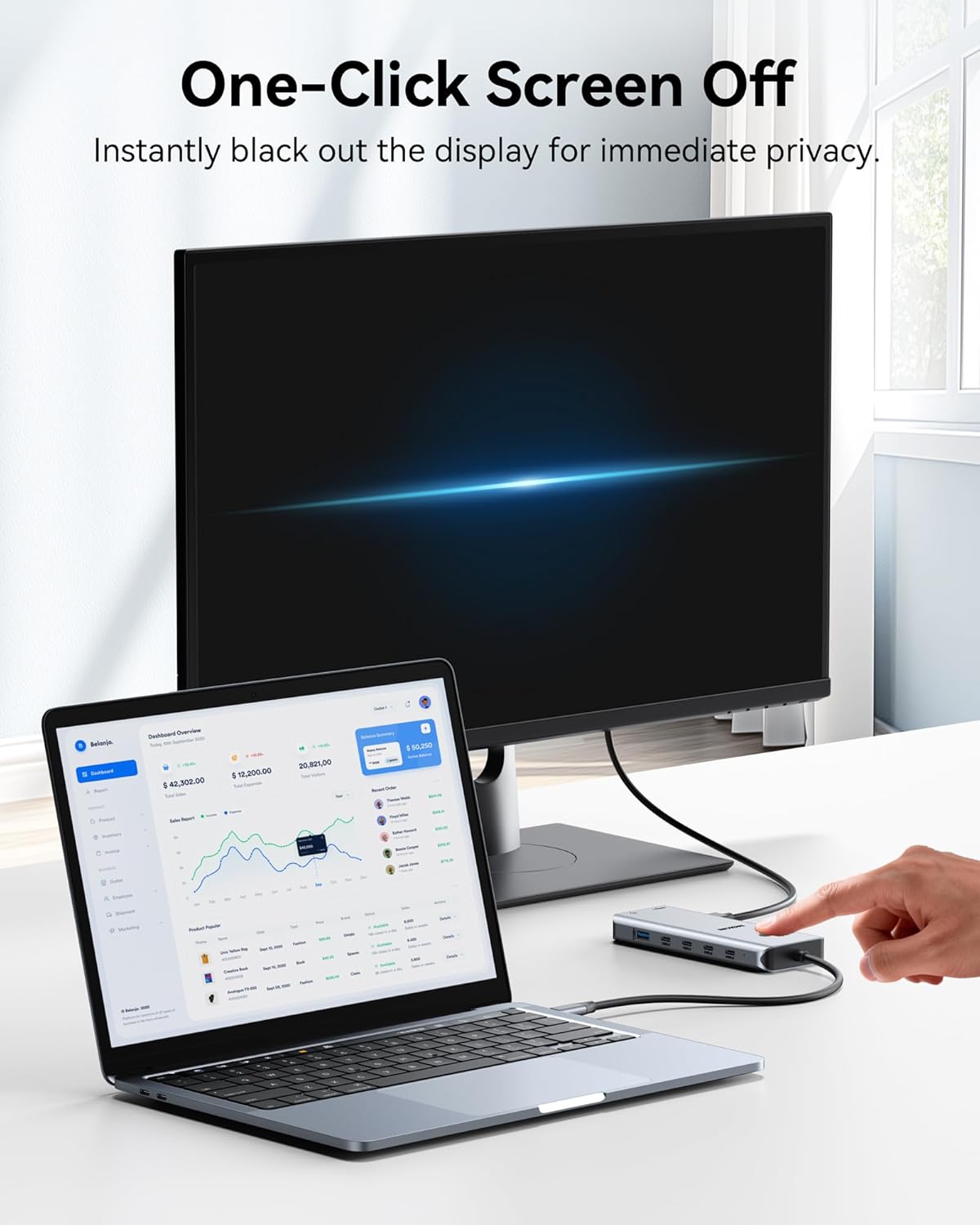
It also has a privacy/lock-style button: short-press to turn off your screens. That’s the sort of small feature that can matter if you share your workspace or you just want a quick way to blank displays.
The essentials (dual monitors, Ethernet, and charging)
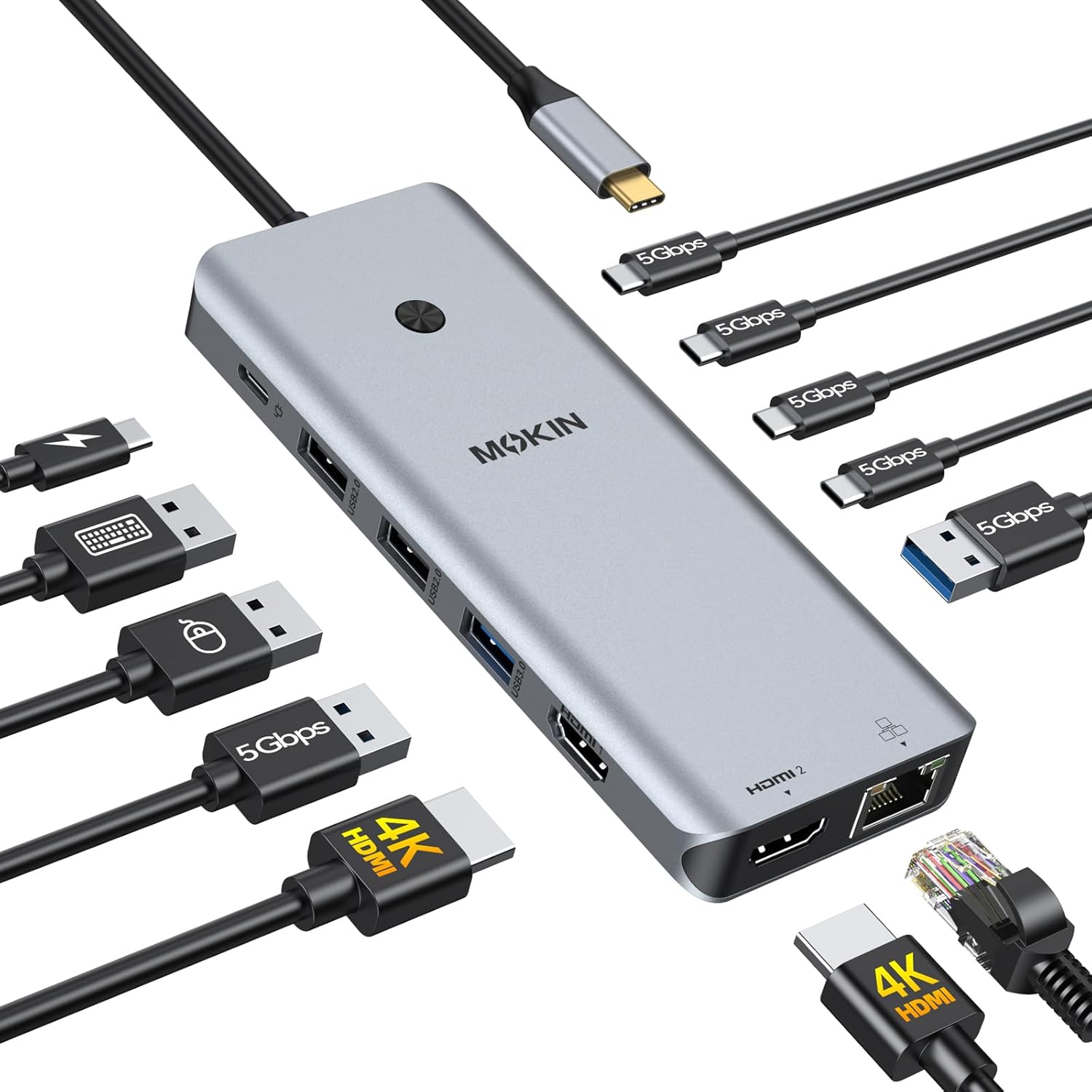
The big draw here is dual-display support. The dock includes two HDMI outputs and is described as supporting dual 4K Ultra HD up to 60Hz, assuming the right laptop video behavior and protocol support (it references laptop DP 1.4 protocol and dual-monitor display via the laptop’s DP setup). In normal use, that translates into a setup where you can keep a spreadsheet or document on one screen and reference chat, email, or browser tabs on the other.
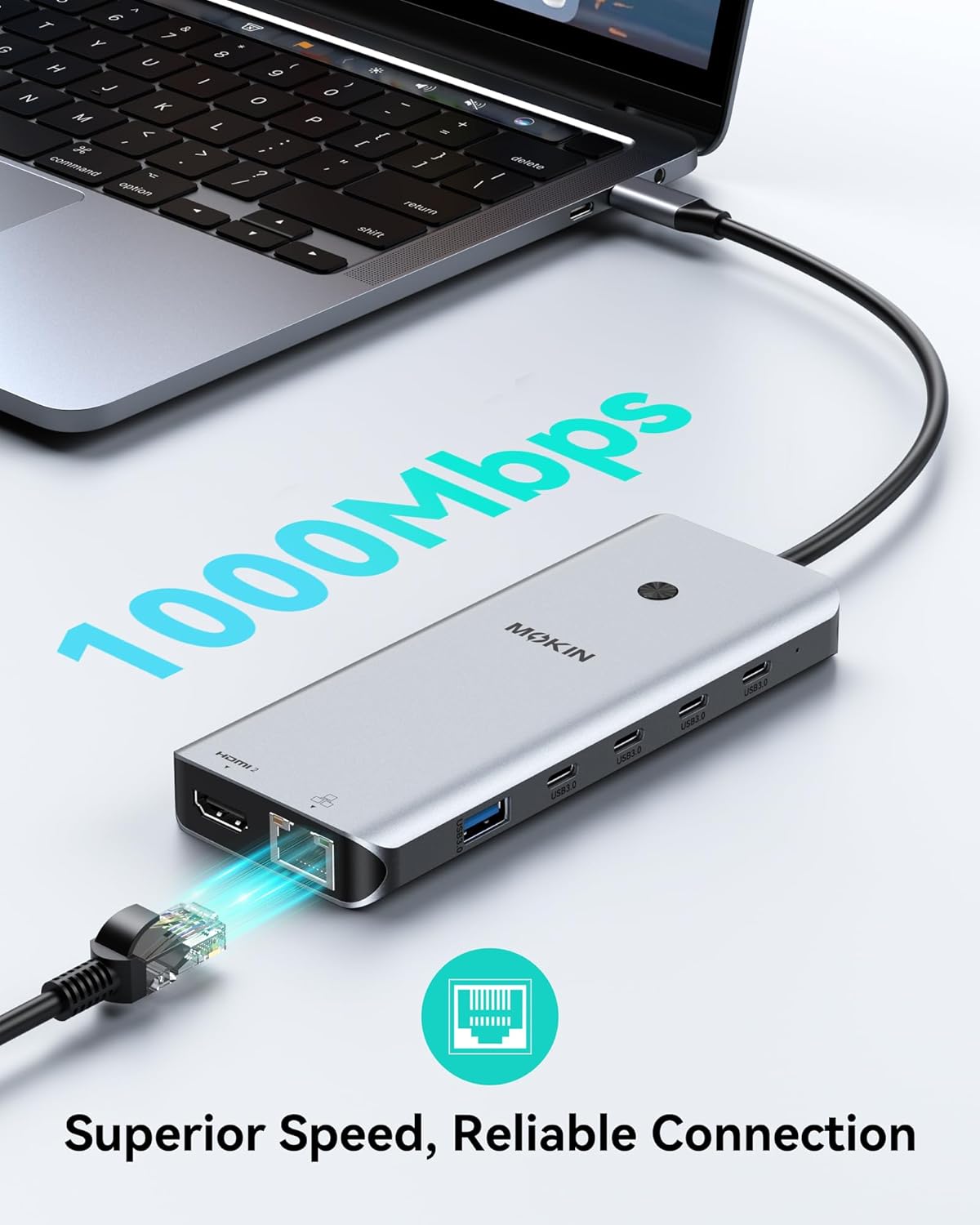
For network, you get a wired RJ45 Ethernet port rated at 1000Mbps. If you do video calls, large downloads, or online gaming, wired Ethernet is often the difference between “it’s okay” and “why is it lagging?”
And for power, there’s a USB-C Power Delivery charging port rated up to 100W max. The dock is positioned as a one-cable desk partner: plug in the dock, connect monitors, and charge the laptop while you work. Just keep in mind that the package description indicates you’ll need the right power adapter/charging setup for full laptop charging—so don’t assume everything required for 100W charging is automatically included.
Where it shines day to day
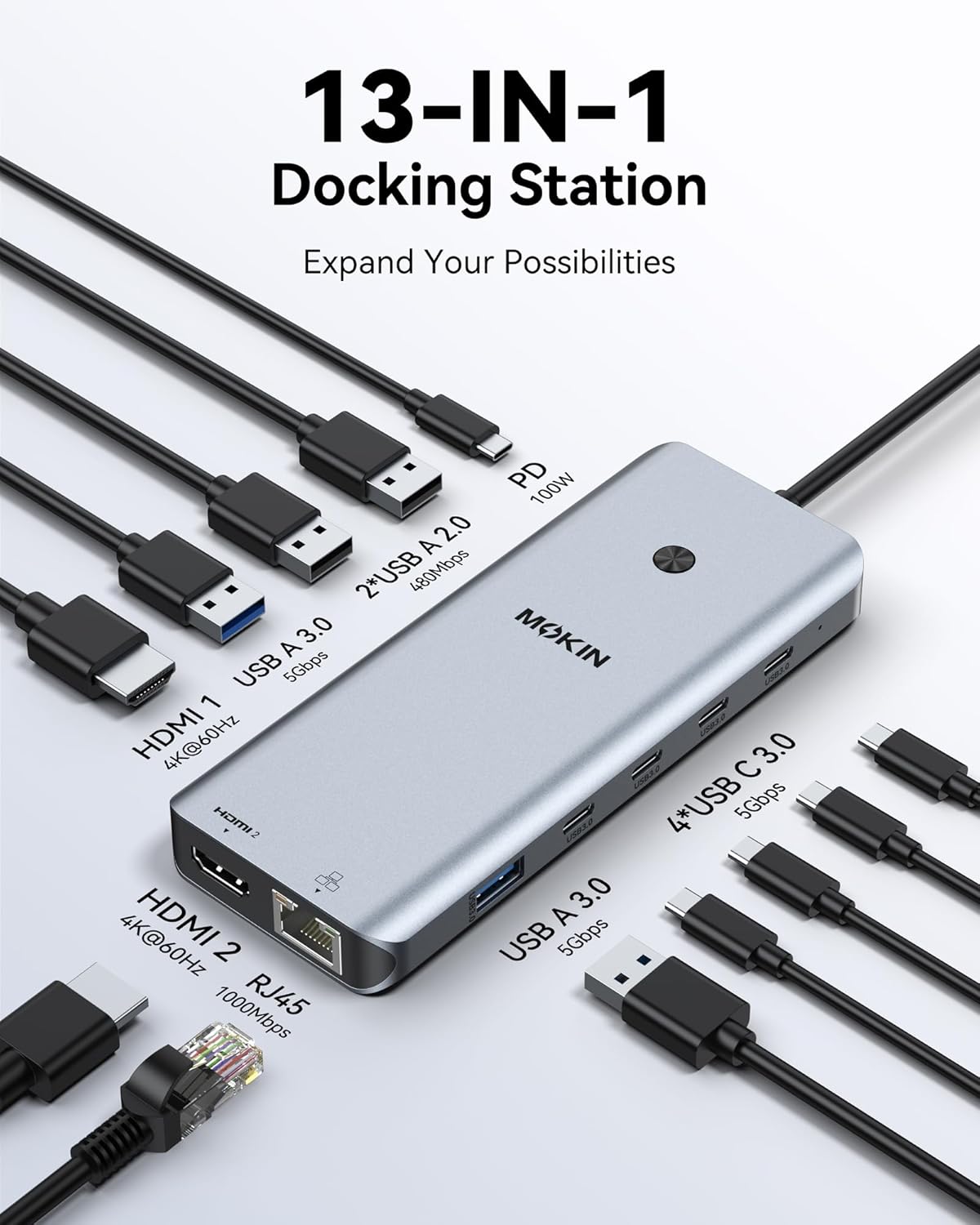
This is a hub-first design, not just a video splitter. Along with 2 HDMI ports, it offers multiple USB connections, including several USB ports described as 3.0 and also USB-A 2.0 ports. It specifically mentions 5Gbps USB-C and USB ports for faster data transfer (stated as up to 5Gbps, described as much faster than USB 2.0). In practice, that’s useful if you transfer files from an external SSD, copy big folders to a flash drive, or keep a few peripherals plugged in without constantly swapping cables.
The privacy lock button is another practical touch. Short-press to turn off the screens can help you step away, clear visual distractions, or protect sensitive info when someone walks into your workspace.
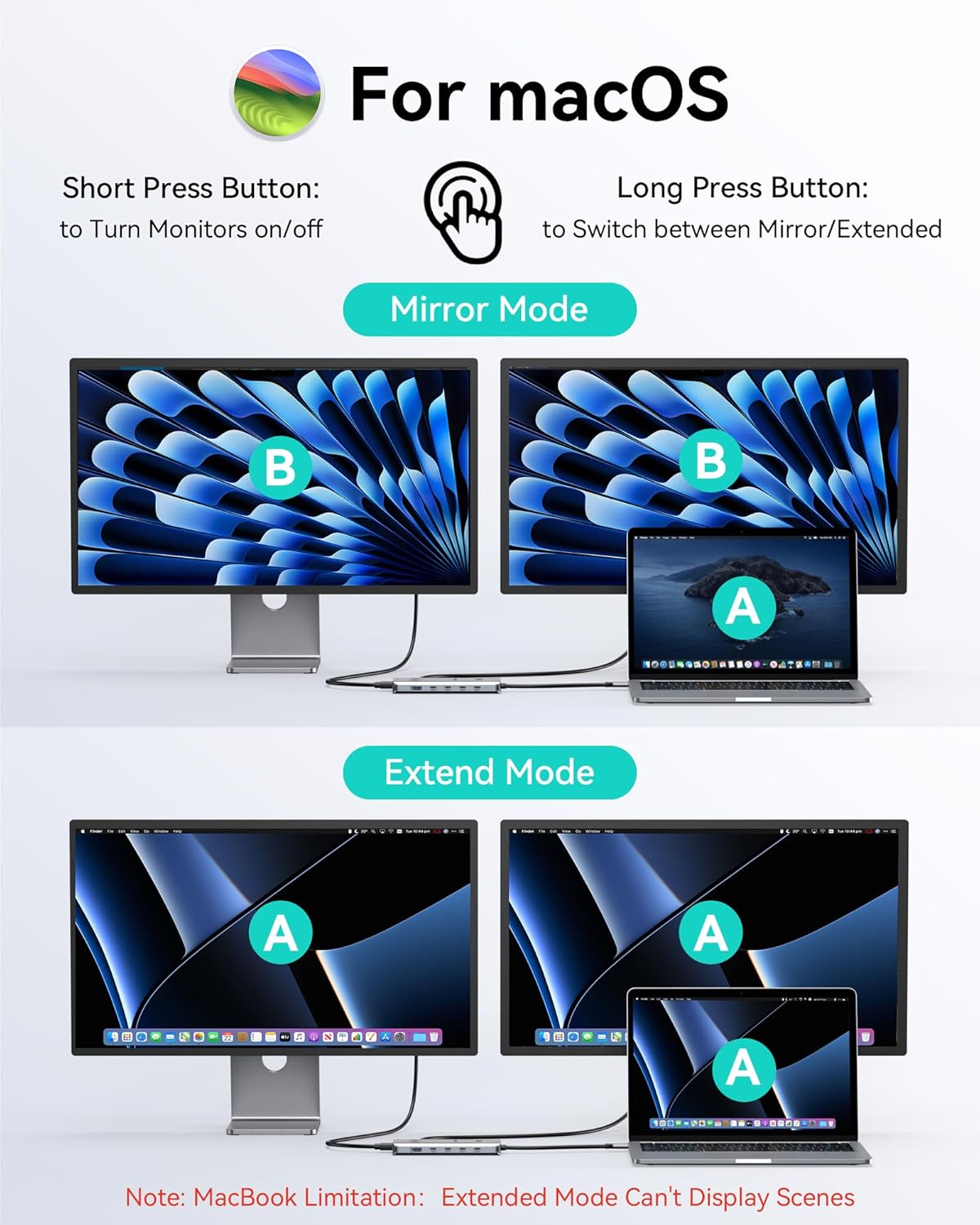
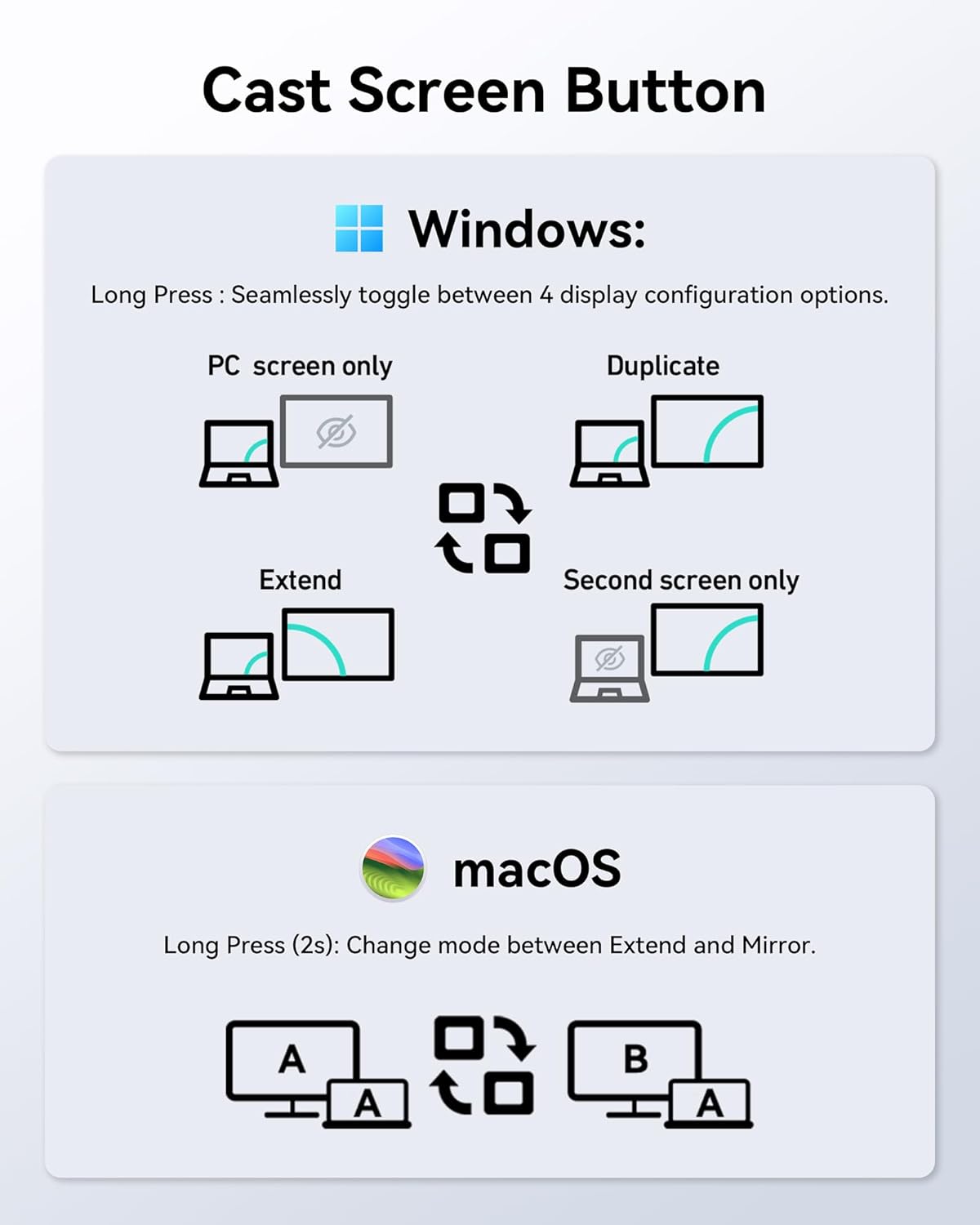
There’s a second limitation you should be aware of: the listing states compatibility depends on the laptop supporting Thunderbolt 3/4, and it also calls out macOS limitations (it mentions macOS only supports SST mode and that connected external monitors can mirror the same display). So, it’s not a “works exactly the same on every device” situation.
Key takeaways on compatibility before you buy
This dock is described as compatible with laptops that support Thunderbolt 3/4, and it also calls out Dell/HP/Lenovo support in the product name. If your laptop doesn’t support Thunderbolt 3/4 over USB-C, you may not get the dual-monitor performance you’re expecting.
If you’re using macOS, it’s worth taking the mirror-modes warning seriously. The listing explicitly says macOS only supports SST mode and that external monitors may mirror. That can still be workable for some workflows, but it’s not the same as having independent screens.
What to verify (so you don’t get stuck with the wrong setup)
Before ordering, double-check a few things that determine whether this will feel smooth or frustrating: - Your laptop’s USB-C port capabilities: the listing emphasizes Thunderbolt 3/4 support for compatibility. - Your OS expectations: if you use macOS and want true independent dual screens, the stated SST/mirroring behavior is a big factor. - Your charging expectation: the dock supports up to 100W PD, but the listing says the package contains only the product and that the charger is not included. If you’re counting on 100W charging, make sure you have the required charger power/capability. - Your monitor setup: it targets dual HDMI and up to dual 4K 60Hz, but high-refresh/high-resolution dual output typically depends on the full chain working correctly (laptop video output + dock + cables + monitor settings).
Pros and potential drawbacks
What you’ll likely like: dual HDMI for a two-screen workspace, wired Ethernet for more stable connectivity, and multiple USB ports for peripherals and storage. The privacy lock button is a nice “quick blank” tool.
What may not be ideal: the compatibility depends heavily on Thunderbolt 3/4 support, and macOS behavior may not deliver independent dual monitors (mirroring is mentioned). Also, while 100W PD is listed, the charger not being included means you should plan your power setup carefully.
Is it worth it?
This is worth considering if you have a Thunderbolt 3/4 laptop and you want a single-dock setup for dual HDMI monitors, wired Ethernet, and everyday USB connectivity—especially for work-from-desk routines like video calls plus multi-window productivity.
You may want to skip it if you’re on macOS and specifically need independent dual-screen layouts, because the listing suggests mirroring in macOS SST mode. And if you don’t have the right power adapter for 100W PD charging, the dock could end up feeling like it powers “most things” but not the full expectation.
If your goal is a clean cable setup that helps you use dual displays without constantly reconnecting devices, this kind of hub makes sense. Just make sure your laptop and OS match the dock’s stated requirements.
Mini FAQ
Does this docking station support two external displays?
Yes. The dock includes two HDMI ports and is described as supporting dual 4K Ultra HD up to 60Hz, subject to the laptop’s supported display protocol behavior.
What internet connection does it provide?
It includes an RJ45 Ethernet port rated at 1000Mbps, designed to complement or replace Wi-Fi for more stable connections.
Can it charge my laptop while docked?
It includes a USB-C Power Delivery port rated up to 100W max, but the listing states the charger is not included, so you’ll want to confirm your power adapter meets what you need.
Is it compatible with any USB-C laptop?
The listing specifically calls out compatibility with laptops that support Thunderbolt 3/4, so not every USB-C laptop will meet the requirement.
Will macOS show independent dual monitors?
The listing says macOS supports SST mode and that connected external monitors may mirror, so independent dual display may not be what you get on macOS.