

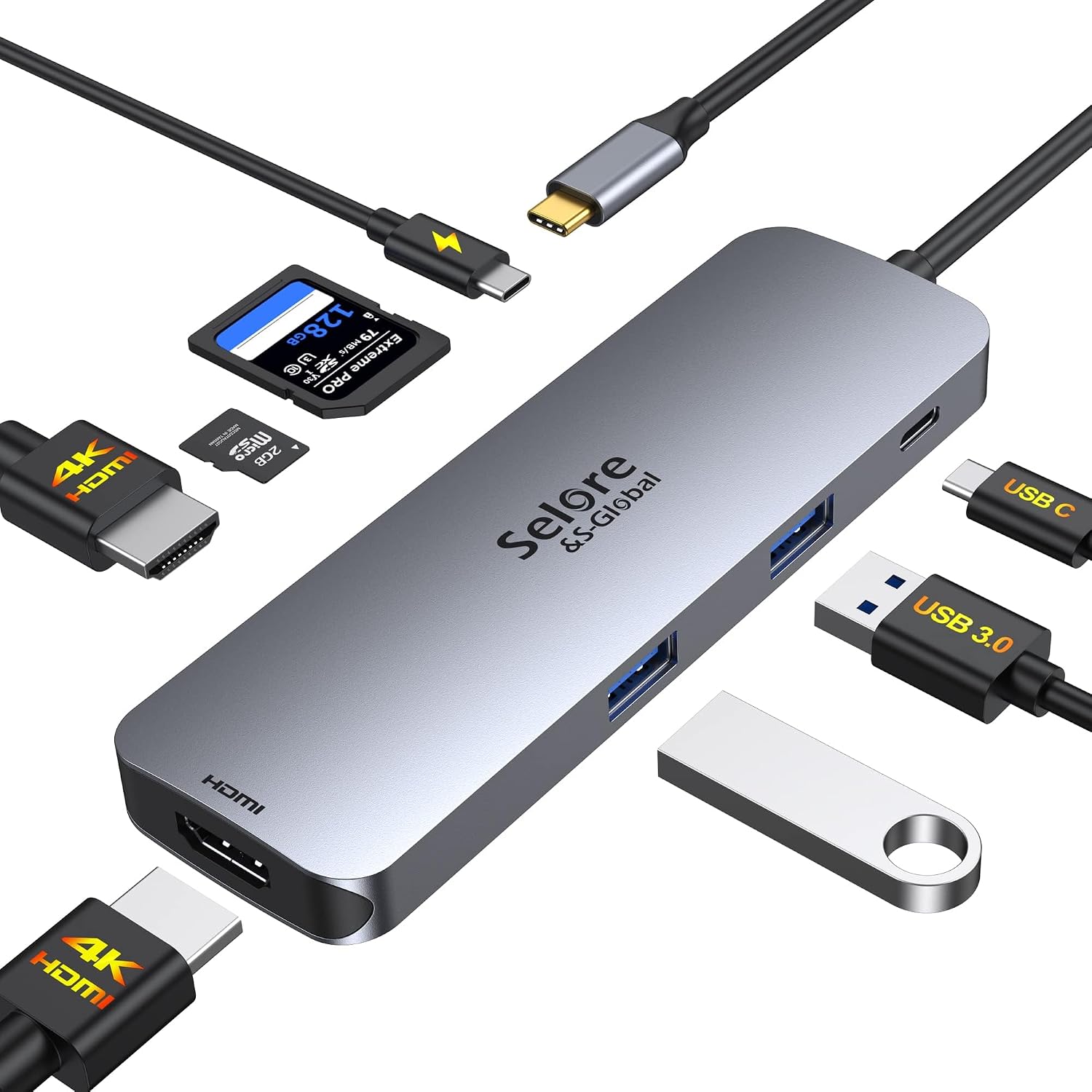
Selore&S-Global SEUC0422 USB-C Docking Station, Dual HDMI and 100W PD
Reviews
Price
Product description
For laptop users who need extra display and peripheral connections, the Selore&S-Global SEUC0422 brings eight functions together in a single USB-C docking station.
Its two HDMI ports support dual-monitor setups, while USB-A, USB-C, SD and microSD connections make it easier to connect everyday accessories and access memory cards.
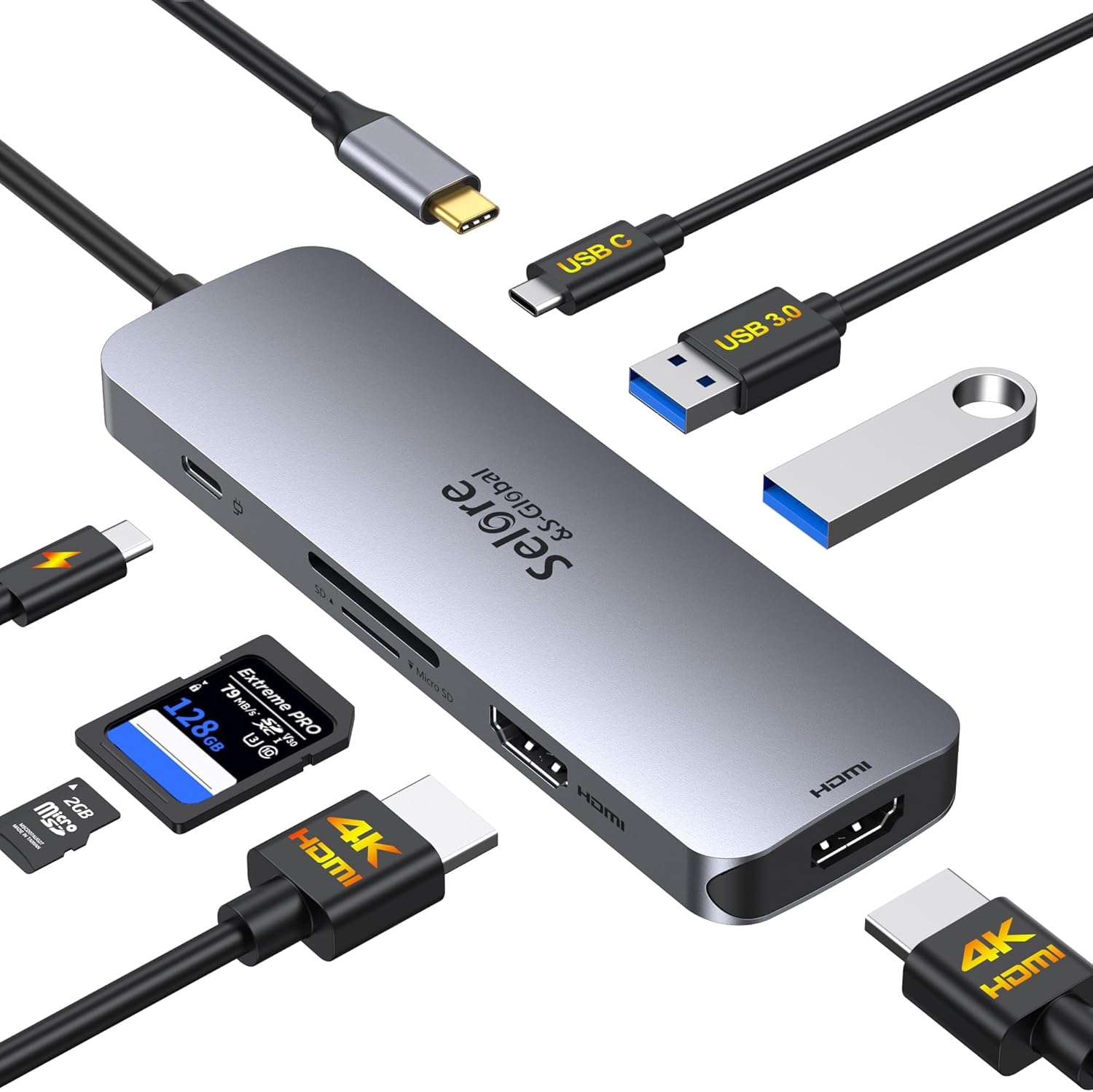
A 100W Power Delivery input supports laptop charging through the dock, and the aluminum enclosure keeps the hub’s design compact at 0.1 kg.
At a glance
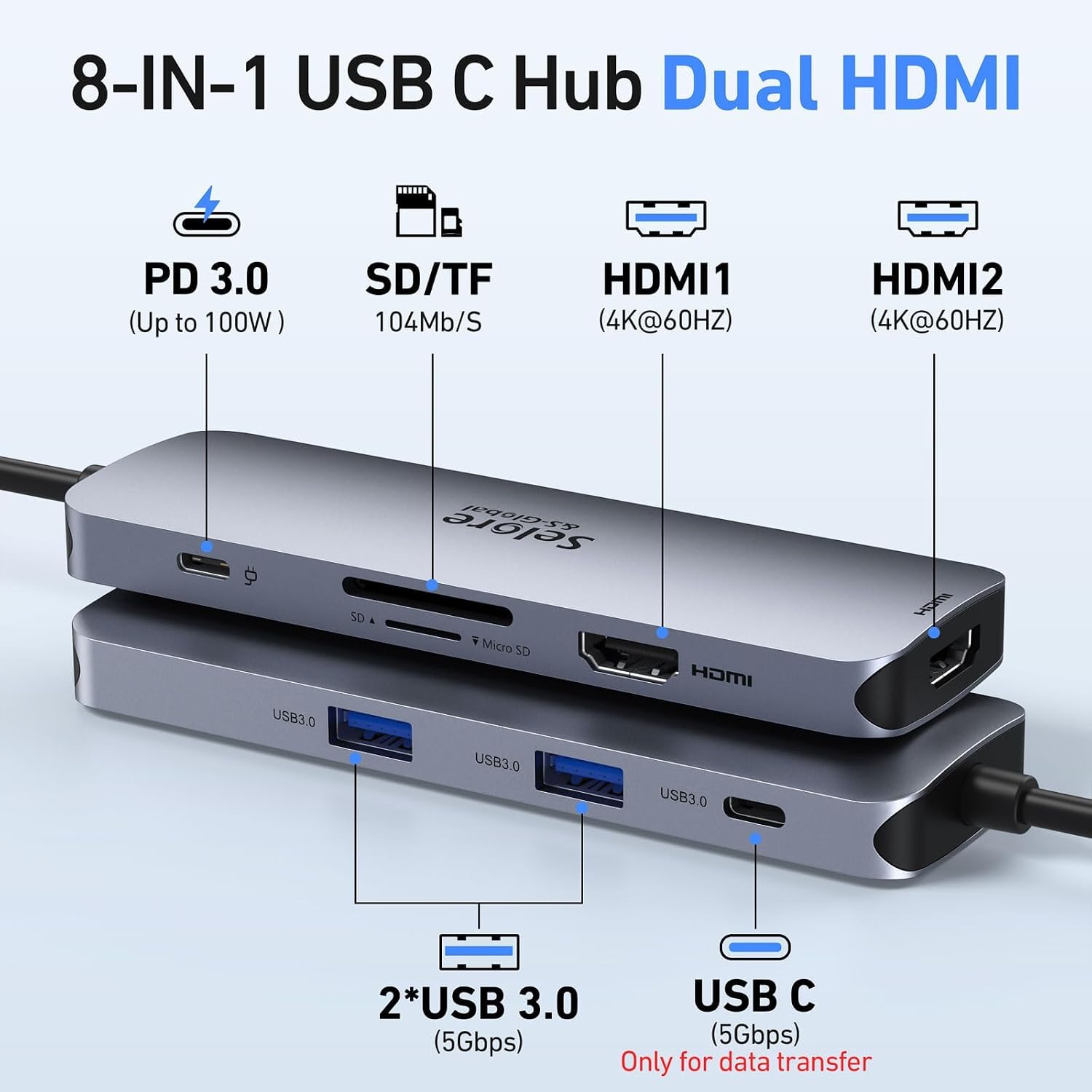
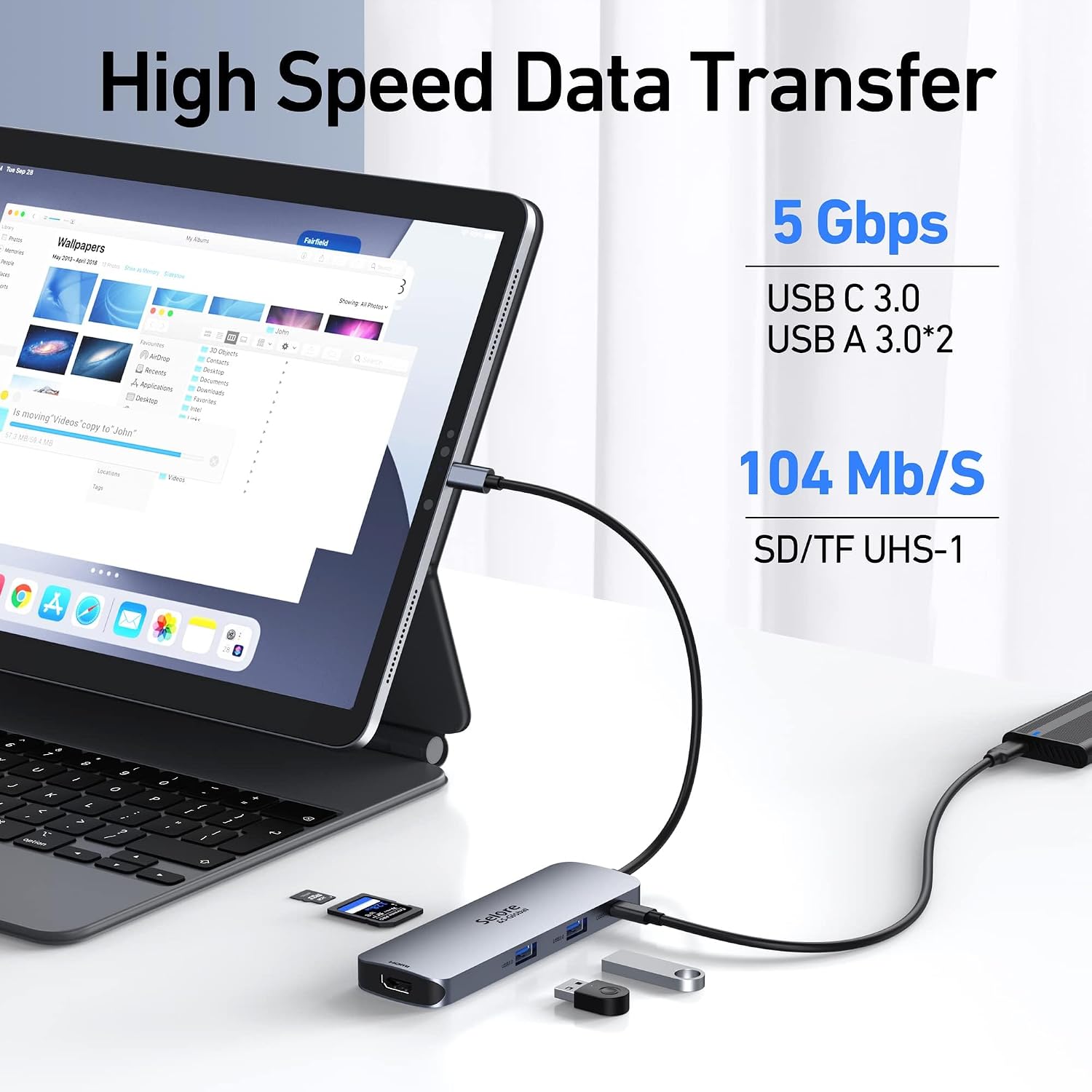
The dock combines two HDMI ports with a USB-C Power Delivery input, one USB-C data port, two USB-A 3.0 ports, and SD and microSD card slots. The USB data ports support transfer speeds up to 5Gbps, the card reader supports speeds up to 104 Mbps. That mix is useful when a laptop needs to connect to displays, a mouse or keyboard, and a camera card without relying on a collection of separate adapters.
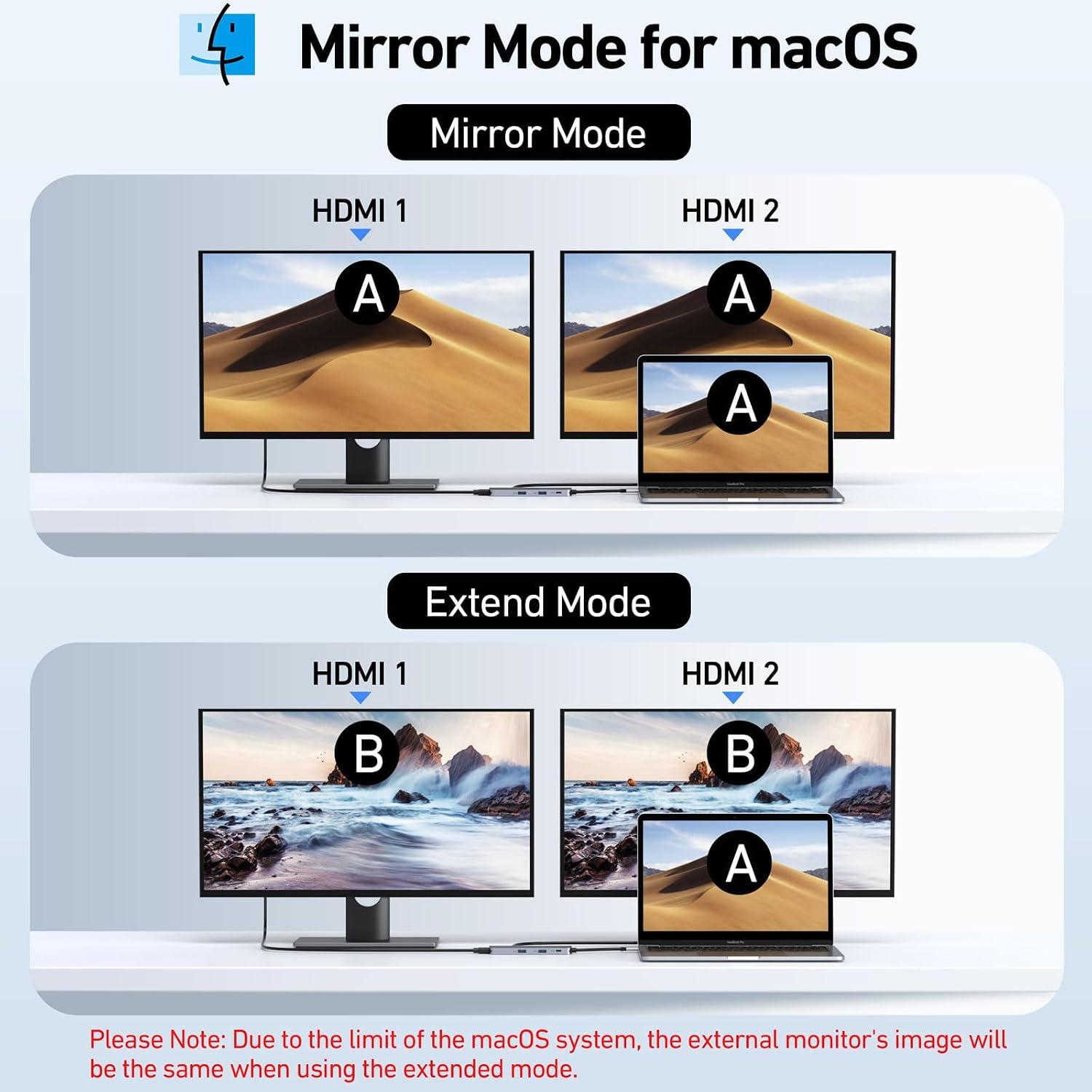
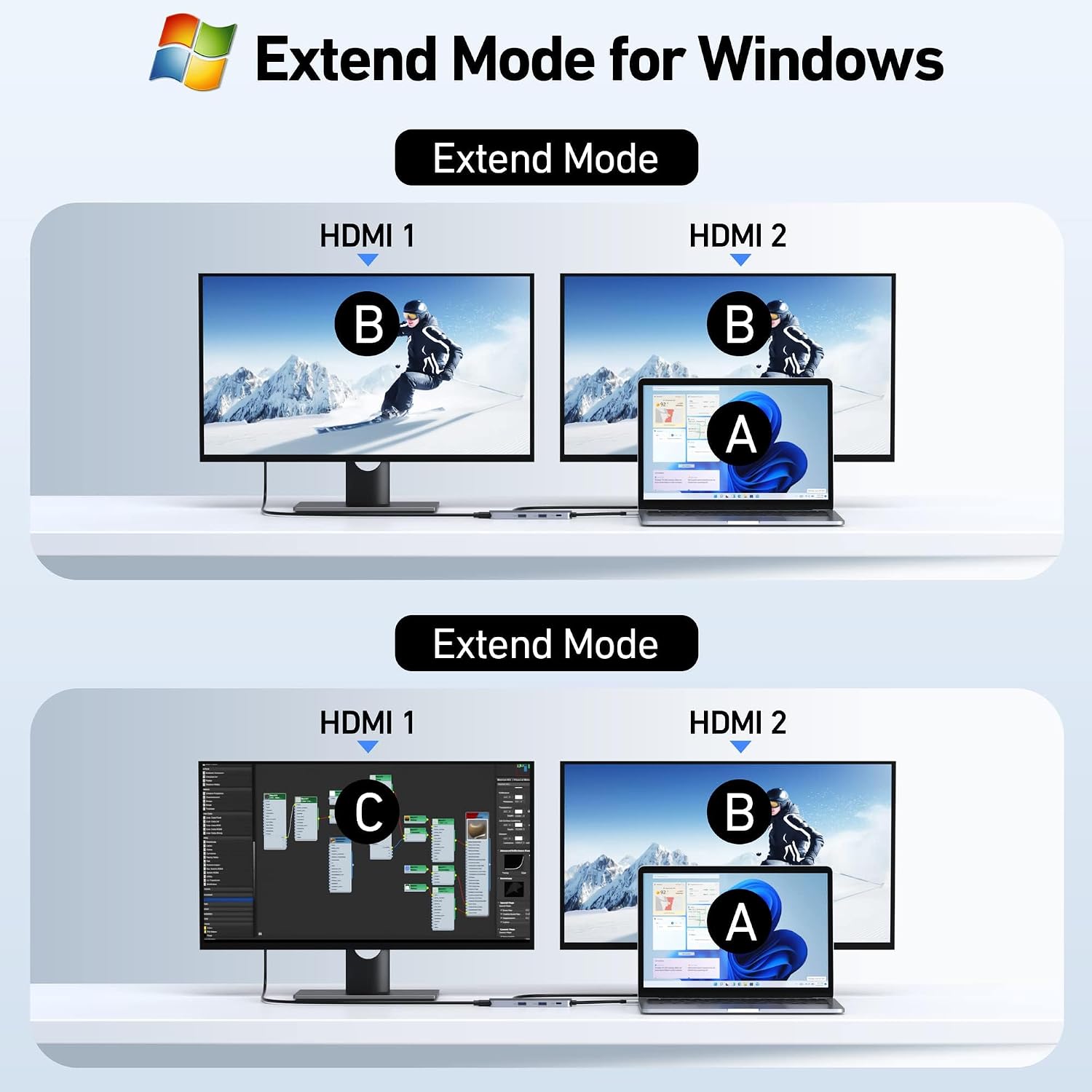
Display behavior depends on the computer. On Windows laptops with DisplayPort 1.4, the dock supports MST for extending the desktop across two monitors. macOS supports mirrored displays, rather than dual-screen extension through MST. To use the dock’s video connections, the laptop’s USB-C port must support Thunderbolt or full-featured USB-C video output, a data-only or charging-only USB-C port will not provide video. For dual 4K at 60Hz, the computer must support DisplayPort 1.4 or HDMI 2.0, and the HDMI cables need to be HDMI 2.0 or DP1.4-certified.
Everyday use
At a home or office desk, connect the dock to a compatible laptop to bring monitor, input-device and card-reader connections together. Use the HDMI ports for external displays, the USB-A or USB-C data ports for peripherals and file transfers, and the SD or microSD slot to browse and copy photos and videos from a camera card. The USB-C data port is for data transfer, not video output, so displays connect through HDMI.
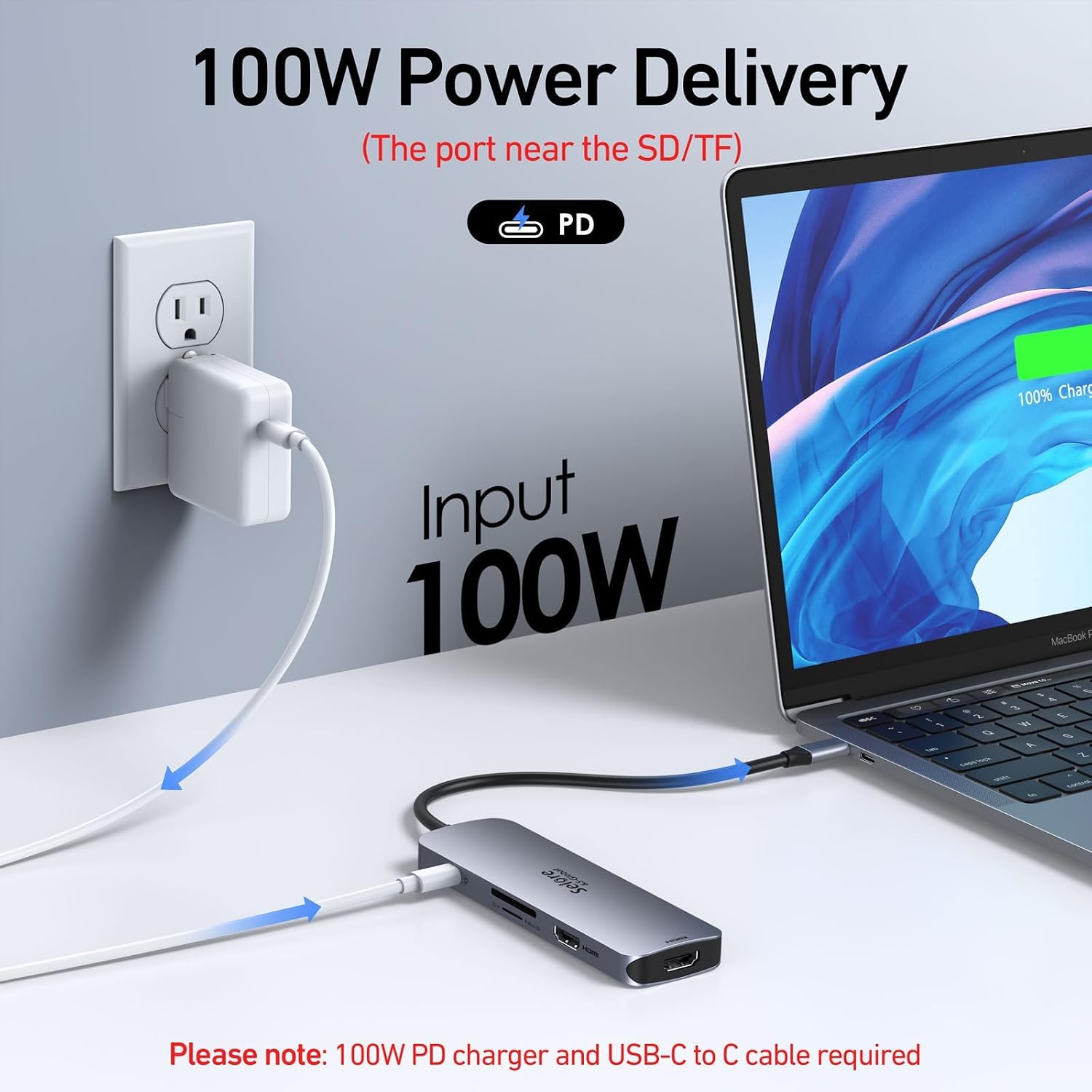
The Power Delivery port accepts up to 100W of input and provides up to 85W output for laptop charging. A power adapter and charging cable are needed for this function and are not included. The aluminum housing and gray finish give the hub a streamlined look for a desk or laptop bag.
Buyers often appreciate the port selection, appearance and portability. Compatibility feedback is mixed, and some buyers report disconnections or ports stopping work. Matching the laptop’s USB-C video capability and operating system to the display setup is an important part of choosing this type of dock.
How to use it
Connect the dock to a Thunderbolt or full-featured USB-C port on the laptop, then connect HDMI displays and any USB or memory-card devices you need. For charging, connect a power adapter and charging cable to the PD port. In Windows, MST extended-display support requires a laptop with DisplayPort 1.4, macOS uses mirrored display mode. If you are aiming for dual 4K at 60Hz, check that the computer supports DisplayPort 1.4 or HDMI 2.0 and use appropriately certified HDMI cables.
When it makes sense
This dock suits a compatible USB-C or Thunderbolt laptop setup where one connection needs to serve monitors, everyday USB peripherals and SD or microSD cards. It offers a practical alternative to buying separate adapters for each connection, particularly at a work or home desk. Choose it when the specific appeal is a multiport hub with dual HDMI and power delivery, its display modes make the most sense when they match the laptop’s operating system and video-output capabilities.