

Anker Docking Station DL7400
Product description
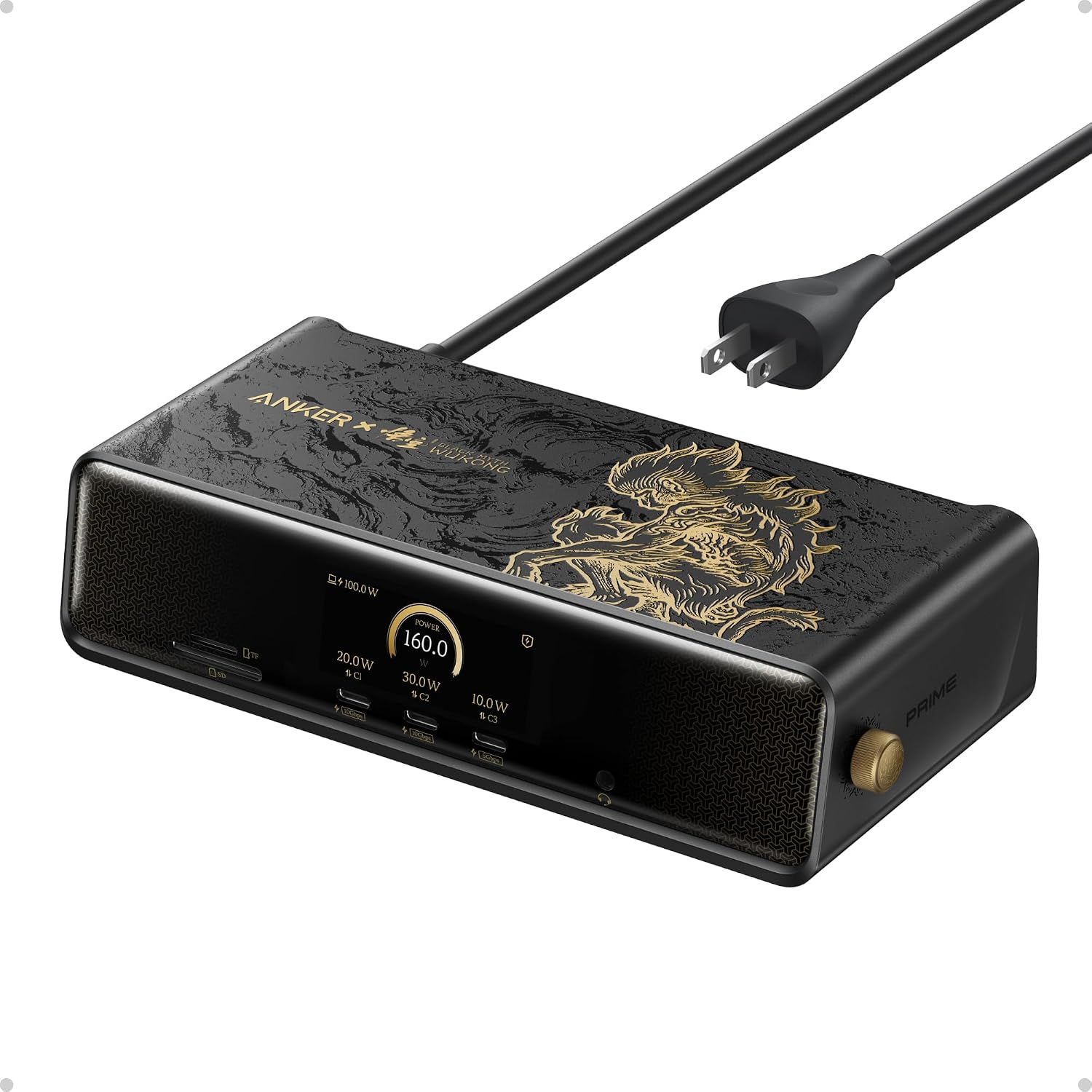
The Anker Prime Docking Station DL7400 brings 14 connections and a smart display to a laptop desk, so you can connect screens, peripherals, storage cards, and wired networking through one dock.
Its Black Myth: Wukong Limited Edition finish uses a raised, mural-style design rather than a plain flat exterior. The look is distinctive, but the dock’s main draw is its mix of display outputs, data ports, and charging.
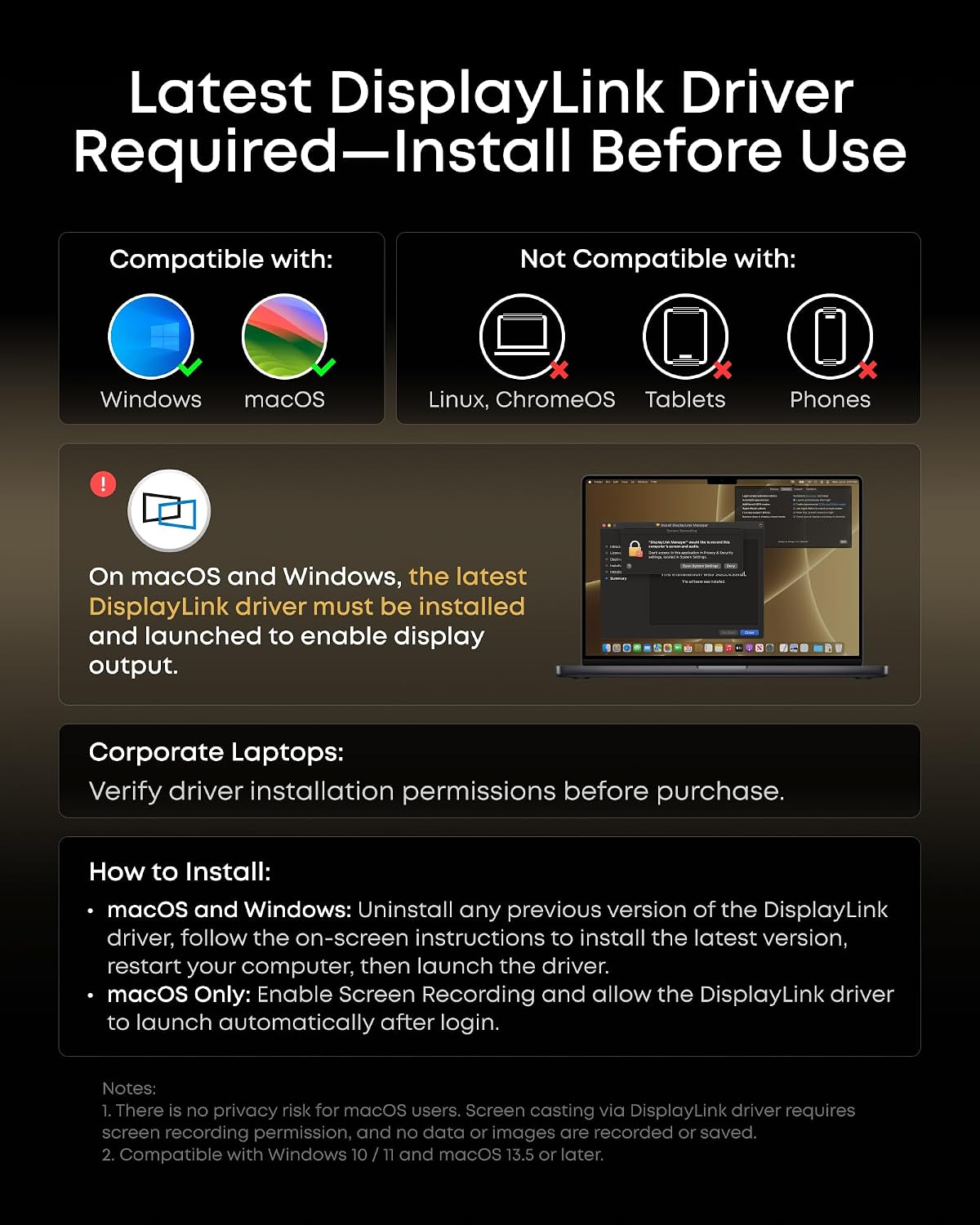
It’s aimed at a more demanding workspace than a basic USB hub. The tradeoff: setup takes more attention, including a required DisplayLink driver for external displays.
Best use cases
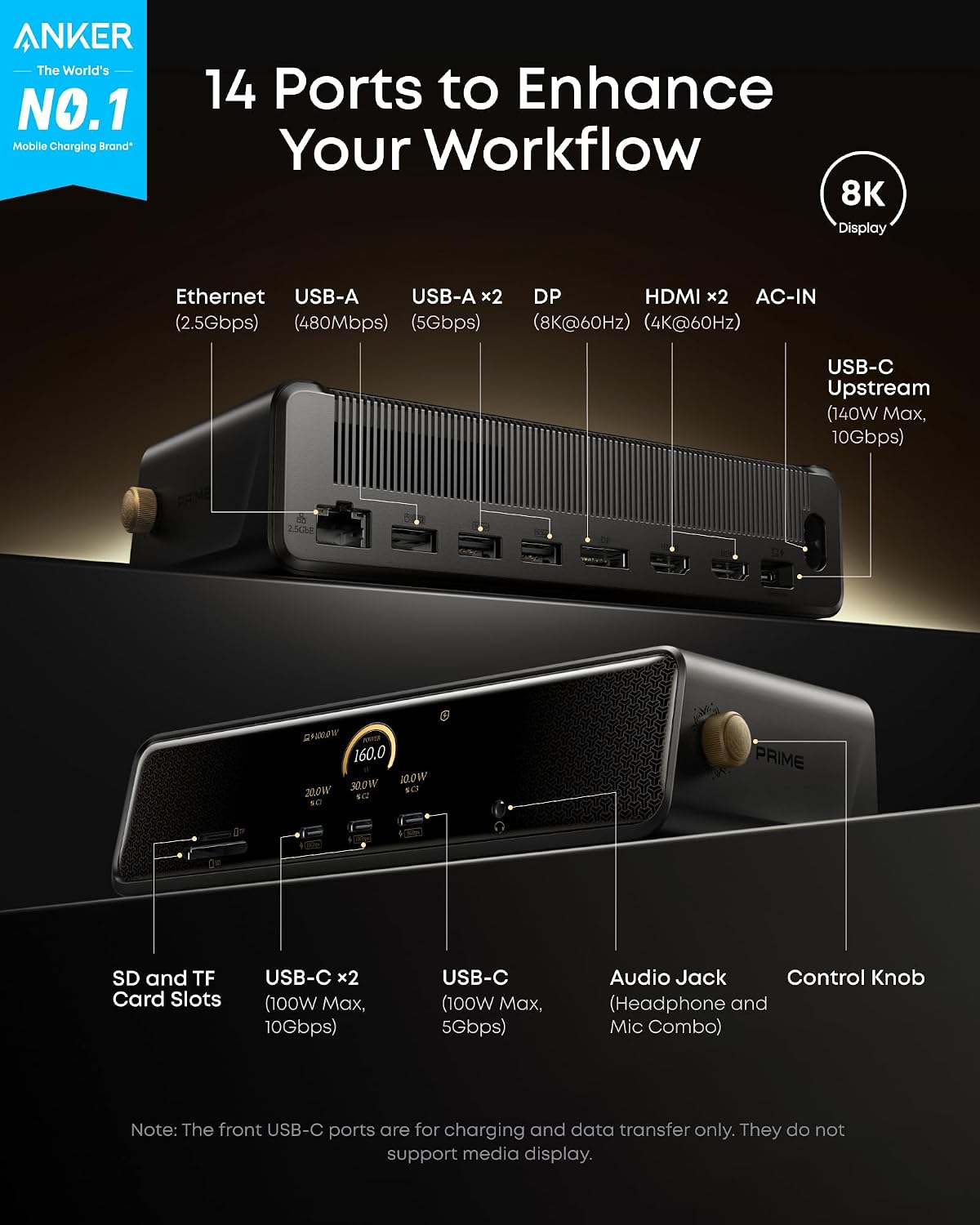
This dock makes the most sense for a Windows laptop setup that regularly uses multiple external monitors and several wired accessories. Connect displays through its two HDMI ports and one DisplayPort, then use the USB-A ports for peripherals, the SD and TF slots for cards, and 2.5Gbps Ethernet when you want a wired network connection. It’s also compatible with macOS 13.5 or later, though the product is presented primarily for Windows laptops.
For example, you could keep a laptop connected to two desk monitors, a wired network, and a card reader, then attach or disconnect the dock rather than plugging those accessories in individually. The included USB-C cable is specified for the upstream connection, the listing advises using it because other cables may cause issues.
Product specs
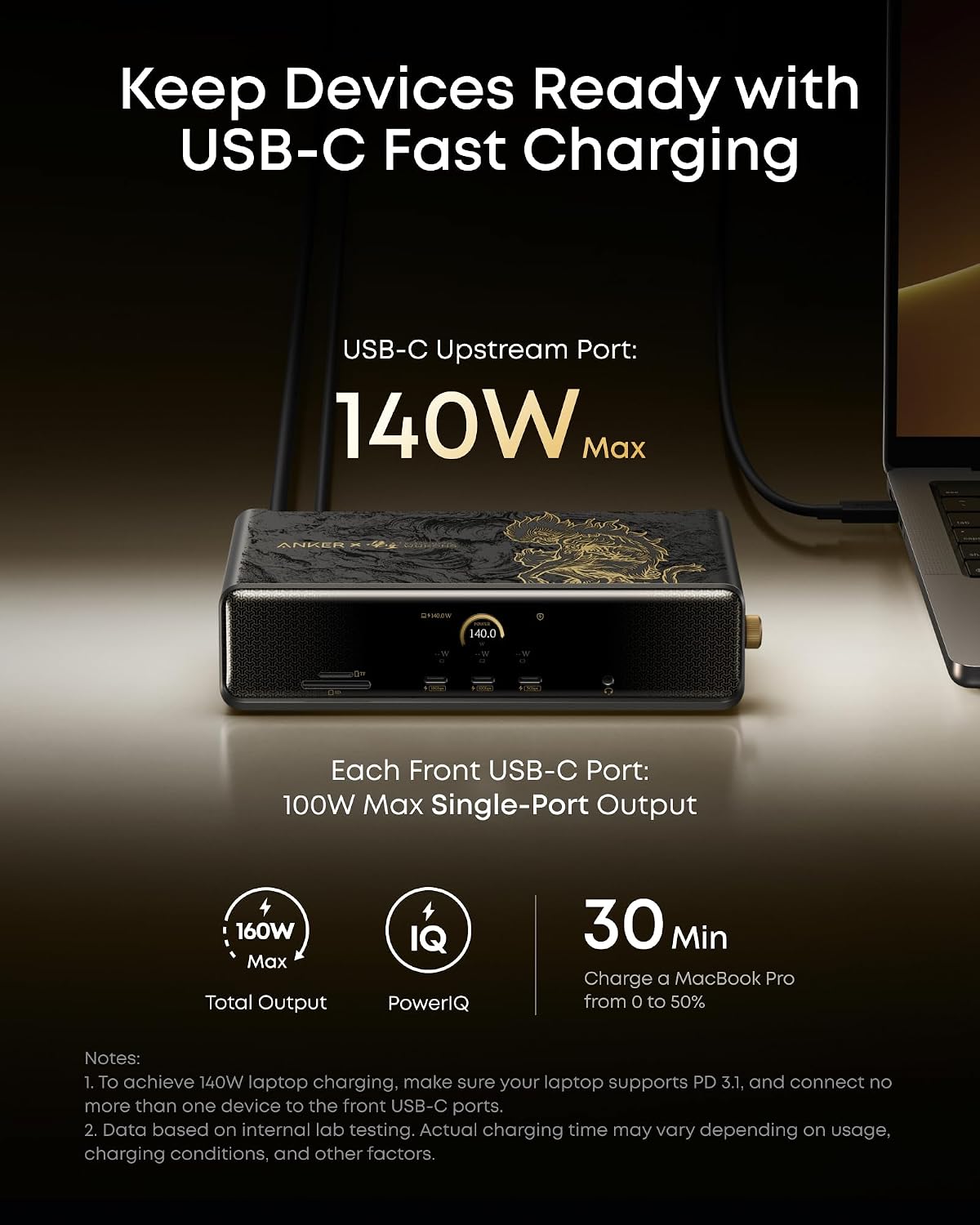
The dock has 14 connections: a 140W, 10Gbps USB-C upstream port, two 100W, 10Gbps USB-C ports, one 100W, 5Gbps USB-C port, two HDMI ports, one DisplayPort, two 5Gbps USB-A ports, one 480Mbps USB-A port, 2.5Gbps Ethernet, a headphone and mic combo jack, and SD and TF card slots. The front USB-C ports support charging and data, but not video.
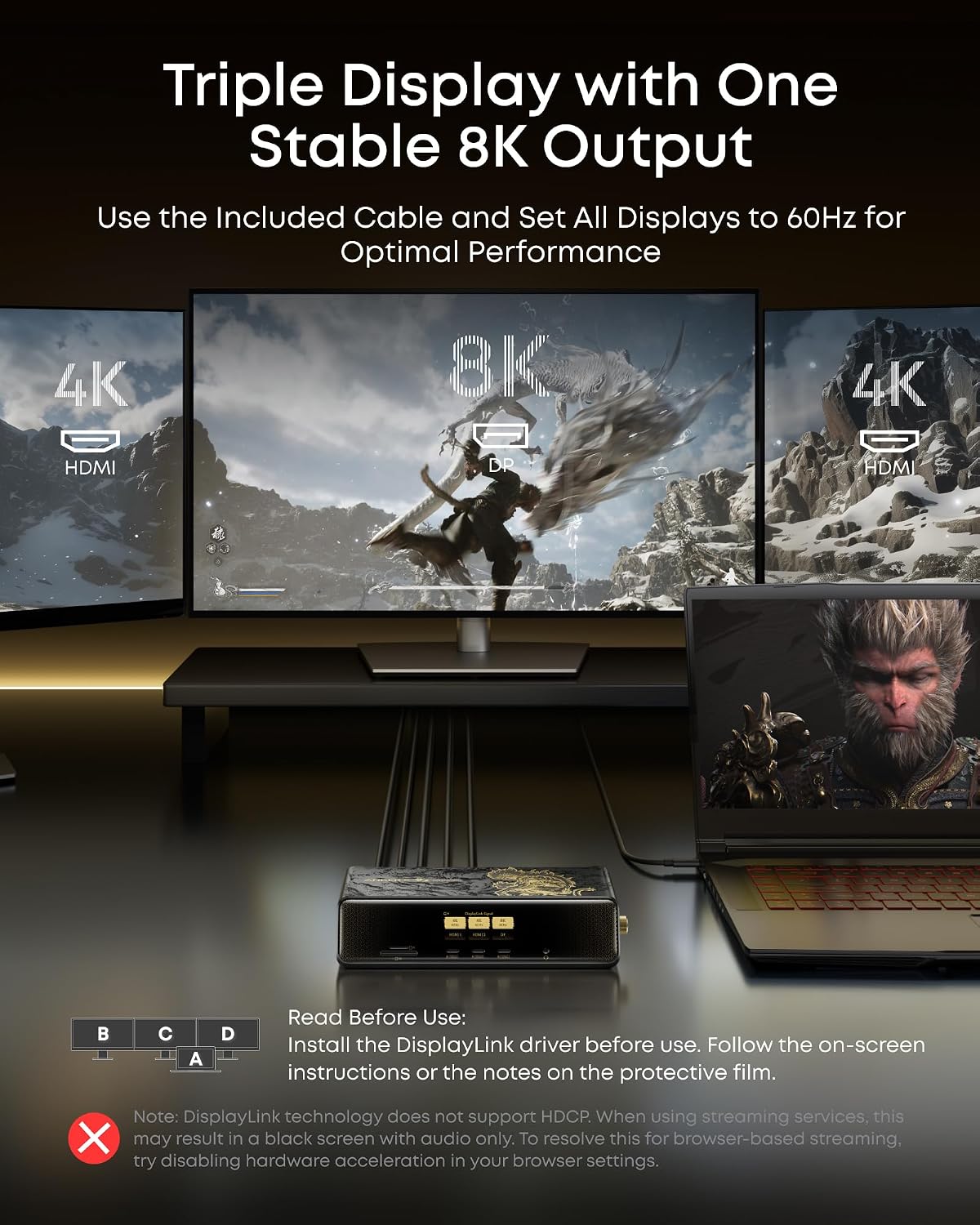
The product description lists triple 4K@60Hz display support and also describes an 8K output with up to three external displays. DisplayLink’s latest driver is required, and compatibility is listed for Windows 10/11 and macOS 13.5 or later. On the spec sheet, the dock can deliver up to 140W through its upstream port, while each front USB-C port is rated for up to 100W, actual laptop charging needs depend on the connected setup.
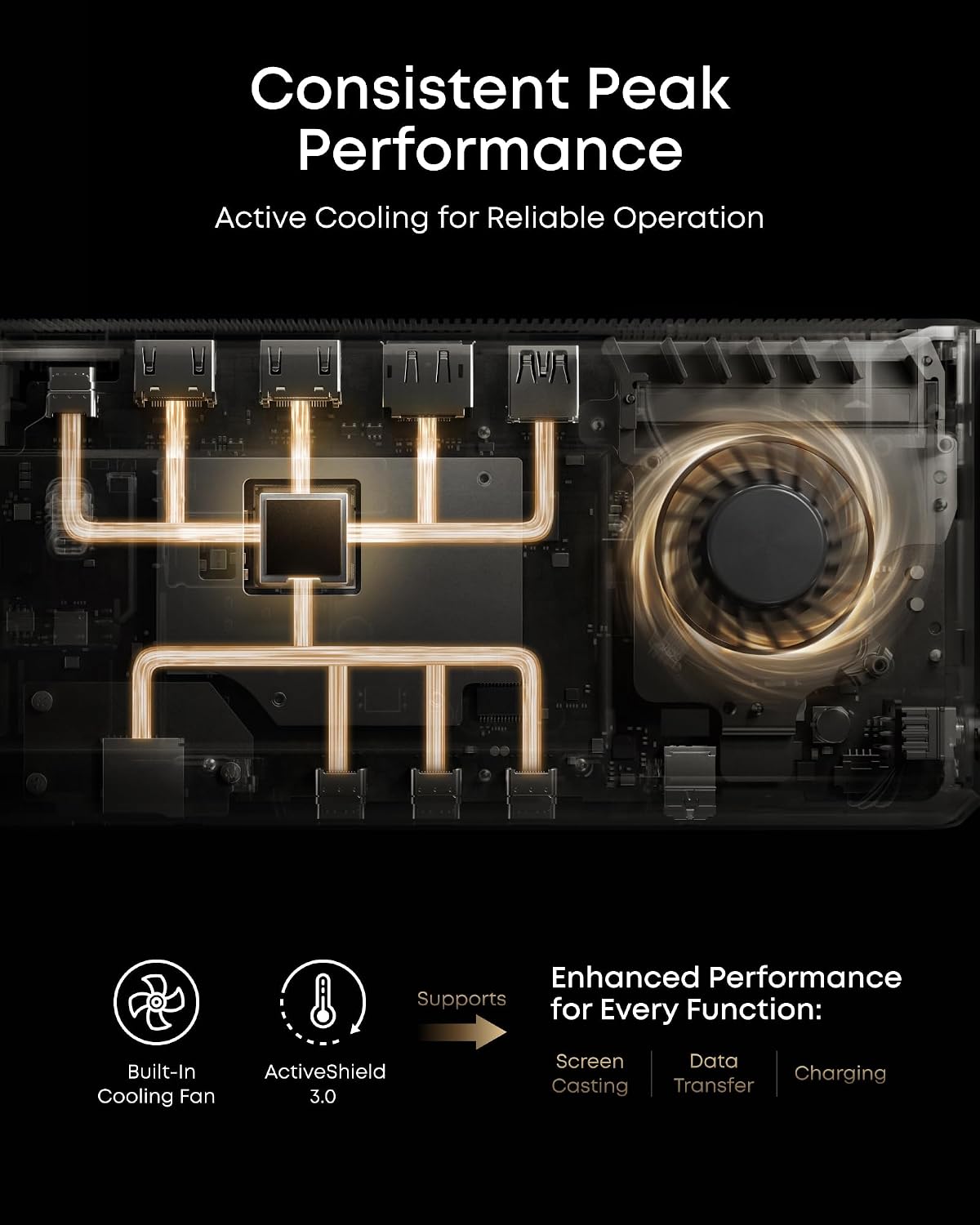
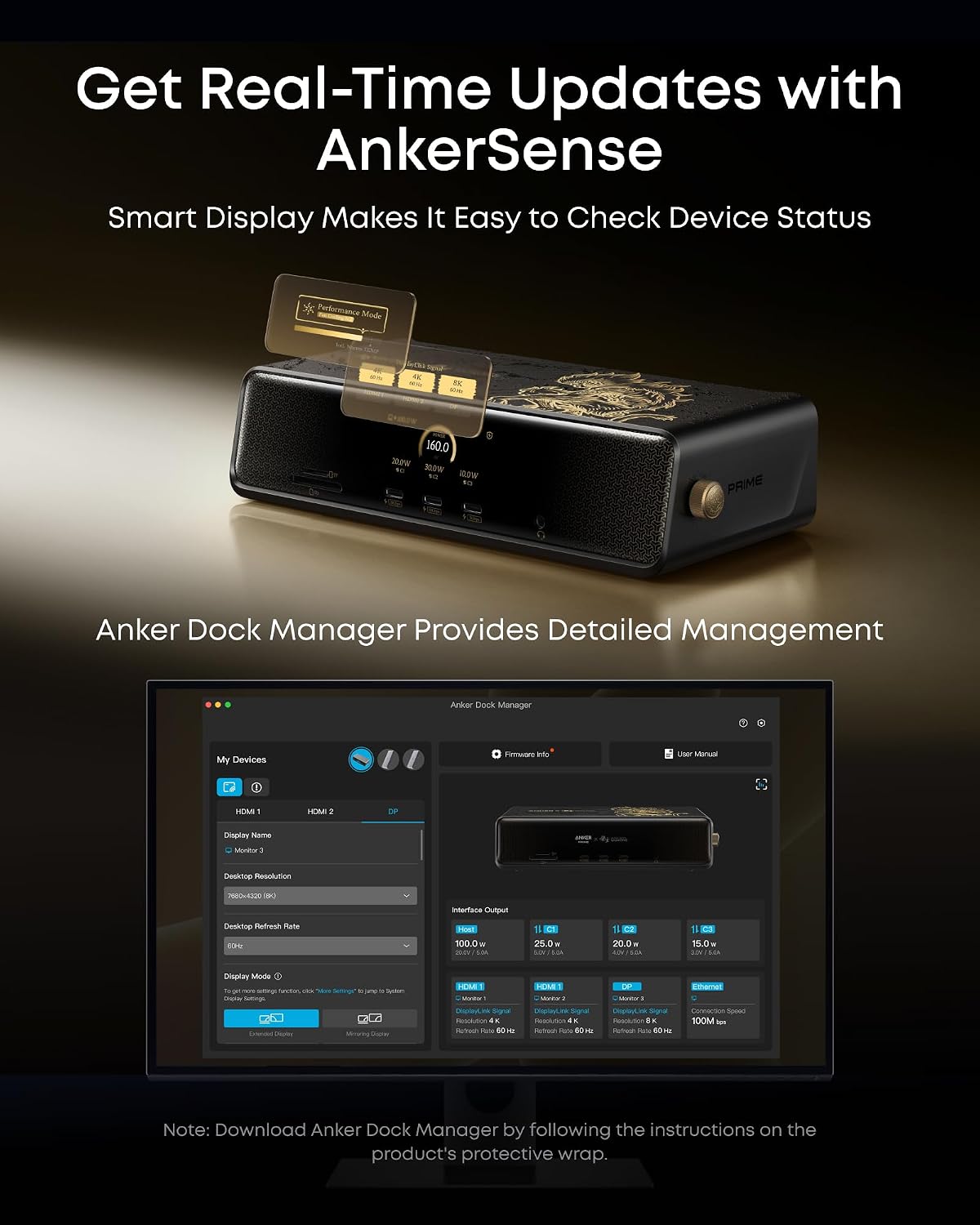
A smart display shows charging power, display performance, fan mode, and settings. The built-in fan and ActiveShield 3.0 are intended to manage heat. The package includes a 3.3 ft USB-C 3.2 Gen 2 cable, a 6 ft AC power cord, a cable organizer, and a 24-month warranty.
Where it shines
The advantage over a simpler hub is the breadth of connections in one desktop unit: multiple monitor outputs, card slots, Ethernet, and high-wattage USB-C charging are all part of the setup. The display also gives you a quick way to check charging and cooling information without relying only on a connected computer.
You’ll appreciate it if your desk has several screens and accessories and you want fewer separate adapters. The special-edition relief finish may also appeal if you want your equipment to reflect the game’s visual style. For a keyboard or mouse receiver, the manufacturer recommends the 480Mbps USB-A port, leaving faster ports available for devices that need more bandwidth.
Should you buy it?
Choose the DL7400 if you need a feature-dense dock for a multi-monitor laptop workspace and are willing to install DisplayLink and use the included upstream cable. It offers a more complete desk connection point than a small, basic hub, especially when Ethernet and card access matter alongside displays.
Better avoided if you only need a couple of everyday connections, want a plug-and-play display setup without installing a driver, or expect the front USB-C ports to carry video. Those ports do not support media display, and the available information does not specify every possible monitor combination. If your setup depends on a particular resolution across all connected screens, confirm that configuration before choosing this dock.