

UGREEN Maxidok Thunderbolt 5 Docking Station (Revodok 17-in-1) for TBT5/4 Laptops
Product description
What is it and what problem does it solve?
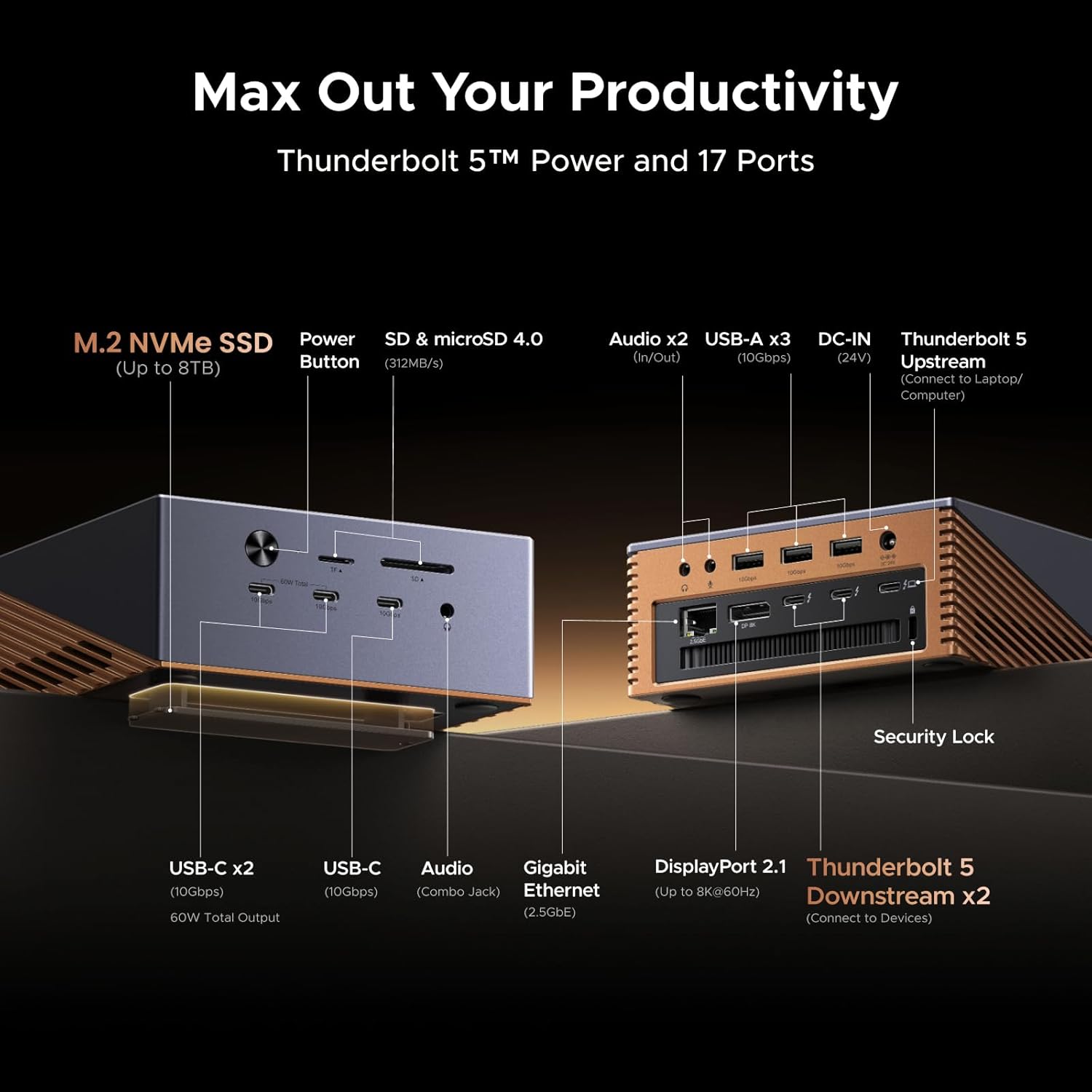
The UGREEN Maxidok Thunderbolt 5 Docking Station is a high‑capacity, all‑in‑one hub designed to turn a slim laptop into a full workstation. It combines 17 ports, fast Thunderbolt 5 data paths, built‑in NVMe storage support, and robust cooling in a premium aluminum chassis. If you frequently juggle multiple peripherals, multiple displays, or need fast external storage, this dock aims to streamline your desk setup and reduce cable clutter.
On-paper strengths you’ll notice in use
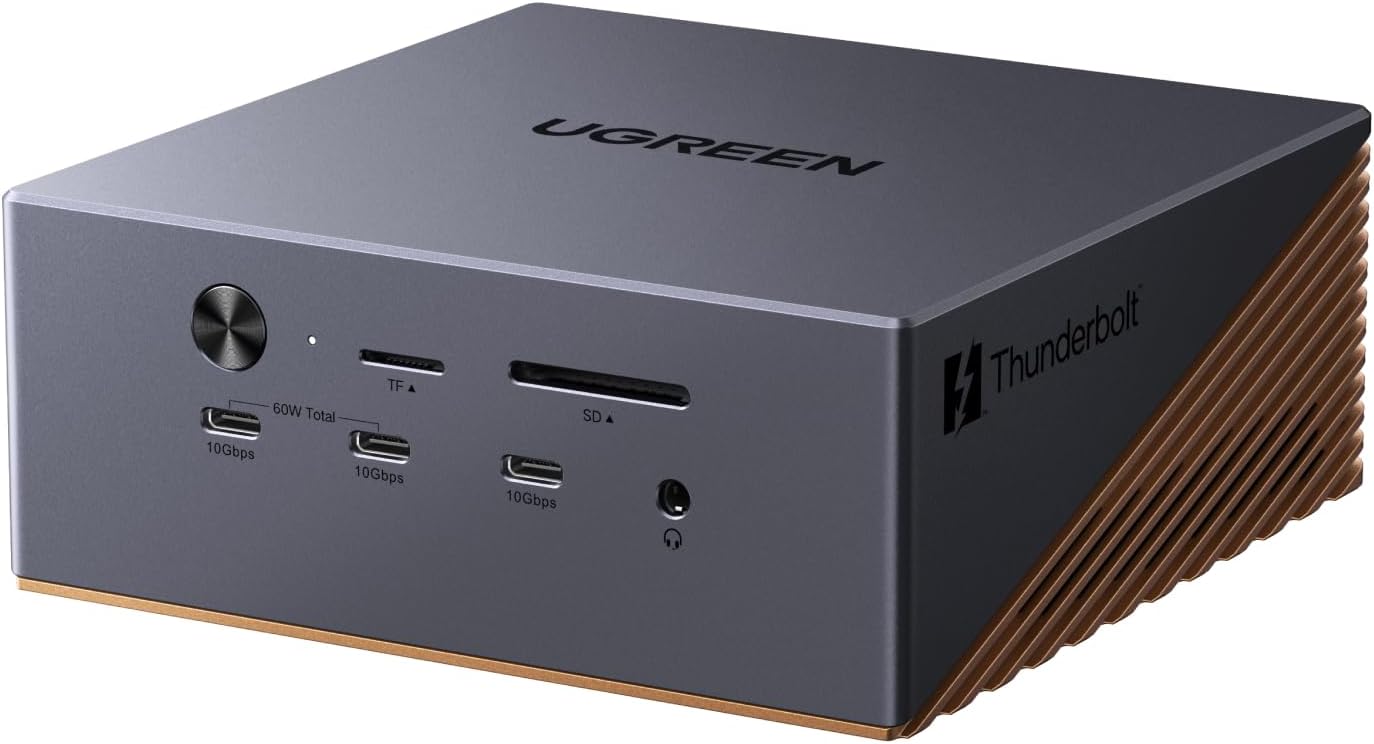
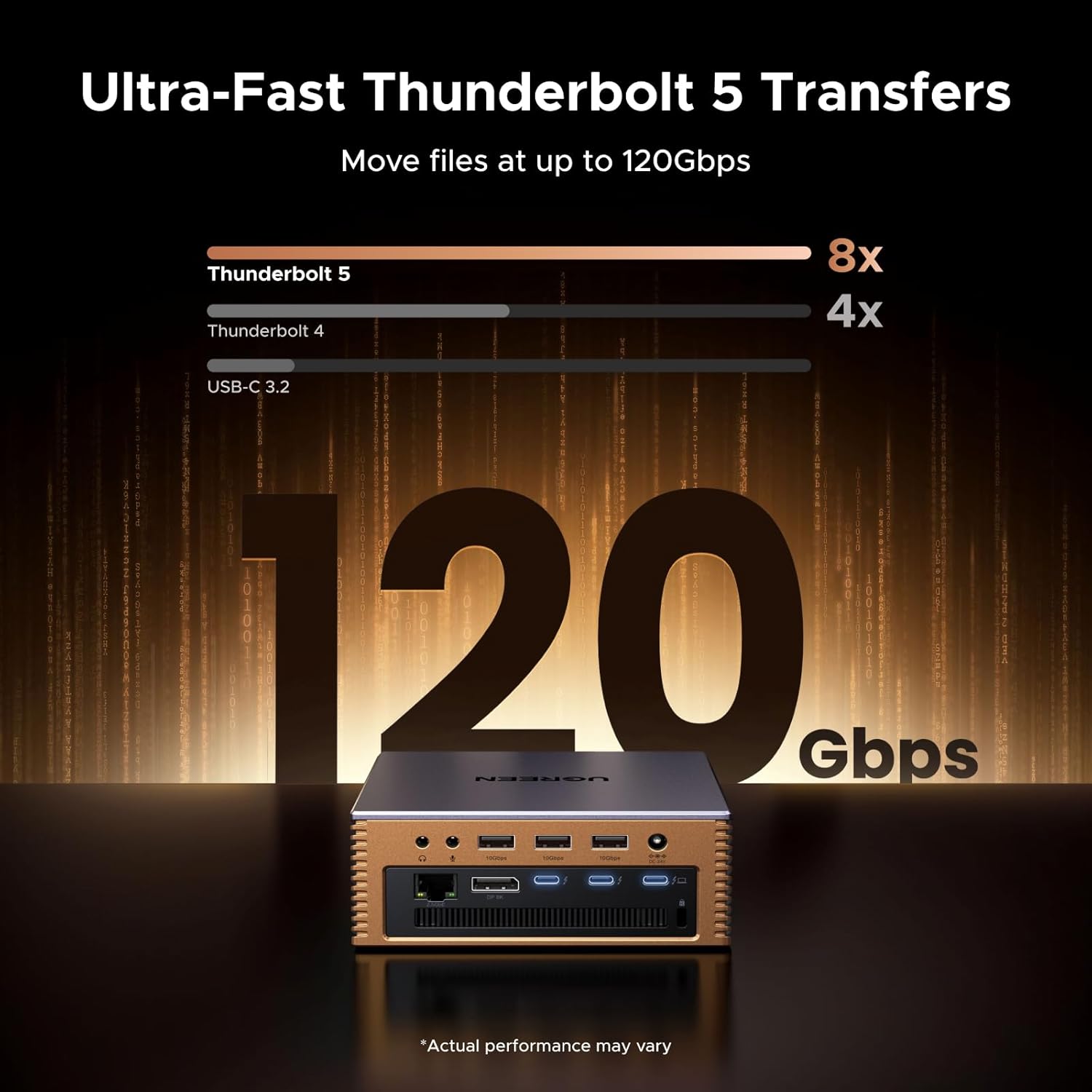
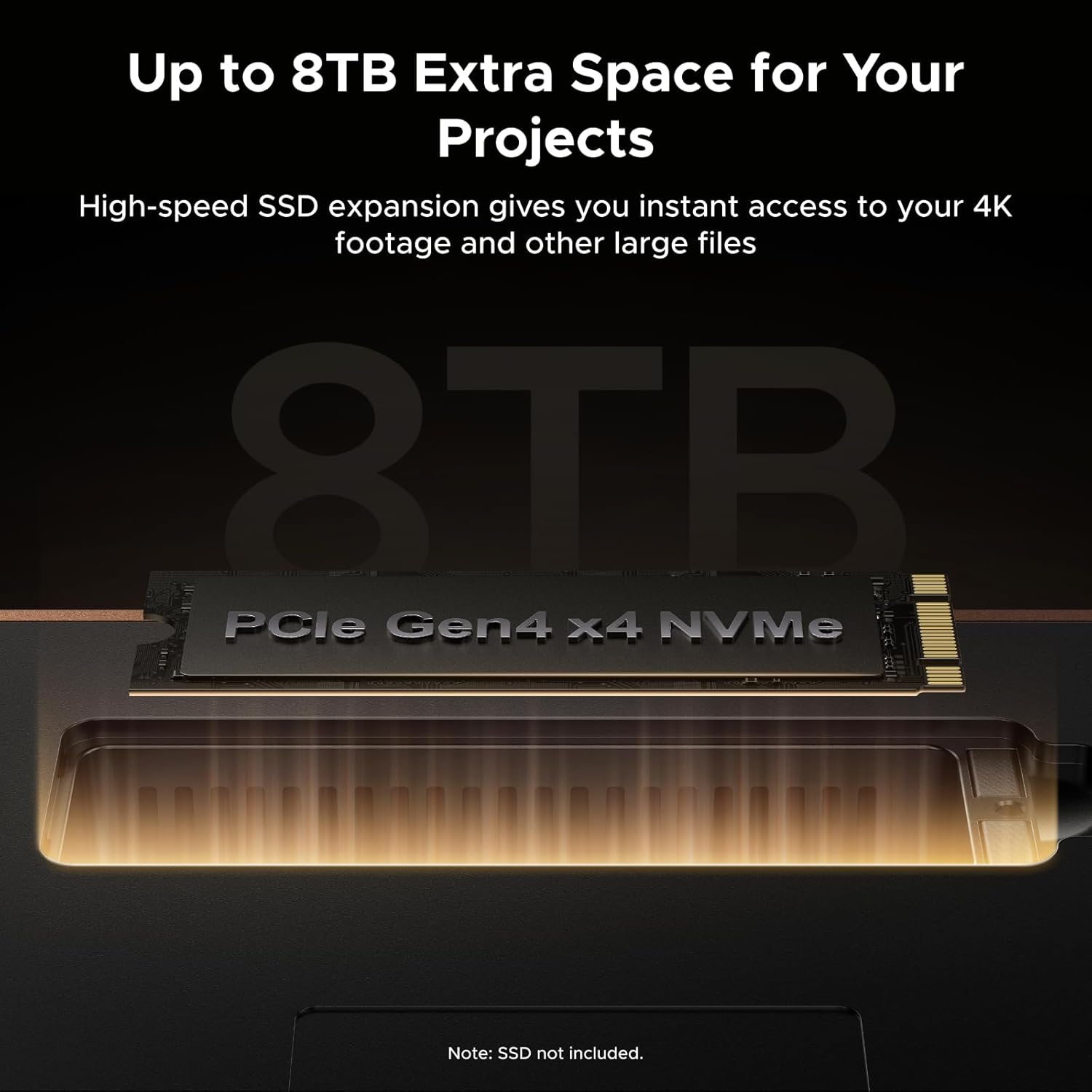
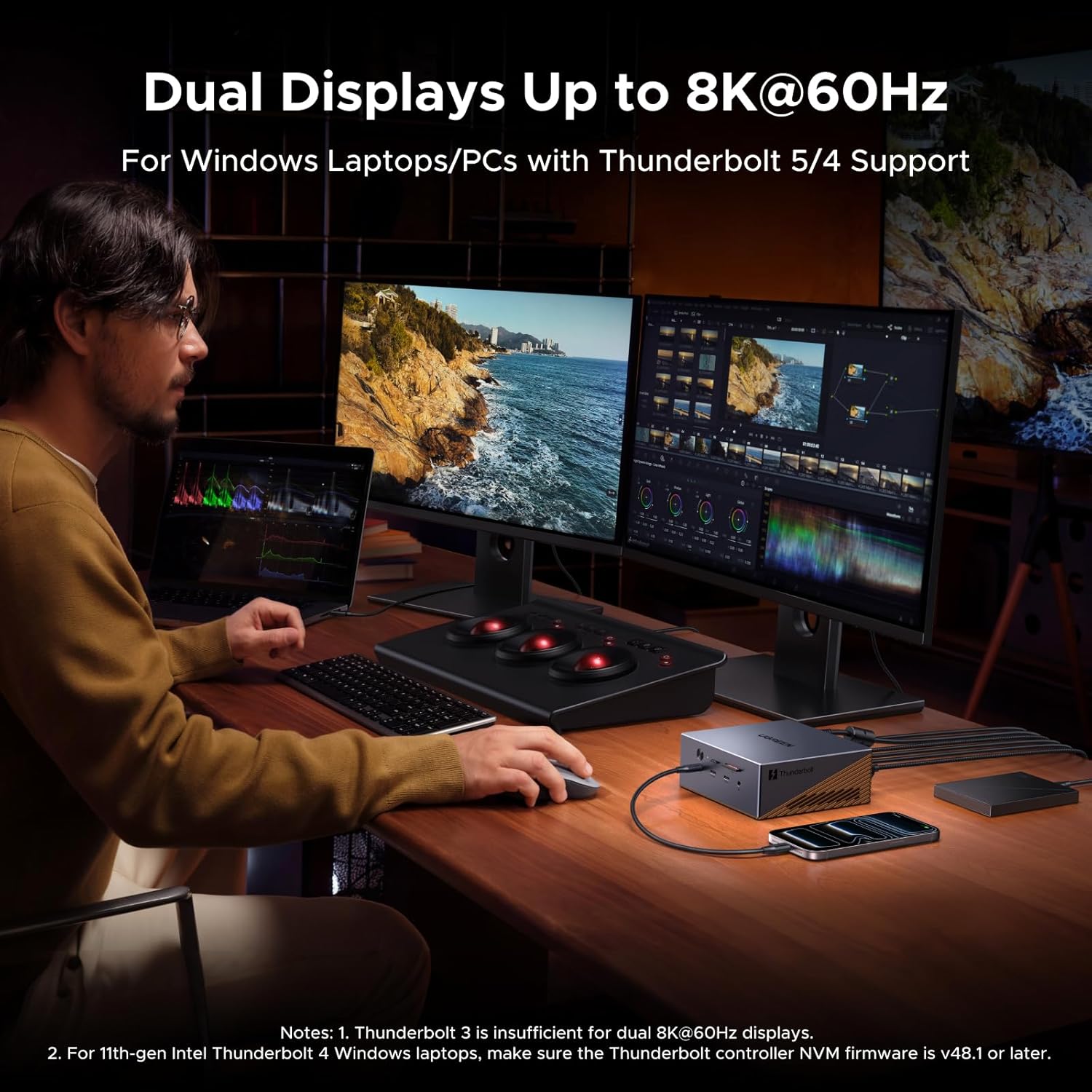
With Thunderbolt 5, you get up to 120Gbps total bandwidth, which helps keep data transfers snappy even when you’re driving several devices at once. The dock includes a built‑in NVMe PCIe Gen4x4 M.2 slot that supports 2230–2280 SSDs up to 8TB, giving you fast external storage without an extra enclosure. For video, it supports triple displays (2x Thunderbolt 5 outputs plus DP) with up to single 8K@60Hz or dual 6K@60Hz on Windows, Macs can drive two displays. Networkwise, you get a wired 2.5GbE connection for low latency stability, which matters when you work from home or stream media locally.
What stands out in daily use
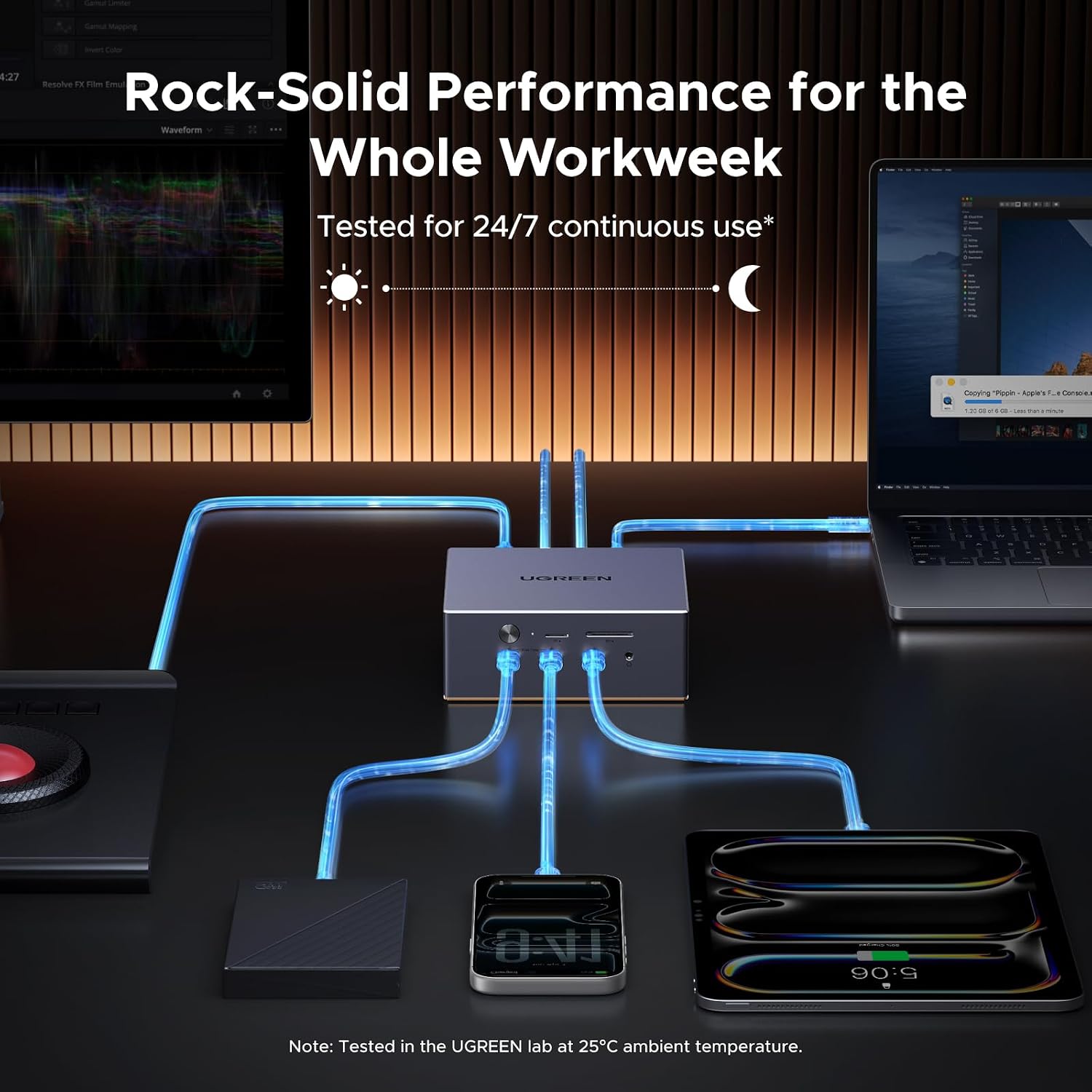
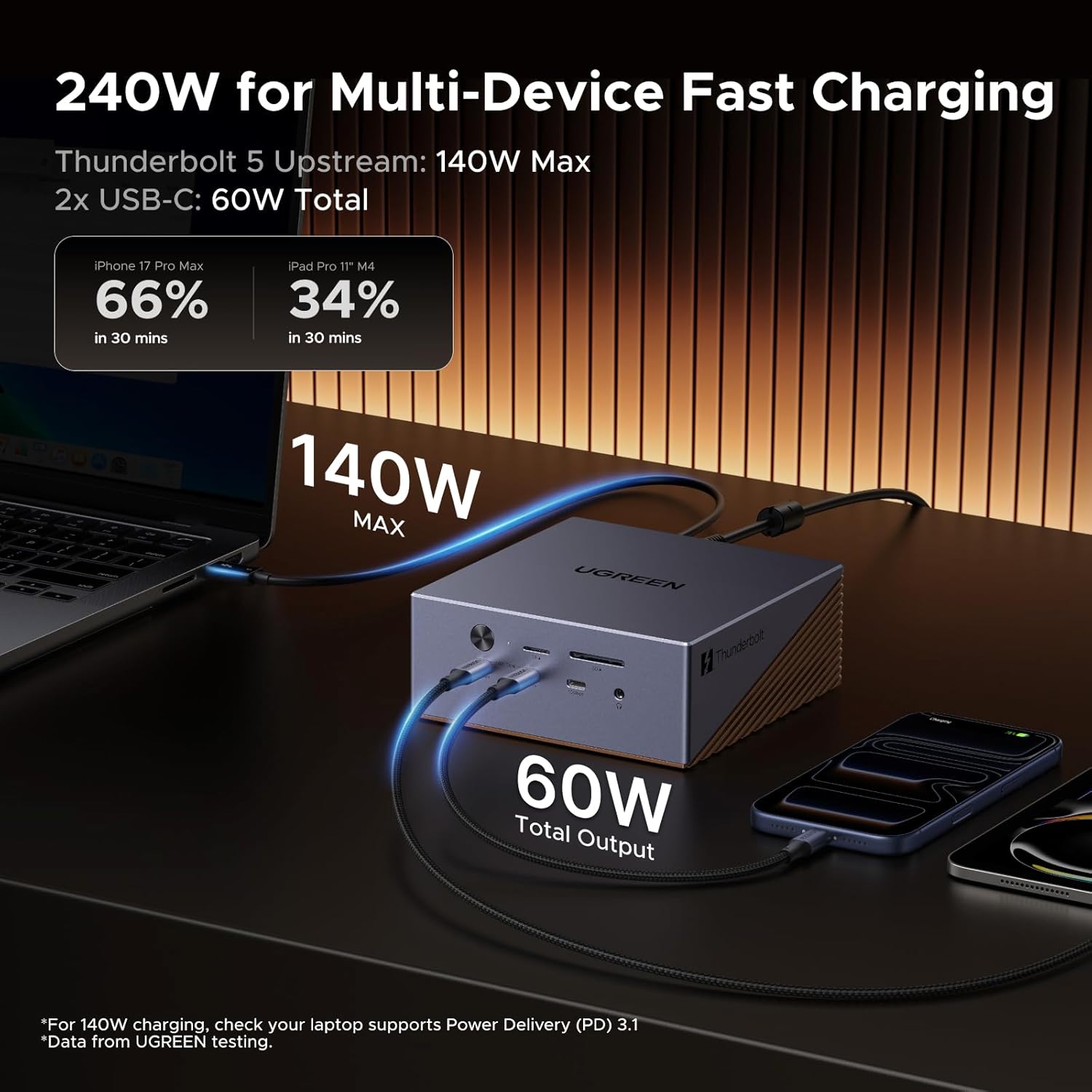
The system is engineered for heat management with AI cooling and a 60mm ultra‑thin fan, aiming to keep performance steady during heavy workloads. The chassis is a solid aluminum unibody, which helps with heat dissipation and gives a clean, durable look. The package also emphasizes practical power delivery, pooling up to 240W to support connected devices and maintain charging for laptops while you work.
Potential drawbacks or things to watch
Not every setup will need 17 ports, so some users may find certain ports underutilized. Real‑world performance depends on the CPUs, GPUs, and external storage you pair with it, and the 8TB NVMe support requires compatible SSDs. If you don’t need three independent displays or 8K output, a simpler dock might suffice. Also, the cooling system adds moving parts and noise profiles can vary by workload.
Who this is for
This dock is a strong fit for power users with modern laptops seeking expanded I/O, fast external storage, heavy multi‑monitor workflows, and reliable wired networking. It’s particularly appealing if you regularly transfer large files, render or edit on external displays, or want a single port hub that minimizes desk clutter.
Who it’s not ideal for
If your work is light—web browsing, email, and occasional video calls—you may not need the 17‑port footprint or the Thunderbolt 5 bandwidth. If you don’t run multi‑monitor setups or don’t require 8K/6K output, a more compact, lower‑cost dock could be a better match.
What to check before buying
- Ensure your laptop supports Thunderbolt 5 and can leverage the 120Gbps bandwidth.
- Verify the NVMe SSD you plan to install is compatible with the 2230–2280 form factors and up to 8TB capacity.
- Consider your display needs: confirm Windows vs macOS supports triple display or dual display setups as described.
- Check if you need the 2.5GbE port for wired networking and whether the 240W power budget aligns with your laptop’s charging requirements and any other peripherals.
How it compares to common alternatives
If you’re choosing between a multiport dock and individual adapters, this Thunderbolt 5 dock offers a centralized, single‑cable solution with high bandwidth and the option to add fast external storage directly. It’s more future‑proof for PCIe Gen4x4 storage and multi‑monitor configurations, but the complexity and port count may exceed needs for lighter use cases where a smaller dock with fewer ports would be easier to manage.
Practical example of use
Imagine editing a 4K project across two 6K external monitors, while backing up footage to an 8TB NVMe SSD plugged into the dock’s built‑in slot. The Thunderbolt 5 pathway keeps data moves smooth, the cooling system adapts to the workload, and a laptop charging line keeps the battery topped up without needing a separate brick.
FAQ (based on available data)
- Can I run 8K at 60Hz with all ports active? Windows supports single 8K@60Hz or dual 6K@60Hz via the listed outputs, exact results depend on your GPU and display chain.
- Is the built‑in NVMe slot user‑accessible for upgrade? Yes, it supports 2230–2280 SSDs up to 8TB, but ensure you follow static precautions when installing.
- Do I need a separate power adapter for the dock? The dock provides up to 240W total, verify your laptop’s power needs and any attached devices to confirm if additional charging is required.
Final decision
Is it worth it?
Worth considering if you need a high‑capacity, versatile docking station that can handle multiple displays, fast external storage, and reliable wired networking in one unit. It makes sense for power users who value a tidy desk and future‑proof connections. It may be more than you need if your setup is simple and you don’t require 8K/6K output or a built‑in NVMe slot.