

UGREEN Mac mini Dock & Stand with NVMe SSD Enclosure, 11-in-1, 10Gbps
Product description
An NVMe SSD enclosure and a broad selection of ports bring storage and everyday connections together beneath your Mac mini. Need a neater way to connect drives and access memory cards at your desk? This dock adds both, with a short cable and a power-button lever designed for the Mac mini setup.
Best use cases
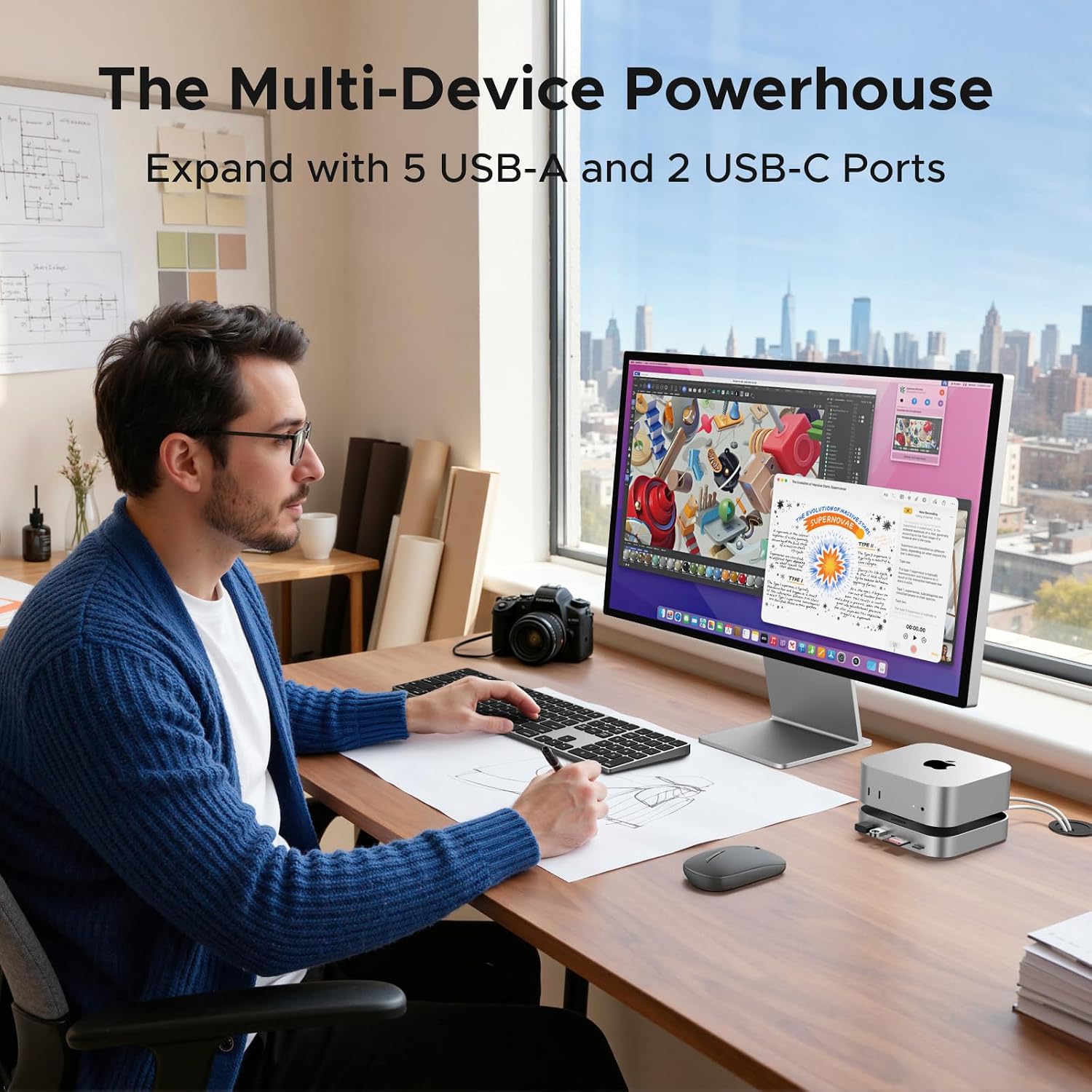
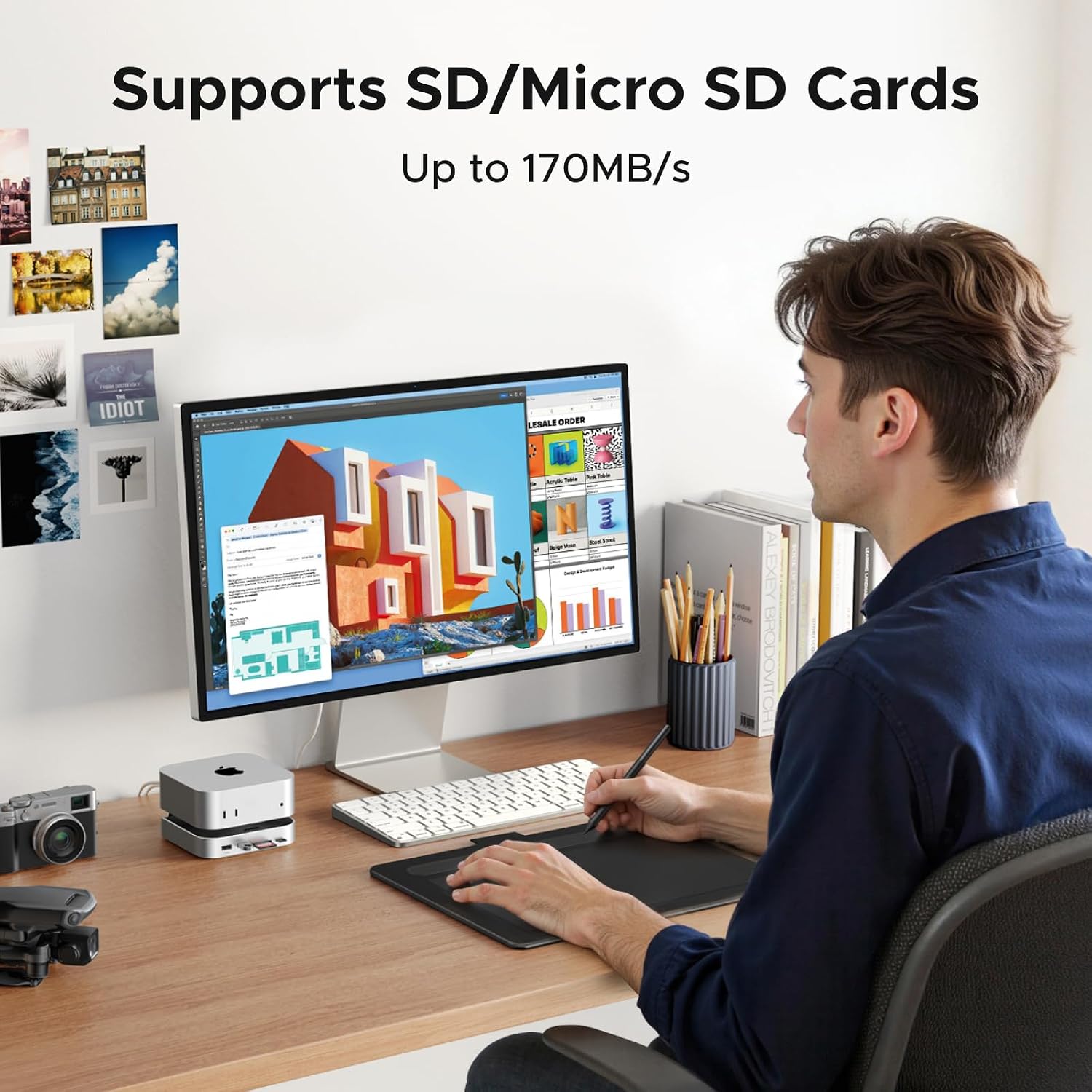
Use the dock to connect USB accessories such as a keyboard, mouse, flash drive, or tablet while keeping frequently used ports close at hand. Its USB-A and USB-C data ports support tasks such as moving files, and the SD/TF card reader gives you a direct way to access cards when importing photos or other files. For a compact workstation that handles regular file transfers, card access, and connected peripherals, the dock combines these functions in one under-device setup.
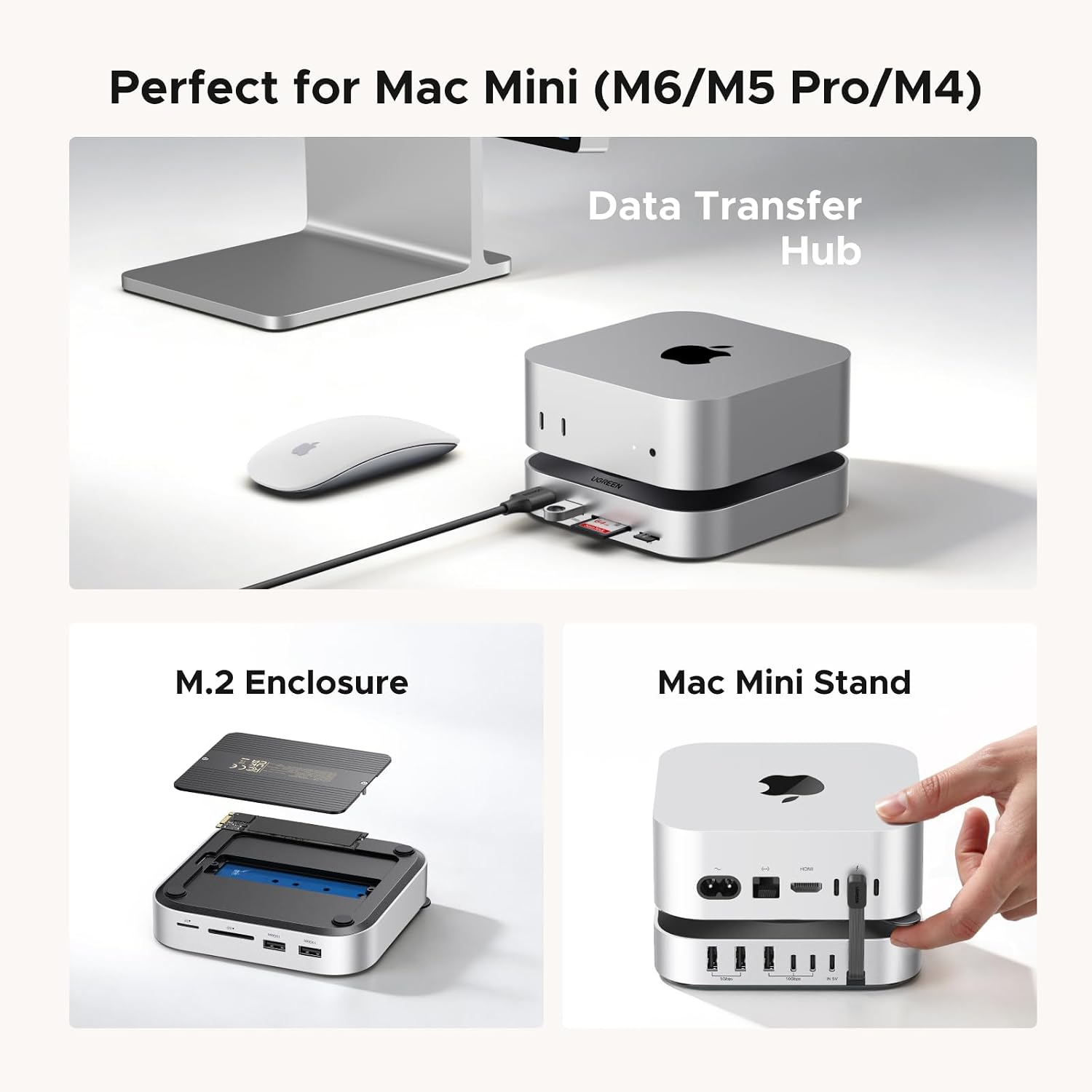
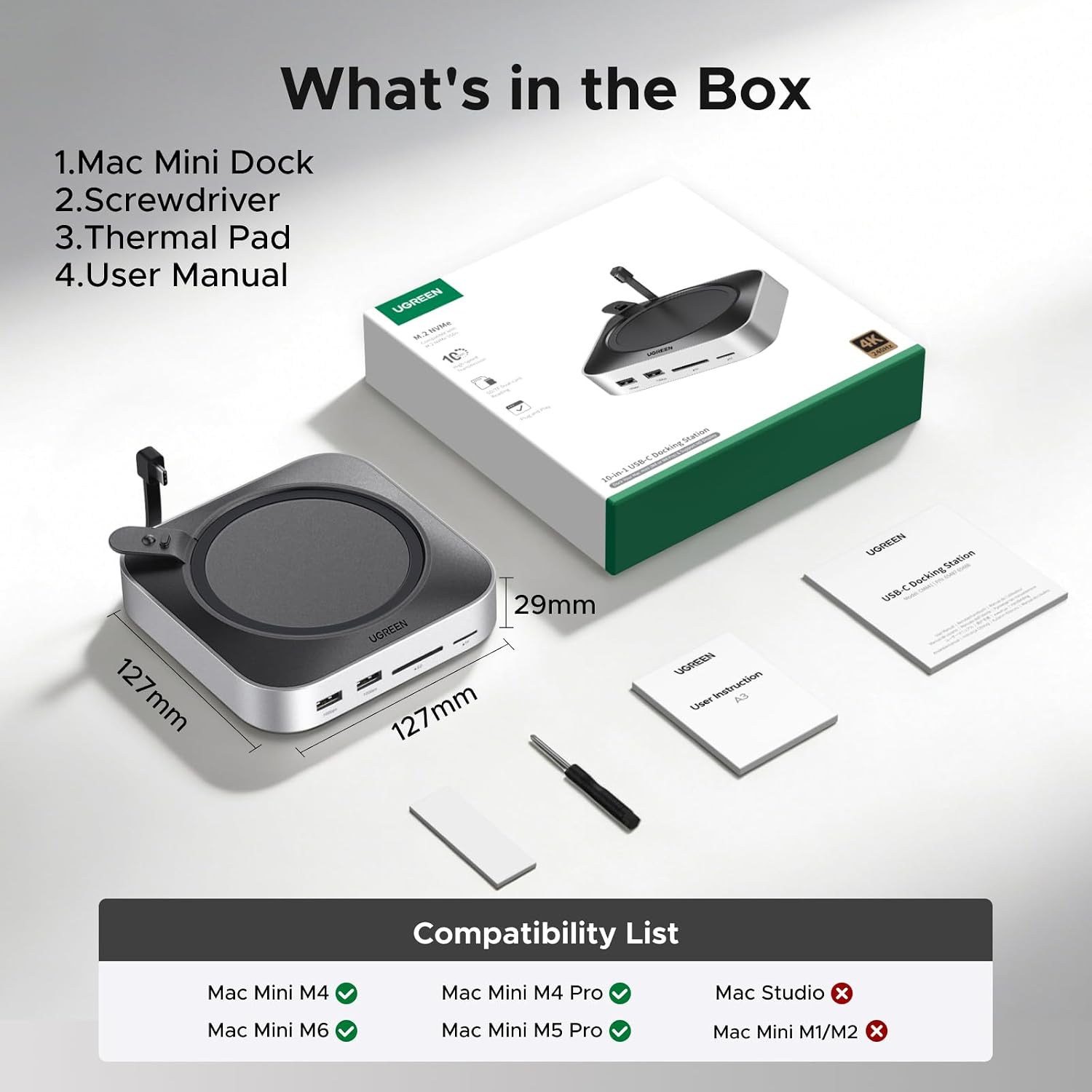
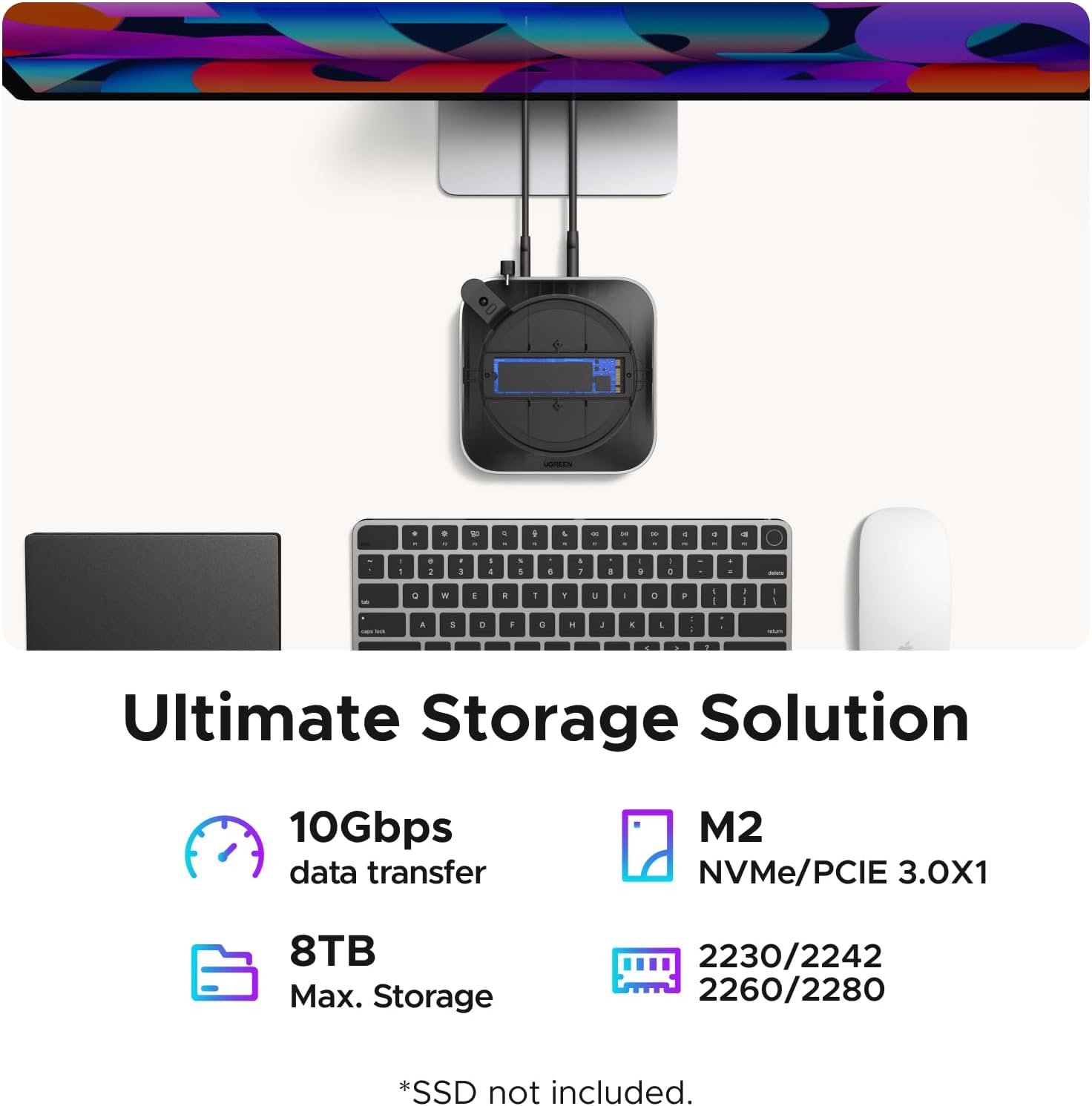
The built-in M.2 NVMe enclosure offers a place to add storage for large files, backups, or creative projects. It supports SSDs in 2230, 2242, 2260, and 2280 sizes, with expandable capacity up to 8TB and a maximum theoretical transfer speed of 10Gbps. The SSD is not included, so you can select a compatible drive for your storage needs. The dock is designed for Mac mini M6, M5 Pro, M4, and M4 Pro, it is not for Mac Studio.
Specifications
- Type: 11-in-1 Mac mini dock and stand with NVMe SSD enclosure
- Compatibility: Mac mini M6, M5 Pro, M4, and M4 Pro
- Storage: M.2 NVMe SSDs in 2230, 2242, 2260, and 2280 sizes, up to 8TB
- Maximum transfer speed: 10Gbps for the M.2 slot
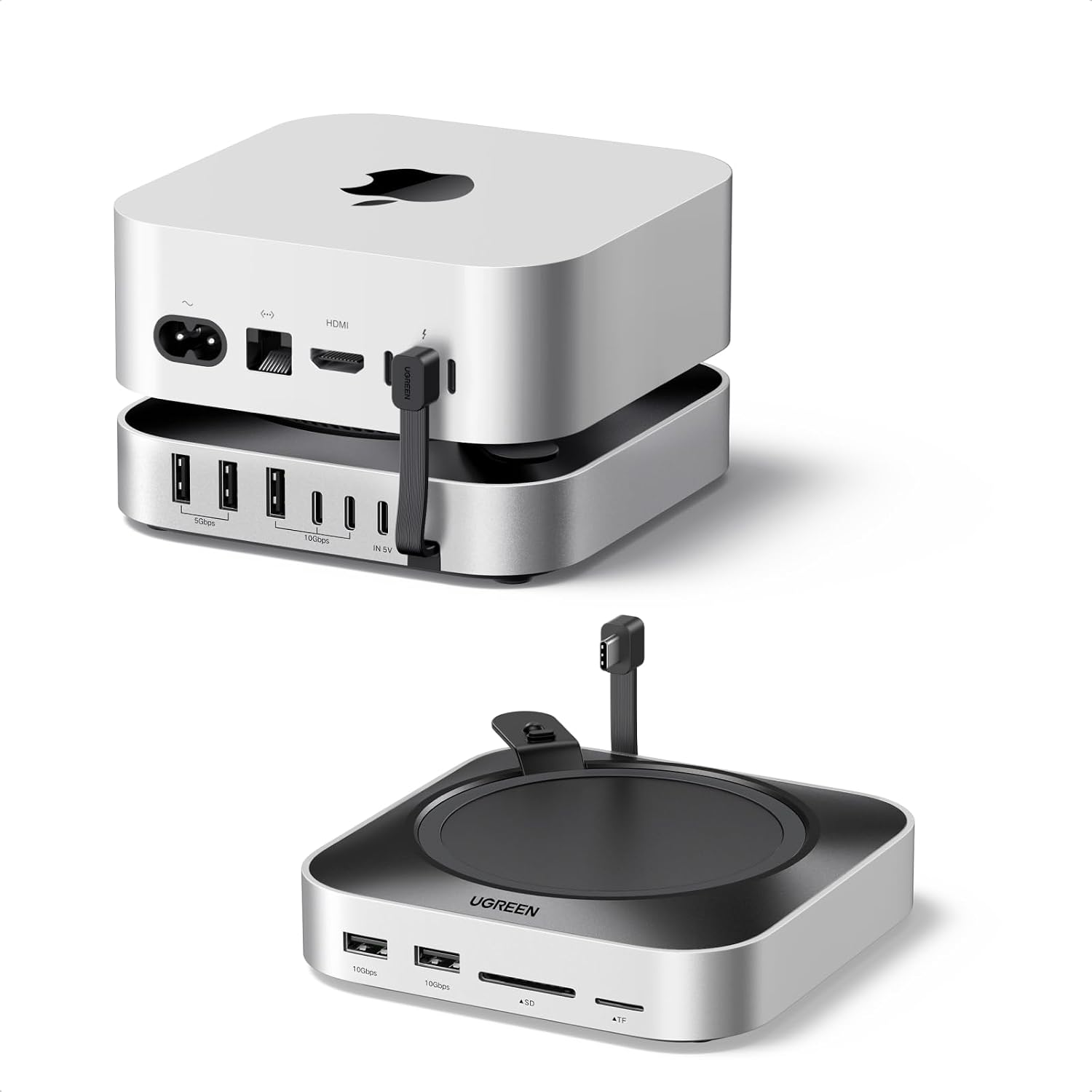
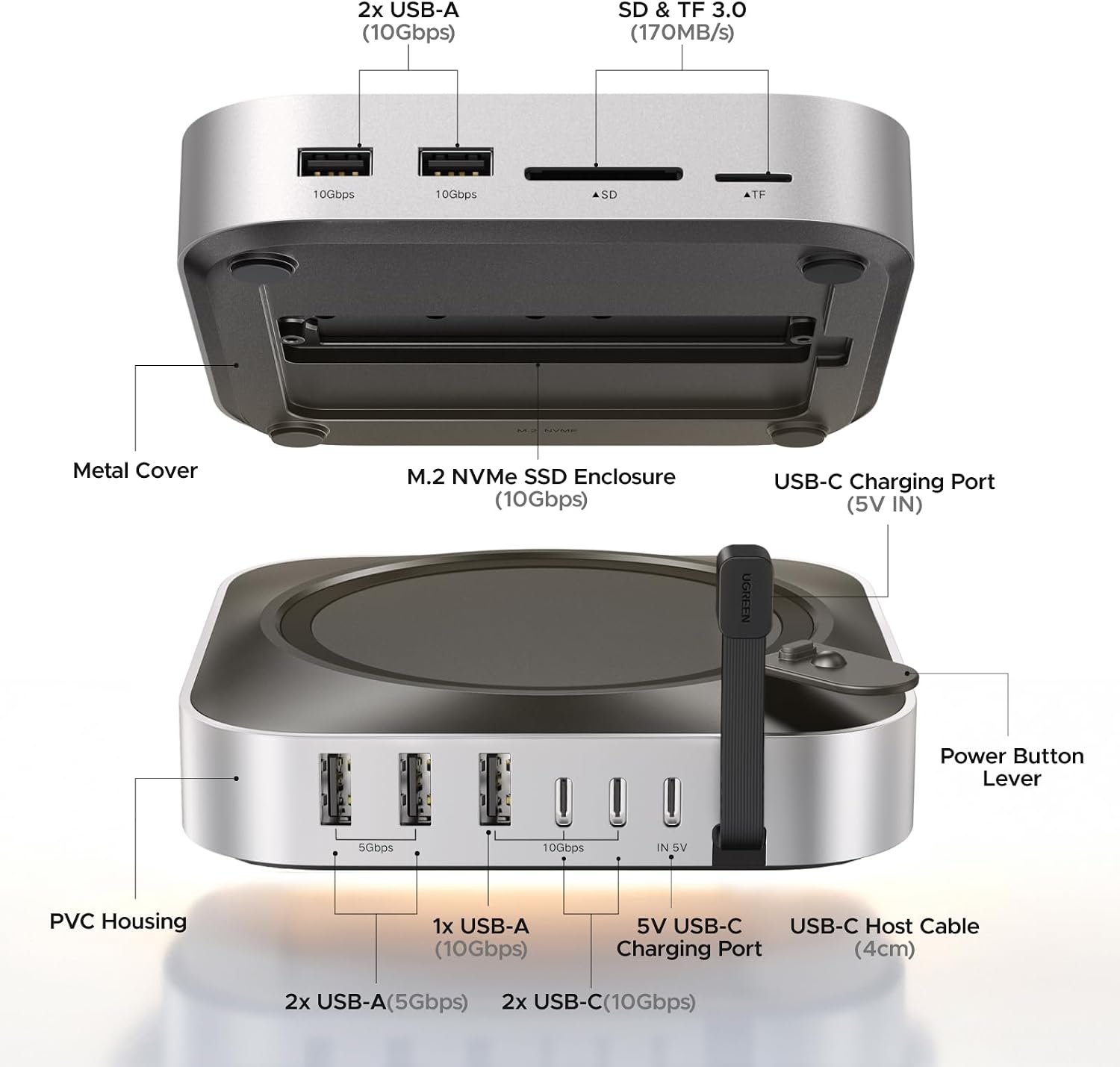
- Connectivity: 3 USB-A ports at 10Gbps, 2 USB-A ports at 5Gbps, and 2 USB-C ports at 10Gbps
- Card reader: UHS-I SD/TF, up to 170MB/s
- Power: Draws power from the Mac mini or can use an external adapter
- Cable: 4cm short cable
- Included storage: SSD not included
What stands out
Instead of adding separate adapters and a standalone enclosure, this dock brings storage expansion and several connection types into one compact accessory. Its low-profile placement beneath the Mac mini helps keep the desk organized, while anti-slip silicone pads support stability and help protect surfaces from scratches. A power-button lever lets you turn on the Mac mini without lifting it, and the 4cm cable keeps the connection close to the unit.
Customers highlight the straightforward setup, the fit beneath the Mac mini, and convenient access to the ports, including the SD and TF slots. The appearance and power-switch design also receive positive feedback. Experiences with how securely the dock stays mounted are mixed, so the silicone pads and placement are practical details to consider when arranging the desk. The dock can draw power from the Mac mini, with an external adapter offered as an option for multi-device setups.
Is it worth it?
It makes sense if you want to add NVMe storage and keep card access and USB connections within reach without spreading several accessories across your desk. The combination of support for four Mac mini generations, multiple USB-A and USB-C ports, and an M.2 enclosure makes it especially useful for a compact workstation that regularly handles peripherals, file transfers, and memory cards. Choose a compatible NVMe SSD to make use of the enclosure, and use the dock as a single under-Mac-mini hub for storage and everyday connectivity.