

USB C Laptop Docking Station 100W Dock
Product description
This USB-C docking station expands a single USB-C or Thunderbolt laptop port into a versatile 14-in-1 hub, enabling dual external displays, faster file transfers, wired networking and laptop charging for a more productive workstation setup. It is useful for office work, home studios or hybrid work where connecting multiple peripherals and monitors is needed.
Key Points
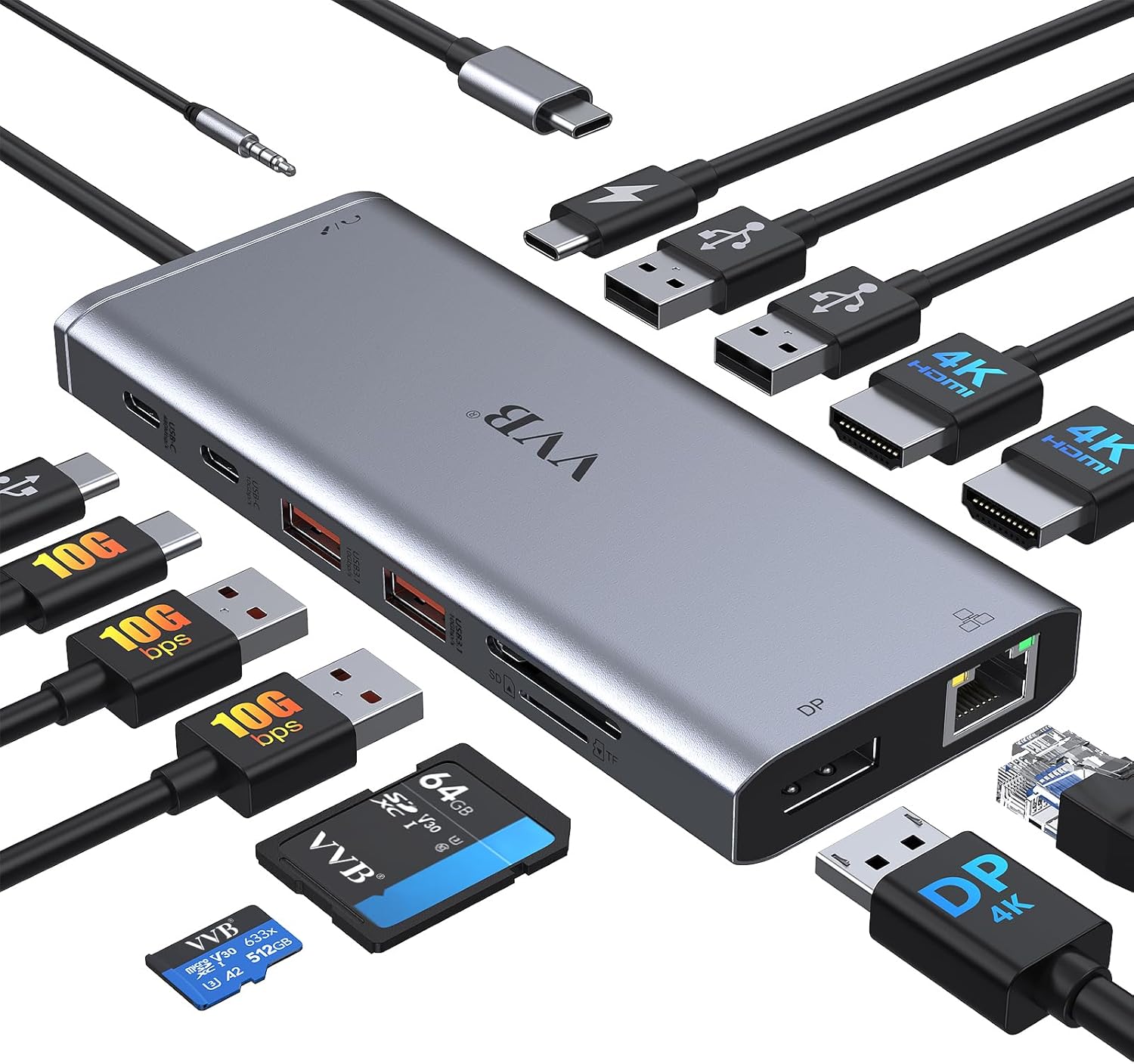
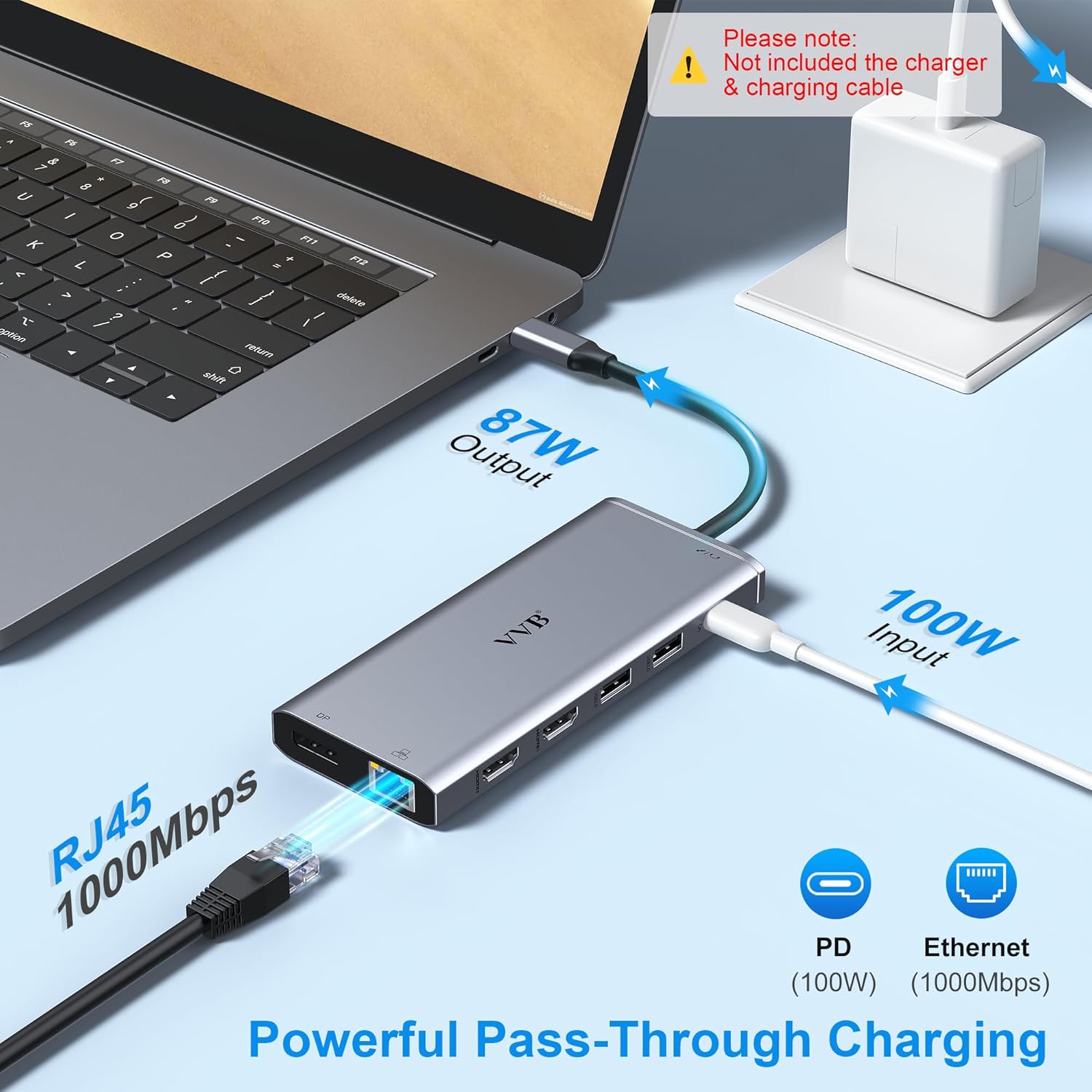
This dock supports two HDMI outputs plus a DisplayPort output, allowing dual monitor setups and, in some configurations, triple display arrangements for Windows systems. According to the manufacturer, single HDMI or DisplayPort can reach up to 4K resolution. The unit includes a dedicated 100W USB-C Power Delivery input for pass-through charging, with safe charging out limited to 87W according to the manufacturer. Note that not all USB-C ports provide the required video output or power delivery, and some devices may not be fully compatible.
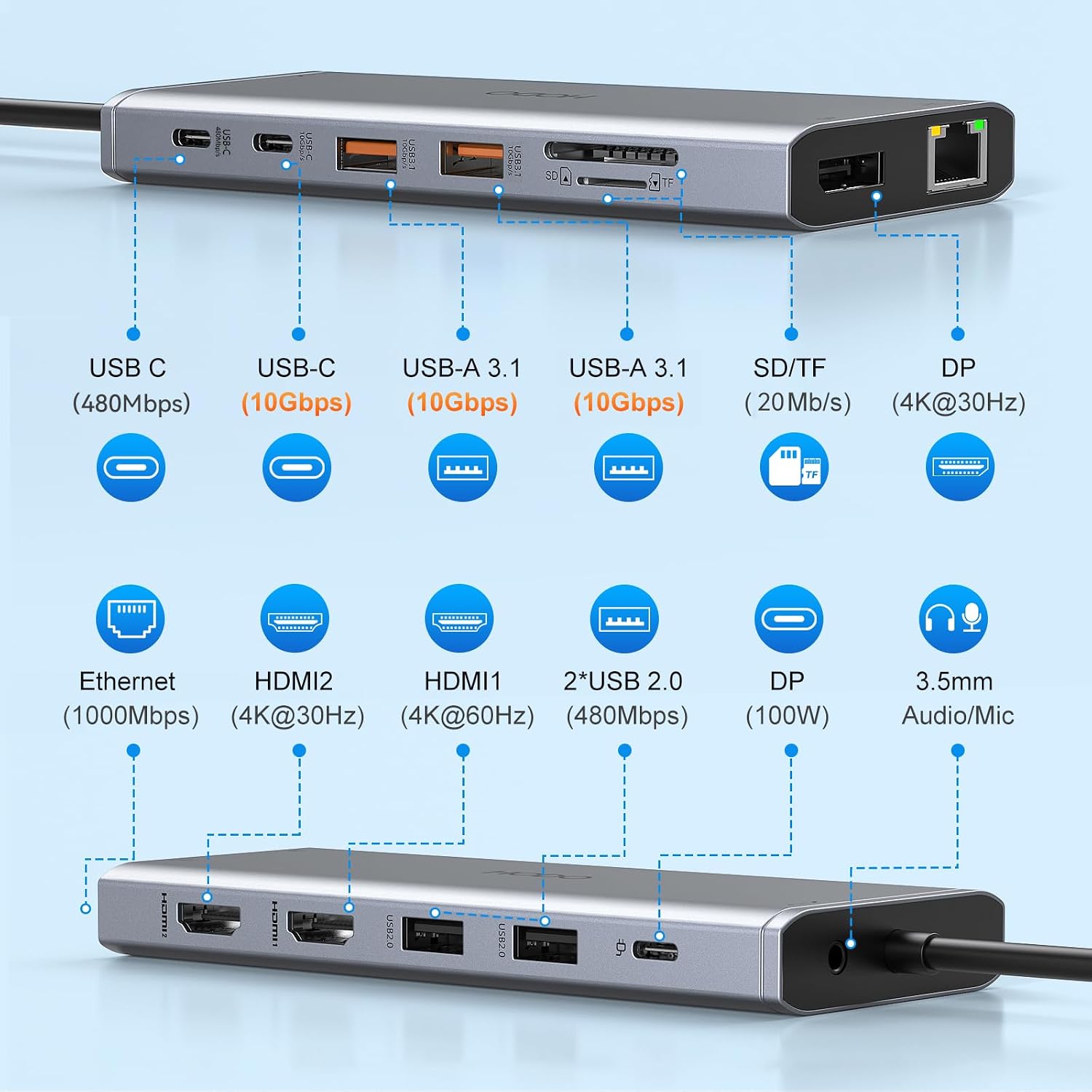
Technical Specifications
- Name: USB C Laptop Docking Station 14-in-1
- HDMI 1: up to 4K@60Hz, HDMI 2: up to 4K@30Hz
- DisplayPort: up to 4K@60Hz when used alone, dual monitor combos may reduce refresh or resolution
- Power Delivery: 100W input, safe charging output limited to 87W
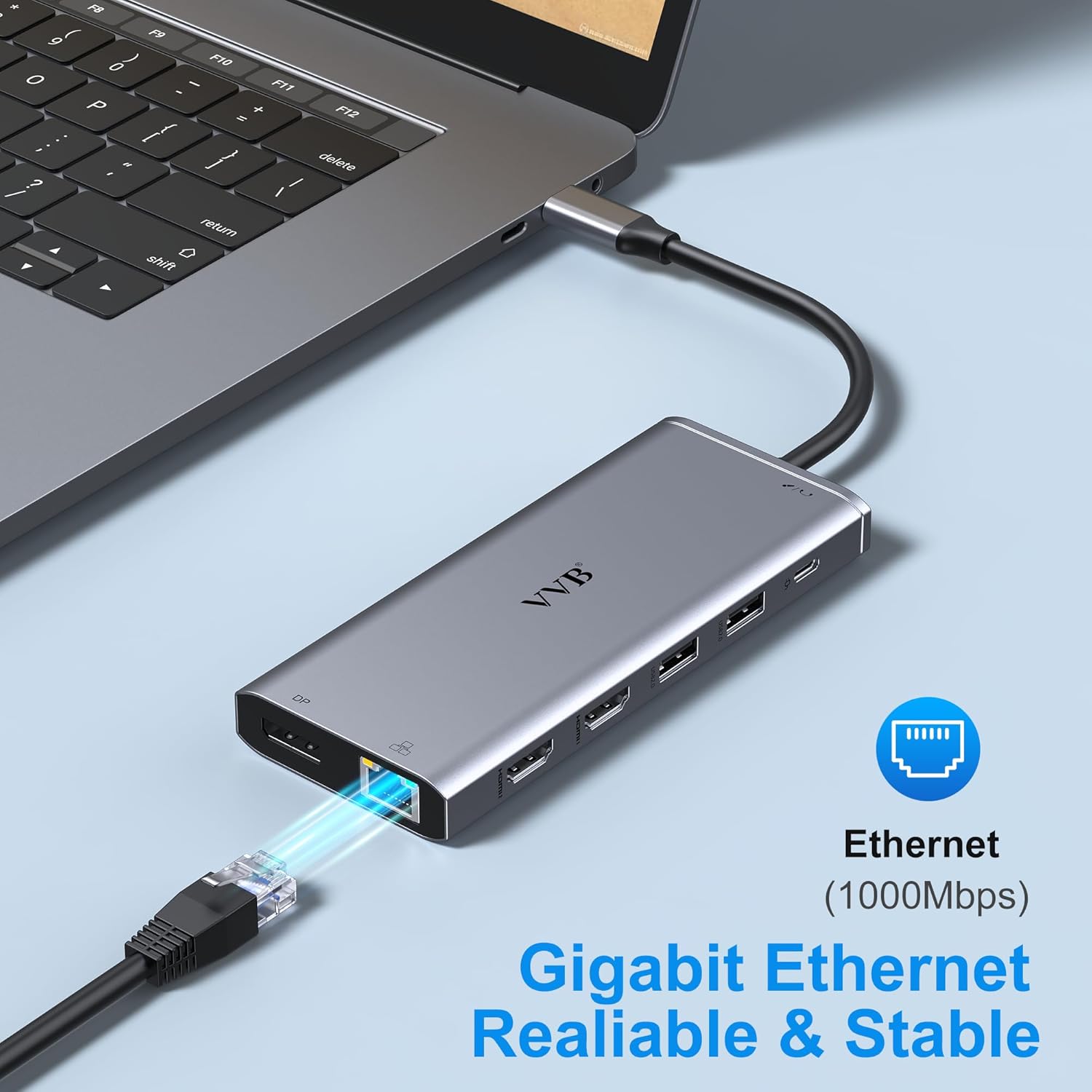
- Ethernet: 1 Gbps (10/100/1000BASE-T)
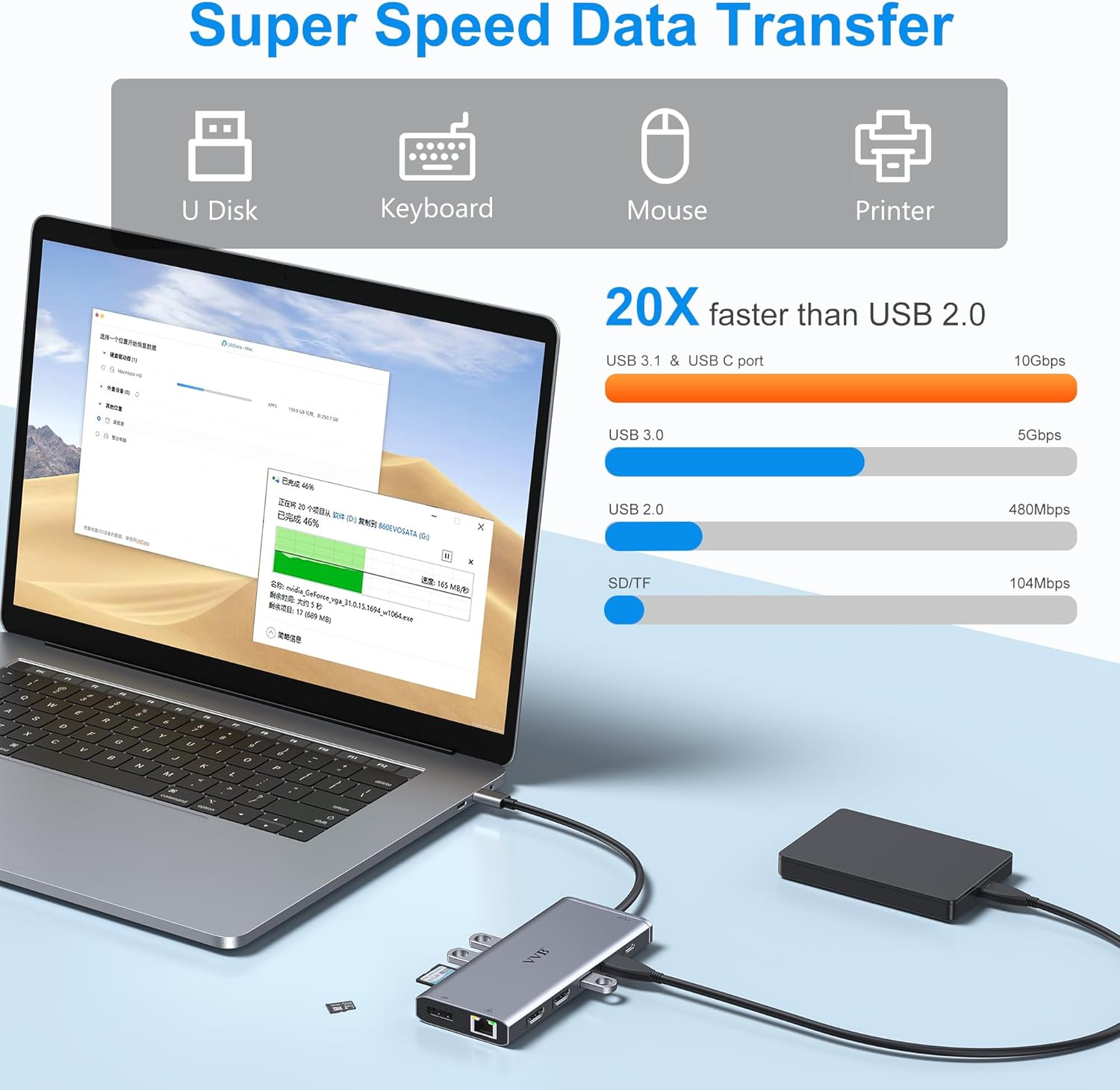
- USB: 2 x USB-A 3.1 (10 Gbps), 1 x USB-C (10 Gbps), 1 x USB-C 2.0, 2 x USB-A 2.0 (480 Mbps)
- Card readers: SD and Micro SD
- Audio: 3.5 mm microphone/headphone jack
Benefits
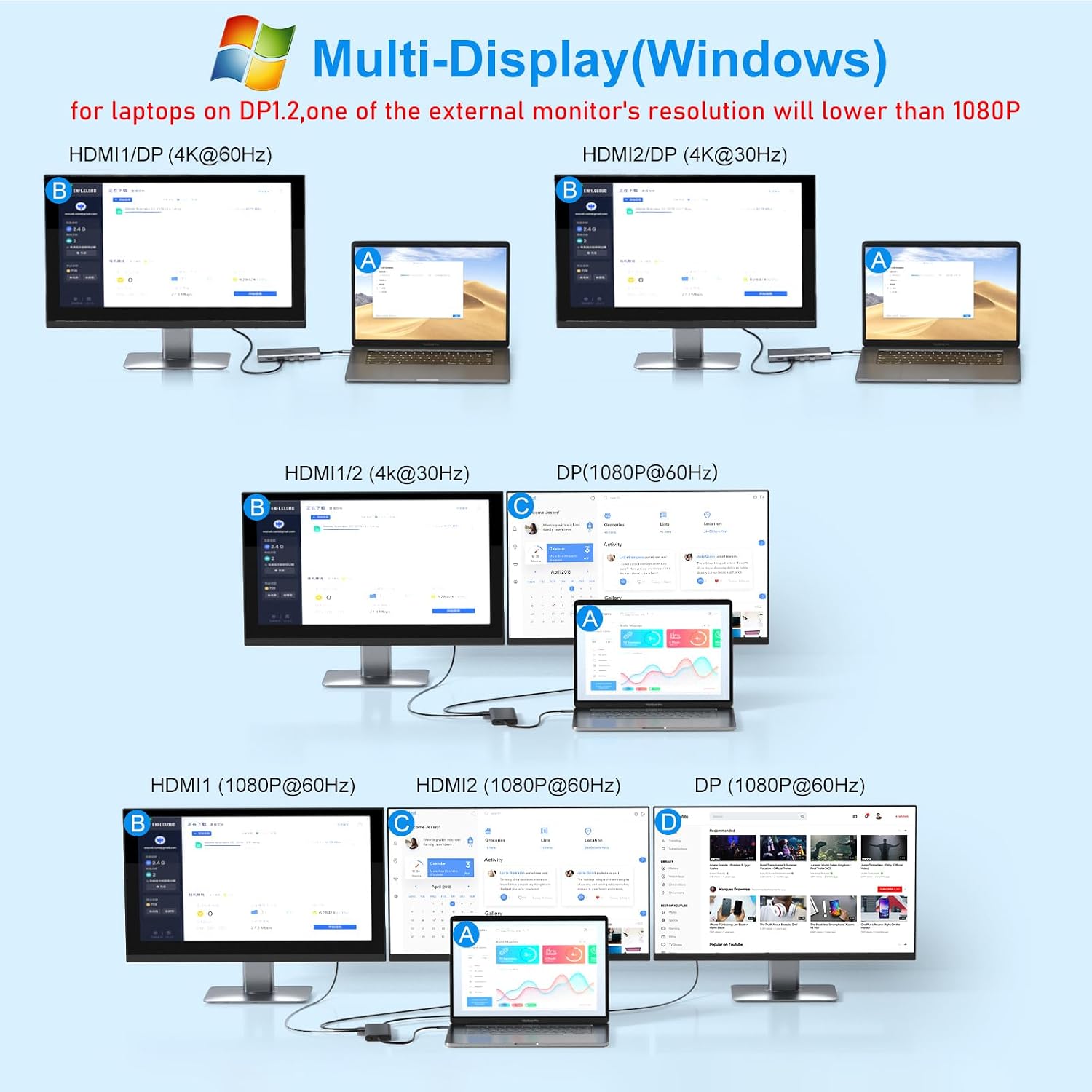
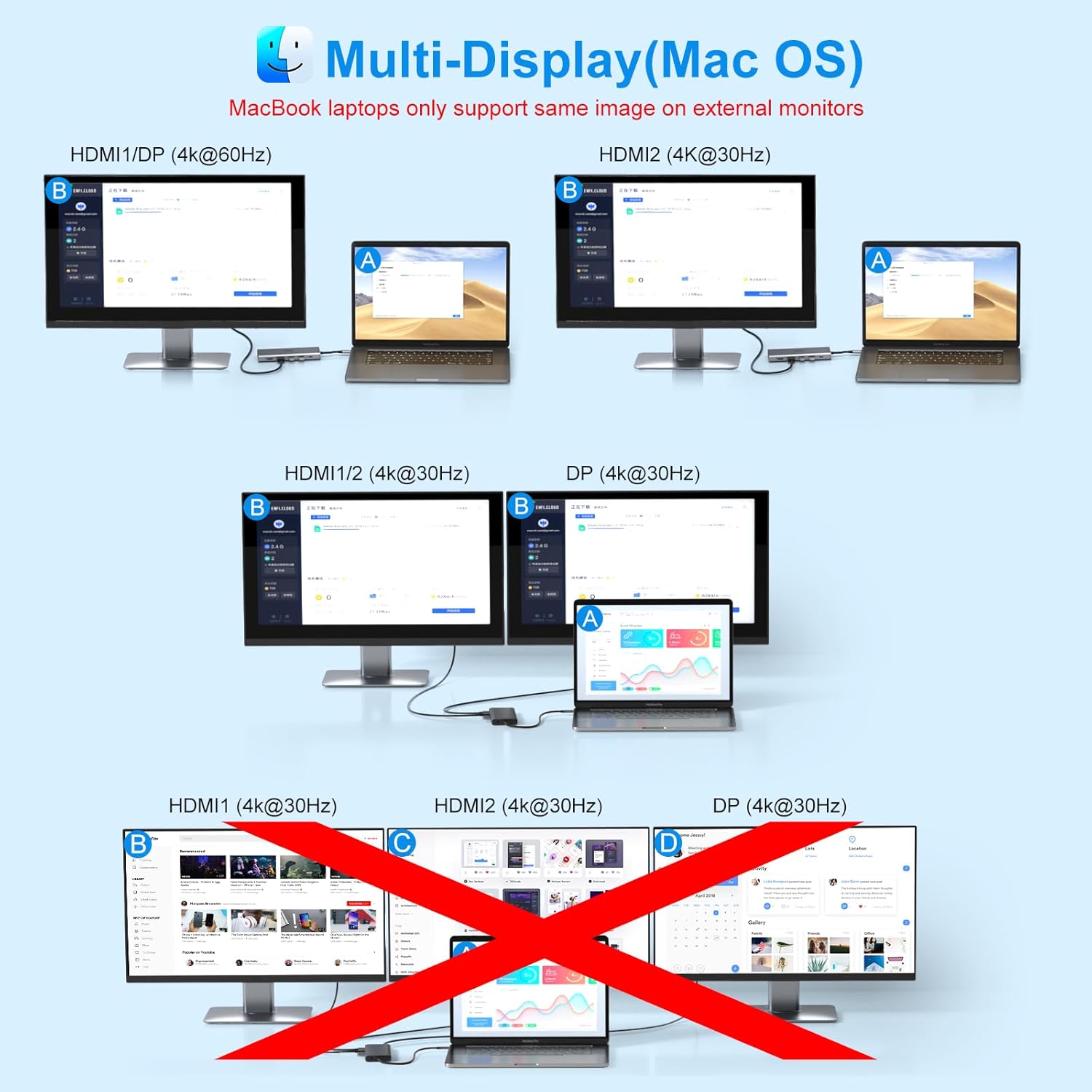
By consolidating multiple ports into a single dongle, this hub reduces cable clutter and simplifies connecting external displays, storage drives and wired LAN. The presence of high-speed USB-A and USB-C ports means large files and backups move faster, while the SD/Micro SD readers speed up photo and video transfers from cameras. The Gigabit Ethernet port provides a more stable connection for video calls and large downloads than many wireless networks.
Usage Recommendations
Connect the docking station to a laptop USB-C or Thunderbolt 3/4 port that supports video output and Power Delivery for the best experience. For Windows users who need extended desktop across two monitors, use HDMI and DisplayPort combos following the bandwidth notes in the technical specifications. MacBook models generally mirror the same image on external displays when using multiple outputs, so test configurations beforehand if you require independent screens. Consider that the dock does not include a power adapter or charging cable, and verify that your laptop accepts PD charging through USB-C to make use of the 100W input.