

AV Access iDock C10 Dual Monitor KVM Docking Station
Product description
What it is
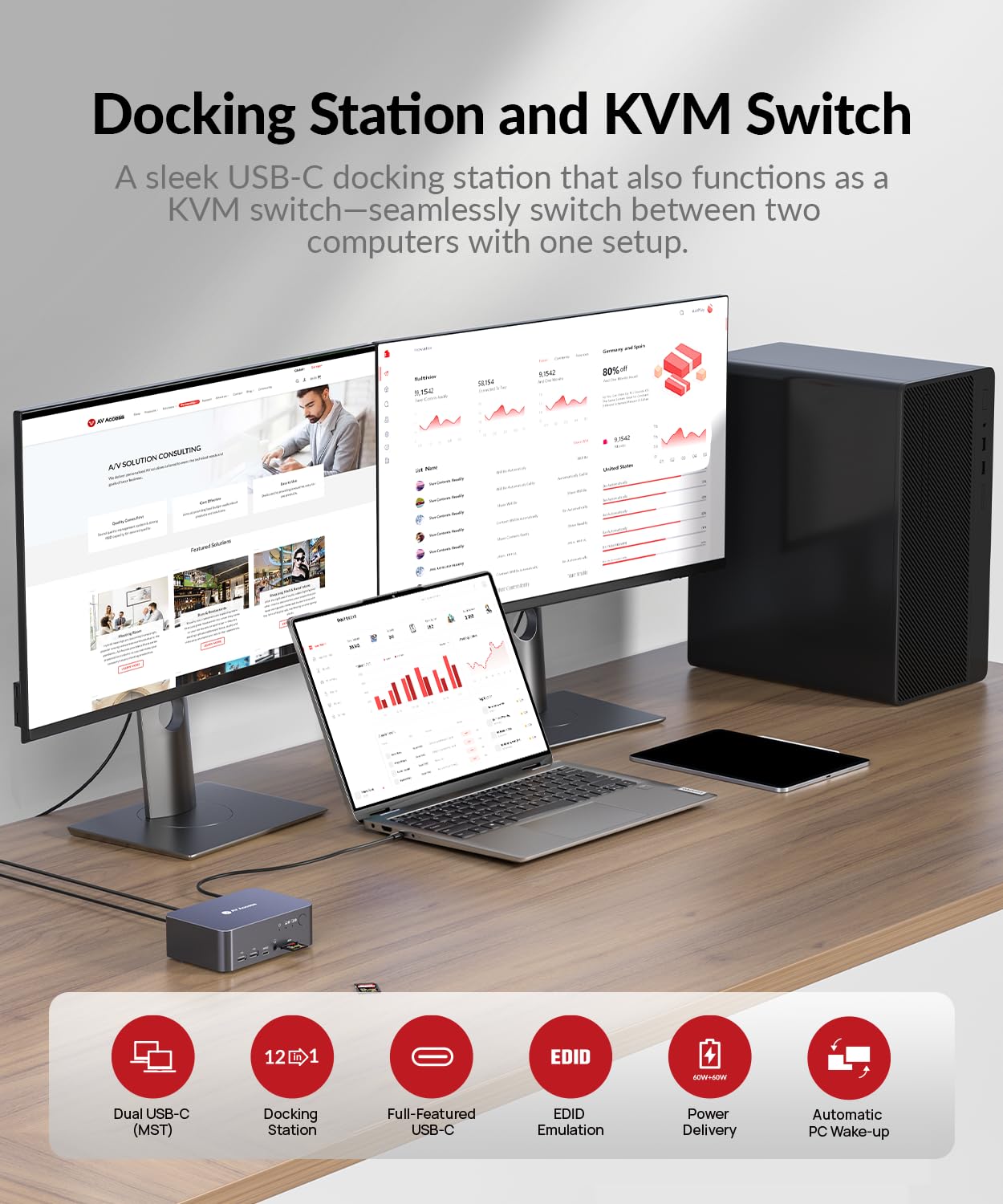
This is a 2x1 dual-monitor KVM docking station designed to share two displays, a keyboard, a mouse, and other peripherals between a USB-C laptop and a desktop PC. It also functions as a 12-in-1 dock, consolidating ports and features in a single workspace for home offices, hybrid setups, or professional workstations.
The core idea and use case
On paper, the iDock C10 aims to streamline a mixed-setup workflow: you connect a laptop and a desktop directly, then switch control and video between them without reconnecting multiple devices. It’s meant for users who want to run two monitors at 4K on HDMI, plug in USB devices, access Ethernet, SD cards, audio, and headsets from one hub, and keep a clean desk with a single cable for PD charging.
What stands out in day-to-day use
- Dual HDMI outputs support high-resolution video to two displays, which can help with multitasking and extended screen real estate.
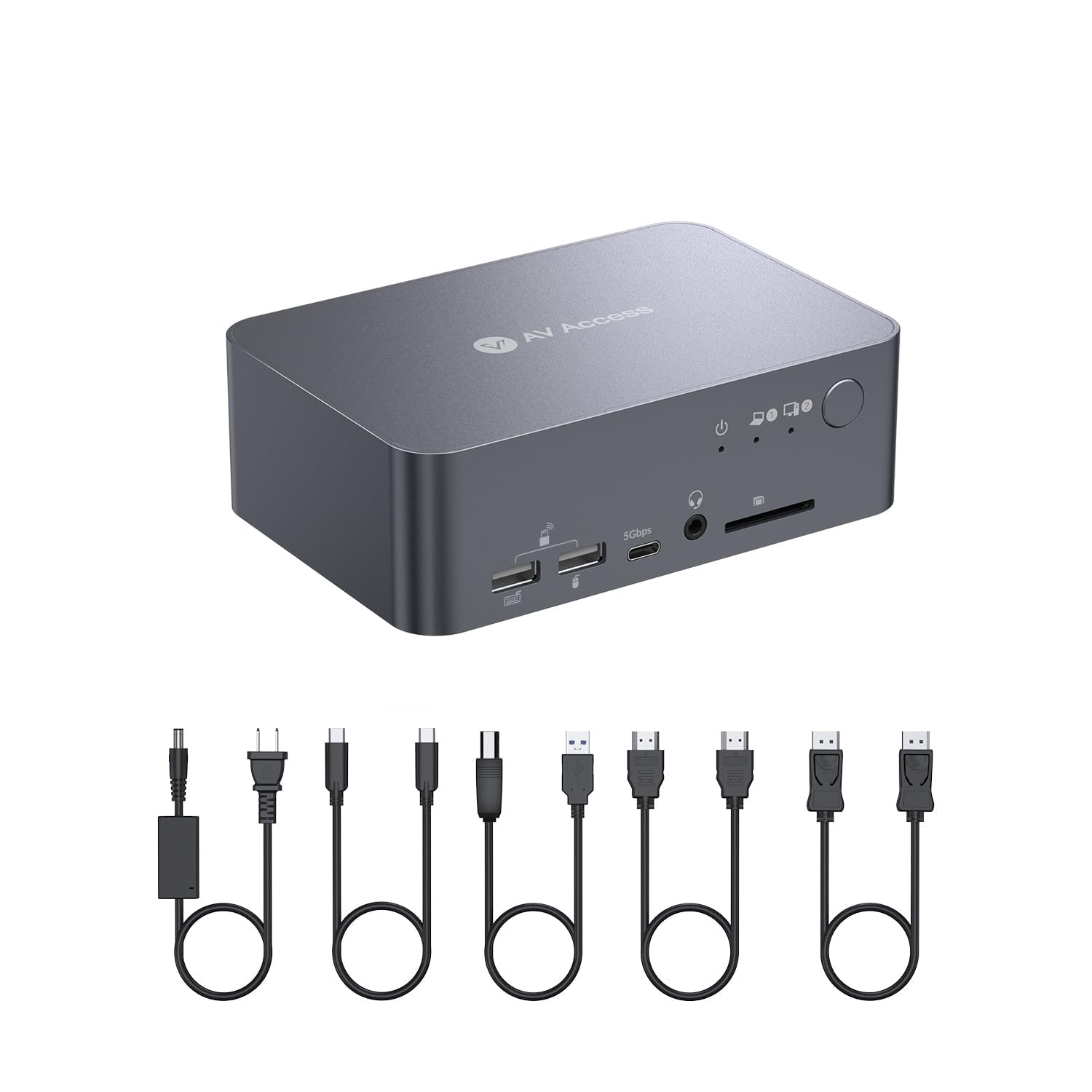
- The device includes a USB-C data port, multiple USB-A ports (3x USB 3.0, 2x USB 2.0), plus SD card reader, TOSLINK audio, and a headset jack, covering common office peripheral needs.
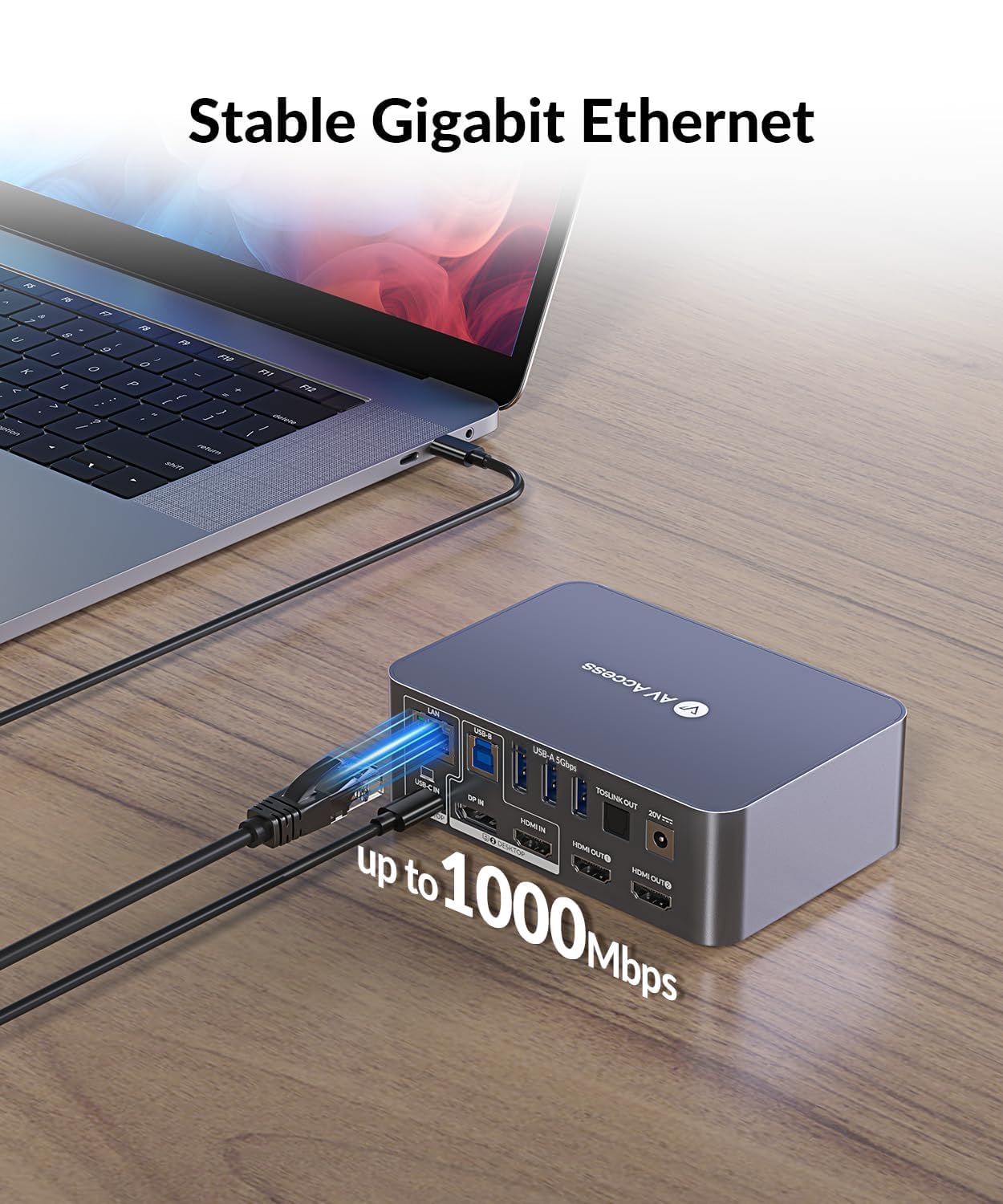
- Integrated Gigabit Ethernet provides a potentially more stable connection for video calls or large file transfers, which can be preferable to Wi‑Fi in a work-from-home setup.
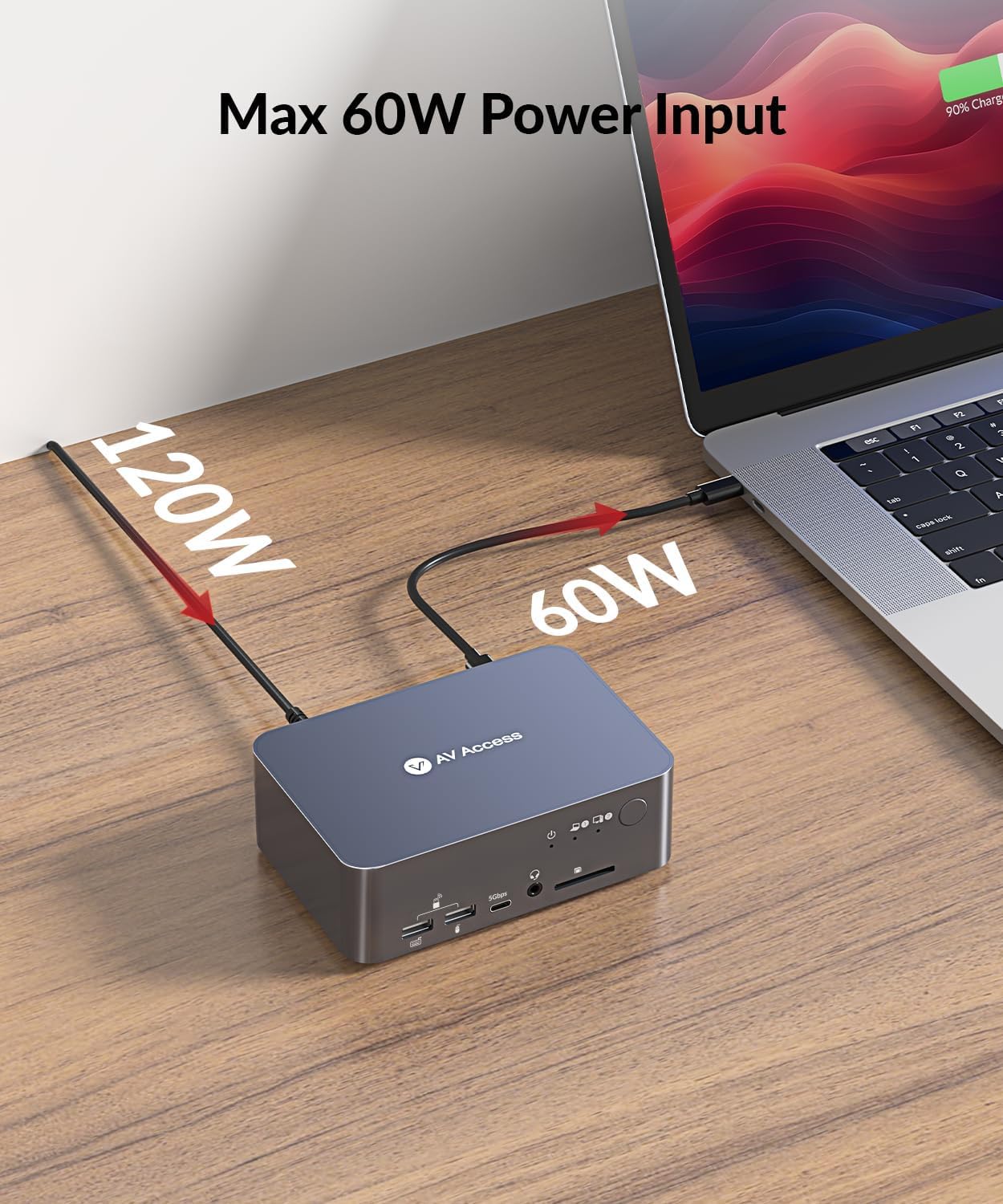
- The built-in 60W Power Delivery port is designed to power a laptop while you’re using the dock, reducing clutter from extra chargers.
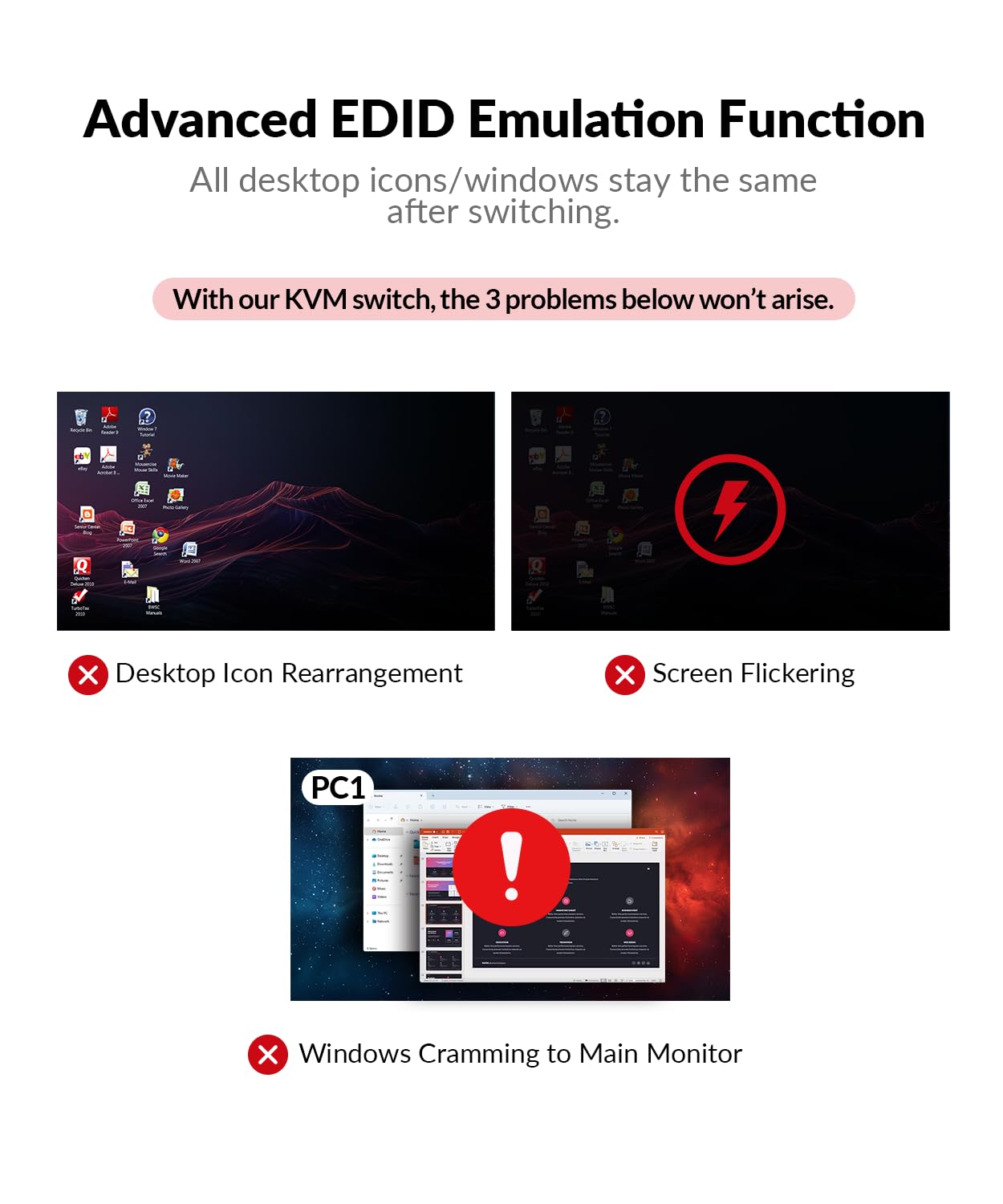
- EDID emulation and automatic wake-up aim to reduce screen flicker and keep windows in place during switching between devices.
Pros
- Consolidates a lot of daily ports into one hub, which can simplify desk setup.
- EDID emulation helps maintain stable displays during transitions.
- Automatic wake-up can smooth switching when a computer is asleep.
- 60W PD charging supports many laptops with USB-C charging needs while using the dock.
Cons and caveats
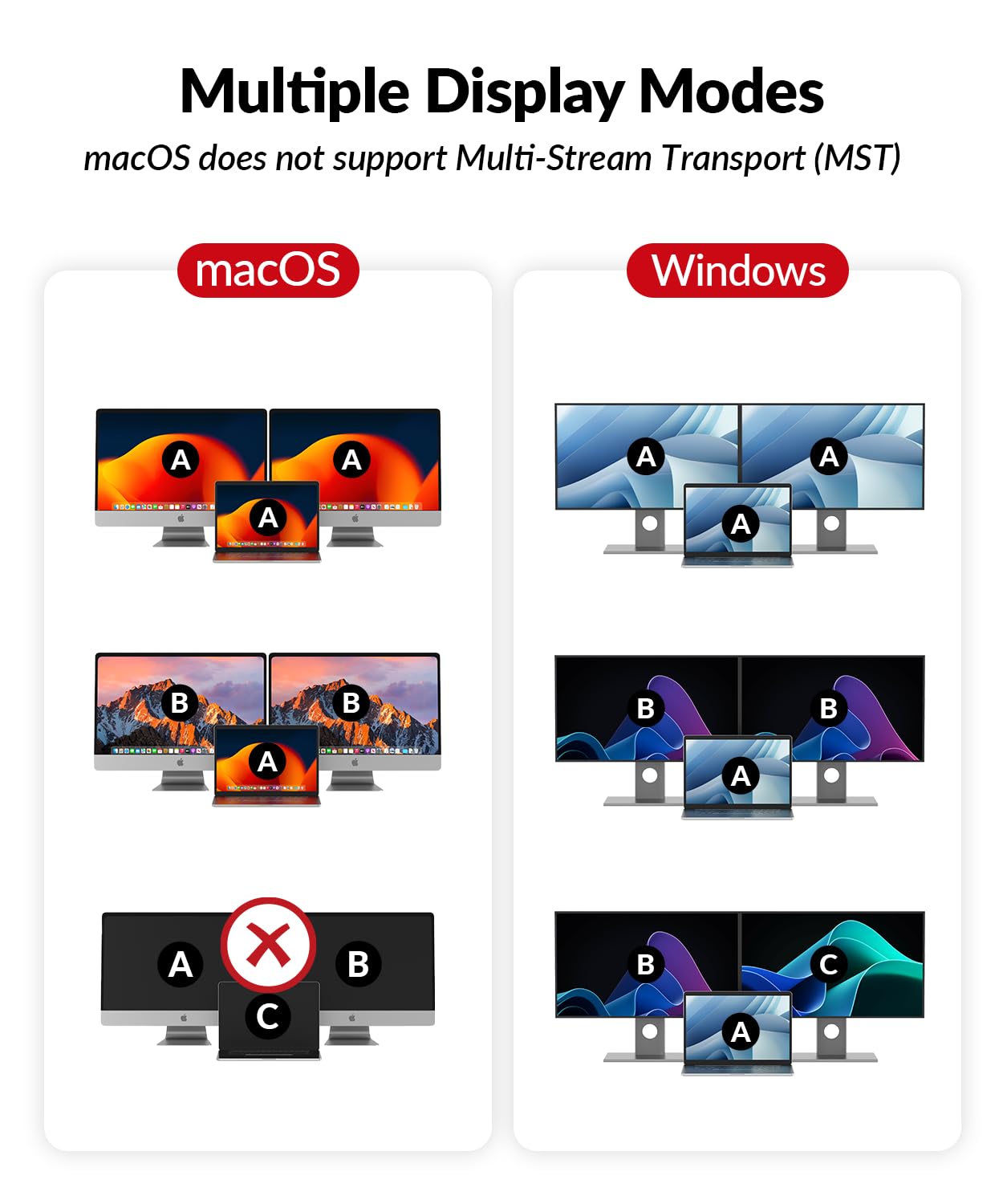
- The description notes macOS limitations: only mirrored output is supported on macOS, which reduces the usefulness for some Mac users who expect extended desktops.
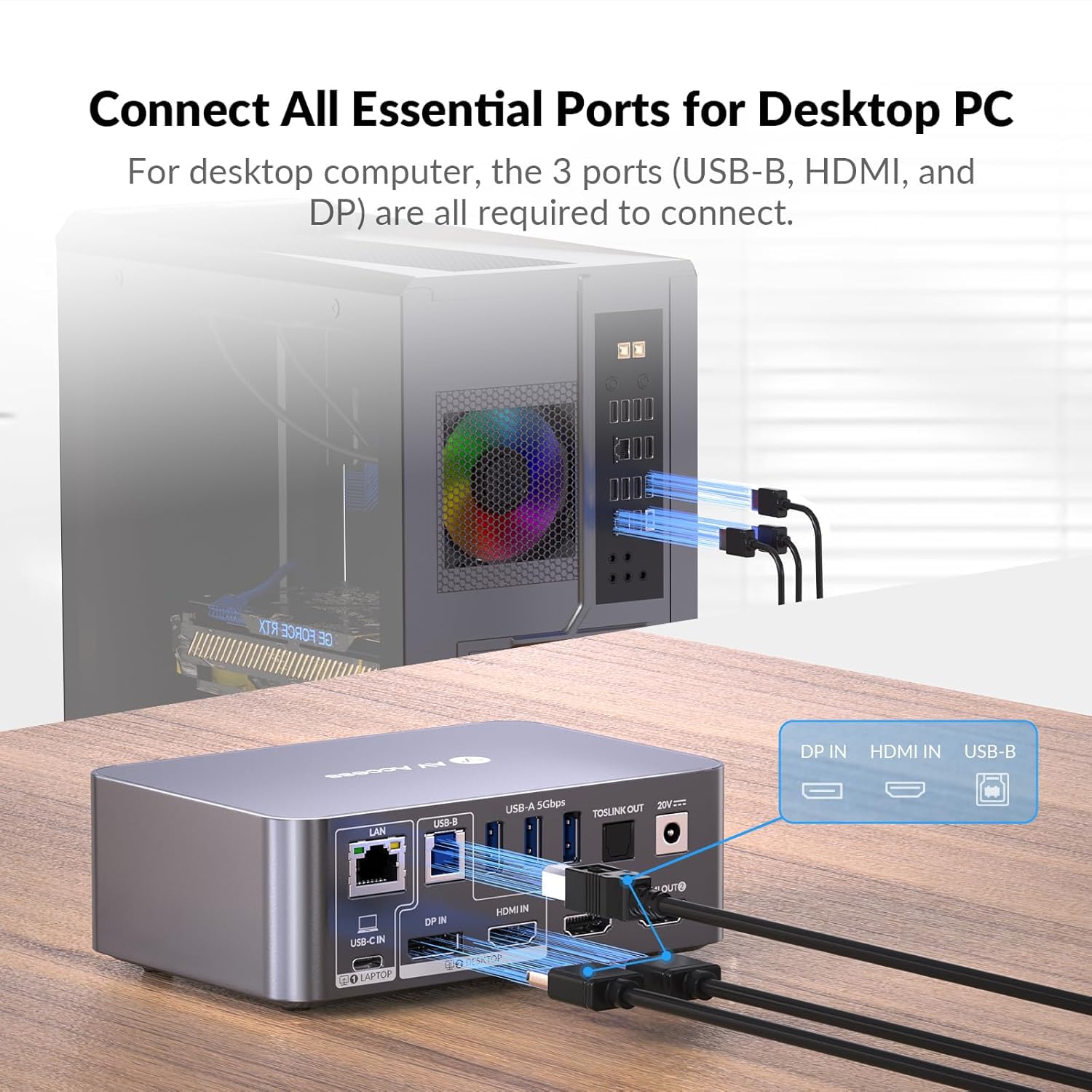
- The product relies on direct connections between devices, some users may need to avoid extra adapters or converters to maintain reliable performance.
- Since this is a docking solution with multiple ports, users should verify that their monitors and peripherals align with the required HDMI and USB configurations for their specific workflow.
- As with many multi-device KVM setups, performance and reliability can depend on the combination of monitors, GPUs, and cables used.
Ideal buyers and when it makes sense
- If you work with a dedicated desktop at a home office but also need a portable USB-C laptop, this dock could reduce clutter and speed up switching between systems.
- If you routinely use two displays for productivity, with a need to connect USB peripherals, network access, and audio in one place, this device targets that scenario.
- It may be a solid option if you want a single desk hub that can power a laptop and manage two monitors, a keyboard, a mouse, and other accessories from one place.
When it might not be the best fit
- If you primarily use macOS and require extended desktop across two screens, the mirrored output limitation could be a deal-breaker.
- If your setup relies on non-USB-C laptops or requires more than 60W PD for charging, you may need alternatives or additional power solutions.
- If you value a plug-and-play experience with minimal switching complexity, some users may encounter nuances with EDID emulation or wake-up behavior depending on device compatibility.
Key checks before buying
- Confirm that both monitors can be driven at your desired resolution and refresh rate via HDMI on this dock.
- Verify your laptops’ charging requirements and whether 60W PD is sufficient for sustained use.
- Consider whether you need true extended desktop on macOS or if mirrored output would be acceptable.
- Ensure your network, audio, and SD card workflows align with the dock’s integrated ports.
How it compares to a more traditional setup
If you’re weighing this against a simple USB-C dock or a standard KVM, the iDock C10’s advantage is the dual-monitor support and a broader port mix in a single device. It’s likely more convenient when your workflow benefits from two displays plus a shared array of peripherals, rather than juggling separate hubs, a separate KVM, and multiple long cables. On the flip side, a basic dock or a dedicated KVM might offer simpler setup and potentially fewer compatibility hiccups for specific pairings. If you prioritize having two screens, wired Ethernet, and a single-power solution for a compact desk, this model can be compelling, if you mainly need basic dock functionality with one monitor, there may be lighter options.
FAQ (practical answers based on available data)
- Does it support extended desktop on all systems? Noted limitation: macOS output is mirrored, which may limit use for Mac users seeking two independent displays.
- Can I wake a sleeping computer automatically when switching? Yes, the device includes an automatic wake-up feature to bring the target computer online during switching.
- Is charging guaranteed while using video and data? The dock has a built-in 60W PD port intended to power a USB-C laptop while transferring video and data.
Is it worth it?
Final verdict: It’s worth considering if you want a single, centralized docking solution that handles two monitors, a suite of USB peripherals, Ethernet, audio, and charging, and you’re okay with the macOS mirroring limitation. If your priority is a simple, universally plug-and-play experience with minimal caveats, this model may feel overbuilt for lighter use. If you heavily rely on macOS extended desktops or require higher charging needs, you may want to explore other setups.