

Baseus Dock 9-in-1 for 4K@120Hz ⚡
Product description
This Baseus Dock 9-in-1 for 4K@120Hz serves as a powerful hub for users seeking seamless connectivity between their devices and multiple displays. It enables smooth 4K resolution at 120Hz, ideal for gaming and content creation, while supporting dual monitor setups with either mirrored or extended desktop views. The dock delivers high-definition audio and video with minimal lag, making it a practical solution for remote work or creative workflows.
Key Points
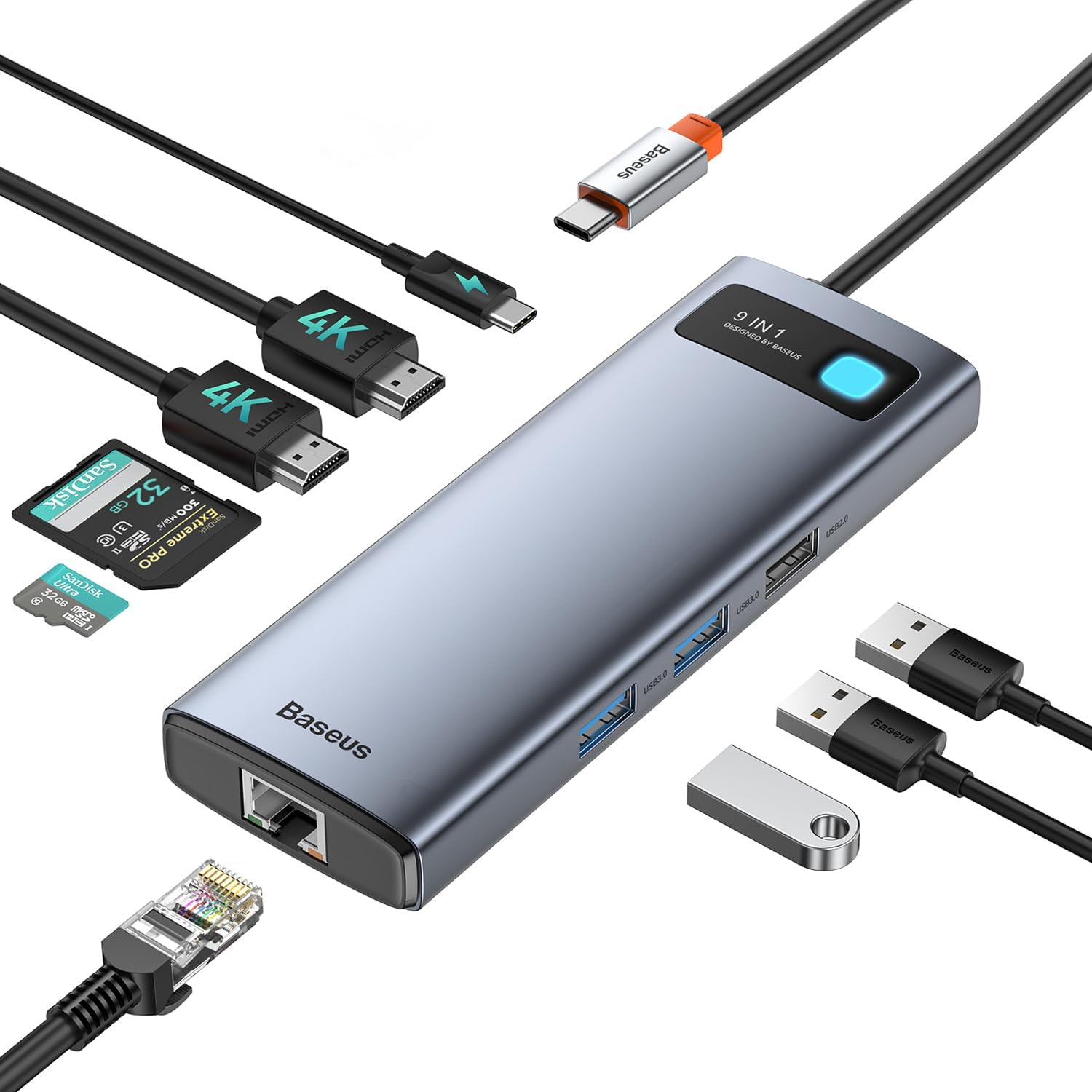
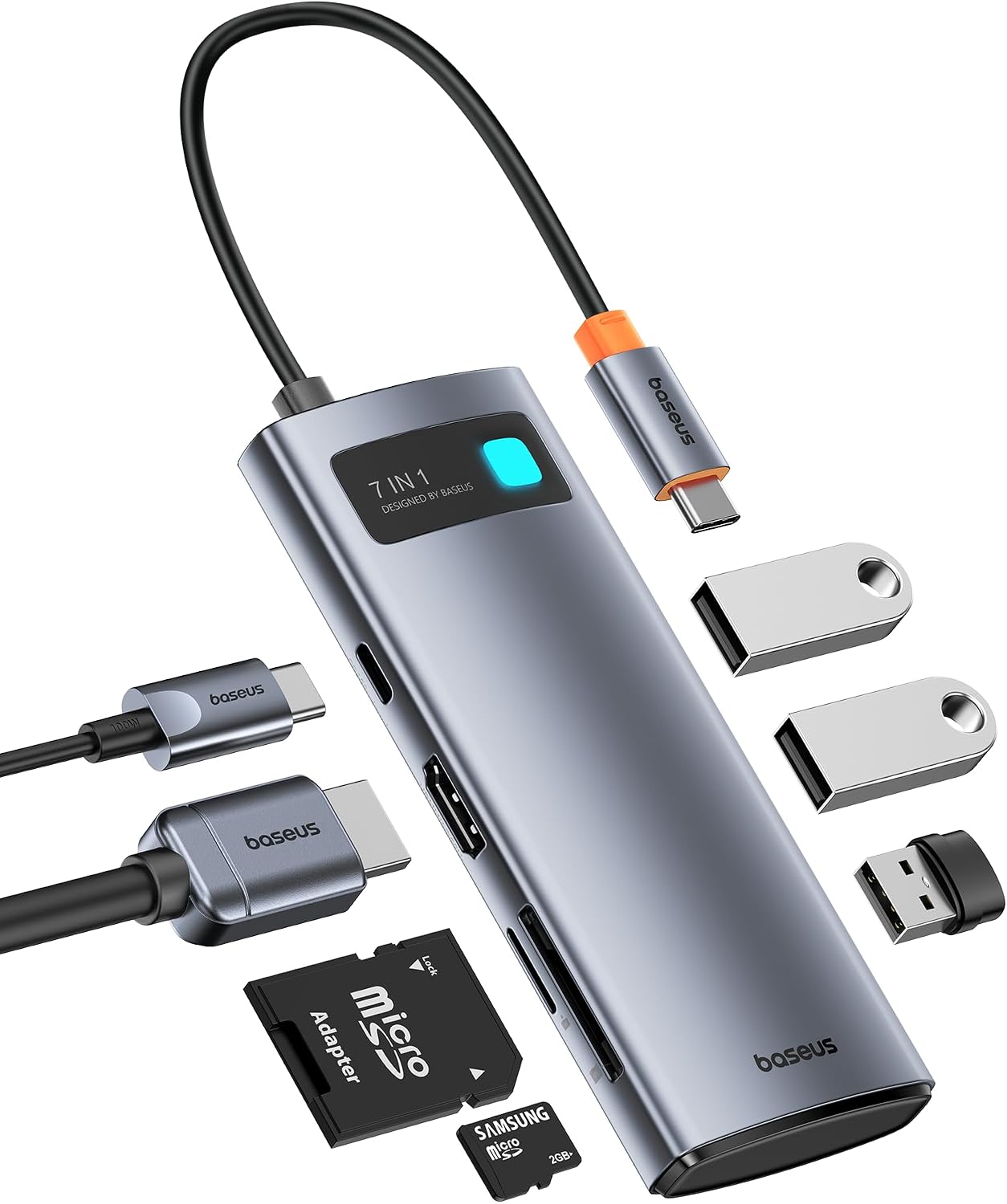
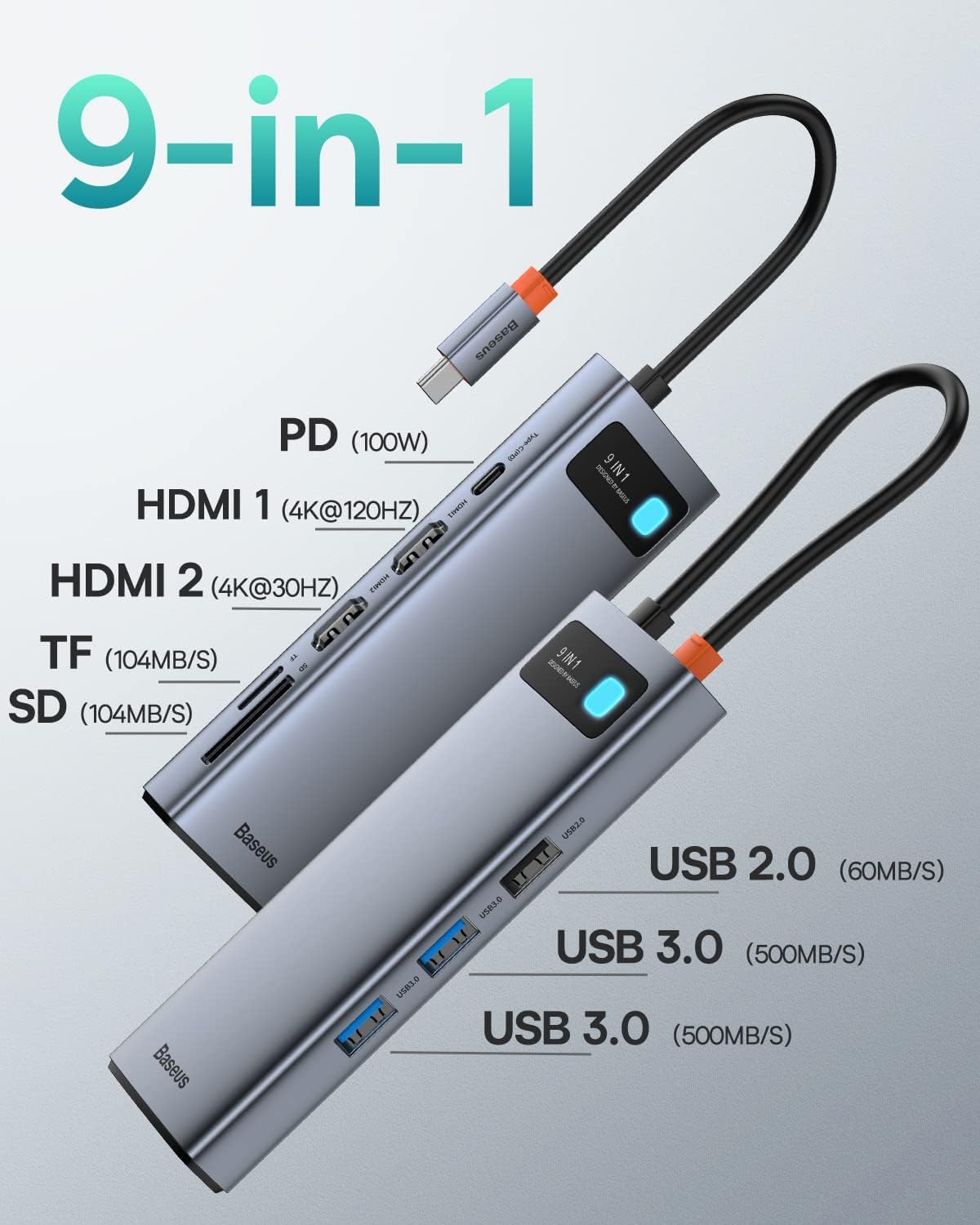
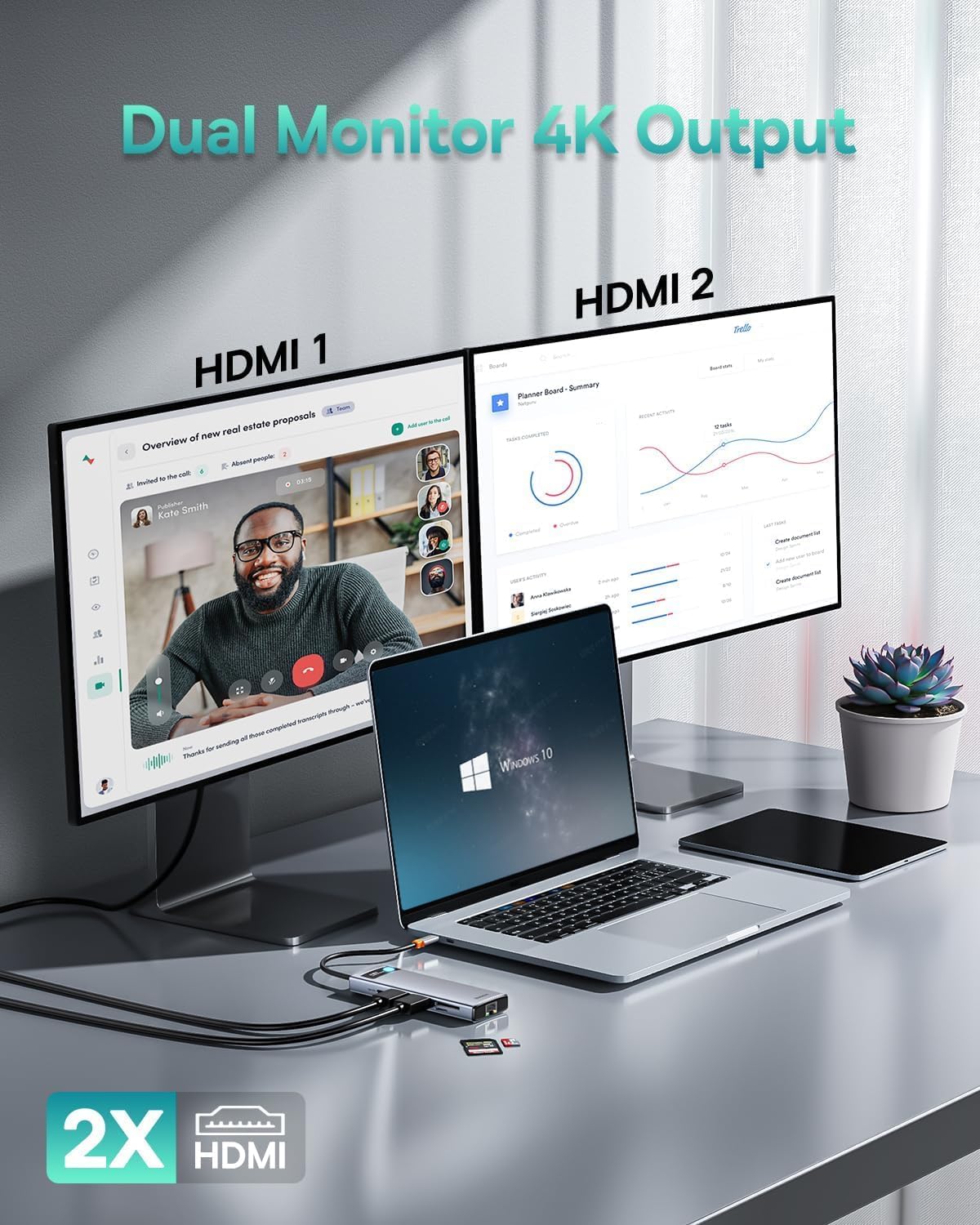
The Baseus Dock 9-in-1 combines multiple functions into one compact unit. It supports 4K@120Hz output through HDMI, ensuring crisp visuals during immersive gaming or video editing sessions. With dual HDMI ports, users can extend or mirror their desktop across two monitors, improving workspace efficiency. The dock includes two USB 3.0 ports and one USB 2.0 port, allowing fast data transfers and reliable connections to peripherals. It also features an SD and TF card slot, enabling quick photo transfers to laptops or mobile devices.
Technical Specifications
- Brand + model: Baseus Dock 9-in-1 for 4K@120Hz
- HDMI Output: Supports 4K@120Hz and 1080p@120Hz
- Dual Monitor Support: Mirror or extended display modes via two HDMI ports
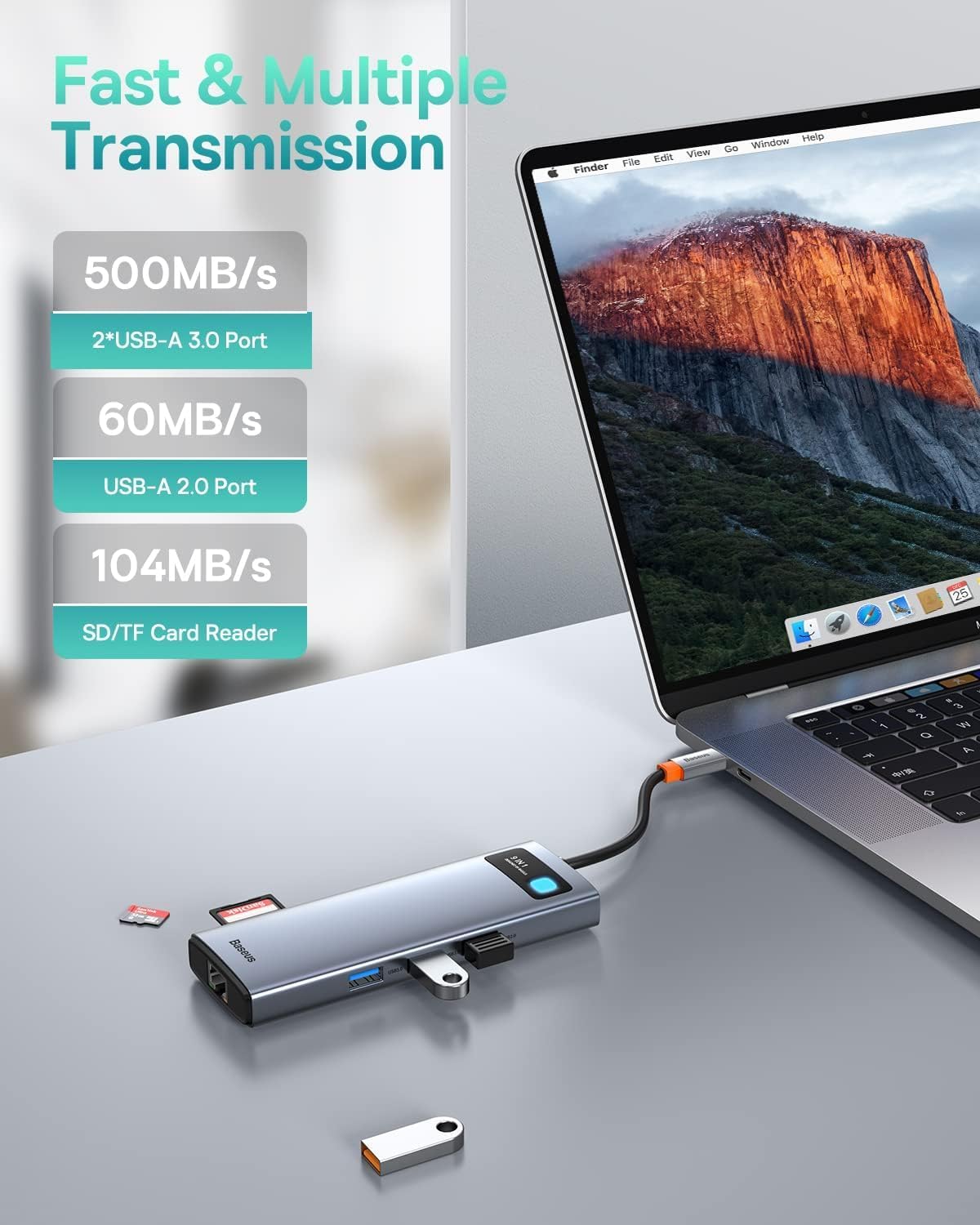
- USB Ports: 2 × USB 3.0 (up to 5 Gbps), 1 × USB 2.0
- Card Slots: SD and TF card reader with read/write speeds up to 104 MB/s
- Ethernet Port: 1000 Mbps wired connection for stable internet performance
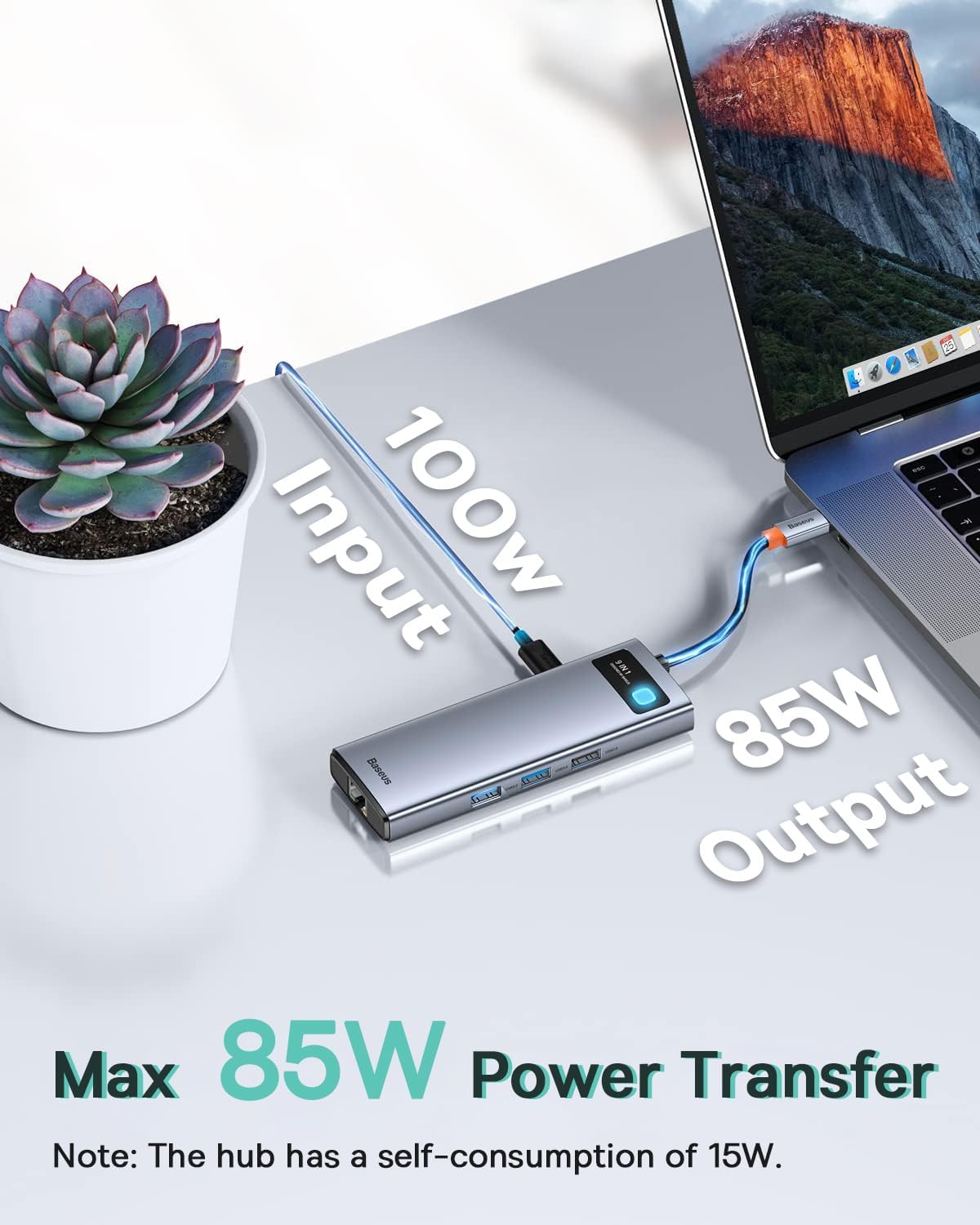
- Power Consumption: 15 W when in use
Benefits
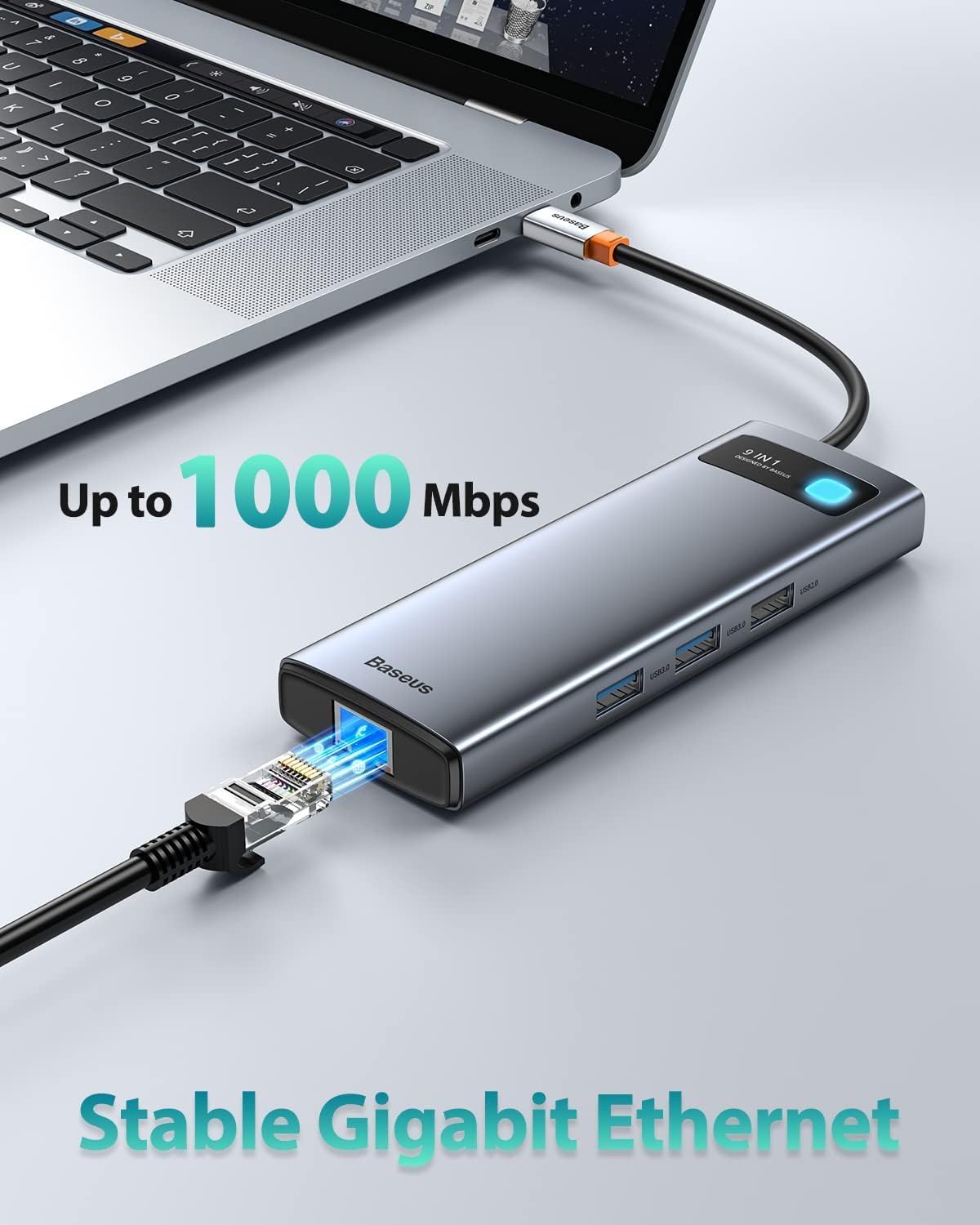
This dock reduces reliance on unstable Wi-Fi or faulty network adapters by offering a direct wired connection. The 1000 Mbps Ethernet ensures consistent performance during online meetings or streaming. For users who frequently transfer large files or edit high-resolution content, the fast USB 3.0 speeds cut down transfer times significantly. The inclusion of a card reader adds convenience for photographers and content creators who need to move media quickly.
Usage Recommendations
For optimal performance, connect the dock to your laptop via USB-C and use the HDMI ports to link to monitors or TVs. When using dual screens, select the extended mode for multitasking or mirror mode for consistent visuals. For file transfers, plug in a USB drive or memory card directly into the SD/TF slot. If your device lacks a reliable Ethernet port, the included 1000 Mbps connection provides a stable alternative. Avoid using the dock with power-hungry devices that exceed the 85 W power limit when a 100 W charger is not available.