

ULANZI D200H Stream Controller & USB-C Docking Station (14-Key LCD Macro Keyboard)
Product description
The essentials
If you stream, edit, or juggle meetings all day, alt-tabbing constantly gets old fast. The ULANZI D200H is built for that exact pain point: a 14-key LCD macro keyboard that lets you trigger workflows with a single tap—while also acting like a USB-C docking station on your desk. On paper, it’s a “two-in-one” upgrade: quick controls for OBS, chat commands, and common creator actions, plus a hub and card reader so you can plug in peripherals without hunting for ports.
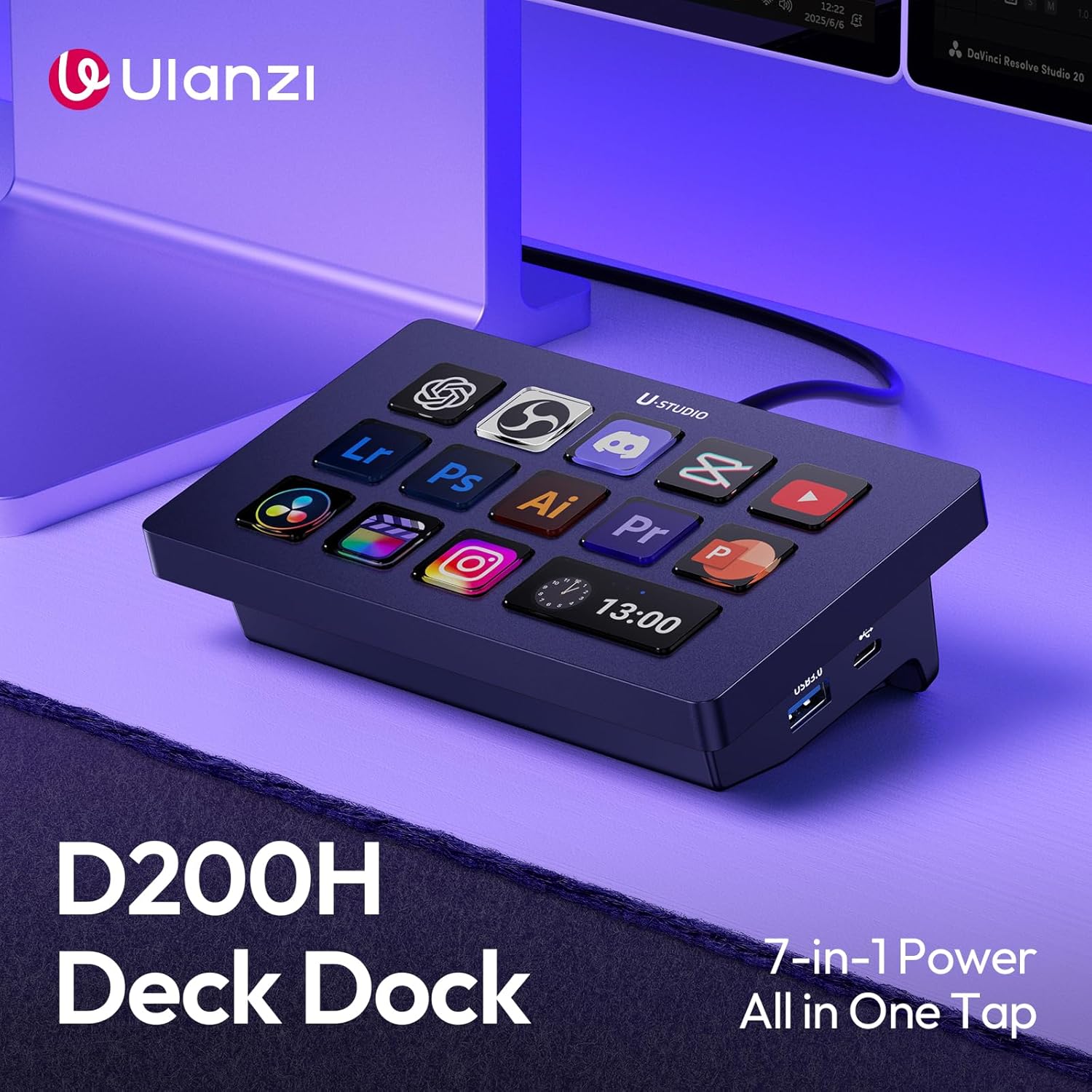
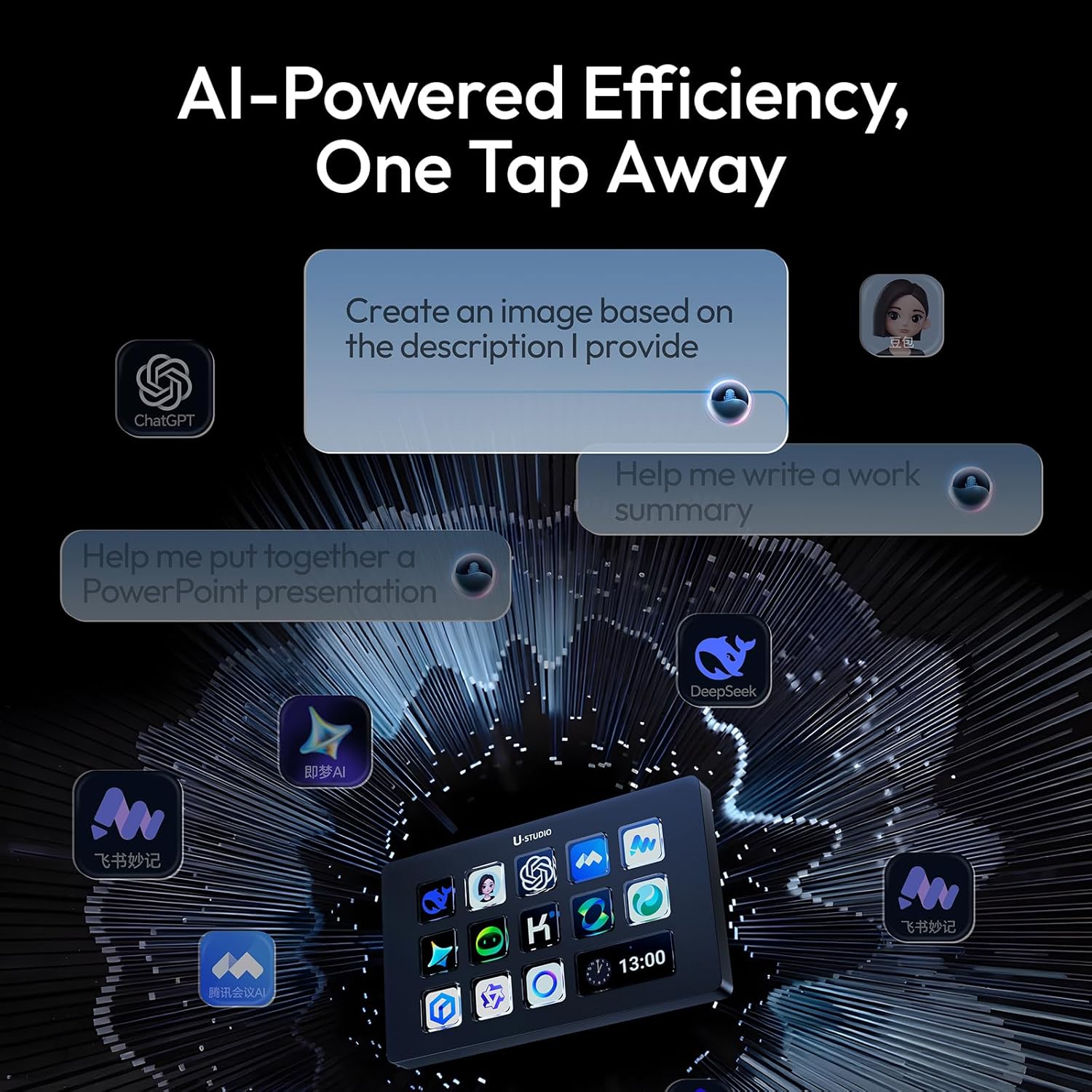
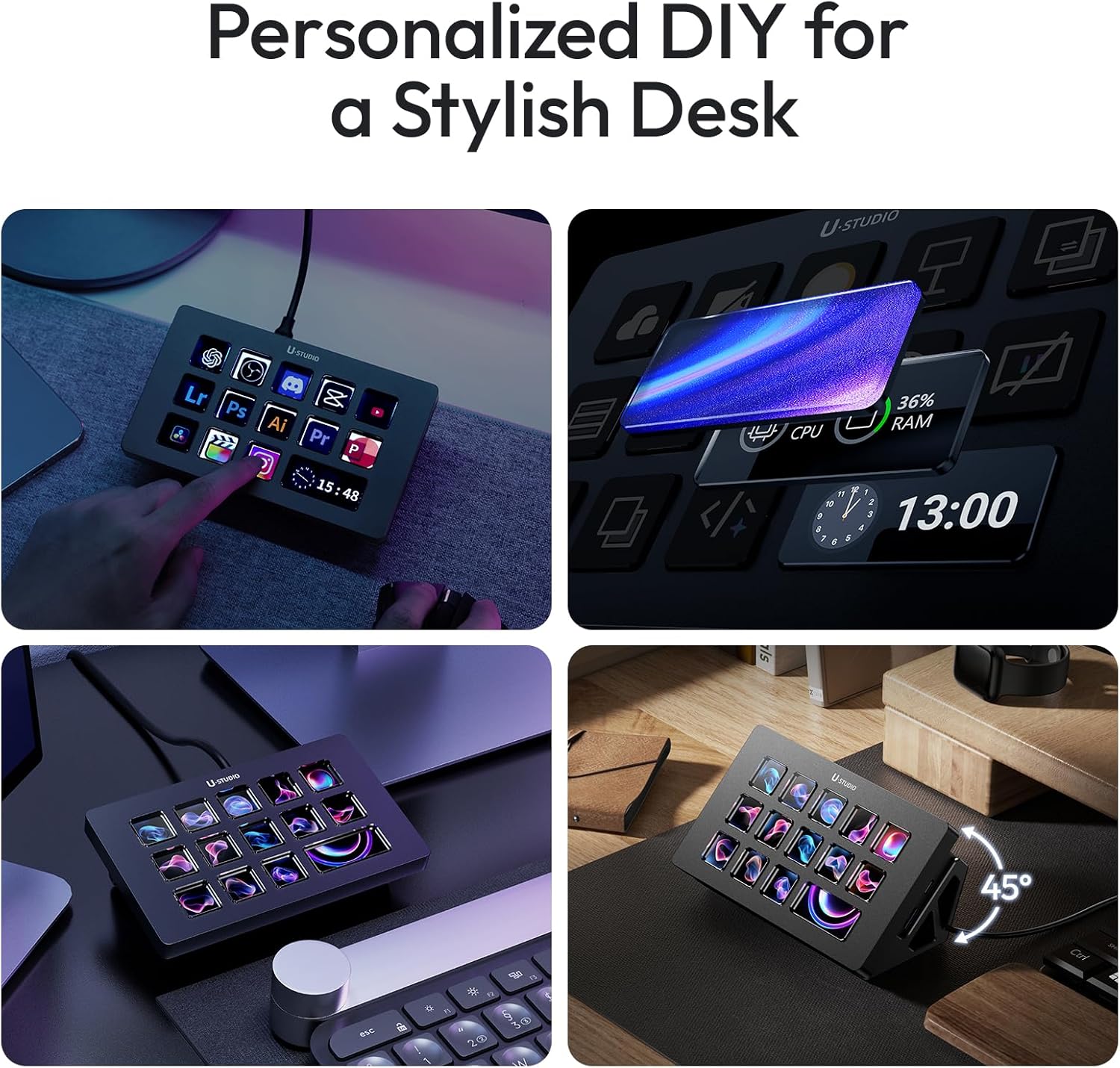
The headline feature is the 14 high-resolution customizable LCD keys. You can drag and drop icons onto the buttons and assign actions through the free ULANZI Studio app—no coding mentioned. If your routine is repetitive (cuts in Premiere, actions in Photoshop, mutes in Zoom/Discord, or scene switching), this kind of one-tap control can save time every session. Still, it’s not a keyboard for everyone: if you only need basic macros and don’t want a screen-based panel on your desk, you may find simpler controllers easier to live with.
What you can control in one tap
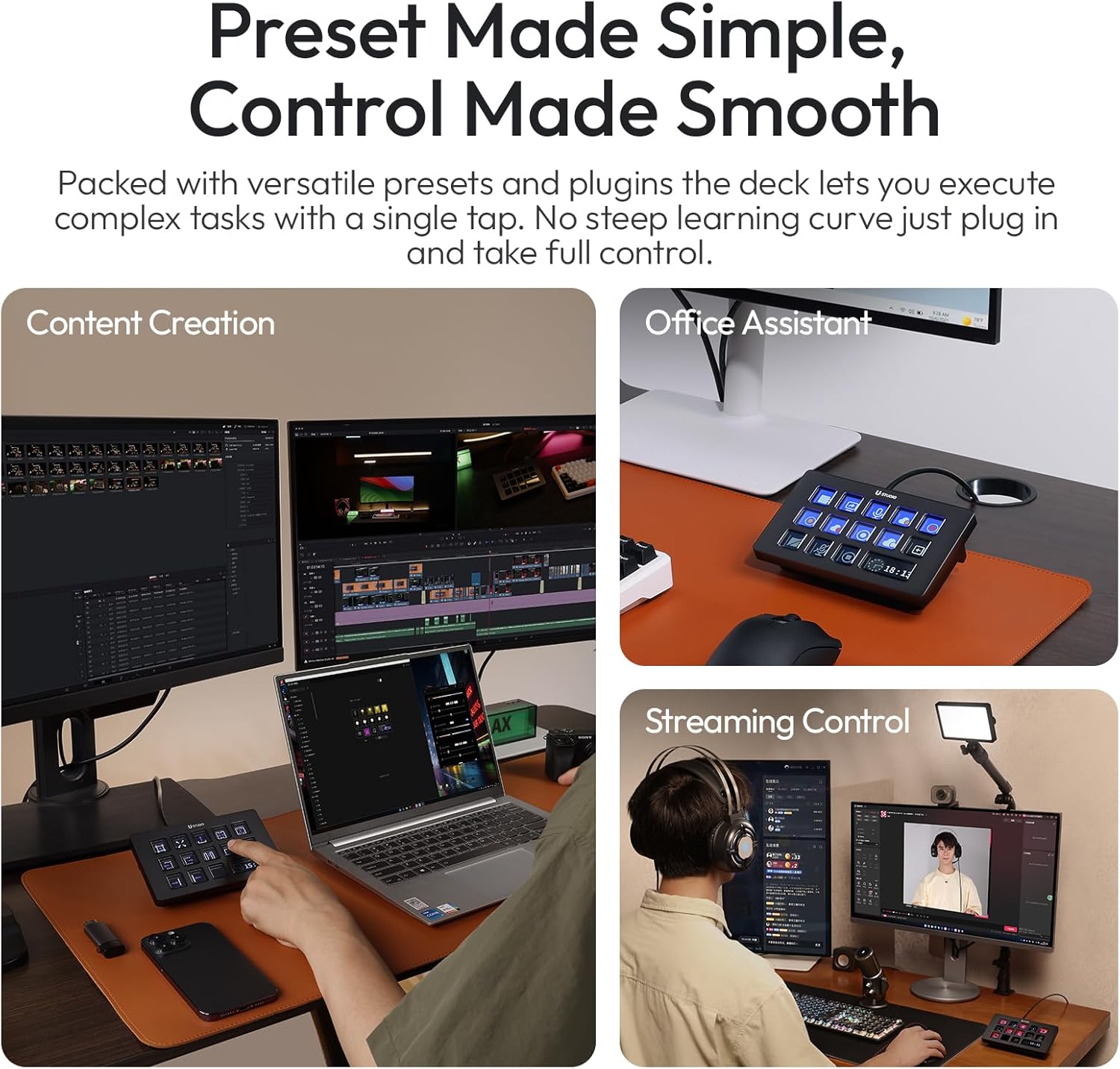
Where this stands out is the “live and creator” focus. The D200H is designed to fire OBS scenes and handle shortcuts for Twitch chat commands and YouTube Studio. It also targets editing workflows (Premiere cuts and Photoshop actions) and communication controls like Zoom mutes and Discord push-to-talk.
A very real example: imagine you’re going live. Instead of clicking around, you can map a button for your starting scene in OBS, another for quick audio/voice behavior (like a push-to-talk action), and separate buttons for post-production steps you do between segments. When you’re bouncing between stream tools, that “single tap” idea is the whole point.
Keep in mind, though: the experience will depend a lot on how your software commands map in the ULANZI Studio app. If your workflow is very custom or relies on actions outside what you can configure there, the setup time can feel like part of the cost.
Desk-friendly docking and card reader
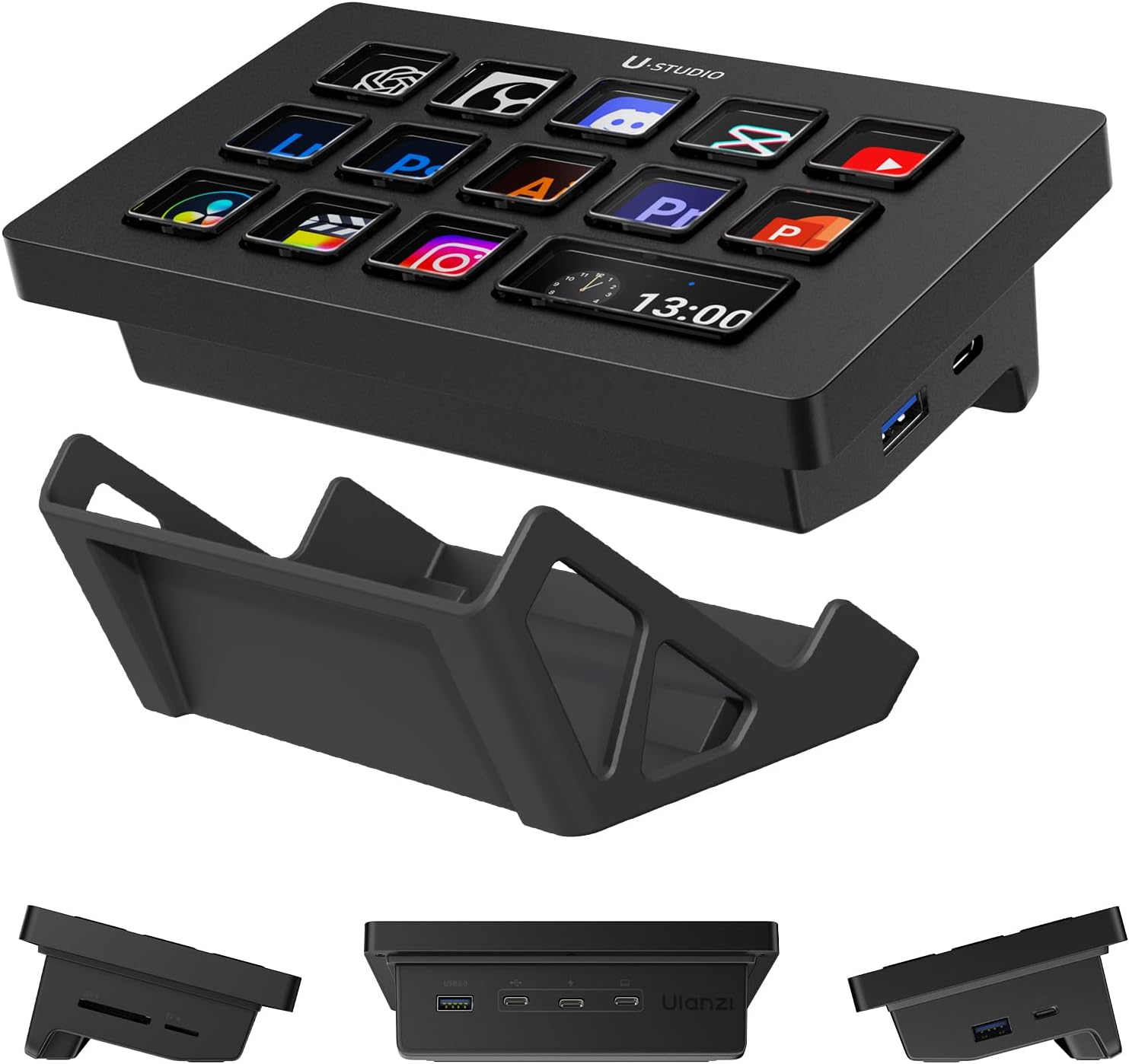
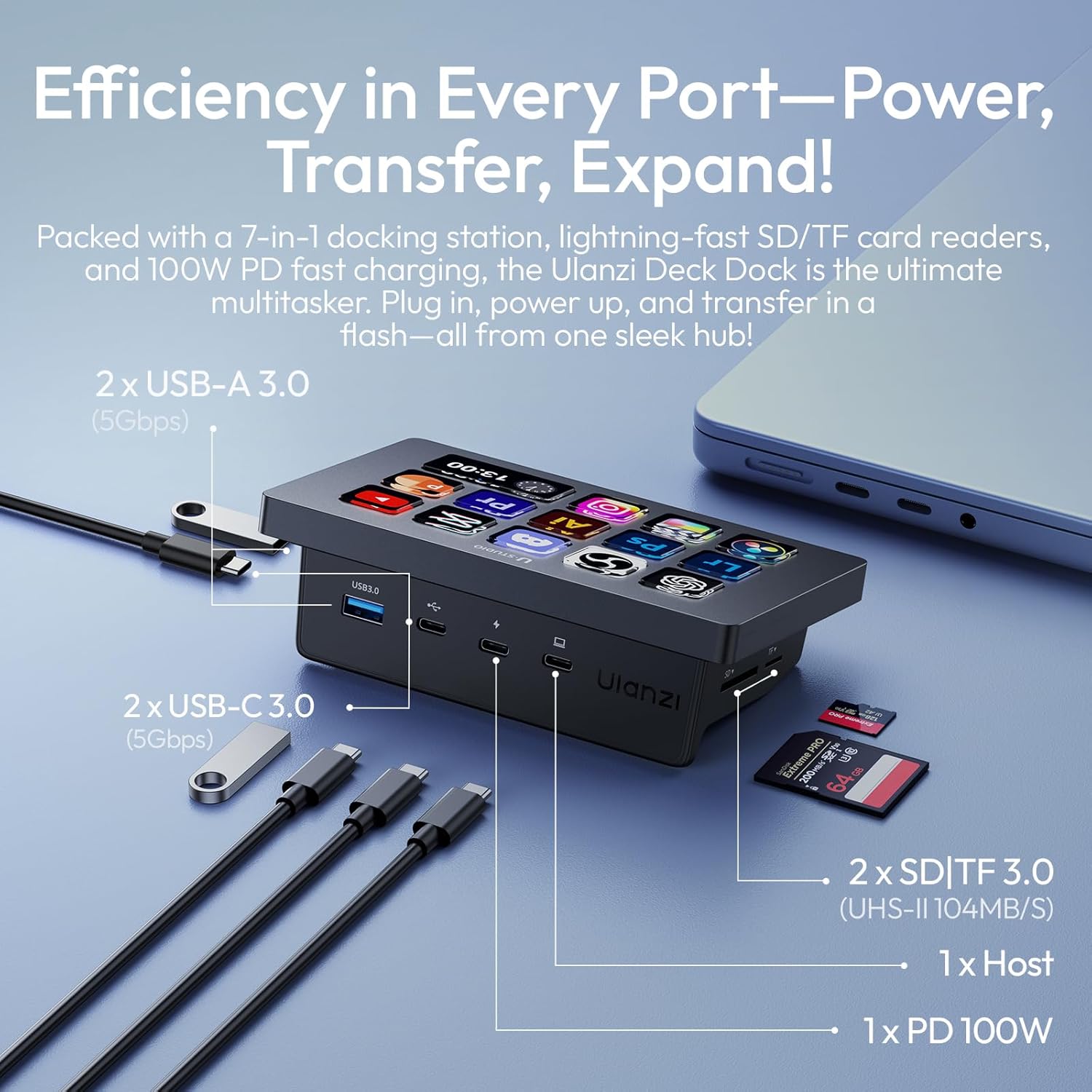
Beyond macros, the D200H is also a USB-C dock with built-in connectivity. It includes a 7-in-1 USB-C hub and SD/TF card reader, with ports listed as 2× USB-A 3.0, 2× USB-C 3.0 (5Gbps), and 2× SD/TF 3.0 card slots. The card reader is stated as supporting up to 104MB/s.
In practical terms, that’s meant to cover the “creator desk” essentials: plug in a mouse and flash drive, connect a camera’s SD card for transfers, and even attach an external SSD. It also uses a stand base to keep the panel tilted, so you’re less likely to crane your neck during long work blocks.
Worth noting: docks can be touchy when you’re mixing devices, cables, and power needs. The D200H positions itself as an all-in-one productivity upgrade, but you’ll still want to check that your laptop or setup supports what you’re planning to connect (especially if you’re trying to run lots of devices at once).
Real-time system monitoring (without alt-tabbing)
A dedicated key is included for a live CPU/GPU/RAM monitor. The “One Window” approach is meant to show real-time usage along with clock and wallpaper, so creators and remote workers don’t have to jump away from their app during renders, lives, or meetings.
This is the type of feature that sounds gimmicky until you actually do it daily. If you’re waiting on a render and you want quick visibility into whether the machine is struggling, having monitoring in the same control surface can be genuinely convenient.
That said, it’s not an all-purpose performance dashboard. If you need advanced monitoring, logging, or deep analytics, you’ll likely still rely on your OS tools.
Wireless light control with Lightmaster
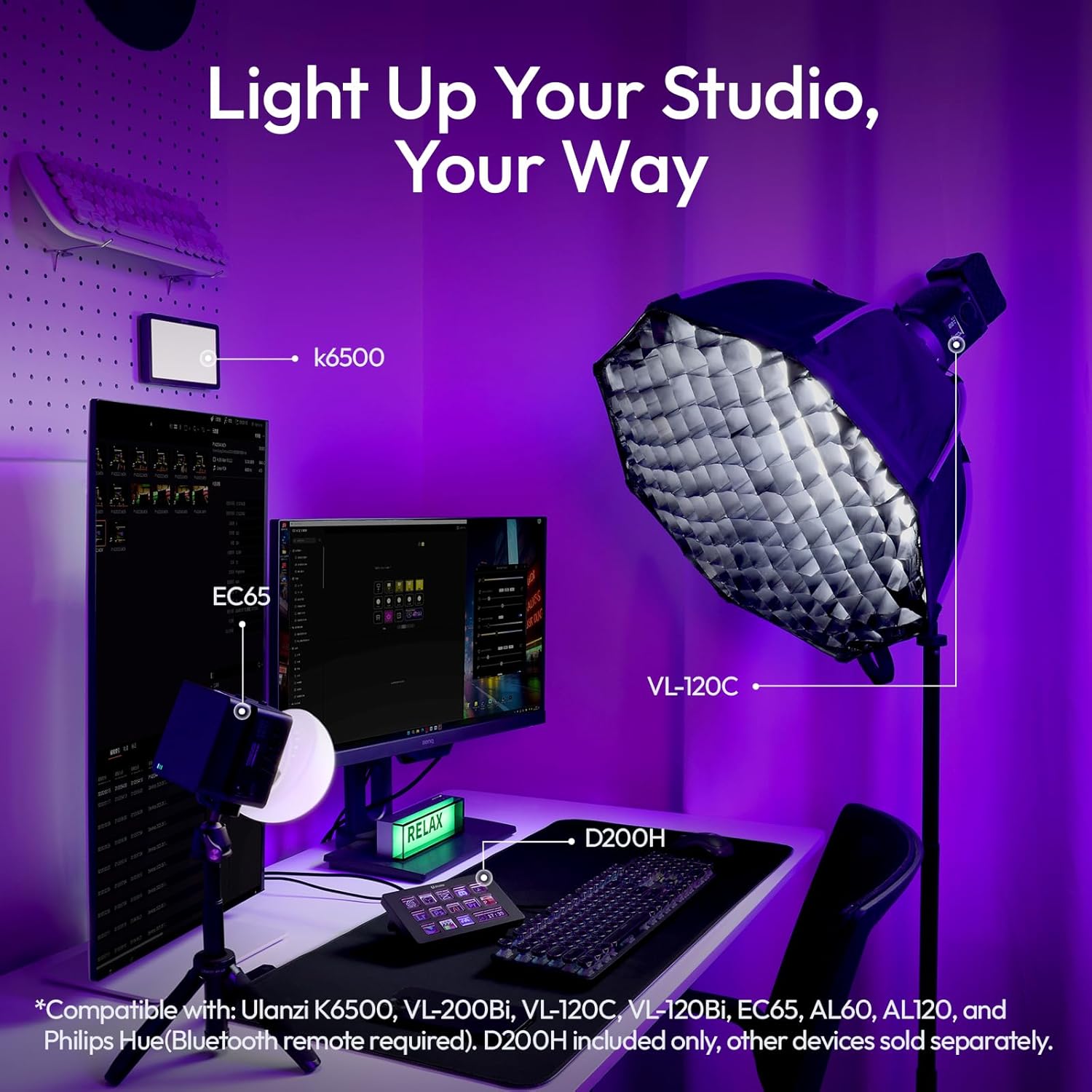
The D200H also includes Lightmaster wireless light control for certain ULANZI studio lights and Philips Hue bulbs. The ULANZI light compatibility list includes K6500, VL-200Bi, VL-120C, VL-120Bi, EC65, AL60, and AL120. For Philips Hue, the input says a Bluetooth bridge is required.
If you stream from the same desk setup often, being able to dial brightness, color temperature, and scenes from the keypad can reduce friction. Instead of reaching for a phone or searching for the lighting app, you get direct controls at the moment you need them.
Limitation to consider: if you don’t already own supported lights—or you use a lighting ecosystem that isn’t mentioned here—this part may be unused potential.
Tech specs
- Name: ULANZI D200H Stream Controller & USB-C Docking Station
- Type: Stream controller / USB-C docking hub with macro keyboard
- Display: 14 high-resolution customizable LCD keys
- Ports: 2× USB-A 3.0
- Ports: 2× USB-C 3.0 (5Gbps)
- Card reader: 2× SD/TF 3.0 slots (up to 104MB/s)
Who it’s for (and who should skip it)
It’s a strong match if you’re a creator who routinely switches scenes, triggers OBS-related actions, runs chat/YouTube shortcuts, or performs repeatable editing/graphics actions. It also makes sense if your workflow needs a compact docking solution plus card reading, and you like the idea of having system monitoring and lighting controls on the same physical panel.
It may not be the best choice if your needs are mostly occasional (you don’t stream or edit often), you prefer a minimal setup, or you don’t want to rely on a companion app for mapping icons and commands. And if you want a full-size control surface with lots of tactile controls for everything—not just key-trigger macros—this one can feel more like a specialized desk assistant than a general-purpose controller.
Is it worth it?
You should buy the ULANZI D200H if you want a desk setup that combines one-tap LCD macro control for streaming/editing/communication with a built-in USB-C hub and SD/TF card reader—so your workflow stays in one place instead of hopping between windows and devices. It also earns points if Lightmaster and the supported lighting ecosystem matters in your production.
You may want to skip it if your day-to-day doesn’t involve OBS/scene control, recurring creator actions, or if you’re not likely to use the docking/card-reader side. Also, since compatibility and mapping rely on the ULANZI Studio app and supported devices, double-check your own workflow fits the described use cases before committing.
Mini FAQ
Does it require coding to set up macros?
No coding is mentioned. The setup is described as using the free ULANZI Studio app with drag-and-drop icon placement.
What software actions does it target?
The description calls out OBS scenes, Twitch chat commands, YouTube Studio shortcuts, Premiere cuts, Photoshop actions, Zoom mutes, and Discord push-to-talk.
Does it include a hub for peripherals?
Yes. It includes a 7-in-1 USB-C hub with 2× USB-A 3.0 and 2× USB-C 3.0 (5Gbps).
Is there a card reader?
Yes. It has 2× SD/TF 3.0 card slots with support stated up to 104MB/s.
Can it control lighting?
It includes Lightmaster wireless light control for listed ULANZI studio lights and Philips Hue bulbs (Bluetooth bridge required for Hue).