

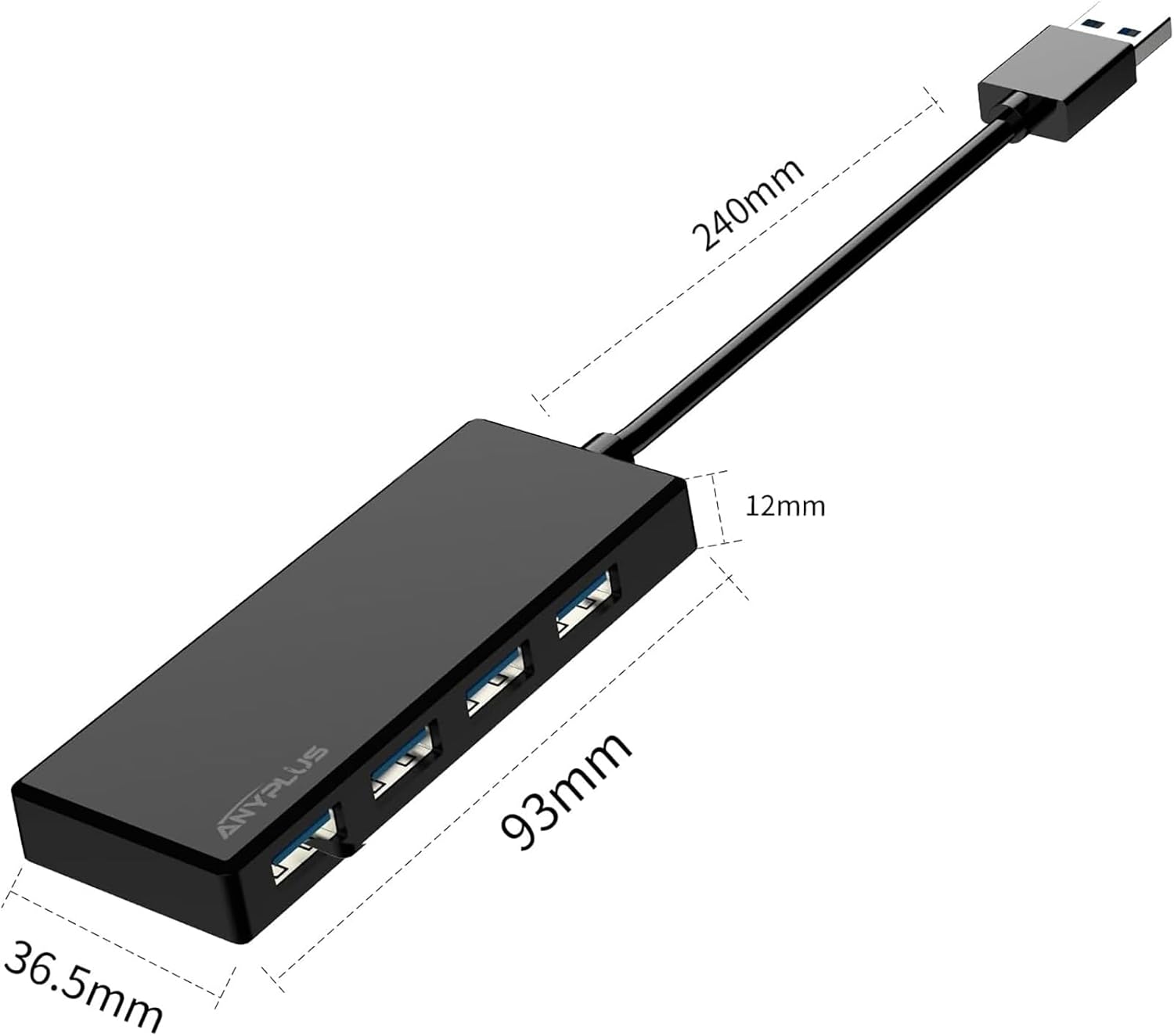


ANYPLUS USB 3.0 Hub 4-Port portable USB hub 🖥
Product description
This compact 4-port USB expander turns a single USB port into four high-speed connections, useful for adding flash drives, keyboards, mice, or external drives to a laptop or desktop. As a portable USB hub for laptops, it makes it easy to expand connectivity when working at a desk or on the go while keeping a low profile and plug-and-play setup.
Key Points
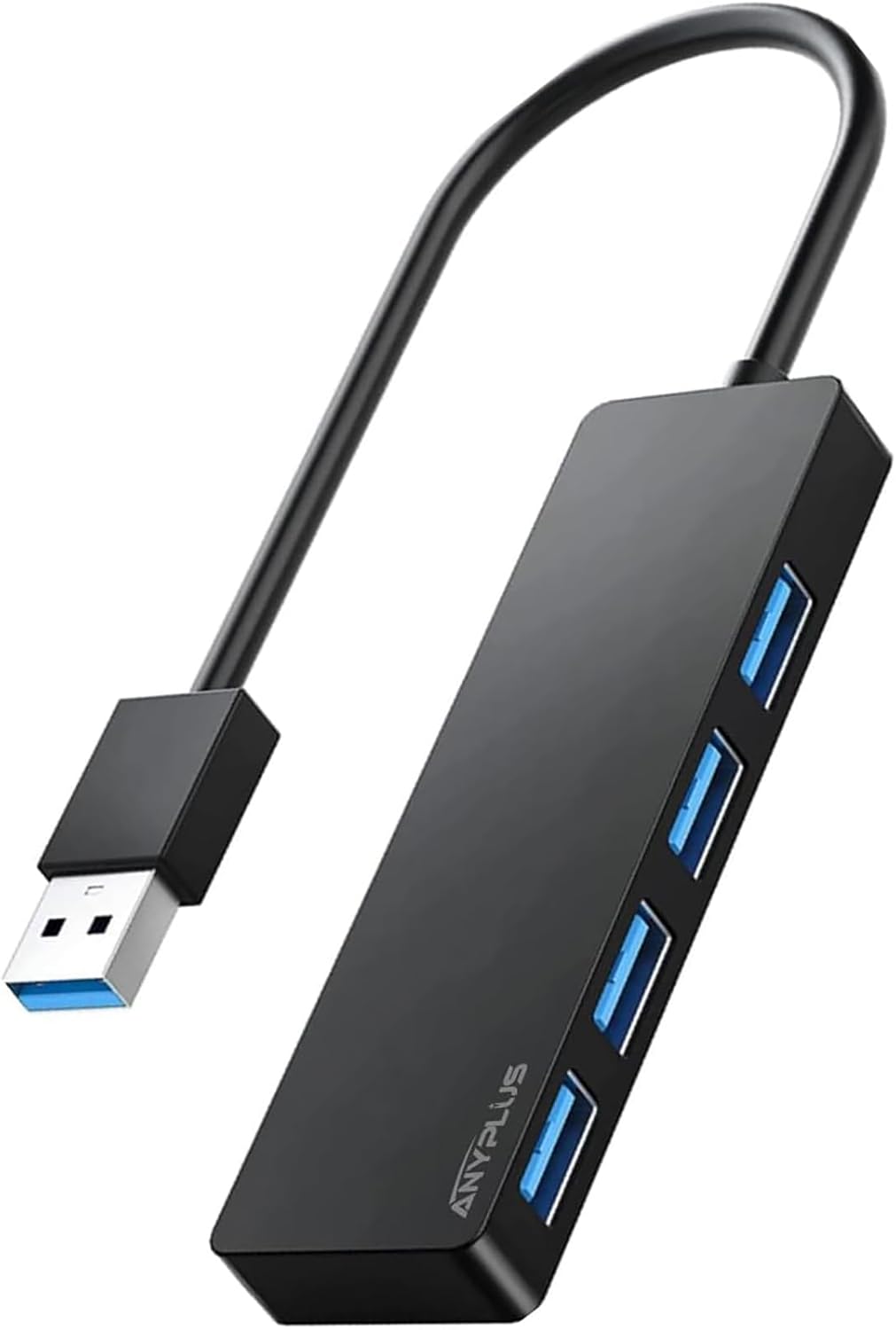
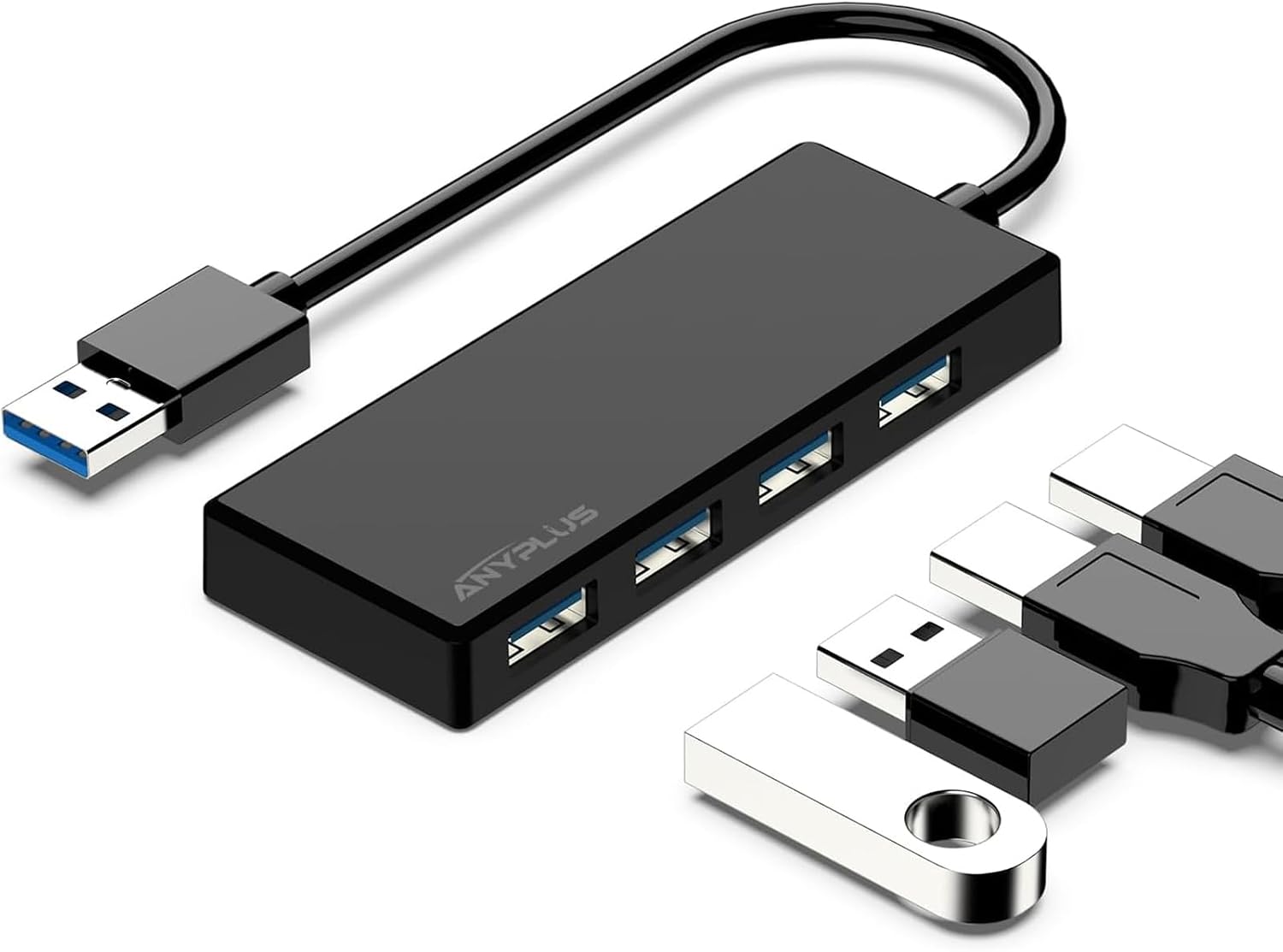
The hub supports simultaneous operation of all four ports so you can connect multiple peripherals without swapping cables. It uses USB 3.0 data transfer technology for faster file moves and responsive peripherals, and it does not require drivers for basic use. Note that the hub is not designed for device charging because the maximum total output is limited to 900 mA, which will result in slow charging for phones and may not power some bus-powered hard drives. ⚡
Compatibility covers a wide range of systems, including Windows 10/8/7/Vista/XP, Mac OS X, Linux and Chrome OS. The unit is also shown to work with consoles and accessories such as Xbox, PS4, printers and USB fans, which makes it a practical accessory for mixed setups. The design is compact and lightweight so it fits easily in a laptop bag or next to a desktop monitor. 🔌
Technical Specifications
- Name: ANYPLUS USB 3.0 Hub 4-Port
- Ports: 4 x USB Type-A (USB 3.0 compatible)
- Data transfer speed: 5 Gbps (USB 3.0), 480 Mbps (USB 2.0), 12 Mbps (USB 1.1)
- Maximum output current: 900 mA total
- Driver: Plug and Play, no driver required for standard operation

Usage Recommendations
For file transfers and connecting low-power peripherals like keyboards, mice and flash drives, use the USB 3.0 ports to benefit from 5 Gbps transfer speed for large files and backups. When working with external mechanical hard drives that need more power, consider using a powered USB hub or an adapter with an external supply because those drives often require more than the hub’s 900 mA limit. 💾
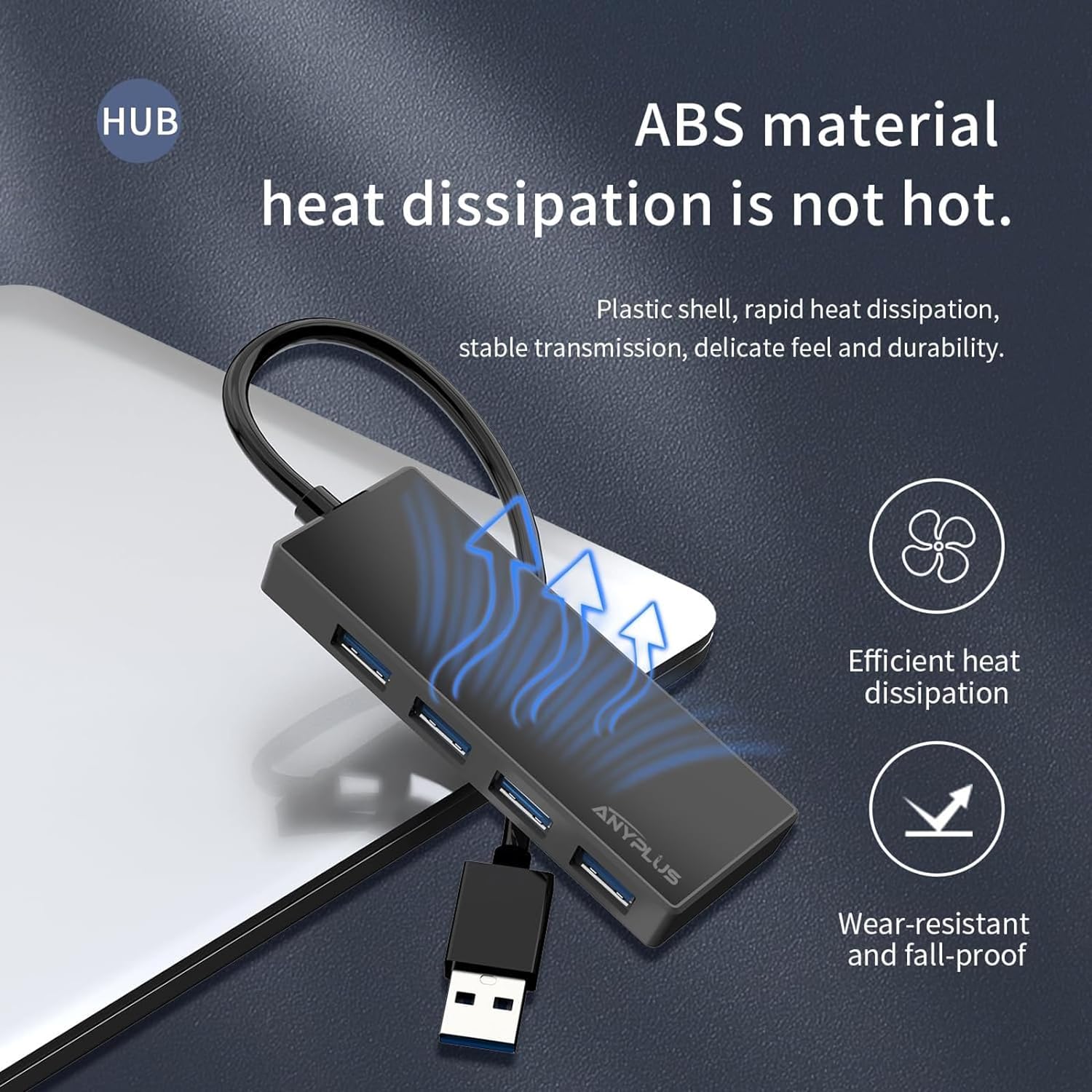
Keep the hub on a flat surface and avoid stacking heavy items on top to maintain airflow and moderate temperature during sustained transfers. If you plan to use multiple high-draw devices at once, monitor performance and connect power-hungry devices directly to a powered port on your computer or to a hub with its own power adapter.