

AV Access Dual Monitor Docking Station & KVM Switch for 2 Computers (USB-C, 4K@60Hz, 120W)
Product description
If you bounce between a work laptop and a desktop, the AV Access dual monitor docking station with KVM switch is built for that exact rhythm. It’s a single desk setup that lets two computers share the same monitors and peripherals, without turning your cable management into a daily chore.
That said, there are a couple of caveats worth knowing upfront—especially on Apple Mac setups and how it behaves with macOS display modes. If you’re the type who wants a straightforward “plug in and switch” experience, this one has a lot going for it.
Key takeaways
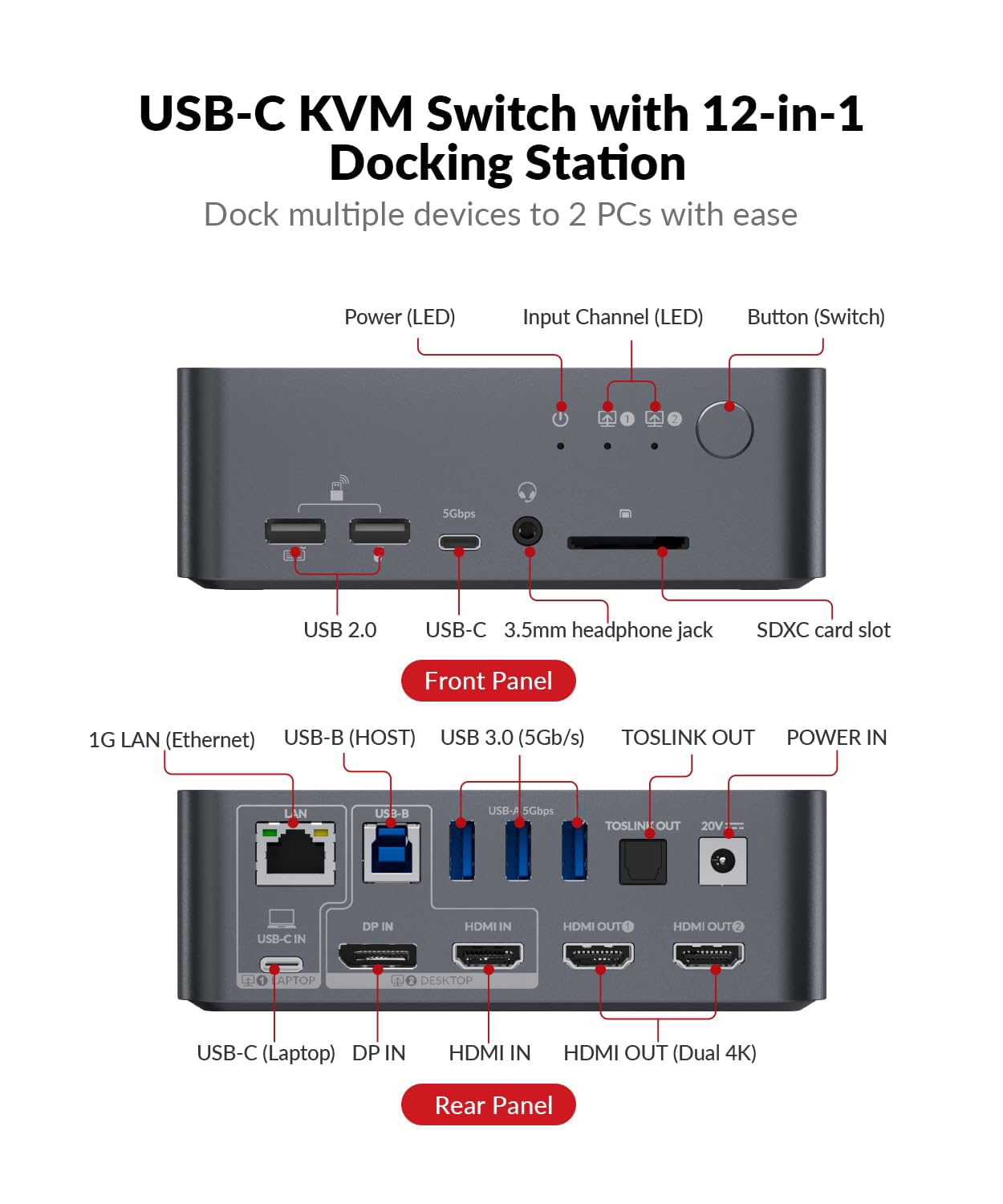
This is a 12-in-1 style docking station focused on dual-monitor output plus a KVM-style switching flow between two PCs. You get multiple shared ports (USB, SD, LAN, audio outputs) and two HDMI outputs for dual display, with support for 4K@60Hz dual HDMI output.
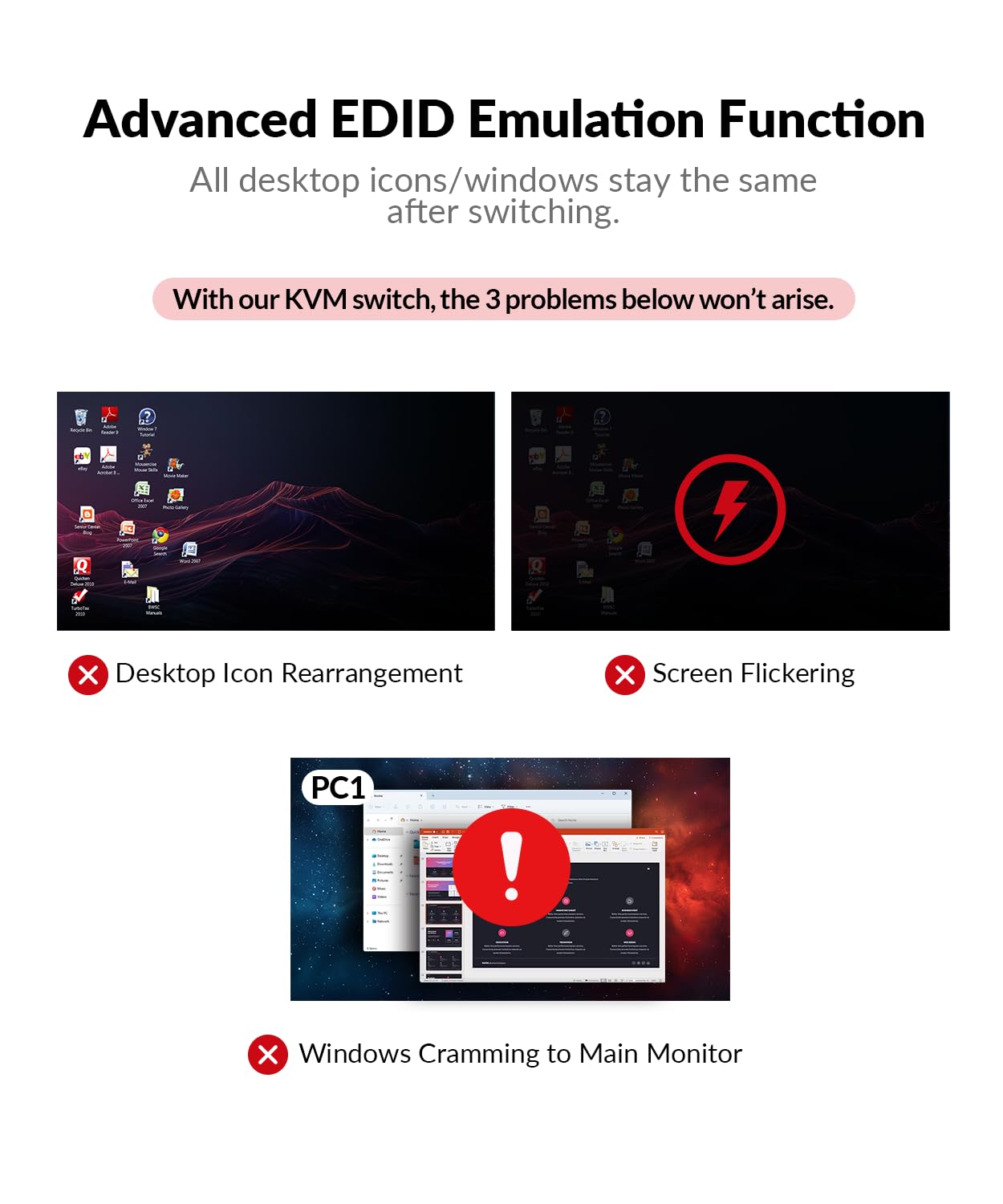
The switching experience is also designed to be quick: it includes automatic PC wake-up and EDID simulation, and it claims switching in about 2–3 seconds when you use the front control button.
What you’ll notice day to day
On paper, the biggest “wow” here is the combined workstation approach. Instead of using one dock for your laptop and then constantly swapping inputs/cables for the desktop, this setup is meant to keep your peripherals and dual monitors consistent while you switch computers.
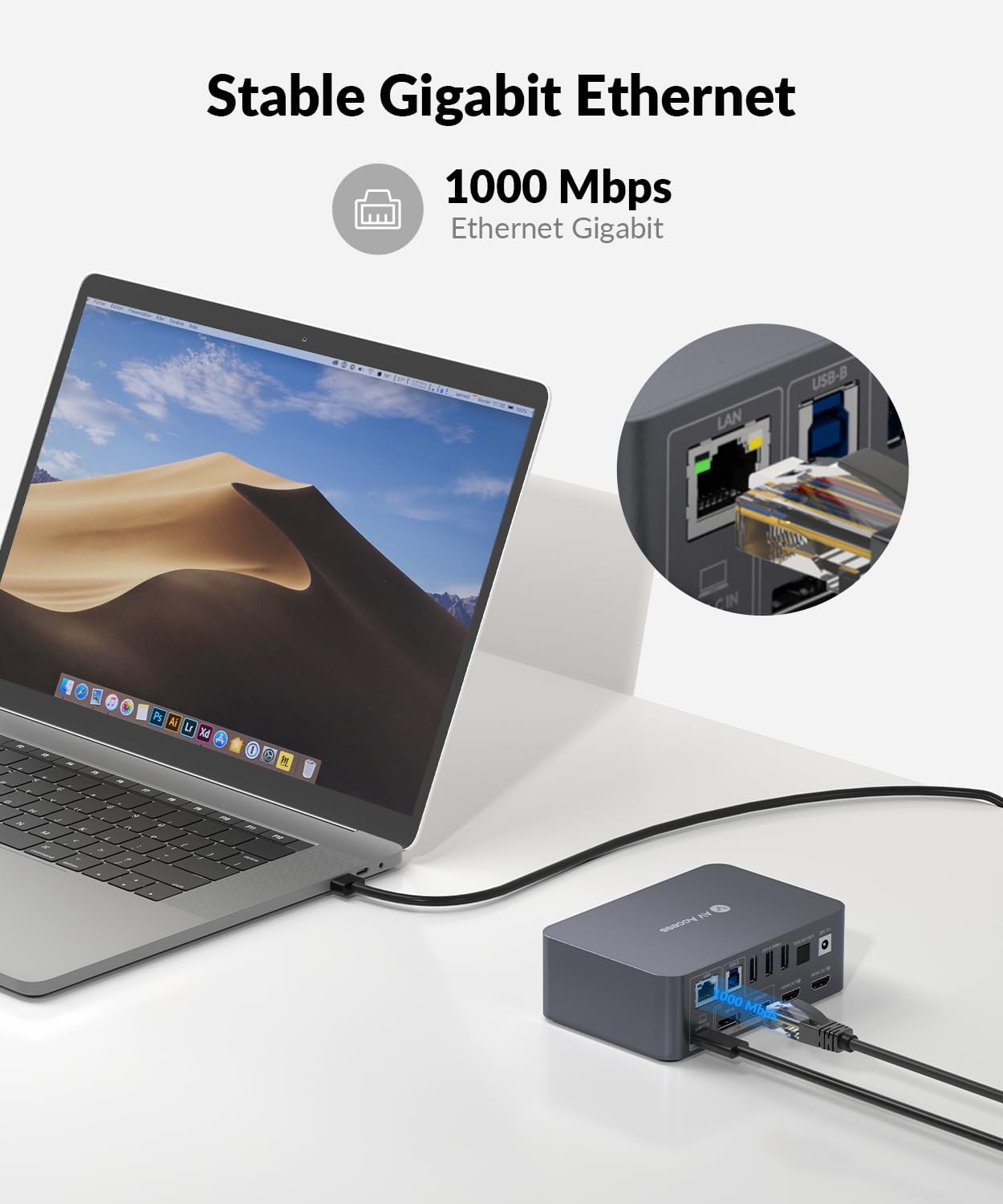
A realistic example: you plug in your laptop over USB-C (with MST input) and you can use your shared USB ports, SD card slot, and Ethernet (LAN) for internet access for the laptop. When you finish work and want to game or use the desktop, you press the front button to switch the video source—no need to re-route HDMI cables every time.
The other day-to-day detail that matters is display readiness. EDID simulation helps maintain stable handshakes for monitors during switching, which is usually where docking setups either feel smooth—or get annoying fast.
Where it shines
This dock is trying to cover the whole “desk hub” job: laptop power, wired network for your laptop, audio output, and lots of USB connectivity, alongside dual-monitor support.
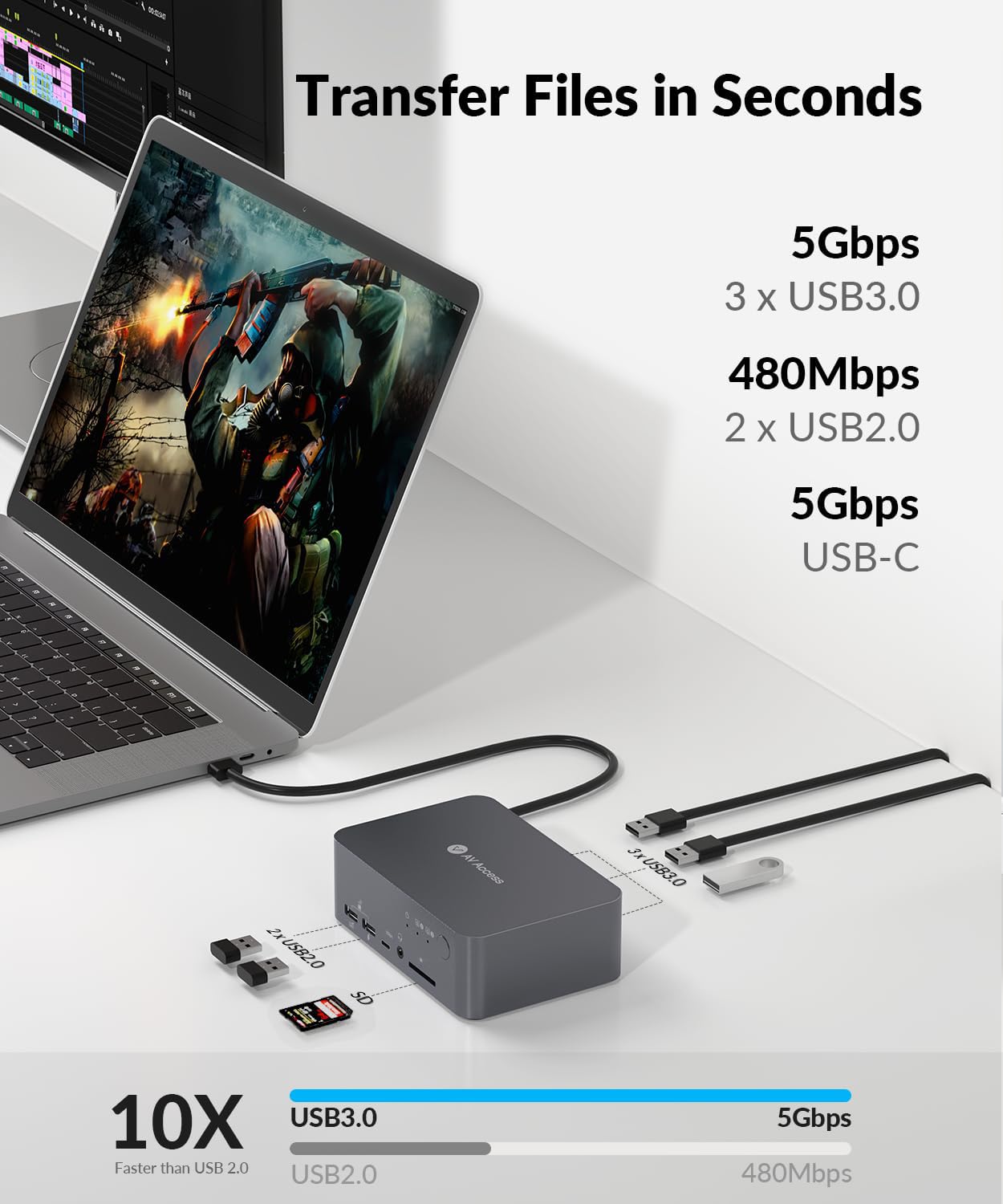
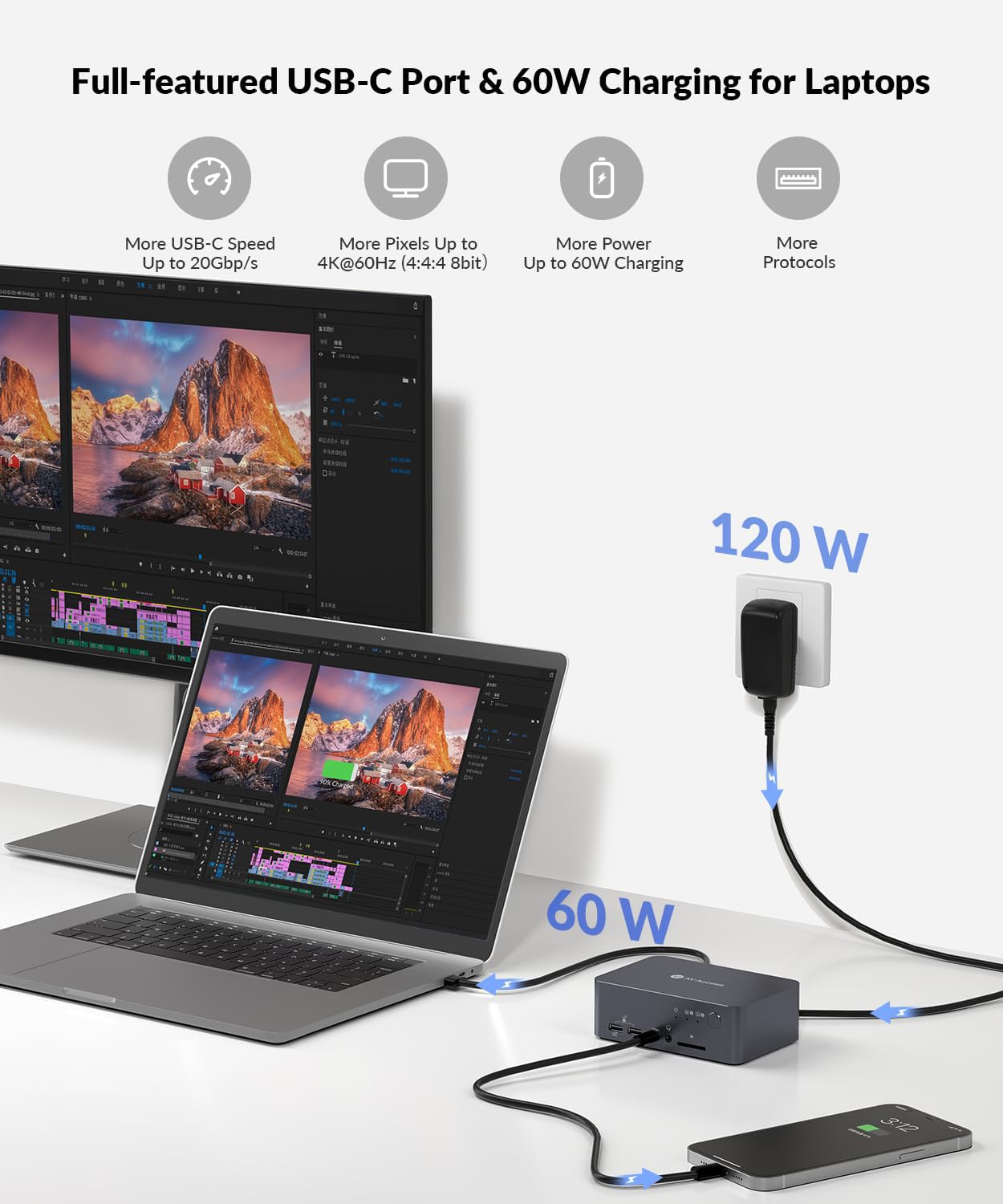
A few things that stand out based on the provided specs: - Dual monitor support with dual HDMI outputs and a stated max of 4K@60Hz (4:4:4 mentioned). - USB-C port that supports charging up to 60W for the laptop. - A mix of ports for peripherals: USB 3.0/USB 2.0 (5xUSB in total per the listing), SD card, LAN, Toslink out, and a 3.5mm headset/audio option. - Switching features aimed at speed: automatic PC wake-up and EDID simulation.
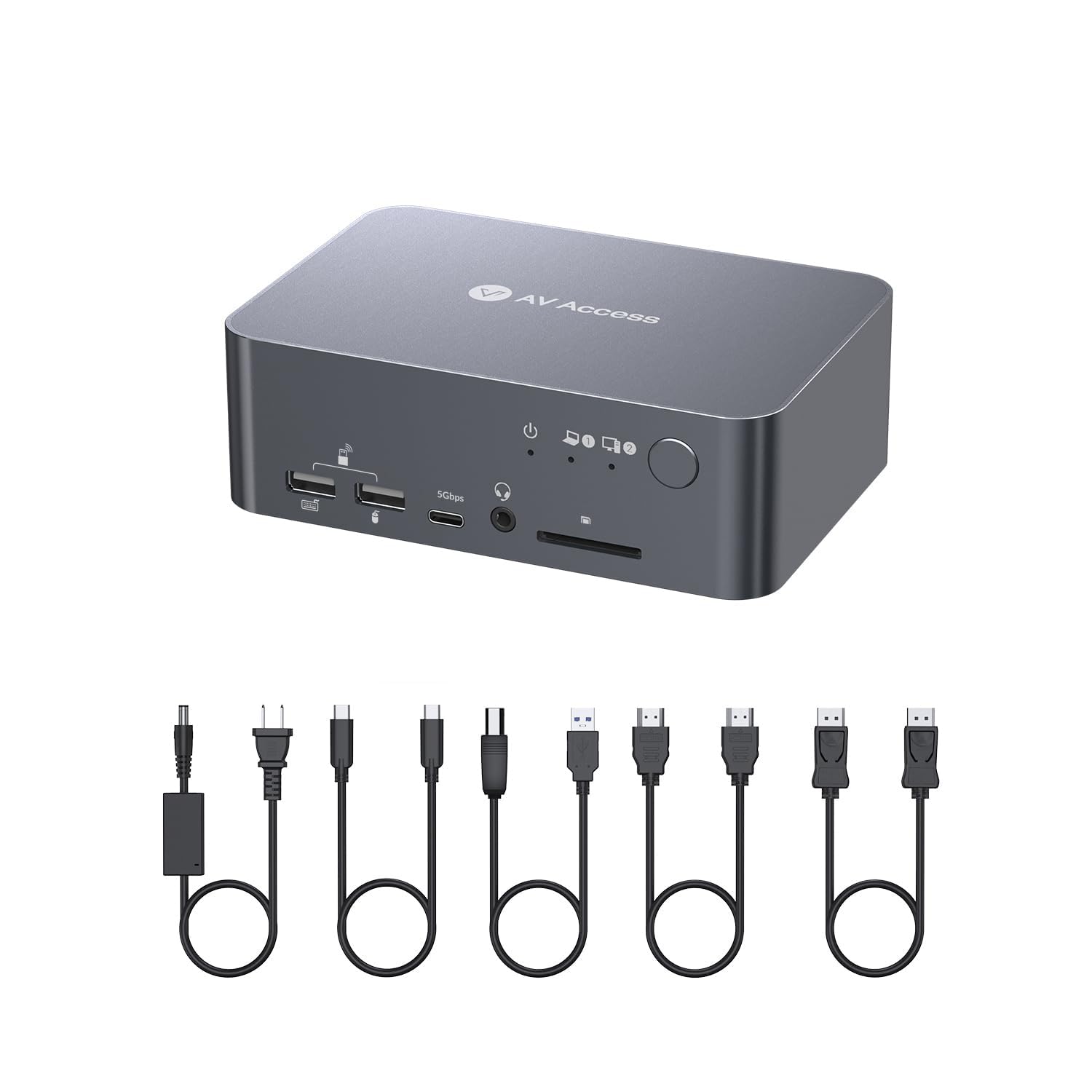
It also includes both cable types you’d expect to connect the two machines (USB-C to USB-C for the laptop, USB-A to USB-B for the desktop side), plus HDMI/DisplayPort cables in the box.
The essentials (tech overview)
This model is presented as a dual monitor docking station and KVM switch with one USB-C (MST) input for the laptop and an integrated HDMI + DisplayPort + USB-B input for the desktop. It’s designed for plug and play with no driver required.
Tech specs
- Type: Docking station with KVM switch (2 computers, dual monitor)
- Video outputs: Dual HDMI outputs (HDMI 2.0 and DisplayPort 1.2/1.4a compliant mentioned)
- Max dual monitor resolution: Up to 4K@60Hz (4:4:4 mentioned)
- High refresh rate support (examples listed): 1080P up to 240Hz/165Hz/144Hz/120Hz, 2560×1440 up to 144Hz/120Hz
- USB-C charging: Up to 60W
- USB data: USB-C port listed at 20Gbps and up to 5Gbps data transmission mentioned
- Switching: Automatic PC wake-up + EDID simulation, 2–3 seconds switching time claimed
- Audio / optical: 3.5mm headset audio and Toslink out mentioned
- Network note: LAN port can only provide internet access for the laptop
- Materials/build: All-aluminum shell, shockproof, stable, reliable (as stated)
Compatibility & requirements
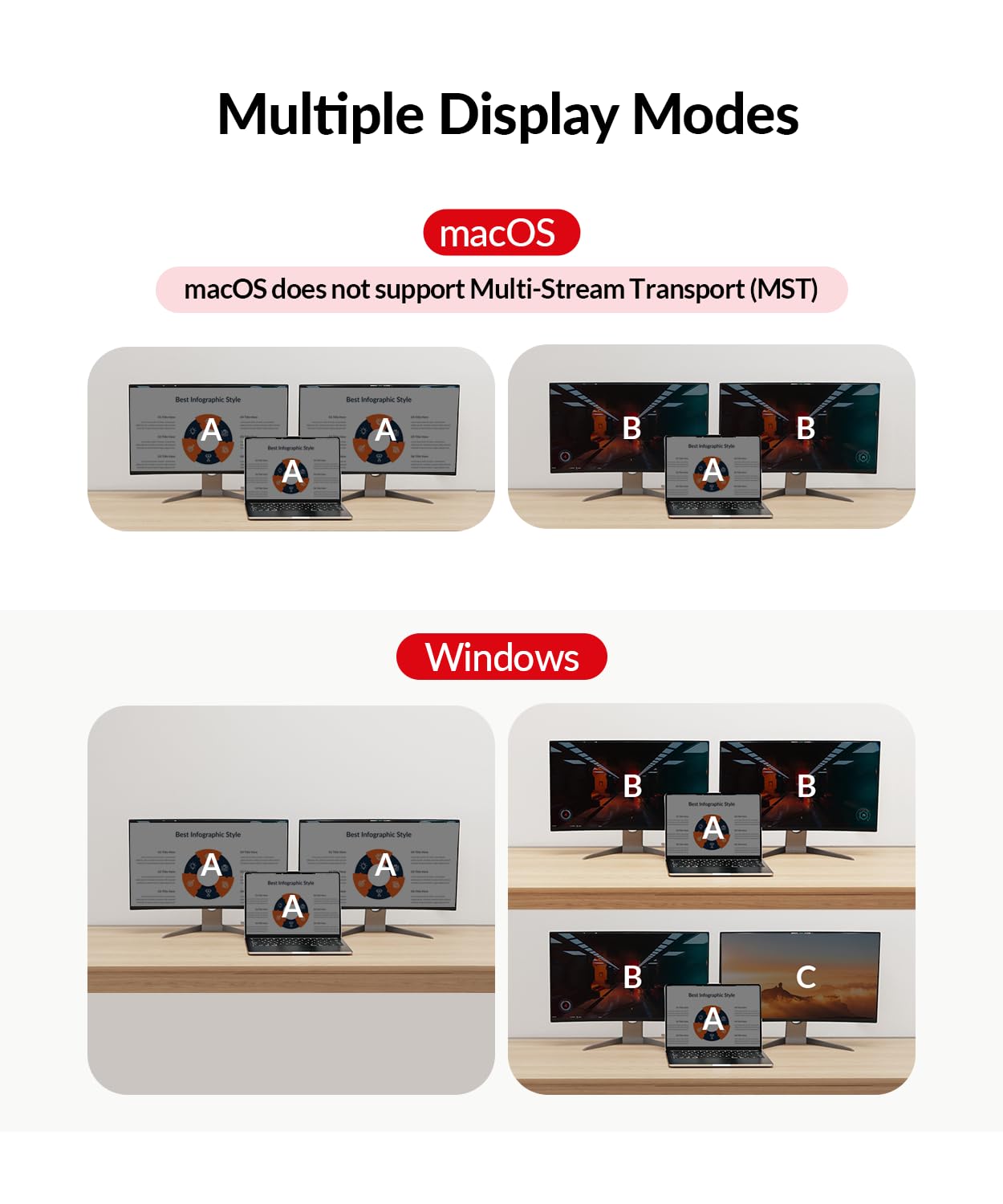
Mac users should slow down a bit here. The listing explicitly notes: “Only support mirrored mode on macOS.” It also mentions that another model (iDock M10) supports dual-screen extended mode for Apple MacBook, which implies this specific unit may not deliver the same extended desktop behavior on macOS.
Also, be mindful about the LAN port limitation: the listing states the LAN port can only provide internet access for your laptop. So if your goal is to route internet for both computers through this dock, that’s not how it’s described.
Should you buy it?
Worth it if you want a single desk hub that keeps dual monitors and peripheral connections consistent while you switch between two computers (a laptop and a desktop). The combination of dual HDMI output, charging up to 60W over USB-C, and fast switching features (2–3 seconds with EDID simulation) is the core reason this makes sense.
Skip it (or at least double-check expectations) if you specifically need macOS extended mode for dual screens, since the listing says it only supports mirrored mode on macOS. It may also feel limiting if you were hoping for a truly “shared internet” setup for both machines, because the LAN port is described as laptop-only.
Mini FAQ
FAQ
Does it work with two computers at the same time?
It’s designed for two computers and a switching flow between sources, with two monitor outputs so you can view two monitors at the same time while switching between PCs.
Is a driver required?
The listing says no driver is needed—plug and play.
Can the dock charge a laptop?
Yes. It includes a USB-C charging capability up to 60W.
What video quality can you expect?
It states support for up to 4K@60Hz dual HDMI output (and lists several high refresh rate examples).
How fast is the switching?
The listing claims switching takes about 2–3 seconds, using the front control button, aided by automatic PC wake-up and EDID simulation.