

SABRENT DS-UFNC Lay-Flat NVMe + SATA Dock 10Gbps
Reviews
Price
Product description
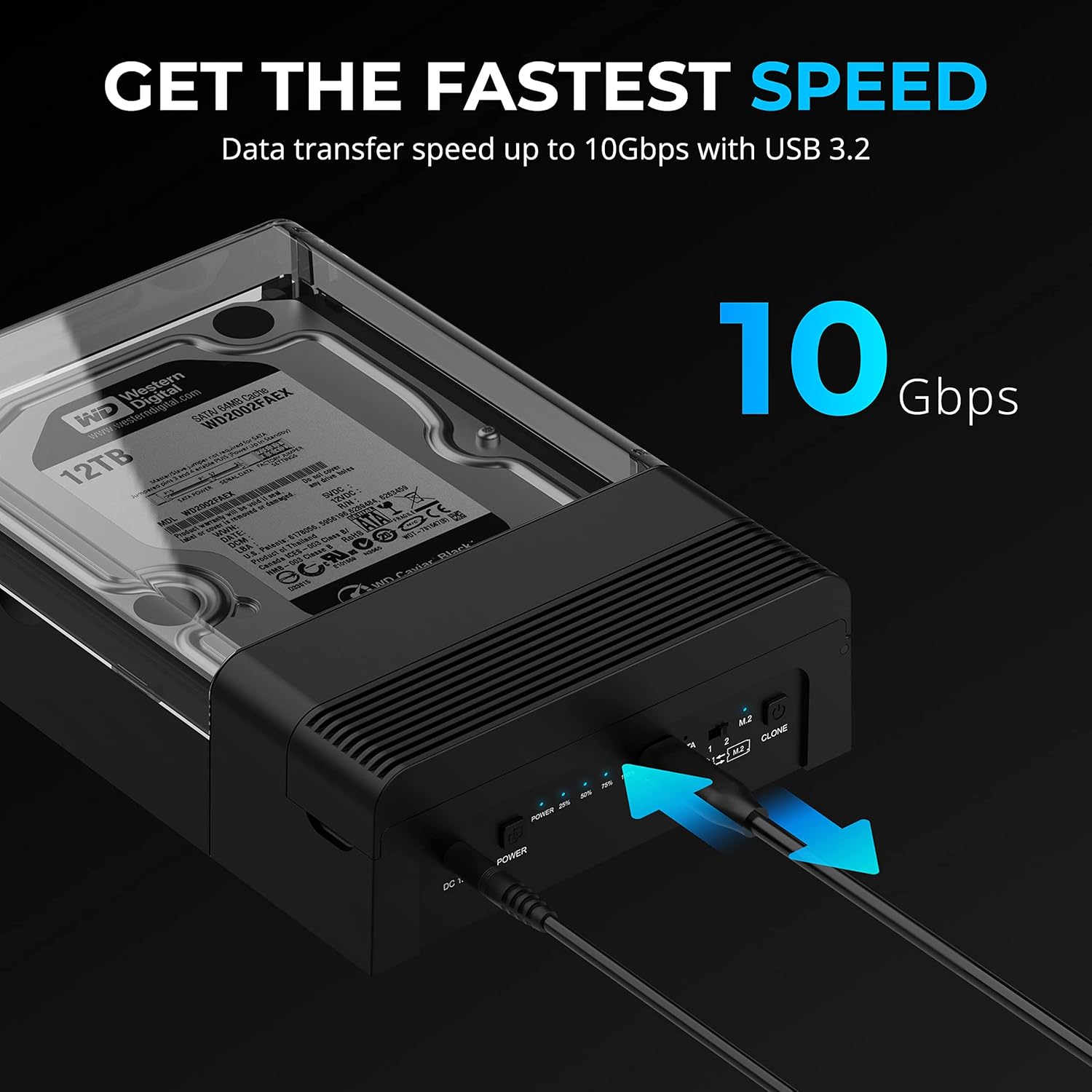
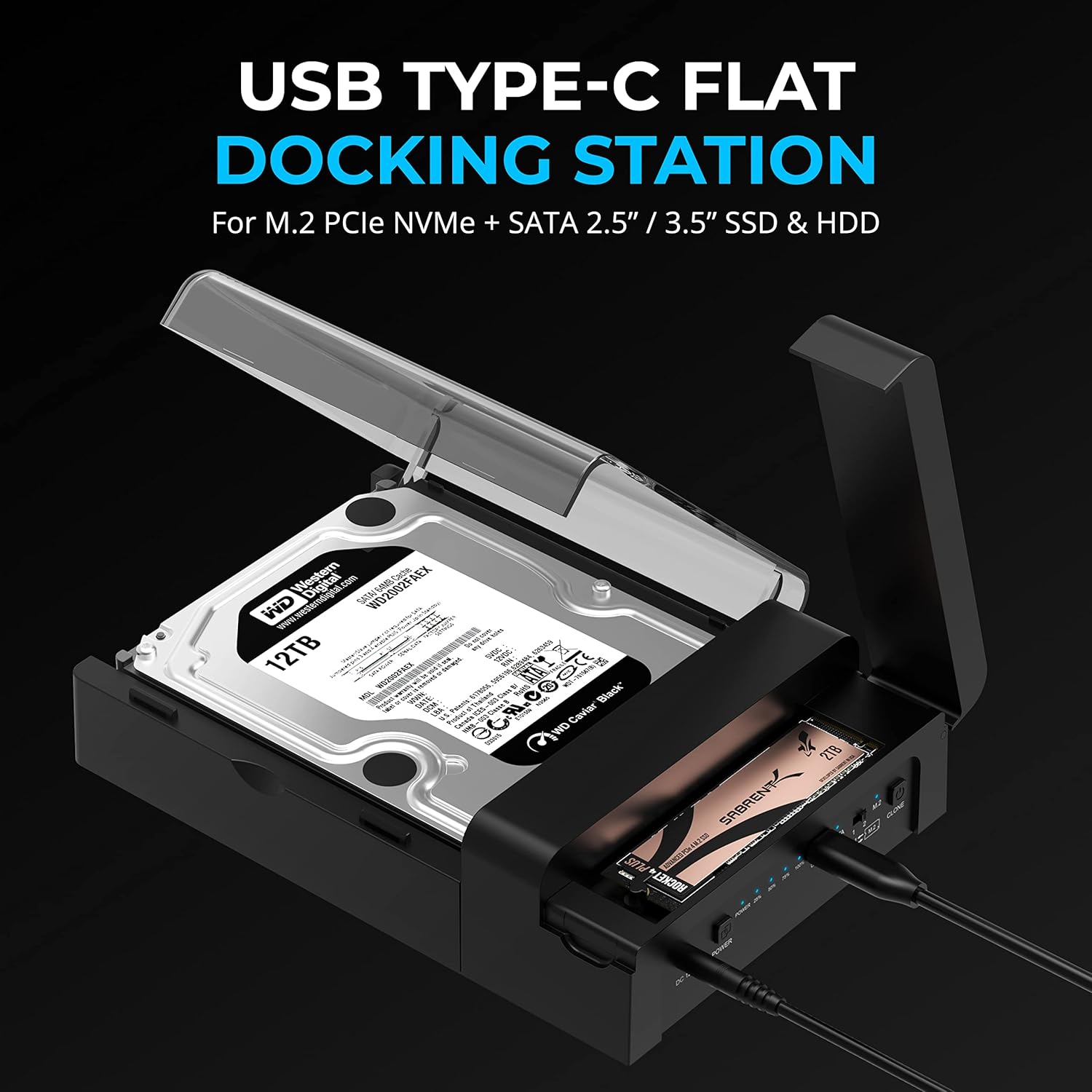
This lay-flat docking station from SABRENT combines NVMe M.2 and SATA 2.5"/3.5" bay support for easy data access and offline cloning, making large file transfers and drive management straightforward for Windows, Mac, and Linux users. It is designed for tool-free installation and offers fast USB 3.2 Gen 2 speeds up to 10 Gbps, which helps when moving backups, media libraries, or working with multiple storage drives.
Key Points
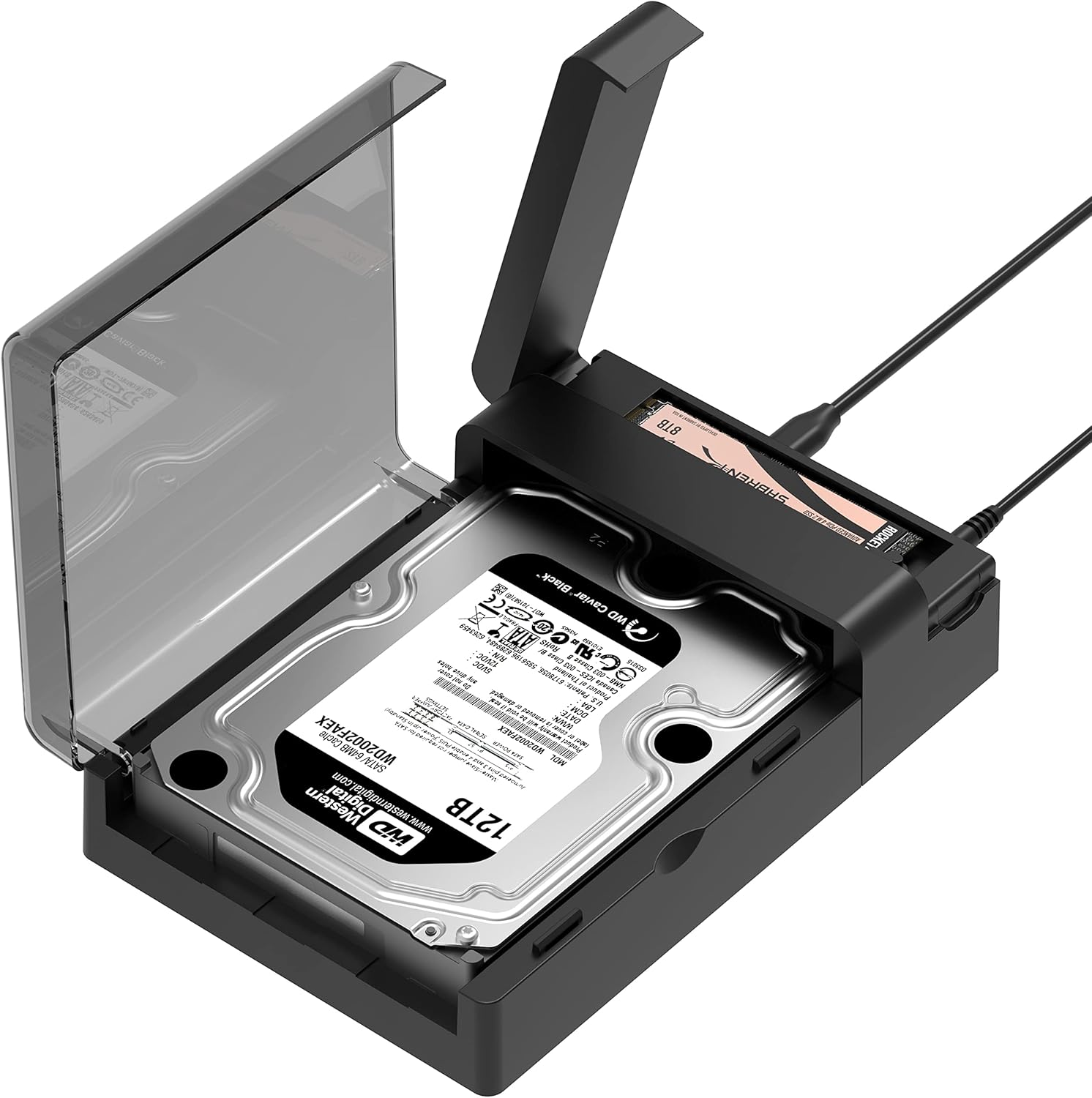
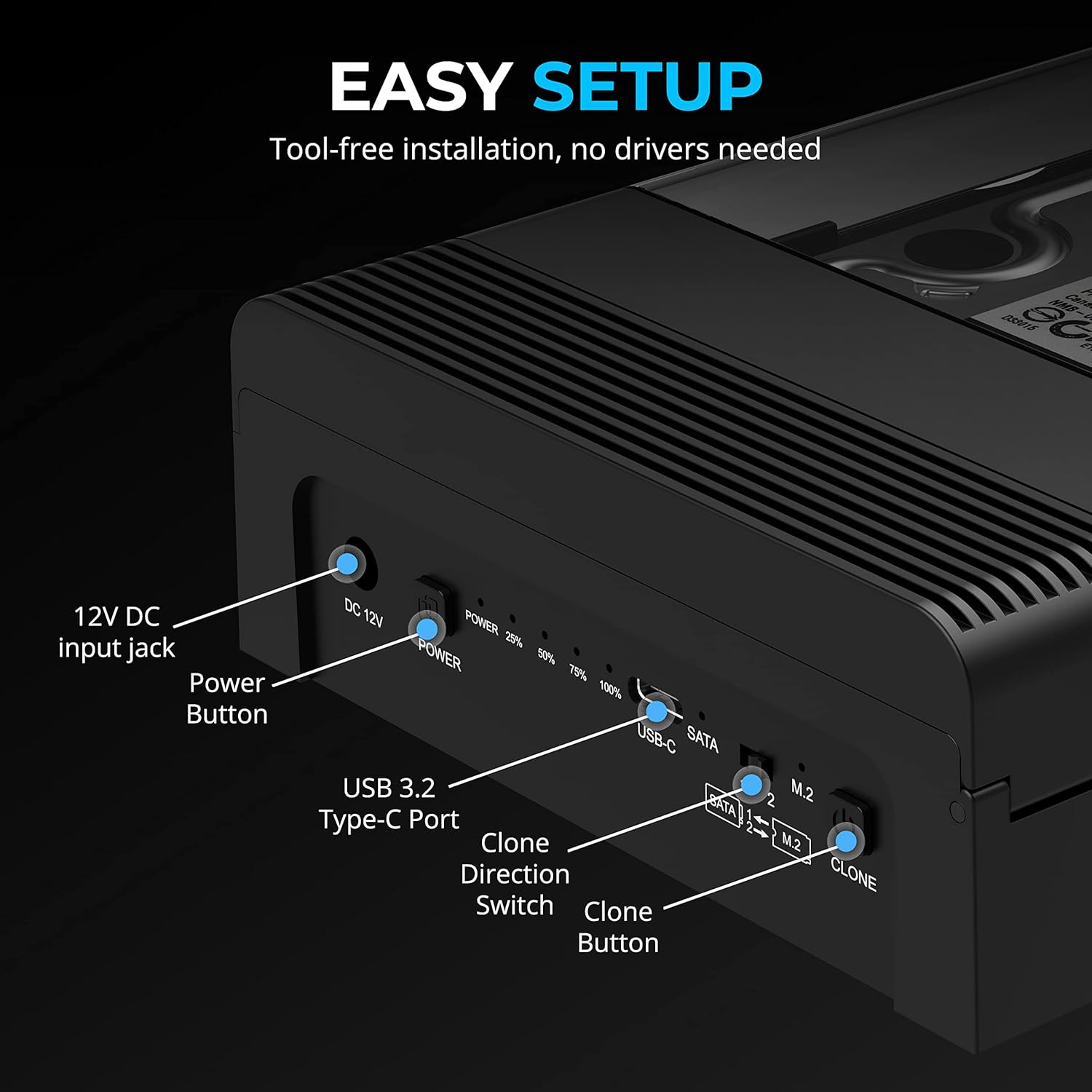
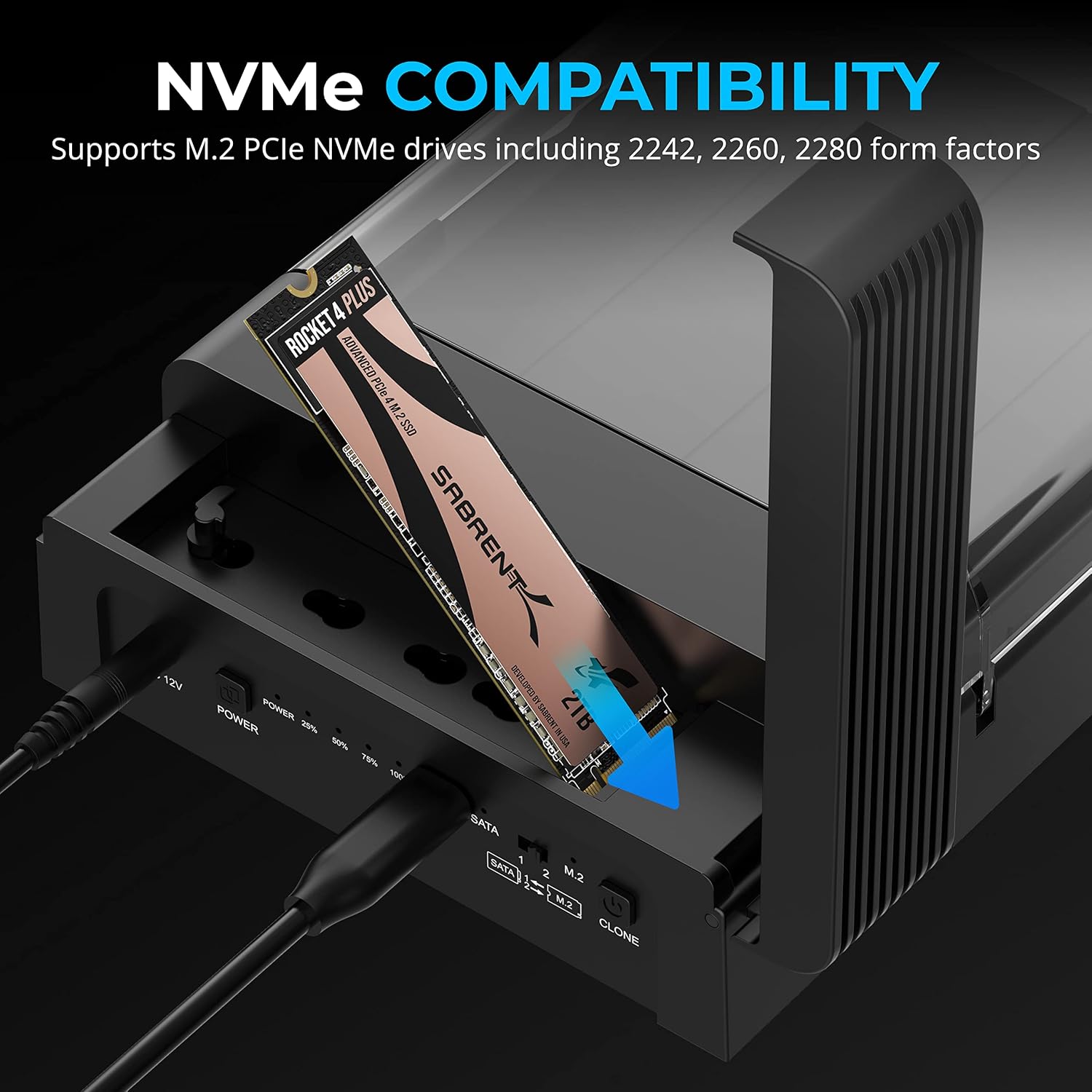
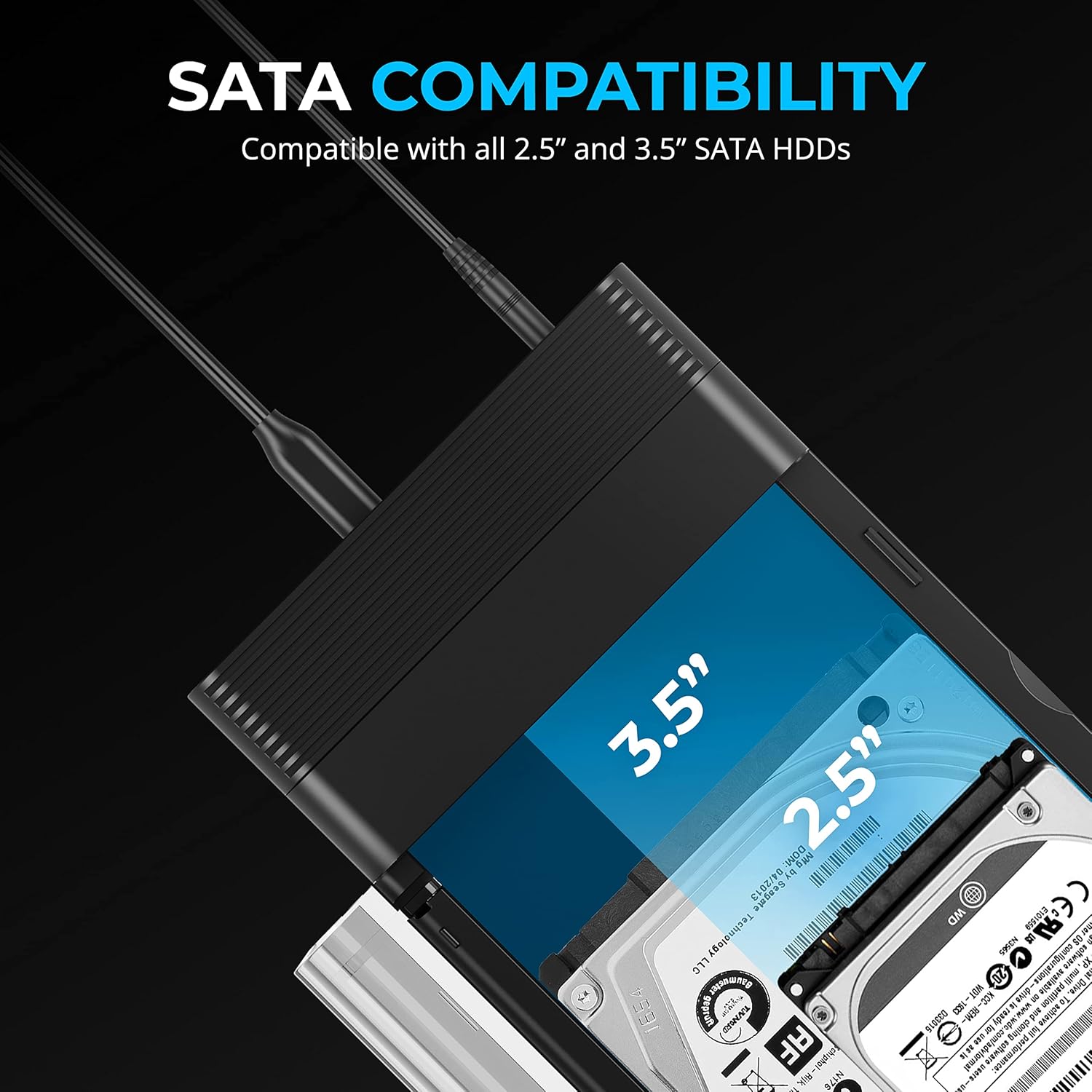
The enclosure supports simultaneous use of an M.2 PCIe NVMe SSD and a SATA 2.5-inch or 3.5-inch SSD/HDD without tools for installation. A dedicated power adapter is included to supply enough power for 3.5-inch drives and higher-power SSDs. LEDs show drive status and cloning progress to keep you informed during operations. The package includes both USB-C to USB-C and USB-A to USB-C cables to improve compatibility with a variety of hosts. According to the manufacturer, TRIM and UASP are supported to improve long-term performance and reliability.
Technical Specifications
- Name: SABRENT DS-UFNC
- Interface: USB 3.2 Gen 2, up to 10 Gbps
- Drive support: M.2 PCIe NVMe and SATA 2.5"/3.5" SSD/HDD
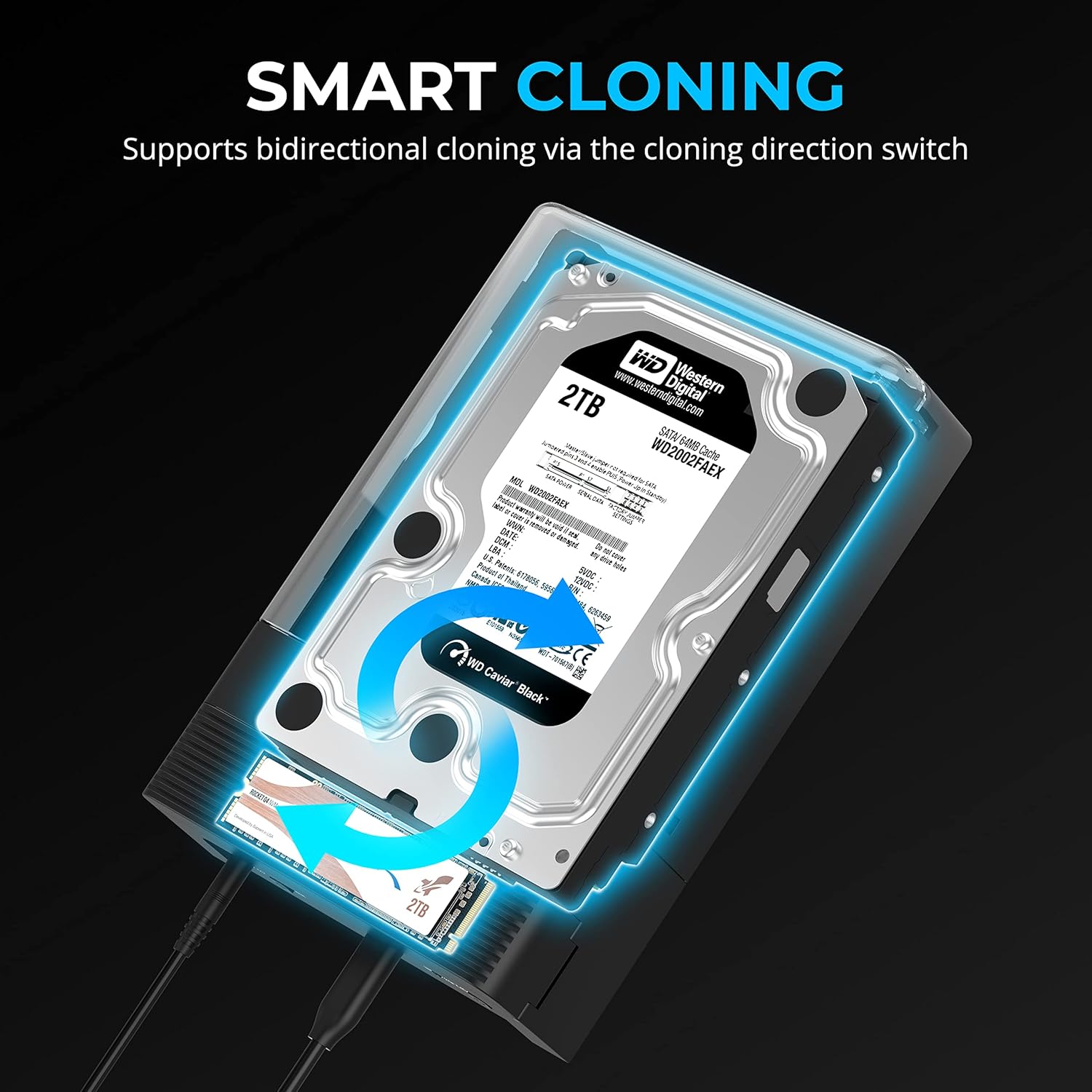
- Features: Offline clone function, TRIM and UASP support
- Power: Includes external power adapter for 3.5" drives
- Installation: Tool-free, lay-flat enclosure with M.2 heatsink and thermal pad
The Best of This Model
The main advantage is flexibility. You can use this dock as a daily external drive solution or as a quick way to clone drives without connecting to a computer, which is handy when migrating operating systems or duplicating backups. The included thermal pad and M.2 heatsink help keep NVMe temperatures lower under sustained workloads, and the tool-free layout reduces setup time for technicians and hobbyists alike. 🔧
Usage Recommendations
Connect the dock to a USB 3.2 Gen 2 port on your computer to reach the highest possible transfer rates. For cloning between two drives, follow the enclosure’s LED indicators and the offline clone procedure described in the product guide. Consider that peak 10 Gbps throughput requires a compatible host port and may be limited by the installed drive performance. Also note that while the product is designed for Windows and macOS, functionality with some third-party devices may vary and contacting support is suggested if unusual behavior appears. 💾🔥.