


Acer USB-C Hub 5-in-1
Product description
When a laptop runs out of ports during a presentation or a work session, switching cables can interrupt the task at hand. This Acer USB-C hub brings HDMI, charging, and USB-A connections together in one compact adapter, so you can connect a display and accessories from a single USB-C port.
Its HDMI output has an important requirement: the host device’s USB-C port must support DisplayPort Alt Mode or Thunderbolt 3 or 4.
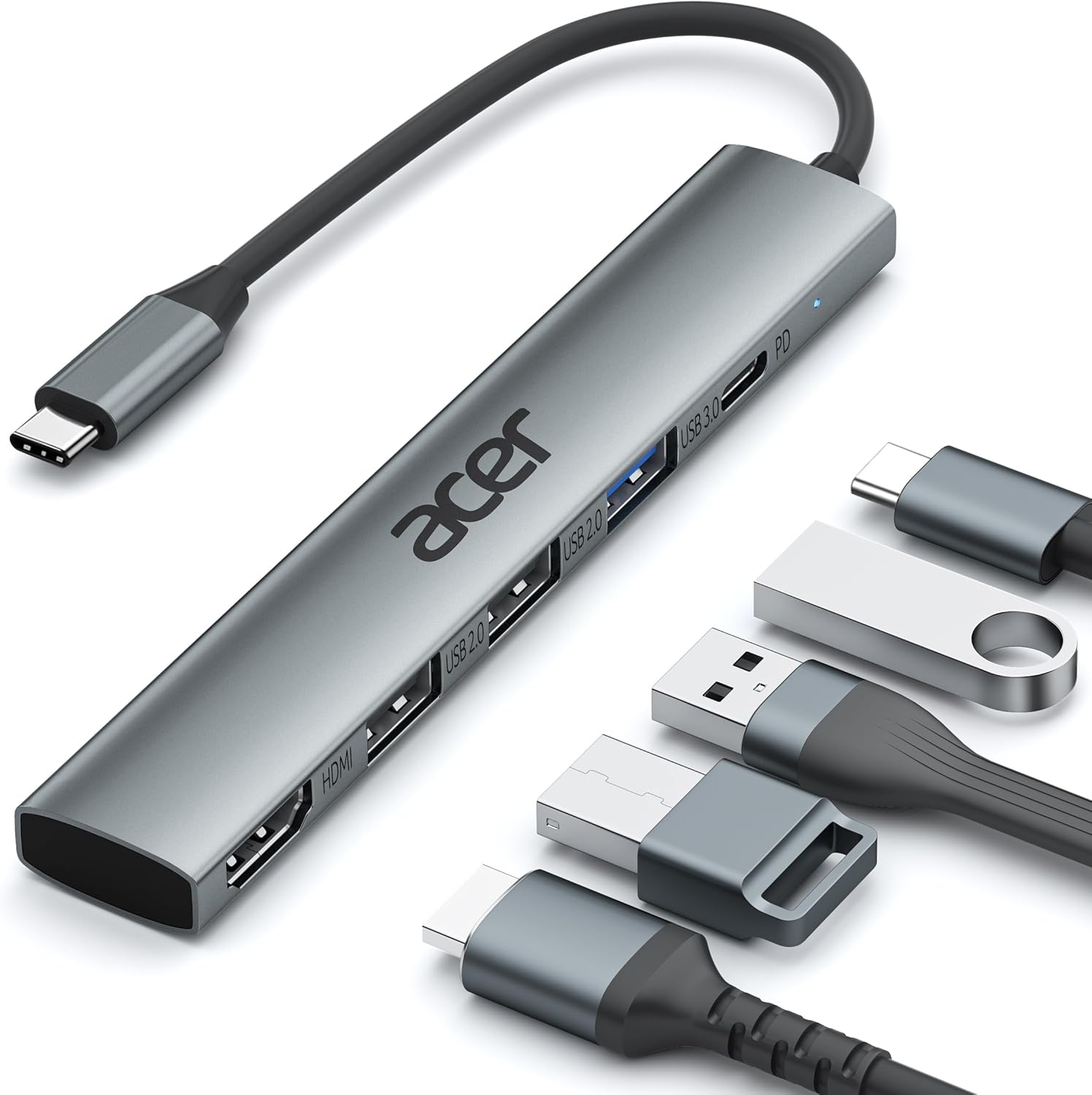
Getting the most from it
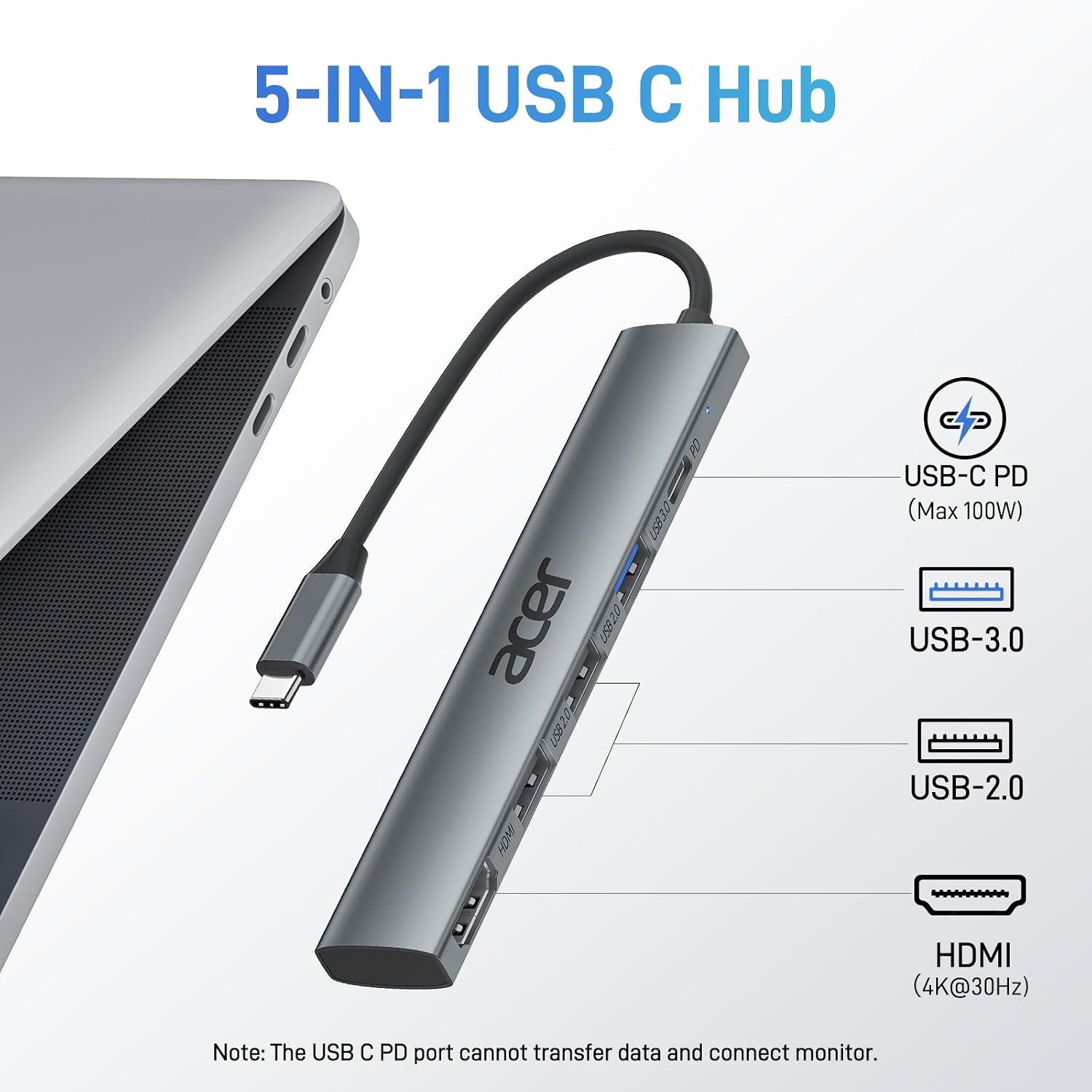
Use the HDMI port to connect a compatible laptop, tablet, or other listed device to an external screen. The output supports up to 4K at 30Hz, with mirror and extended display modes listed for presentations or a larger workspace. For example, you could connect a laptop to a meeting-room screen while keeping a USB accessory connected to the hub. The image output still depends on the host’s USB-C video support, a port limited to charging or data won’t enable HDMI.
For peripherals, there’s one USB 3.0 port rated for transfer speeds up to 5Gbps, alongside two USB 2.0 ports. That mix gives you a faster connection for file transfers and extra ports for other USB-A devices. The USB-C PD port provides up to 100W of charging to the host, but it does not handle data or video. A compatible power source is needed for charging through that port.
Why it’s worth it
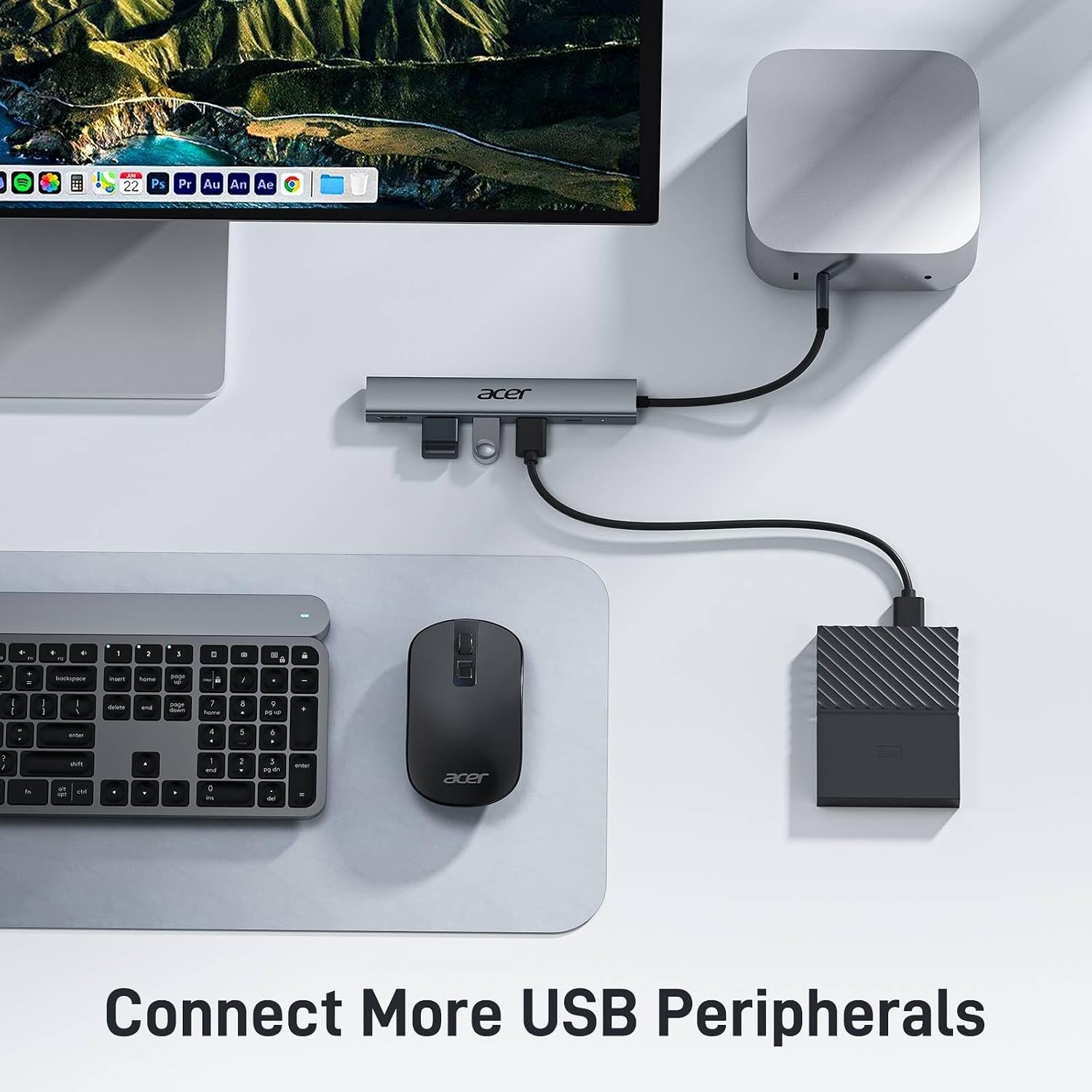
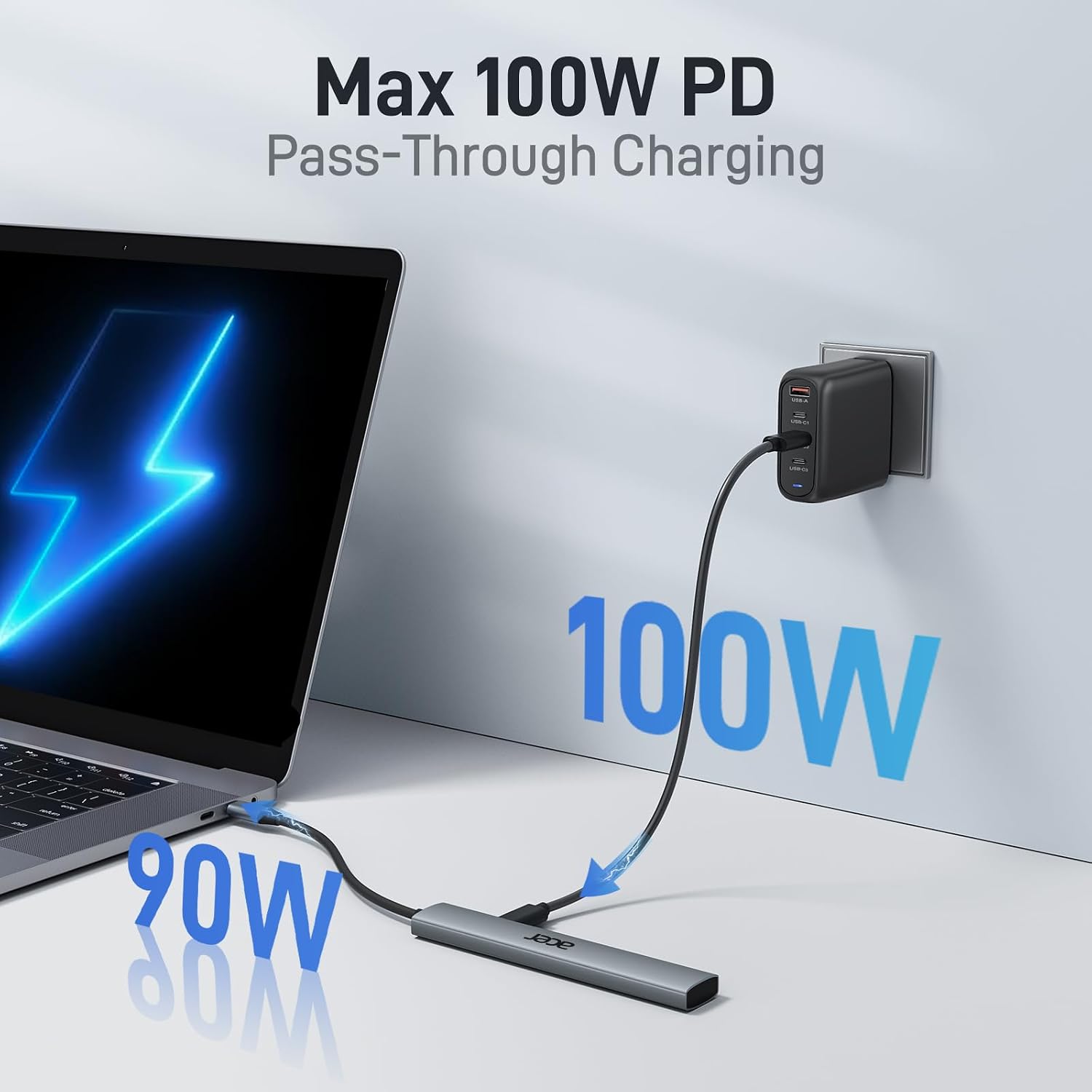
The practical draw is having display output, host charging, and three USB-A data ports in one adapter rather than carrying separate single-purpose connections. Acer describes it as plug and play, with no additional drivers required. That can make it handy for moving between a desk and a travel setup, especially when a single USB-C connection is all you want to use on the host.
There’s a tradeoff: the HDMI output is limited to 4K at 30Hz, and only one USB-A port is USB 3.0. If your work depends on a higher refresh rate or several high-speed USB connections, a hub with different port priorities may suit you better. If you prioritize a compact all-in-one connection, if you prefer a setup built around higher-speed ports, this Acer’s layout favors convenience over a broader mix of fast connections.
Key takeaways
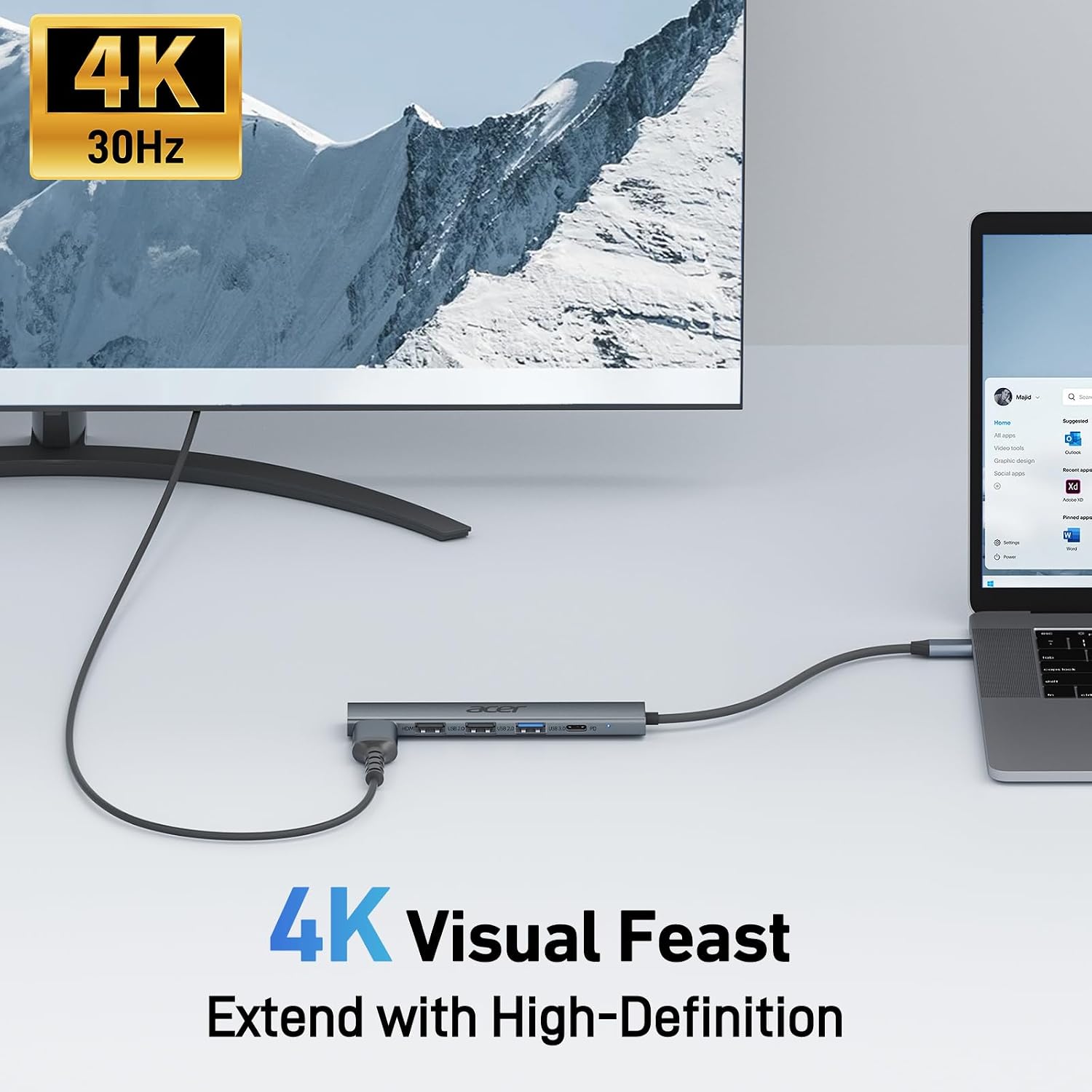
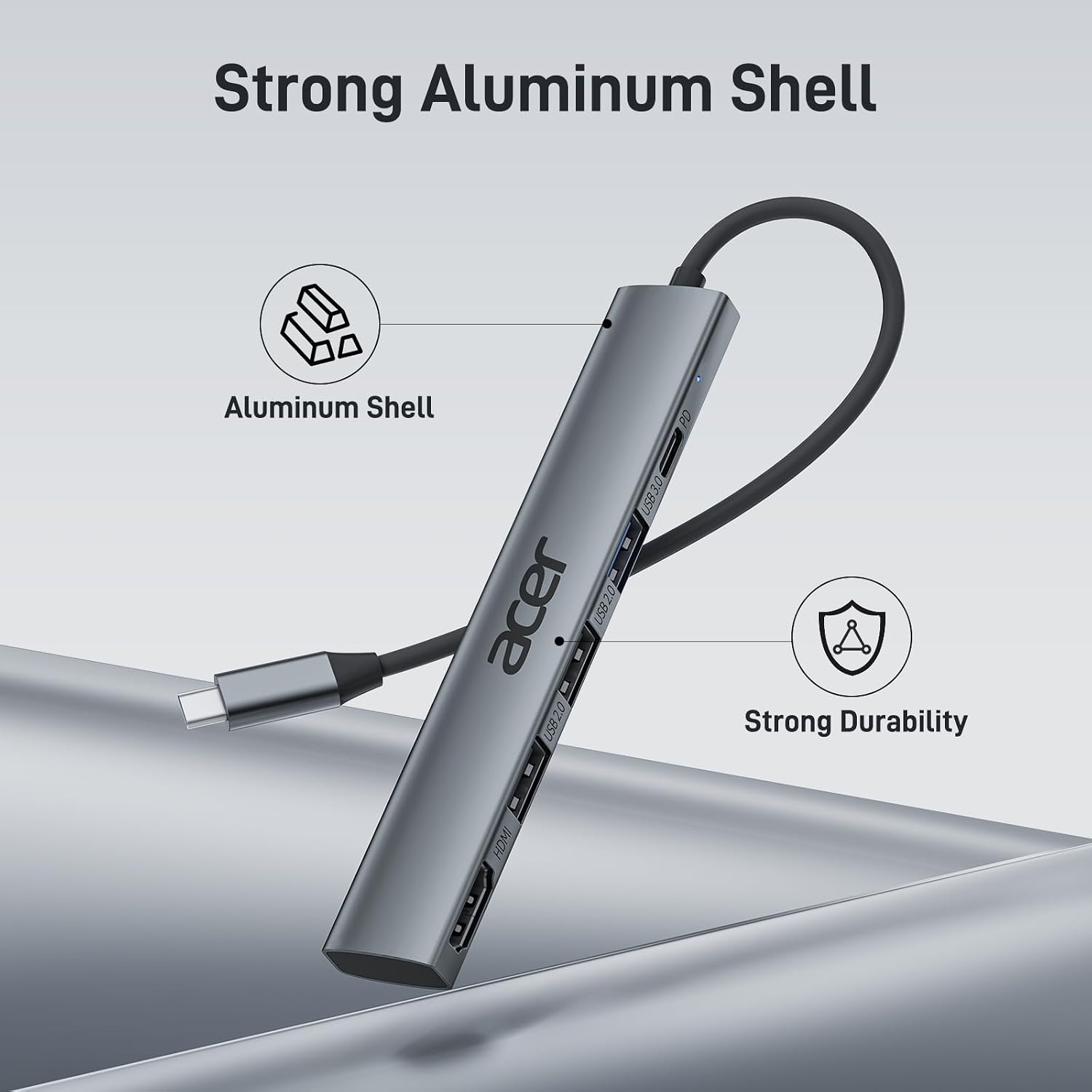
The five connections are a 4K 30Hz HDMI port, a USB-C PD charging port, one USB 3.0 data port, and two USB 2.0 data ports. The headline 100W figure refers to charging the host, not power delivered to every connected accessory. HDMI also requires DP Alt Mode or Thunderbolt 3 or 4 on the device. On the spec sheet, the adapter covers common display, charging, and USB-A needs, but it doesn’t replace a more specialized dock when display or port demands are higher.
When it makes sense
Worth considering if you want one small adapter for a compatible device, an external screen, charging, and a few USB-A accessories. Acer lists compatibility with devices including its laptops, MacBook Neo/Pro/Air, Chromebook, Dell XPS, iPad Pro, and iPhone 15, though the HDMI requirement still applies to the specific USB-C port. Better avoided if your device lacks video output over USB-C, or if you need HDMI above 4K at 30Hz or more than one USB 3.0 data port. The choice comes down to a straightforward travel-friendly hub versus a larger, more specialized setup: this one makes sense when its particular port mix matches what you actually plug in.