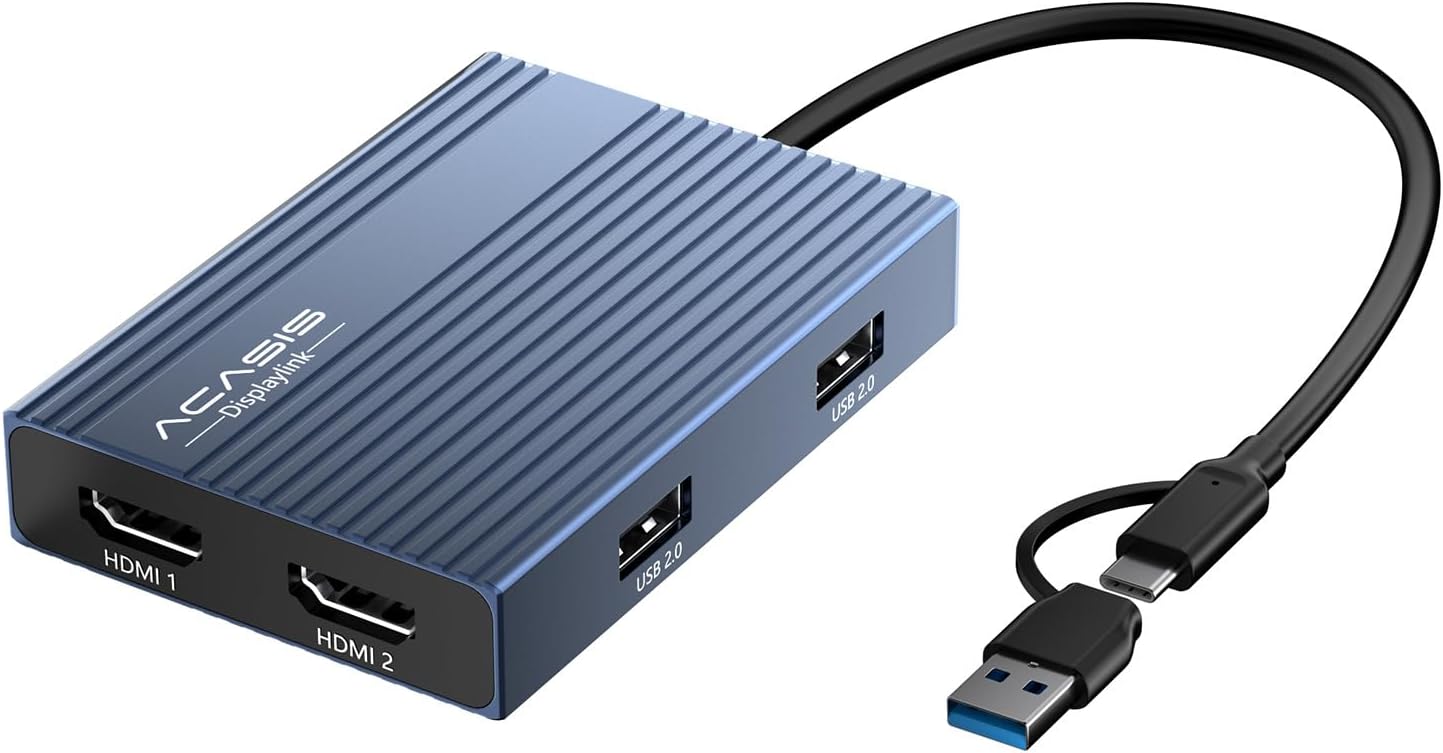
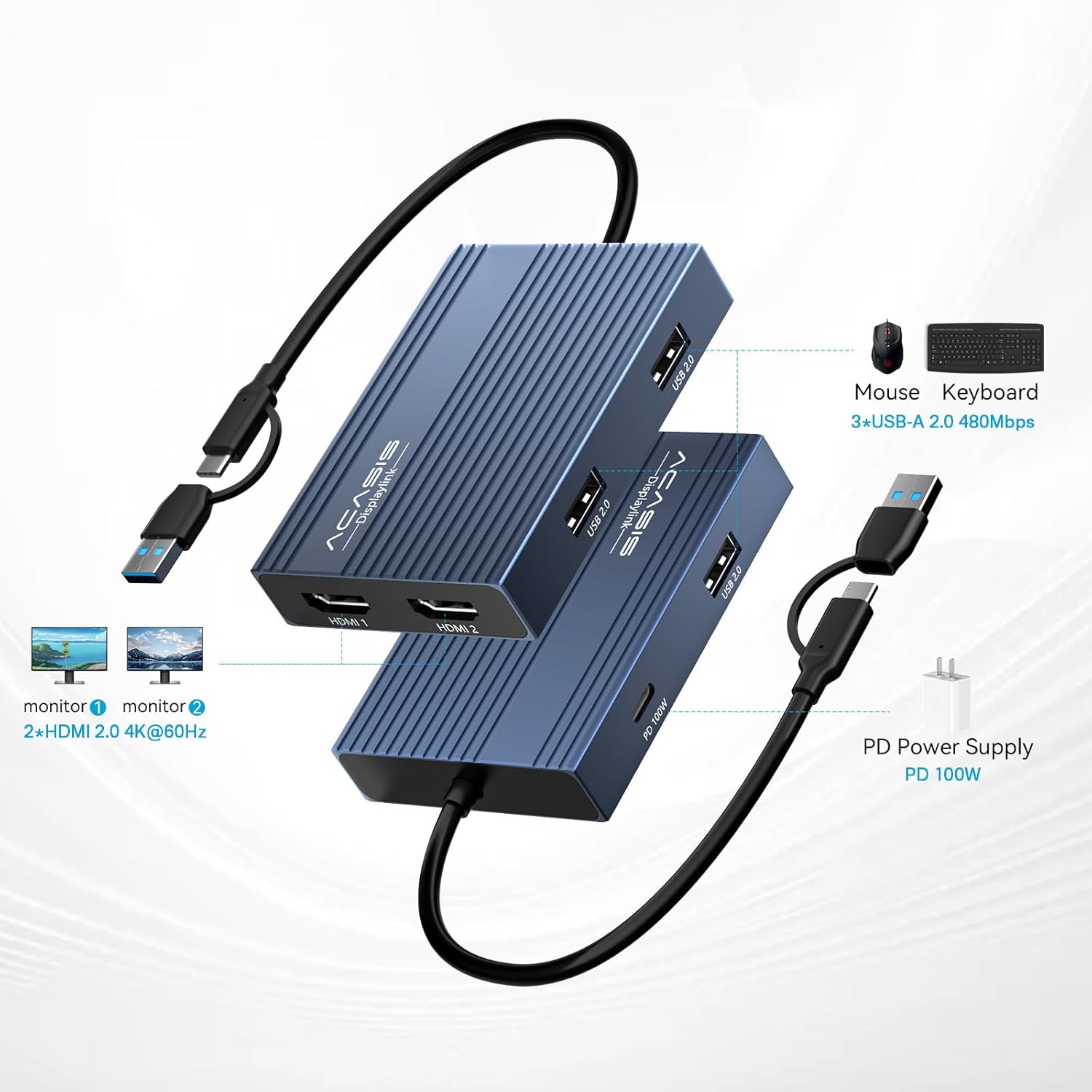
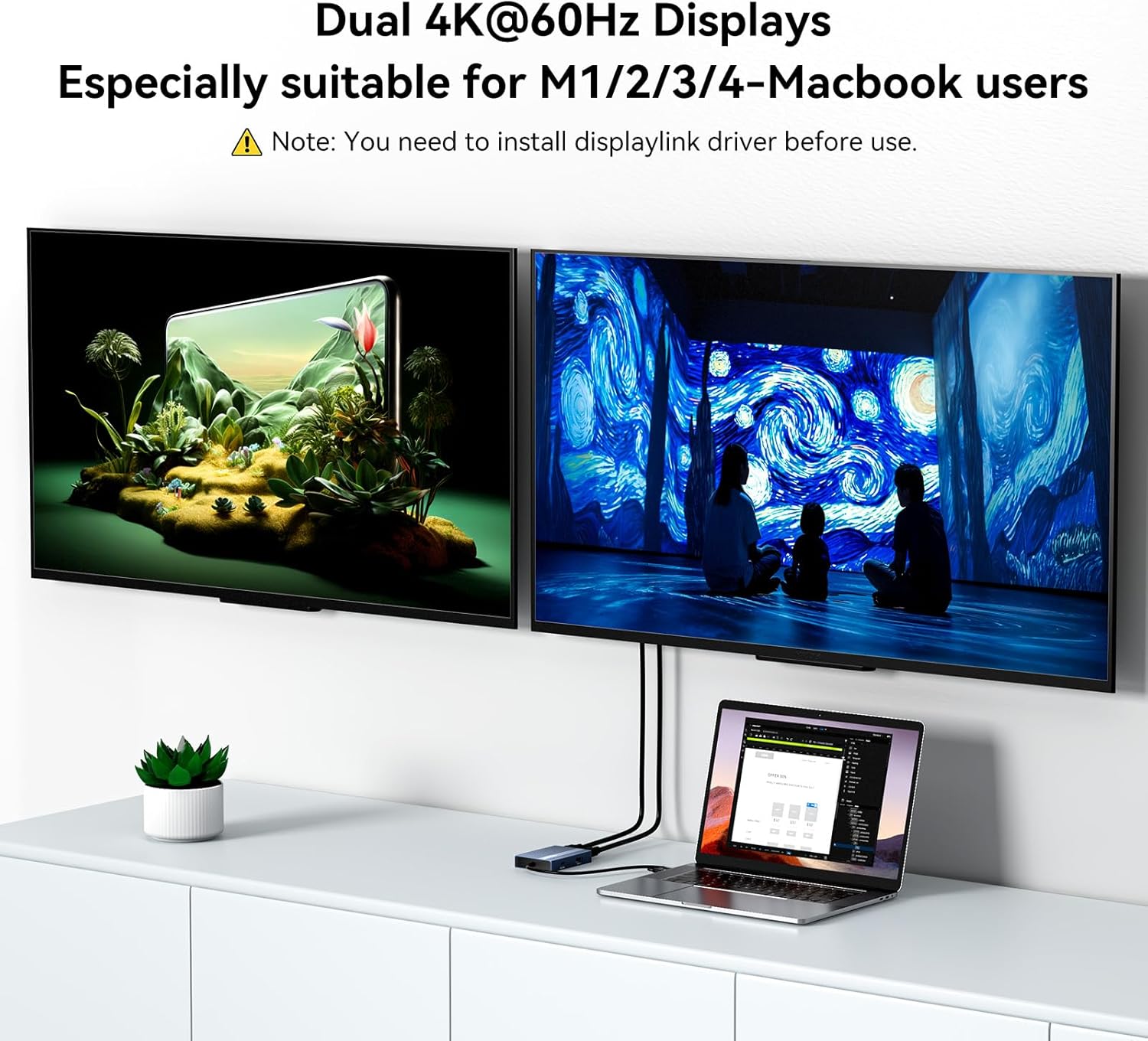
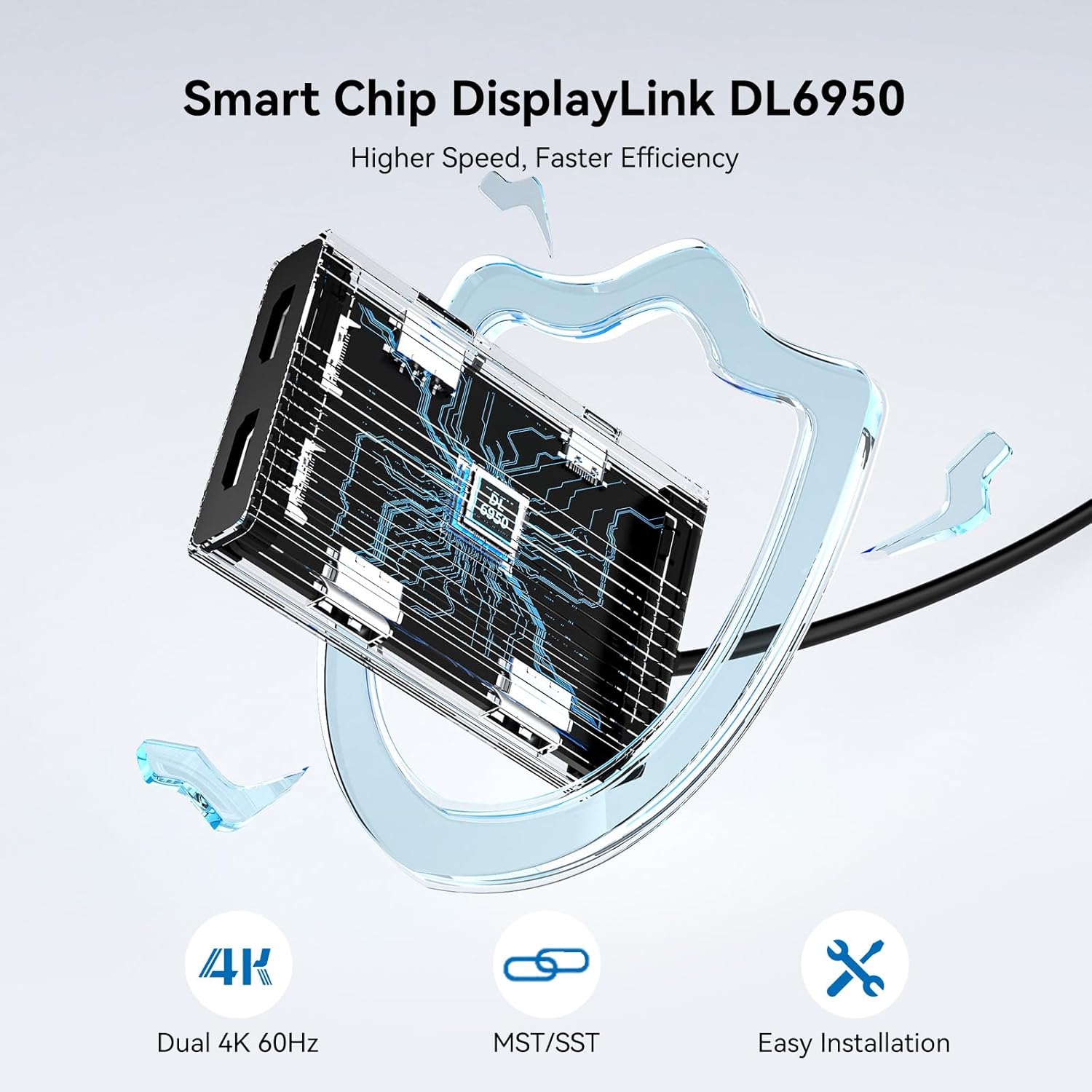
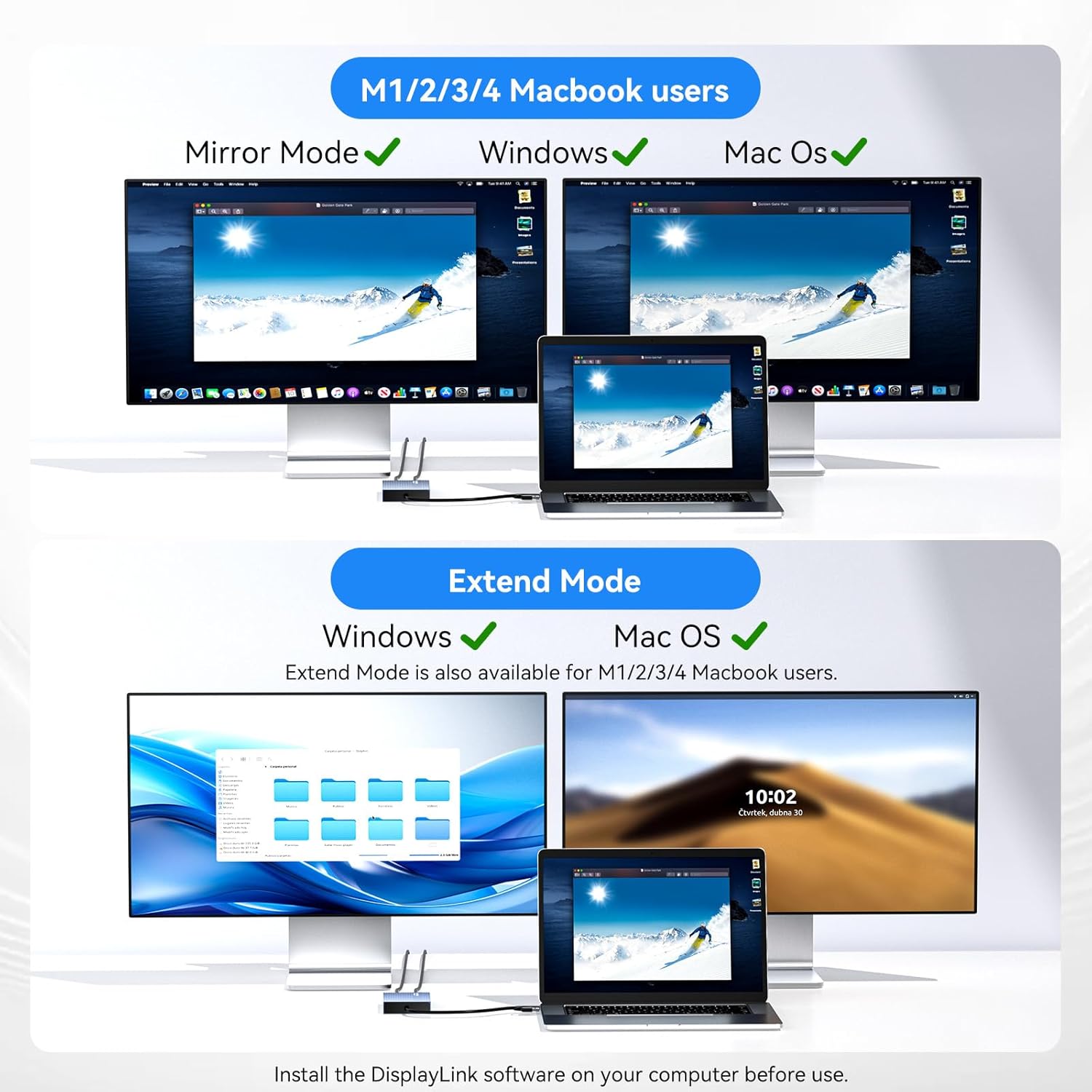
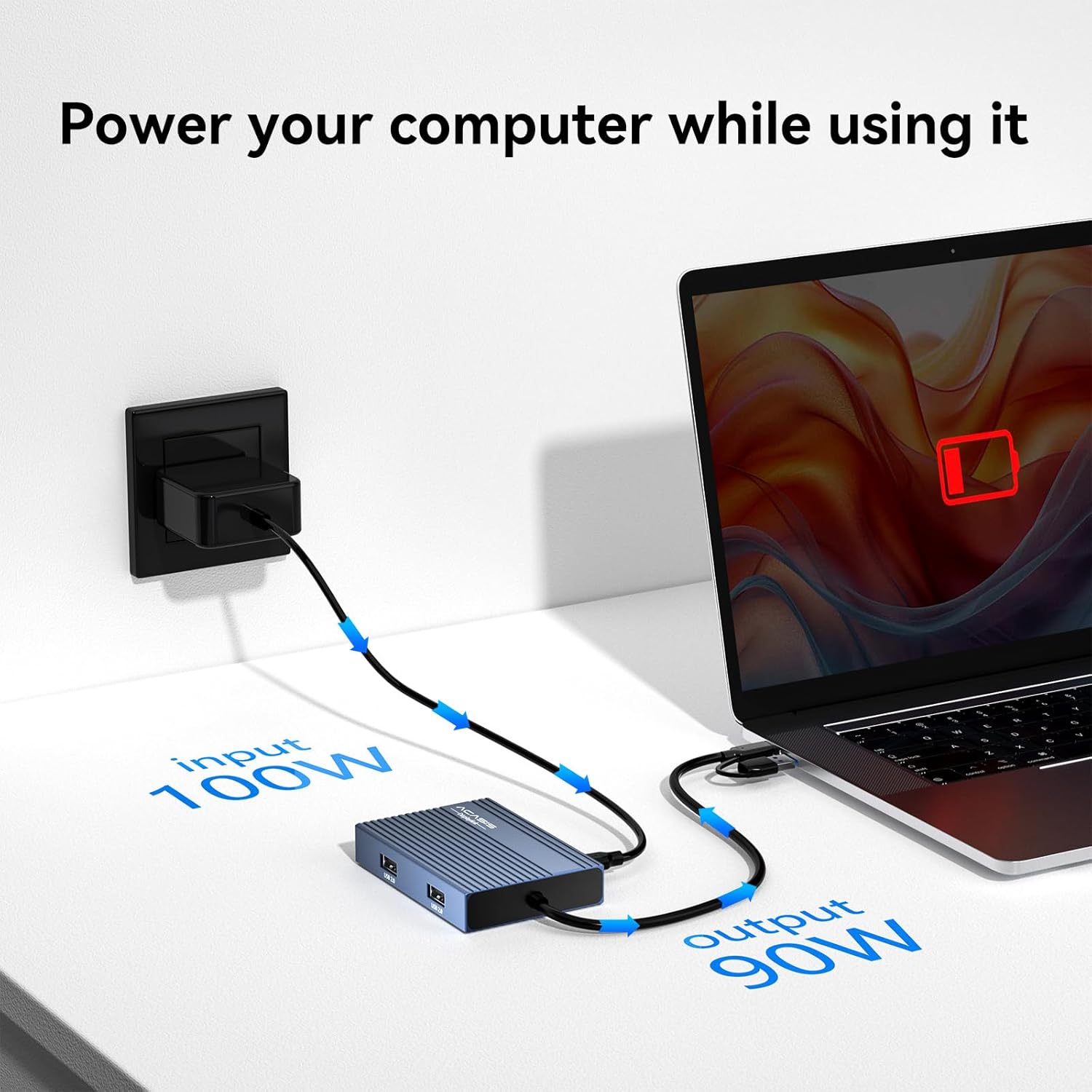
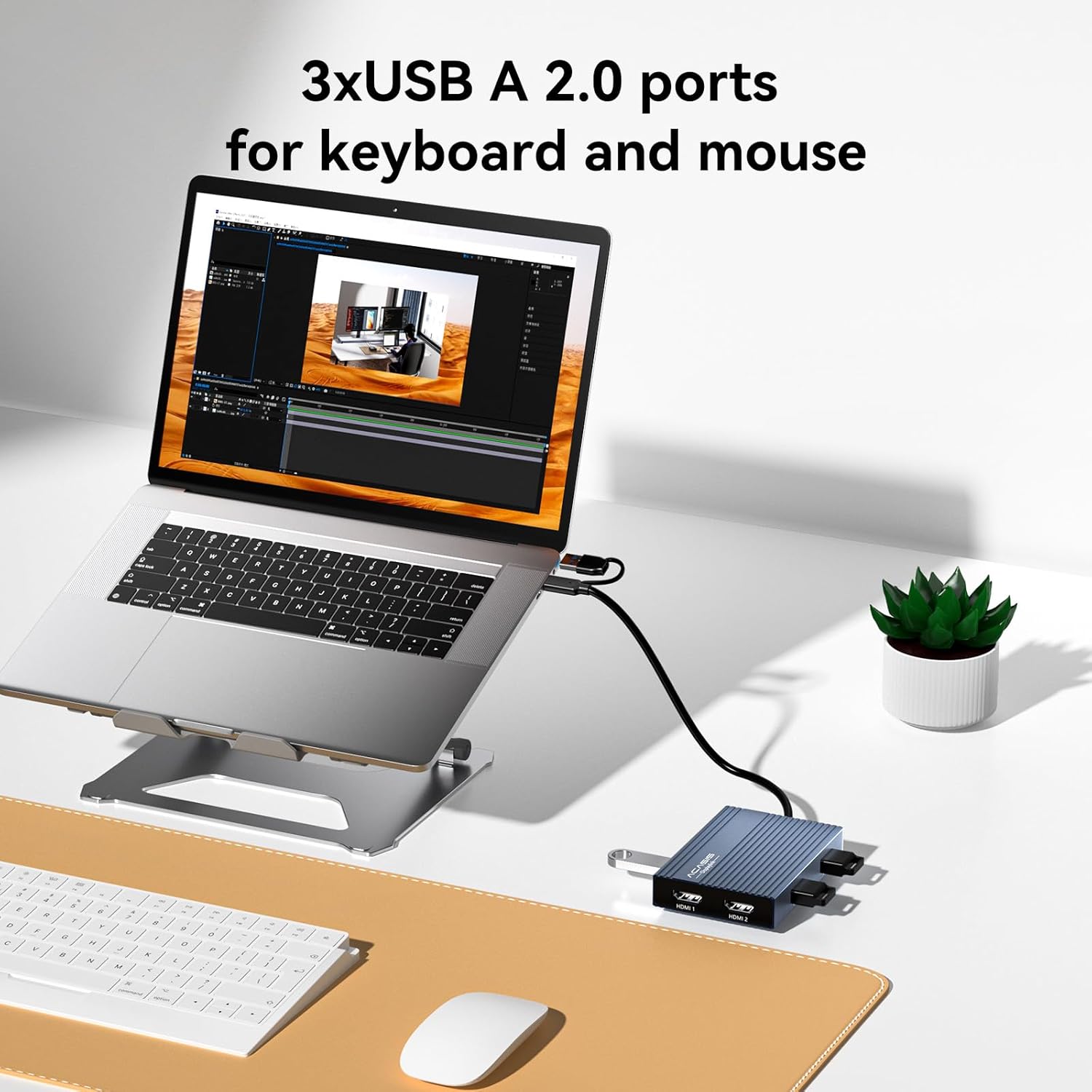
What this is and who it’s for\nThe ACASIS USB-C to Dual HDMI DisplayLink Adapter is a compact docking solution designed to turn a laptop into a dual-monitor setup with 4K clarity at up to 60Hz. It’s aimed at productivity tasks like multitasking, coding, or office work where extra screen real estate helps you stay organized. If you’re using a Mac with M1/M2/M3/M4/M5/Neo or a Windows PC, this dock promises to expand your display footprint via a single USB-C or USB-A connection.\n\n## How it works and what you need\nUnlike basic HDMI splits, this adapter uses DisplayLink technology and requires a driver. After installing the included driver, the unit can drive two 4K displays simultaneously. Note that, according to the information provided, it isn’t intended for gaming or HDCP-protected content. A practical takeaway: keep the computer off while unplugging, per the guidance for safe operation.\n\n## What stands out on paper\n- Dual 4K outputs at up to 60Hz deliver sharp, expansive workspace without swapping laptops or docks.\n- A 100W USB-C PD port lets you keep a laptop charged while you work, reducing downtime and battery anxiety during long sessions.\n- Three USB-A ports add peripheral flexibility for a keyboard, mouse, external drive, or USB stick, though data transfer isn’t meant for large file moves.\n- The aluminum, portable design helps with heat management and fits neatly in a bag for remote work or travel.\n\n## Limitations and caveats\n- This is a DisplayLink-based solution, so you’ll need to install a driver and you may experience different performance depending on OS version and system load. It’s not a universal plug-and-play solution that bypasses software requirements.\n- It’s not described as a gaming solution or a means to play HDCP-protected streams on external monitors. If gaming performance or protected content is crucial, this may not be the best fit.\n- The unit offers USB-A 3.0 ports with up to 480 Mbps, which is fine for peripherals and small data transfers but not ideal for large file copies over USB.\n\n## How to decide if it fits your setup\nIf you prioritize a simple path to a dual-monitor layout from a single port while keeping your laptop charged, this adapter can be appealing. It makes more sense if you frequently run multiple apps across two displays and want to preserve laptop battery life during long work sessions. If your workflow depends on gaming or HDCP-protected content, or if you rely on native display outputs without drivers, you may want to explore alternatives.\n\n## Before you buy: what to check\n- Confirm your computer supports DisplayLink-based docking and that you’re comfortable installing a driver.\n- Ensure you have a free USB-C or USB-A port and understand that the 100W PD port is used for charging your laptop, not for data transfer.\n- Consider your peripheral needs: three USB-A ports are helpful, but if you rely on high-speed USB-C accessories, you may need a separate solution.\n\n## Practical use case example\nImagine editing a document on one 4K monitor while referencing code snippets on the second, with your mouse and keyboard connected to the dock. The 100W charging keeps your MacBook Pro or Windows laptop powered through a full work session, so you aren’t chasing a charger mid-project.\n\n## What it means in the market context\nThis product sits in the entry-to-mid range of docking stations that emphasize versatility and portability over raw gaming graphics performance. It’s suitable for professionals who value expanded screen real estate and desktop-like productivity on the go, rather than a heavy-duty gaming or content-creation rig.\n\n## Final decision: Is it worth it?\nIs it worth it? If you’re after a practical dual-monitor setup from a single connection and you’re comfortable installing the optional driver, this ACASIS adapter offers a coherent balance of extra workspace and continuous charging. It may not be the best choice for gaming or for scenarios requiring HDCP content on external displays. For everyday productivity, it’s a reasonable pick.\n\n## Quick FAQ\n- Do I need a driver for both macOS and Windows? Yes, the DisplayLink driver is required for operation on supported systems.\n- Can I game on the external monitors with this adapter? No, gaming performance isn’t its designed use.\n- Will I still be able to charge my laptop while using the docks? Yes, the 100W PD port supports charging while you work.\n