


KEFEYA 14.2" Laptop Screen Extender
Product description
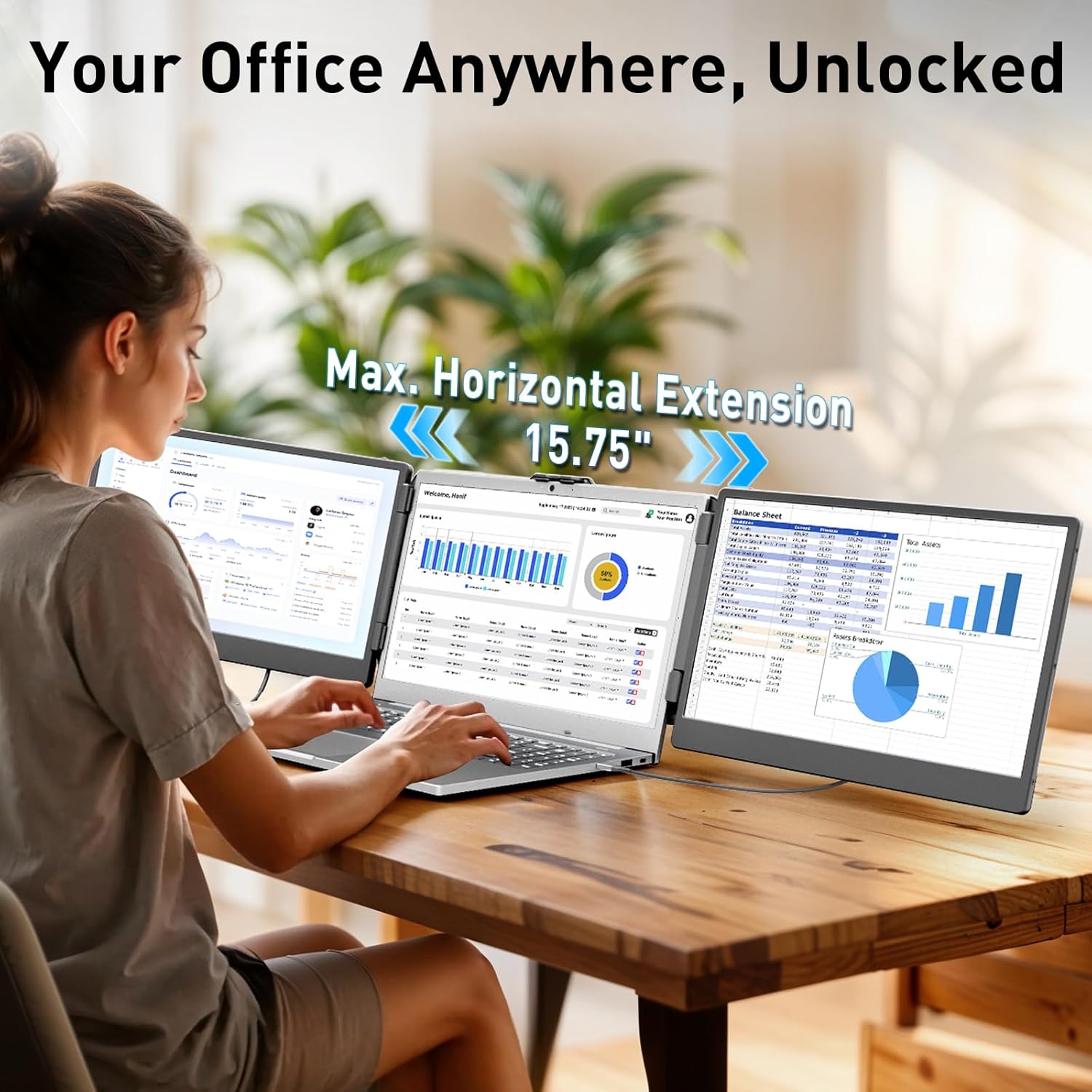
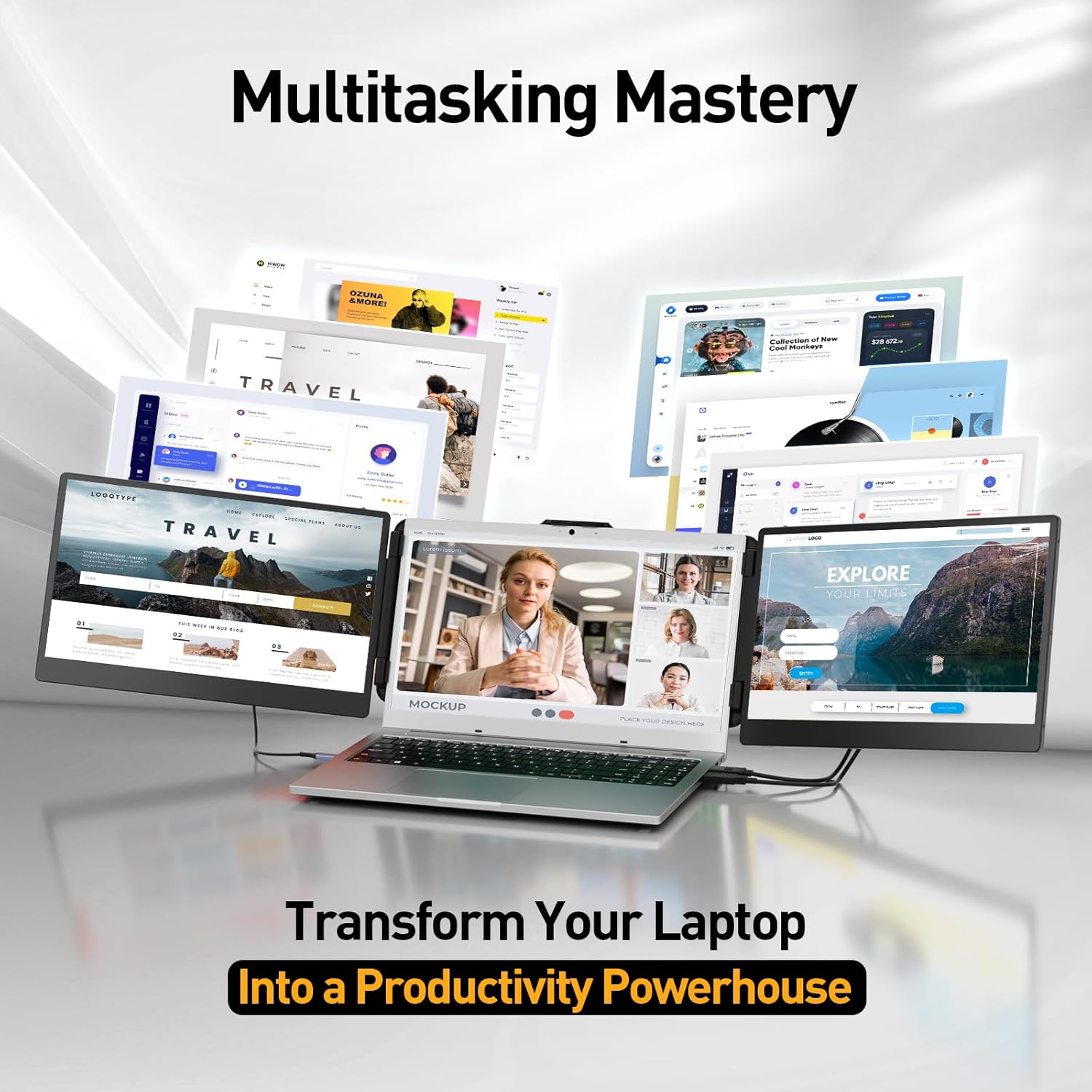
This portable screen extender turns a single laptop into a portable triple monitor setup and helps professionals get more done on the go. The KEFEYA unit folds flat for travel, and its 0-180° rotating screens save desk space while keeping two extra displays at hand. It is a solid choice for business trips, remote work, online classes, and video calls when you need extra screen area to compare documents or run multiple apps simultaneously, and it works as a portable triple monitor for laptop users who need quick multiwindow productivity.
Key features
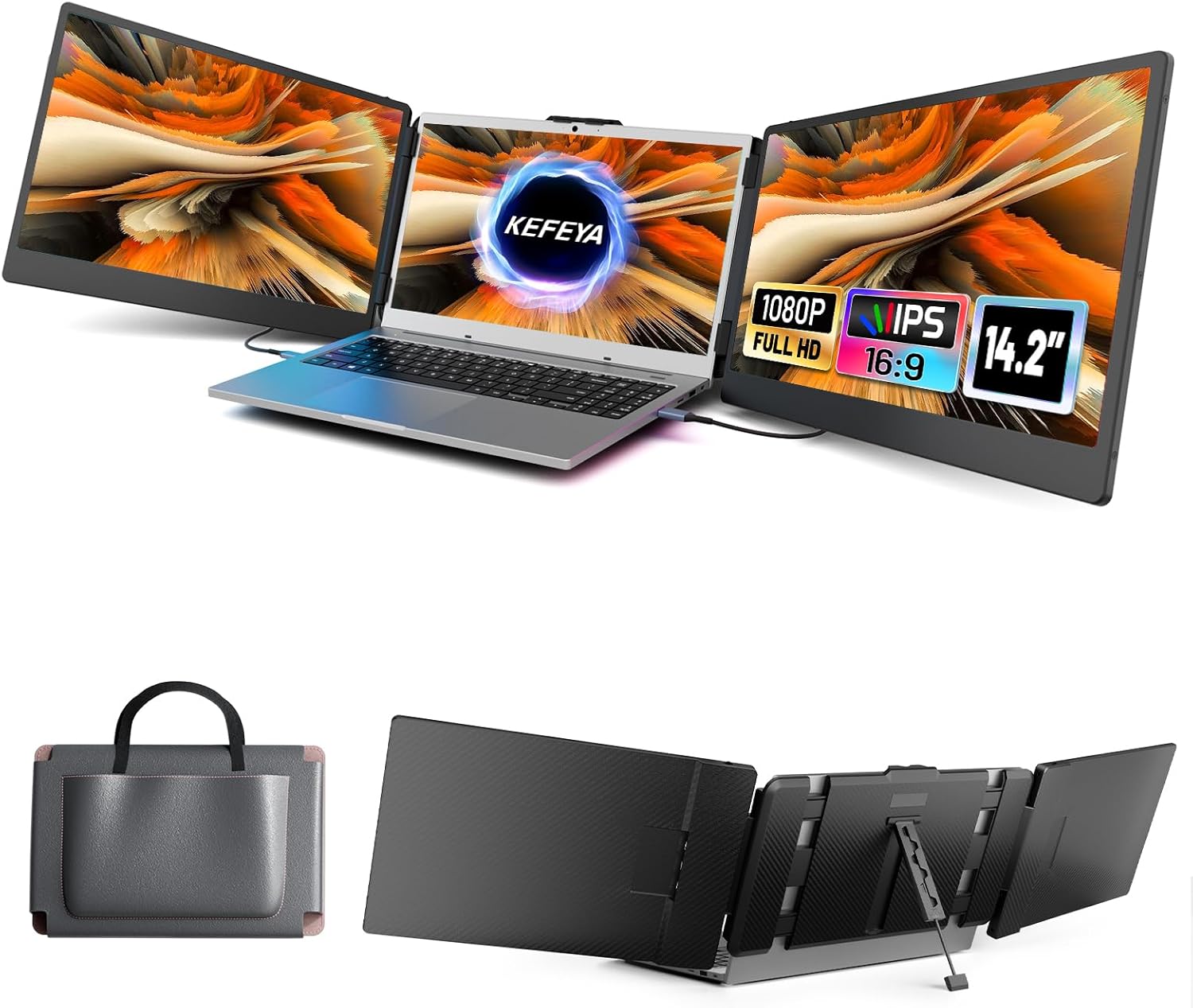
The design focuses on mobility and quick deployment. Set up is tool free and mostly plug and play, so you can attach the extender and have extra screens active in seconds. Full HD IPS display provides consistent colors across wide viewing angles for spreadsheets and presentations. Cables for Type C, HDMI, and USB A come included to cover different laptop ports, and screens fold inward for secure transport in the supplied carrying case. Note that MacBooks with M1 or M2 chips may require the dedicated H5 T cable to enable full triple screen functionality, according to the manufacturer. 🧳
Tech specs
- Name: KEFEYA Laptop Screen Extender 14.2"
- Resolution: 1920x1080
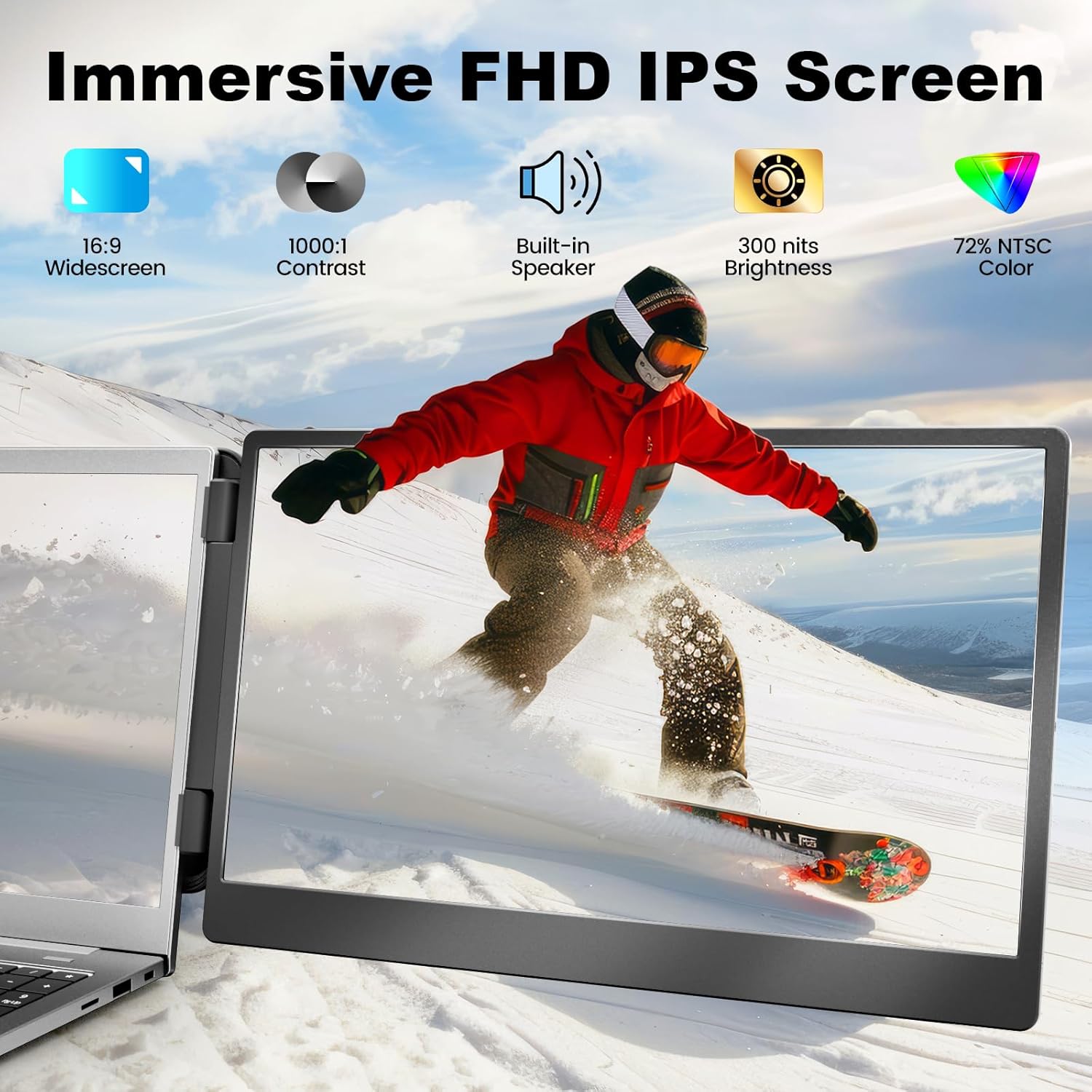
- Display: Full HD IPS
- Compatibility: Mac, Windows, Chrome, Switch, PS4, Xbox One
- Ports: Type C, HDMI, USB A
- Rotation: 0-180° folding screens
- Fits: 13-17 inch laptops
Benefits
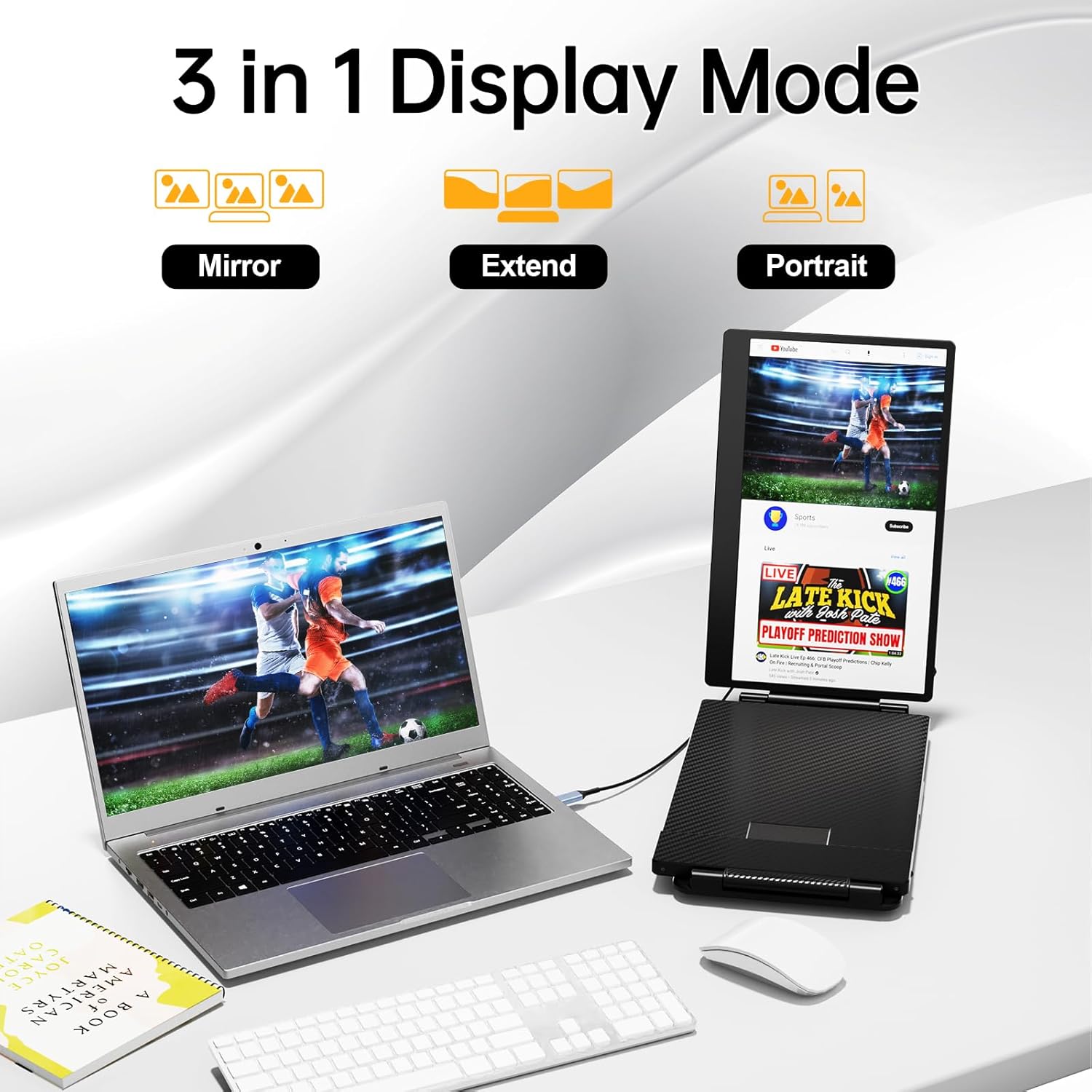
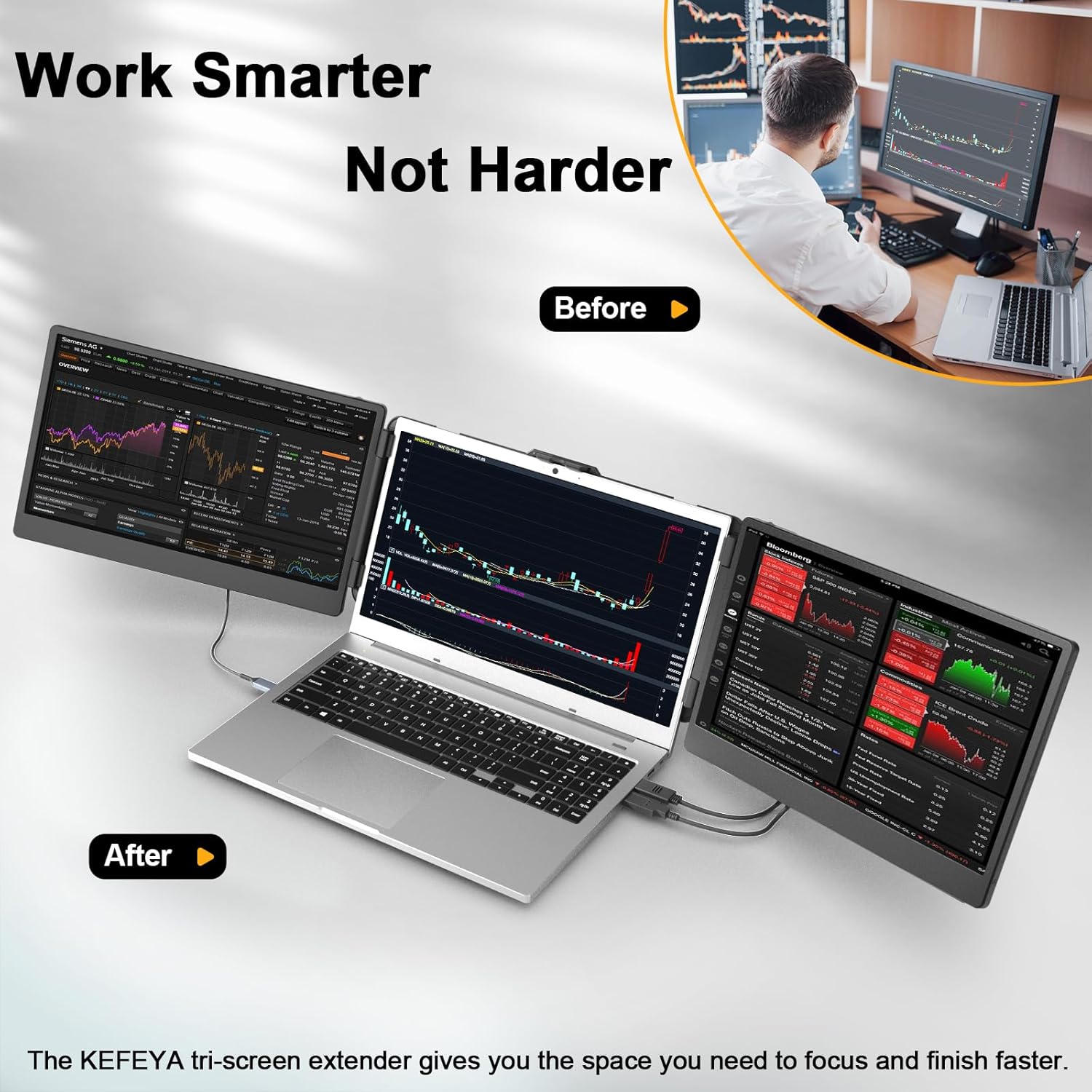
Extra displays reduce window switching and speed up multitasking. The lightweight frame balances sturdiness and portability, so you can carry this extender in a laptop bag without adding bulk. Built in tilt adjustment helps reduce neck strain during long sessions. The screens save your custom brightness and color settings so you do not need to reconfigure each time. If you travel frequently, the included premium carrying case protects the unit and keeps cables organized. 🎒
How to use it
Attach the extender to your laptop following the tool free process, connect the appropriate cable for your machine, and power on. Use the Type C cable for a single cable power and video option when your laptop supports full featured Type C. If that port is not available, pair USB A plus HDMI as described in the instructions. For MacBooks with M1 or M2 chips search for the H5 T cable to enable full triple screen operation, and contact support for troubleshooting if displays do not appear as expected. 💡