

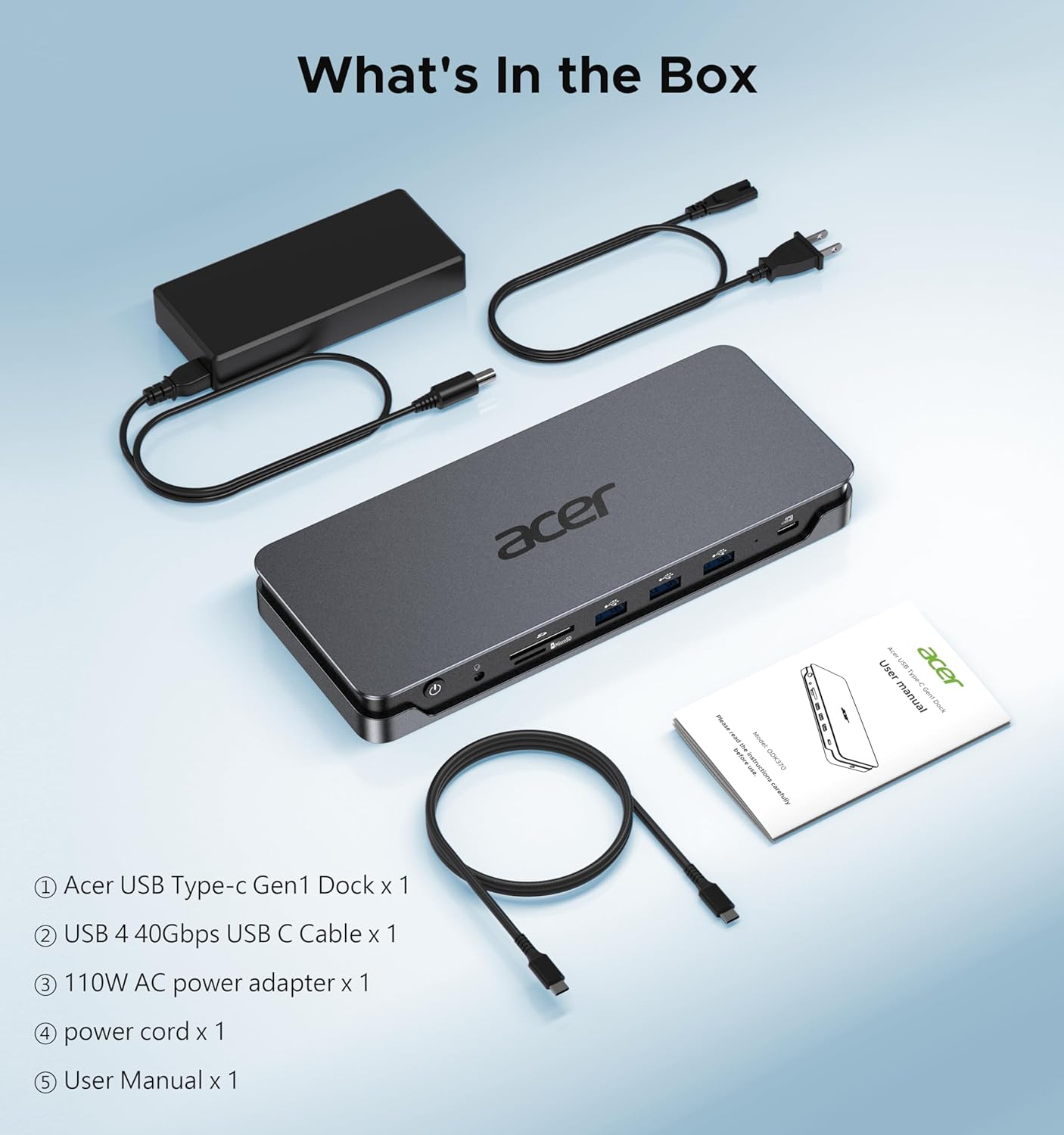
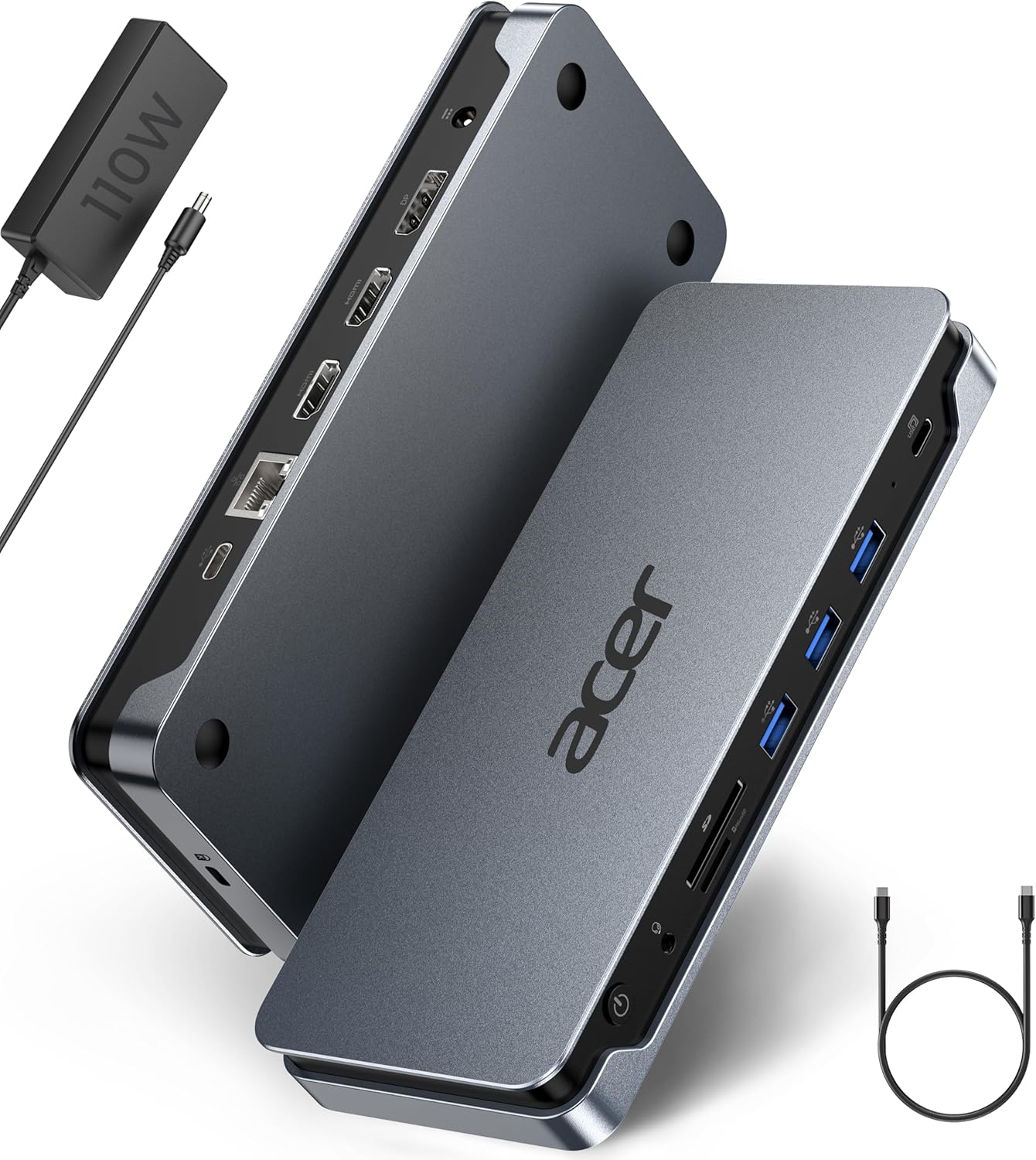
Acer Laptop Docking Station 13-in-1
Product description
If your desk needs more than a couple of extra ports, this Acer docking station is built to bring displays, accessories, wired networking, and laptop charging together through one USB-C connection. It suits a fixed workstation better than a basic adapter, especially when several screens are part of your daily setup. The trade-off is that your laptop’s port and graphics hardware determine which features you can actually use.
For a simpler one-monitor setup, this may be more dock than you need. For a compatible Windows laptop, the triple-display support is the key distinction.
How to use it
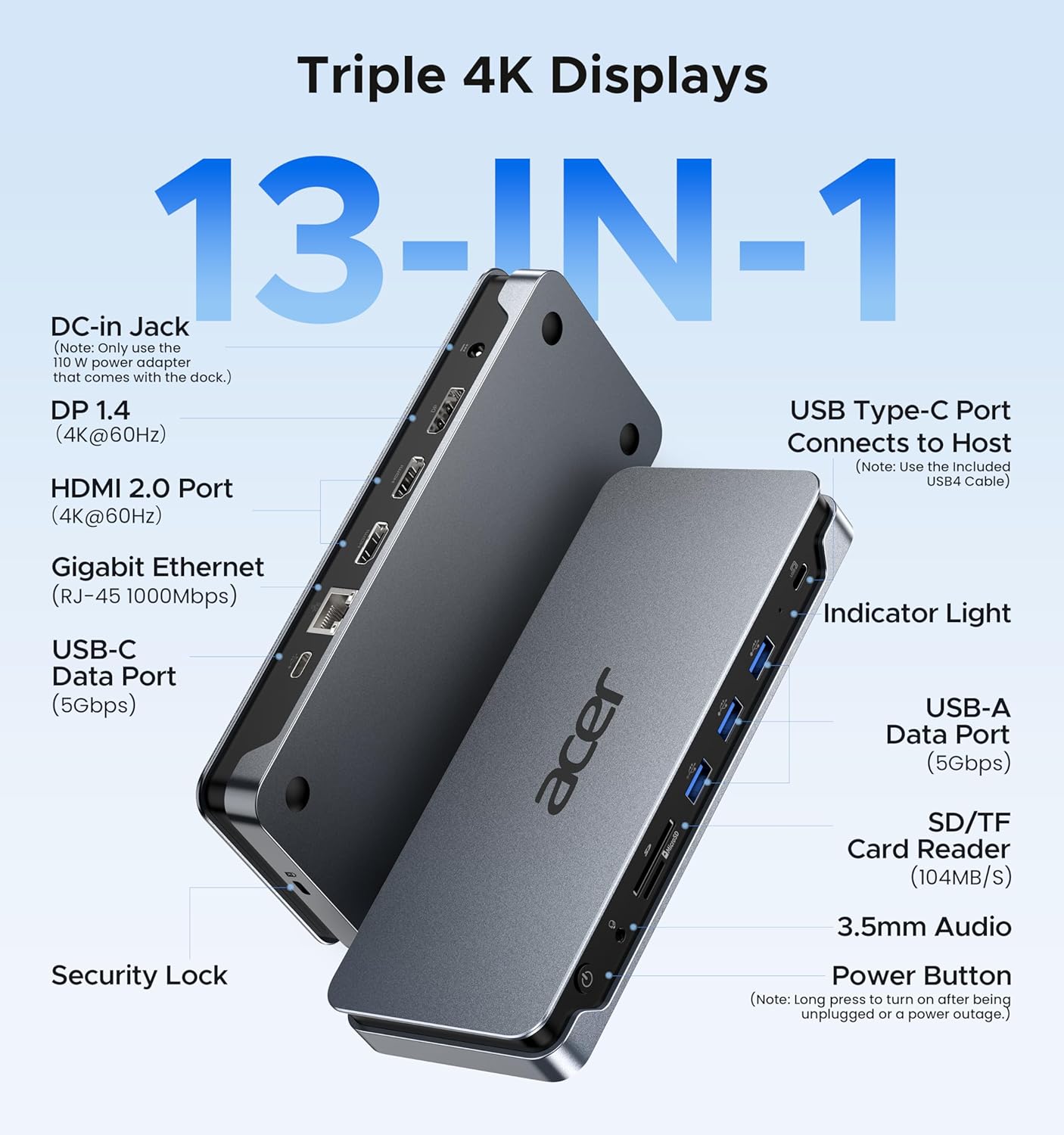
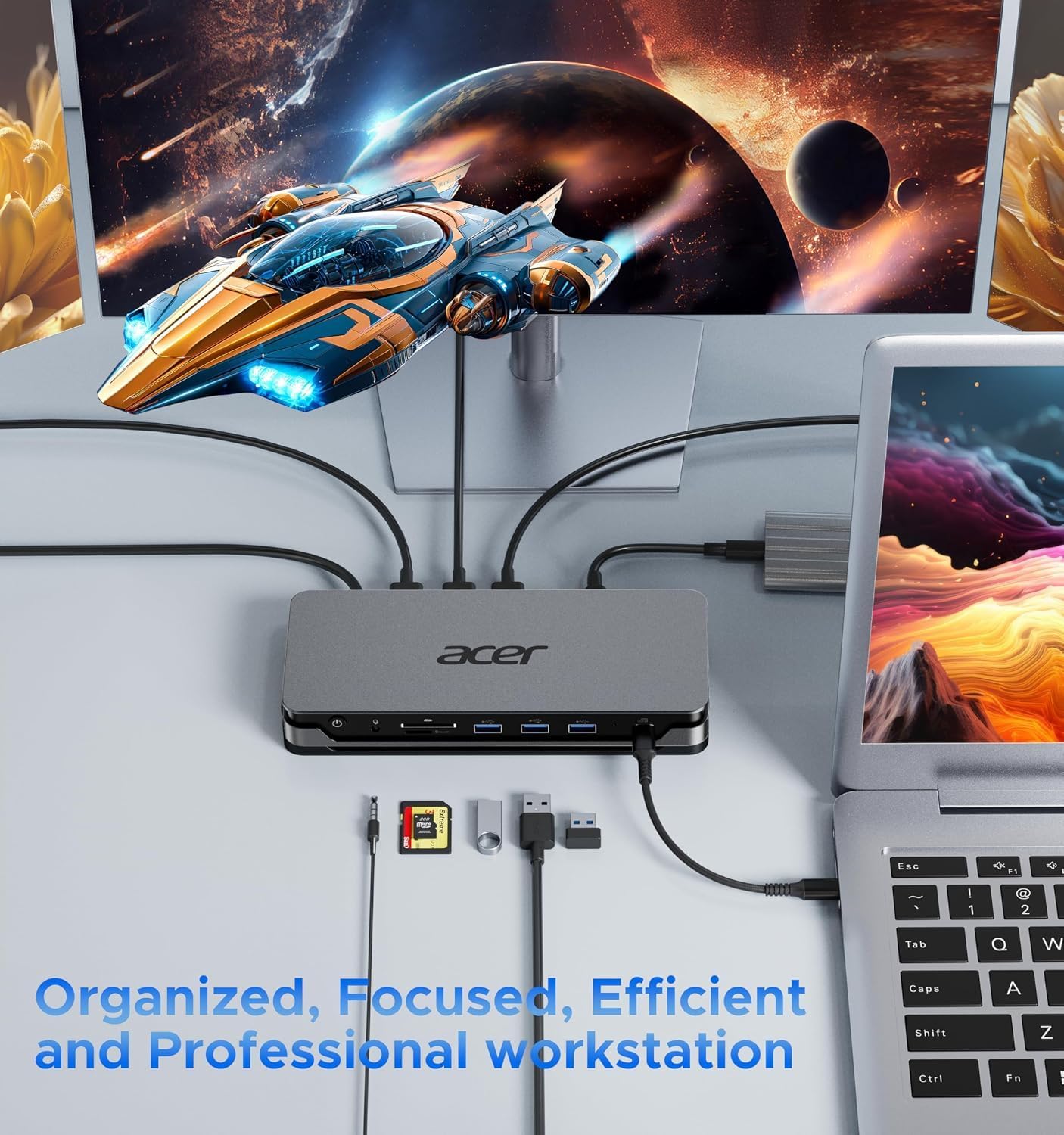
Connect the dock to a full-featured USB-C port on your laptop, then attach your monitors and peripherals. A practical desk setup might include two HDMI screens and one DisplayPort screen, plus a wired network connection, keyboard, and SD card reader. The dock also includes a 3.5 mm audio jack and USB ports for data devices, so fewer accessories need to plug directly into the laptop.
The display experience depends on your operating system. Windows laptops can use MST for three independent screens, triple 4K at 30Hz requires a compatible laptop and GPU with DSC. On macOS, multiple connected displays are limited to mirroring, not an extended desktop. If separate workspaces across screens are essential, that platform difference matters more than the port count.
Pros
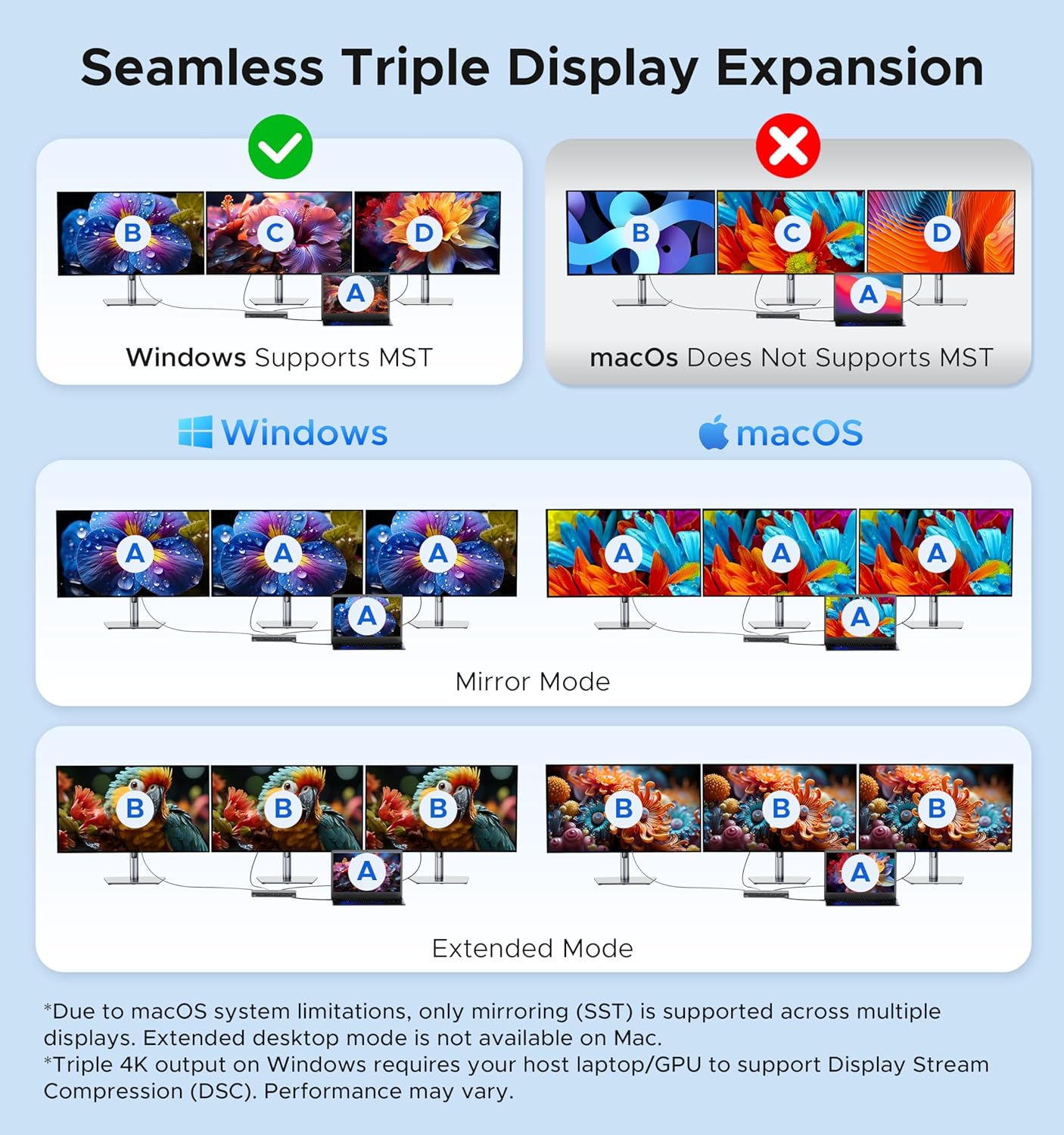
- Two HDMI outputs and one DisplayPort offer flexible monitor connections, with triple-screen extension available on supported Windows systems.
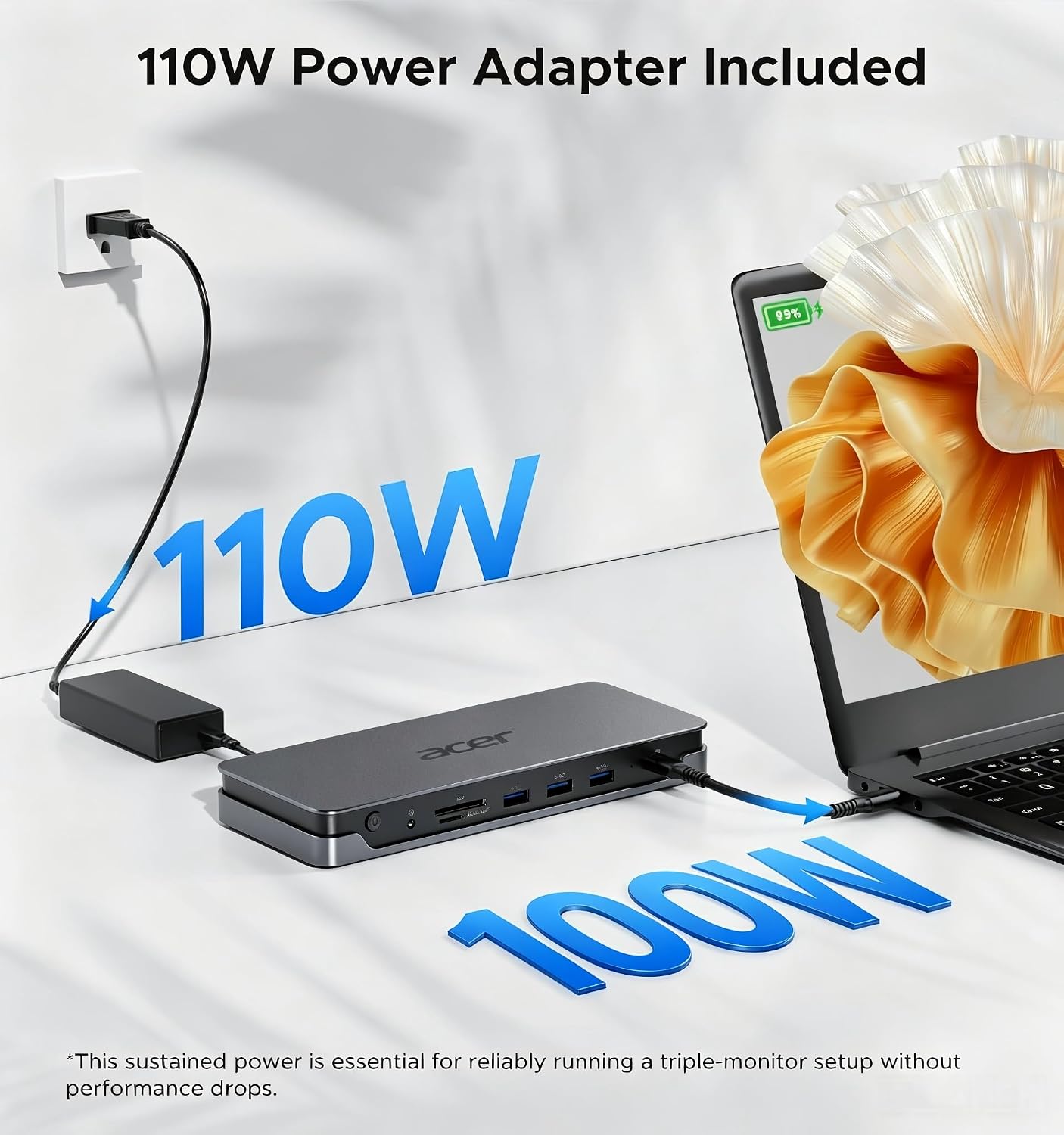
- The included 110W adapter supplies up to 100W through the USB-C host port to charge the connected laptop. That power is for the laptop, not monitors or power-hungry peripherals.
- USB-A and USB-C data ports are listed at 5Gbps, alongside Gigabit Ethernet, audio, and SD/TF card reading that can handle both cards simultaneously.
- An integrated security slot gives you the option to attach a separate cable lock in a shared workspace.
Worth considering if you want one dock to organize a monitor-heavy Windows desk and charge your laptop at the same time. One easy detail to miss: the extra rear USB-C port is for data only. It does not provide video output, monitor power, or a Thunderbolt connection.
Spec sheet

- Name: Acer 13-in-1 laptop docking station
- Type: USB-C docking station
- Display connections: 2 HDMI and 1 DisplayPort 1.4
- Laptop charging: Up to 100W via USB-C PD, 110W power adapter included
- Data: USB-A and USB-C up to 5Gbps
- Network: Gigabit Ethernet
- Card readers: SD and TF, with simultaneous reading and writing supported
- Audio: 3.5 mm AUX
- Compatibility notes: Requires a full-featured USB-C port, Windows supports MST, while macOS supports SST mirroring only
The listed features depend on the laptop’s USB-C capabilities, GPU, and operating system. The included adapter and USB-C cable are useful, but they cannot make an incompatible host support video or charging features it lacks.
Buying verdict
This dock makes the most sense for someone building a connected desk around a compatible Windows laptop, particularly when multiple displays, wired Ethernet, card access, and laptop charging all need to share one connection. It offers more room to grow than a basic single-display hub. It may not suit you if you need extended desktops across multiple monitors on a Mac, or if your laptop’s USB-C port does not support the required features. Check those host-device details before choosing, the dock’s broad port selection only pays off when your computer can use it.