

Selore&S-Global USB-C Docking Station with Triple 4K Display, 2 HDMI and Gigabit Ethernet
Product description
A laptop setup centered on one screen has different needs from a workspace that keeps several tasks visible at once. This docking station is built for the latter, with multiple display connections and everyday ports in one hub.
For a simpler setup focused on adding a few USB connections, a basic hub may be enough. The Selore&S-Global dock adds two HDMI ports, DisplayPort, wired Gigabit Ethernet, and Power Delivery, making it suited to a more connected desk.
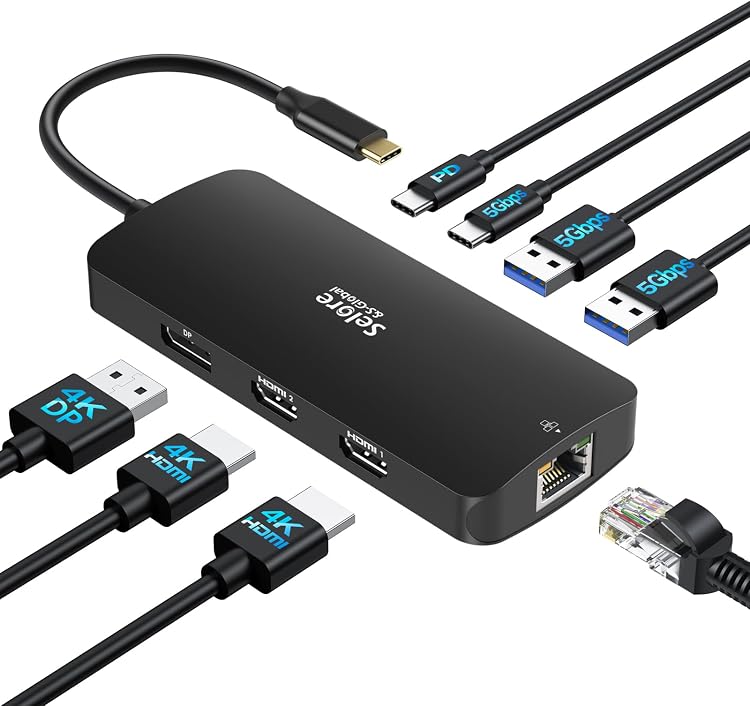
Use it to connect external displays, USB accessories, a wired network, and a compatible charger through a supported laptop port. The display setup you can use depends on your computer’s operating system and port support.
Spec sheet
- Type: USB-C docking station
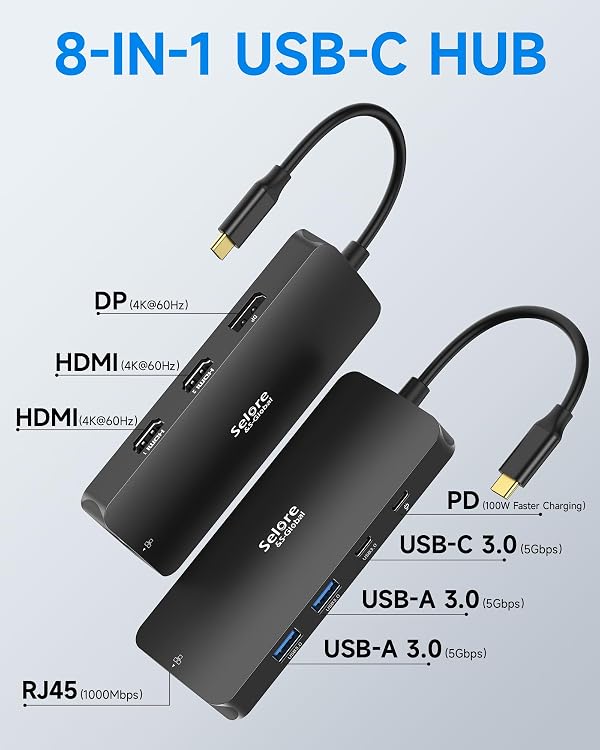
- Display connections: 2 HDMI ports and 1 DisplayPort, supports 4K displays
- USB ports: 2 USB-A 3.0 ports, 1 USB-C 3.0 port, and 1 PD port
- Data transfer: Up to 5 Gbps through USB 3.0
- Ethernet: 10/100/1000 Mbps Gigabit Ethernet
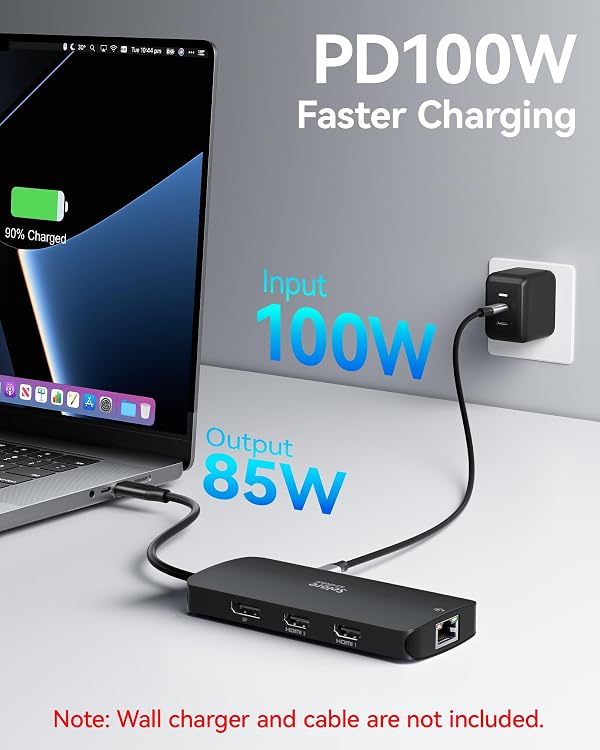
- Power Delivery: Up to 100W, output is limited to 85W for safety
- Compatibility: Thunderbolt 3, 4, or 5, full-featured USB-C, or USB4 ports
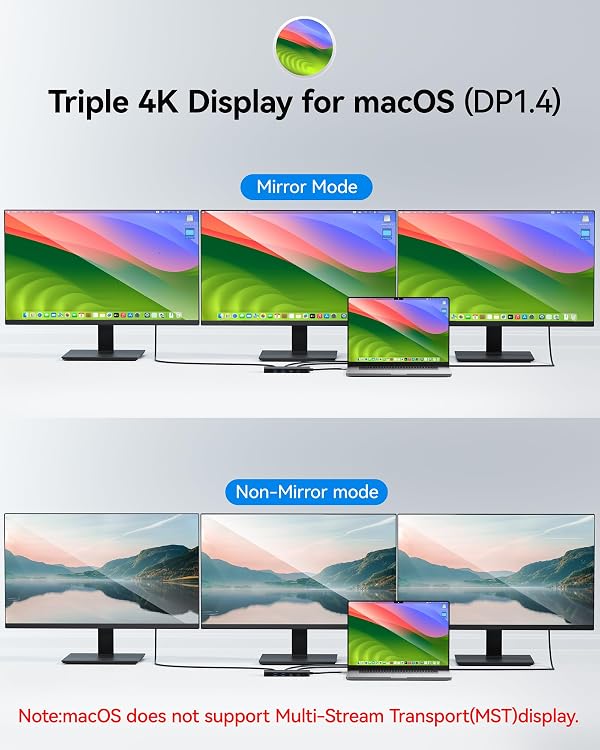
- Operating system: Windows 10 or later, macOS supports mirrored displays rather than extended desktop mode
- Color: Black
What it works with
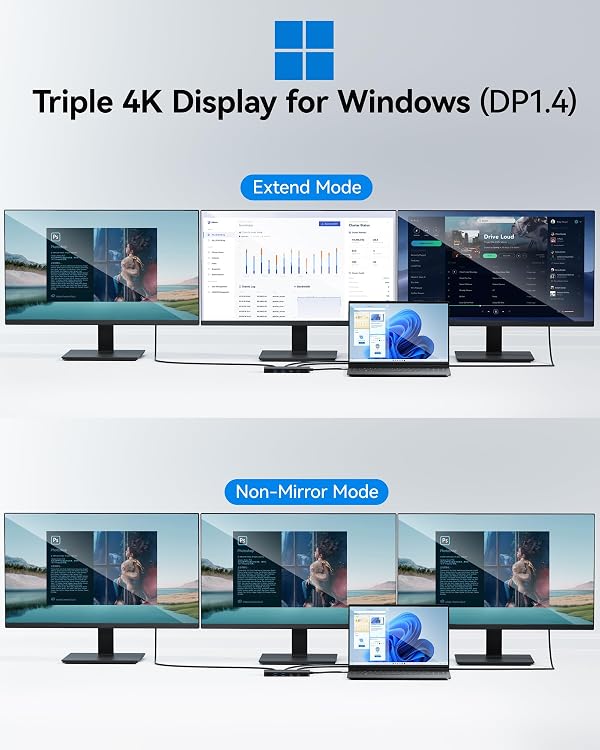
Connect the dock to a laptop with a Thunderbolt 3, 4, or 5 port, a full-featured USB-C port, or a USB4 port. On Windows, it supports dual- and triple-monitor arrangements, with two HDMI connections and one DisplayPort connection available for building a multi-screen workspace. The source devices and their display support also matter when choosing a monitor setup.
On macOS, external displays mirror rather than extend the desktop: the second external monitor duplicates the first instead of adding a separate workspace. This makes the operating-system distinction important when choosing the dock for a specific multi-monitor workflow.
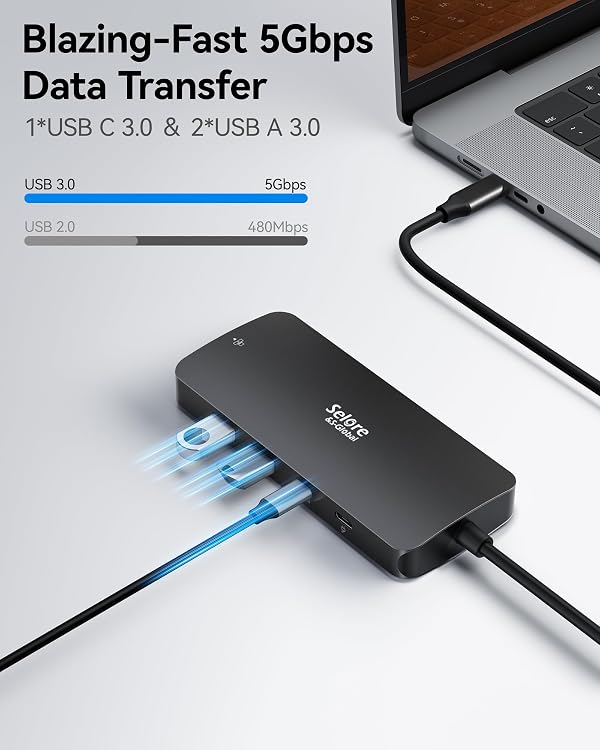
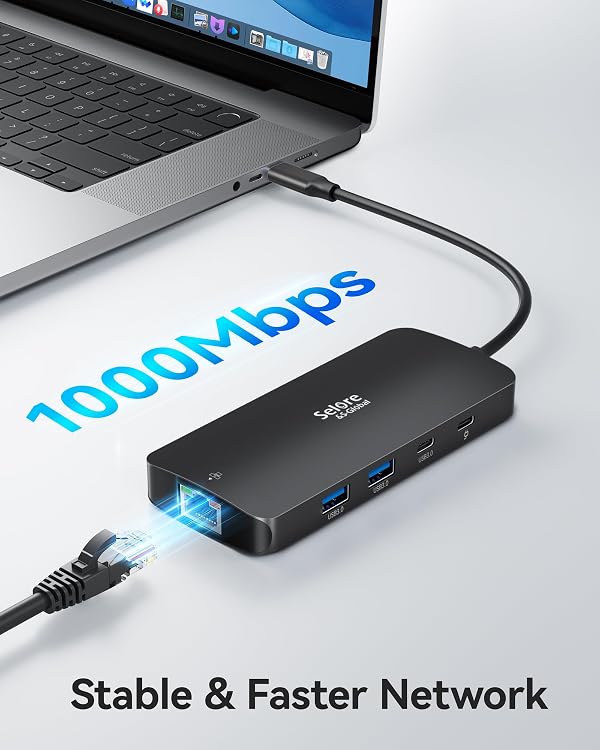
The USB-A and USB-C 3.0 ports support connecting compatible peripherals and transferring data at up to 5 Gbps. For network access, connect an Ethernet cable to use a wired LAN connection at up to 1 Gbps. The PD port supports charging devices that use the PD protocol, its maximum output is limited to 85W for safety, even though the dock supports up to 100W PD.
Getting the most from it
For a Windows workstation, connect the dock to a supported laptop port, then attach the displays and peripherals you want within reach. A practical setup could keep separate work windows visible across external screens while a keyboard, mouse, or storage device uses the USB ports. For teaching or presentation preparation, the display connections and peripheral ports can help bring a laptop’s accessories together at one desk.
A wired Ethernet connection is useful when you want to connect directly to a 10/100/1000 Mbps LAN, while Power Delivery lets a compatible laptop charge through the dock. Customer feedback highlights the port selection and ease of setup, including use for teaching. Experiences with connectivity and charging are mixed, so the host computer’s port, operating system, and PD support are central to matching the dock to the intended setup.
Should you buy it?
This dock is a practical fit for someone building a Windows laptop workspace around multiple displays, wired networking, and USB accessories. Its combination of two HDMI ports, DisplayPort, Gigabit Ethernet, and PD charging brings those connections together in one docking station. If your priority is extending a Windows desktop across monitors while keeping peripherals and Ethernet connected at the desk, those features make this a focused choice. For macOS, its display connections operate in mirror mode, so it is best suited to setups where duplicated external screens meet the need.