

WAVLINK WLAM2C-UG69PD2 Dual 4K Docking Station, 65W Charging, DisplayLink
Reviews
Price
Product description
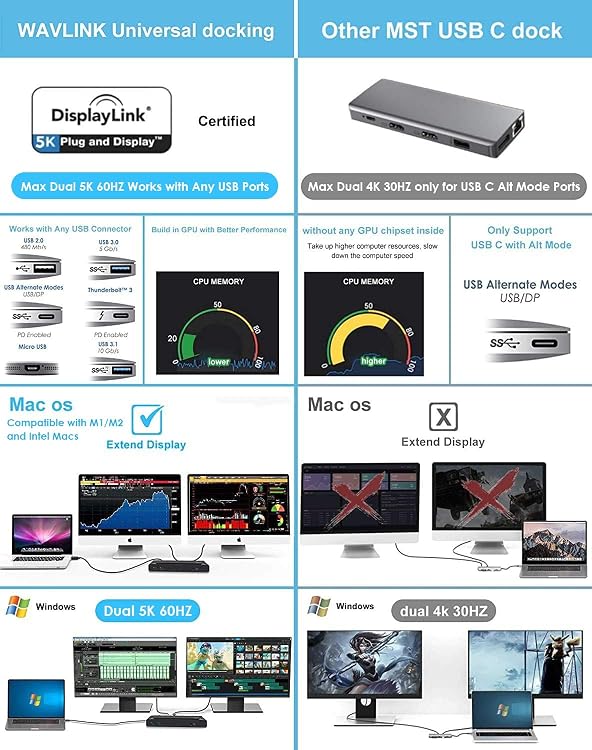
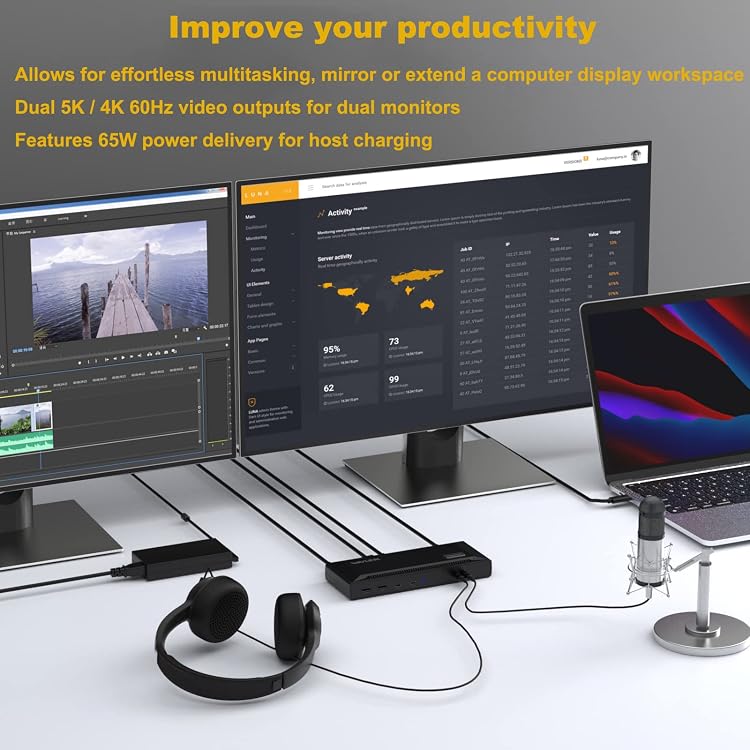
For MacBook users and other laptop owners who need two external displays and a more connected desk, the WAVLINK WLAM2C-UG69PD2 combines DisplayLink video output with USB expansion, Gigabit Ethernet, and up to 65W host charging. It supports two 4K displays at 60Hz through HDMI, DisplayPort, or a combination, giving you flexible ways to connect monitors for a multi-screen workspace.
DisplayLink software is required for video, and charging uses a compatible USB-C, USB4, or Thunderbolt host port that supports power delivery. Together, the video and data connections help bring everyday desk peripherals into one docking setup.
Technical overview
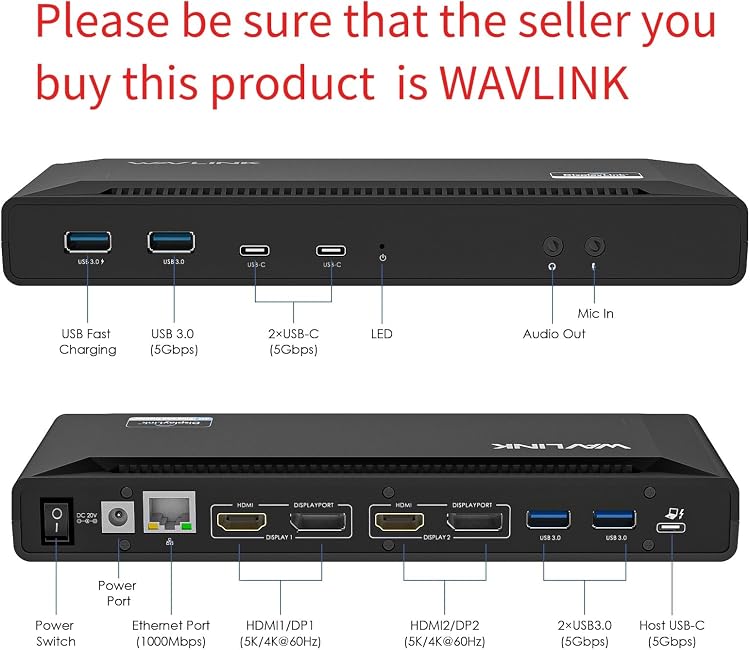
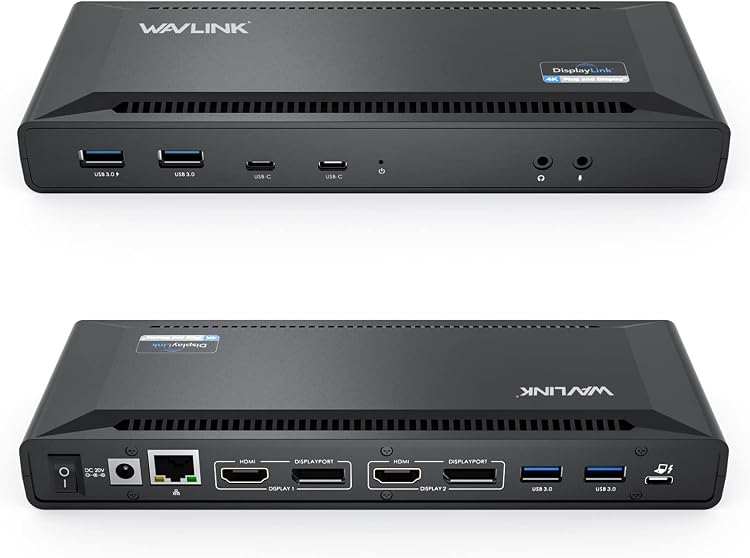
The dock provides two HDMI and two DisplayPort outputs, letting you choose a display connection that fits your monitors. For a dual-screen setup, it supports up to 4K at 60Hz on each display. Its DisplayLink technology enables dual displays over a compatible USB connection, including on Mac systems whose built-in display support may otherwise limit external-screen options. Install DisplayLink software to use the video outputs, on macOS, the software requires manual installation.
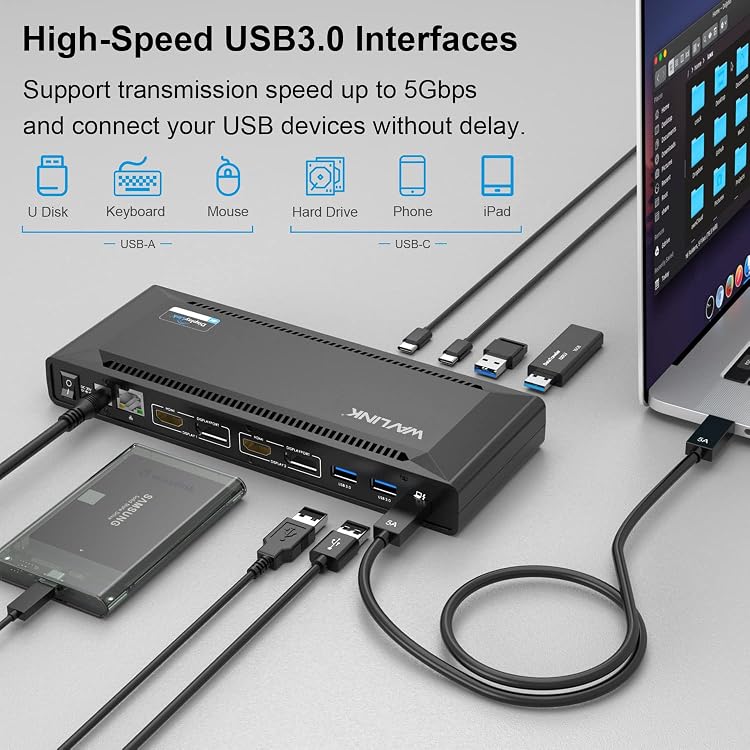
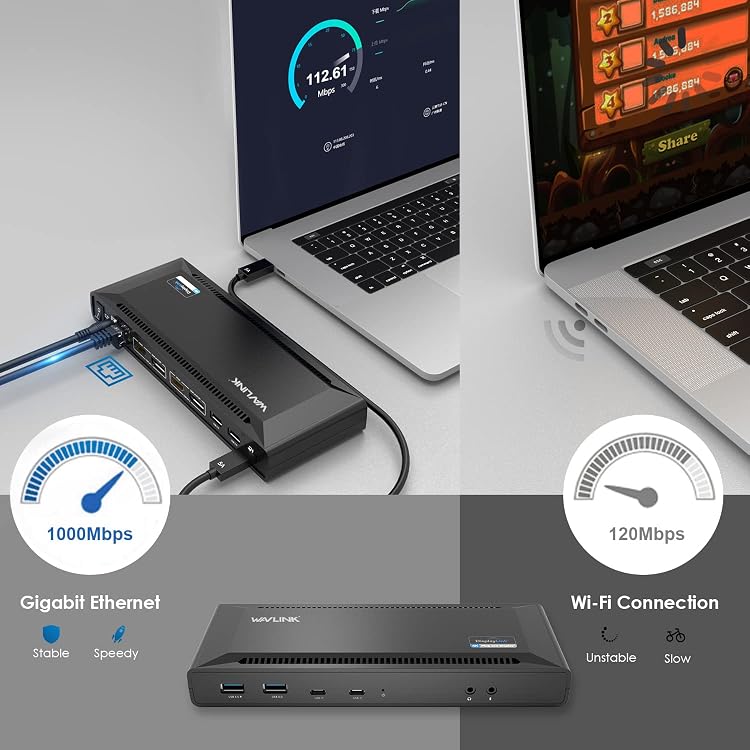
Six USB 3.0 ports support peripherals and external storage, with data transfer rates up to 5Gbps and up to 900mA of power. A Gigabit Ethernet port provides a wired network connection for a desk where consistent cable-based connectivity is preferred. The USB-C host connection can deliver up to 65W to a laptop when connected to a compatible port that supports power delivery. The included 100W power adapter powers the dock and connected peripherals.
- Video: 2 HDMI and 2 DisplayPort outputs, dual 4K at 60Hz
- USB: 6 USB 3.0 ports, up to 5Gbps
- Network: Gigabit Ethernet
- Host charging: Up to 65W through compatible USB-C, USB4, or Thunderbolt connection
- Software: DisplayLink required for video
HDCP is not supported, so copy-protected streaming or disc content will not play on displays when the dock is connected. This is a practical distinction for buyers choosing between a productivity-focused multi-monitor dock and a setup intended for protected video playback.
Who it’s for
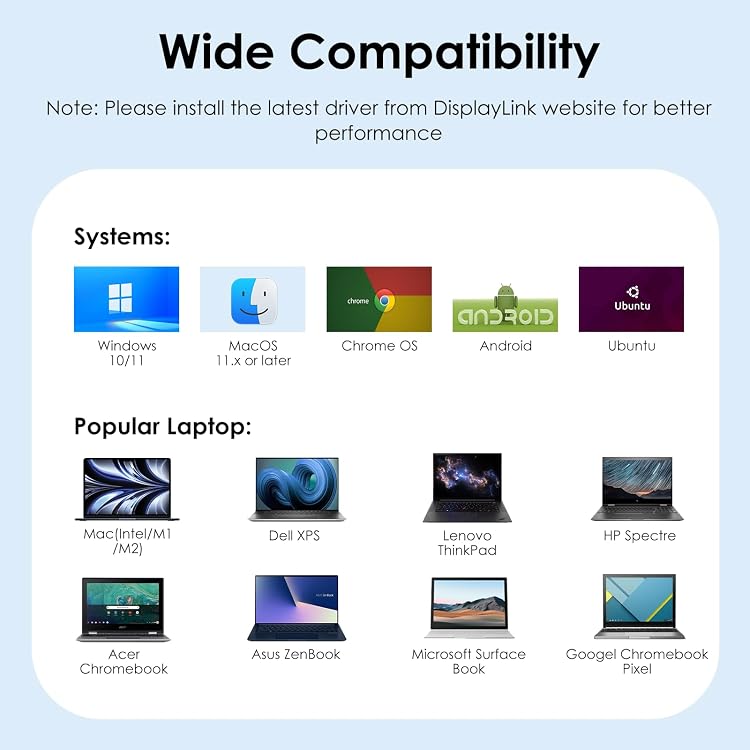
This dock suits people who work across multiple windows, such as spreadsheets, email, documents, and reference material, and want two external screens alongside laptop connectivity. The listed systems include Mac computers running macOS 11 or later, Windows 10 or later, and ChromeOS 100 or later, the product listing names MacBook M1–M5 and Neo, as well as a range of Windows laptops. Check that the laptop has a compatible USB-C, USB4, or Thunderbolt connection for the intended setup, and that the port supports power delivery if you want to charge through the dock.
Customer feedback is mixed on functionality and compatibility: some buyers praise the features and setup, while others report trouble connecting displays or using the dock with their computers. The documented DisplayLink requirement is especially relevant when planning a Mac or multi-monitor workspace.
What you get
The package includes the dual 4K USB-C docking station, a 100W power adapter, a USB-C-to-USB-C cable, and an instruction manual. This gives you the dock, its power supply, and a host cable for setting up a compatible laptop and monitor arrangement.
When it makes sense
It makes sense if your desk routine benefits from two external monitors, wired networking, and several USB peripherals connected through one hub. For example, you can keep work applications open across two displays while connecting a keyboard, mouse, and storage device to the dock, with Ethernet available for a wired network connection. The combination of DisplayLink video, six USB 3.0 ports, Gigabit Ethernet, and up to 65W charging makes this a practical fit for a multi-monitor productivity station, provided DisplayLink and the host connection meet your setup needs.