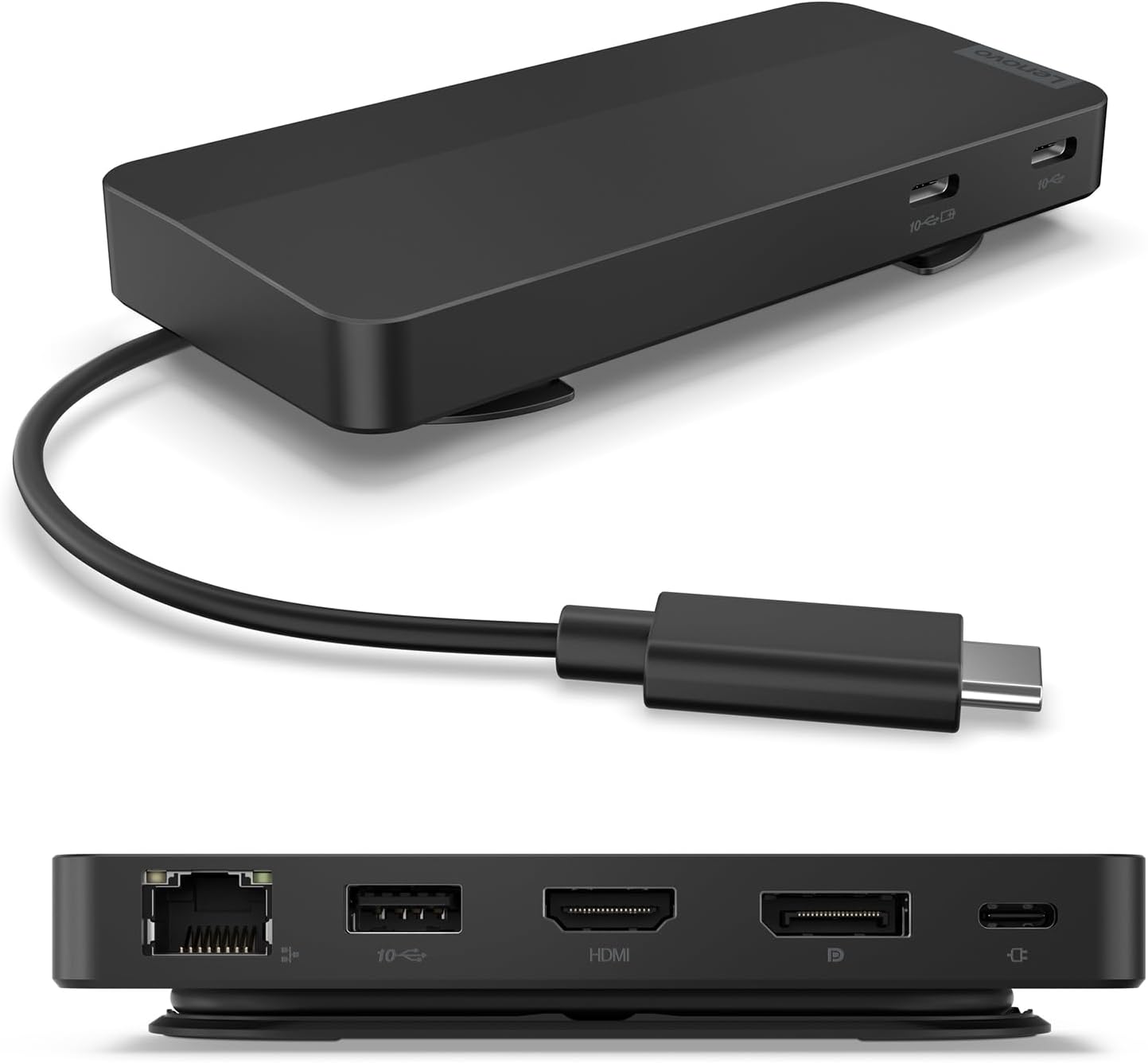
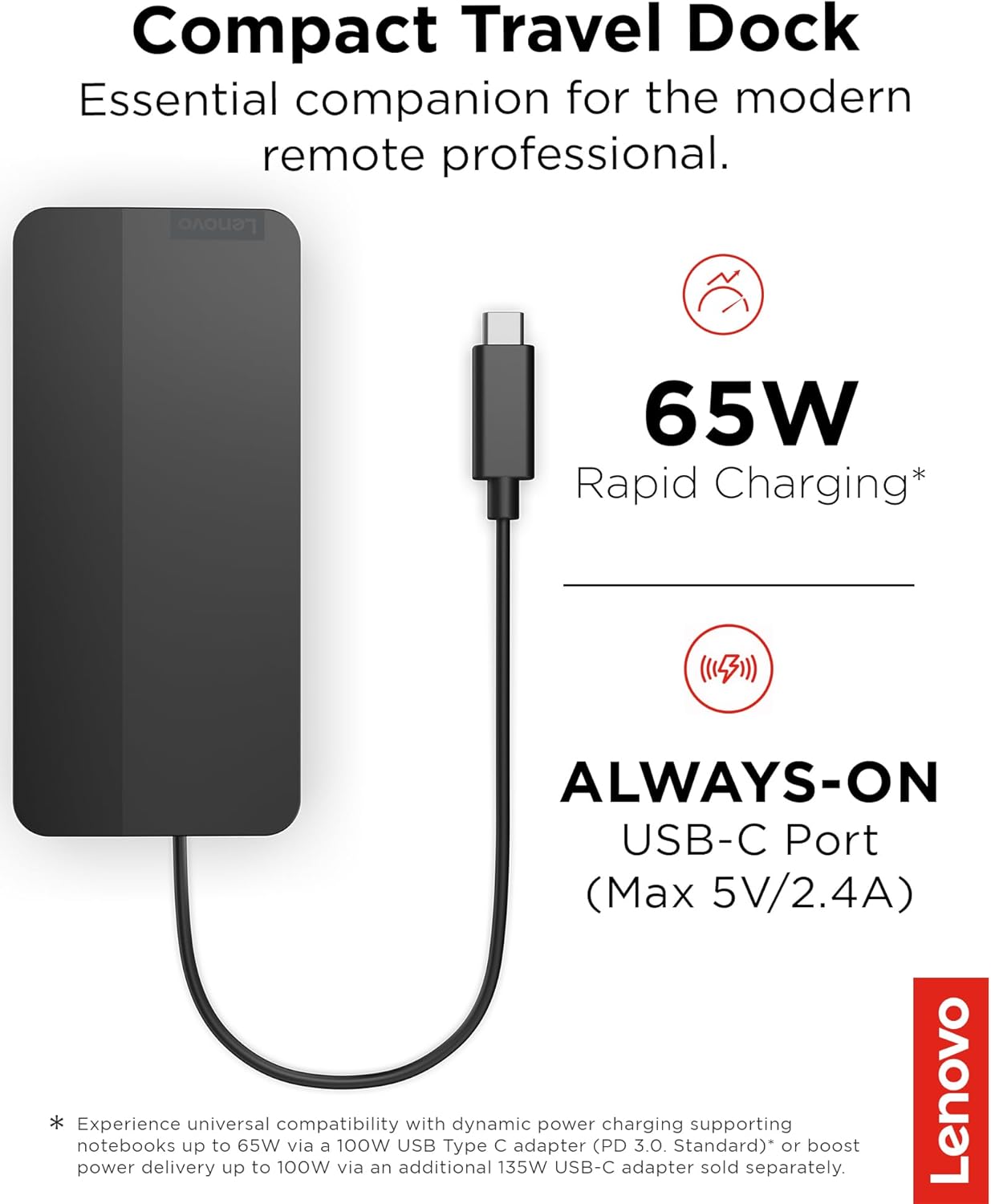
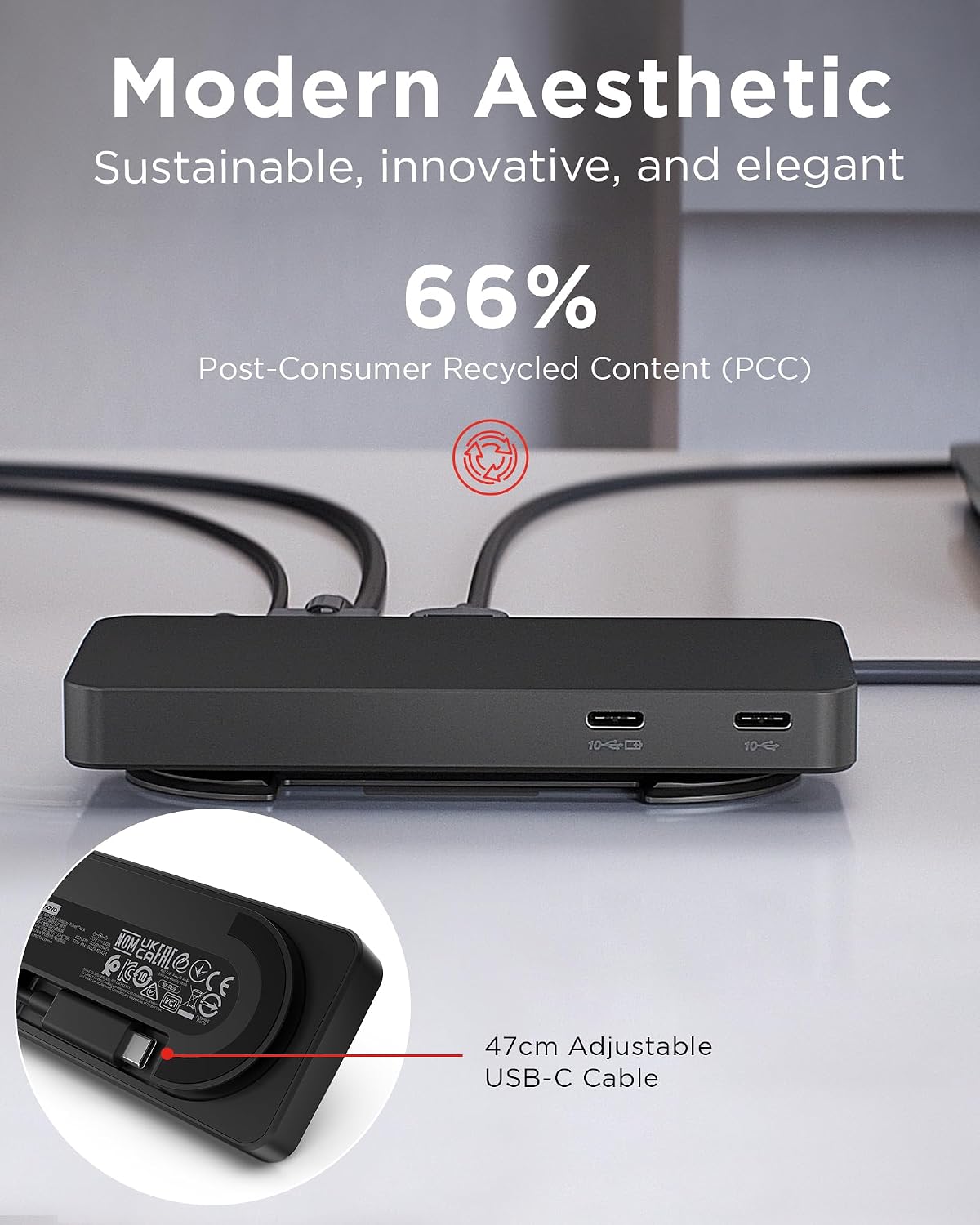
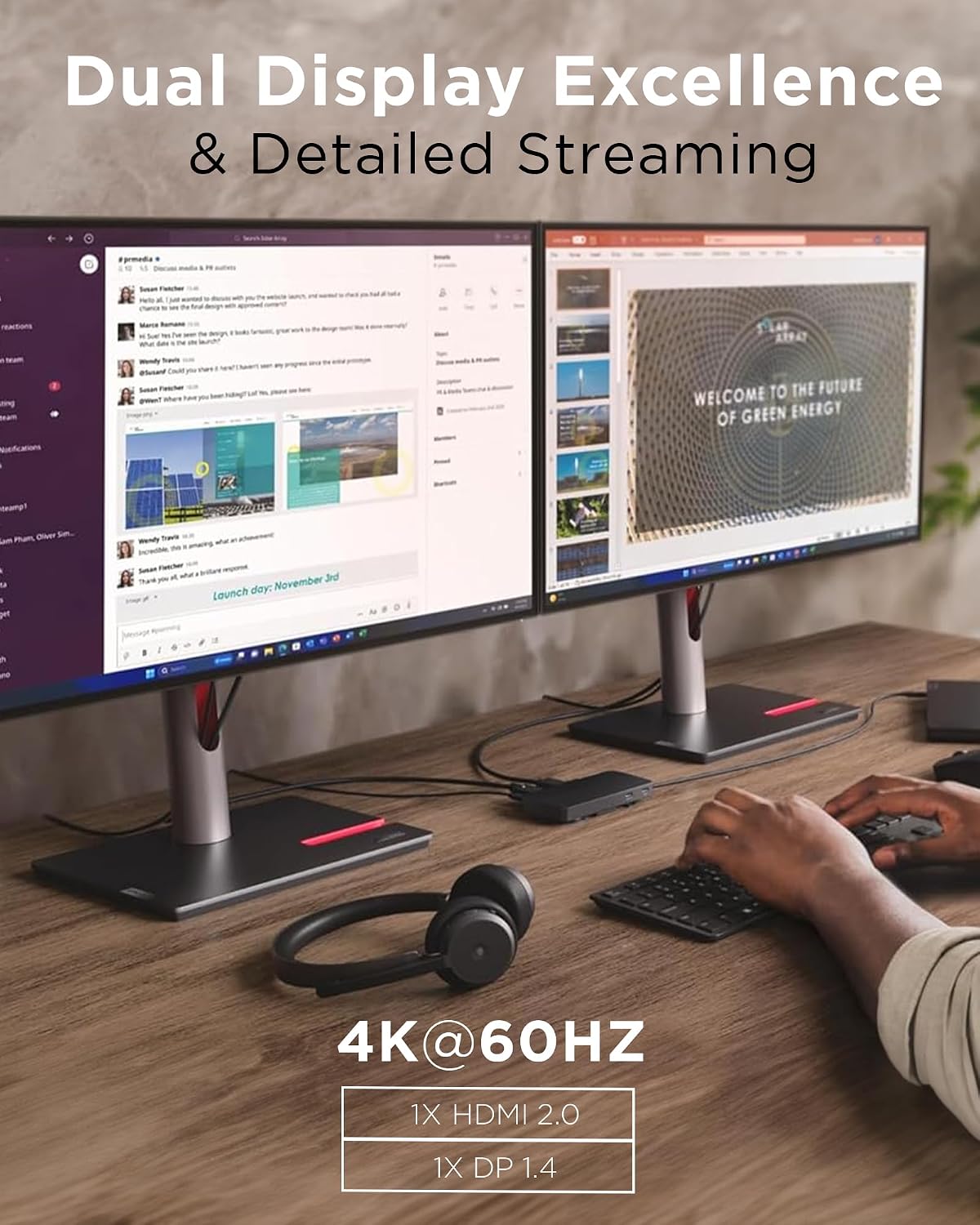
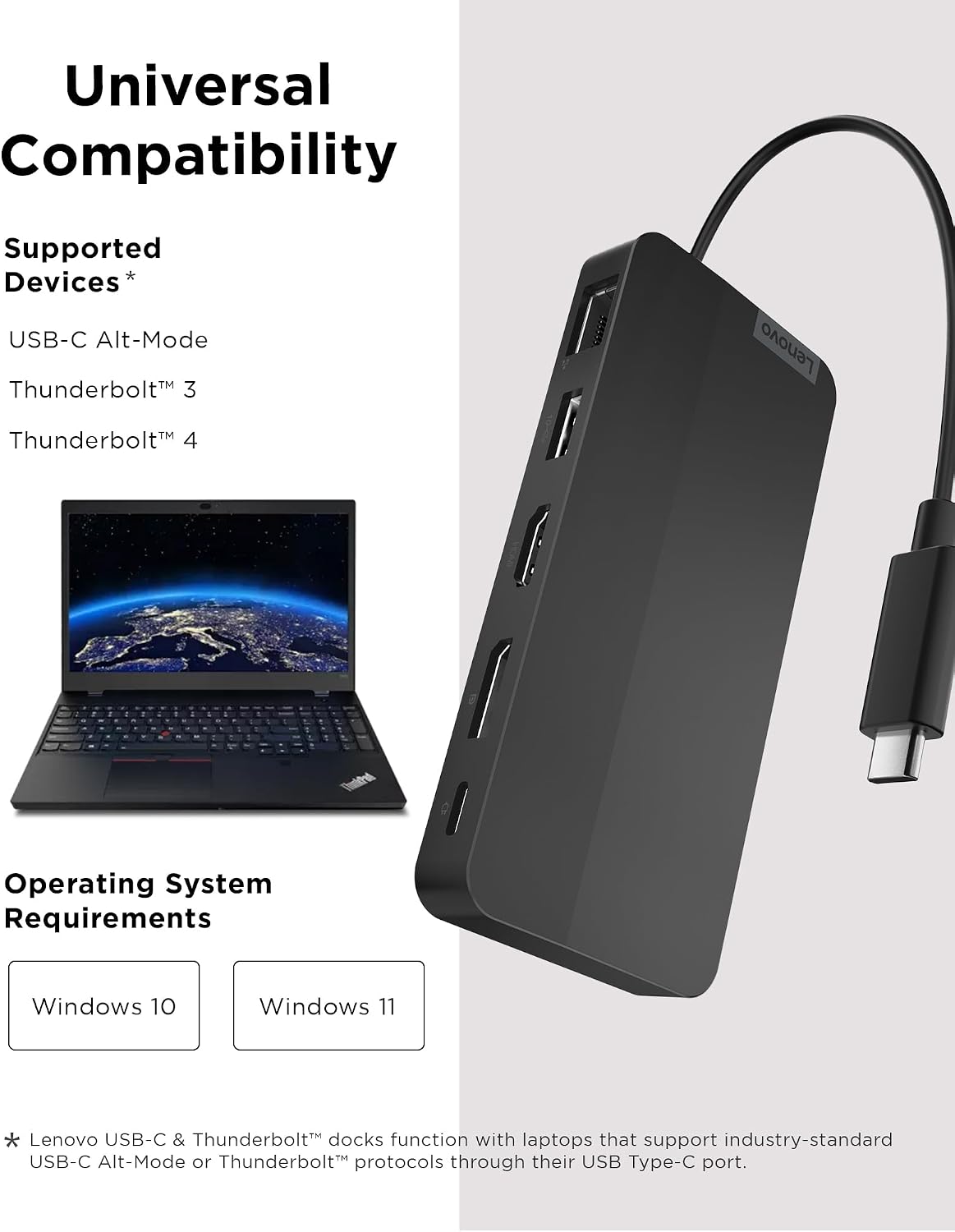
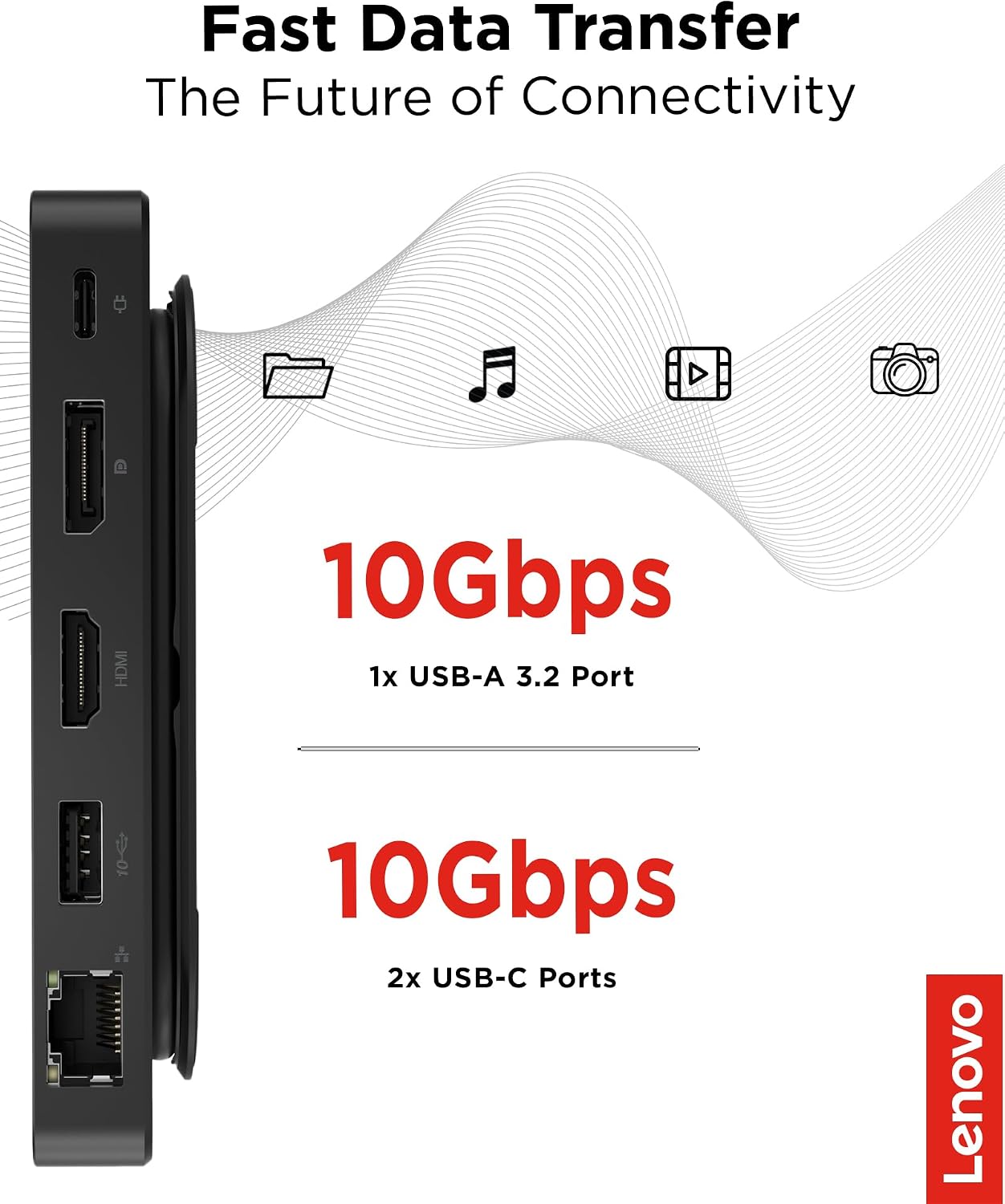
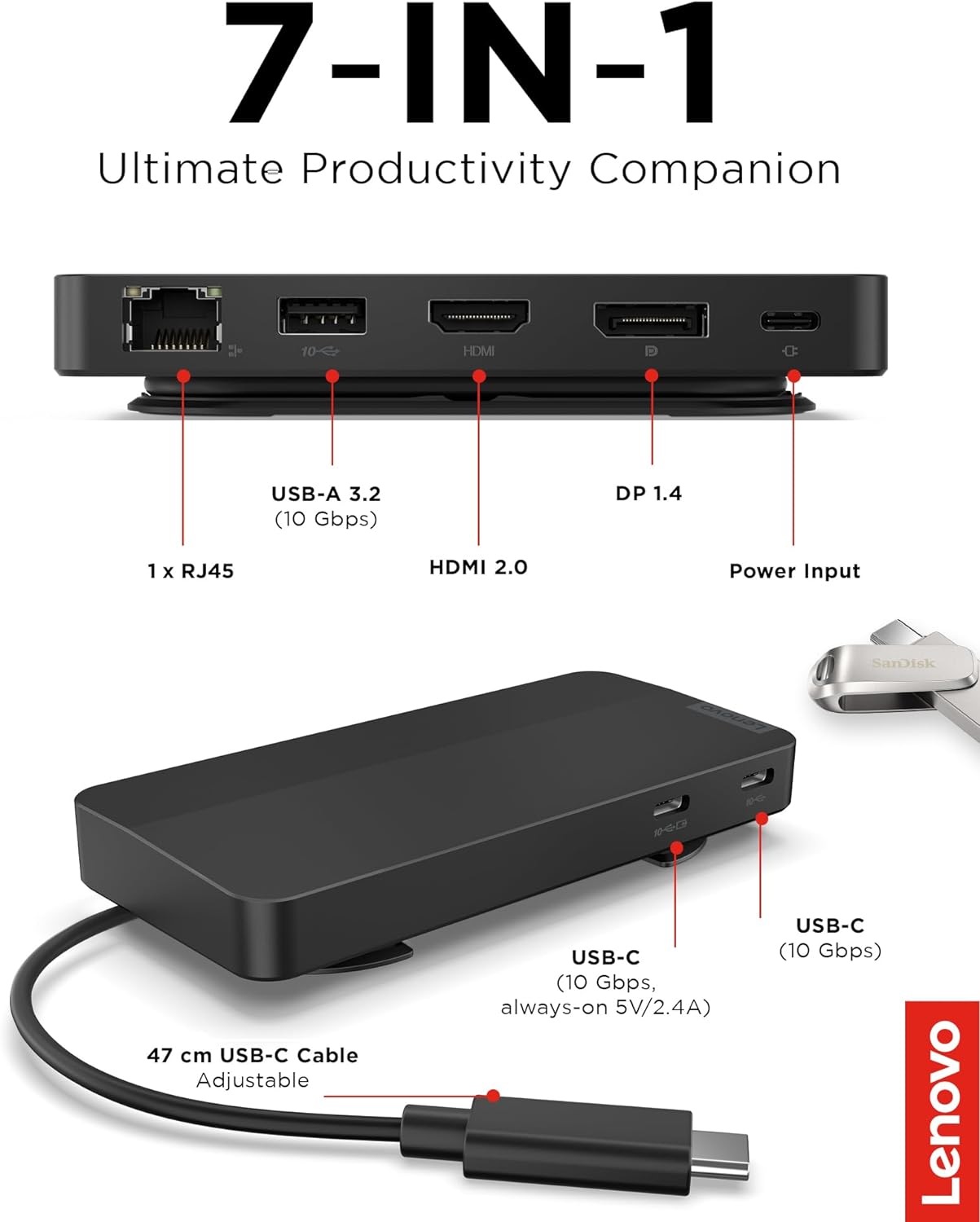
What it is and who it’s for\nThe Lenovo USB-C Dual Display Travel Dock is a compact, seven-port docking solution designed to expand a USB-C laptop’s workspace. It aims to power two external displays at 4K while keeping essential peripherals connected, all through a single integrated cable. If you often work remote or in a transit-friendly setup, this dock promises to simplify connectivity without carrying multiple adapters.\n\n## How it performs on paper\nThis dock offers two video outputs: DP 1.4 and HDMI 2.0, enabling dual 4K displays. For data and accessories, there’s USB-A 3.2 (10 Gbps) and two USB-C ports (10 Gbps) with one always-on USB port for continuous power to connected devices. A Gigabit Ethernet port adds wired network reliability, and the unit provides up to 100W Power Delivery for compatible laptops (with an optional 135W charger to boost power delivery to 100W). The chassis emphasizes sustainability with 66% post-consumer recycled content.\n\n## Pros and what stands out\nOn the plus side, you get a single-cable dock with dual 4K display capability, a fairly rich port set, and a credible power delivery option for many laptops. The inclusion of an always-on USB port can help keep essential peripherals charged, even when the host notebook isn’t awake. The design leans toward a modern, understated aesthetic that may appeal to professionals aiming for a clean desk setup.\n\n## Limitations and caveats\nIt may not deliver full 100W PD to all laptops unless you use the higher-wattage adapter, and exact performance can depend on your notebook’s power requirements and the connected peripherals. The description notes an optional 135W charger for full 100W delivery, so if your workflow relies heavily on sustained maximum power, you’ll need to factor that extra purchase. Also, while dual 4K is supported, real-world performance can vary with driving two high-resolution displays and other USB devices simultaneously.\n\n## Ideal use cases\n- Remote professionals who need a space-efficient dock that drives two 4K displays.\n- Users who want a tidy desk with a single cable solution for USB peripherals, Ethernet, and video.\n- Those who value sustainability in a tech accessory and prefer a device with a portion of recycled materials.\n\n## Who it’s not best for\nIf your workflow prioritizes maximum power delivery to high-demand laptops or you need more than two 4K outputs, this dock may feel limited. If you require a very specific port layout or higher-than-100W charging without an extra adapter, you might want to explore other options.\n\n## What to check before buying\n- Confirm your laptop’s PD needs and whether you plan to use the optional 135W charger for full 100W delivery.\n- Ensure your two monitors can be driven via DP 1.4 and HDMI 2.0 at 4K.\n- Verify that your peripherals won’t overload the USB bandwidth when both USB-C ports are in use.\n\n## Practical usage example\nImagine docking your laptop at a home office with two 4K displays, a keyboard, mouse, and a wired network connection. With a single USB-C connection, you power the laptop, extend to two 4K screens, and keep critical peripherals charged through the always-on USB port. It’s a neat, minimal setup that reduces clutter during daily routines.\n\n## Tech overview\nThe dock includes: 1 x DP 1.4, 1 x HDMI 2.0 for video, 1 x RJ45 for network, 1 x USB-A 3.2 (10 Gbps), 2 x USB-C 10 Gbps (one always-on with 5V/2.4A charging when NB disconnected). It supports up to 100W PD with an optional 135W USB-C adapter to reach full laptop charging power. The chassis emphasizes a modern Eclipse Black finish with sustainability in mind.\n\n## FAQ (quick thoughts)\n- Will it work with my USB-C laptop? Yes, designed for universal compatibility across USB-C laptops.\n- Do I need an extra charger? The model with the power adapter provides 100W PD, for full 100W to the laptop, an optional 135W charger is available.\n- Can I run two 4K monitors at once? Yes, via DP 1.4 and HDMI 2.0.