

UGREEN Revodok 105 5-in-1 USB C Hub, 100W ⚡
Reviews
Price
Product description
This compact UGREEN USB-C hub adds essential ports to modern laptops and tablets, combining HDMI output, high-wattage power delivery and multiple USB-A data ports in a single dongle for on-the-go workflows. It helps extend a display and charge a host device while keeping peripherals connected, making multitasking simpler for workstations and presentations.
Key Points
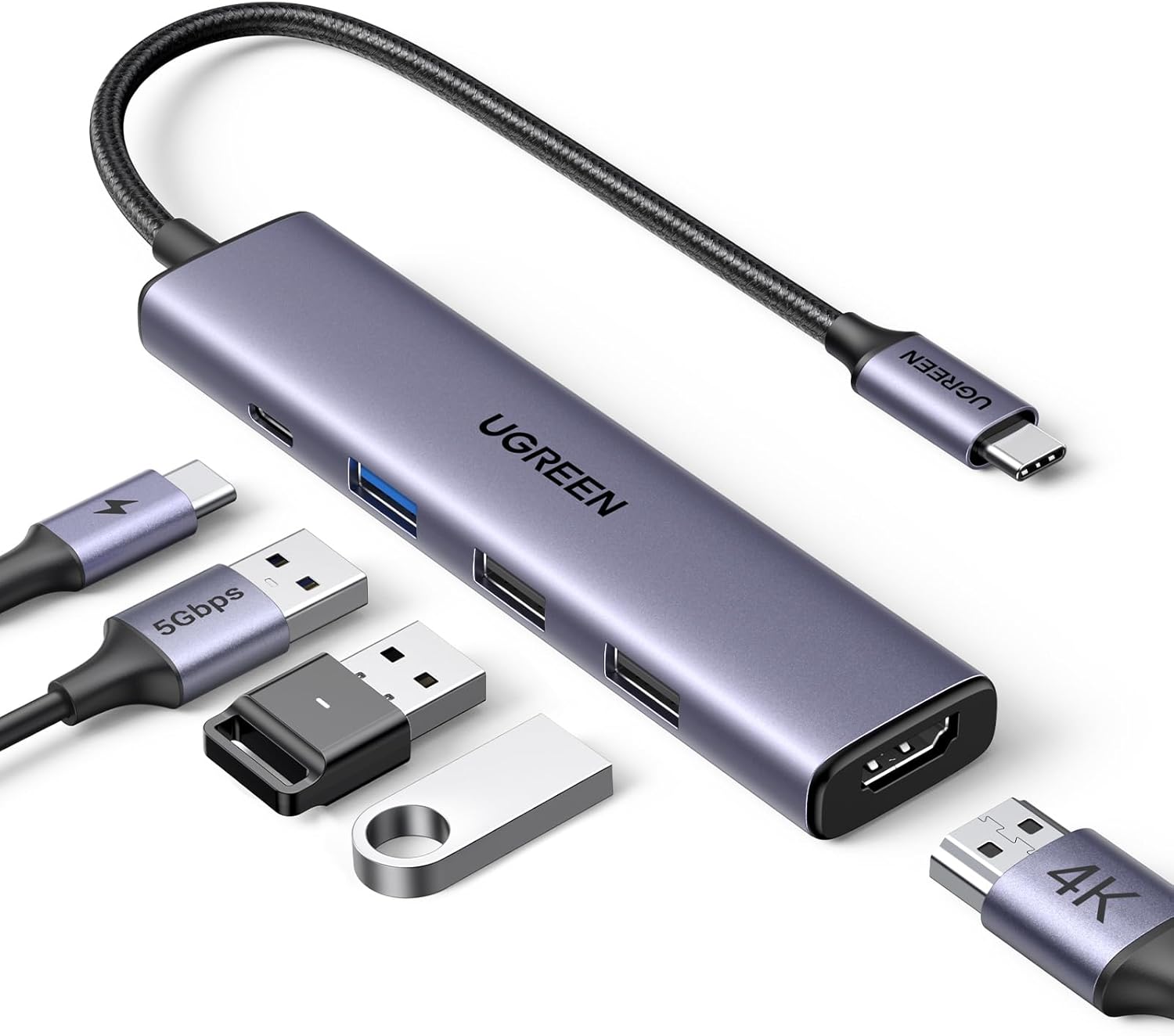
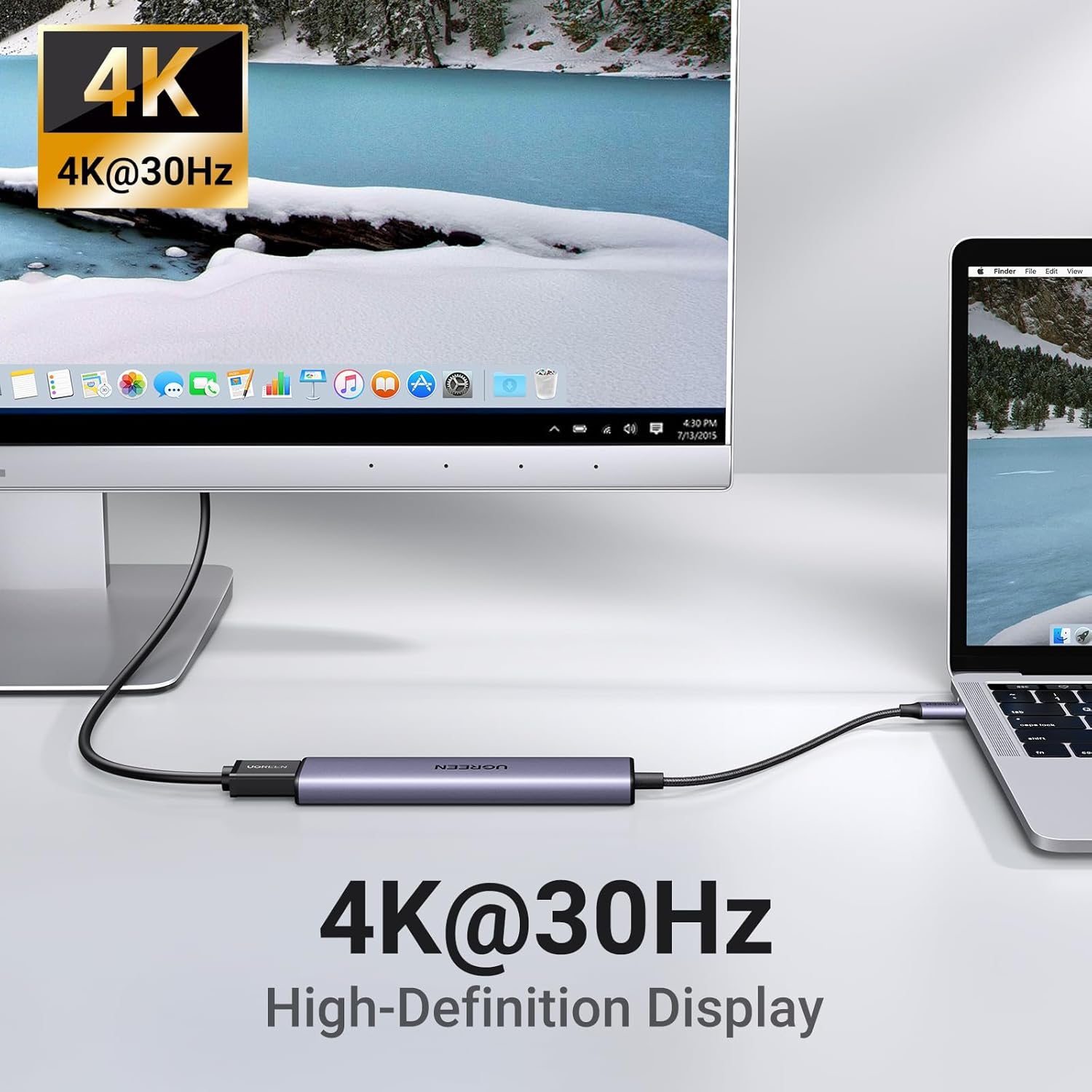
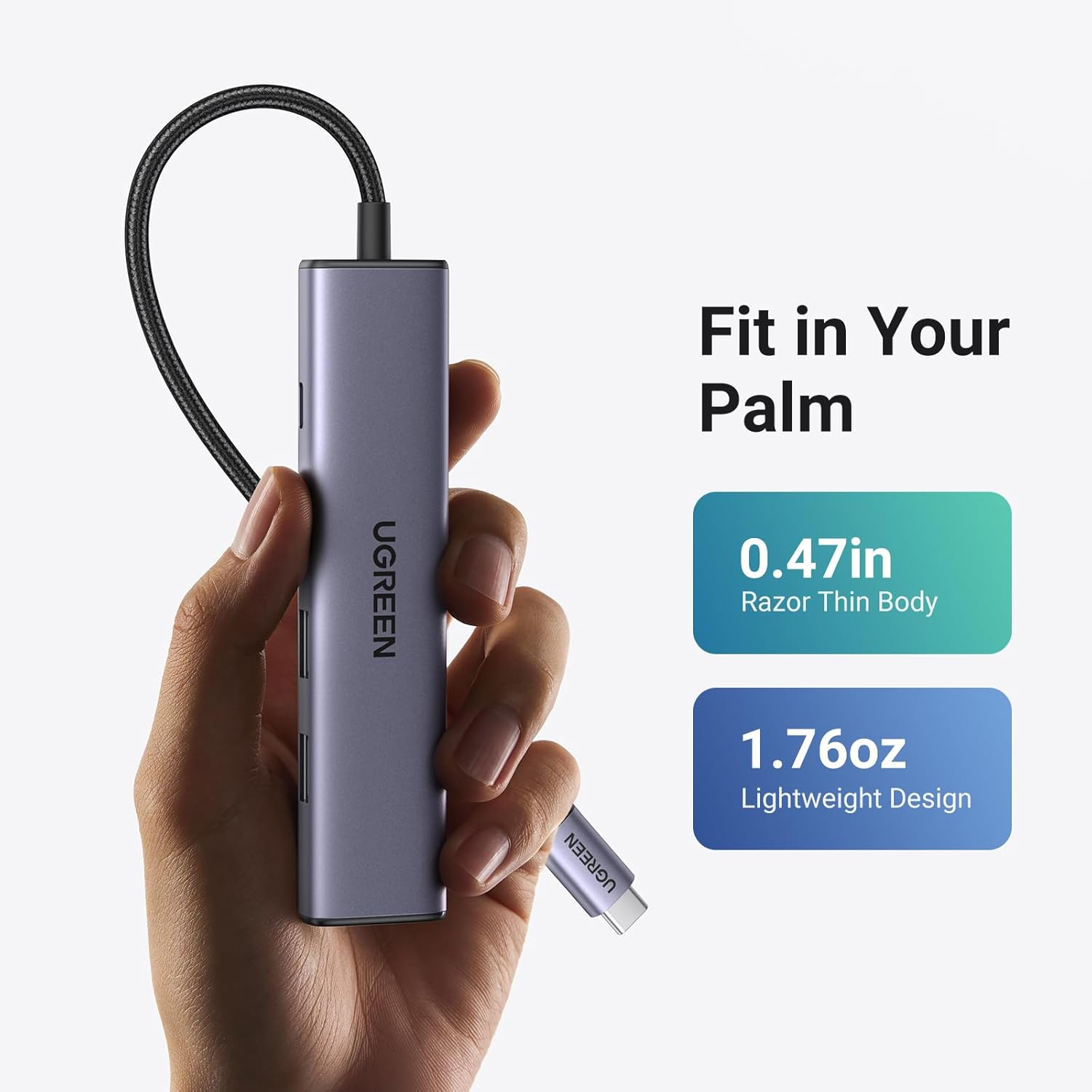
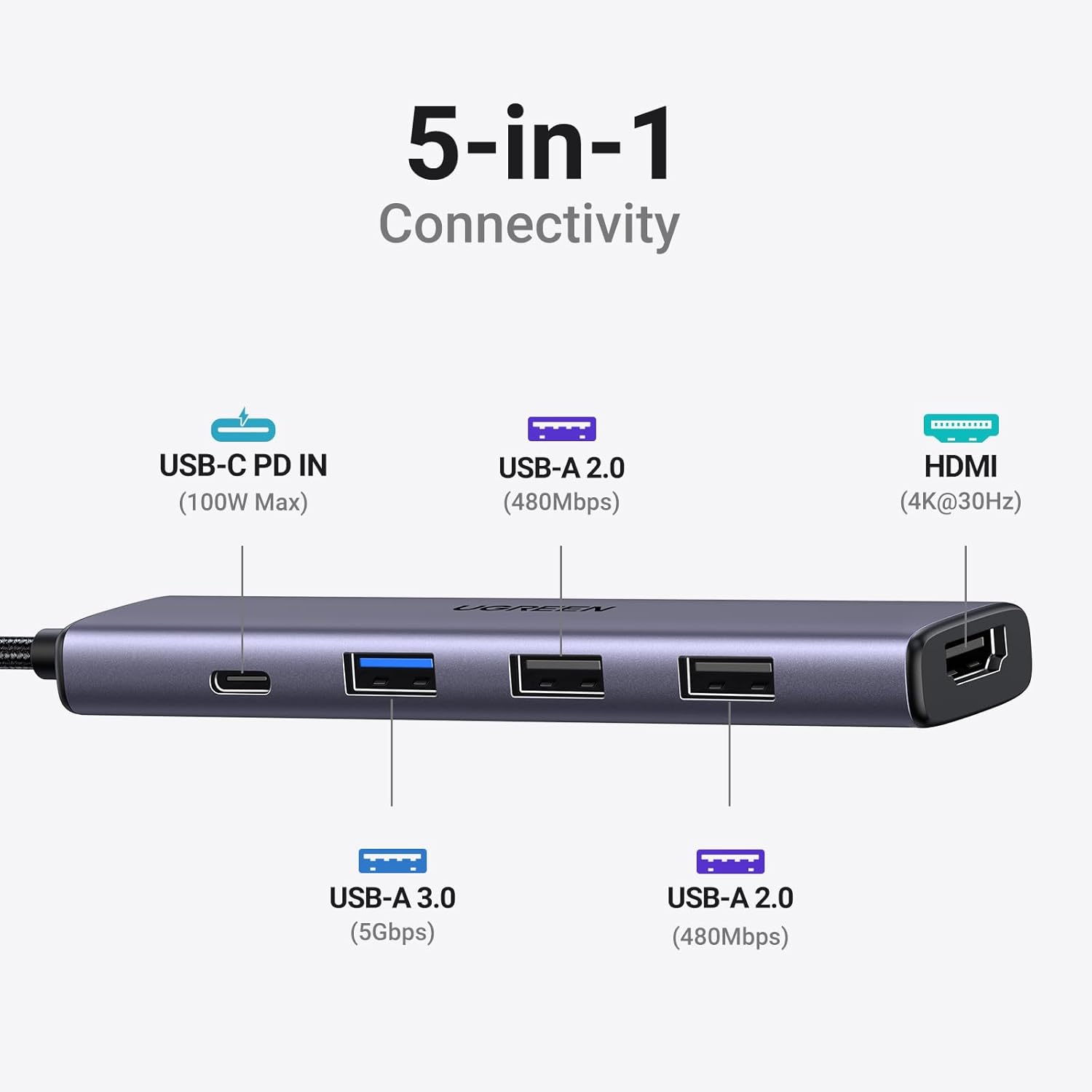
The adapter converts one USB-C port into an HDMI port that supports up to 4K@30Hz, a USB-C PD charging input rated up to 100W, one USB 3.0 data port and two USB 2.0 ports. This setup suits users who need extra connectivity without carrying a bulky dock. The aluminum shell improves heat dissipation and gives the accessory a refined look that complements aluminum laptops. ⚡️
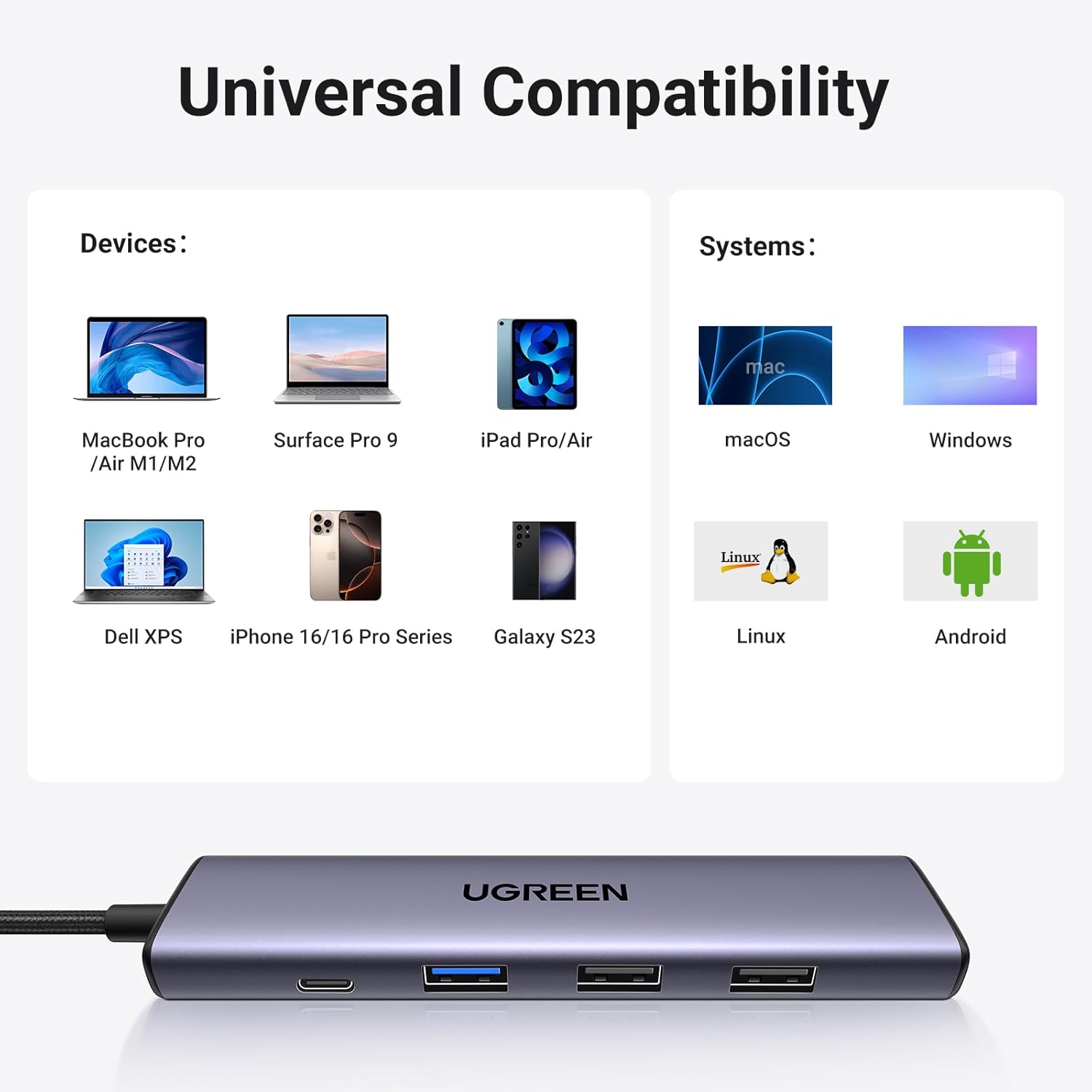
Compatibility covers a wide range of devices that support USB-C power and data functions, including many MacBook models, iPad Pro, recent iPhone models with adapters, Windows laptops like XPS and ThinkPad, and some Android devices that allow video output. Note that the HDMI output requires a host port with native video transmission support, according to the manufacturer. 📺
Technical Specifications
- Name: UGREEN Revodok 105 USB-C 5-in-1 Hub
- HDMI output: 4K@30Hz, backward compatible with 1080p@120Hz
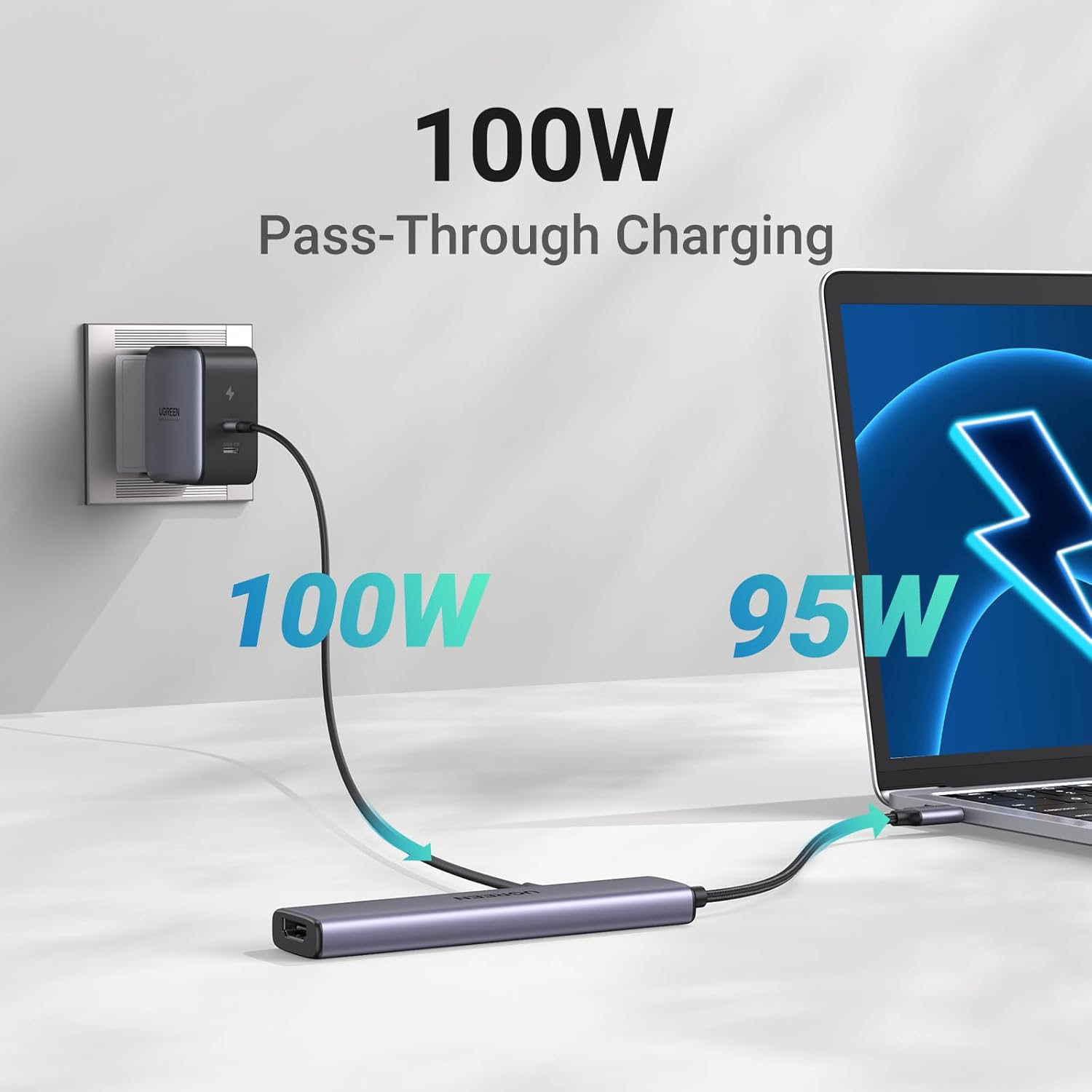
- USB-C PD input: 100W max
- USB ports: 1 x USB 3.0, 2 x USB 2.0
- Material: Aluminum casing
Usage Recommendations
Plug the dongle into a computer USB-C port that supports DisplayPort Alt Mode to enable the HDMI output. For best results when charging and using multiple peripherals at once, connect the 100W USB-C charger to the PD port first to ensure consistent power delivery to the host and attached devices. When mirroring or extending a desktop, select the appropriate output resolution within the operating system display settings. 🔌
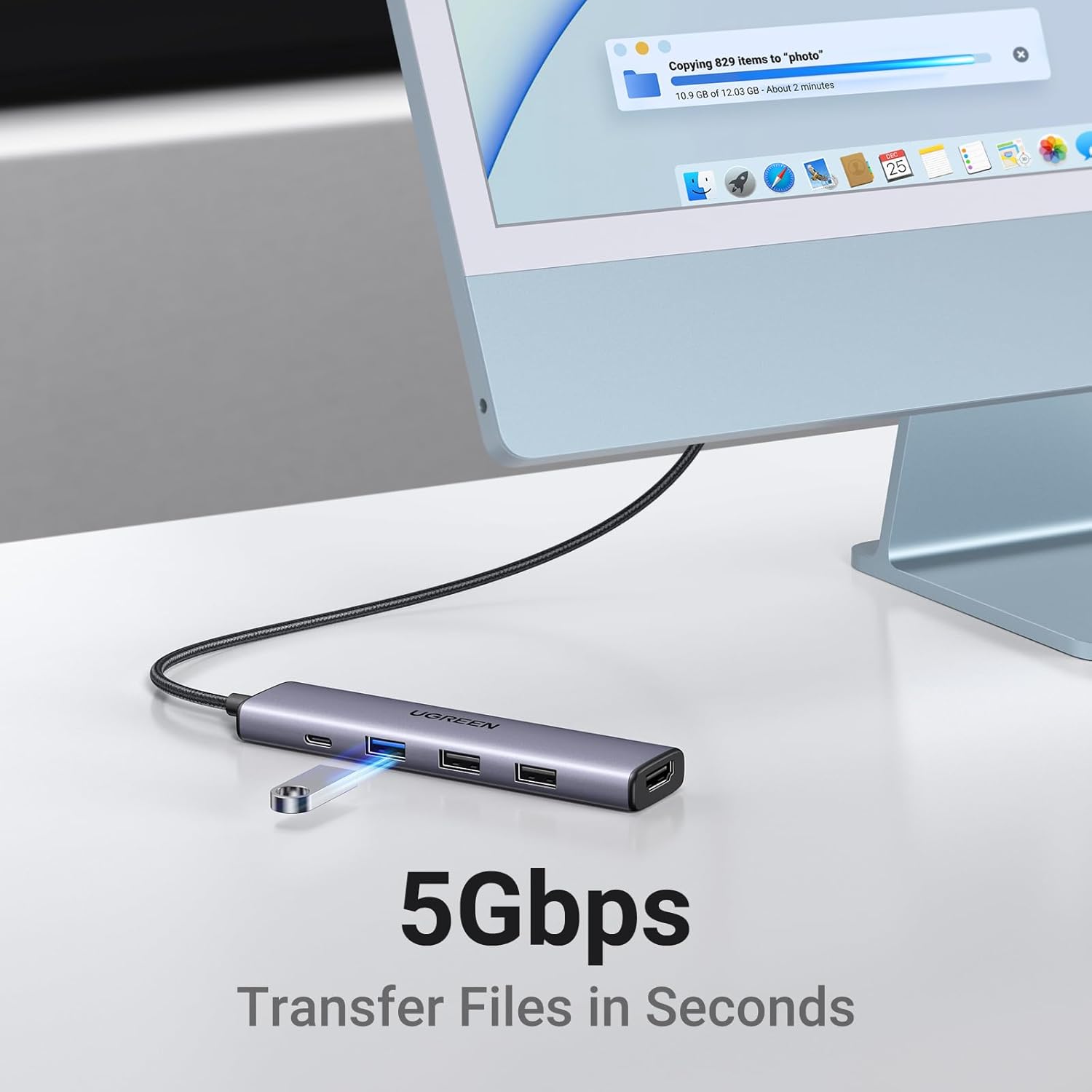
Because the hub mixes USB 3.0 and USB 2.0 ports, transfer speeds will vary between ports. High-bandwidth devices such as external SSDs or high-resolution webcams should use the USB 3.0 port to benefit from faster data rates. Consider that the HDMI is capped at 30Hz for 4K content, so very fast-motion video or high-frame-rate gaming on a 4K external display may not be fully supported.