

NOVOO USB C Docking Station 15-in-1 🖥
Product description
This USB-C docking station from NOVOO extends a laptop or compatible device into a versatile workstation with support for multiple displays and high-speed connections. It is aimed at professionals and remote workers who need to connect monitors, external drives, wired Ethernet and peripherals while keeping a compact footprint and one-cable convenience.
Key Points
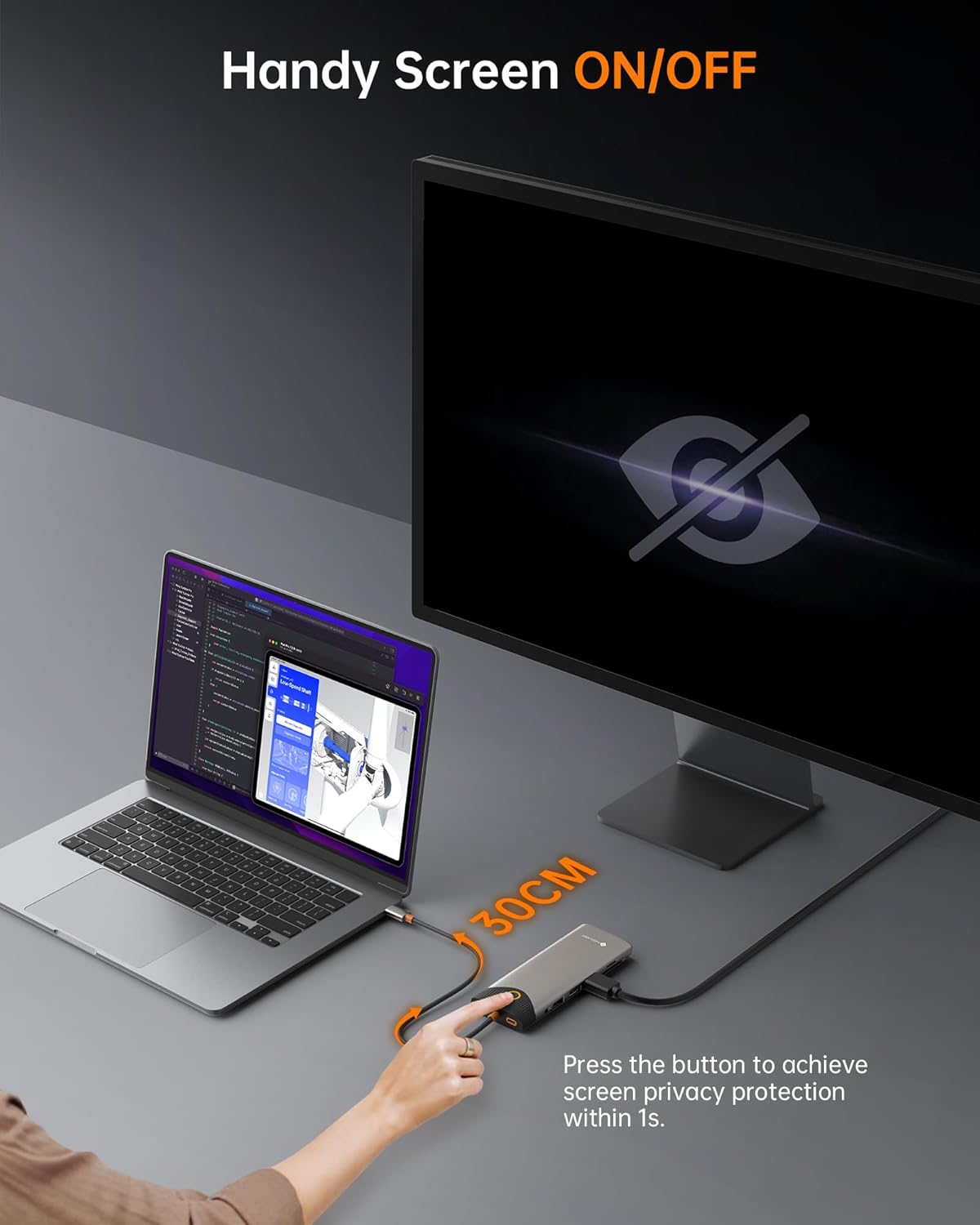
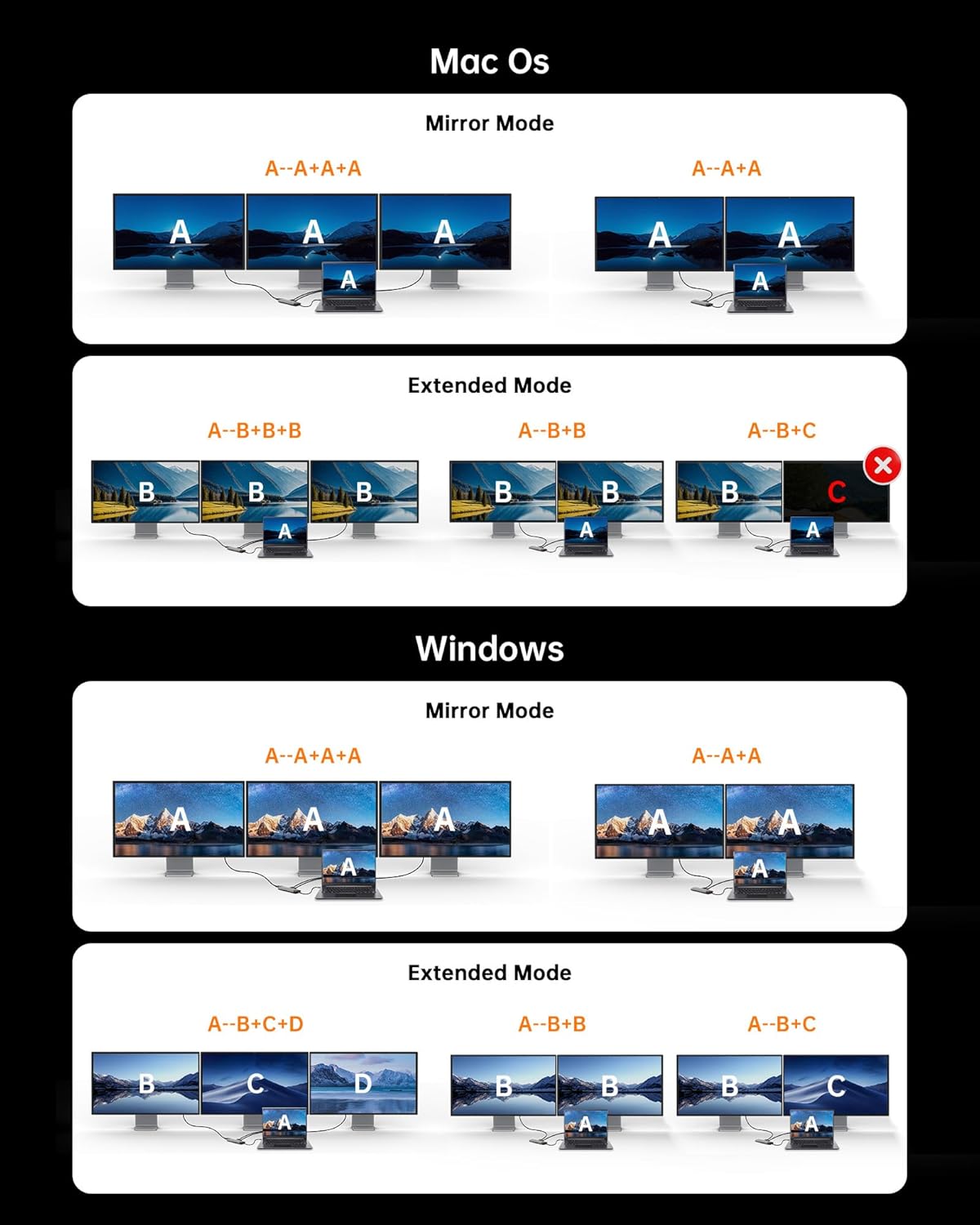
The hub supports triple-monitor output on Windows, allowing different content across three displays for spreadsheets, presentations and multitasking, while macOS supports mirroring or single external expansion only. It includes a one-click screen-off button to quickly blank connected displays for privacy when you step away. The 30 cm attached cable and compact body make it easy to carry between home and office or to use on a shared desk.
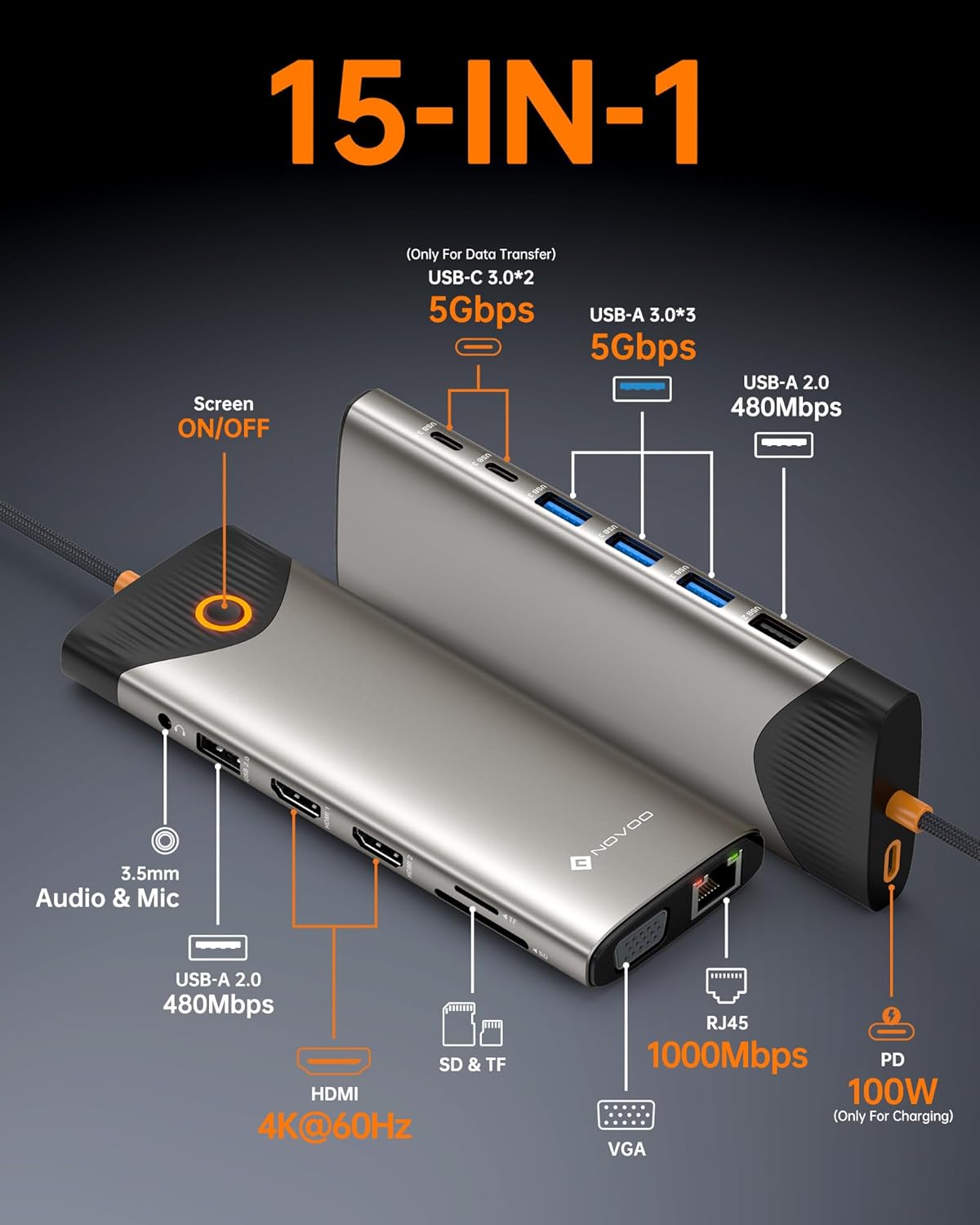
Technical Specifications
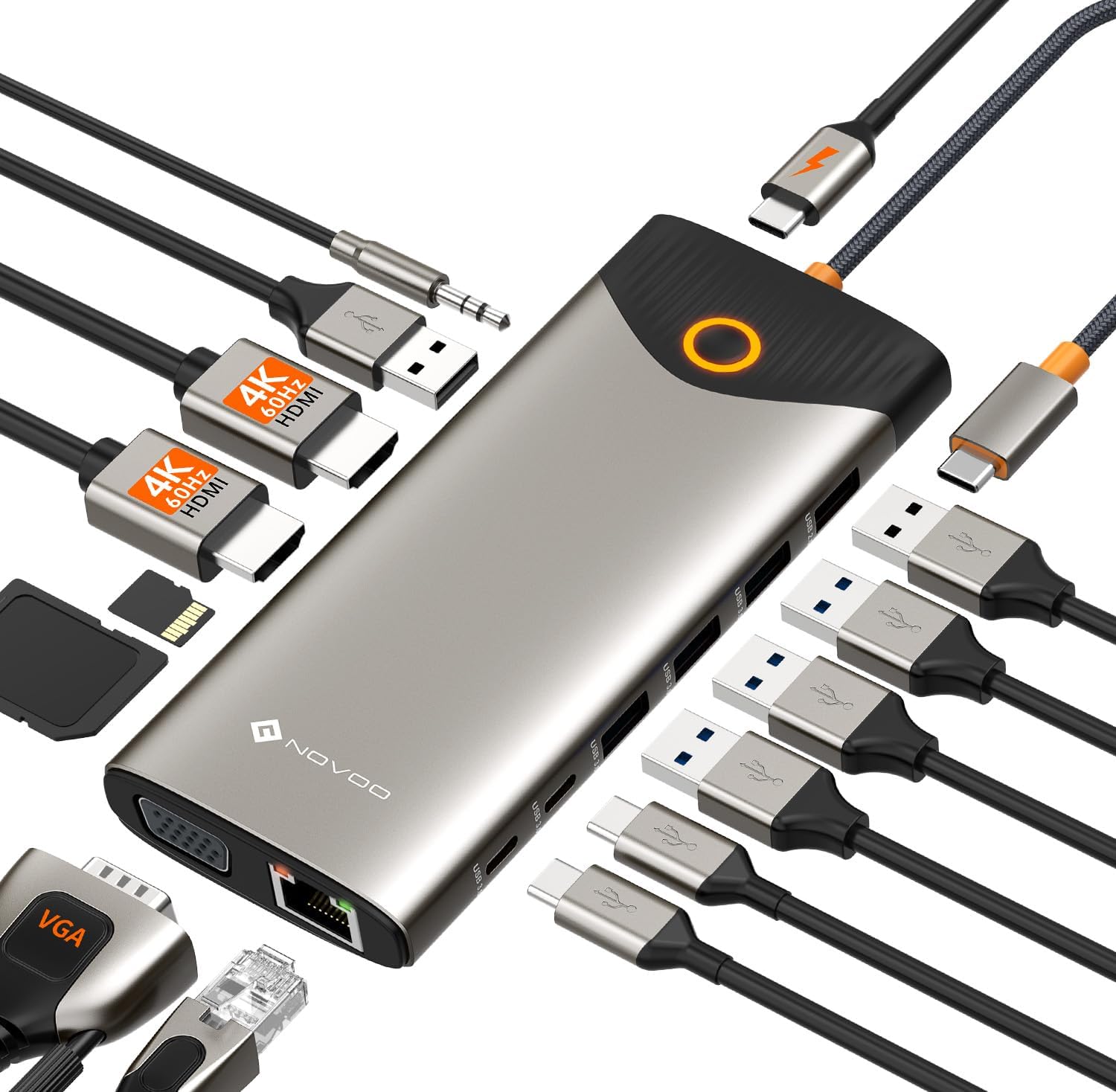
- Name: NOVOO USB C Docking Station Dual Monitor, 15 in 1
- Video outputs: Dual HDMI (4K@60Hz) and VGA.
- Power delivery: USB-C PD input up to 100W, USB-C output up to 85W.
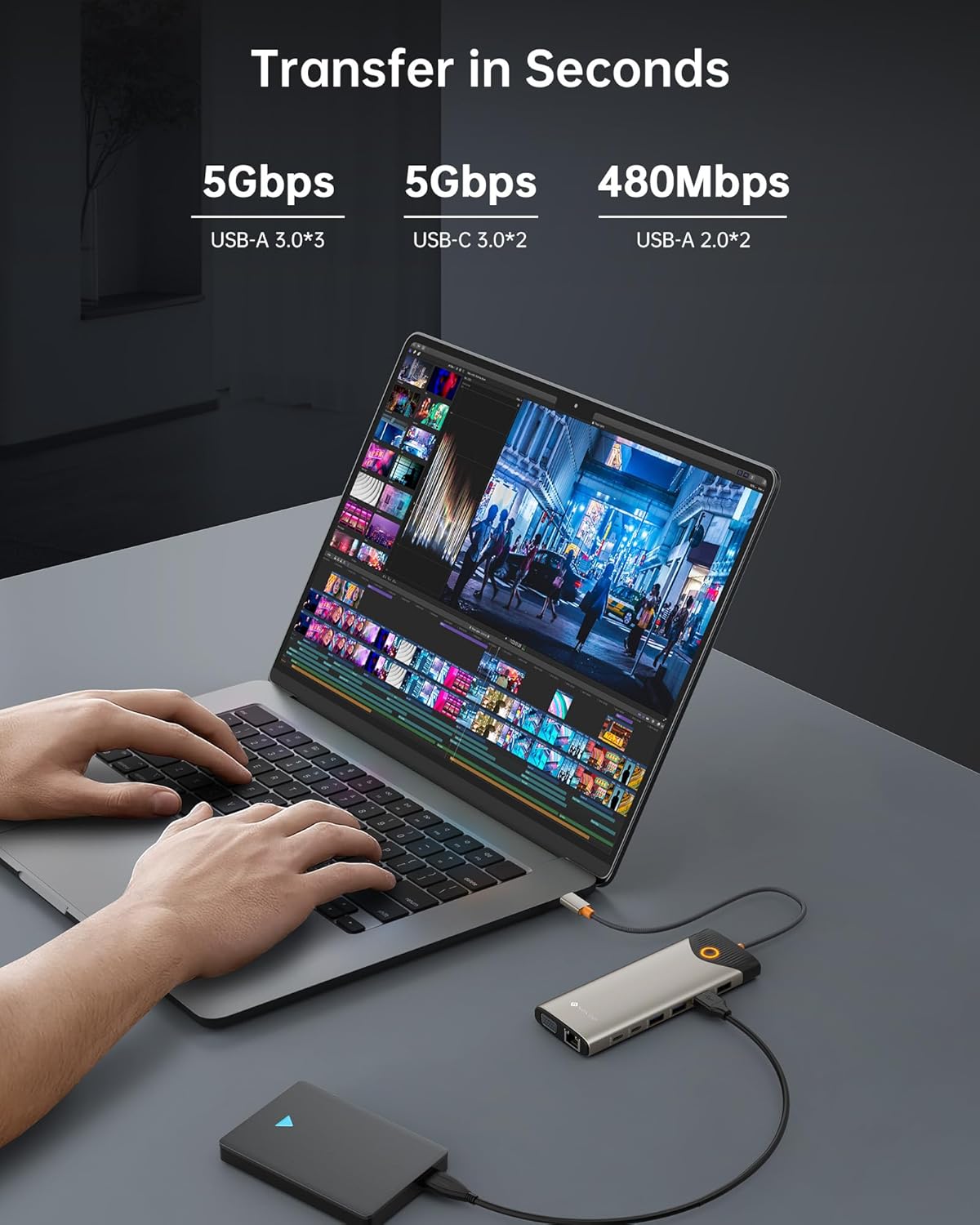
- Data ports: 2 × USB-C 3.0 (up to 5 Gbps), 3 × USB-A 3.0, 2 × USB-A 2.0.
- Network and storage: Gigabit RJ45 Ethernet, SD and microSD card reader.
- Audio: 3.5 mm combo audio/mic port.
Benefits
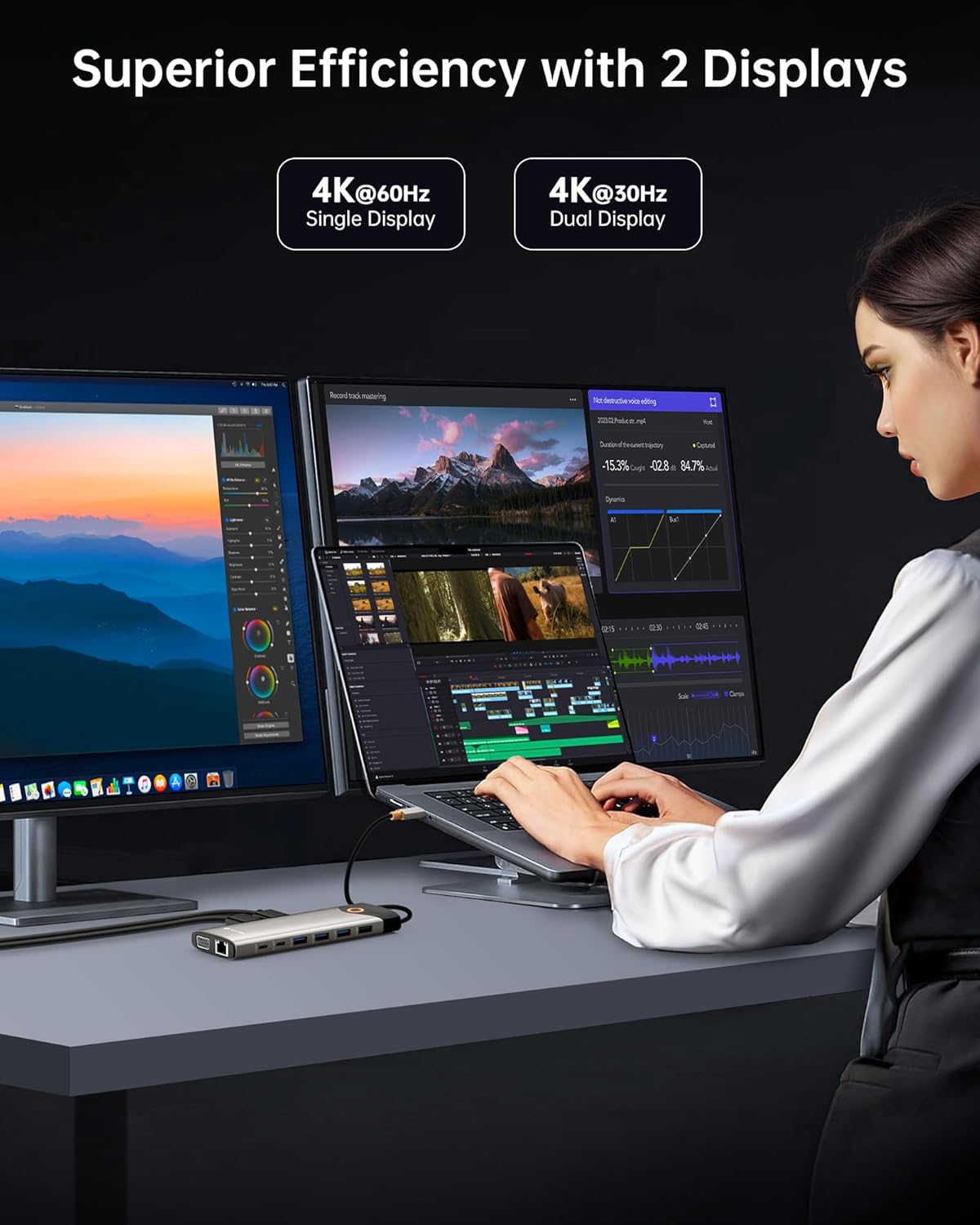
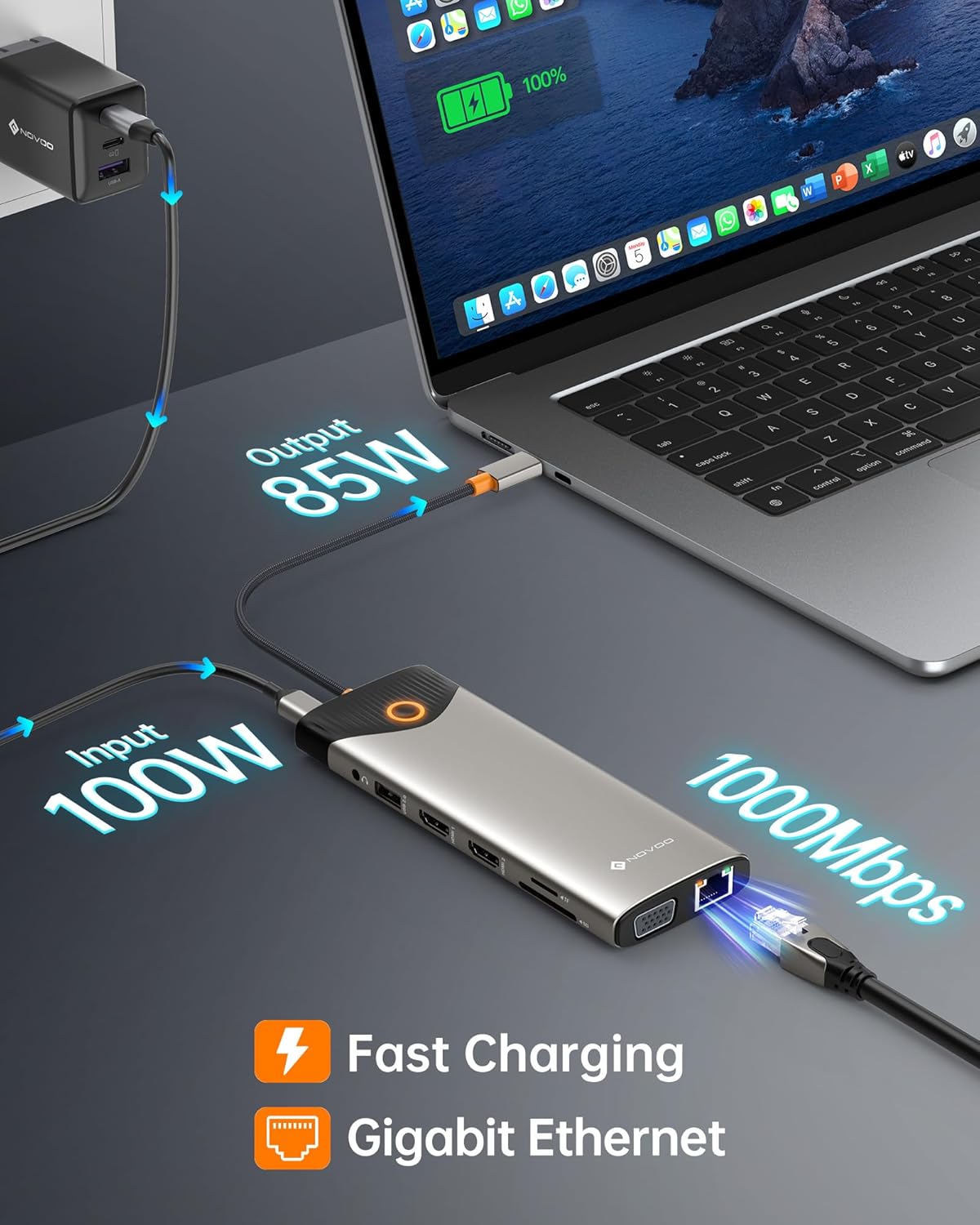
Connecting a laptop to the dock reduces cable clutter and keeps peripherals accessible. High-speed USB 3.0 and USB-C data lanes let you move large files and media quickly, which helps when transferring photos or project archives. The 4K@60Hz HDMI output supports clearer picture quality for presentations and media playback, and the VGA port retains compatibility with older displays. Including wired Ethernet provides a stable network connection that can be useful for video calls and large uploads.
Usage Recommendations
For a three-monitor setup use a Windows laptop that supports MST to extend three different displays. For macOS devices use the dock for mirrored or single external display setups, and consider the platform limitation when planning multiple-screen workflows. Remember that power delivery depends on your laptop’s charging requirements; the dock supplies up to 85W to the host which, according to the manufacturer, is sufficient for many ultrabooks but may not fully charge some high-performance laptops under heavy load. If privacy is a concern, press the screen-off button to temporarily blank connected displays before leaving your desk.