


SABRENT DS-4SSD USB 3.0 4-Bay Dock for 2.5” SSD
Reviews
Price
Product description
If you need a simple way to expand storage and move files between drives and your computer, the SABRENT DS-4SSD 4-Bay 2.5” SATA SSD and HDD docking station is built for that job. With USB 3.0 support and up to 5 Gbps transfer performance when used with USB 3.0, it helps you get faster data movement for backups, media transfers, and everyday drive swaps. It also includes a cooling fan for better heat management during sustained activity 🔧
The essentials
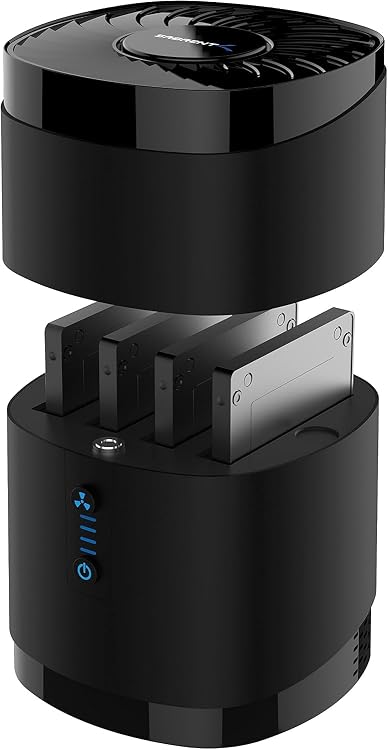
The DS-4SSD is a tool free 4-bay docking station for installing SATA 2.5 inch SSDs and HDDs. It supports up to four 2.5 inch SATA drives, letting you work with multiple drives without repeatedly opening a system or rebuilding connections. The UASP compatible design is intended to pair with capable systems for faster, efficient data transfer over USB 3.0 🚀
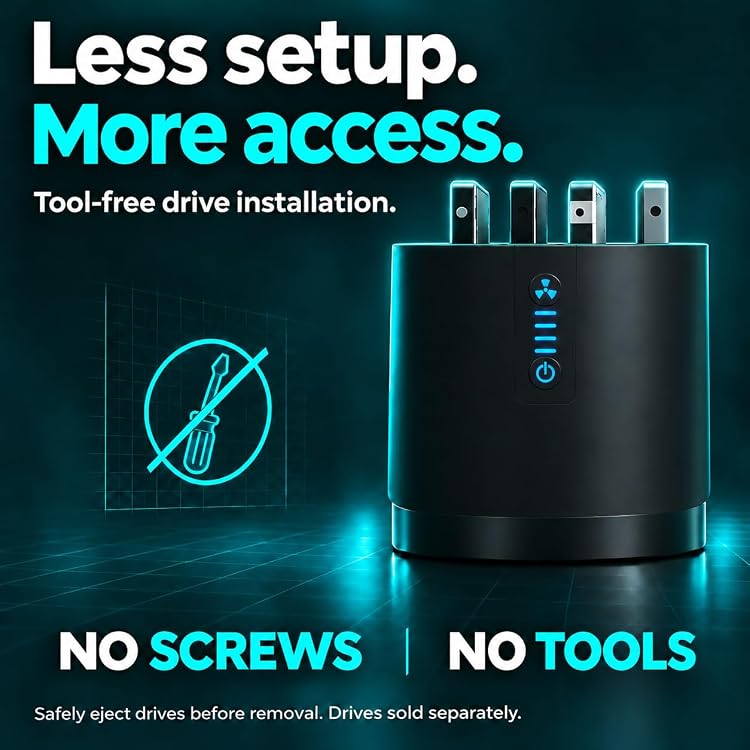
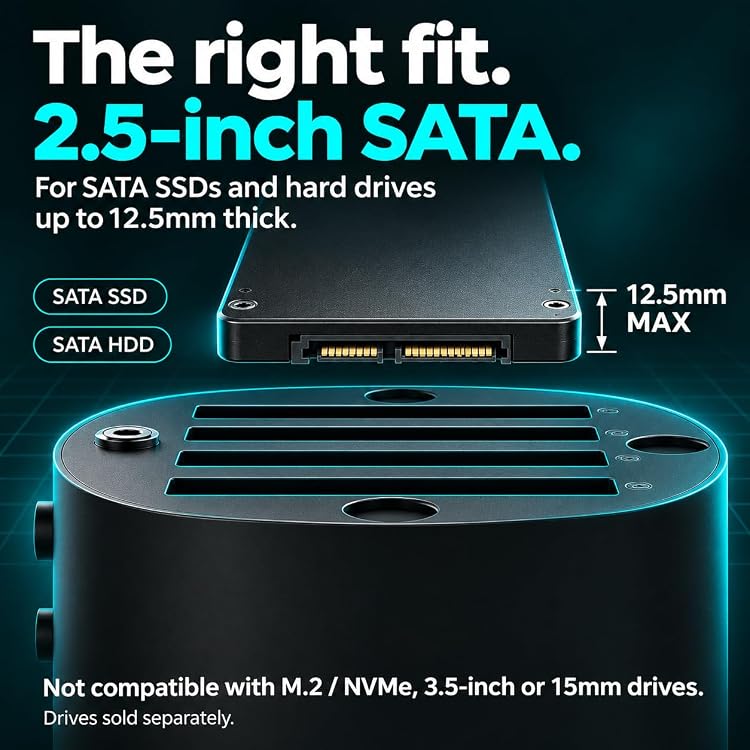
You can use it for tasks like transferring large files, organizing backups, or quickly checking data on older 2.5 inch drives. Since it uses a tool free setup with a magnetic structure to complete installation in seconds, it fits well into workflows where you want less downtime between drives. Keep in mind that the station supports SATA 2.5 inch drives up to 12.5 mm thick, so verifying your drive height helps avoid mismatches 😊
SABRENT also notes protections that are designed to help with stability during transfer. The ABS enclosure is described as anti slip and impact reducing, supporting a secure connection while data is moving. An LED status indicator provides an at a glance view of operating status.
Key features


The biggest practical advantage is the ability to dock up to four 2.5 inch SATA drives in one setup. That can be especially helpful when you need to migrate data, compare contents across drives, or manage multiple backups at the same time. The docking station is meant to work with SATA 2.5 inch SSDs and HDDs that match the supported thickness range.
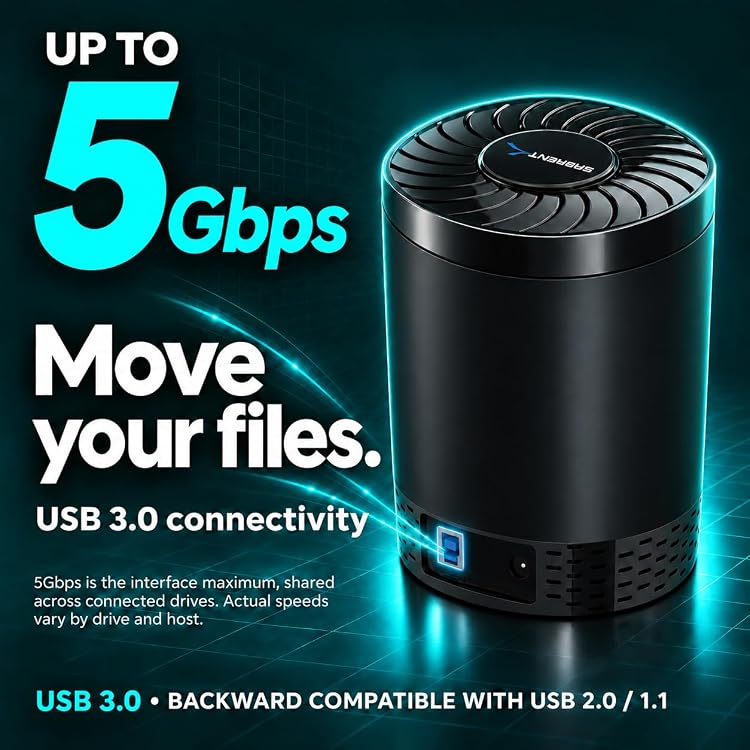
Transfer performance is supported up to 5 Gbps when used with USB 3.0, and the enclosure supports UASP for higher efficiency on compatible setups. According to the manufacturer, this kind of performance target can make high definition video transfers feel quick. In real use, results still depend on your computer, cables, and the drives themselves, so it is wise to treat the maximum rate as a ceiling rather than a guaranteed everyday speed.
Cooling matters with multi drive docking, and the DS-4SSD includes a rear cooling fan intended to support heat dissipation. Blue LED illumination also helps you quickly confirm working status. If you often run long copy sessions, that combination is a useful daily detail.
Compatibility is another key point. The station is described as compatible with Windows 11, Linux, and Mac OS 8.0 and later. That broad OS support can simplify deployment if you use different machines for backups or drive testing.
Tech specs
- Type: USB 3.0 4 Bay docking station for SATA 2.5 inch SSD and HDD
- Interface and transfer: USB 3.0 with up to 5 Gbps transfer rate, supports UASP
- Drive capacity support: supports up to four 2.5 inch SATA drives
- Supported drive size: SATA 2.5 inch SSD and HDD, height up to 12.5 mm
- Drive dimensions support: 69.85 mm x 100 mm x 12.5 mm
- Tool free installation: magnetic structure to complete installation in about 3 seconds
- Cooling and status: rear cooling fan and blue operating status indicator
Who it’s for
It makes sense if you manage 2.5 inch SATA SSDs or HDDs and want a fast way to connect them to a computer through USB 3.0. You’ll likely appreciate the 4 bay layout if you routinely handle multiple drives for backups, cloning prep, or file organization across storage devices. It also suits workflows where you want minimal friction when swapping drives, since the setup is described as tool free with magnetic installation.
It might not be a great match if your drives are thicker than the supported 12.5 mm range, or if you specifically need 2.5 inch drives with a 15 mm thickness. Verifying your drive thickness before purchase helps you avoid the common frustration of an enclosure that cannot physically fit your hardware. If you want to standardize your 2.5 inch SATA docking across multiple OS environments, the DS-4SSD compatibility notes can make planning easier.