

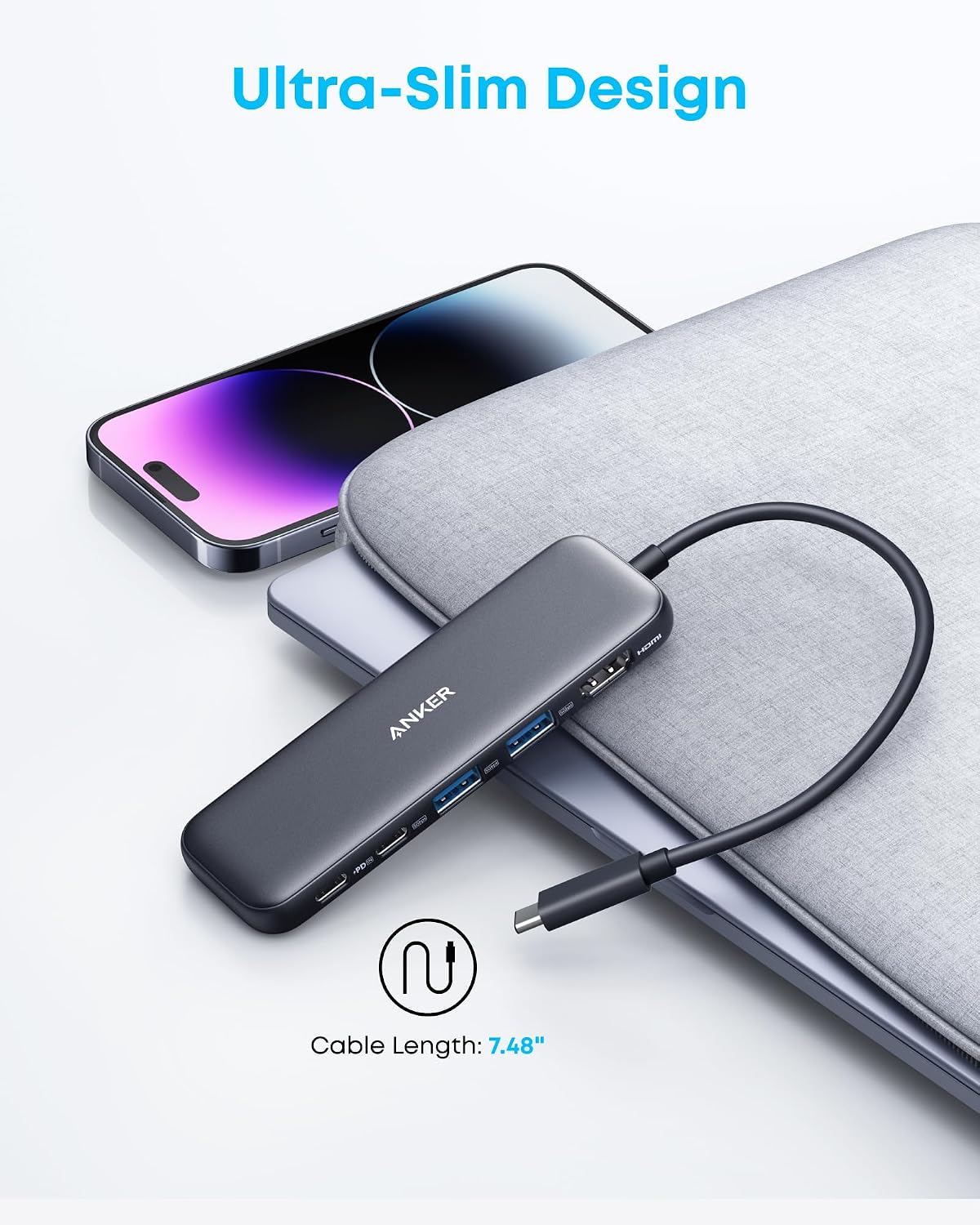
Anker USB C Hub (5-in-1) — USBC to HDMI Splitter with 4K Display, 85W Pass-Through
Reviews
Price
Product description
What this is and the value it aims to deliver
The Anker 5-in-1 USB-C hub expands a single USB-C connection into a versatile, compact multi-port setup. It brings a 4K HDMI output for a larger display, plus a mix of data and power delivery ports that can keep a laptop charged while you work. It’s designed for users who want a simple, cable-free way to connect external displays, transfer files quickly, and keep a device powered without juggling multiple chargers.
How it helps in everyday setups
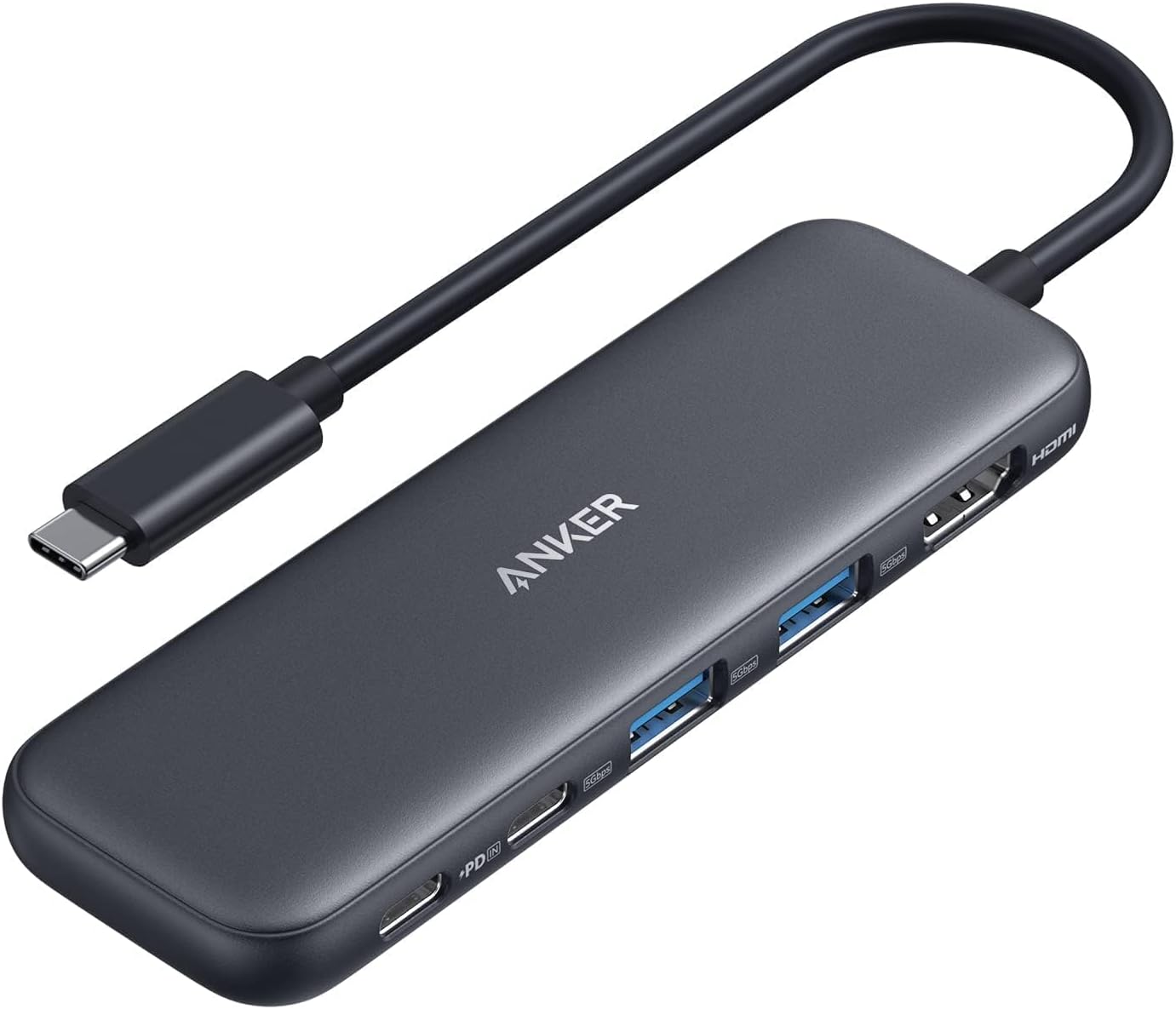
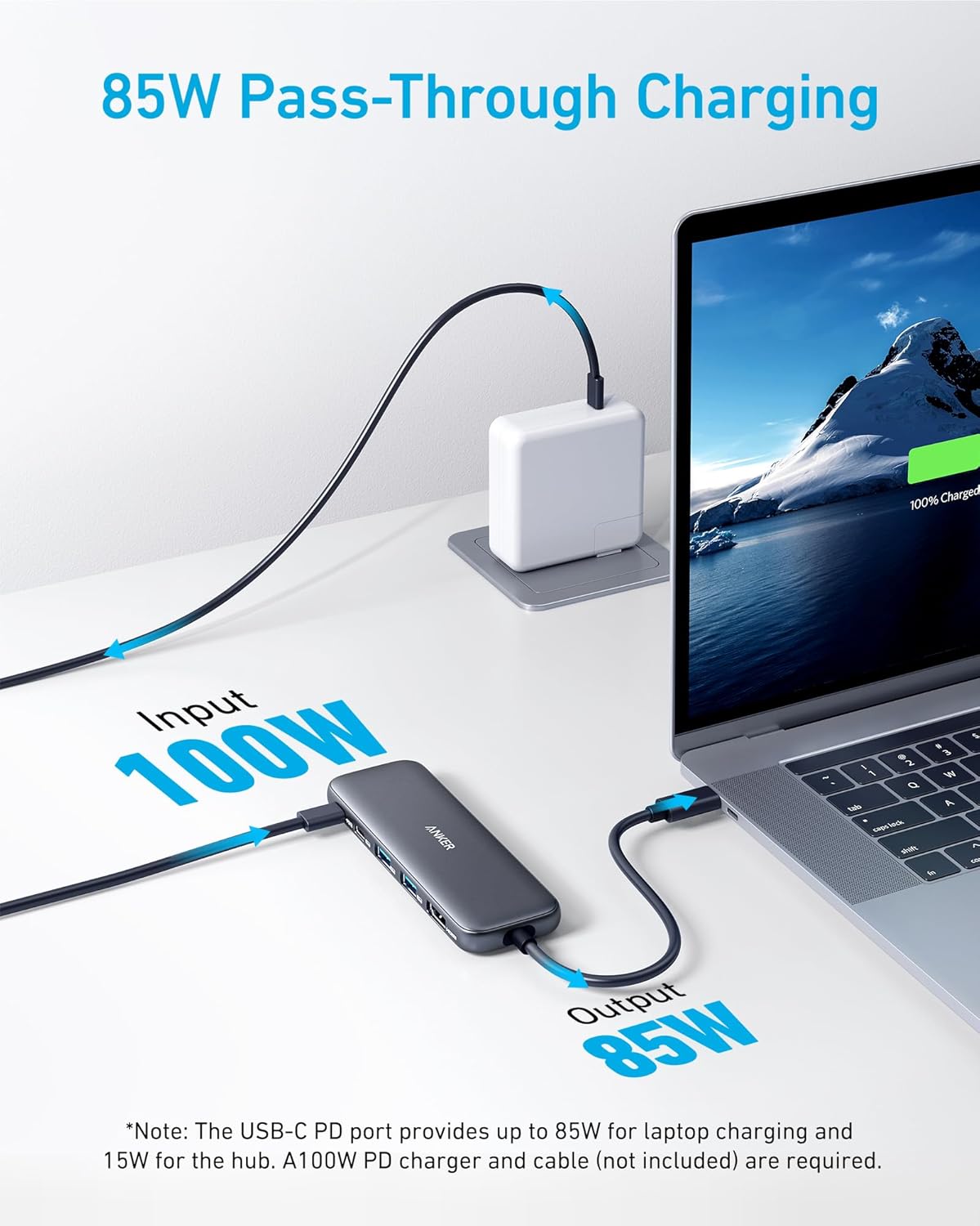
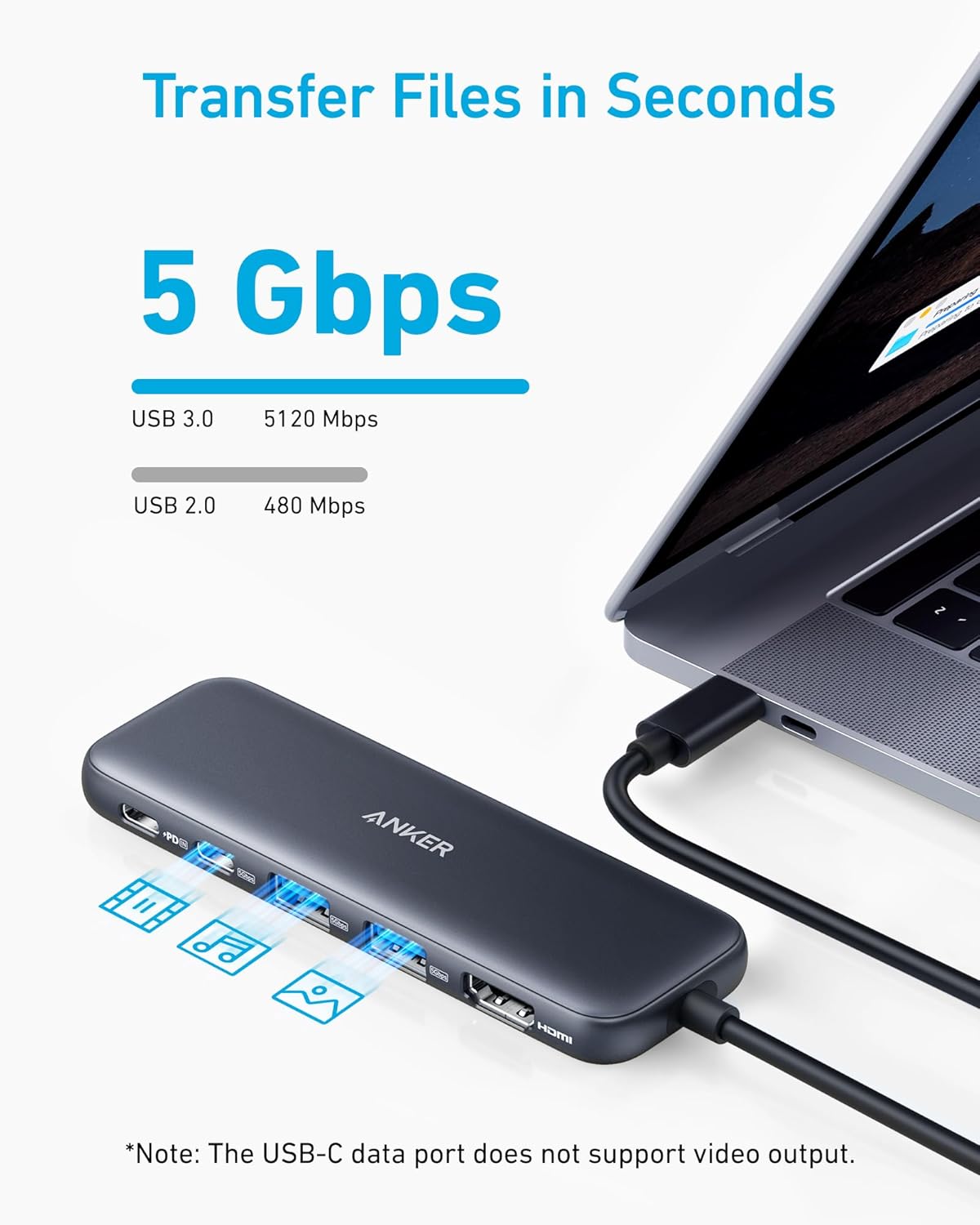
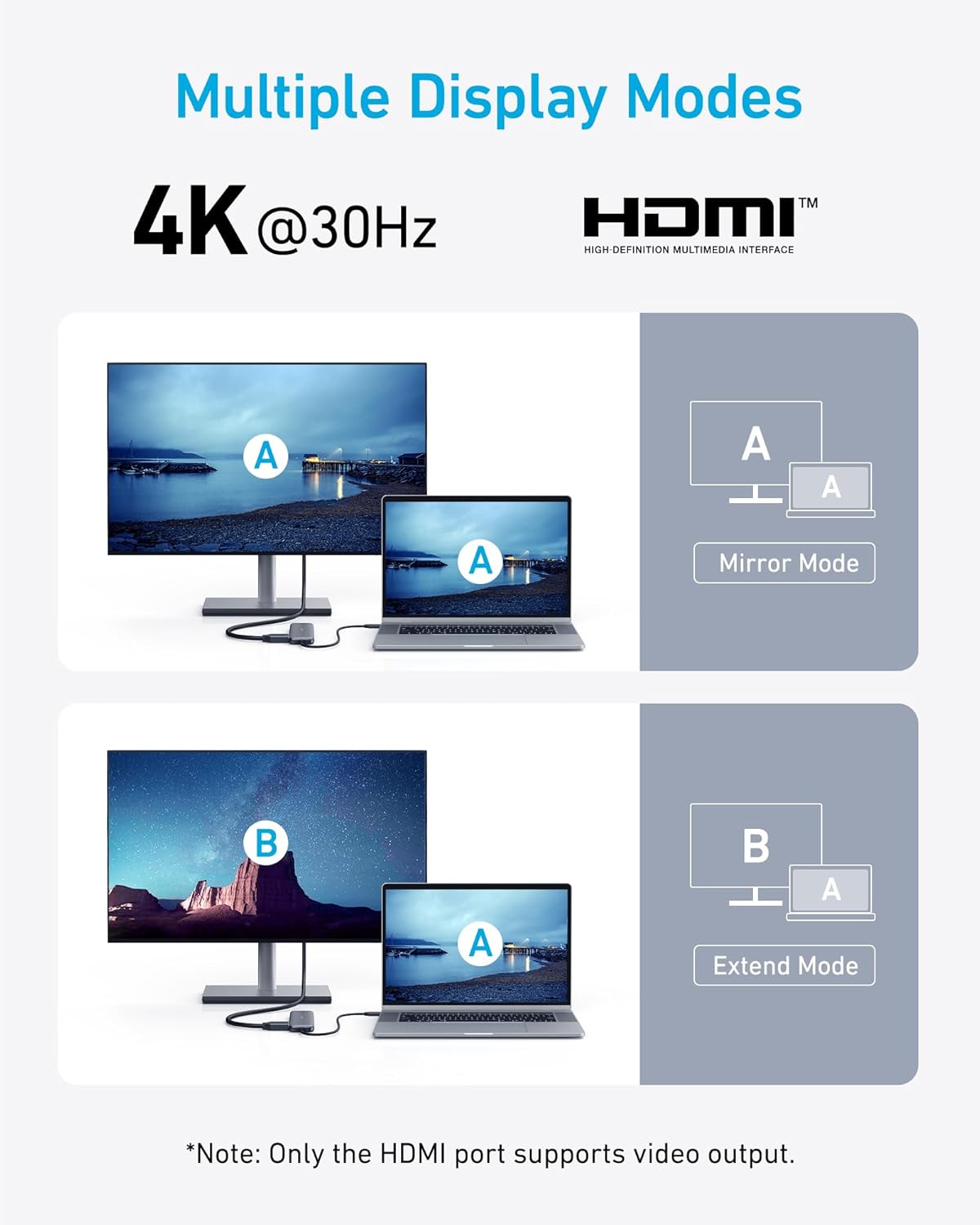
On paper, the hub offers a straightforward plug-and-play workflow: mirror or extend to a 4K monitor via HDMI, move data across USB-C and USB-A ports at up to 5 Gbps, and deliver up to 85W pass-through charging. The layout is compatible with many common laptops that support DP Alt Mode and Power Delivery, including macOS and Windows devices. If you prioritize a tidy desk with minimal dongles, this hub can replace several separate adapters and still leave room for power while you work.
What stands out and where it may fall short
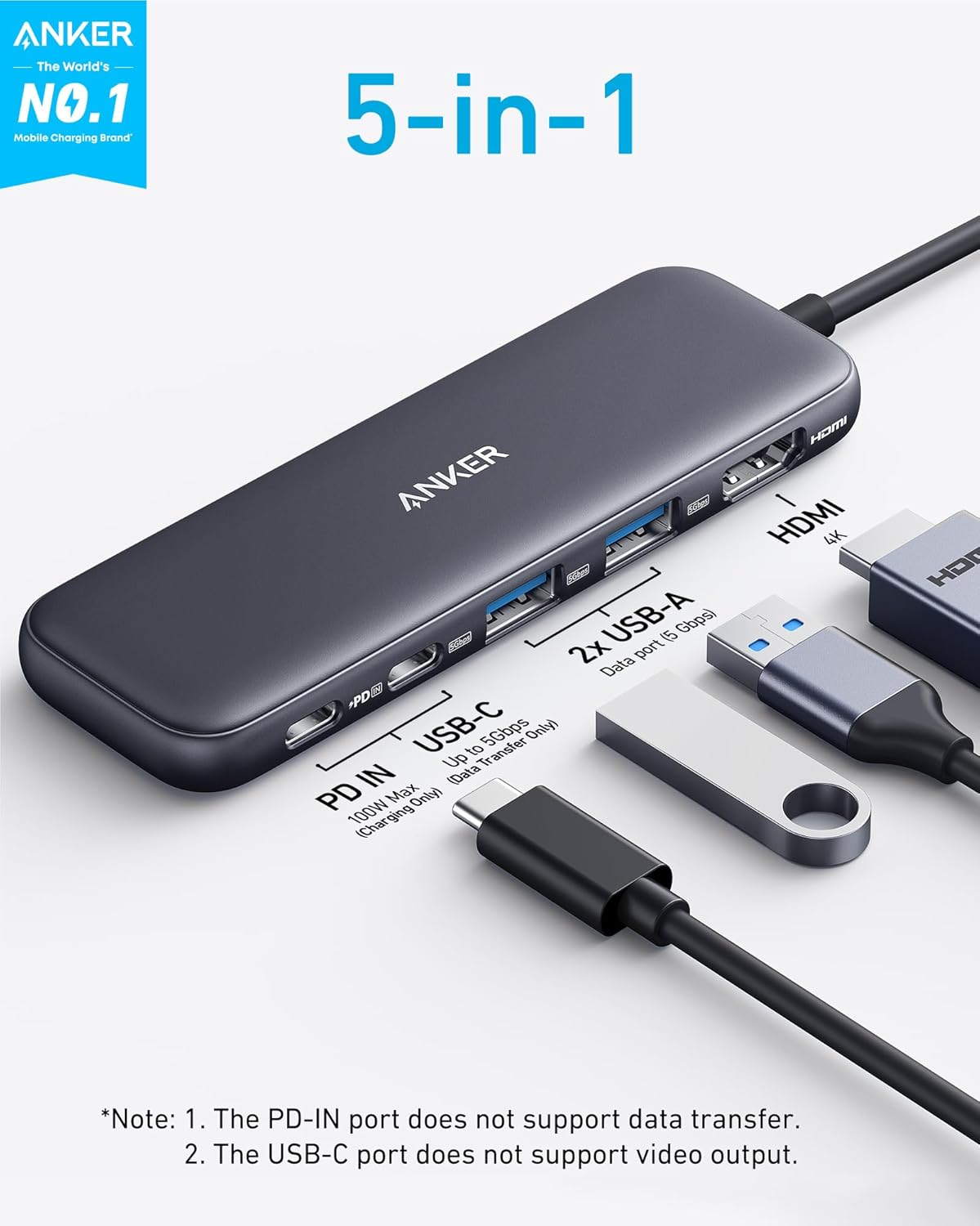
What stands out is the combination of a 4K HDMI output with multiple data ports and a robust charging path. The 4K output is capped at 30Hz, which is fine for most typical productivity tasks, video calls, and general media viewing, but not ideal for high-frame-rate gaming or fast-paced design work where higher refresh rates matter. The USB-C data port is limited to data transfer and does not support video, which means you can’t route video through that port. The PD-IN port supports charging only, so you’ll want a separate power source if you rely on pass-through charging—especially for larger laptops or when using power-hungry peripherals.
Who it’s for
This hub is a practical fit for students, remote workers, or professionals who need a compact hub with HDMI to drive a monitor, a couple of USB devices, and reliable charging in one compact package. It’s especially appealing if you already own USB-C or Thunderbolt-enabled laptops and want a simple upgrade path without investing in a more expensive docking station.
When it may not be the best choice
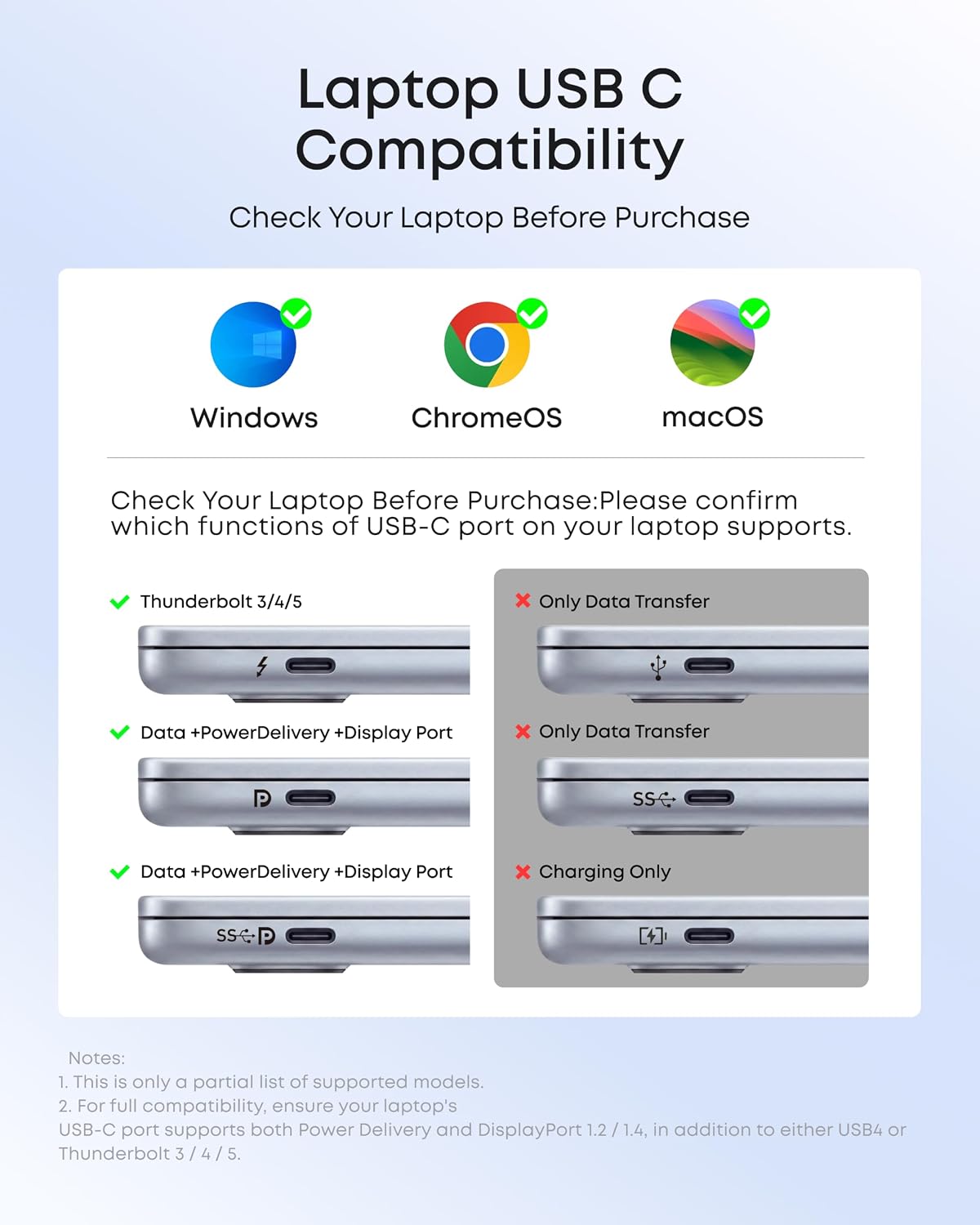
If you require true 4K at higher refresh rates, or you need video output from the USB-C ports (not just HDMI), this setup may feel limited. Also, Linux users will find compatibility unclear, as the notes specify not compatible with Linux. If your workflow depends on Linux or you need more flexible, higher-bandwidth video routing, you’ll want to look elsewhere.
What to check before you buy
Ensure your laptop supports DP Alt Mode and Power Delivery to take full advantage of pass-through charging. If you intend to use 4K output heavily, confirm your monitor and host device meet the HDMI 4K/30Hz requirement. Remember that the PD-IN port is charging-only—no data transfer through that path—and plan for a charger that can deliver sufficient wattage for your laptop model. Finally, keep in mind that the USB-C data port does not handle video.
How this compares to other approaches
For lighter workloads, a single HDMI-to-monitor plus a handful of USB adapters can feel like a mess of cables. This 5-in-1 offers a cleaner, more integrated option that covers display, data, and power in one hub. If you need higher video bandwidth or want video from the USB-C side, a dock with explicit video support on multiple USB-C ports might be a better fit.
What’s included and the warranty context
In the box you’ll find the Anker 332 USB-C Hub (5-in-1) plus a welcome guide and an 18-month worry-free warranty backed by customer service. This aligns with Anker’s typical approach, offering reassurance without overpromising on features beyond what the spec sheet provides.
Final buying decision
Is it worth it? It makes sense if you want a compact, all-in-one solution to drive a monitor, transfer files, and keep a laptop powered in a single hub, without paying for a larger dock. You’ll likely value the clean setup and reliable data throughput for casual to moderate productivity use. It may disappoint if you need 4K at higher refresh rates, video output from USB-C, or Linux compatibility.
Practical use example
Imagine you’re editing a document on a MacBook, extending to a 4K external monitor for a clearer workspace, copying large project files via USB-A or USB-C data ports, and keeping your laptop charged from a dedicated charger through the PD-IN port. The result is a tidy desk where video, data transfer, and charging happen through one compact hub.
FAQ (concise and useful)
- Can I use the HDMI port while charging via PD-IN? Yes, you can display 4K content while the laptop is charged through the PD-IN port, provided your charger can supply sufficient power.
- Does the USB-C data port support video output? No, the USB-C 5Gbps data port is for data transfer only, video must come from the HDMI port.
- Is this compatible with Linux? The product notes indicate it is not compatible with Linux.
- How much power does the hub pass through? Up to 85W pass-through charging, with a caveat that a separate charger is required and the actual power depends on your device and charger.