

IVANKY 13‑in‑1 Mac mini M4 Dock 4K HDMI Hub
Product description
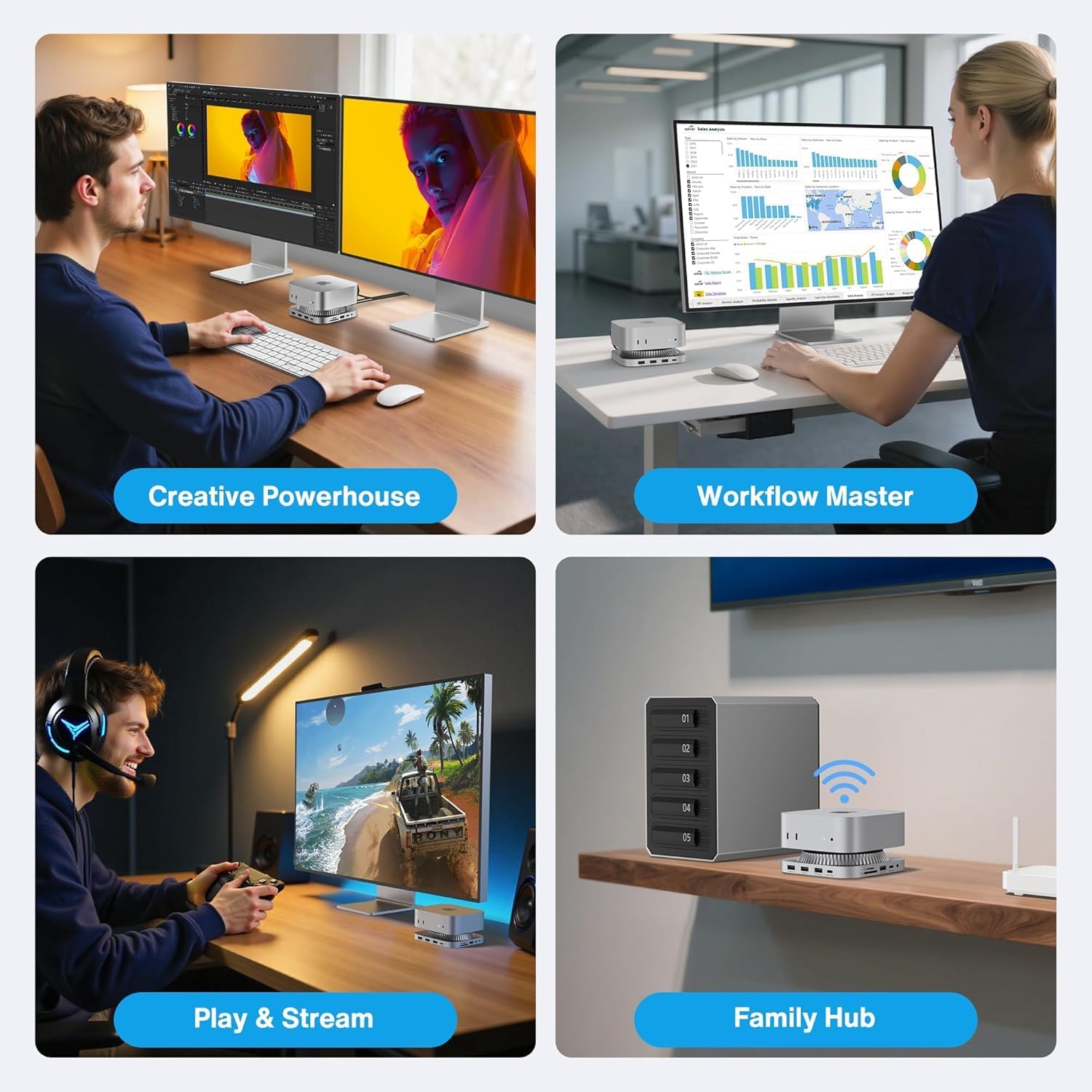
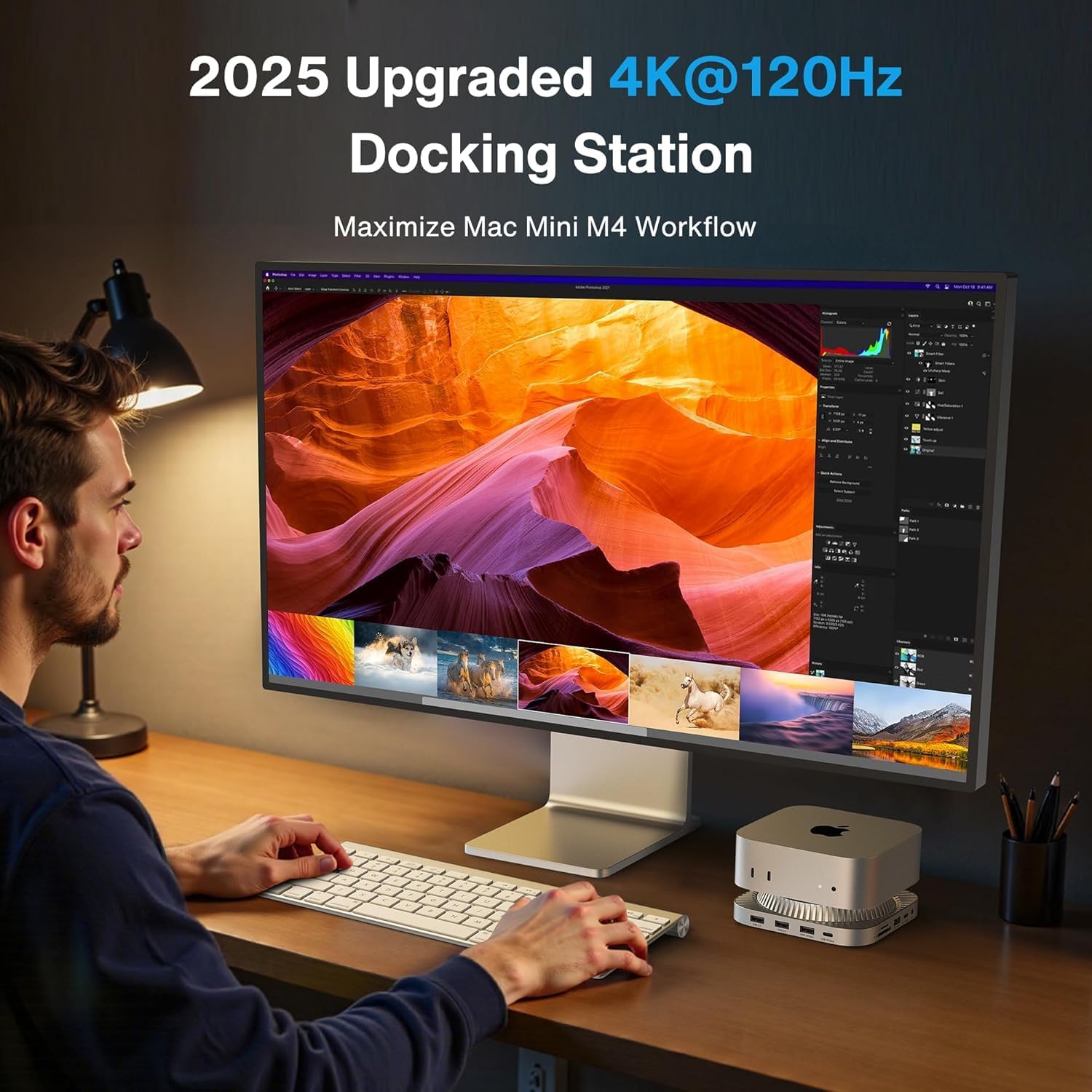
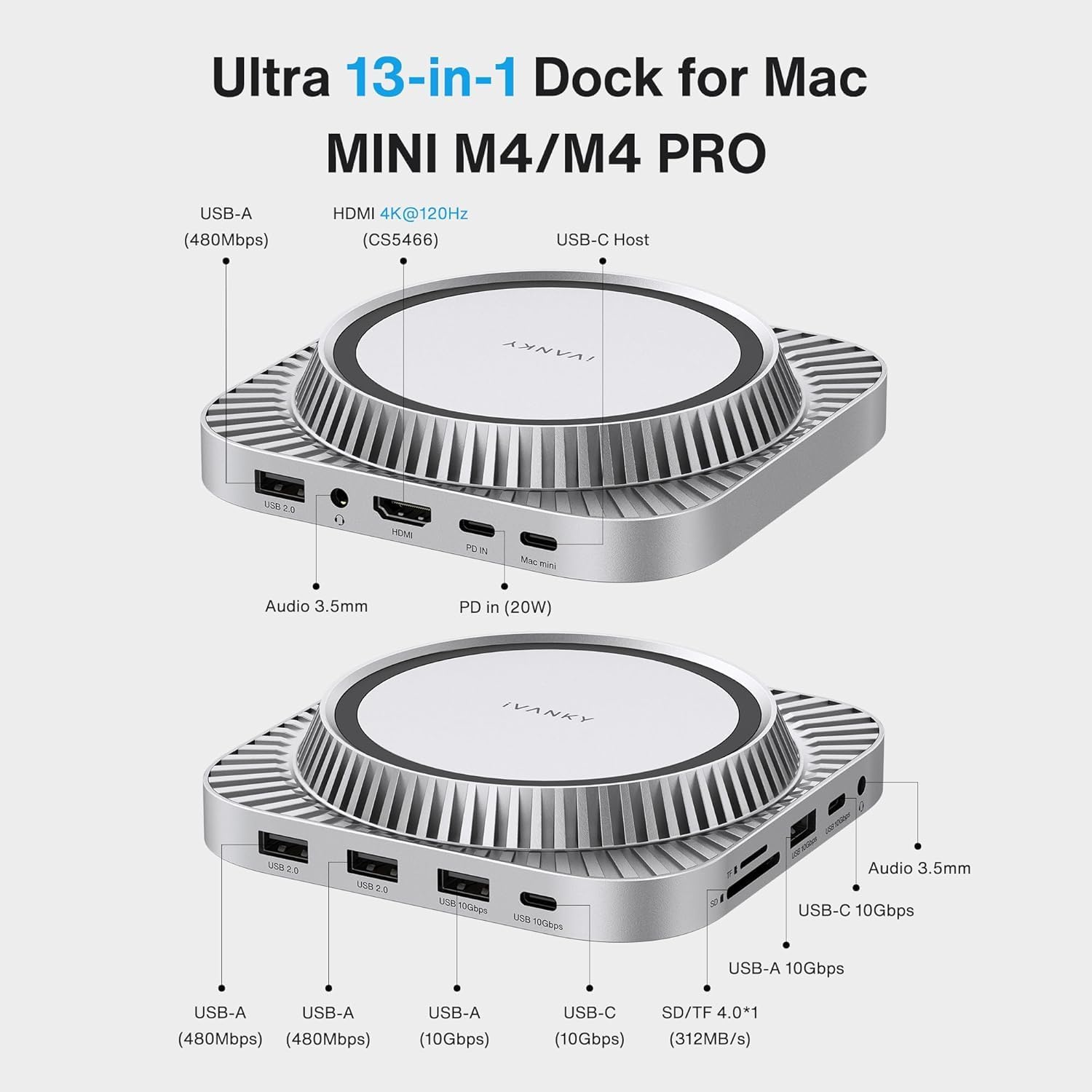
This compact docking station from IVANKY expands a Mac mini M4 into a full desktop hub, combining a raised stand with an M.2 NVMe enclosure and a variety of ports to streamline creative and office workflows. It brings 4K@120Hz video support and high-speed USB connections, helping photographers, video editors, and multitaskers connect displays, storage, and peripherals with fewer adapters.
Key Points
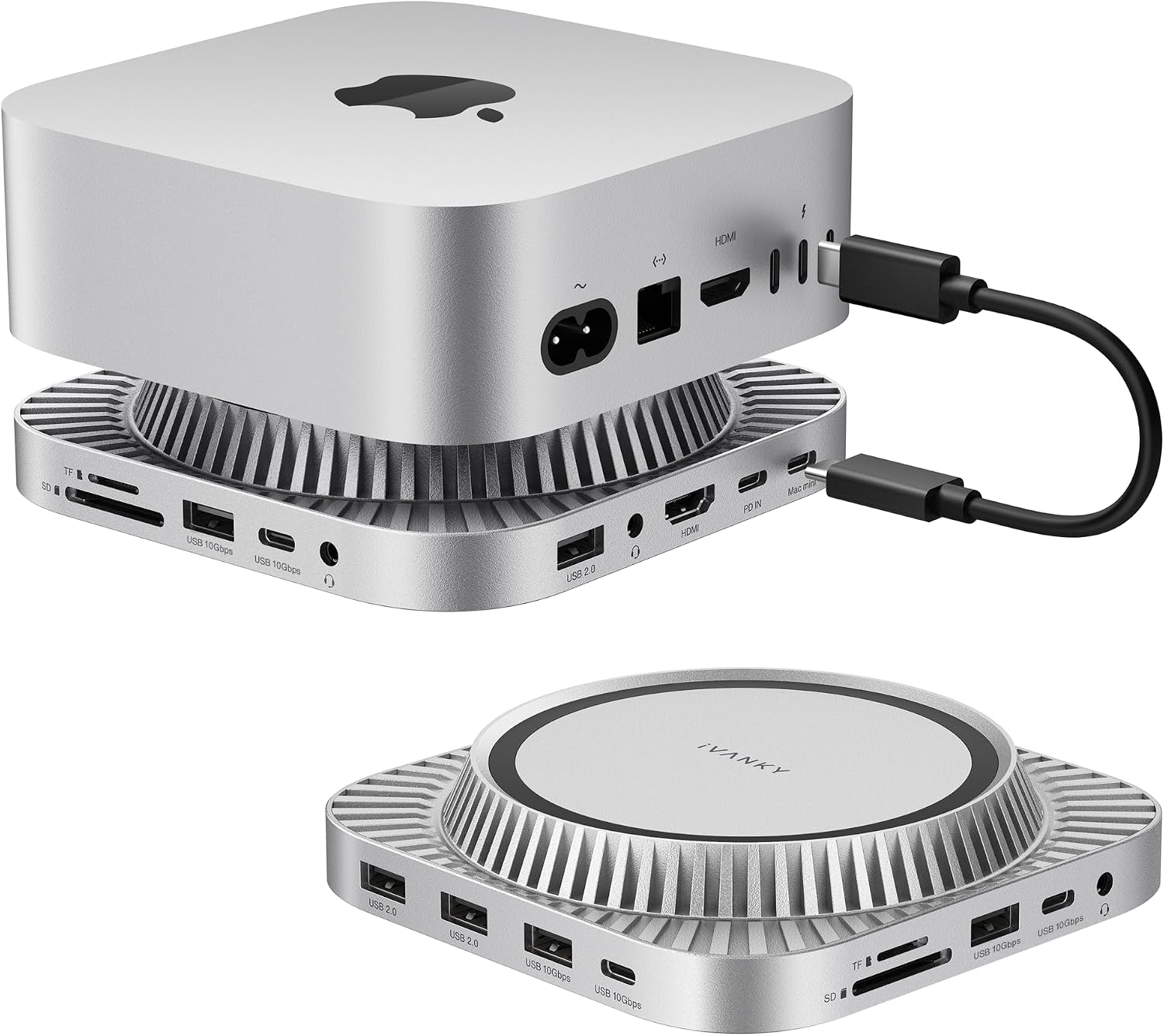
The dock integrates 13 functional ports including HDMI/DisplayPort video output at up to 4K 120Hz, multiple USB-A and USB-C ports with 10 Gbps and 5 Gbps options, three USB-A 2.0 ports for legacy peripherals, SD and TF card slots, dual audio jacks, and an internal M.2 SSD enclosure. It includes a 20W PD power adapter to stabilize connected devices when using several power-hungry accessories, and the elevated stand design improves Mac mini ventilation while keeping a tidy desktop layout.
Technical Specifications
- Name: IVANKY 13-in-1 Mac mini M4 Dock
- Video output: 4K@120Hz via DisplayPort according to the manufacturer
- SSD enclosure interface: M.2 NVMe / M.2 SATA support up to 8 TB
- USB: 10 Gbps USB-A ×1, 10 Gbps USB-C ×1, 5 Gbps USB-A ×1, 5 Gbps USB-C ×1, USB-A 2.0 ×3
- Card readers: SD / TF (microSD) slot
- Power adapter: 20W PD included
Benefits
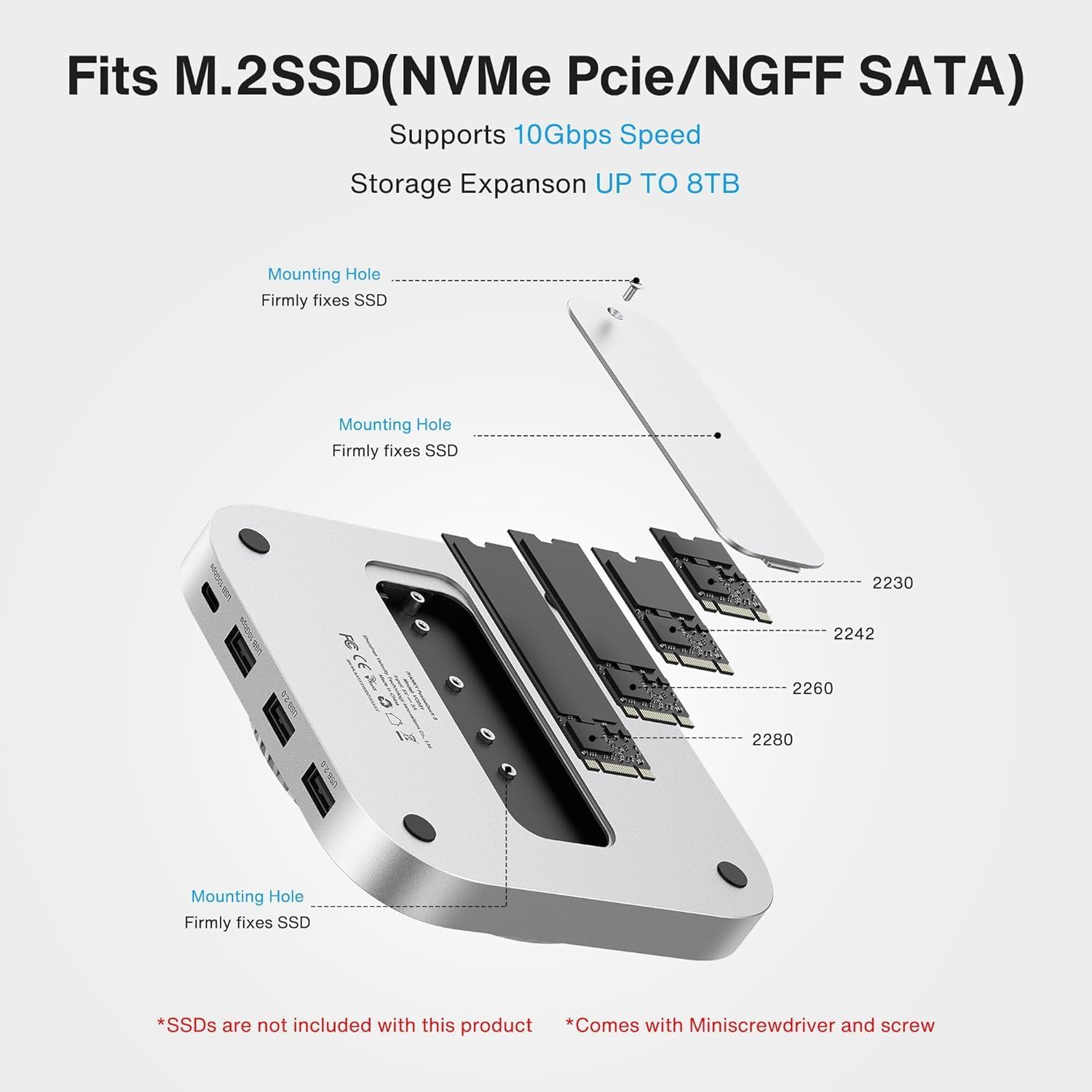
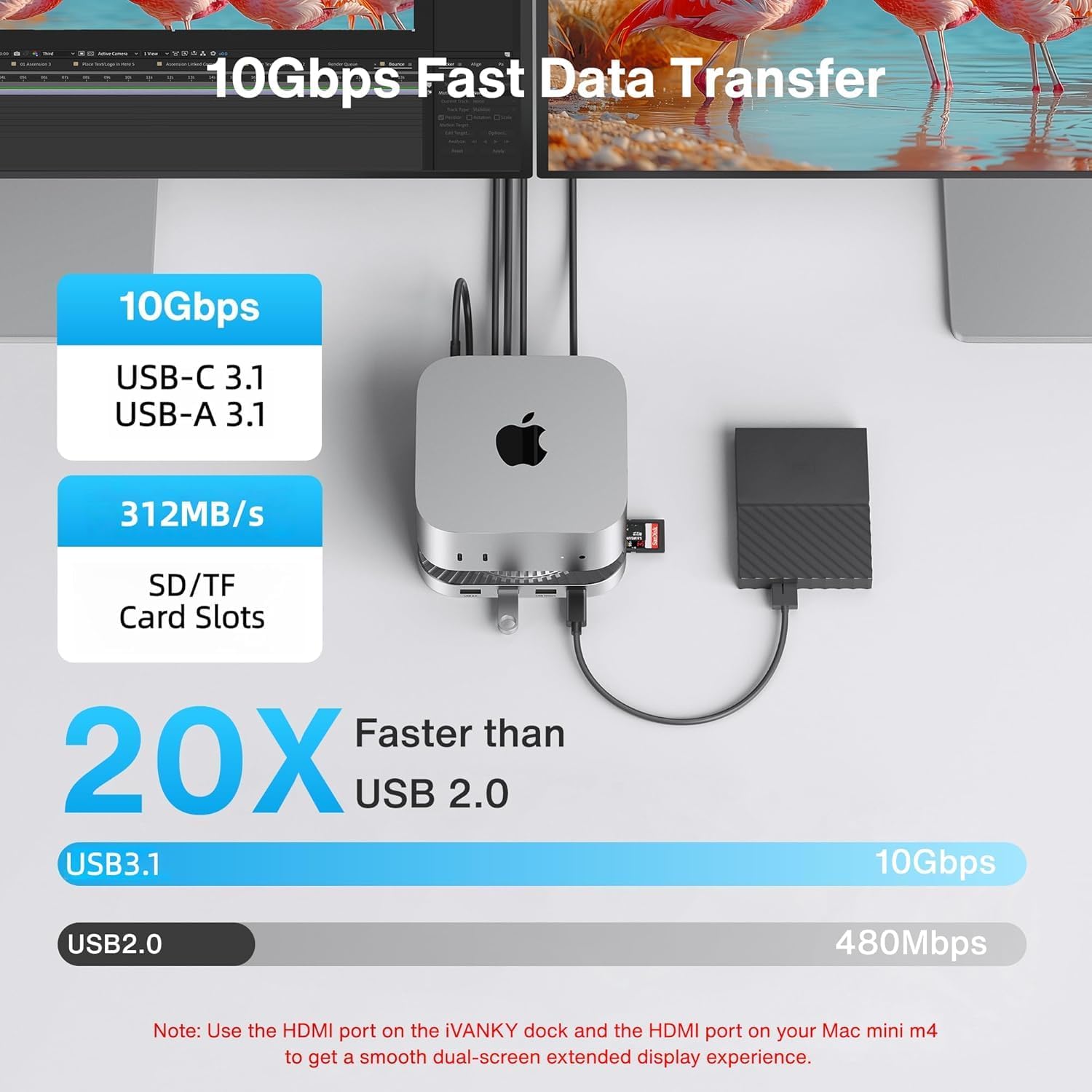
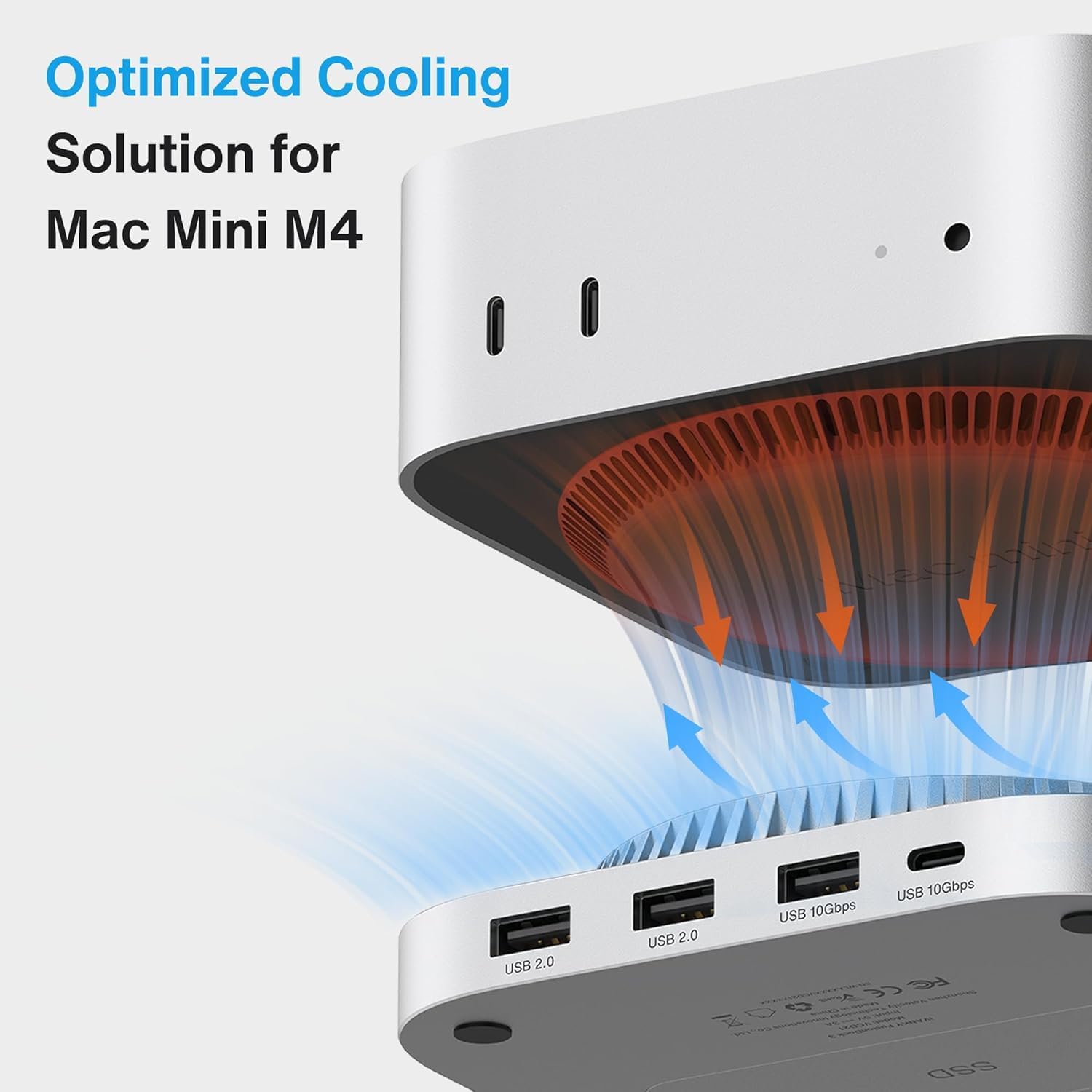
With an integrated M.2 bay that accepts standard sizes 2230/2242/2260/2280, the dock lets you add up to 8 TB of internal storage for fast local editing and backups. The presence of both 10 Gbps USB-A and USB-C ports makes it easy to attach fast external drives or high-bandwidth peripherals without bottlenecks. The raised stand creates space for airflow and positions the Mac mini slightly elevated, which can help thermal behavior during sustained workloads according to the manufacturer. Also, the dual audio ports allow separate microphone and speaker connections for recording or conferencing.
Usage Recommendations
For multi-display setups connect the dock’s DisplayPort to your monitor and use the Mac mini’s Thunderbolt output to extend or mirror as needed. When installing an M.2 SSD remember that NVMe and SATA M.2 formats are supported but the drive is not included. Consider using the 10 Gbps ports for primary external drives and reserve the 5 Gbps and 2.0 ports for keyboards, mice, and other lower bandwidth accessories to keep data transfers smooth. Note that the 20W PD adapter enhances stability when several devices are attached, however very high-draw peripherals may still require their own power sources.
Emojis placed within the body add quick visual cues, for example a monitor emoji when referencing video output and a hard drive emoji when discussing the SSD bay 🖥️💾. A small limitation to keep in mind is that peak performance figures are manufacturer-stated and can vary depending on cable quality and the specific SSD or peripheral used.