

LIONWEI 9-in-1 USB-C Docking Station with Dual 4K HDMI, DP, VGA and 100W PD
Product description
Why it’s worth it
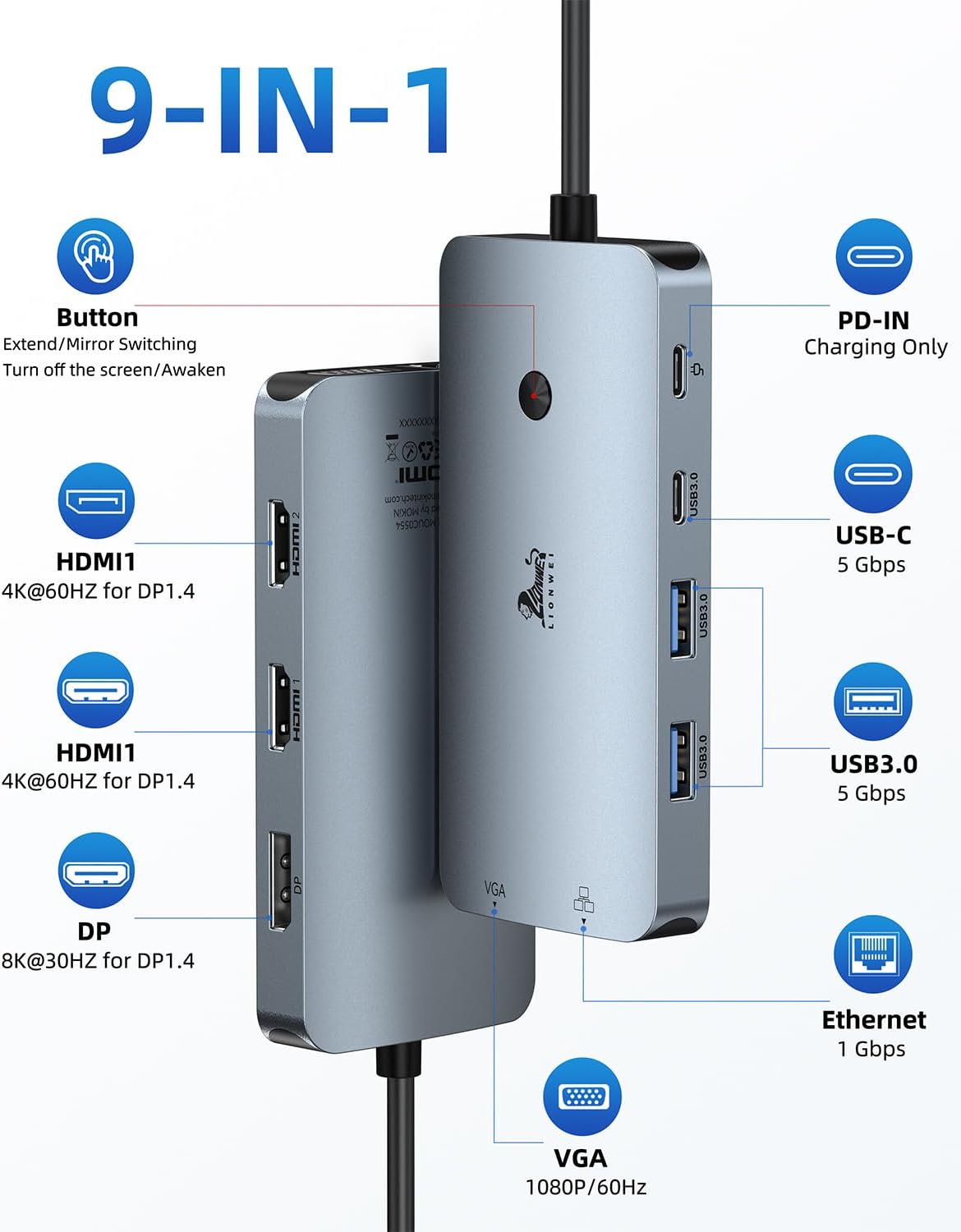
The 9-in-1 format brings display, data, network, and charging connections together in one USB-C docking station. It has two HDMI ports, DisplayPort, VGA, three USB ports, Gigabit Ethernet, and a 100W PD charging port. That range can help streamline a laptop desk setup: connect a monitor, wired network, and USB accessories through the dock instead of relying on separate adapters for each connection.
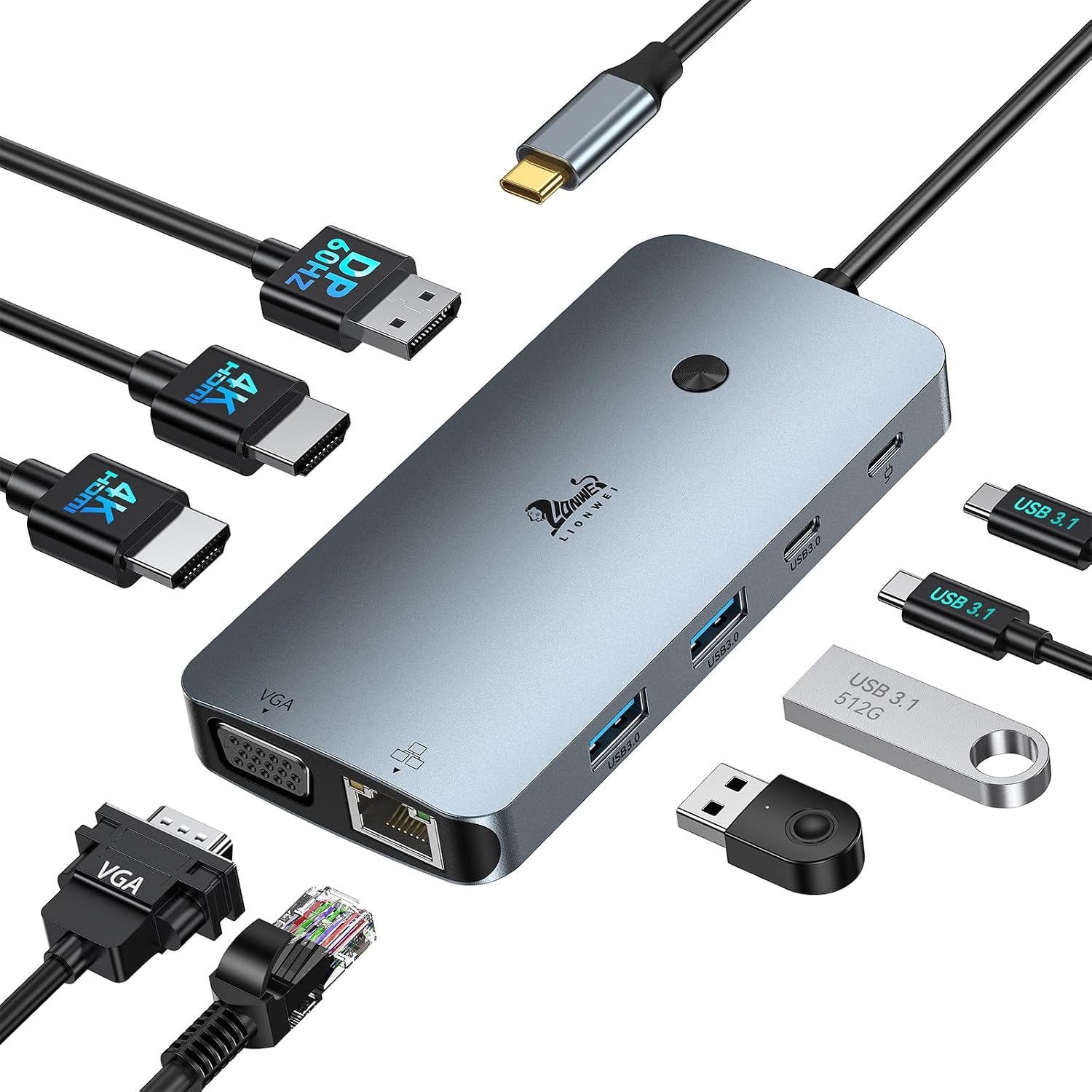
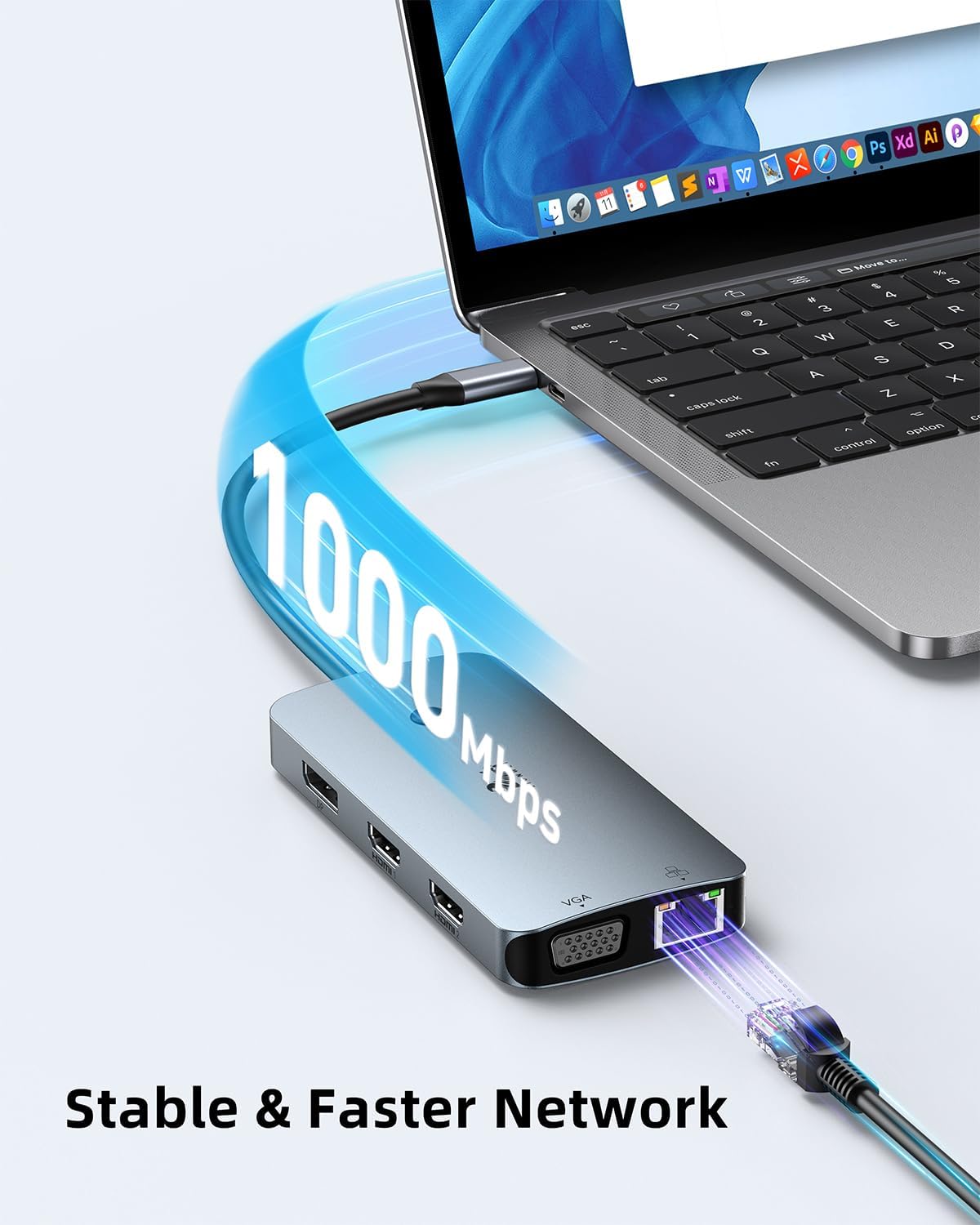
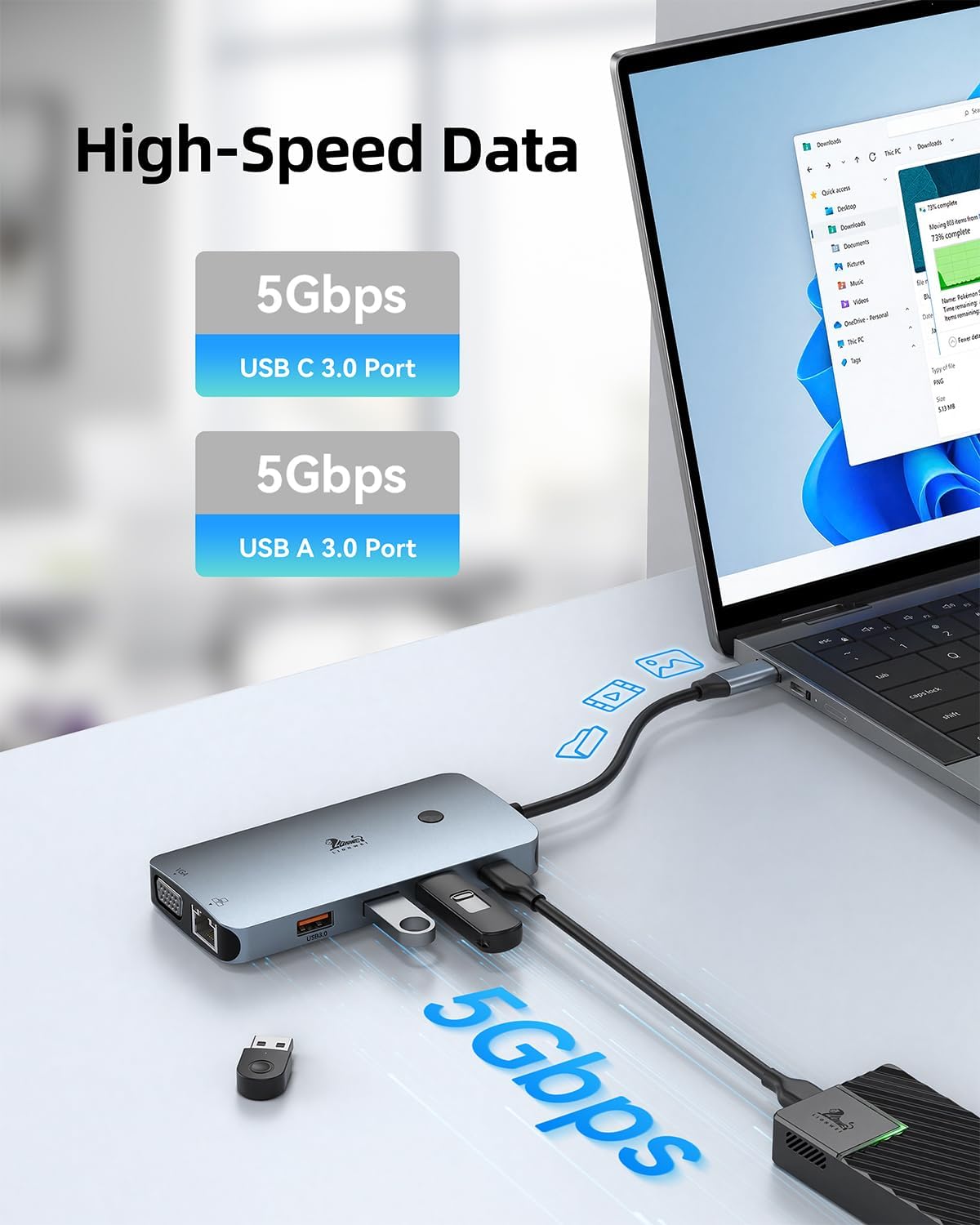
For everyday work, the USB-A and USB-C 3.0 ports support data transfer rates up to 5Gbps, while the Ethernet port provides a wired network connection. Plug-and-play operation means the dock is designed to connect without installing software or drivers. Buyer feedback often highlights the port selection and straightforward setup, comments about compatibility and reliability are mixed, so experiences vary across devices.
Worth noting
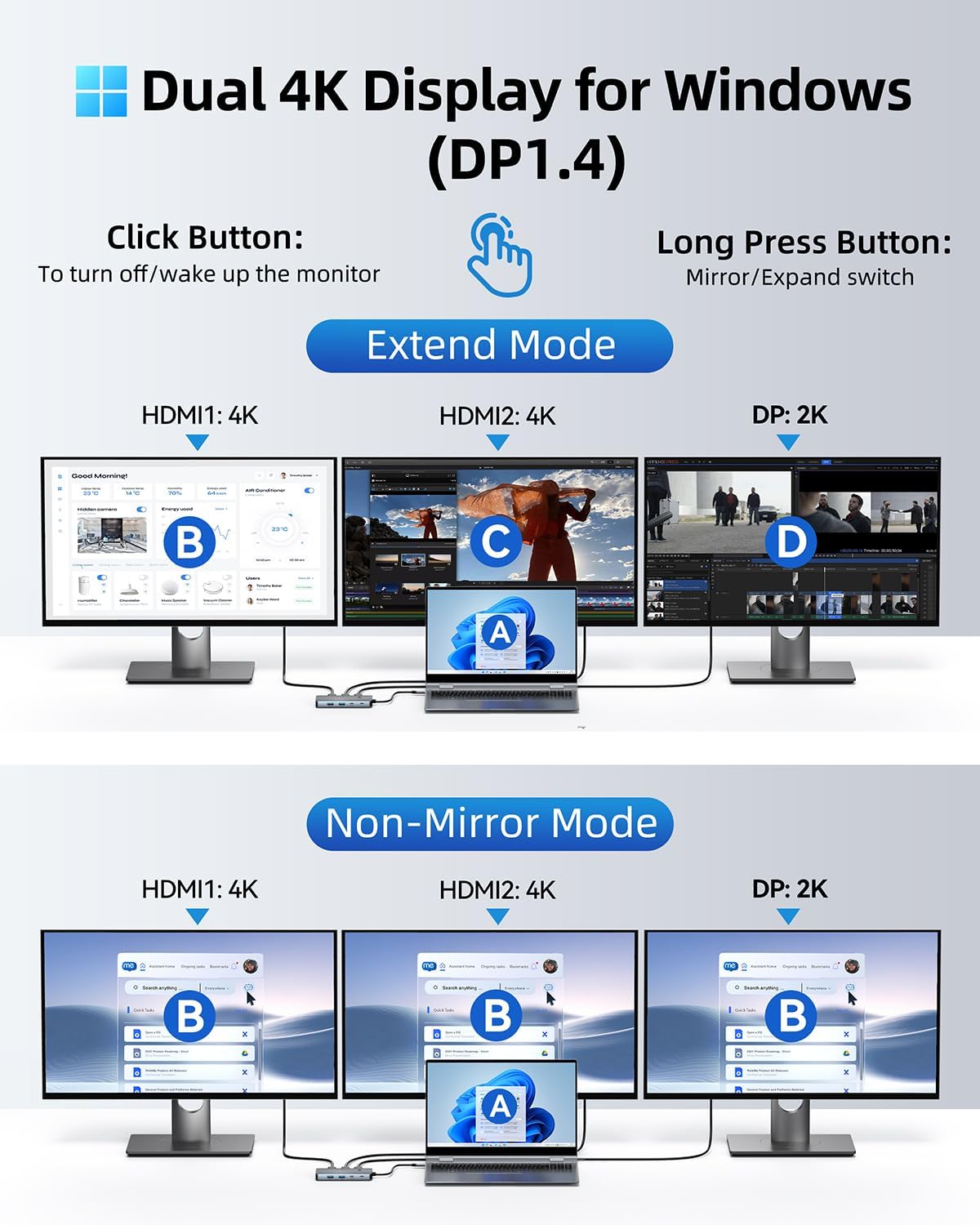
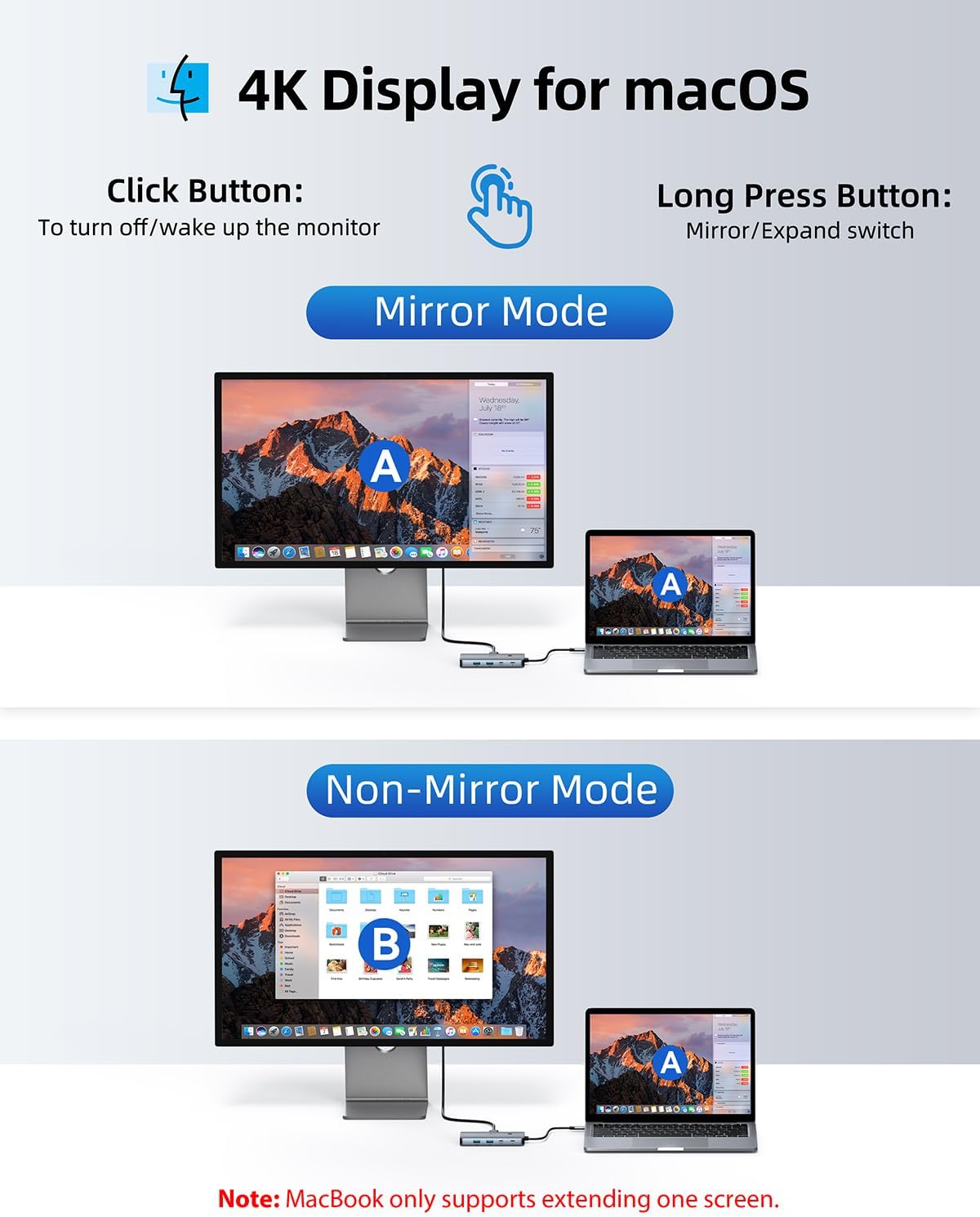
The four display connections are two HDMI ports, one DisplayPort, and one VGA port. Windows supports MST and SST display modes, including extended and mirrored displays. HDMI supports up to 4K at 60Hz with a DP 1.4 source, and DisplayPort supports up to 4K at 60Hz. On macOS, extended mode supports one monitor at up to 4K at 60Hz. These differences matter when choosing a dock for a multi-screen workspace: the supported display setup depends on the laptop’s operating system and video output.
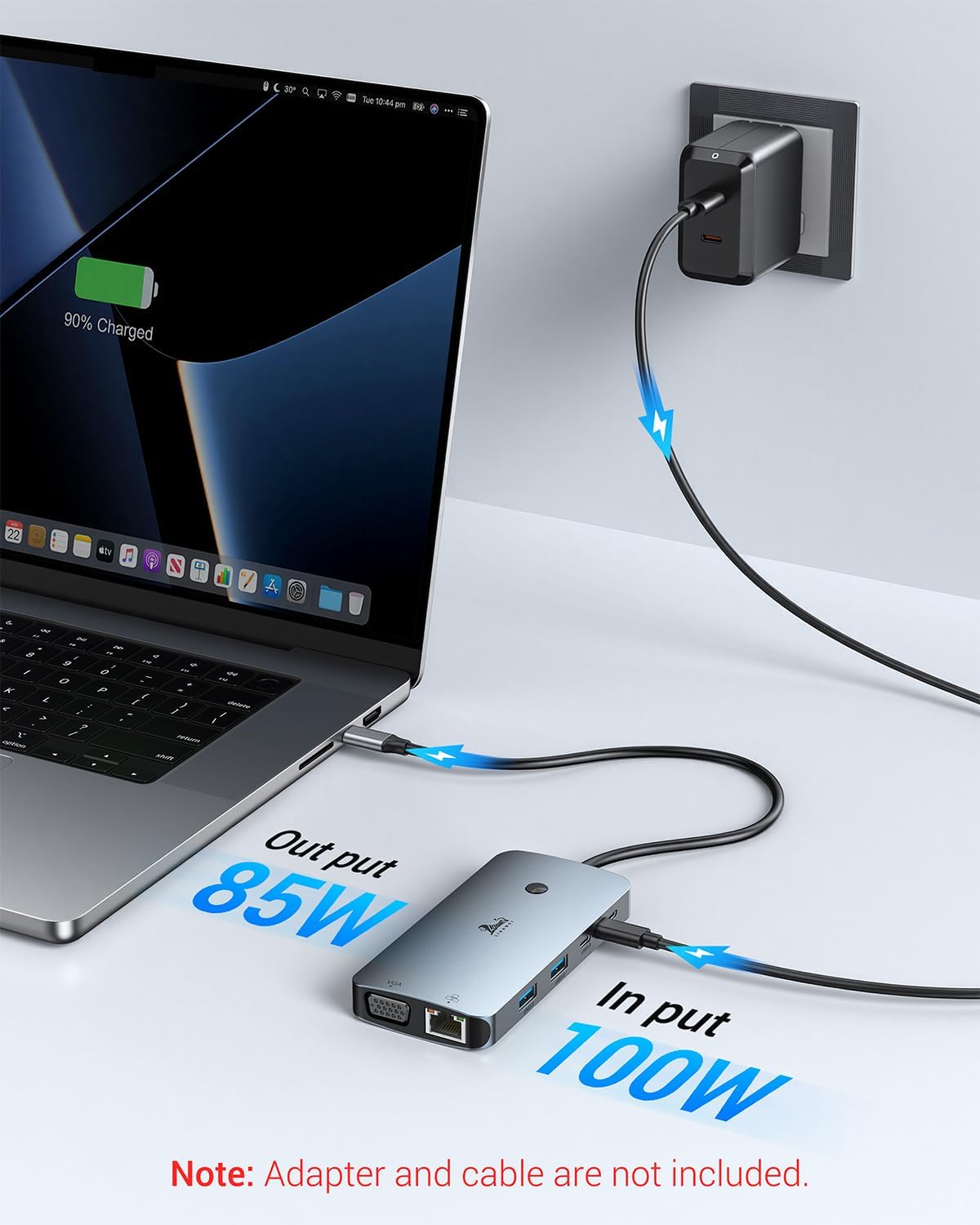
The dock also combines charging and peripherals in the same workspace. Use its 100W PD port for charging, connect USB devices through the USB-A and USB-C ports, or use Gigabit Ethernet when you want a wired connection. It’s compatible with USB-C laptops and listed devices including MacBook, Dell, HP, Lenovo, and Thunderbolt devices. The manufacturer lists Windows and macOS as supported operating systems.
Practical tips
For a desk setup, connect the dock to the laptop’s USB-C port, then attach the display and accessories you use regularly. If 4K at 60Hz over HDMI is part of your setup, the video source needs to support DP 1.4. Windows users can choose between mirrored and extended display modes, macOS users can use extended mode with one monitor. The plastic enclosure keeps the dock’s connections in a single unit, and the manufacturer lists a two-year product warranty.
Before you decide
Which display connections does the dock have? It includes two HDMI ports, one DisplayPort, and one VGA port, so it can connect to displays using those inputs.
Can it extend a display on macOS? Yes. macOS extended mode supports one monitor at up to 4K at 60Hz. Windows supports MST and SST for extended or mirrored display modes.
Can it connect USB accessories and wired Ethernet? Yes. It has two USB-A 3.0 ports, one USB-C 3.0 port, and a Gigabit Ethernet port. The USB ports support data transfer up to 5Gbps.
Final verdict
This LIONWEI dock suits a laptop workspace that needs a broad mix of display connections, USB ports, wired networking, and PD charging in one USB-C hub. Its combination of HDMI, DisplayPort, and VGA is especially useful when a desk setup includes different display inputs, while the operating-system display modes help set clear expectations for multi-monitor use.