

LIONWEI 13-in-1 USB C Docking Station 1GbE 🖥
Product description
This USB-C docking station expands a laptop into a full workstation with multiple display outputs and a wide range of ports, helping you connect monitors, storage, networking and audio without swapping adapters. It targets users who need multi-screen setups and fast data transfer while keeping a single-cable connection for power and peripherals.
Key Points
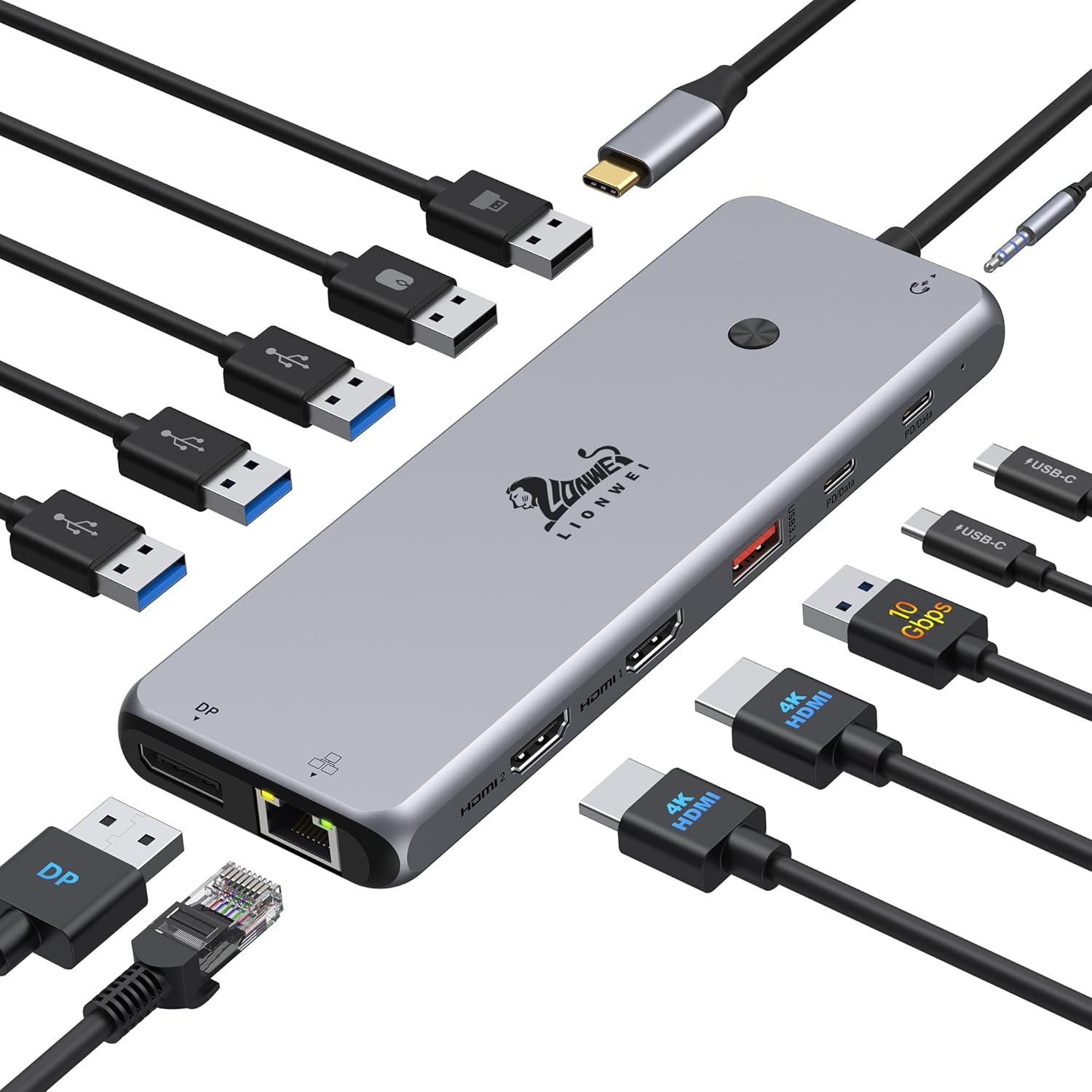
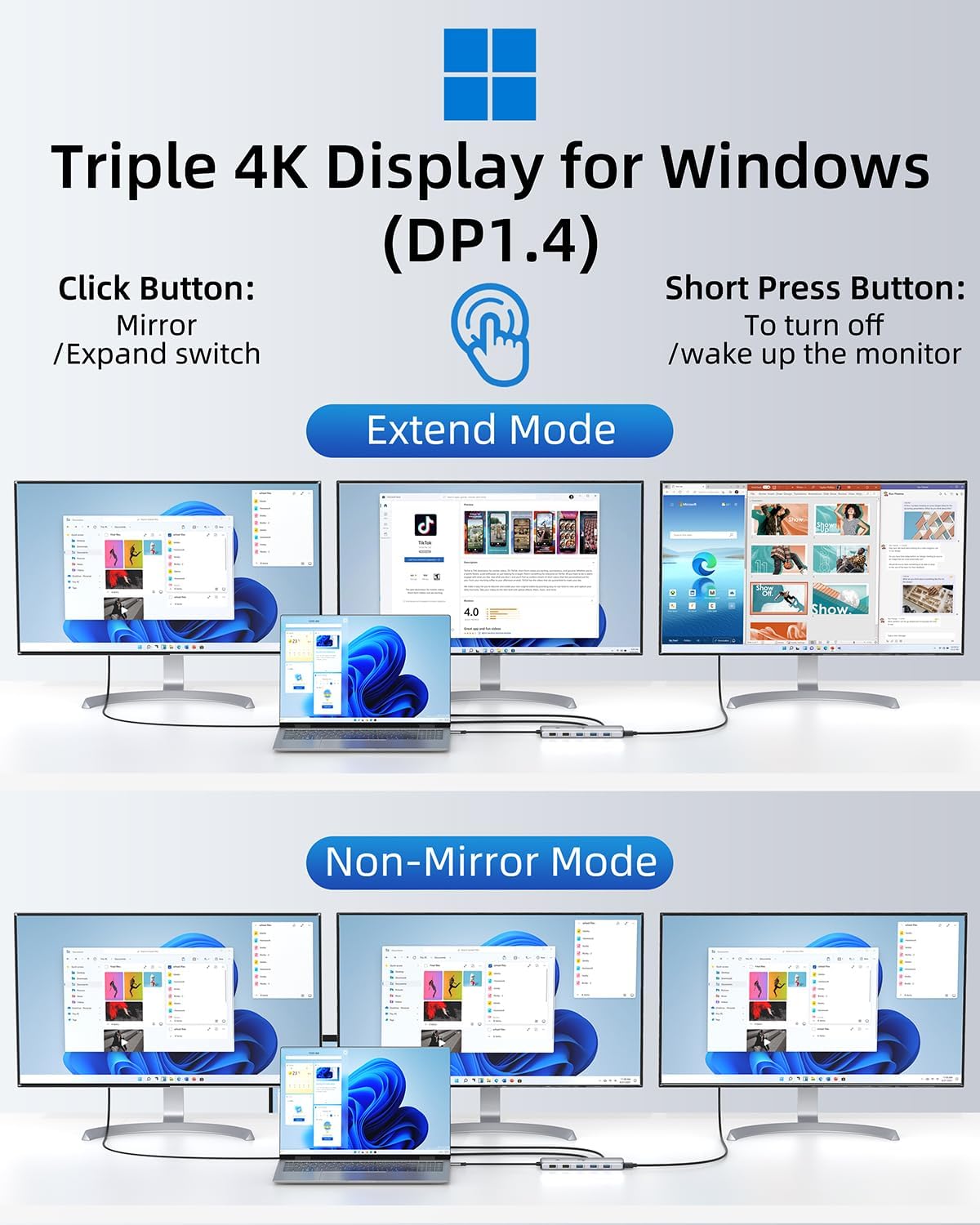
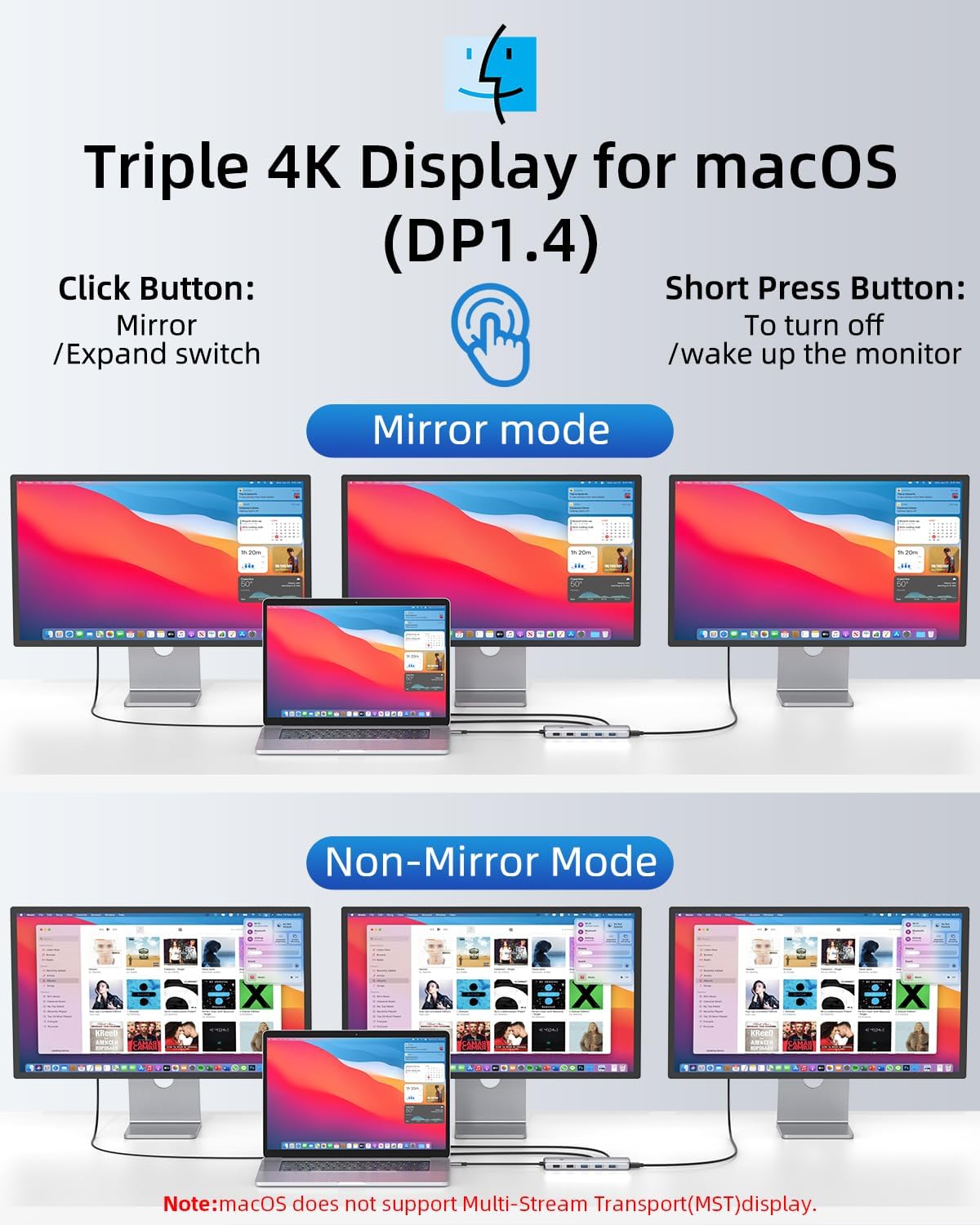
The hub supports dual 4K display output via HDMI and DisplayPort at up to 60 Hz, which suits office work, video playback and light content editing. According to the manufacturer, Windows systems can use MST for triple display setups in extended or mirror modes, while macOS can extend only one external monitor at 4K @ 60 Hz, a limitation worth noting for Mac users.
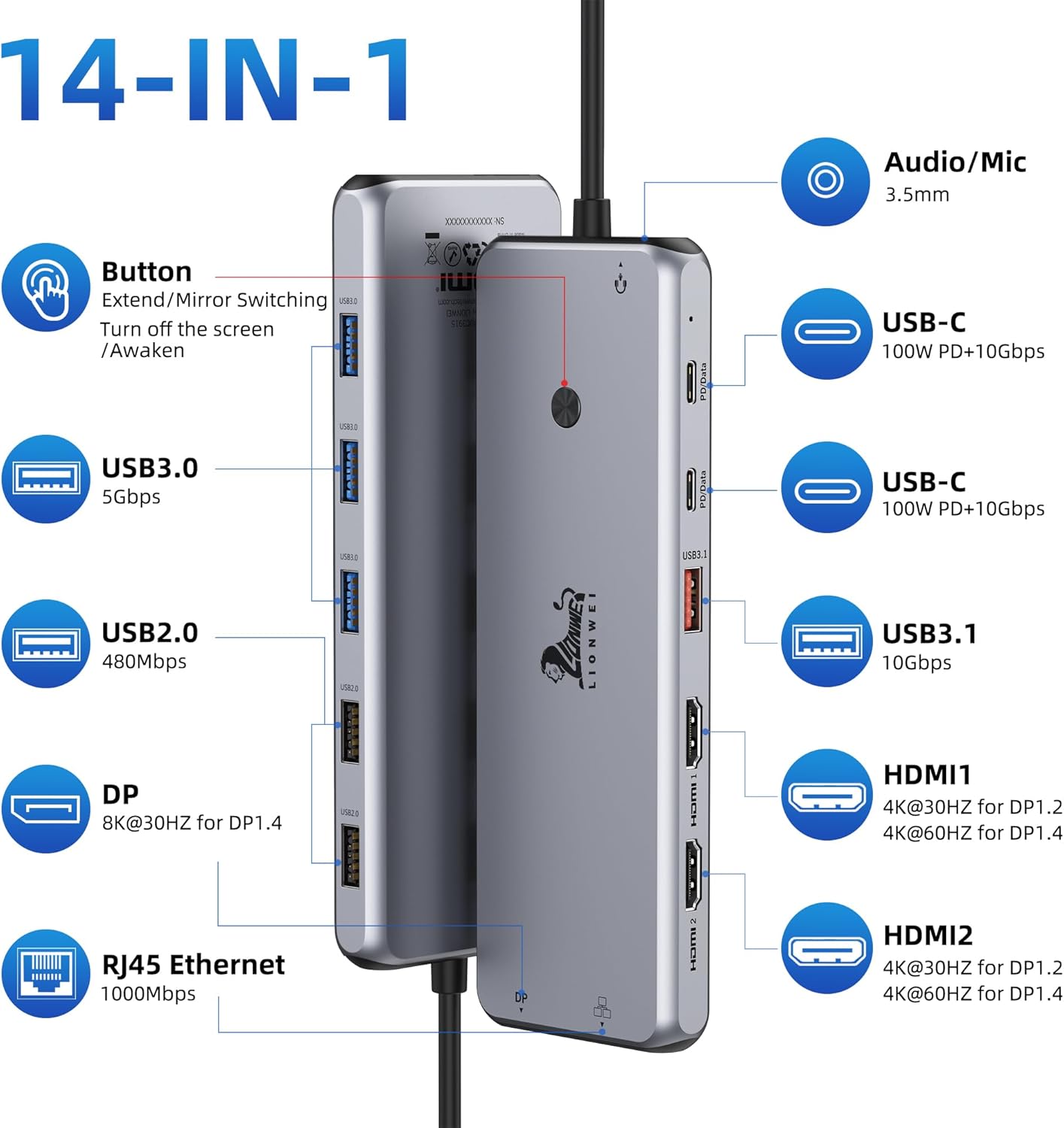
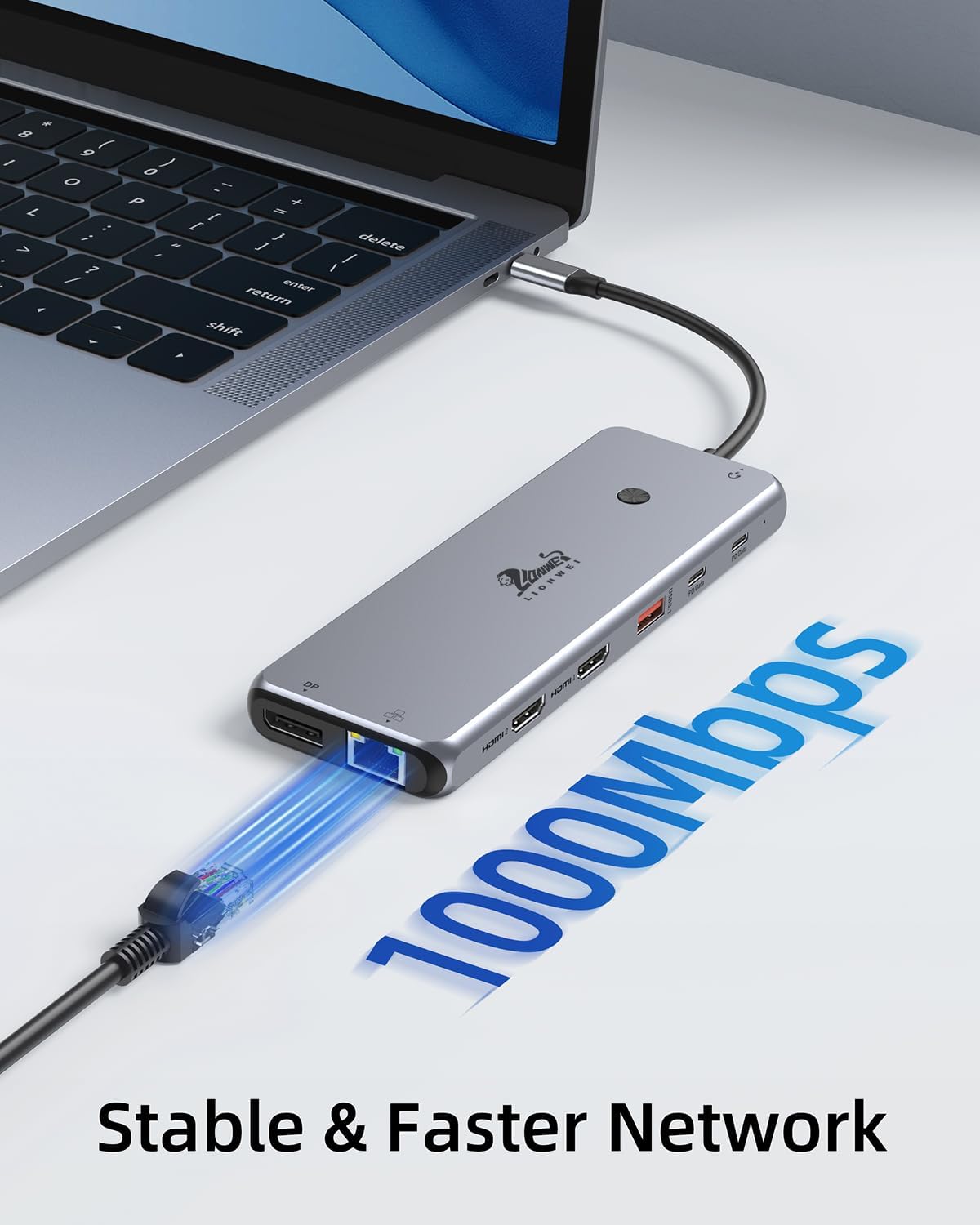
Connectivity is generous with both Type-C and Type-A ports for legacy and modern devices. The docking station includes high-speed data lanes alongside charging capability, so you can copy large files and top up a laptop battery without extra dongles. Network performance is handled by a Gigabit Ethernet port that reduces latency for streaming and online tasks. ⚡️
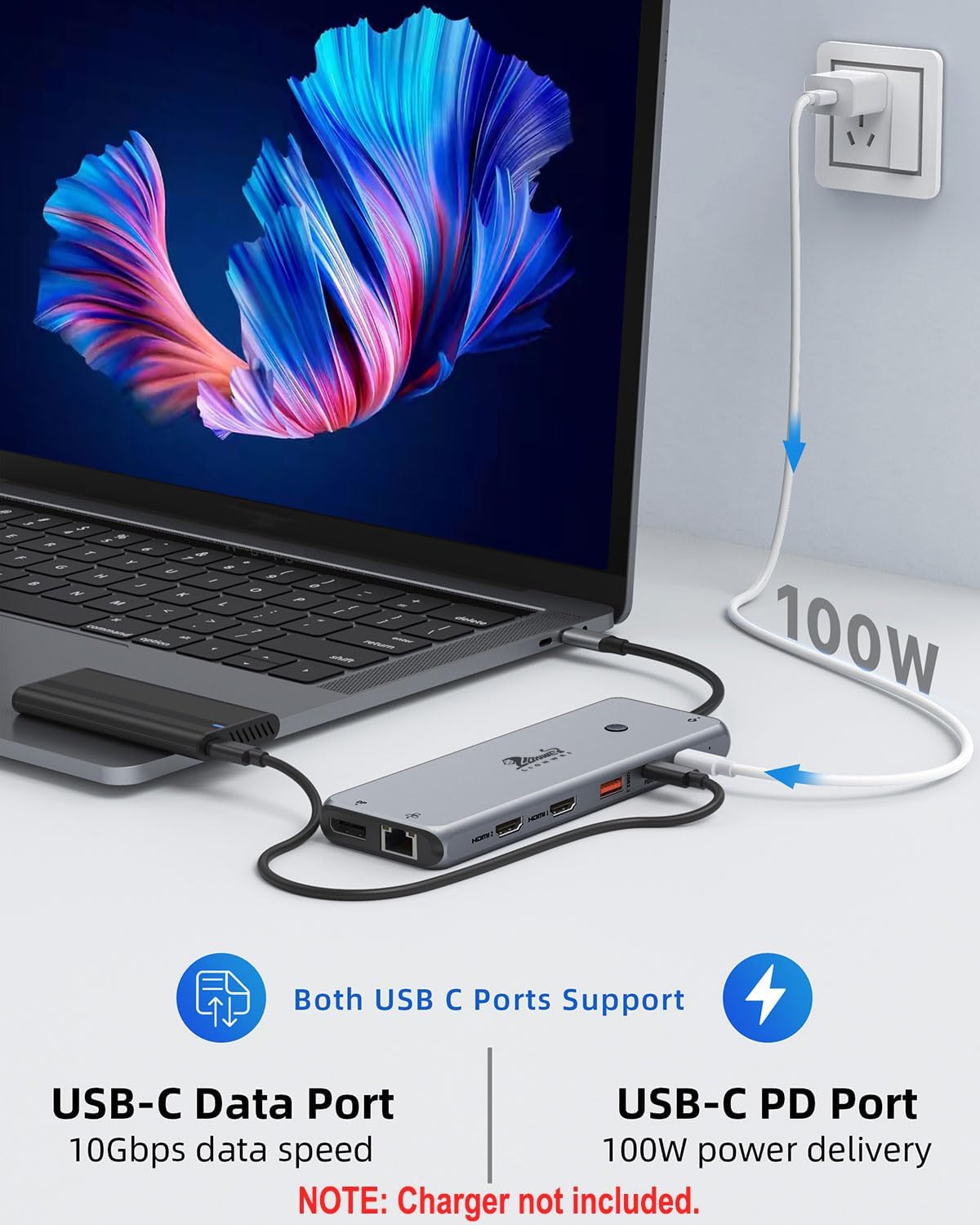
The design is plug-and-play, which means setup is quick on most systems. However, the dock requires an external power source to deliver full charging and multi-monitor functionality, and the manufacturer indicates the dock itself consumes about 13 W during operation, leaving up to 87 W available for laptop charging when using a 100 W PD supply.
Technical Specifications
- Name: LIONWEI 13 in 1 USB C Docking Station
- Video outputs: 2× HDMI (up to 4K @ 60 Hz), 1× DisplayPort (up to 4K @ 60 Hz)
- Power delivery: PD up to 100 W input, dock consumes 13 W so approximately 87 W available for laptop charging
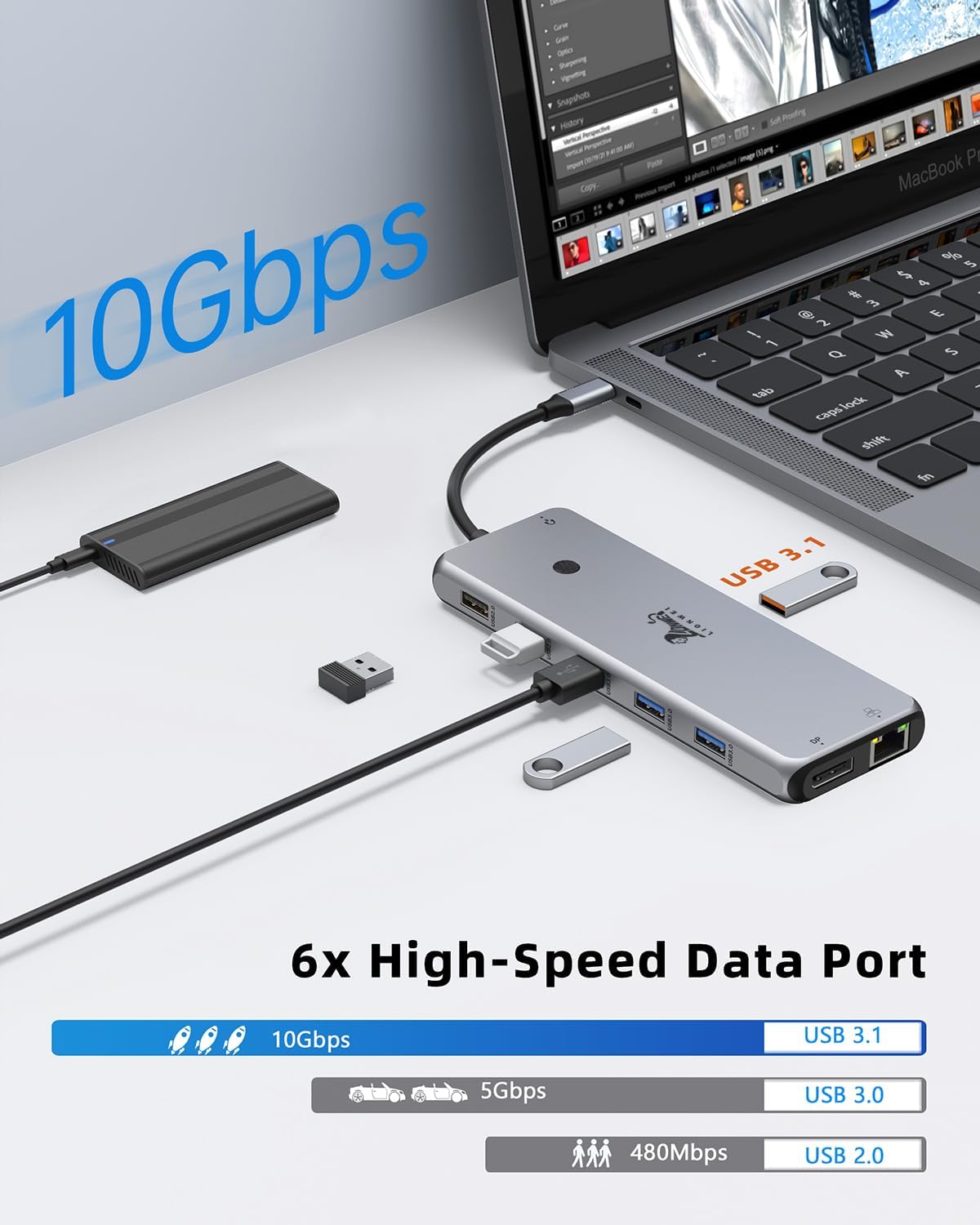
- Data transfer: USB-C and USB 3.1 ports supporting up to 10Gbps, plus 3× USB 3.0 and 2× USB 2.0 ports
- Network and audio: Gigabit Ethernet port and 3.5 mm audio/microphone combo jack
Usage Recommendations
For multi-monitor setups on Windows, enable MST in display settings to configure extended screens and take full advantage of the triple display capability. When connecting a Mac, expect only one extended external monitor at 4K @ 60 Hz while other displays may need mirroring or lower resolutions. 🎯
Use the high-speed USB-C ports for external SSDs and large file transfers, especially when moving media or working with backups. If you need maximum laptop charging while running multiple peripherals, connect a compatible 100 W PD power adapter to the dock and confirm the host computer accepts the available wattage. Additionally, the Gigabit Ethernet port is helpful for stable video conferencing and large downloads, particularly in environments with unreliable Wi-Fi.