

WAVLINK DisplayLink Triple 4K@60Hz Dock 100W
Reviews
Price
Product description
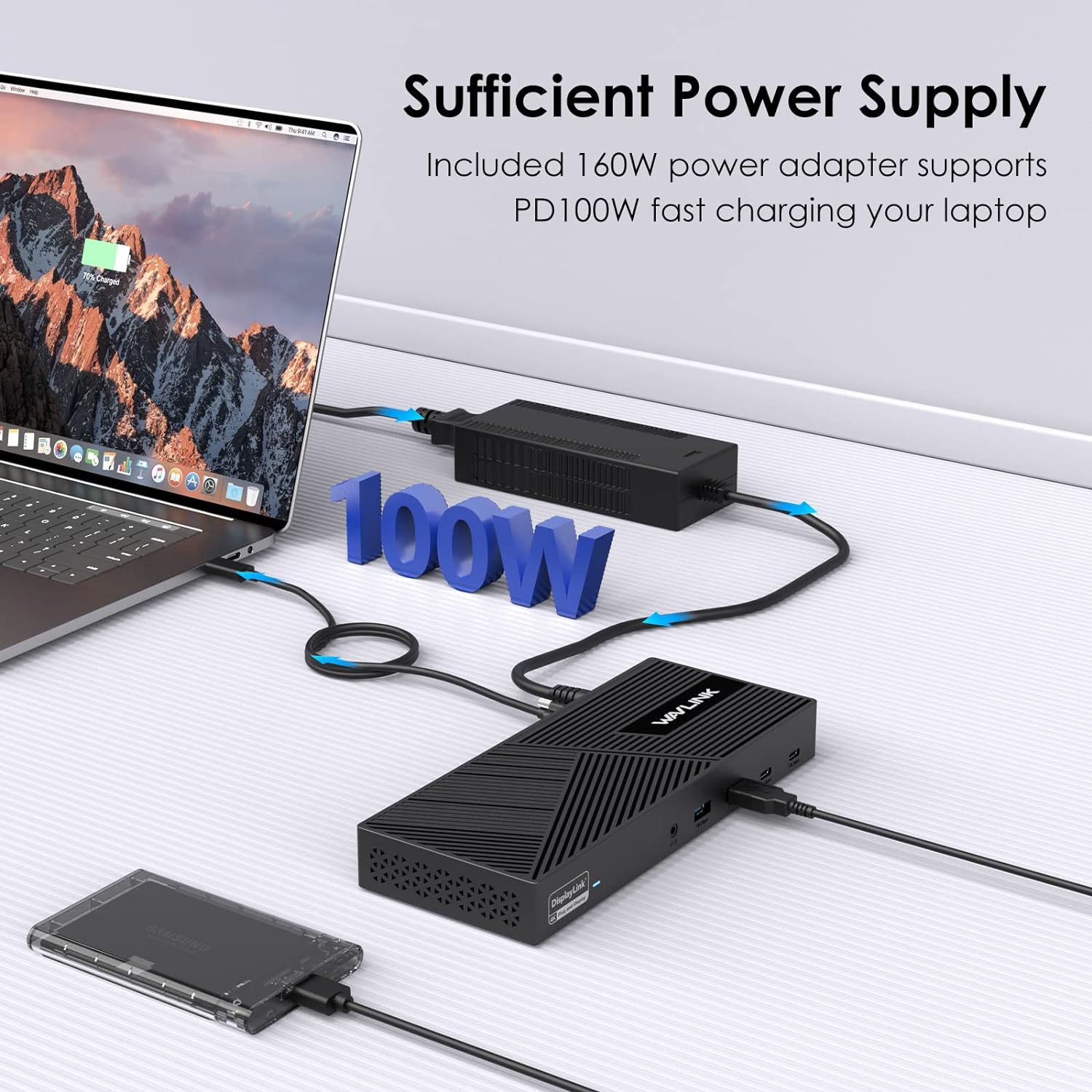
This WAVLINK DisplayLink docking station expands a laptop into a full desktop hub while keeping desk clutter down. It powers compatible laptops with up to 100W PD while driving three external displays at up to 4K at 60Hz, making multitasking smoother for creators, analysts, and hybrid workers.
Key features
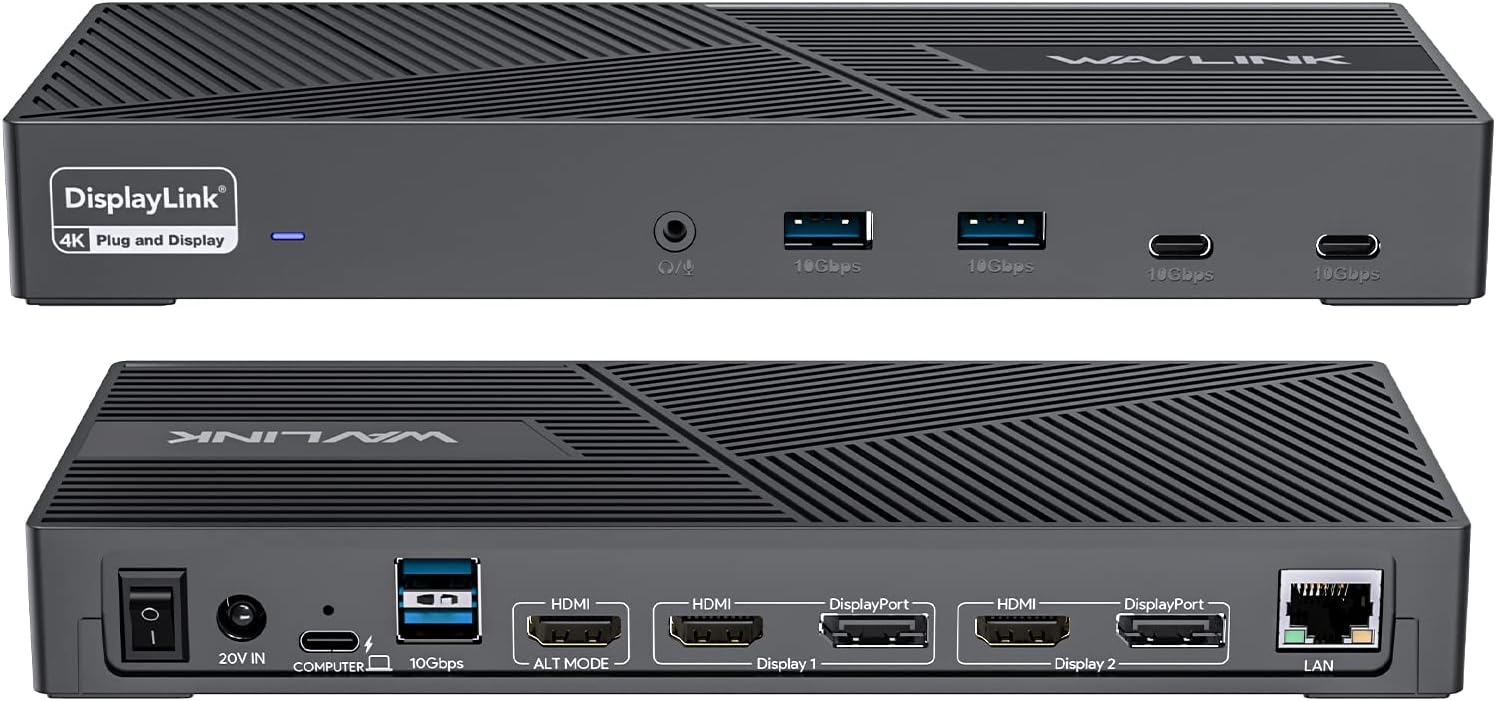
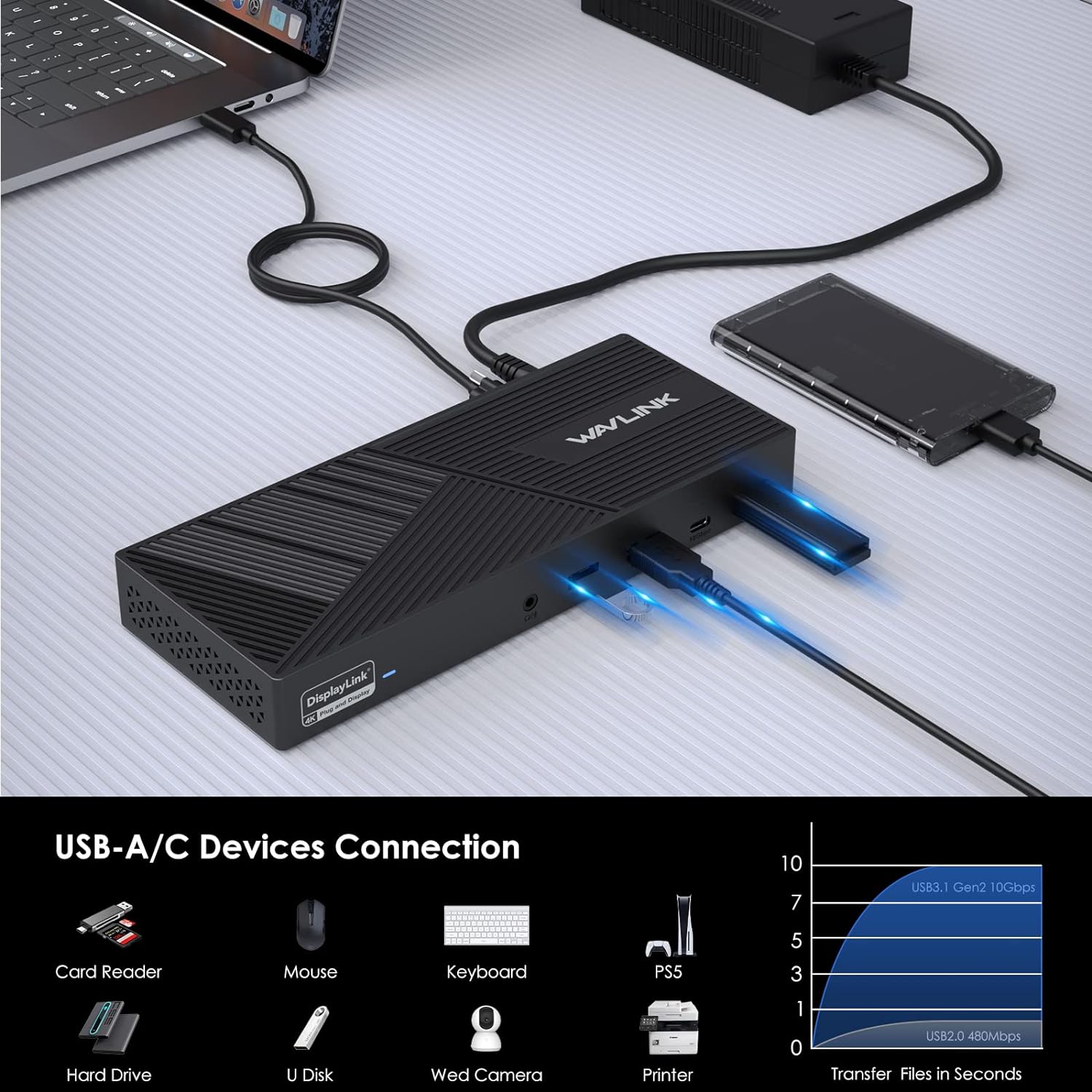
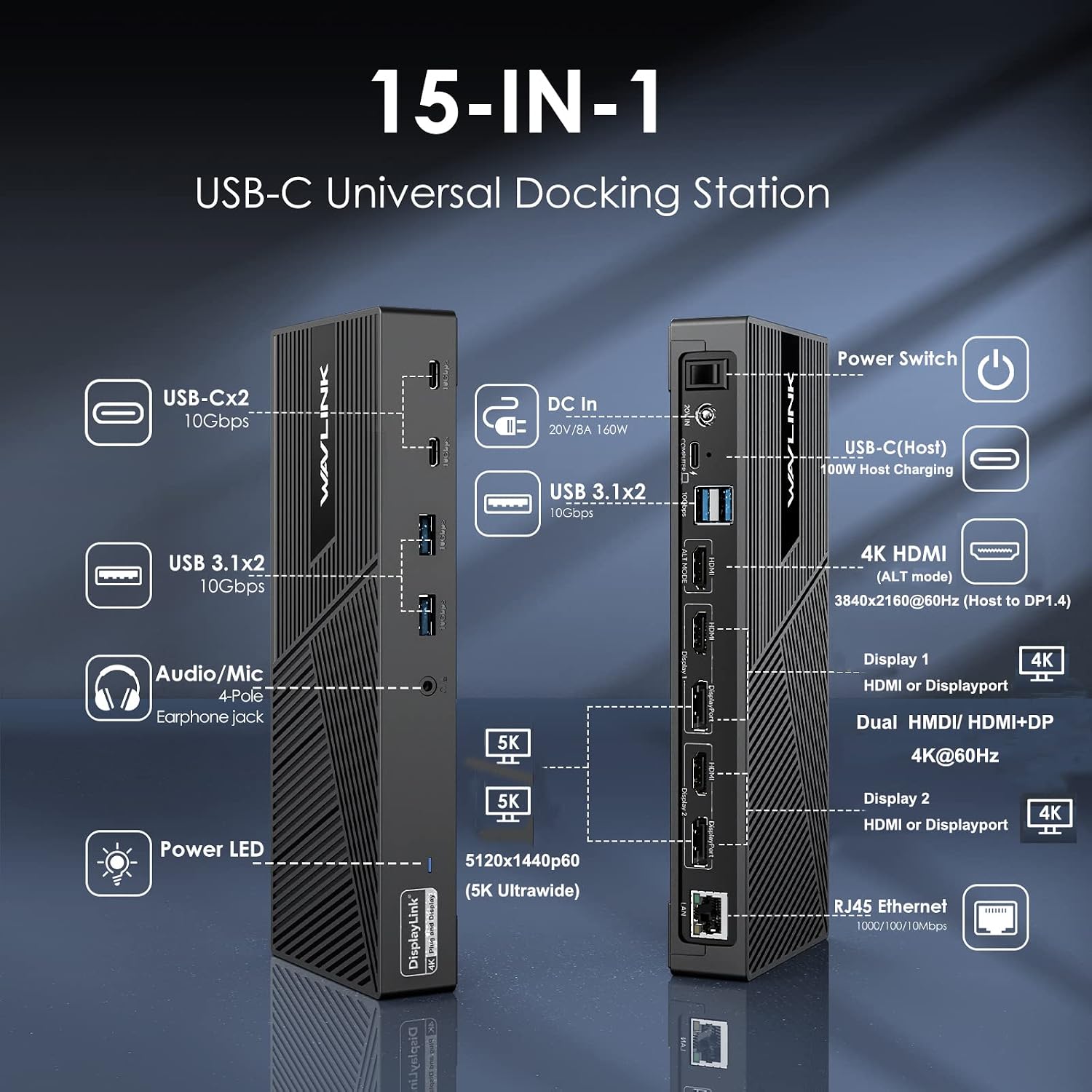
The dock supports three simultaneous monitors via three HDMI 2.0 ports and two DisplayPort 1.2 ports, enabling flexible screen layouts for spreadsheets, timelines, and video previews. It also includes four USB 3.1 Type A ports and two USB-C Gen2 ports for high speed data and peripherals, plus a Gigabit LAN port for steady wired networking and a combined audio/mic jack for calls. The horizontal low profile design saves desk space and fits neatly under a monitor.
Specifications
- Name: WAVLINK DisplayLink Docking Station Triple Monitor 4K@60Hz for 3 Monitors
- Type: Docking station
- Format: Horizontal desktop
- Capacity: 160W power adapter
- Power: 100W PD upstream charging
- Ports: 3 HDMI, 2 DP, 6 USB Ports
- Network: 1 Gbps LAN
- Compatibility: Thunderbolt 4 3 USB C M1 M2 M3 M4 Mac Windows Chrome
Why it makes sense
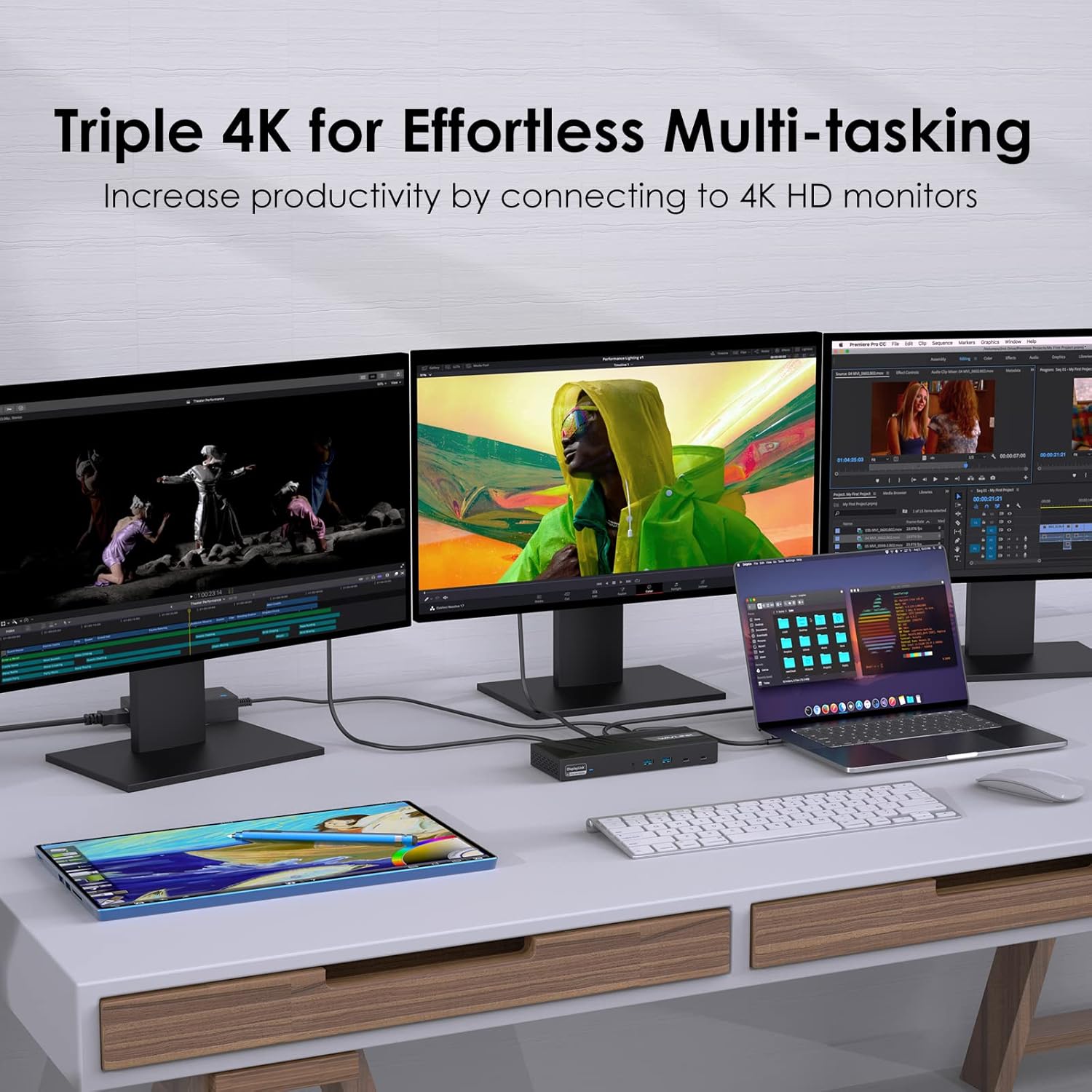
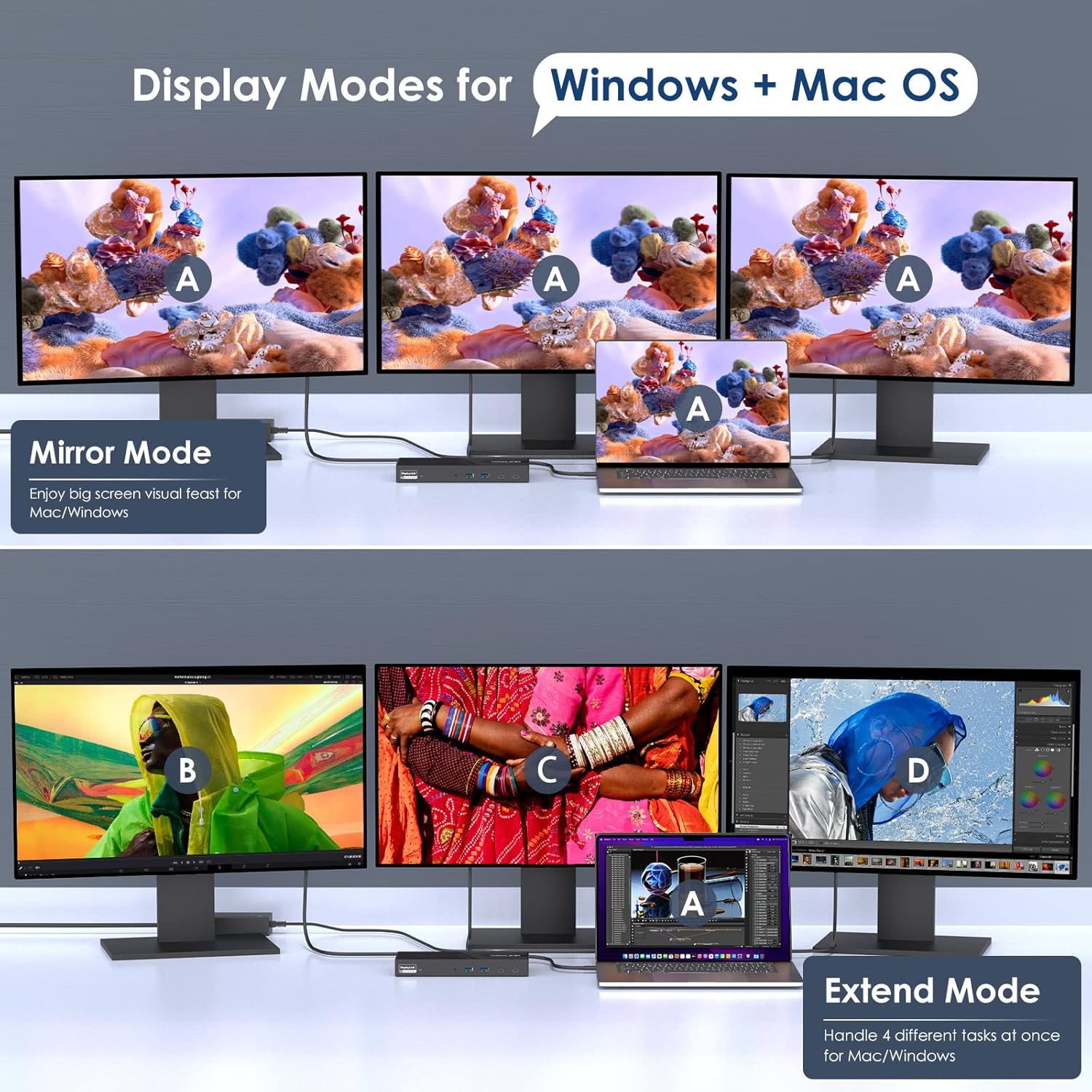
If you need a multi‑display setup without buying a dedicated workstation, this dock brings laptop portability and desktop productivity together. You’ll appreciate the mix of HDMI and DisplayPort outputs when connecting different monitor types. Keep in mind that display performance depends on your host and DisplayLink drivers, and manufacturer guidance should be followed for best results.
How to use it
Start by connecting the dock to your laptop via the supplied USB‑C cable and install DisplayLink drivers if prompted. Arrange monitors using your OS display settings and plug peripherals into the USB ports for storage, input devices, or audio. It’s a pro‑level solution for steady wired internet over the Gigabit LAN and simultaneous charging while you work.