

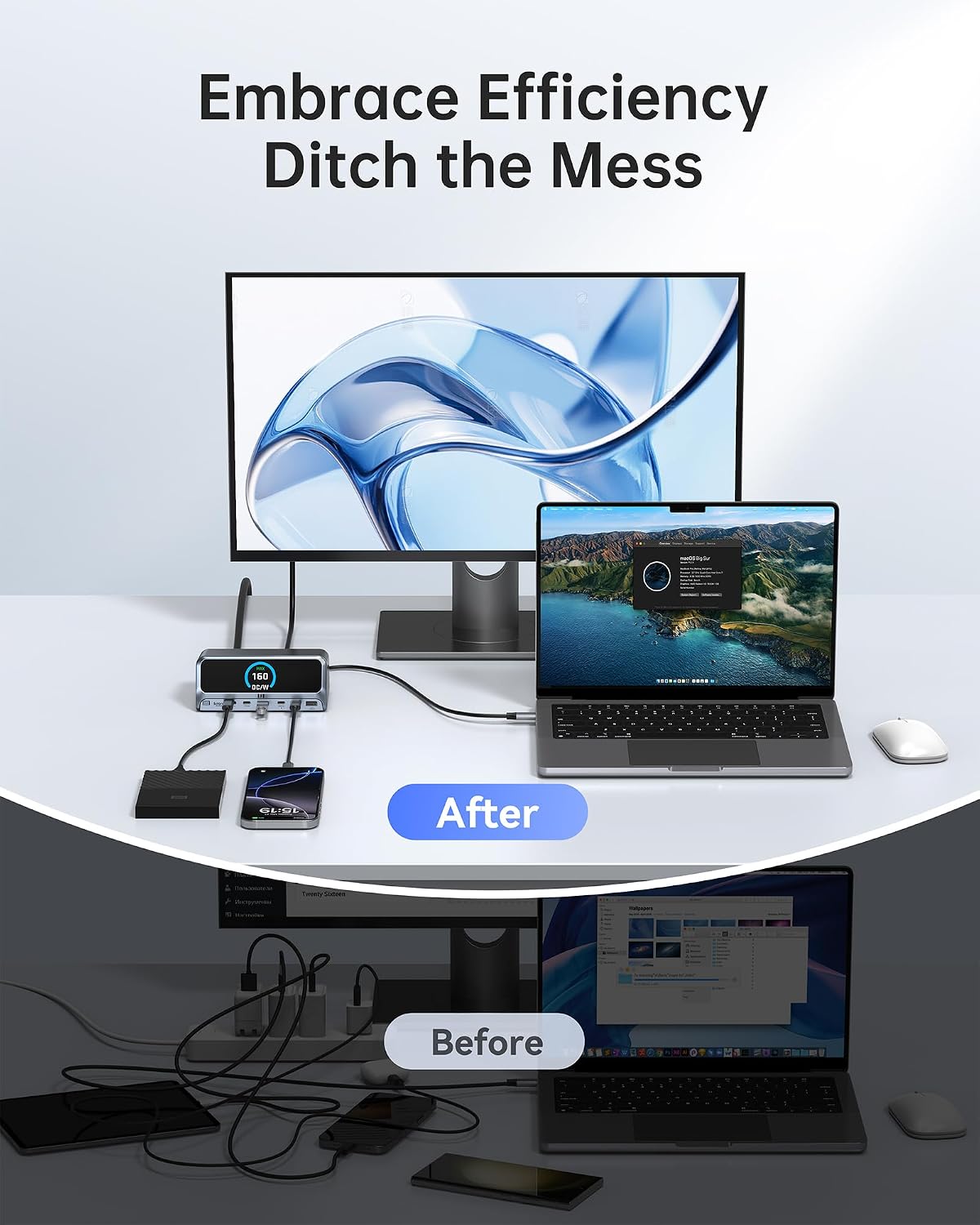
Selore&S-Global PU1102 13-in-1 USB-C Docking Station, Dual 4K HDMI
Product description
For laptop users who need more desk connections and a dual-monitor setup, the Selore&S-Global PU1102 brings display, data, charging, and wired networking options together in one vertical dock.
Its two HDMI 2.0 ports support up to 4K at 60Hz with a compatible host. USB ports include 10Gbps options for transferring files and connecting peripherals, while Gigabit Ethernet provides a wired network connection.
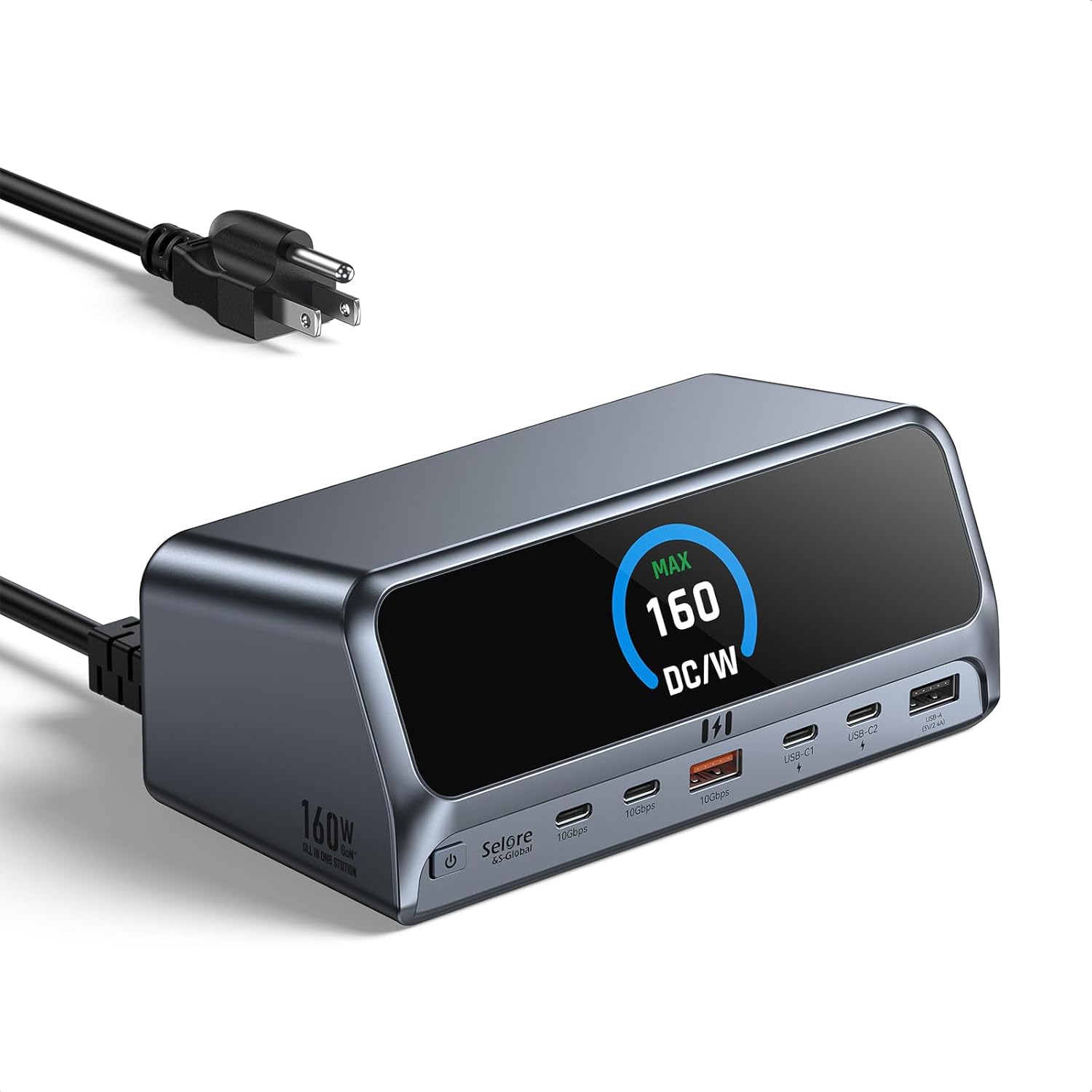
A 2.26-inch LCD shows charging status, wattage, and port activity. Need to see what’s connected and charging at a glance? The display makes that information visible right on the dock.
Key takeaways
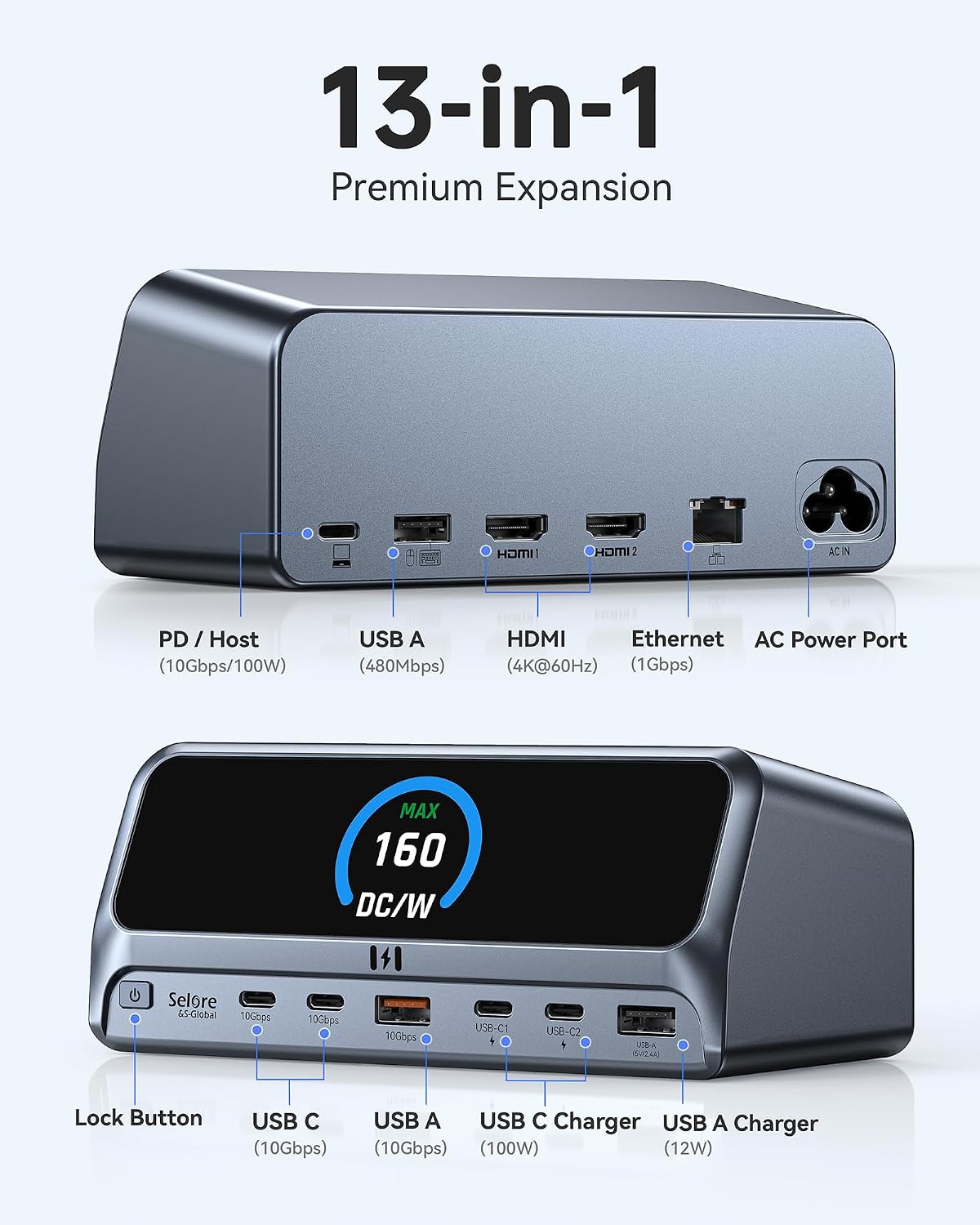
The PU1102 combines 13-in-1 connectivity with a space-saving upright aluminum design and an integrated 80cm cable. It includes dual HDMI 2.0, USB-C and USB-A ports, Gigabit Ethernet, an SD/TF card reader, and a 3.5mm audio jack. A built-in button switches display modes or turns the dock on and off.
Its dedicated USB-C PD 3.0 port delivers up to 100W to a laptop, while total power output is rated at 160W. The dock can also charge connected phones, tablets, and accessories through its other charging ports. For full-speed laptop charging, the product specifies a 100W PD charger.
Customer feedback highlights ease of setup and versatility, including using a MacBook in a desktop-style workspace. Experiences with functionality are mixed: some buyers report power or connection issues, and some say their unit stopped working after a month. These are customer reports, not a guarantee of how an individual unit will perform.
Care & maintenance
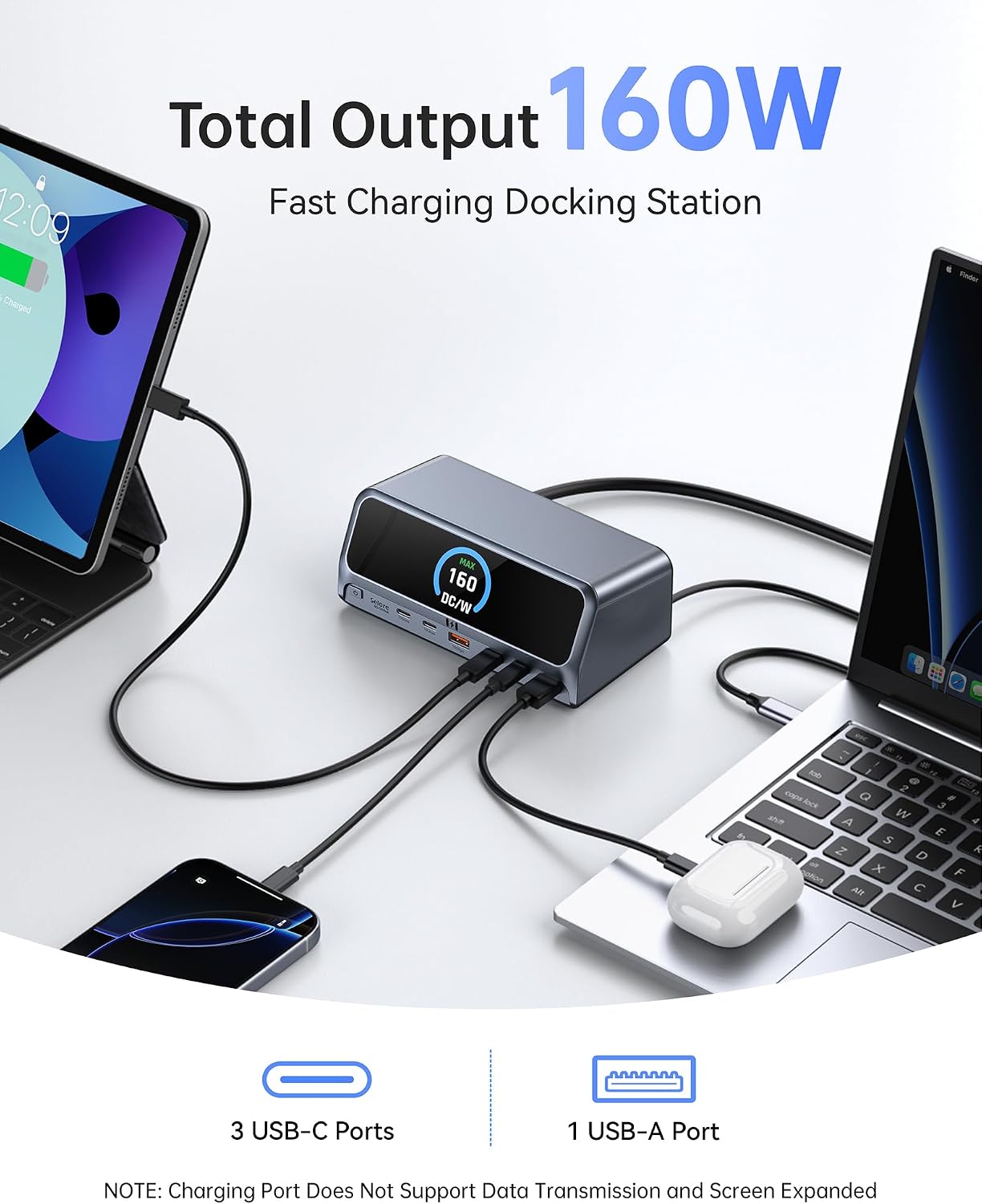
The vertical aluminum enclosure is designed to take up less desk space. During heavy use, leave room around the dock for ventilation, as specified for its thermal management. Keep the unit positioned so its ports and LCD remain accessible, especially when switching display modes or checking connected-device activity.
Getting the most from it
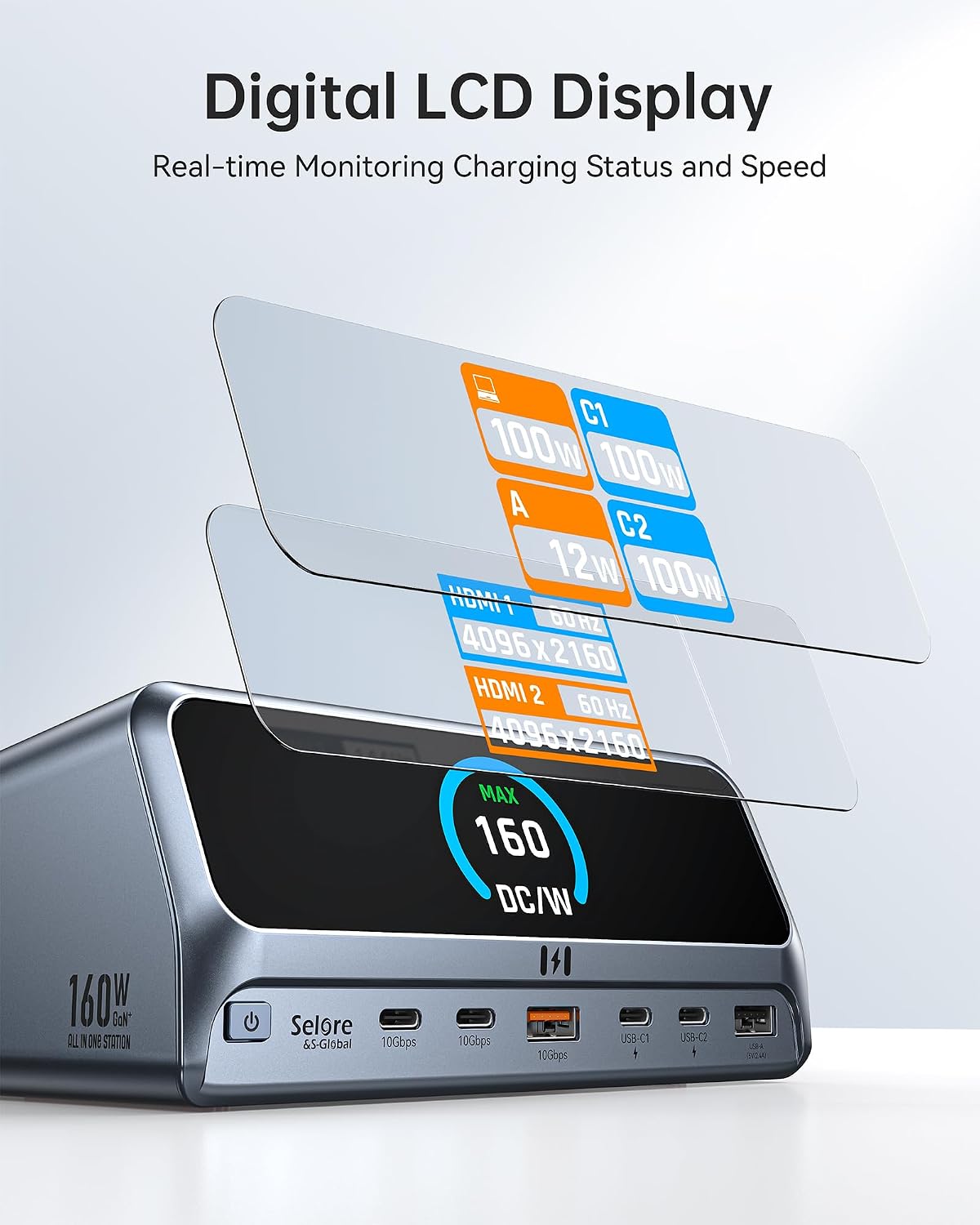
Connect through a USB-C, USB4, or Thunderbolt host connection that supports DisplayPort Alt Mode and Power Delivery. The dock works with Windows, macOS, and ChromeOS laptops that meet those connection requirements. Compatible examples include MacBook Pro and Air, Dell XPS, HP Spectre, and ThinkPad models, display support still depends on the specific computer.
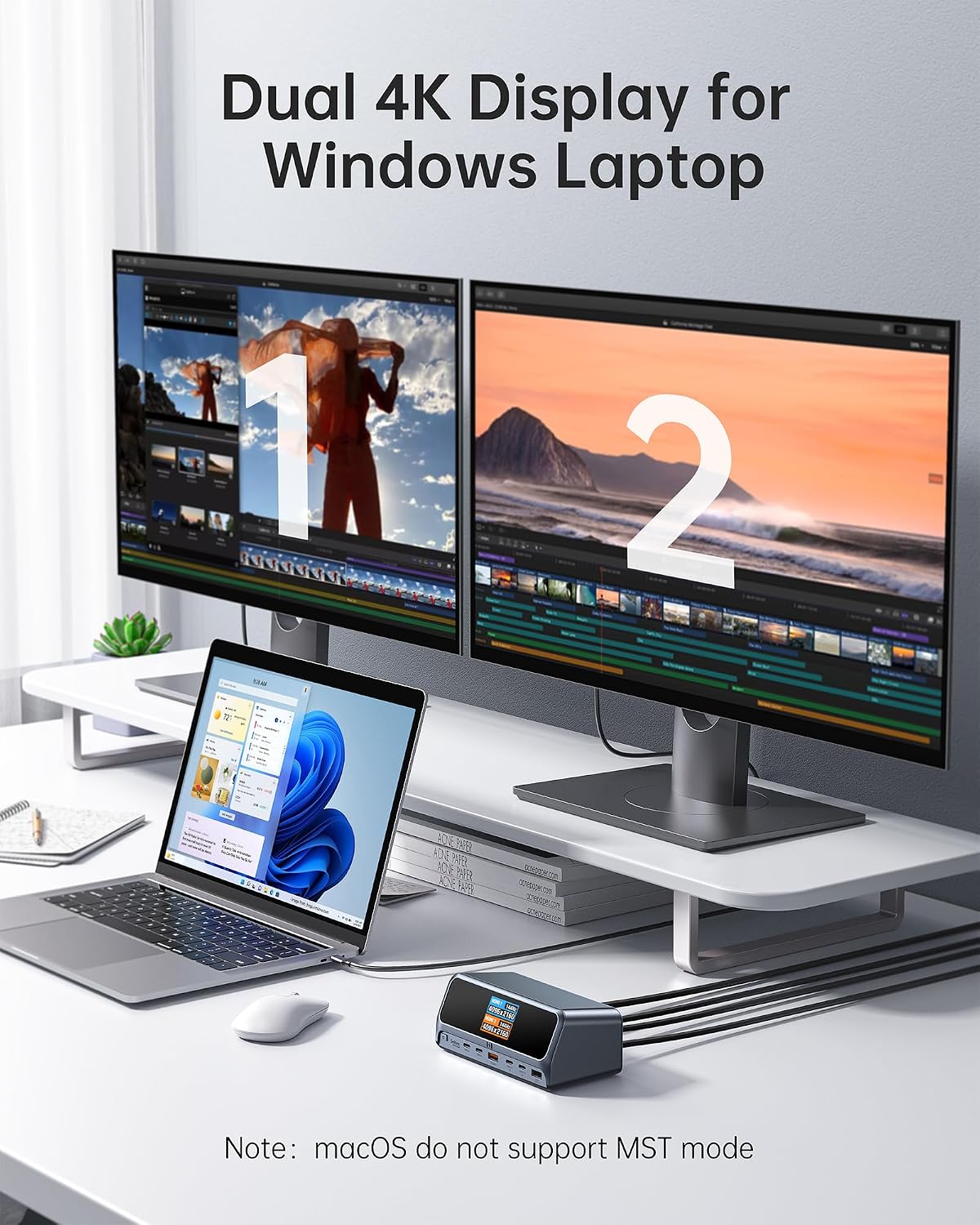
For Windows systems using DisplayPort 1.4, the HDMI outputs support dual 4K at 60Hz. With DisplayPort 1.2, the stated maximum is 1080p at 60Hz. On macOS, two connected external displays can mirror one another, extended desktop is supported on only one external display. This makes the dock useful for arranging a work area around the display behavior your laptop supports, whether you’re reviewing documents, coding, or keeping reference material beside a primary screen.
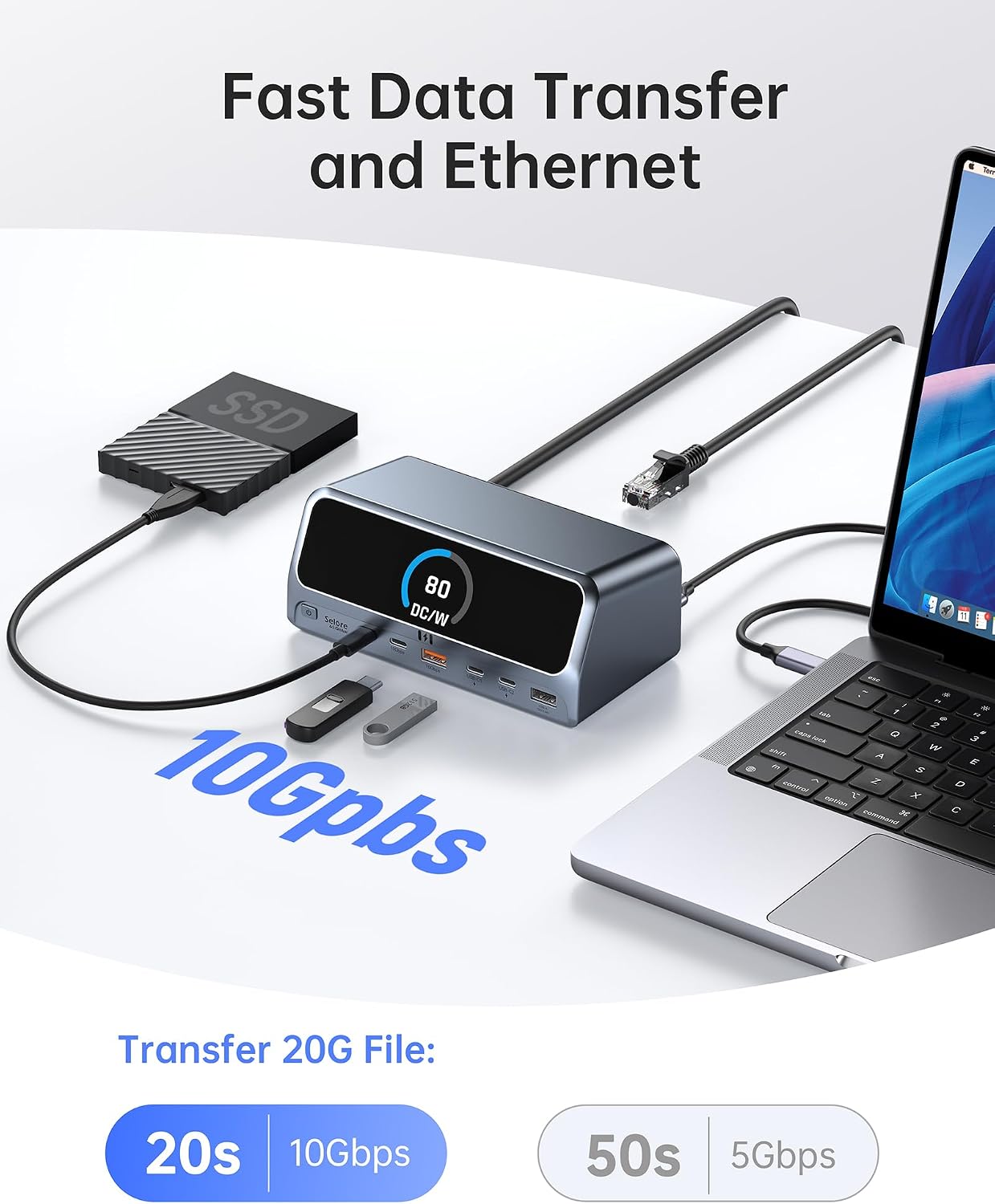
Use a 10Gbps USB-C or USB-A port for compatible high-speed storage devices. The wired Gigabit Ethernet connection offers another way to connect when you prefer a network cable. The stated AC input requirement is 220V/50Hz, an important part of planning the dock’s power setup.
Questions before you buy
Can it extend a desktop across two external monitors? On supported Windows setups, the dual HDMI ports support two displays, with resolution depending on the host’s DisplayPort version. On macOS, multiple external displays mirror, extended desktop is available on one external display.
Can the dock charge a laptop? Yes. Its dedicated USB-C PD 3.0 port provides up to 100W. A 100W PD charger is required for full-speed laptop charging, and the dock’s stated AC input is 220V/50Hz.
Which ports support faster data transfers? The USB-C 3.2 Gen 2 and USB-A 3.2 Gen 2 data ports support transfer rates up to 10Gbps. The dock also includes Gigabit Ethernet for wired networking.
When it makes sense
Choose the PU1102 when a laptop-based workspace needs display connections, faster USB data ports, wired Ethernet, and charging in a single upright dock. Its LCD adds a clear status view, while the dual HDMI ports serve compatible setups that benefit from two external screens. It’s a practical fit for consolidating everyday desk connections around a USB-C laptop.