

UGREEN Thunderbolt 4 Dock 8‑in‑1, 85W ⚡
Product description
This Thunderbolt 4 dock from UGREEN expands a laptop's ports to support dual 4K displays or a single 8K monitor while keeping a MacBook or Windows laptop powered and online. It combines fast data transfers and Ethernet connectivity with up to 85W laptop charging, making it useful for desktop setups, creative workflows, and hybrid workstations.
Key Points
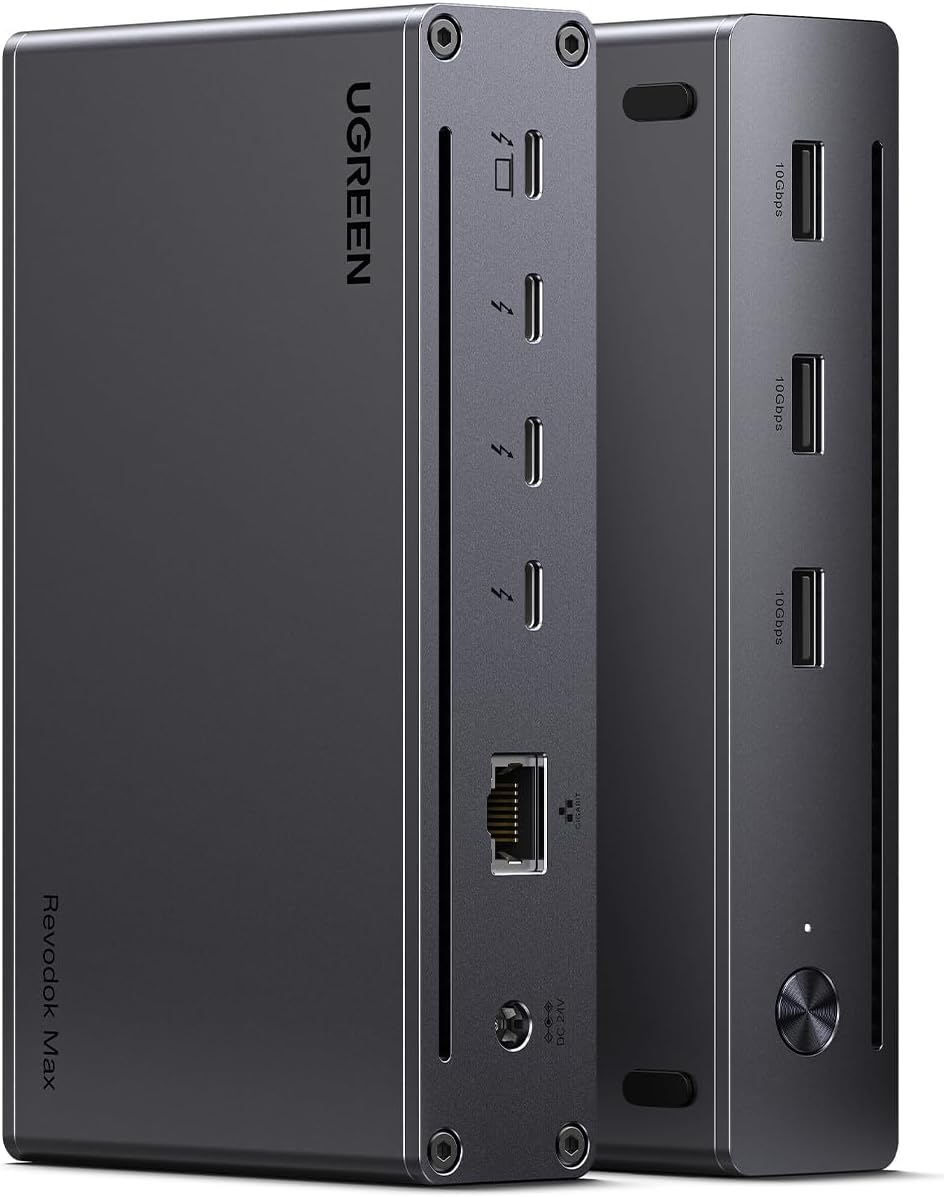
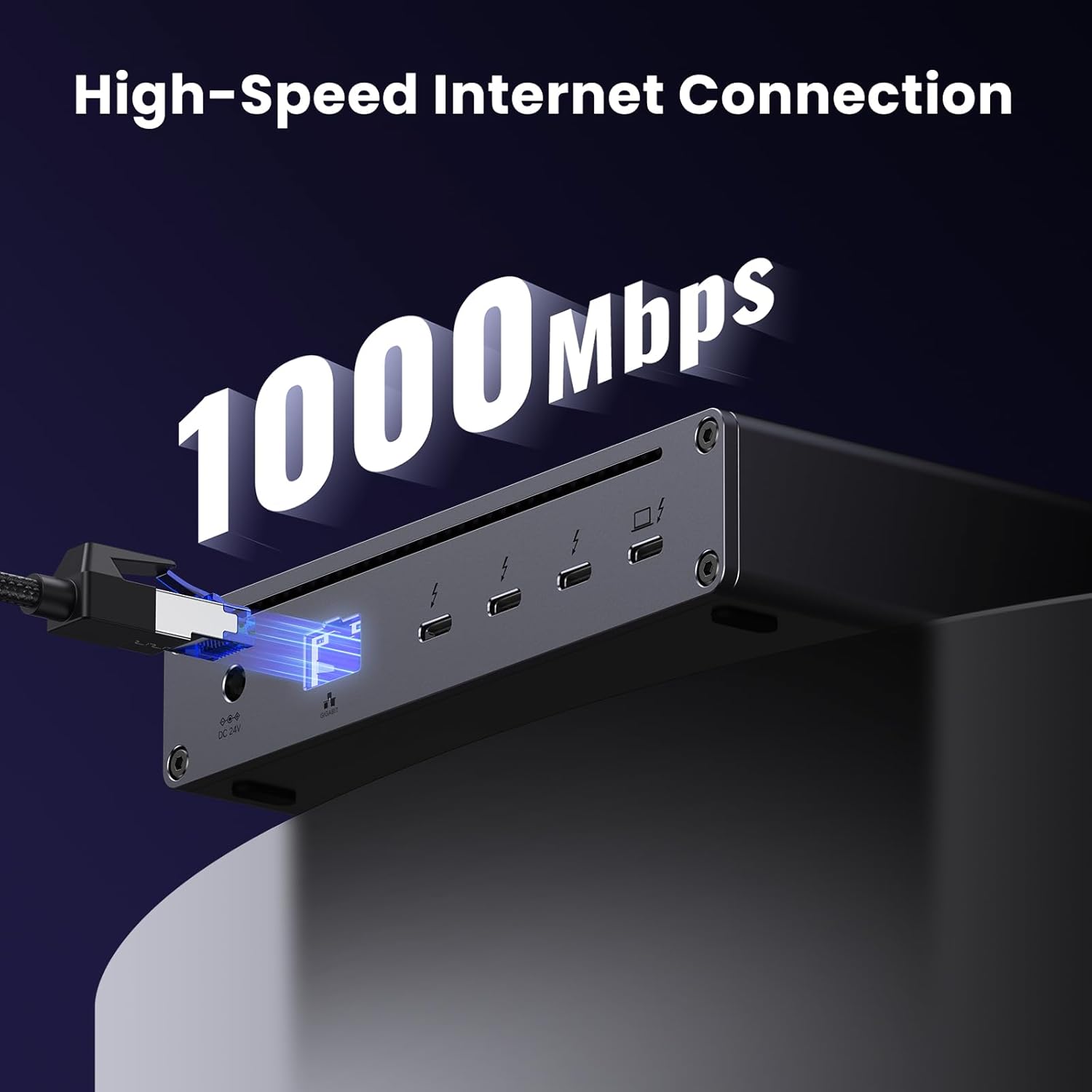
The dock offers a compact way to connect multiple high-performance peripherals and external displays. It includes three Thunderbolt 4 ports that handle data at high speeds and support display output, three USB-A 3.2 ports for legacy peripherals, and a Gigabit Ethernet jack for stable wired networking. For users who move between meetings and a desk, having a single cable that supplies power, video, and data simplifies transitions and reduces cable clutter. ⚡️
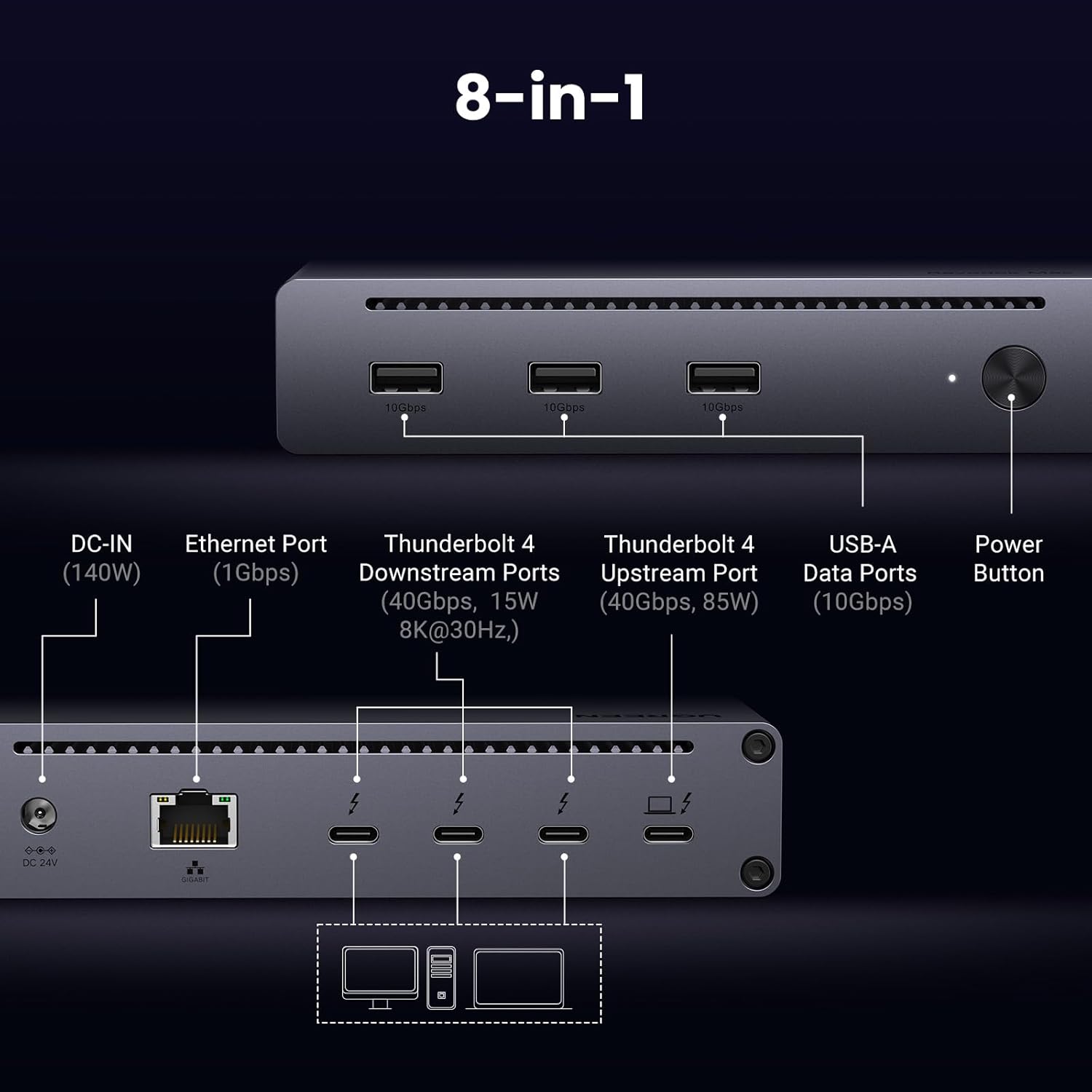
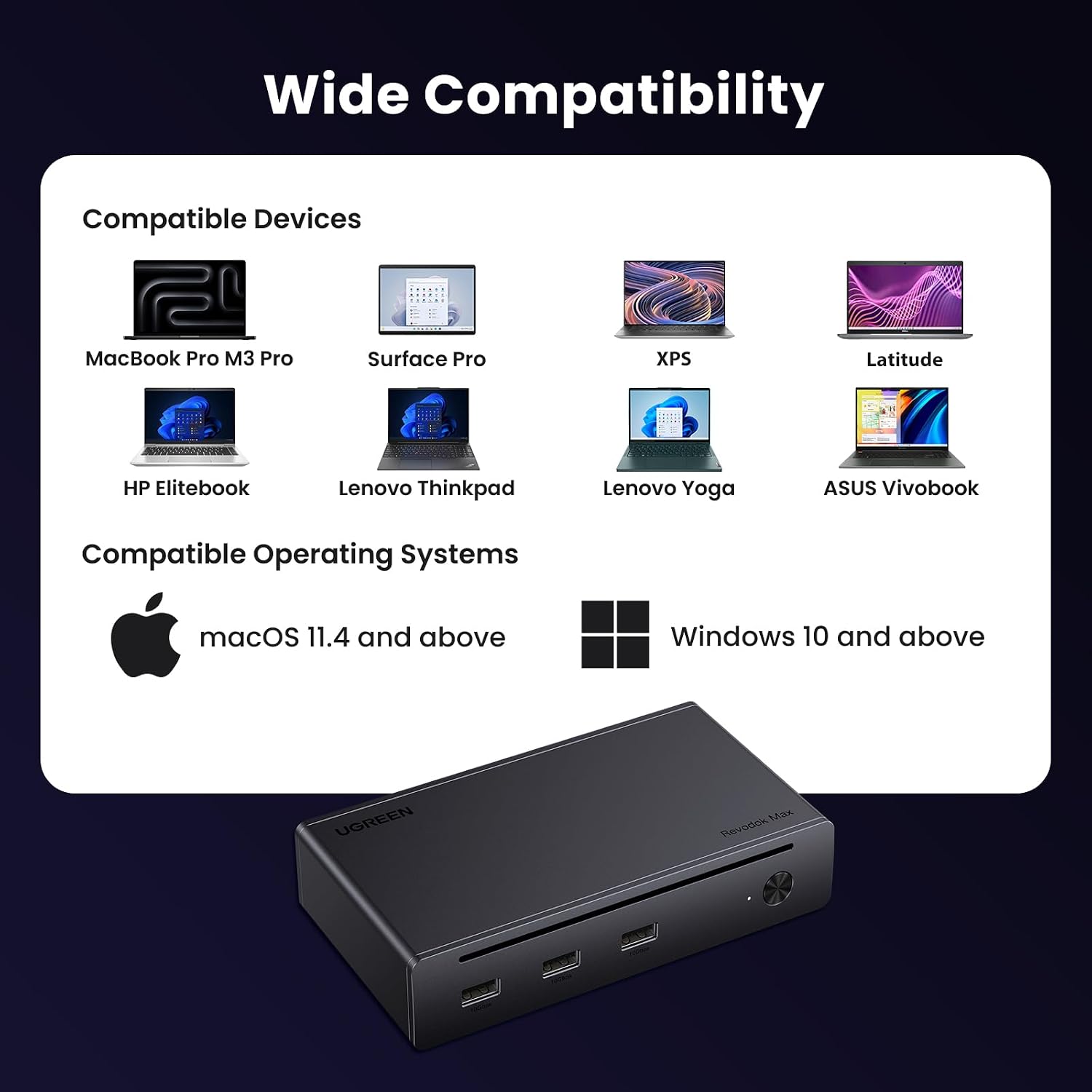
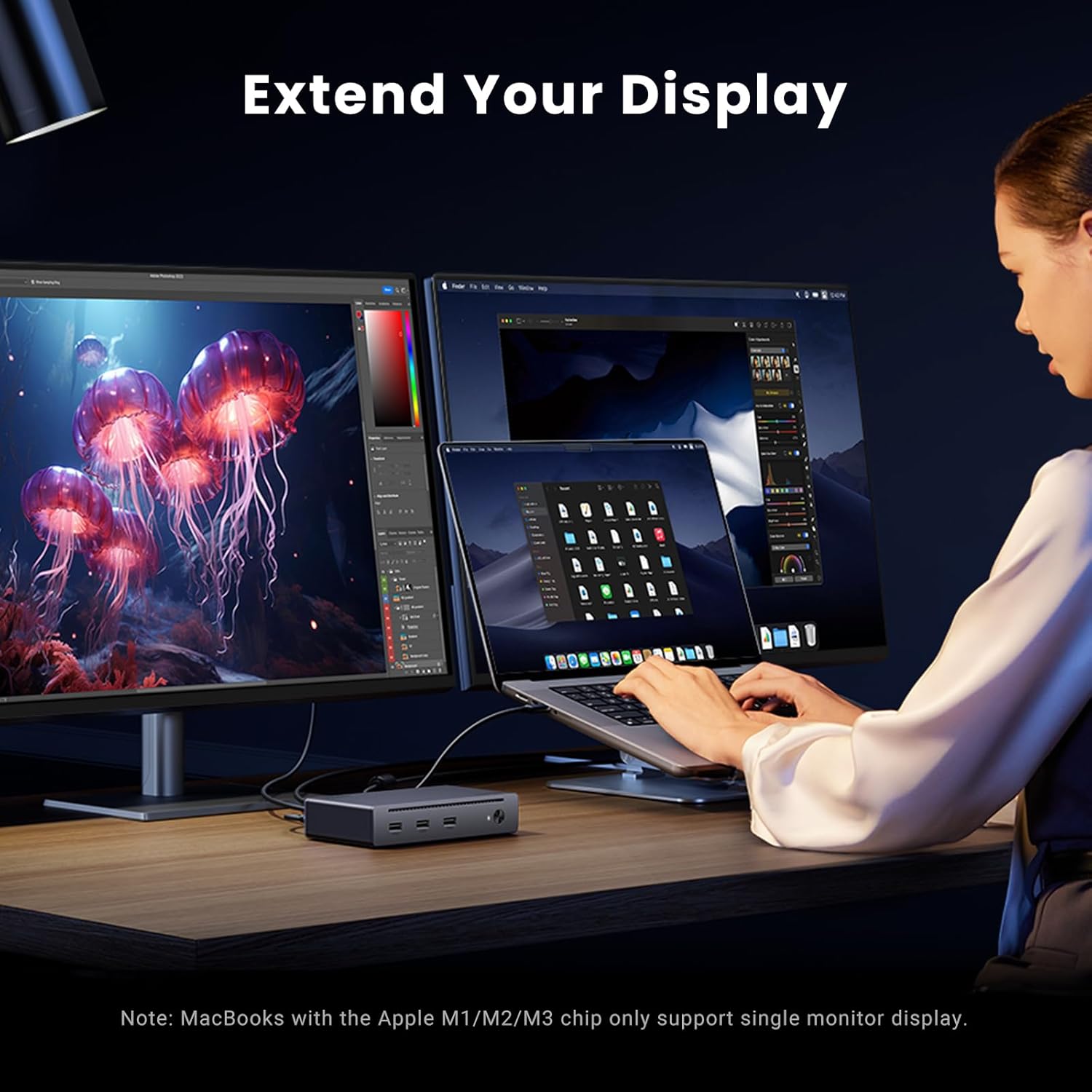
Compatibility covers a wide range of devices that use Thunderbolt 4, Thunderbolt 3, USB4, or USB-C ports. MacBooks with M1/M2/M3/M4 Pro or Max chips and many Windows laptops will benefit from the multi-display options and fast charging. Note that macOS may restrict dual-display output on some chips, and some USB-C devices only support a single external monitor, according to the manufacturer. 🖥️
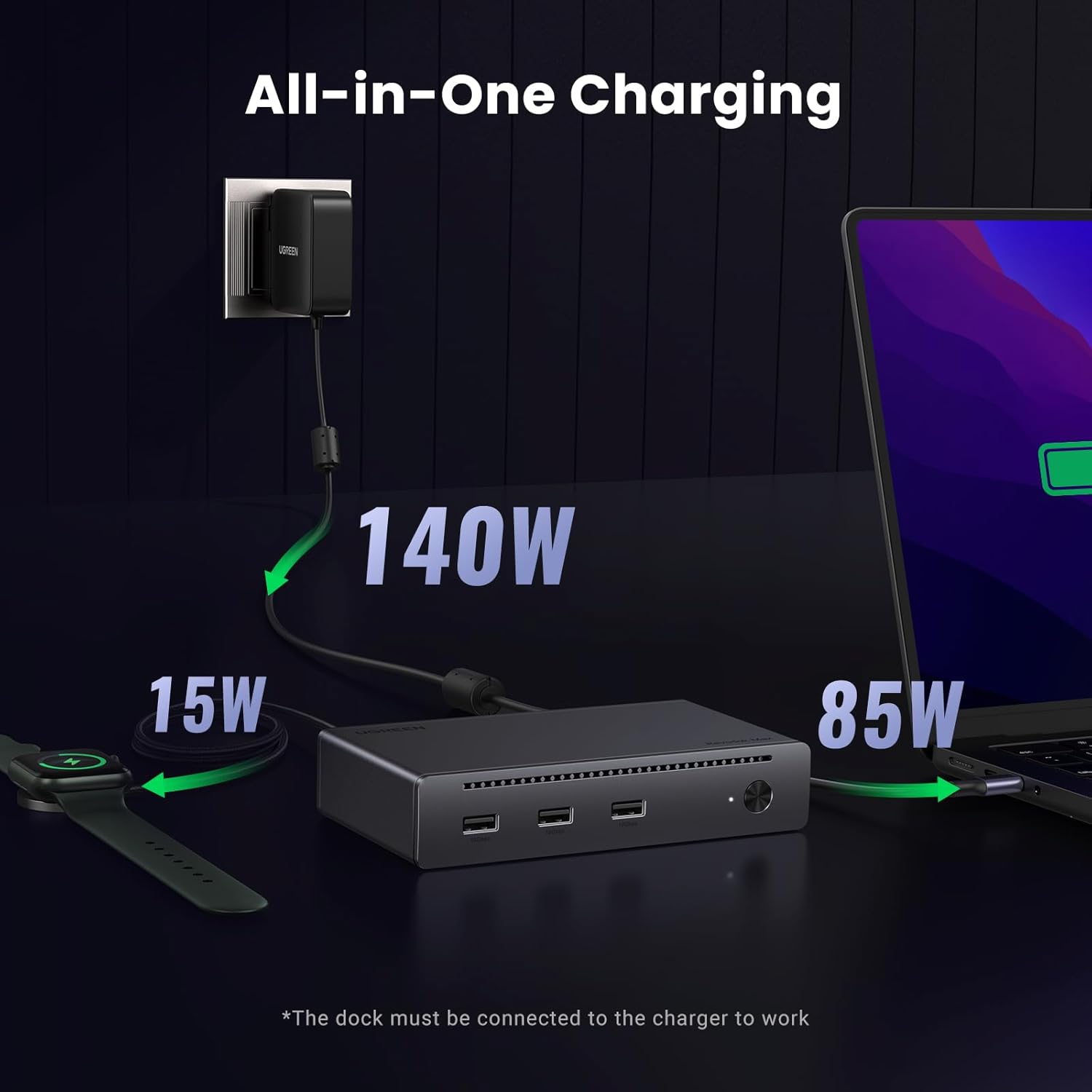
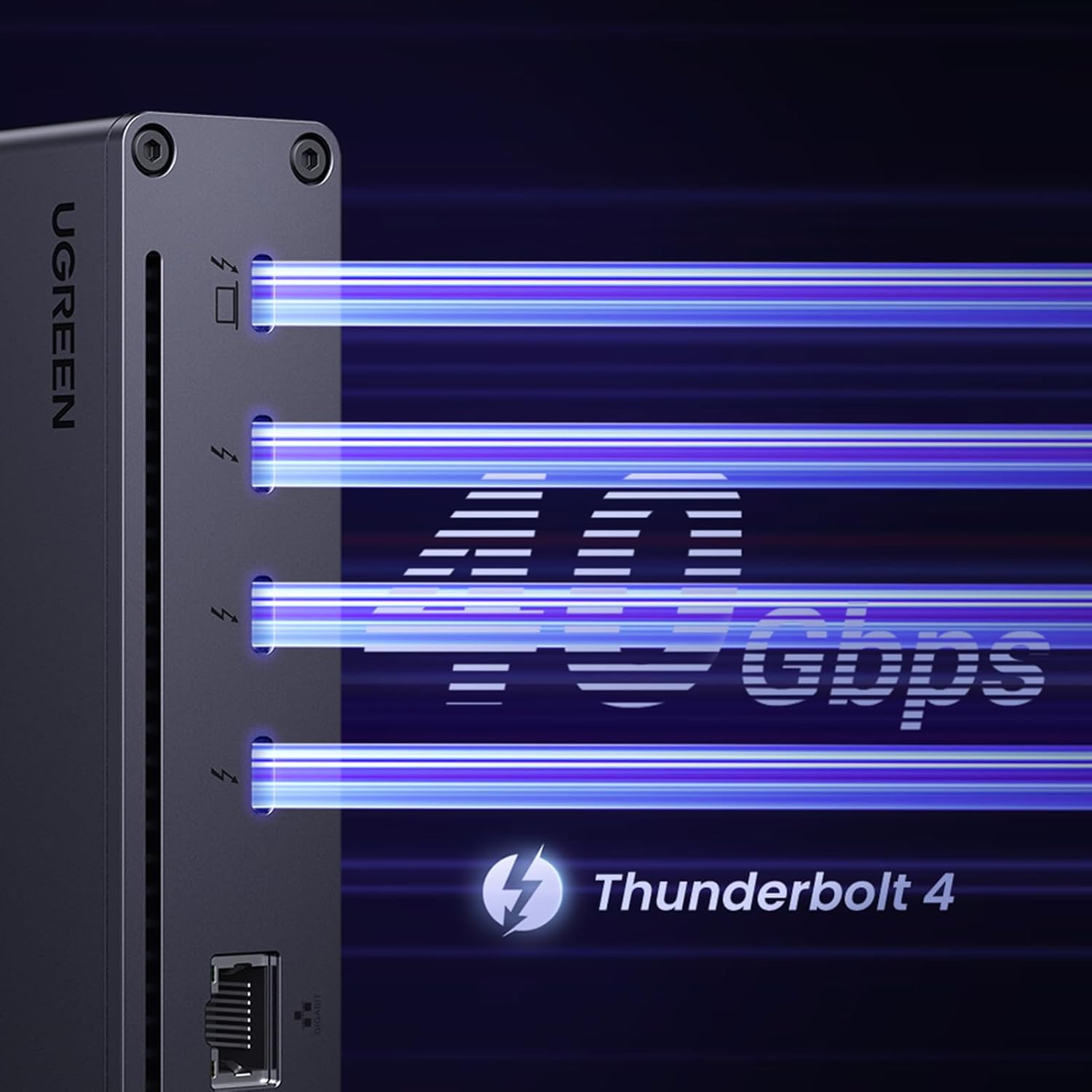
The dock includes an external 140W GaN power adapter that allows the unit to deliver up to 85W to a connected laptop while powering other devices. For users transferring large video files or using external SSDs, the 40 Gbps Thunderbolt links reduce wait times and keep workflows moving. ⚙️
Technical Specifications
- Name: UGREEN Thunderbolt 4 Dock 8-in-1 (Revodok Max 208)
- Thunderbolt ports: 3 x Thunderbolt 4 (40 Gbps, 15 W downstream)
- Display support: Dual 4K@60Hz or single 8K@30Hz (macOS may limit dual display)
- Power delivery: 85W laptop charging with included 140W GaN adapter
- USB: 3 x USB-A 3.2 ports
- Network: Gigabit Ethernet port
Usage Recommendations
Place the dock on a desk near your laptop to keep cables short and organized and connect the GaN power adapter to ensure full functionality. When you need the highest resolution on a single external monitor, use the upstream TB4 port and a compatible 8K display. For dual-monitor setups, confirm your host device supports two external displays at 4K@60Hz before relying on that configuration. To maximize transfer speeds, use Thunderbolt-certified cables and connect high-speed storage to the Thunderbolt ports rather than the USB-A ports.