

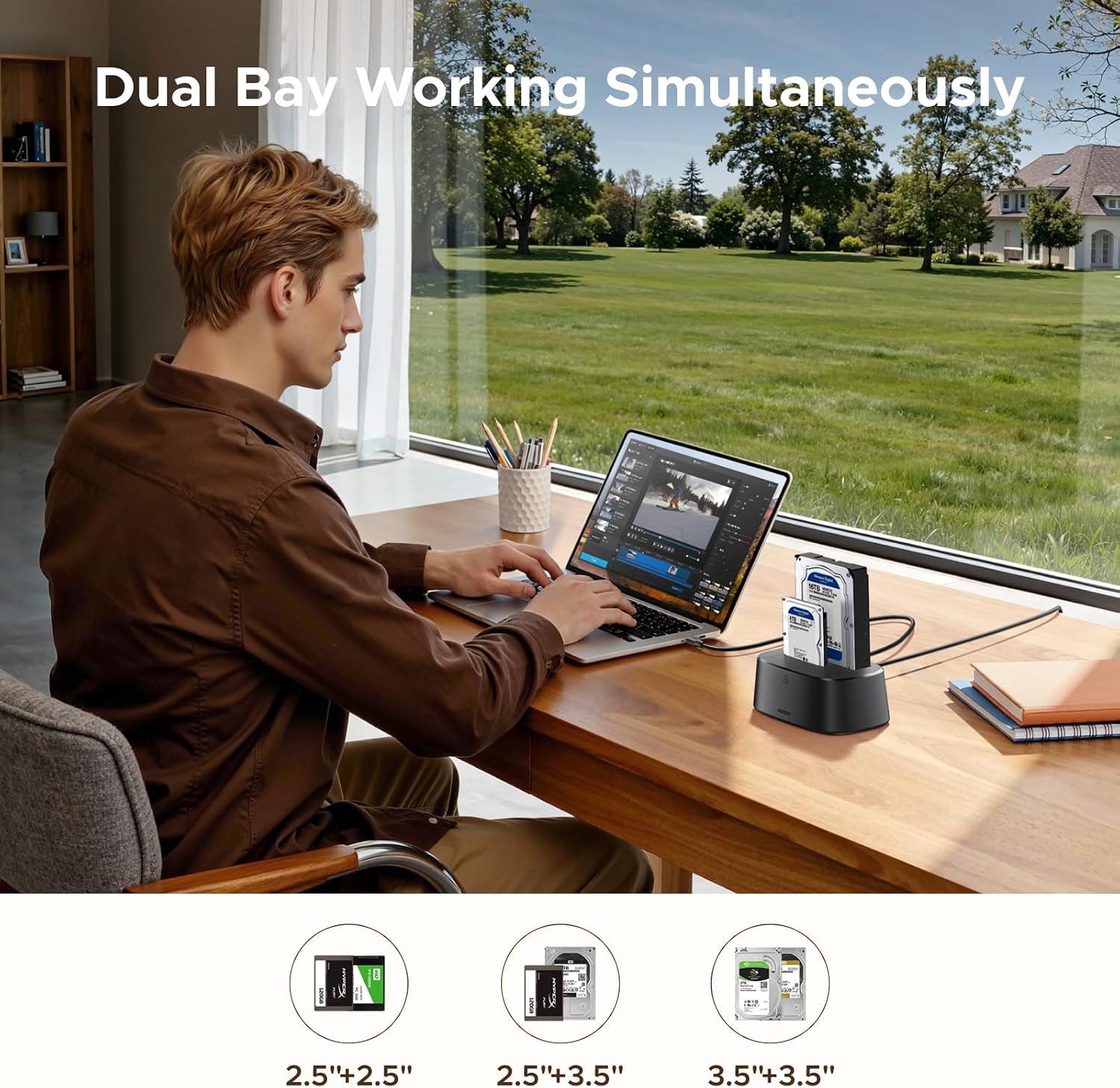
UGREEN Hard Drive Docking Station Dual-Bay
Product description
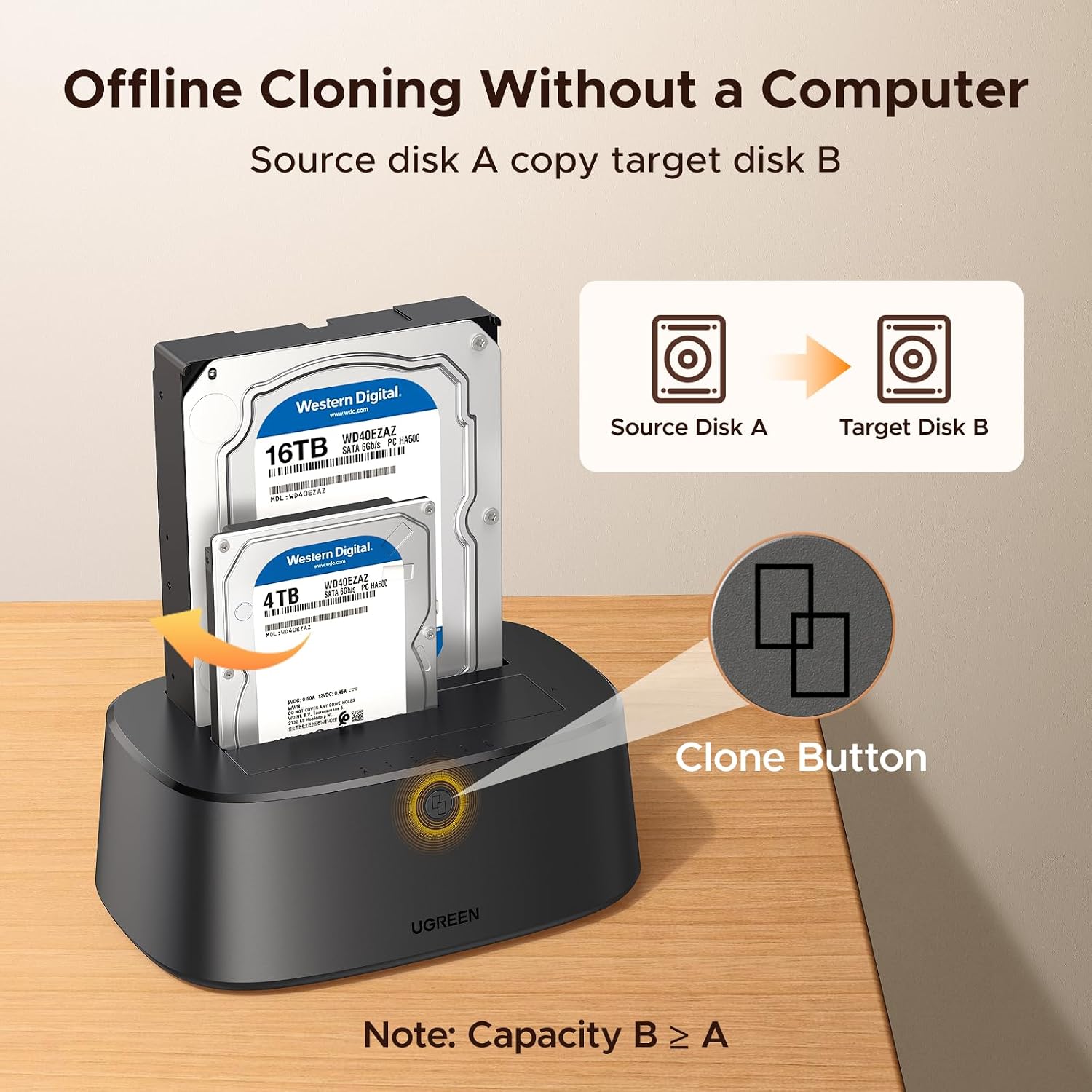
Offline cloning is the standout feature of this UGREEN dual-bay hard drive docking station: it can copy one drive to another without a computer, which is useful when moving data to a replacement drive or setting up a duplicate. It accepts 2.5- and 3.5-inch SATA drives, and its tool-free bays make swapping drives straightforward. For an ordinary file transfer, connect it to a computer with the included USB-B-to-USB-C cable, for a direct clone, the source drive must be no larger than the destination. One detail to keep in mind: the product name and description give different maximum-capacity claims, so don’t rely on either figure without confirming it for your drives.
Getting the most from it
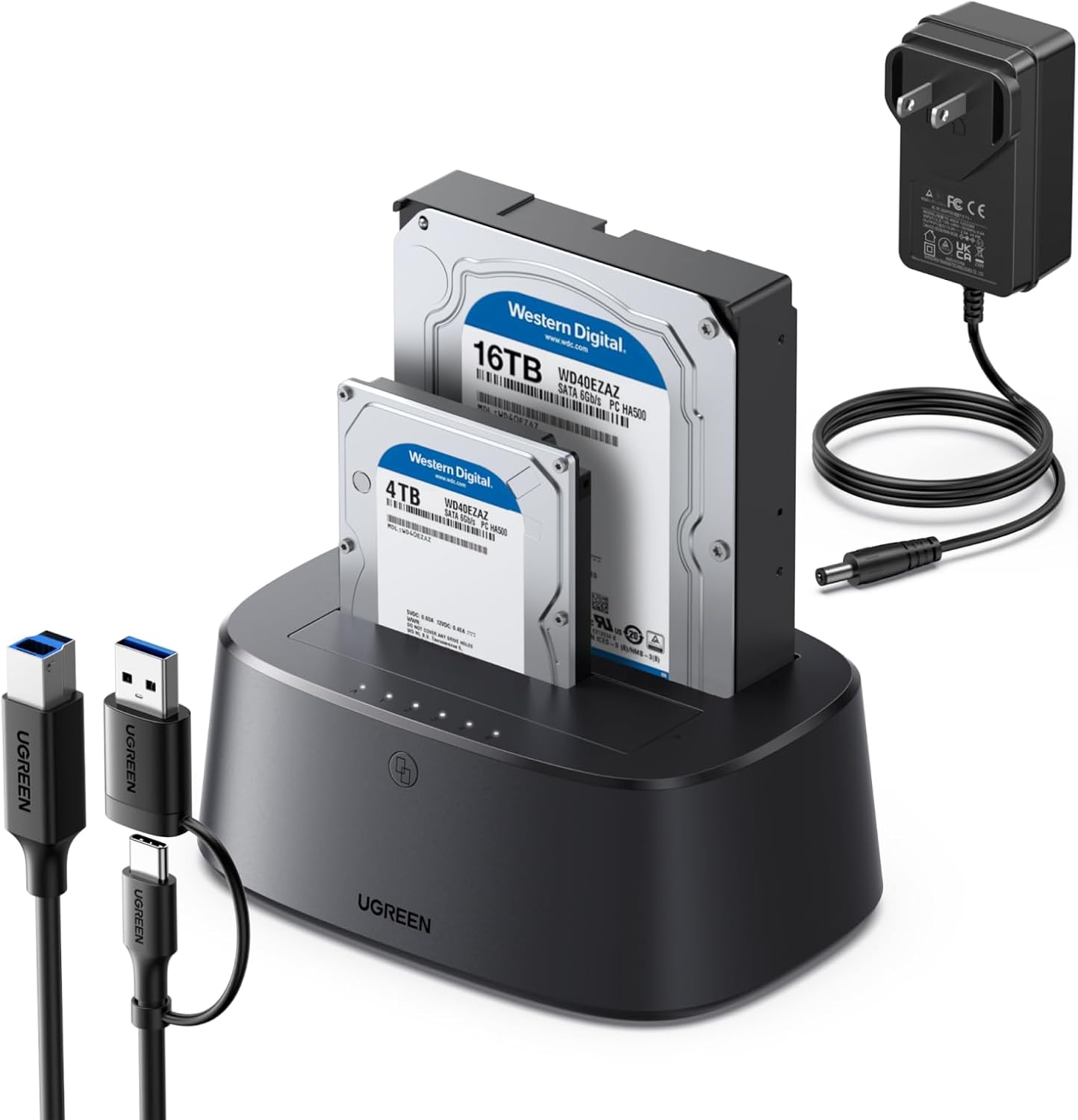
For a drive-to-drive migration, place the source in the A bay and the destination in the B bay, then use the offline cloning function without connecting a computer. The stated A≤B requirement matters: a destination drive with less capacity than the source won’t meet the listed cloning condition, even if the source doesn’t contain much data. If you’re simply accessing files, use the USB connection to a computer instead. A practical example is copying files from an old desktop hard drive to a replacement while keeping the process separate from your computer’s internal storage.
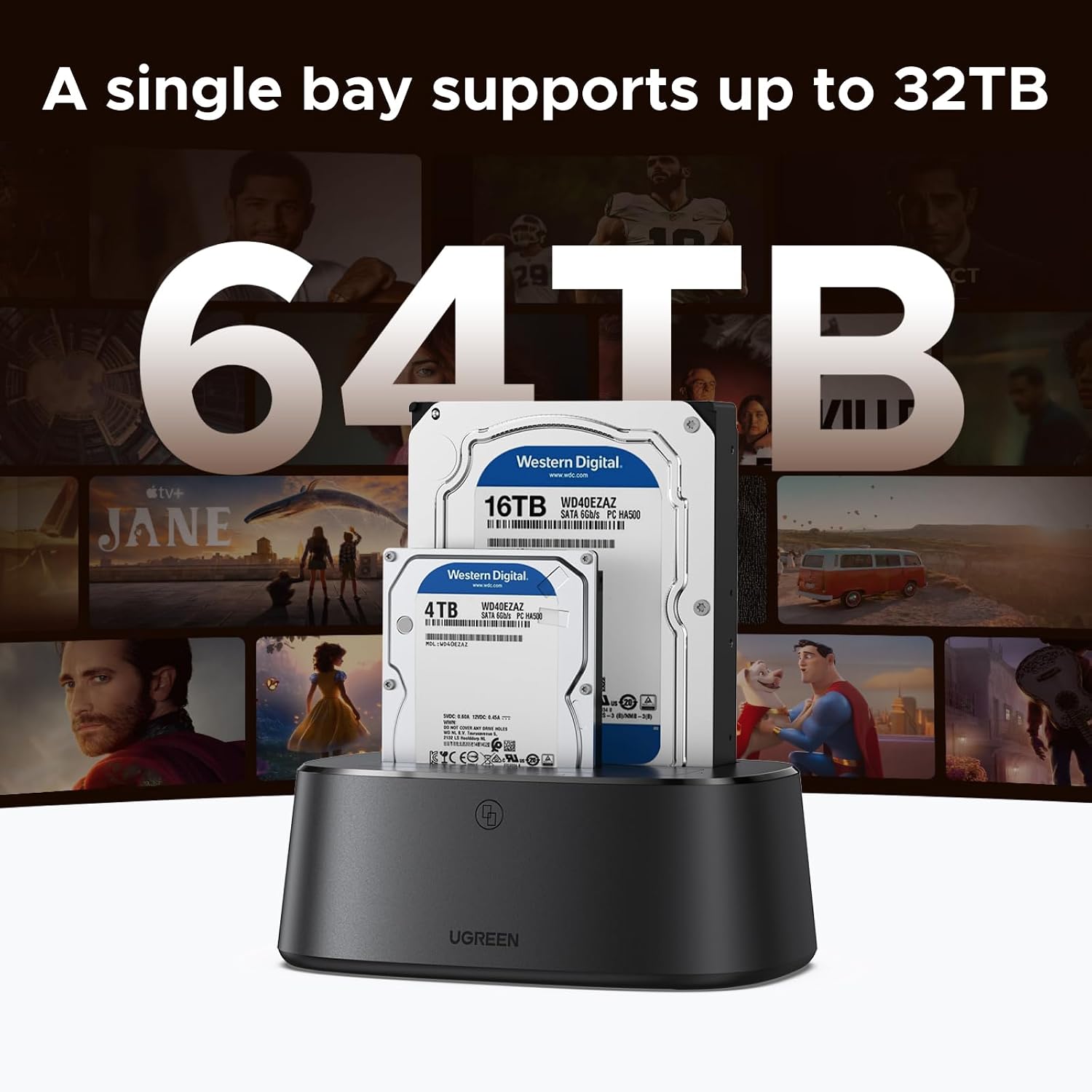
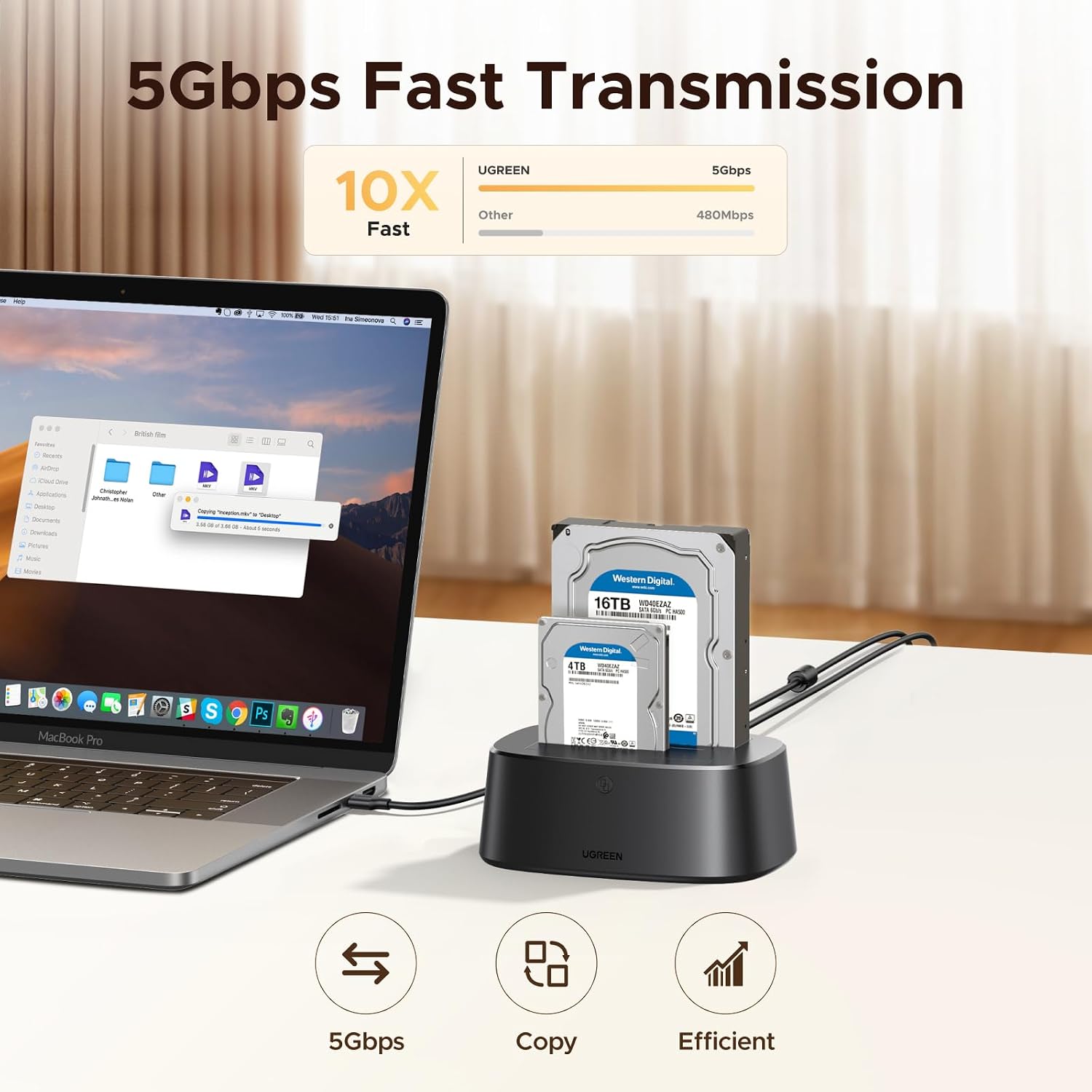
The dock supports two SATA drives at once and works with 2.5-inch and 3.5-inch drives using 7+15-pin SATA connections. Tool-free installation keeps routine swaps simple. The listed USB 3.0 interface has a maximum transfer rate of 5Gbps and is backward compatible with USB 2.0 and USB 1.1, that figure describes the interface, not a guaranteed drive-to-drive or real-world transfer speed. The included cable is 1 meter long. If you prioritize direct cloning without a computer, this setup has a clear use, if you prefer a compact, single-drive reader, the second bay and cloning controls may be more than you need.
Why it’s worth it
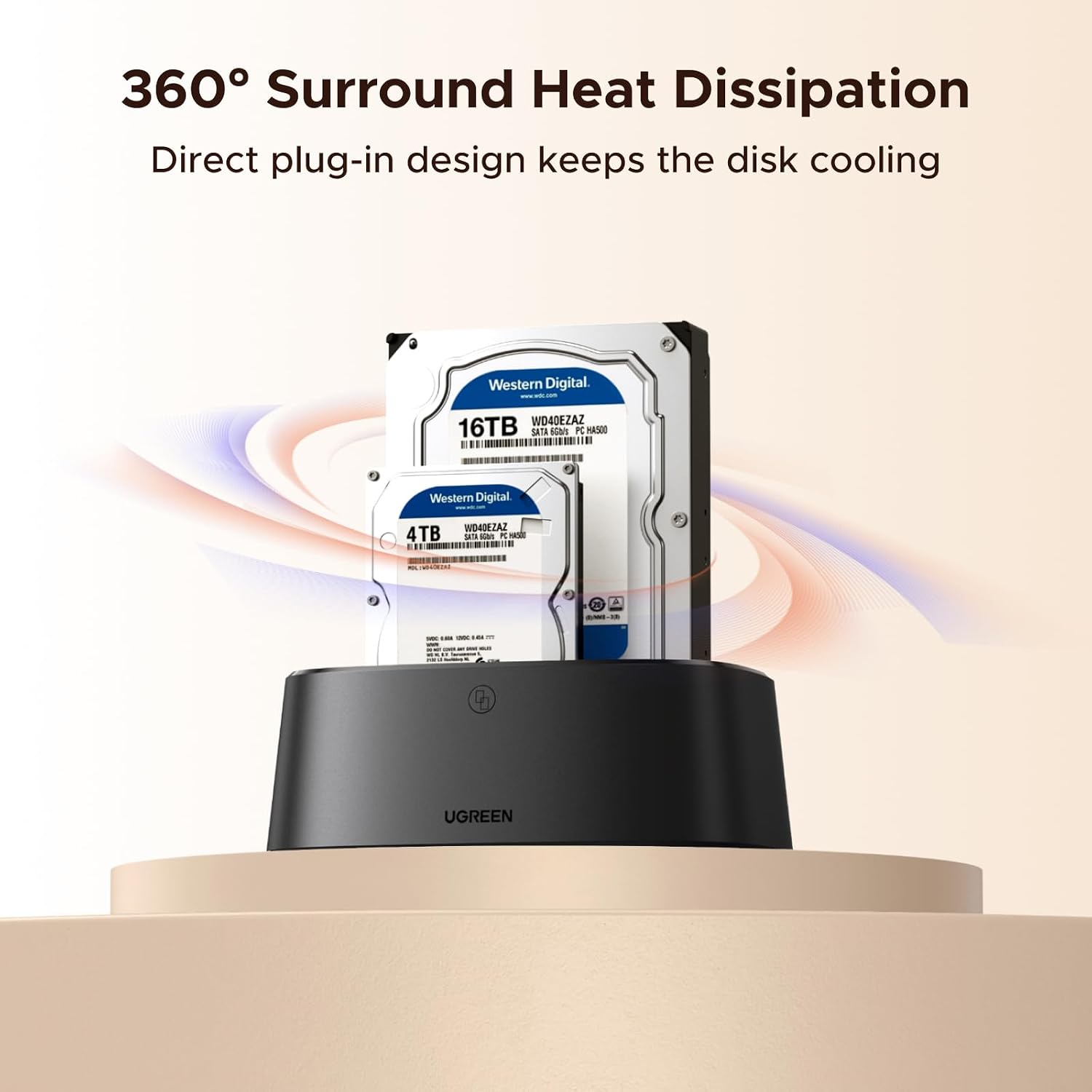
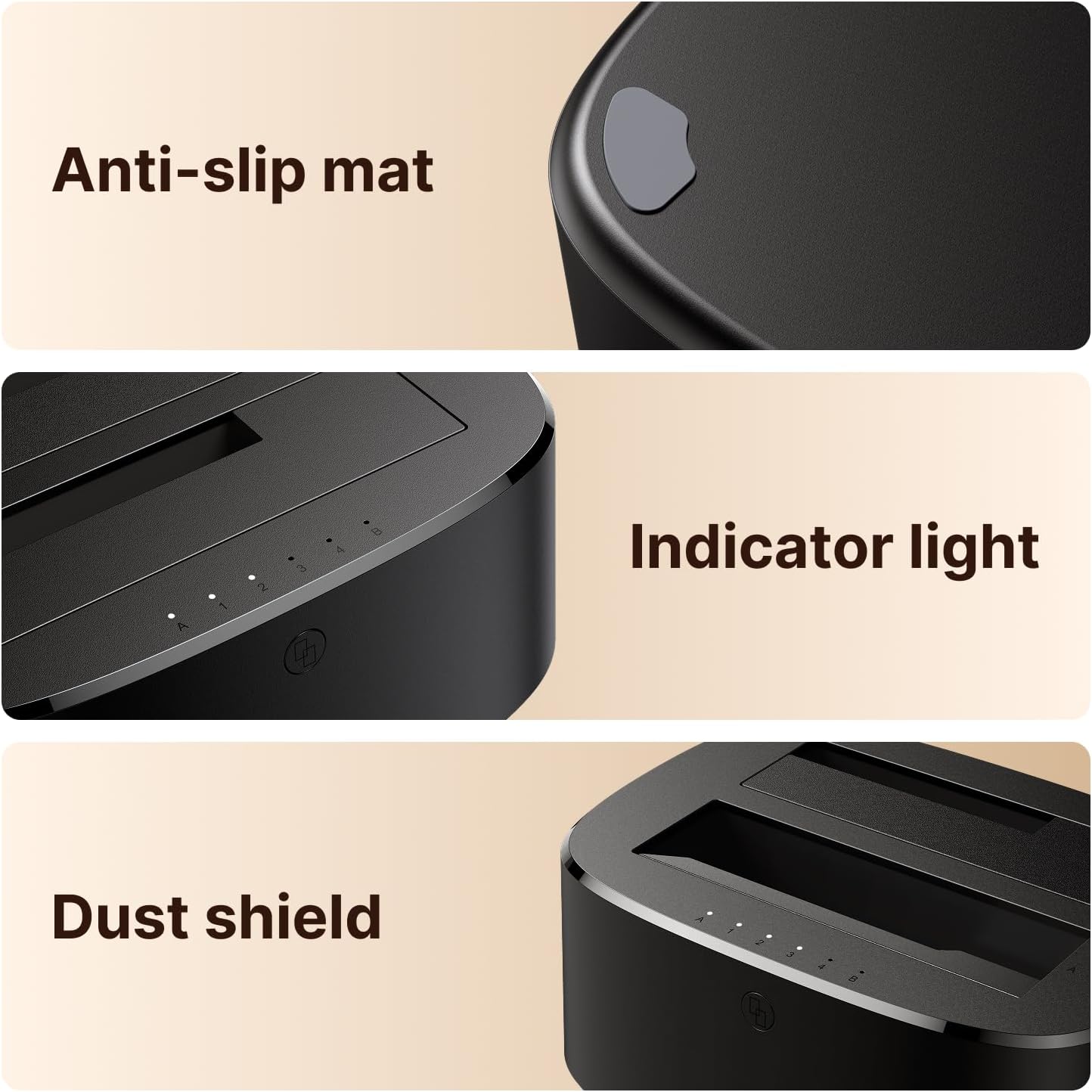
The appeal is flexibility rather than a single-purpose enclosure. You can connect two drives for access or use the offline cloning function for a migration, without opening a computer case. The product also lists surround cooling, a dust cover for the contacts, and anti-slip pads. Those are practical touches for a dock that may sit on a desk between occasional drive swaps, though they don’t replace careful handling or a backup plan.
Worth considering if you regularly work with bare SATA drives, need to access both 2.5- and 3.5-inch formats, or want a computer-free cloning option. It’s not for you if you need an enclosure that protects and travels with a single drive, or if your target drive may be smaller than the source. From the way it is set up, the cloning requirement and conflicting capacity claims are the details most likely to affect a purchase decision.
At a glance
- Type: Dual-bay SATA hard drive docking station
- Drive formats: 2.5-inch and 3.5-inch SATA I/II/III
- Connection: USB 3.0, backward compatible with USB 2.0 and USB 1.1
- Cloning: Offline cloning, source capacity must be no greater than destination capacity
- In the box: 1-meter USB-B-to-USB-C data cable
- Listed compatibility: Windows XP through Windows 10, Mac OS 10.4–10.11, and Linux Kernel 2.4.2 or later
The capacity figures need special attention: the product name says up to 48TB, while the description lists 32TB x 2. Those claims don’t match, so confirm support for your intended drive capacity before buying. The operating-system versions are also older, making this less reassuring for anyone who needs confirmed compatibility with a newer system.
Is it worth it?
This dock makes the most sense for someone who handles loose SATA drives and will use both its everyday USB access and its offline cloning feature. It offers a more flexible approach than a basic single-drive reader, especially for a migration where avoiding a computer connection is useful. Skip it if you only need a protected portable drive, require confirmed capacity support beyond the conflicting listing, or want assurance about compatibility with a newer operating system. The key buying check is whether your drive sizes and cloning direction match its stated requirements.