

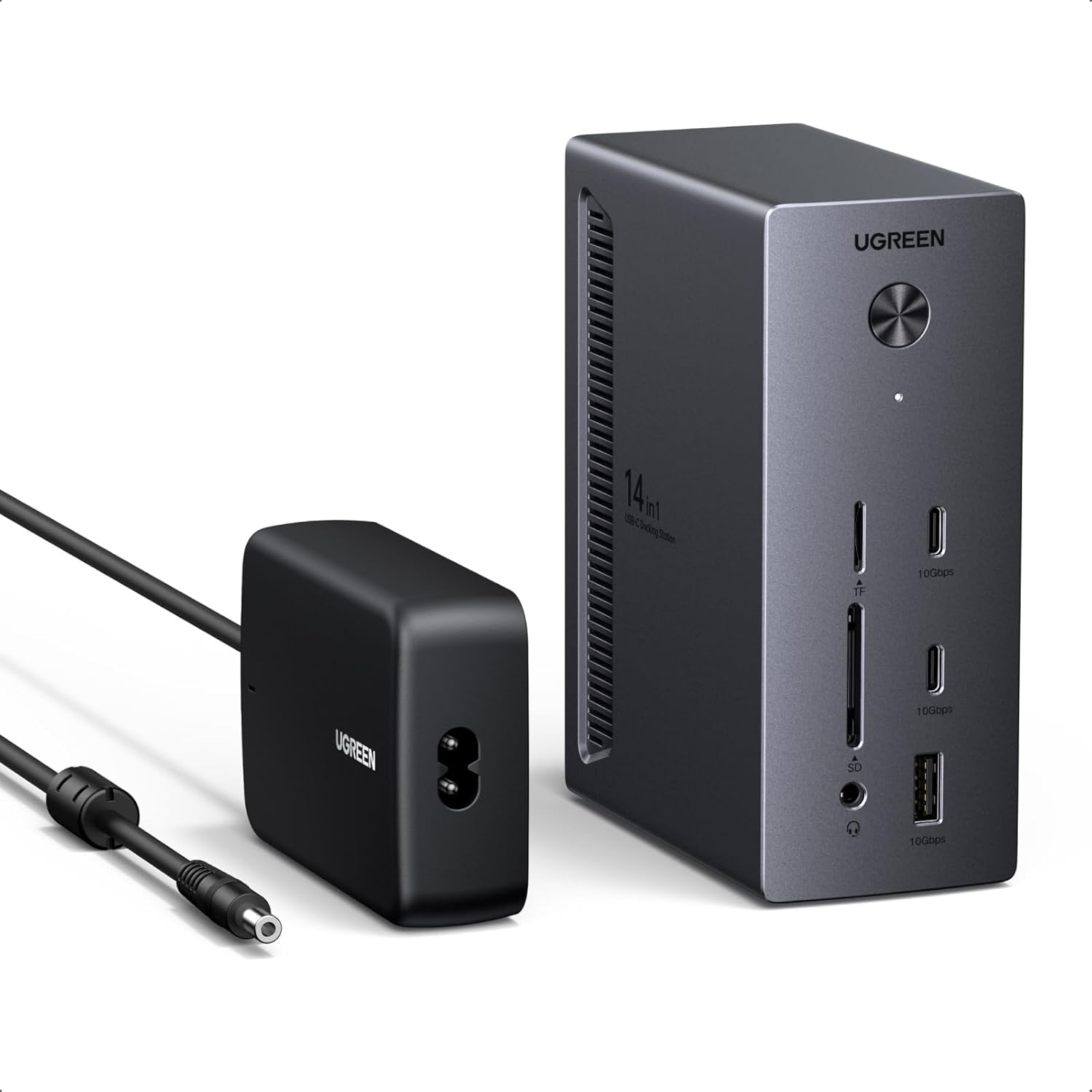
UGREEN Revodok Pro 314 14‑in‑1 USB‑C Docking Station
Product description
This USB-C docking station expands connectivity for laptops and desktops, letting you run up to three external monitors while handling power, fast data transfers and wired networking for a compact workstation setup. It suits users who need multiple video outputs, high-speed USB ports and a reliable Gigabit Ethernet connection for video editing, remote work or multimedia tasks.
Key Points
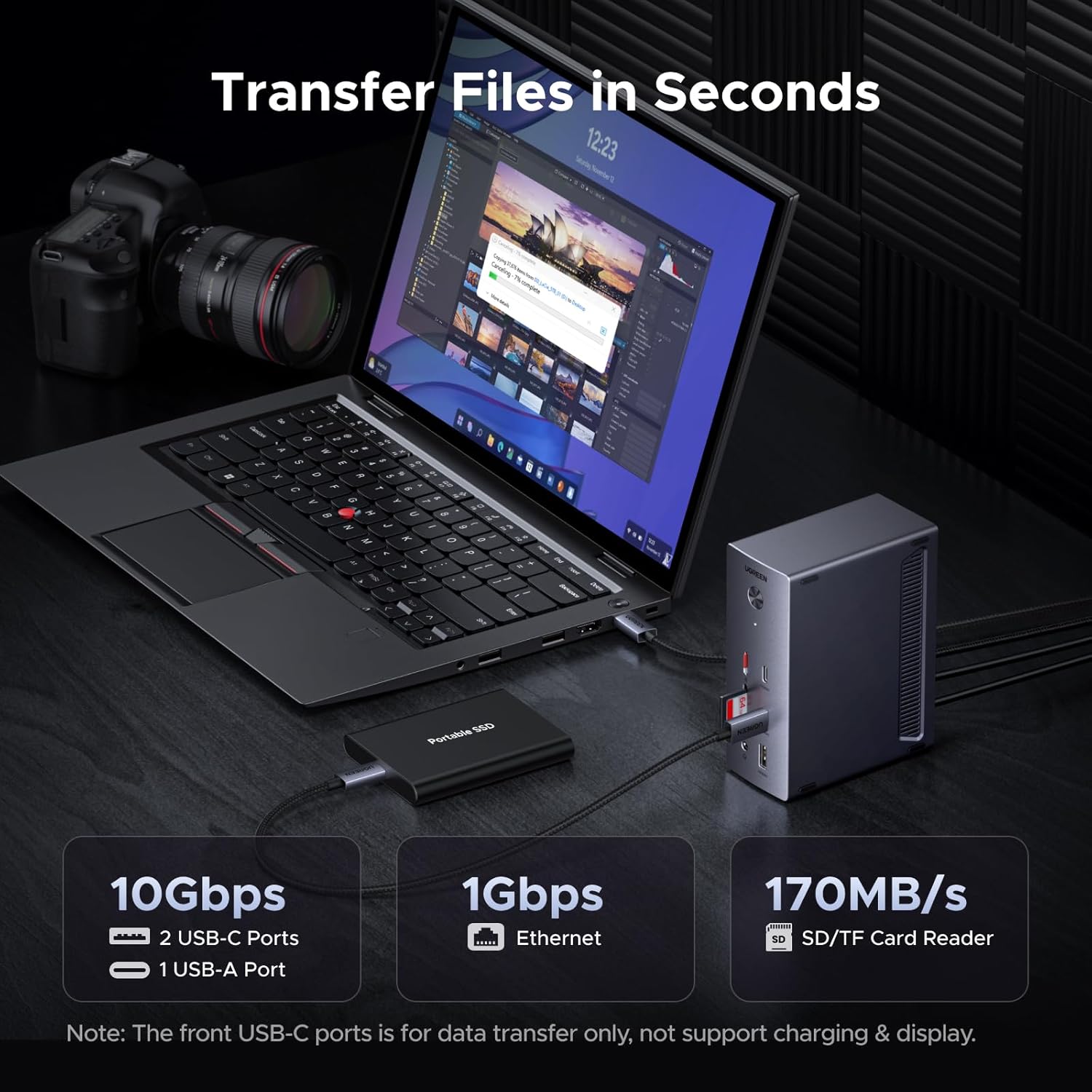
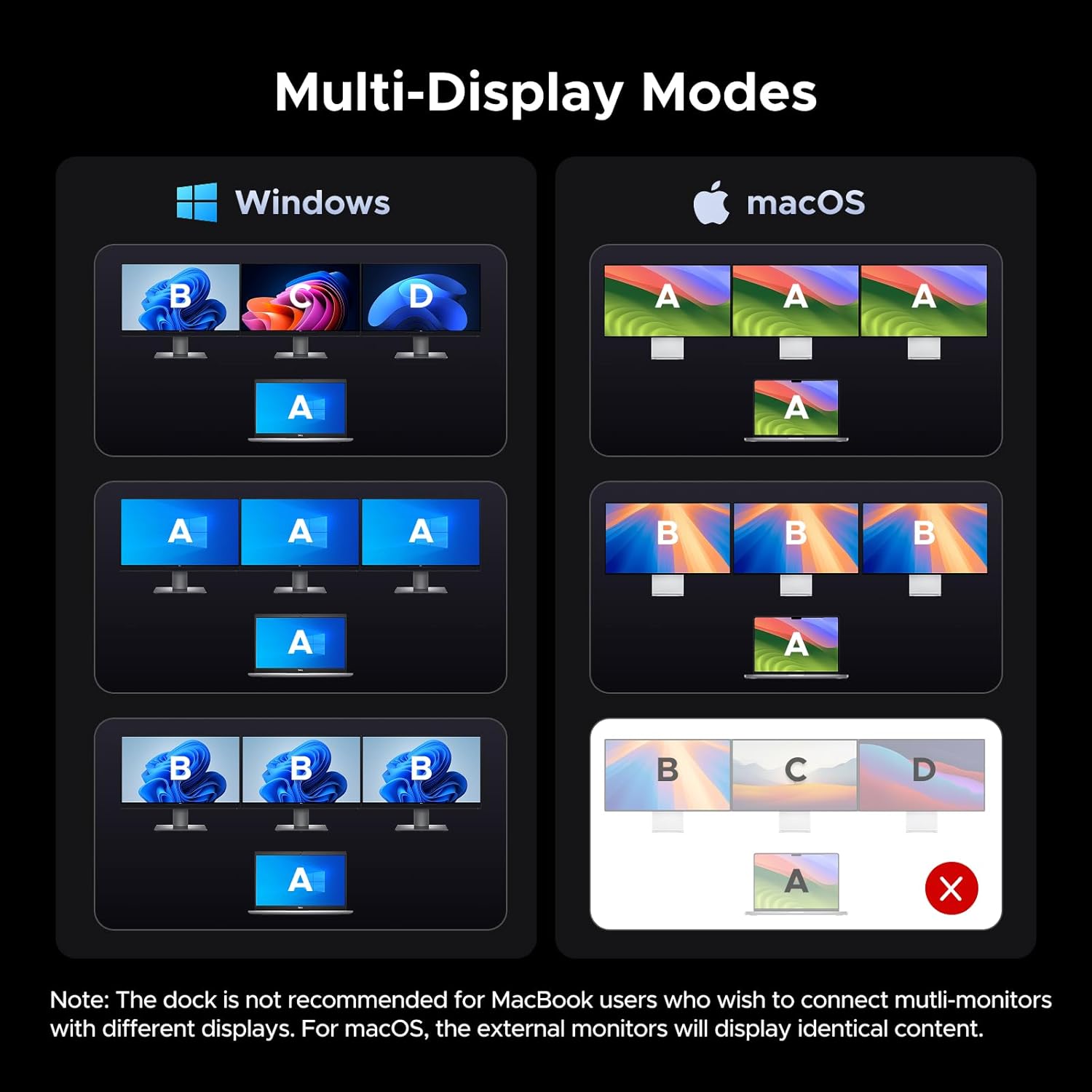
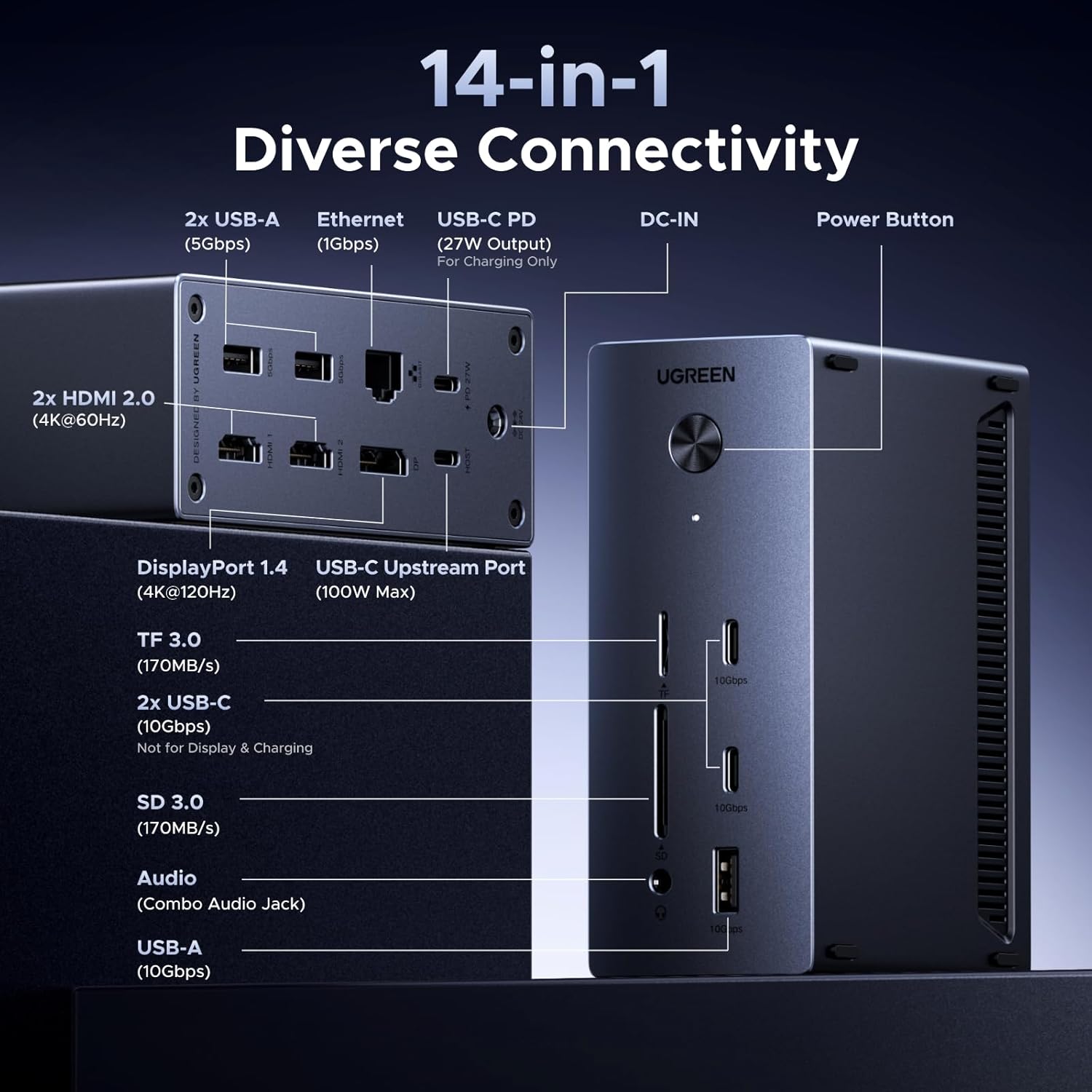
The dock supports two HDMI outputs at 4K@60Hz plus one DisplayPort at 8K@30Hz for flexible multi-monitor arrangements, with Windows systems able to use different contents across screens and macOS limited to mirrored displays according to the manufacturer. It includes a 100W upstream USB-C PD input for host charging and a downstream 27W PD USB-C for powering peripherals. For faster peripherals there are two 10Gbps USB-C/USB-A data ports and additional 5Gbps USB-A ports, while the SD and TF card reader handle transfers up to 170 MB/s. Consider that the host’s USB-C must support DP Alt Mode to enable video outputs and that smartphone charging or tablet use is not recommended.
Technical Specifications
- Name: UGREEN Revodok Pro 314 14-in-1 USB C Docking Station
- Video outputs: 2 x HDMI 4K@60Hz, 1 x DisplayPort 8K@30Hz
- Power delivery: Up to 100W upstream PD for host, 27W downstream PD out
- USB ports: 2 x USB-C 10Gbps, 1 x USB-A 10Gbps, 2 x USB-A 5Gbps
- Network and storage: Gigabit Ethernet RJ45, SD/TF card reader 170 MB/s
- Audio: 3.5mm combo audio in/out
- Included cable and adapter: 90 cm cable and 140W power adapter
Advantages
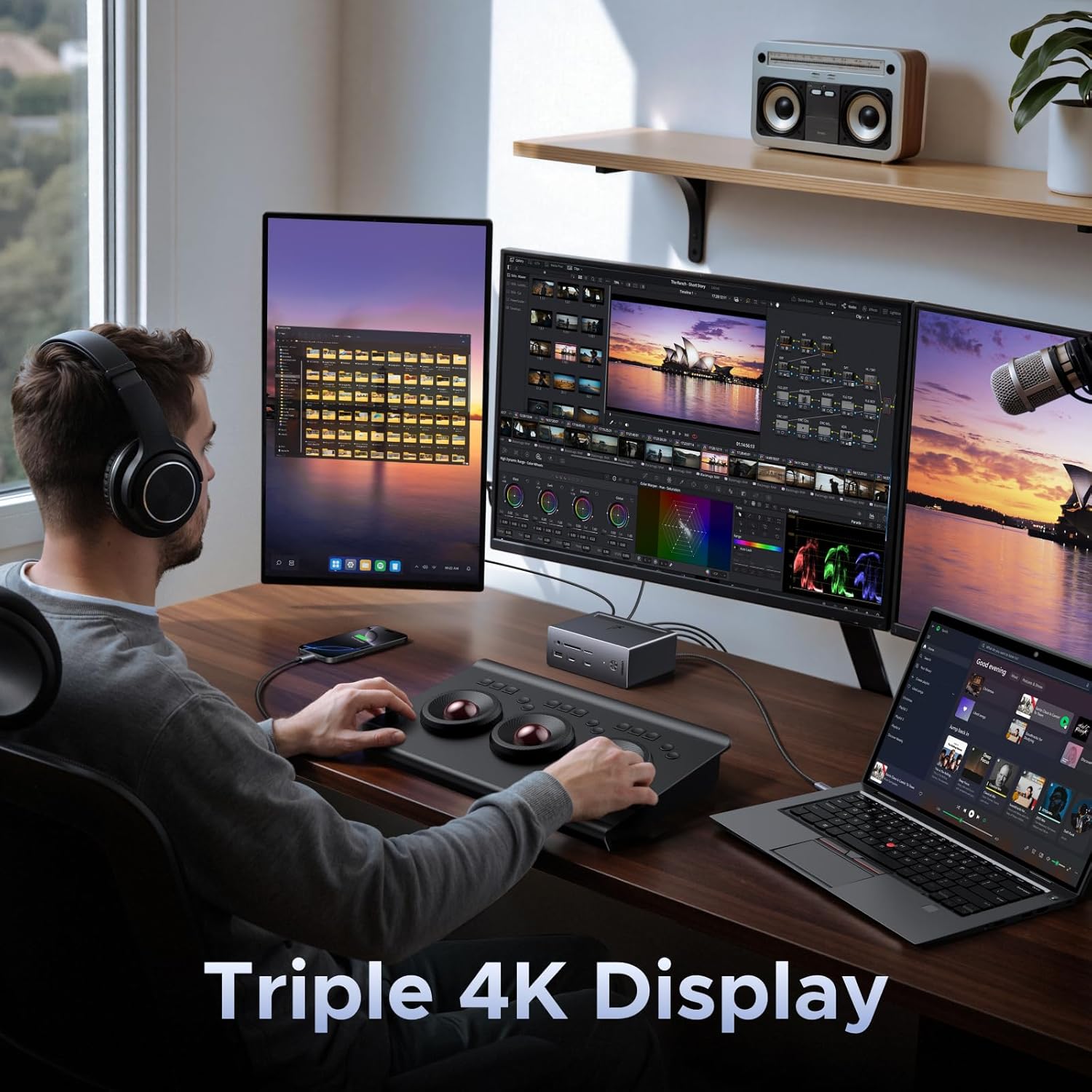
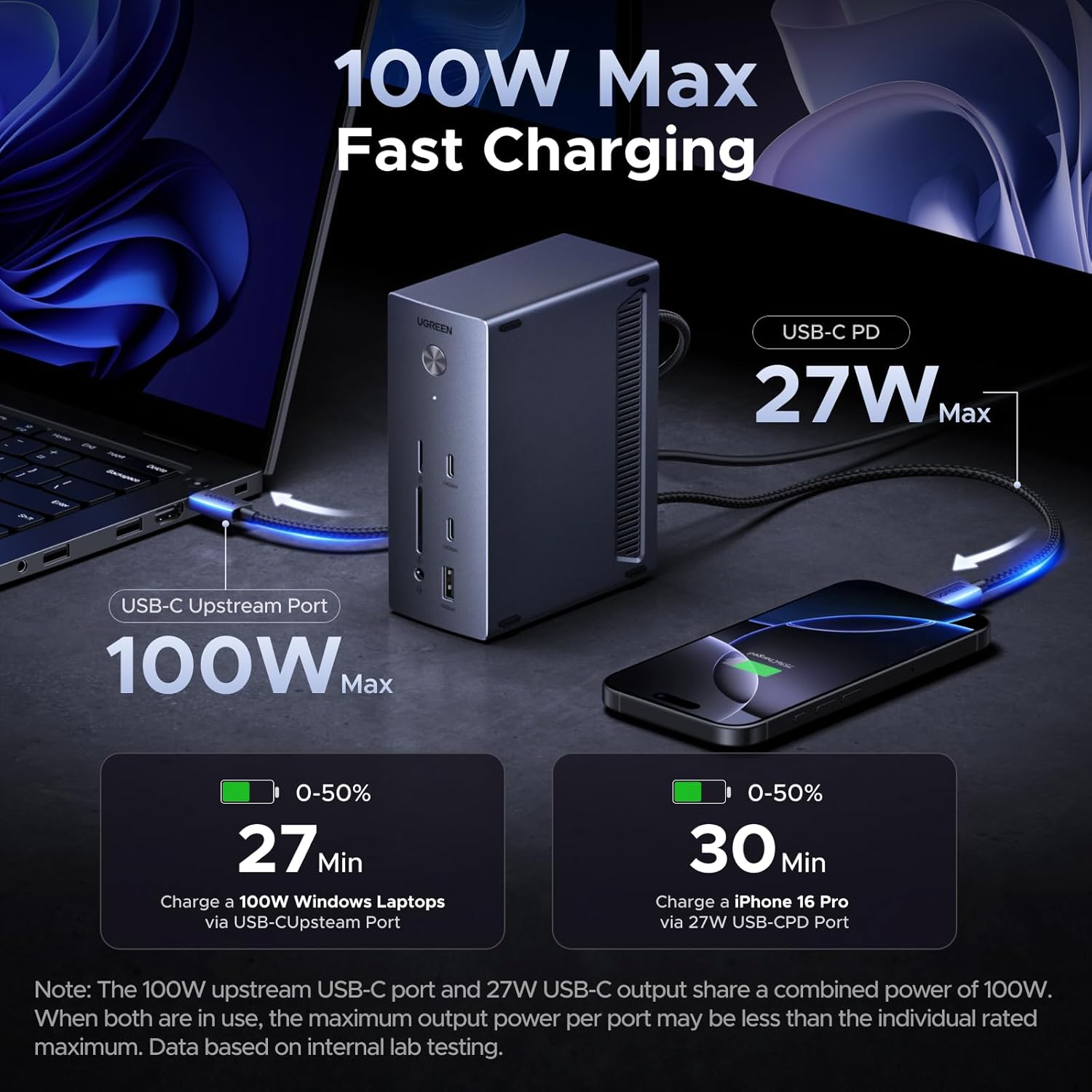
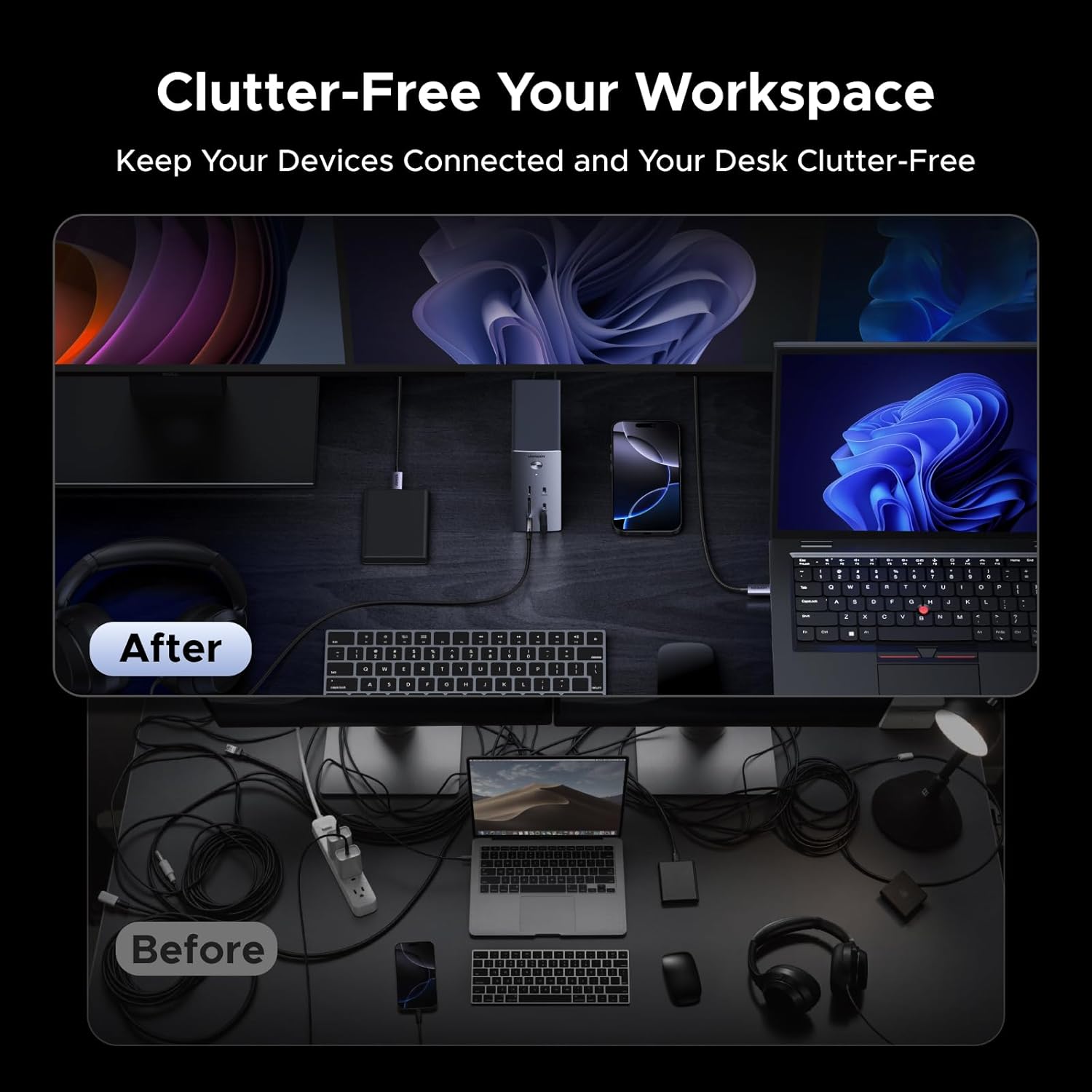
The dock centralizes common I/O into a single 90 cm connected unit, reducing cable clutter and making it easier to attach an external keyboard, mouse, storage and audio at once. With high-bandwidth USB ports you can move large files quickly between external drives and the host, which helps when working with video files or backups. The separate downstream PD output for peripherals is handy for powering small devices without drawing power from the laptop’s PD channel, according to the manufacturer. An important nuance is that certain multi-display behaviors depend on the computer’s operating system and DP Alt Mode support.
Usage Recommendations
For triple-display setups, plug the 140W power adapter before connecting the laptop to ensure all video outputs and connected devices receive sufficient power. When using Windows and multiple independent displays, enable MST if your system supports it. For card transfers, insert SD or TF cards into the dedicated reader while the dock is powered to reach the listed speeds. ⚡️ For simple audio routing, use the 3.5mm jack for headphones or an external speaker, and check the host audio settings when switching between internal and dock outputs. 🎧