


TobenONE DisplayLink Triple 4K Docking Station 120W
Reviews
Price
Product description
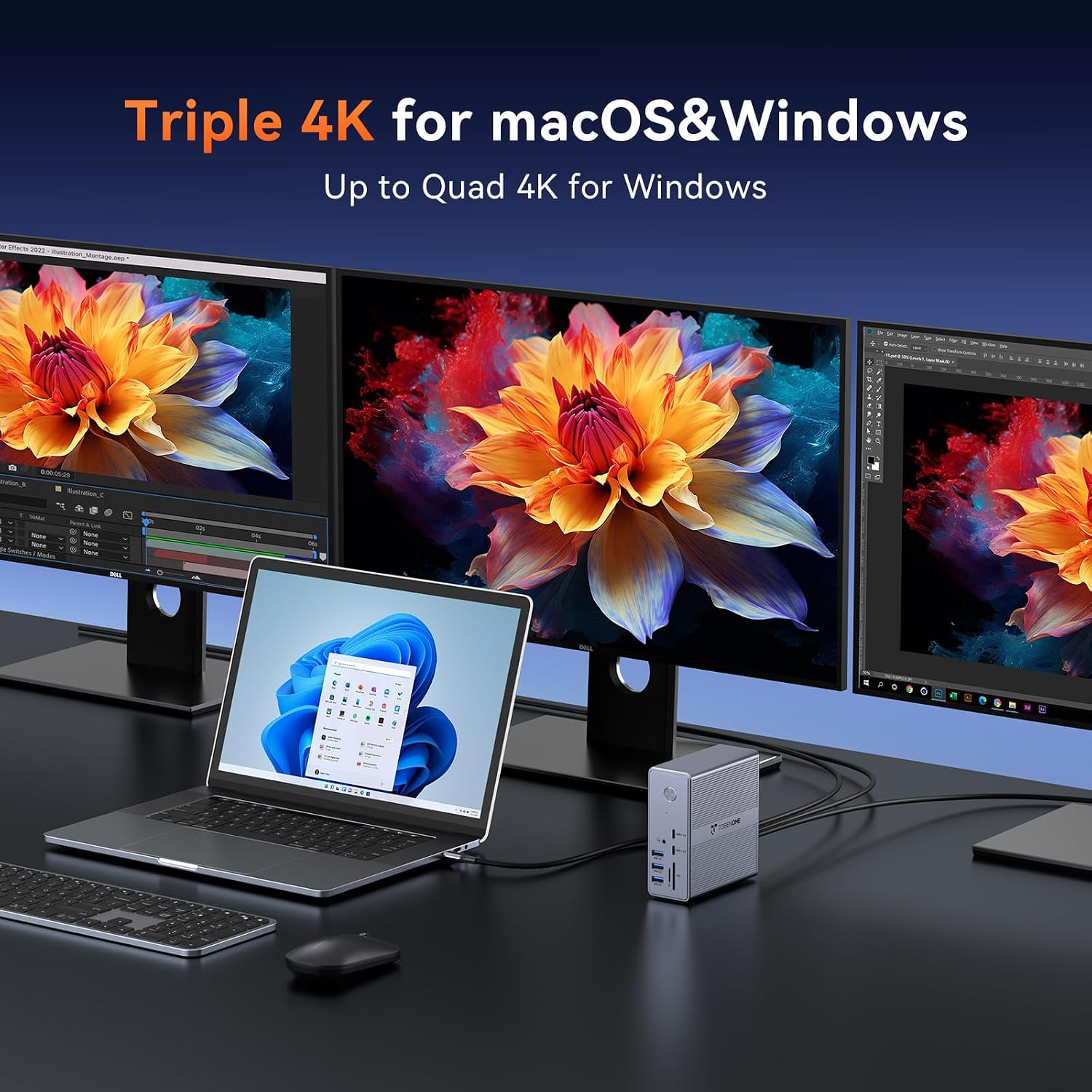
This TobenONE docking station simplifies a multi-monitor workstation by delivering triple 4K video output, a wide array of ports and a 120W power adapter to keep a laptop charged while driving peripherals. It is aimed at users who need to expand a MacBook Pro/Air or USB-C Windows laptop into a multi-display setup for productivity, content review and multitasking.
Key Points
The dock connects to a single USB-C or Thunderbolt port and offers multiple video outputs so you can extend your desktop across three 4K monitors at 60 Hz, according to the manufacturer. It includes Gigabit Ethernet and is compatible with macOS 11+, Windows 10 or later, Chrome OS 100+, Ubuntu and supported Android devices. Note that DisplayLink drivers are required before first use and that some streaming services may not play protected content through this type of adapter.
Technical Specifications
- Name: TobenONE DisplayLink Docking Station Triple Monitor
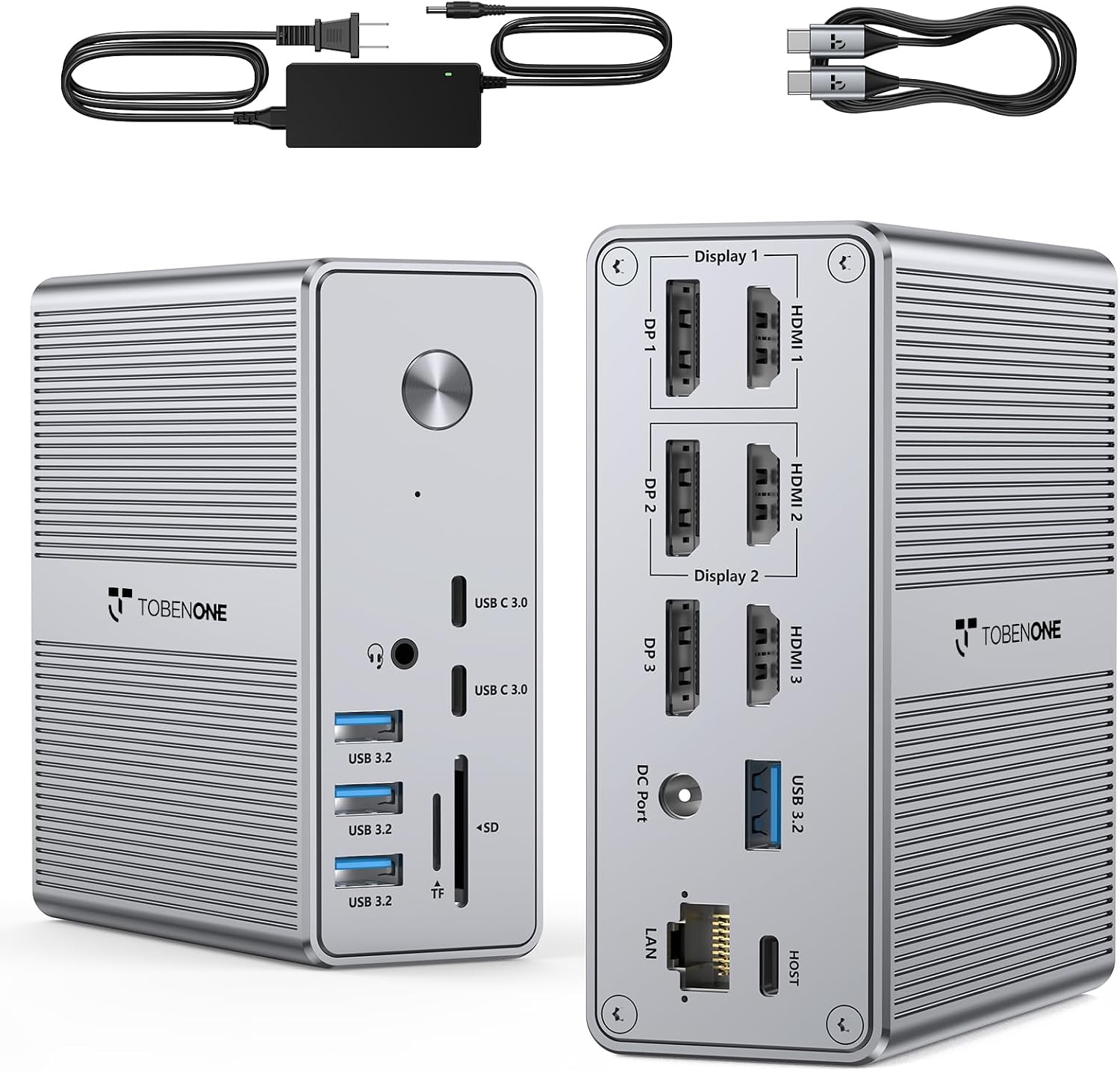
- Video outputs: 3x HDMI, 3x DisplayPort
- Power adapter: 120 W input, up to 100 W laptop charging (certified at 96 W)
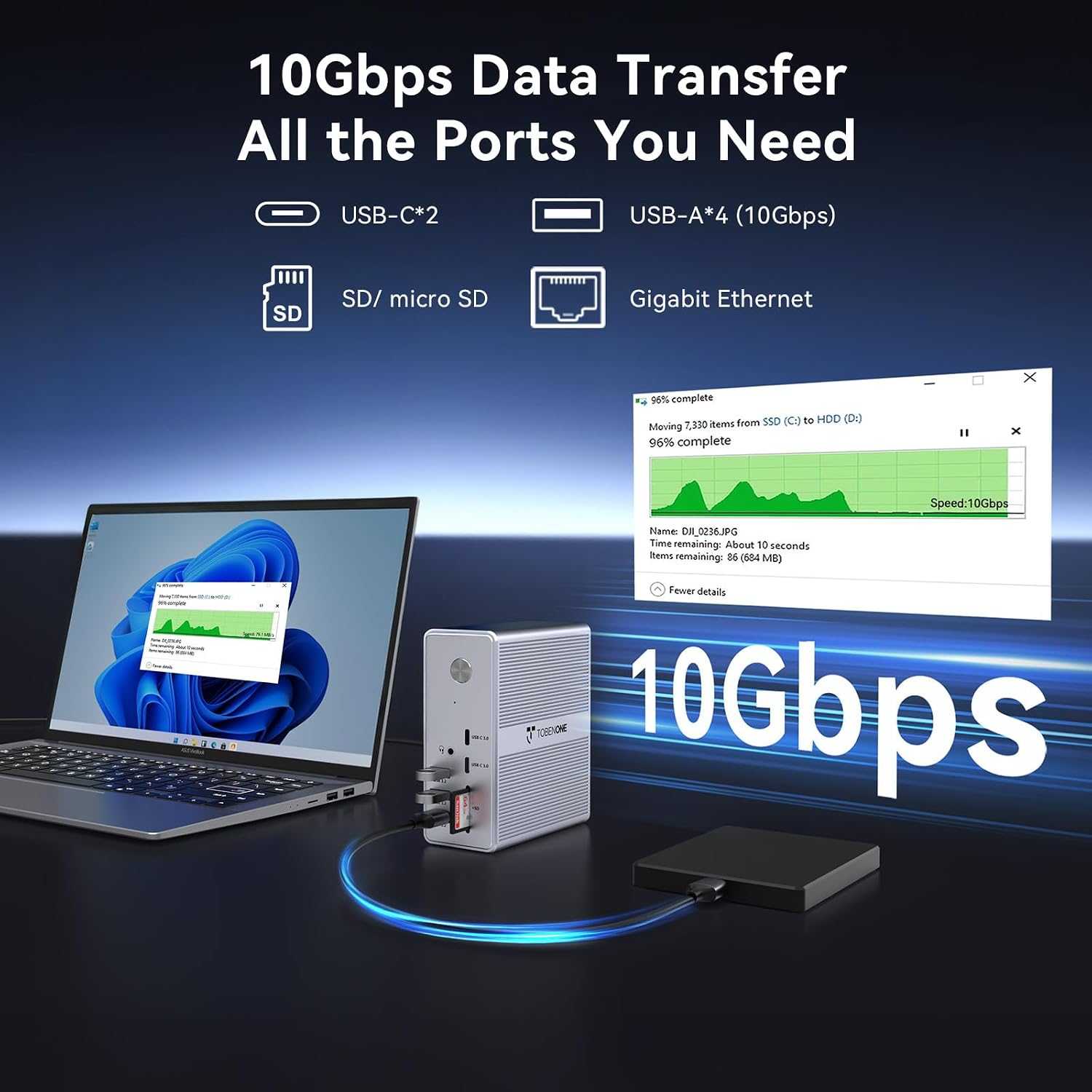
- USB ports: 4x USB 3.2 (USB-A), 2x USB-C (up to 10 Gbps data transfer)
- Additional slots: SD card, TF card, Gigabit Ethernet
Usage Recommendations
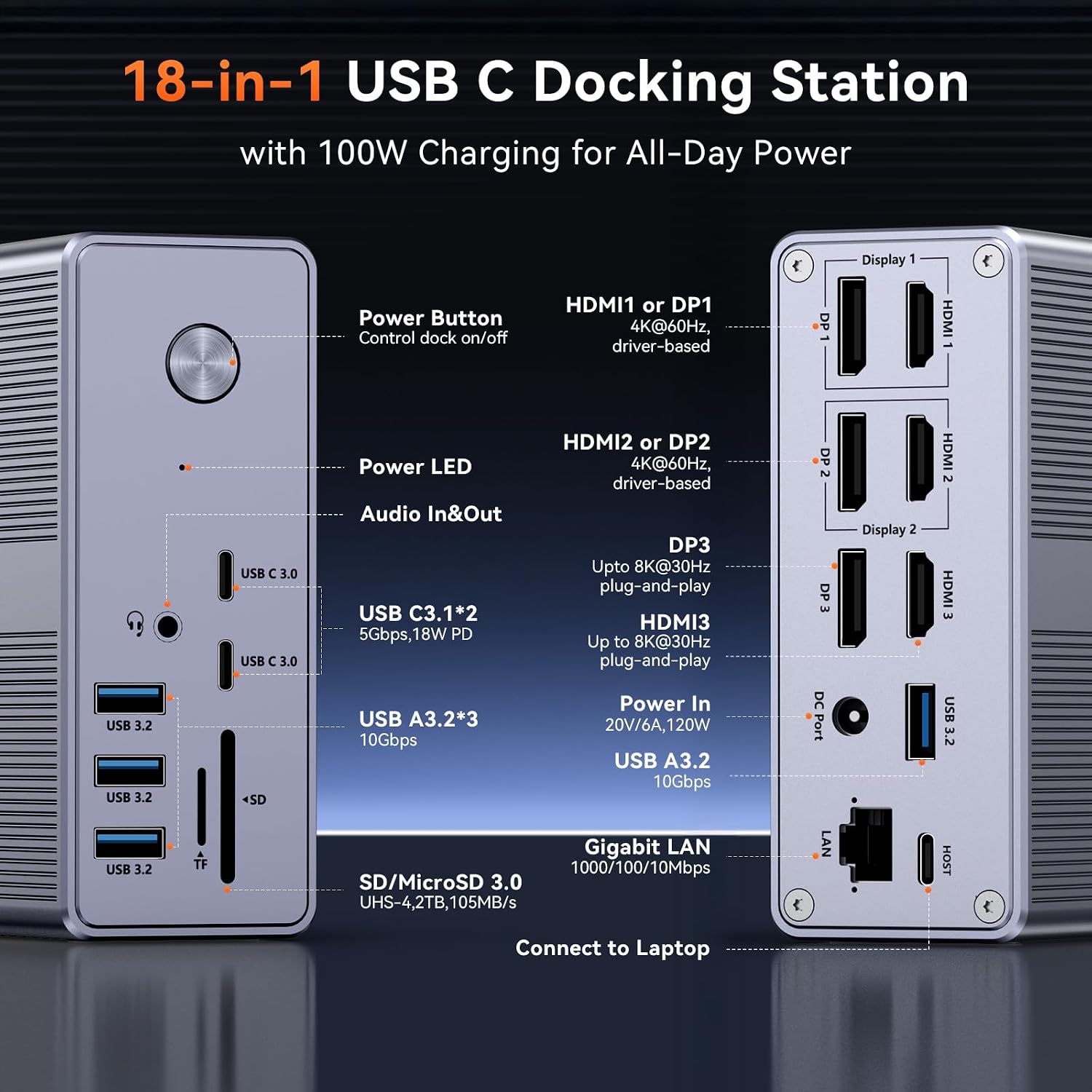
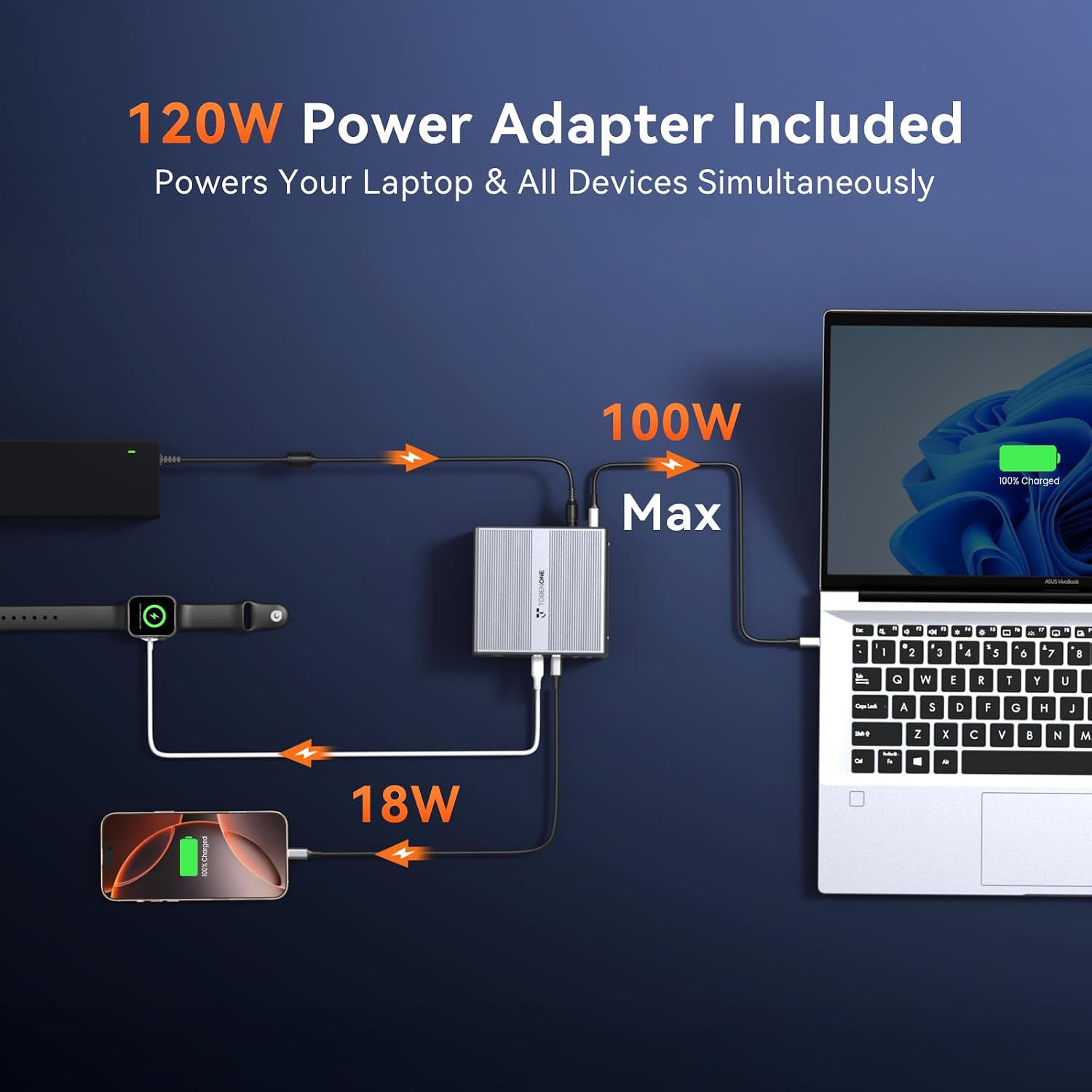
For a clean single-cable desk, plug the dock into a full-featured USB-C or Thunderbolt port and install the DisplayLink drivers first. On Windows laptops that also provide video output over USB-C you may be able to use four monitors when combining the laptop’s port with the dock outputs. On macOS, plan for a maximum of three external displays since certain HDMI and DP outputs cannot be used simultaneously. The front USB-C port supports 18 W phone charging while the main adapter supplies laptop power, which helps reduce cable clutter and keeps peripherals powered. ⚡🖥️
Advantages
This docking station allows fast transfers and simultaneous peripheral connections, supporting up to 10 Gbps on compatible USB-C ports for quick file moves to external drives. It frees up laptop ports and centralizes connections for monitors, keyboard, mouse and network in one hub. Consider that driver installation is necessary and that some copy-protected streaming content may not be supported through DisplayLink devices, according to the manufacturer. 🔌📁