

AV Access iDock M10 100W Dual Monitor KVM
Product description
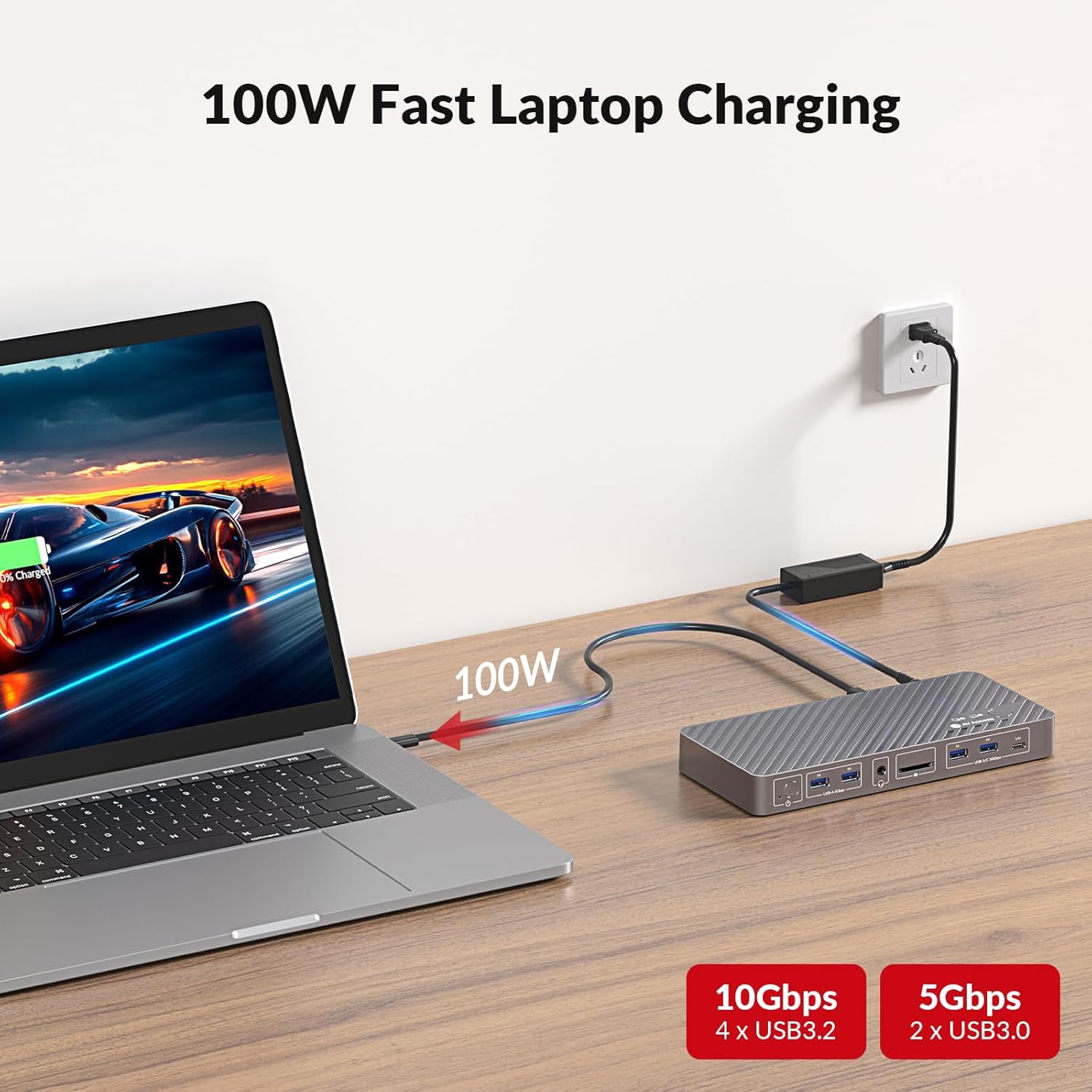
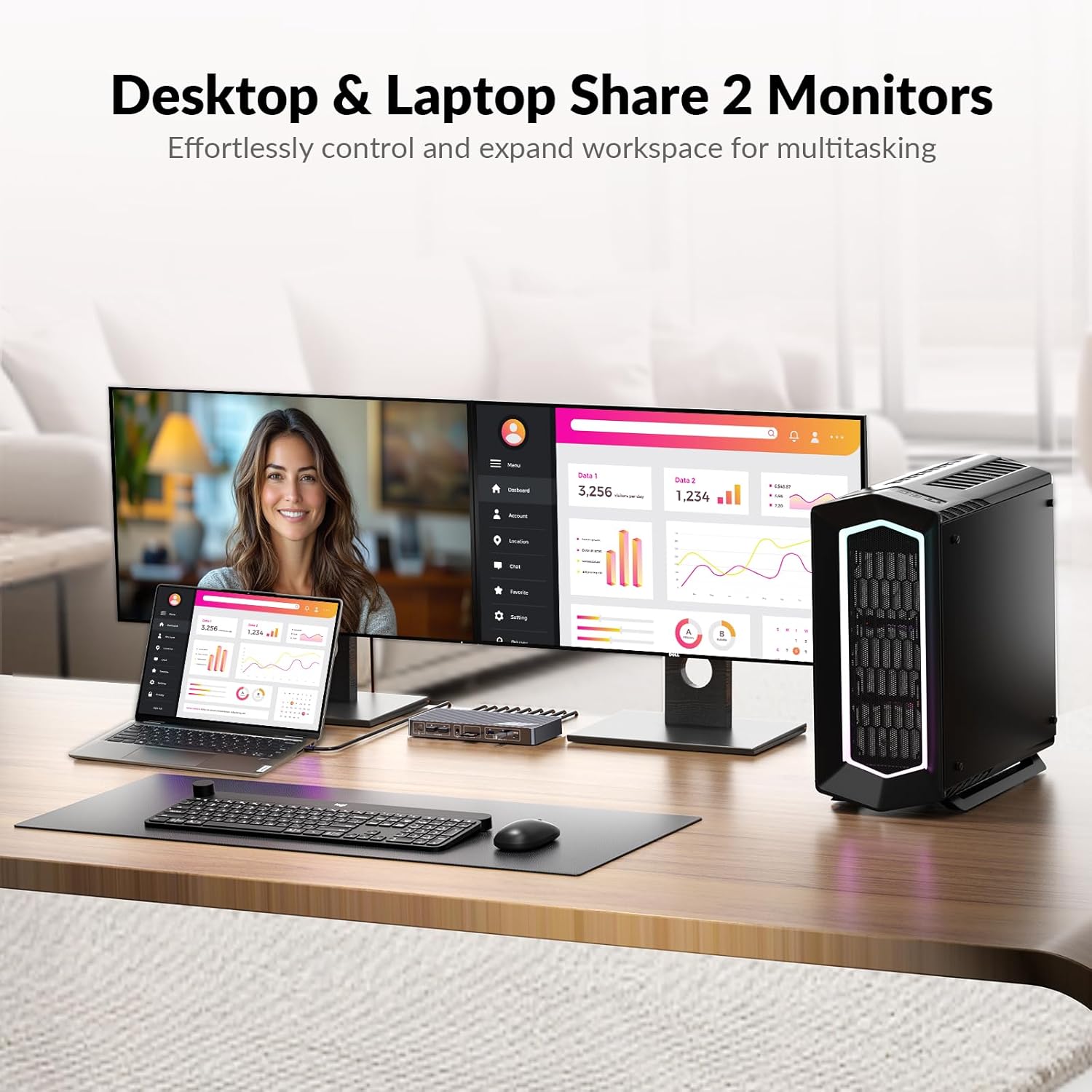
Connect two computers to a pair of high-resolution displays and keep a clean desk with the AV Access iDock M10 KVM dock switch. This 11-in-1 hub works as a docking station and KVM, offering 100W USB-C pass-through charging while you switch keyboard, mouse, audio, storage and network between a laptop and a desktop. It’s built for multitasking, creative workflows, and streaming setups where dual-screen performance and uninterrupted networking matter.
Highlights
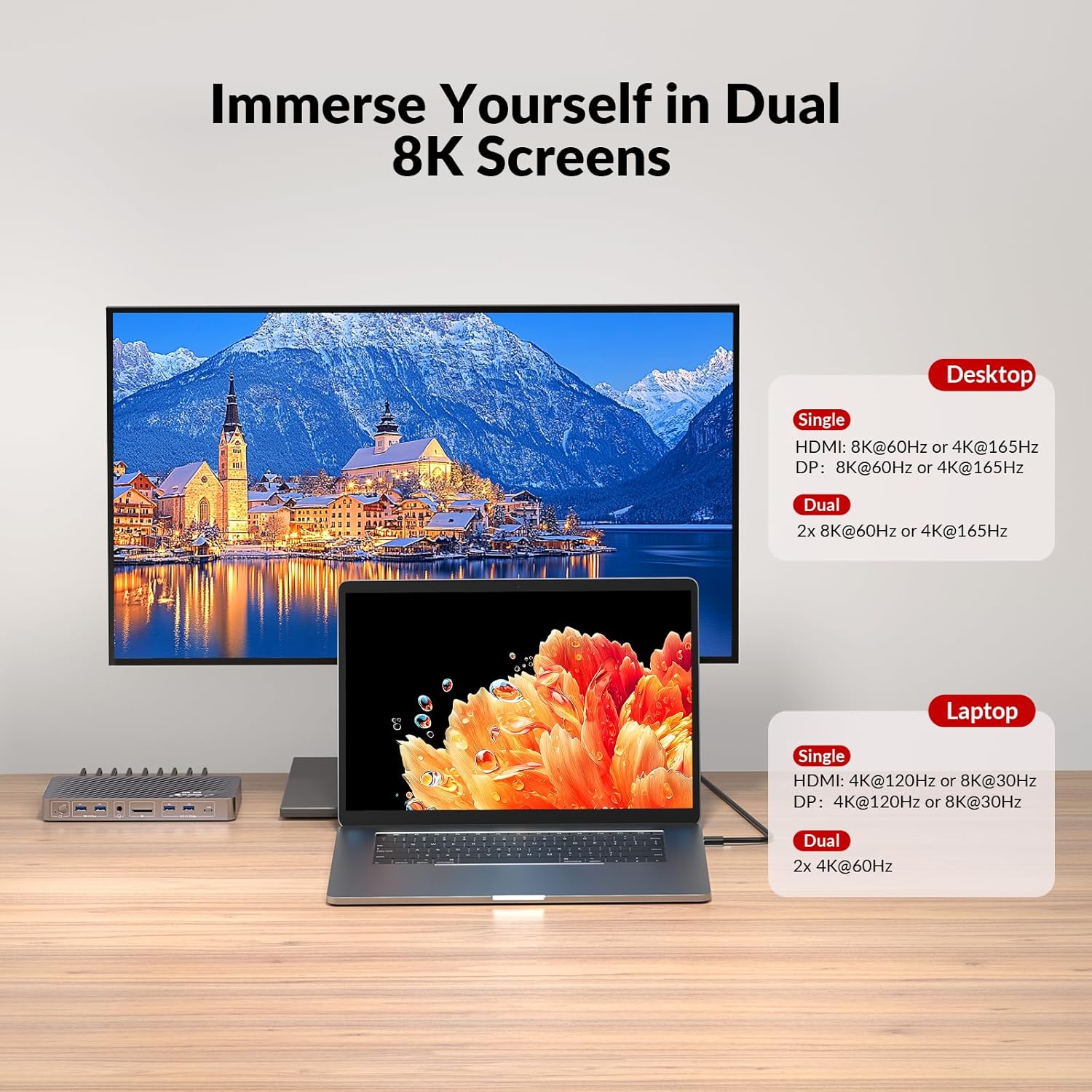
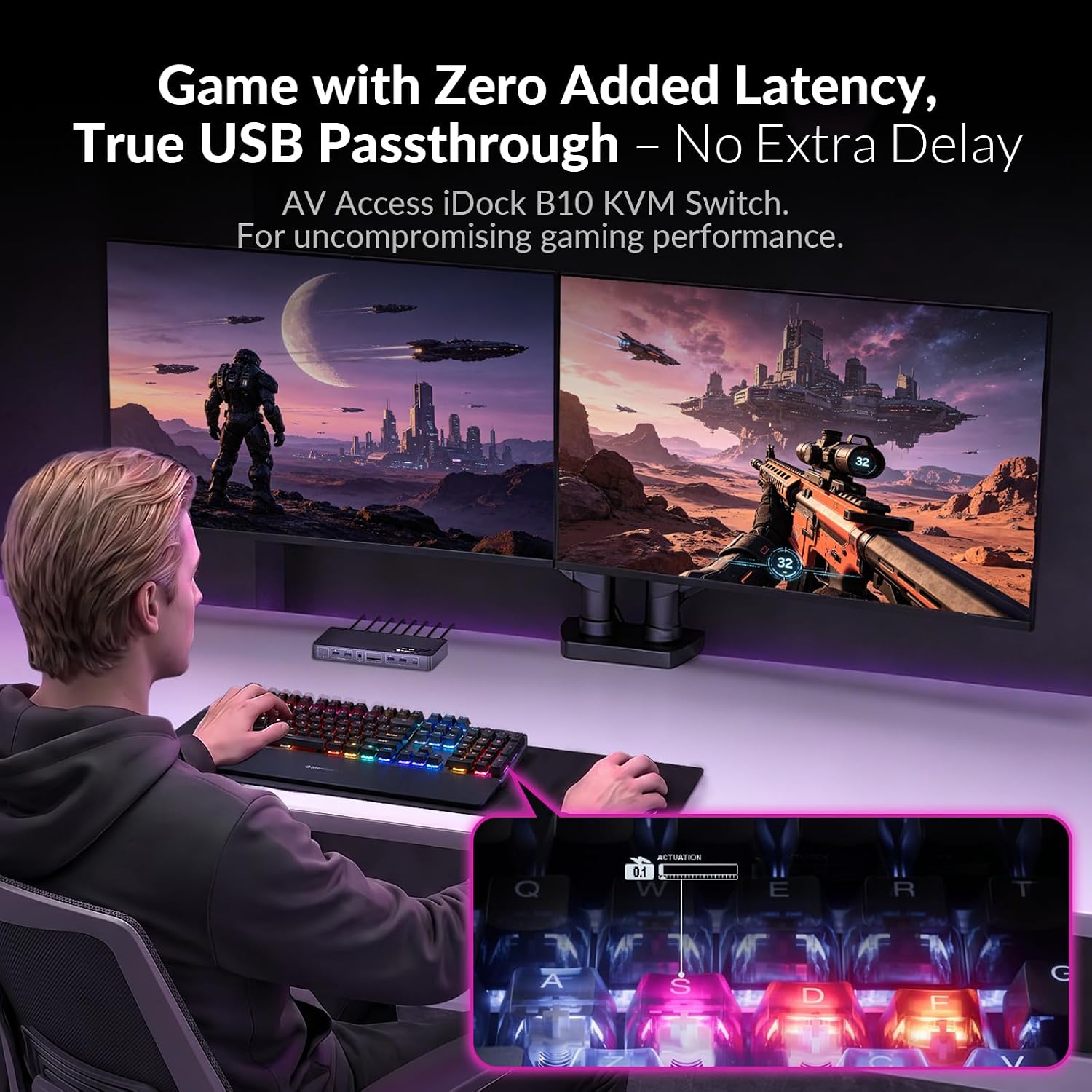
The iDock M10 handles dual 8K@60Hz or dual 4K@165Hz on capable desktops, and supports dual 4K@60Hz or single 4K@120Hz from many USB-C laptops, according to the manufacturer. It also covers high refresh gaming panels like 1440p@144Hz and 1080p@240Hz, so motion stays smooth across work and play. Note that macOS limits extended dual screens to mirror mode in some configurations, and the product notes specify model compatibility for dual-screen extended mode on MacBook with this device.
Tech specs
- Name: AV Access iDock M10
- Type: KVM dock switch
- Display: Dual 8K@60Hz or 4K@165Hz support
- USB: 4x USB 3.x ports plus 1 USB-C data port
- Capacity: 100W USB-C laptop charging
Why it makes sense
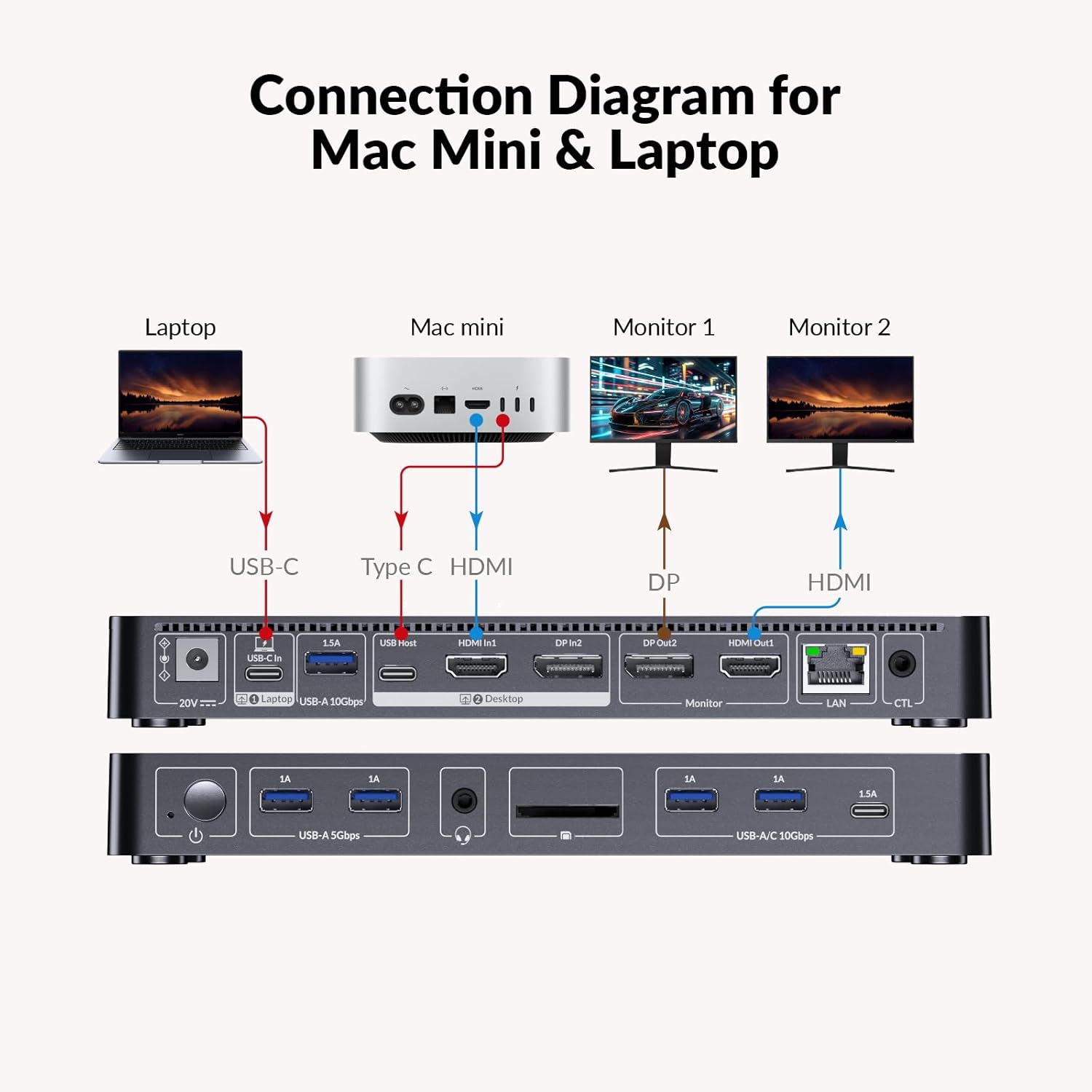
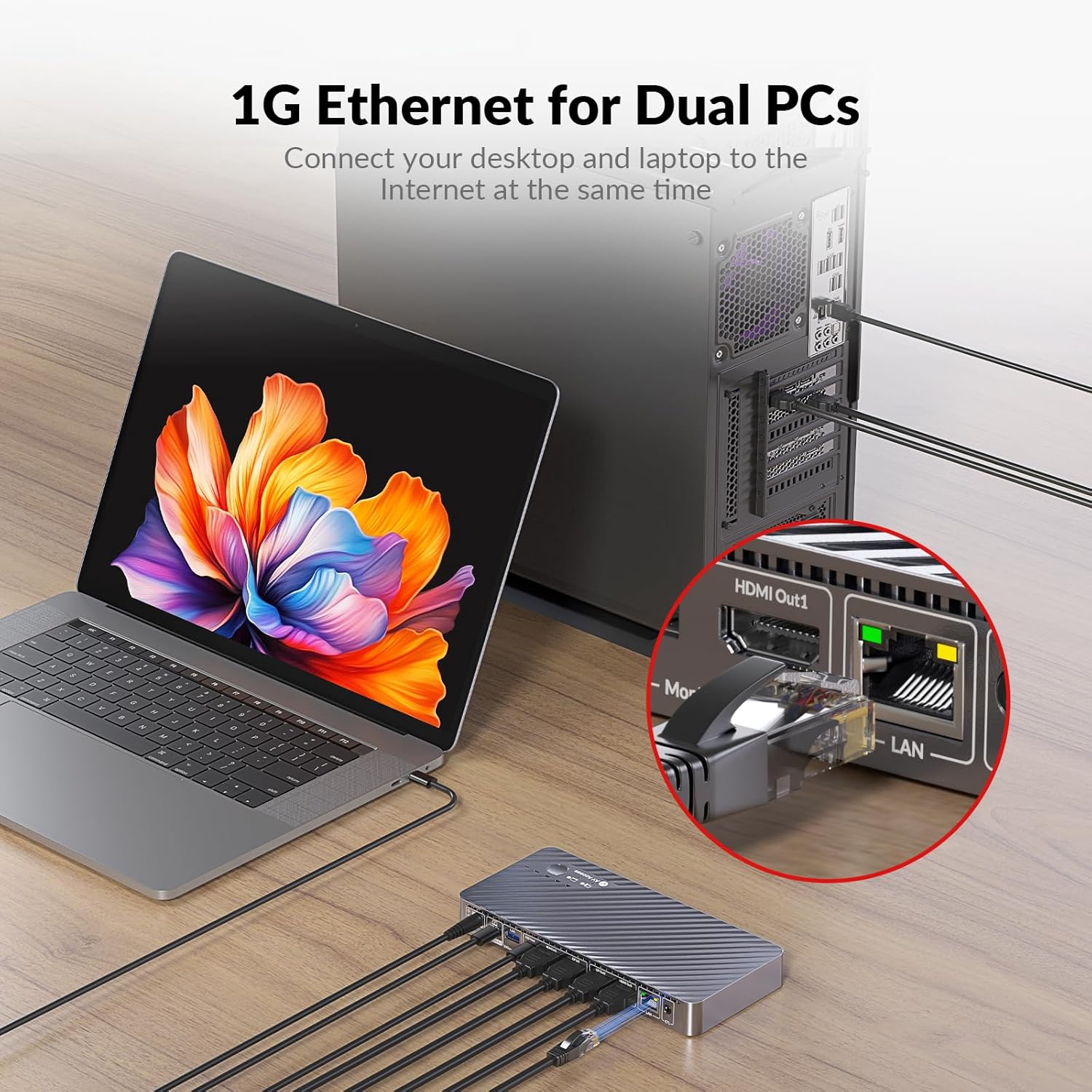
If you juggle a laptop and desktop day to day, this unit reduces cable clutter and keeps both systems online. The always-on Gigabit Ethernet means the inactive computer can keep downloading or syncing at 1 Gbps while you work on the other system, so updates and background tasks continue without interrupting your workflow. The wired remote button gives one-touch switching when you need it quickly.
Best use cases
Use the iDock M10 where dual monitors are central to productivity, such as video editing, design, code debugging or live streaming. It’s also a strong pick for mixed setups that require power delivery alongside peripheral sharing. It’s a versatile desktop hub when you want fewer adapters and a single USB-C connection to handle video, power, data and network.
What’s included
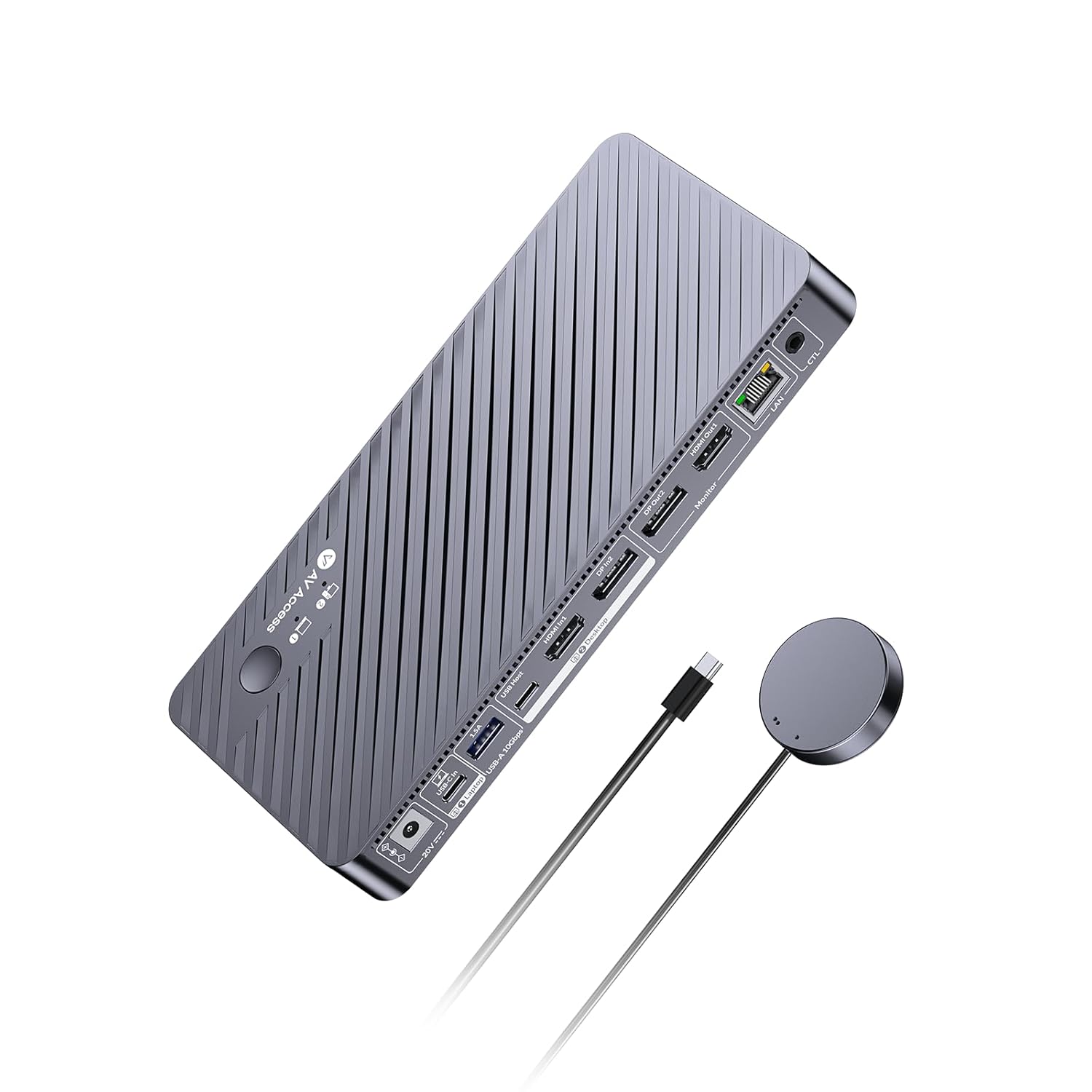
The package ships with the KVM dock switch, power adapter DC 20V/6A, HDMI 2.1 and DP 1.4a cables, USB-C to USB-C cable, USB-A to USB-C cable, wired remote controller EXB01 and a user manual. The set gives you the essentials to start a dual-monitor KVM setup right away.