

Rosewill Cloner M.2 duplicator 20Gbps dock
Product description
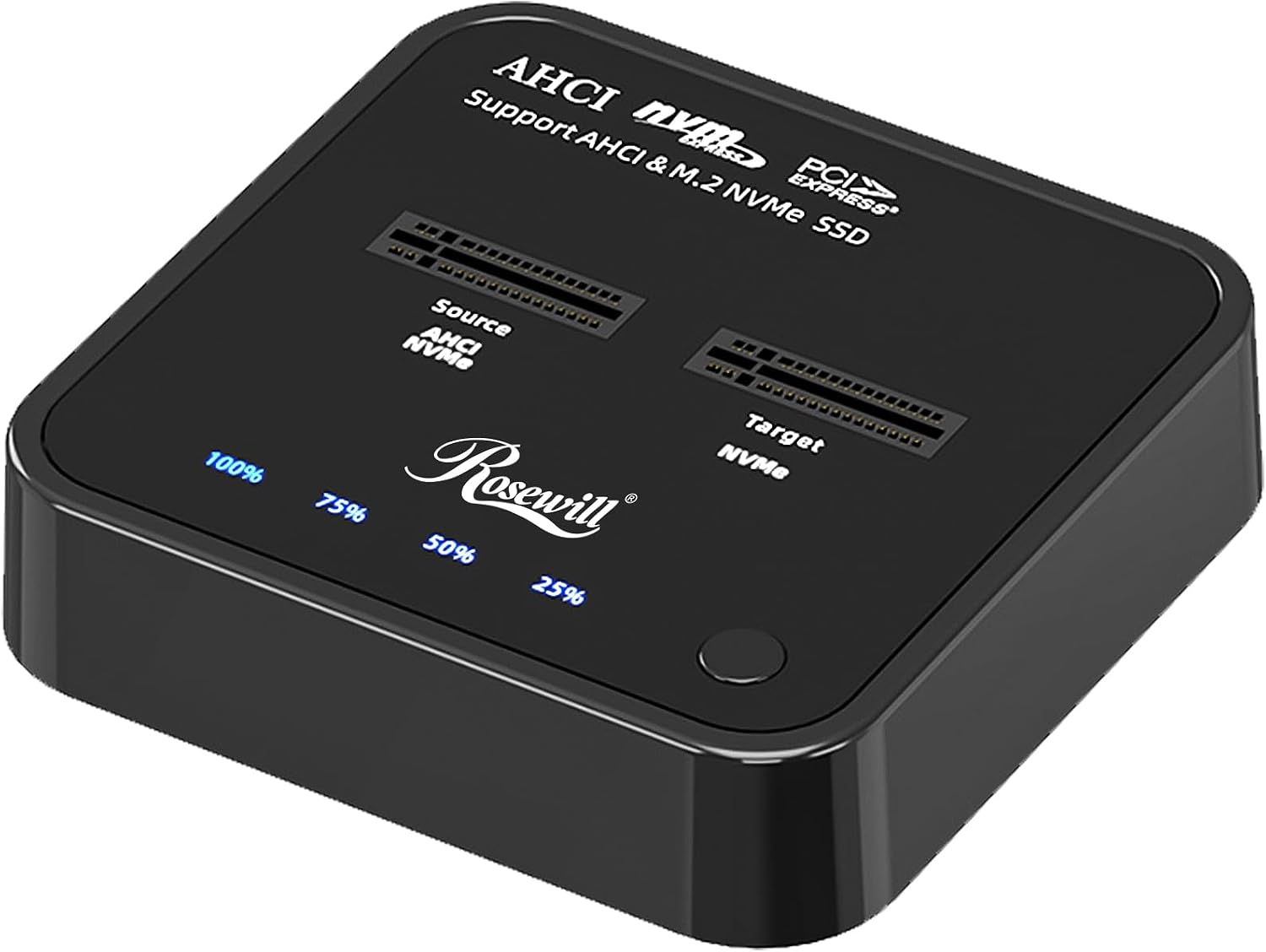
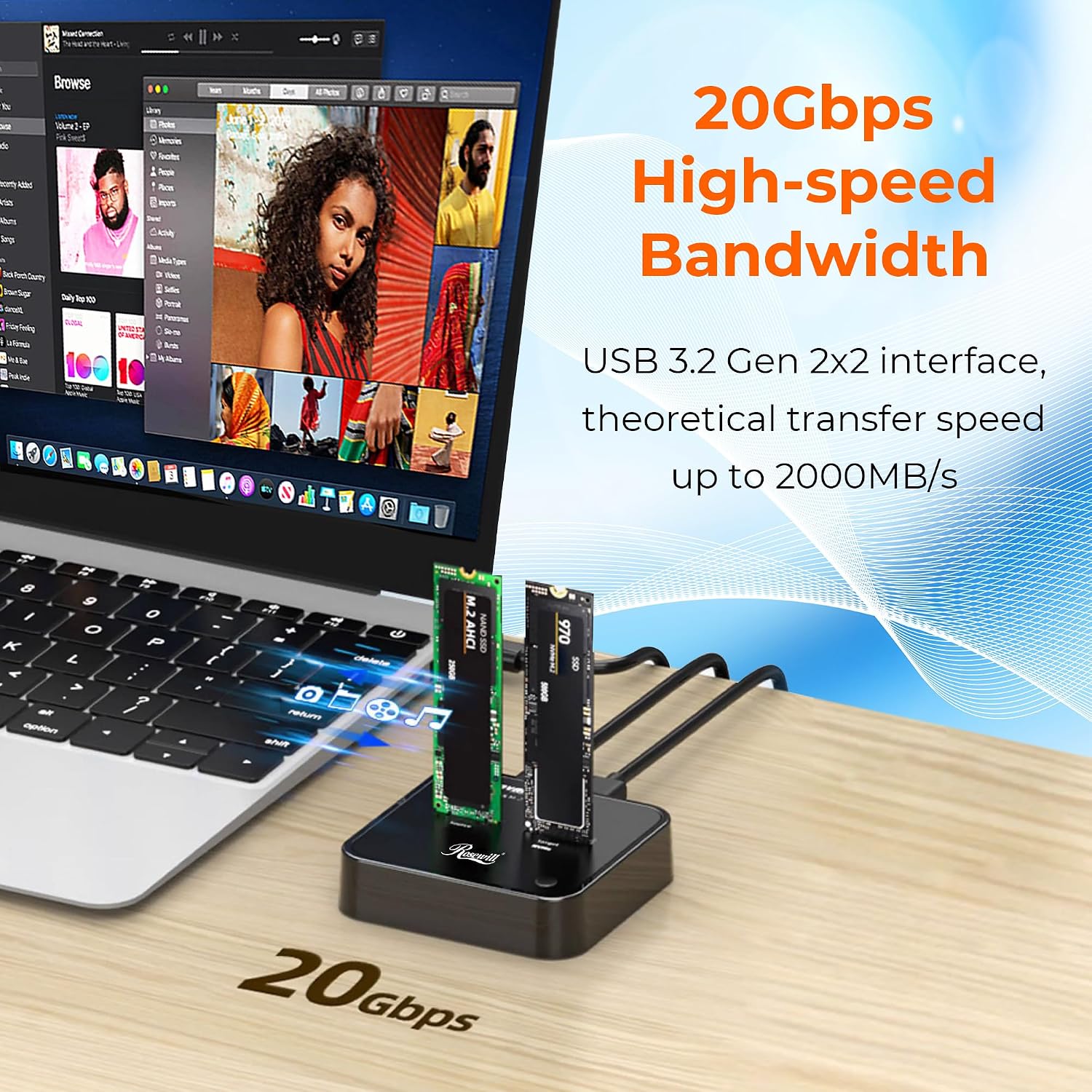
If you’re moving data between NVMe drives, the Rosewill Cloner M.2 Duplicator Dual Bay Enclosure makes the process faster and more straightforward. It’s a dual bay M.2 enclosure that supports M Key and B+M Key NVMe SSDs, so you can work with common NVMe formats without extra complexity. With a USB 3.2 Gen 2x2 interface and speeds up to 20Gbps, it functions as a high speed SSD to USB adapter when you need solid throughput for transfers and cloning. 🔧
In everyday use, the big advantage is speed plus control. You also get standalone cloning, so you can clone an NVMe drive with a one click button press instead of relying entirely on a computer workflow. That mix of performance and convenience helps you keep projects moving, whether you’re upgrading a workstation, migrating storage, or handling repeated drive setups.
Key takeaways
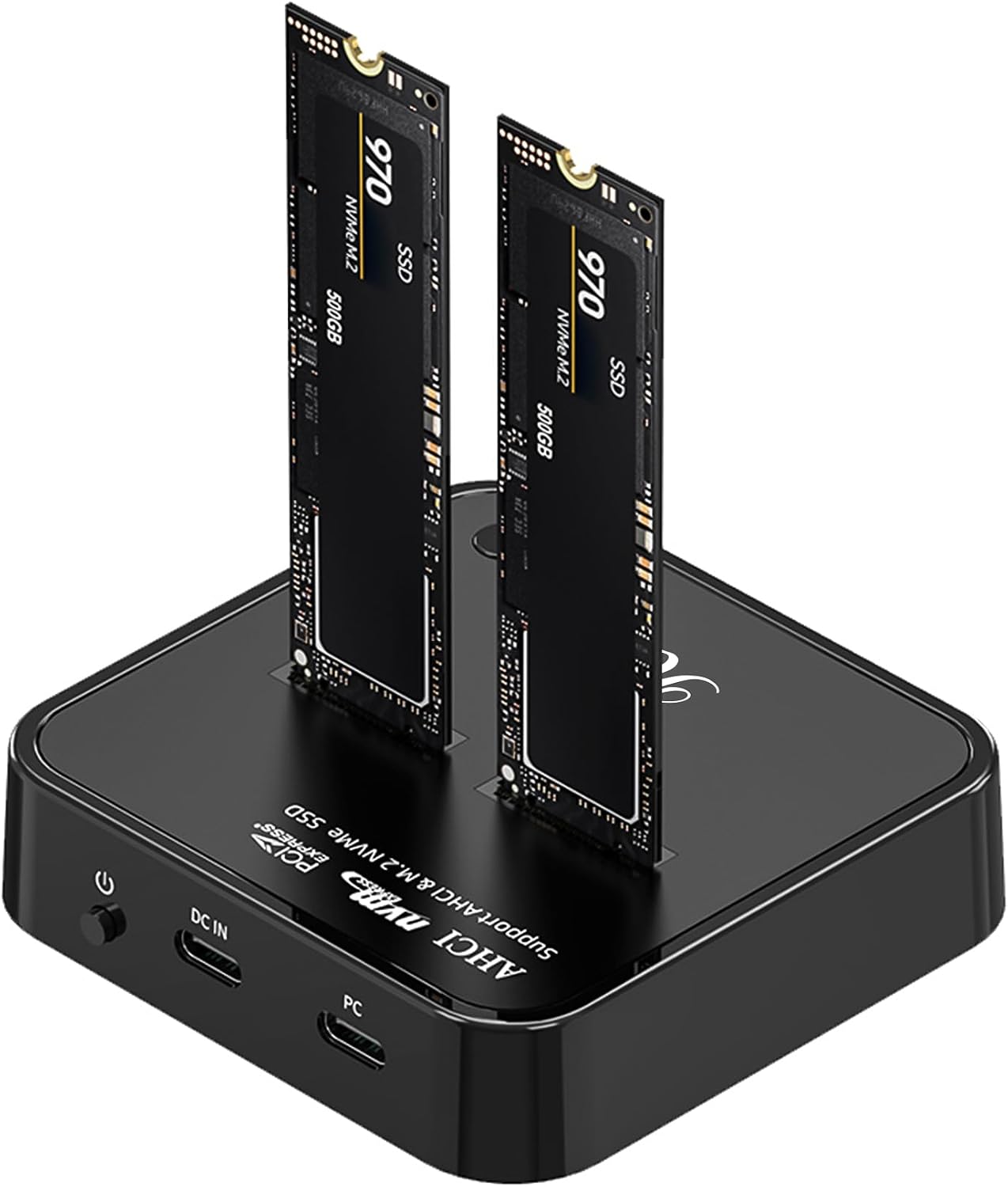
The Rosewill dual bay NVMe enclosure supports both M Key and B+M Key NVMe SSDs, giving you flexibility if your drives use different keying. It uses a USB 3.2 Gen 2x2 interface, and the connection is designed to deliver speeds up to 20Gbps. That makes it a practical choice when you want a USB adapter that does more than basic transfer speeds.
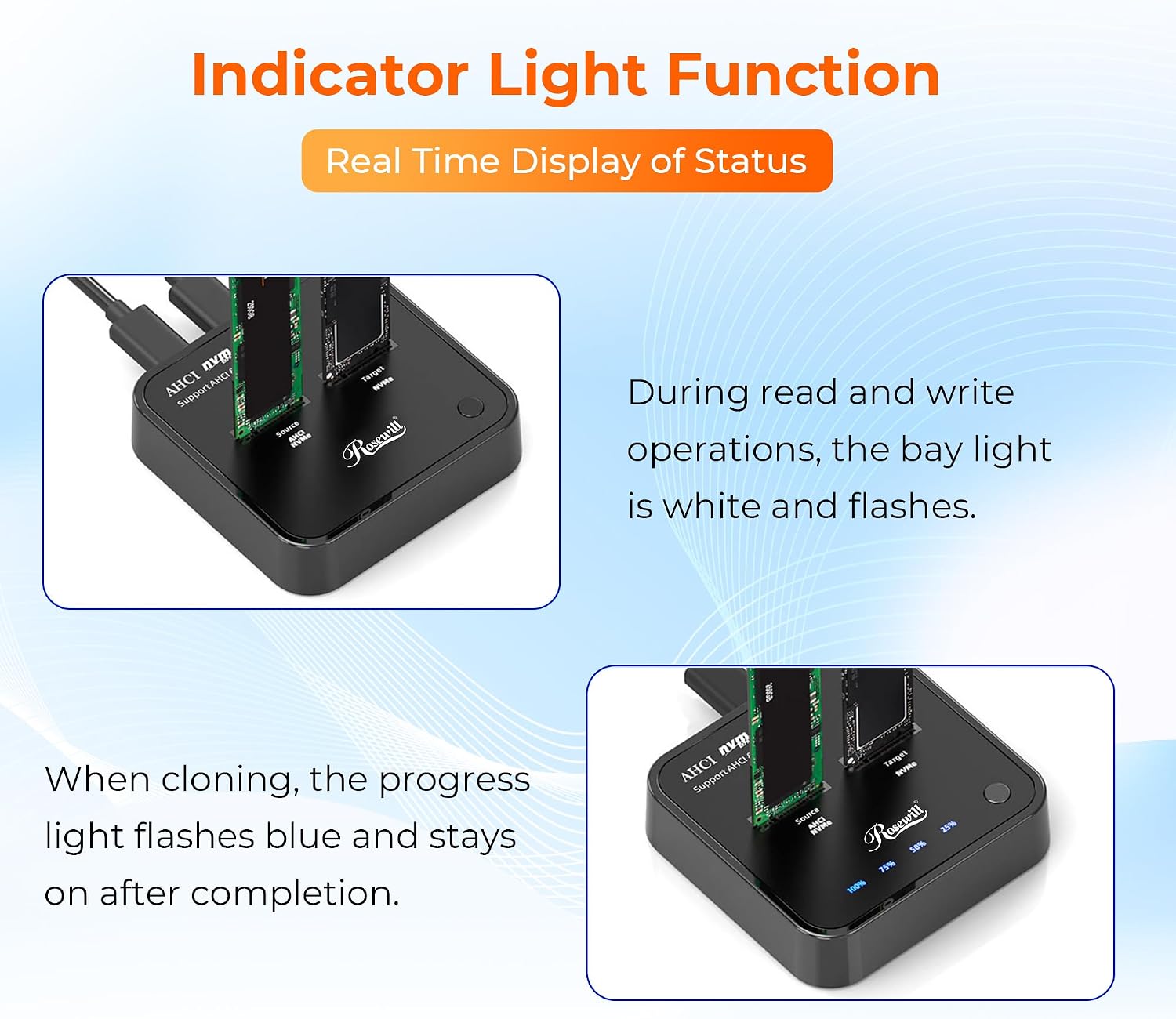
It also doubles as an NVMe docking station and a standalone cloner. Instead of only acting as an enclosure, it lets you press a button for one click SSD cloning, which can simplify drive replication tasks when you want less software overhead. You’ll also benefit from monitoring features like S.M.A.R.T monitoring that help you keep an eye on SSD health during use. 🧠
Technical details
- Type: M.2 NVMe duplicator dual bay enclosure
- Interface speed: USB 3.2 Gen 2x2 up to 20Gbps
- Cable included: 20Gbps USB-C cable
- Cable included: 10Gbps USB-A cable
- Supported SSD key types: M Key and B+M Key NVMe SSDs
- Standalone cloning: one click SSD cloner
- Power adapter: 12V/2A power adapter
What it stands out
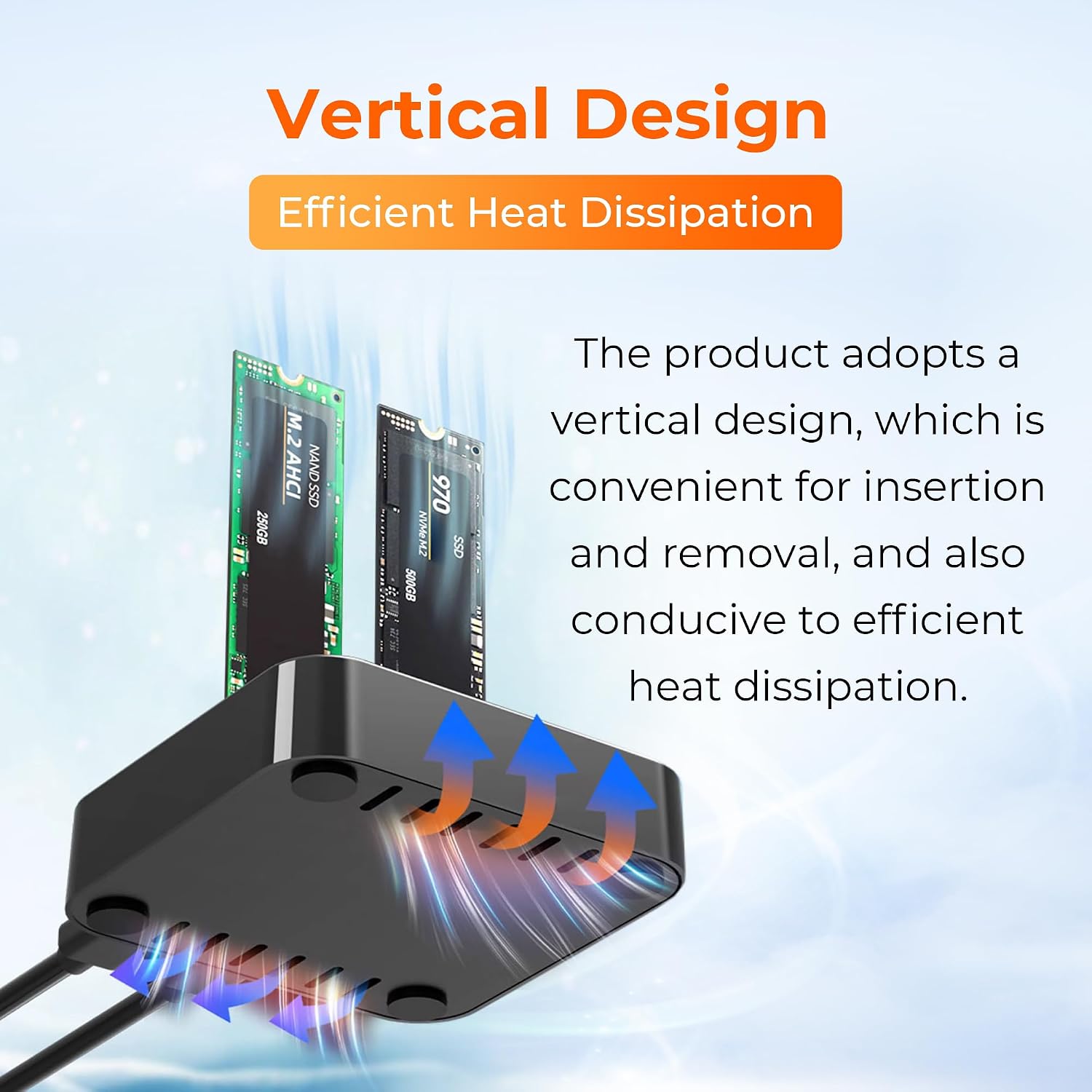
Rosewill Cloner, M.2 Duplicator Dual Bay Enclosure is built around a simple workflow. You can connect your NVMe SSDs through the dual bay enclosure for fast transfers, then switch to a cloning mode when you want to duplicate drives. The standalone one button cloning design is a meaningful convenience if you frequently replicate systems or want a streamlined off computer process. ⚡
For day to day drive efficiency, the enclosure includes smart technology that supports TRIM to help optimize performance and maintain drive efficiency over time. It also includes S.M.A.R.T monitoring so you can safeguard your data with health awareness during operation. Keep in mind that support for specific SSD sizes and exact NVMe compatibility details can depend on your drive model, so it’s worth confirming that your specific SSD key type matches what the enclosure supports. ✅
The included connectivity kit is also part of what makes it easy to start. You get both a 20Gbps USB-C cable and a 10Gbps USB-A cable, plus a 12V/2A power adapter, so you are not left searching for essentials. If your setup changes between laptops and desktops, having both cable options helps you keep the dock working in more situations.
Who it’s for
This M.2 NVMe enclosure and cloner is a strong match if you work with NVMe SSDs and want speed for transfers and cloning. It suits users who manage multiple drives, perform upgrades, or handle repeated setups where a one click cloning approach can save time. It’s also a good fit if you prefer an SSD to USB adapter that includes built in monitoring features like S.M.A.R.T and performance helpers like TRIM.
If you mainly need occasional copy jobs, the standalone cloning design may be the most noticeable convenience. If you prioritize throughput, the USB 3.2 Gen 2x2 connection and up to 20Gbps speed target can help you move data more quickly, especially for large files. It may not be the best choice if your workflow only involves one drive and you already have a simpler enclosure that meets your needs without cloning features.