

Acer USB-C Hub 5-in-1
Product description
If you mainly need a simple way to connect a monitor, charge a laptop, and plug in a few accessories, this Acer USB-C hub brings those jobs together in one compact adapter. Its mix of HDMI, USB-C, and USB-A ports can help reduce the need for separate dongles at a desk or while traveling. The key detail is that the host device’s USB-C port must support video output, power delivery, and data, a USB-C connector alone does not guarantee all three.
Highlights
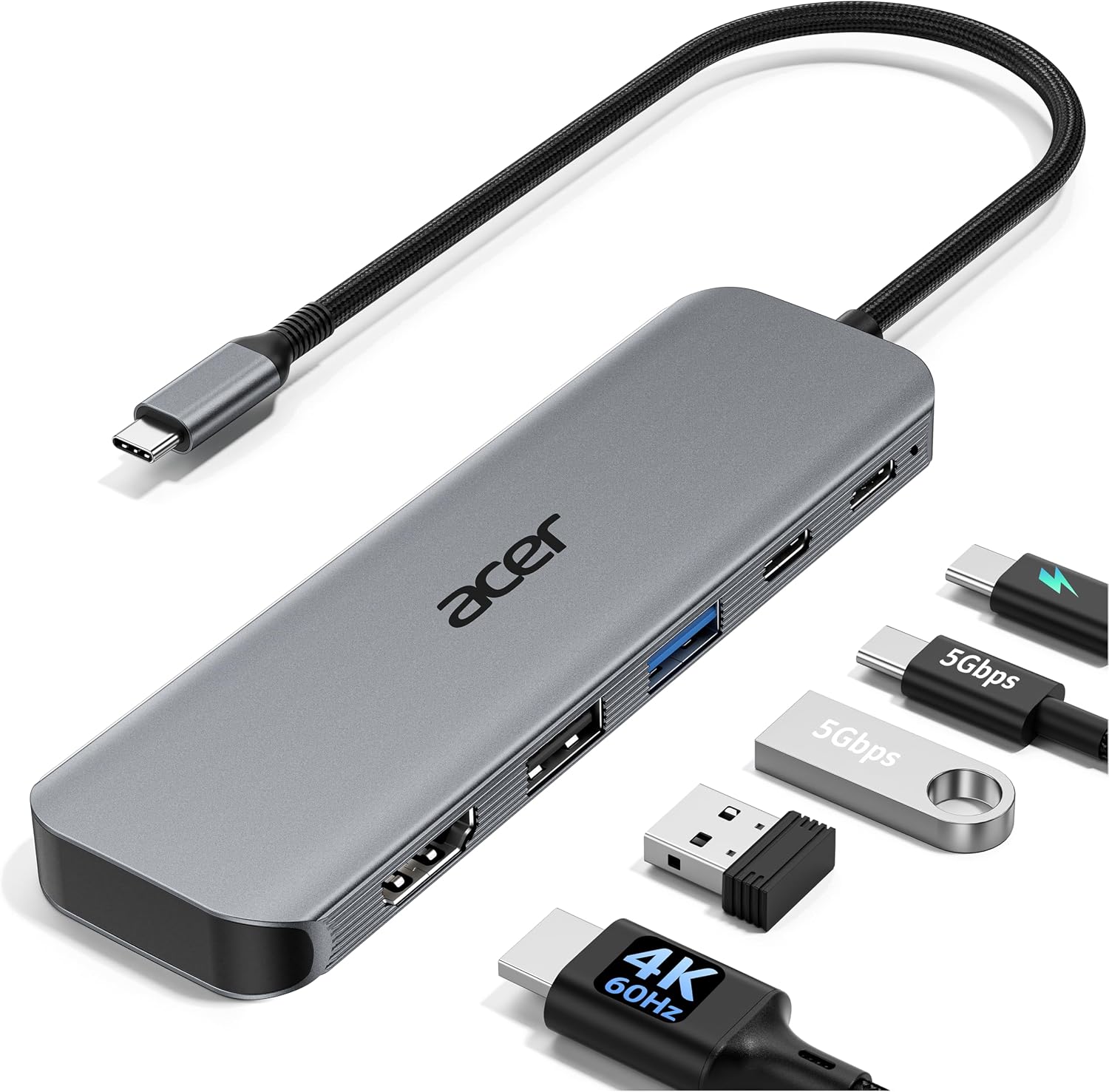
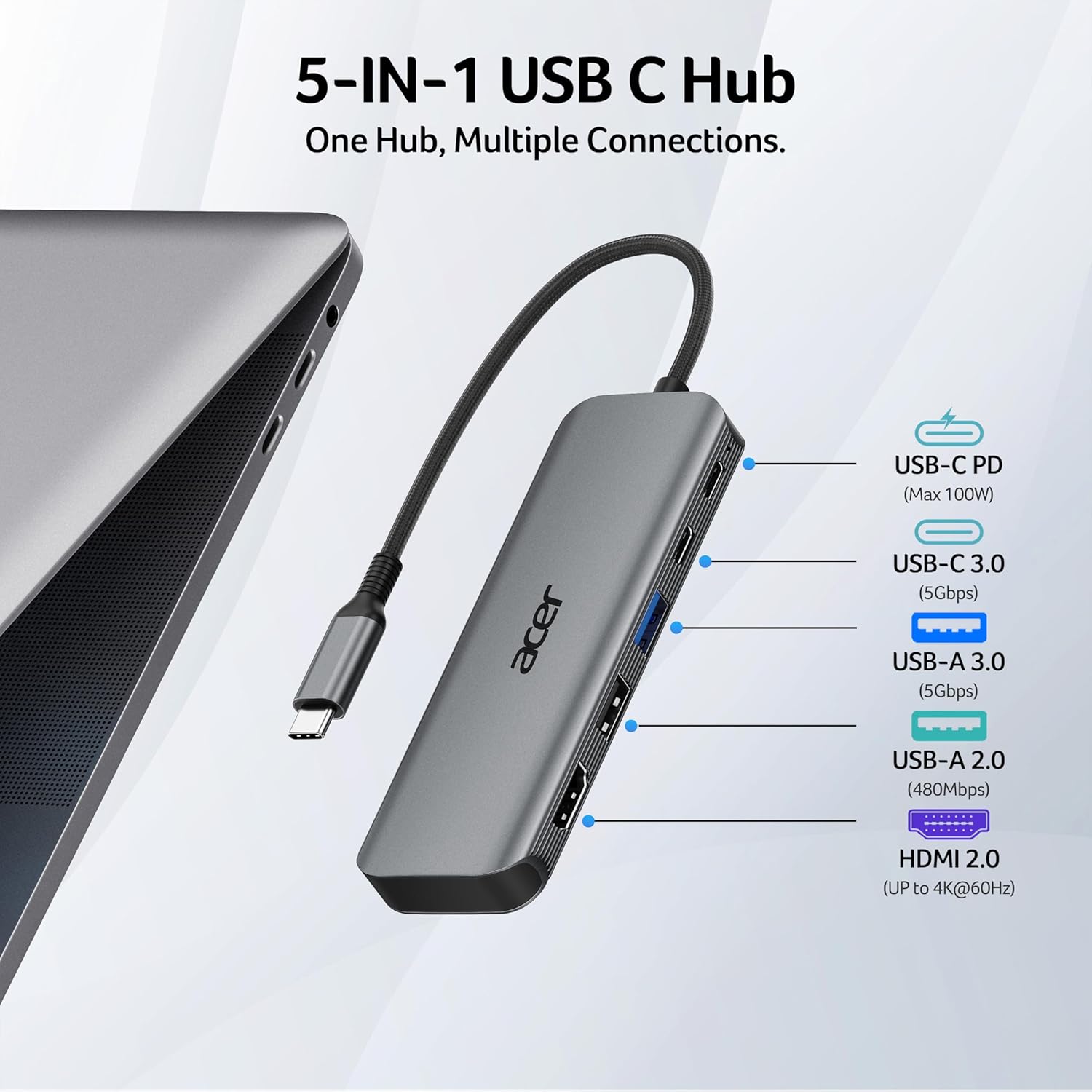
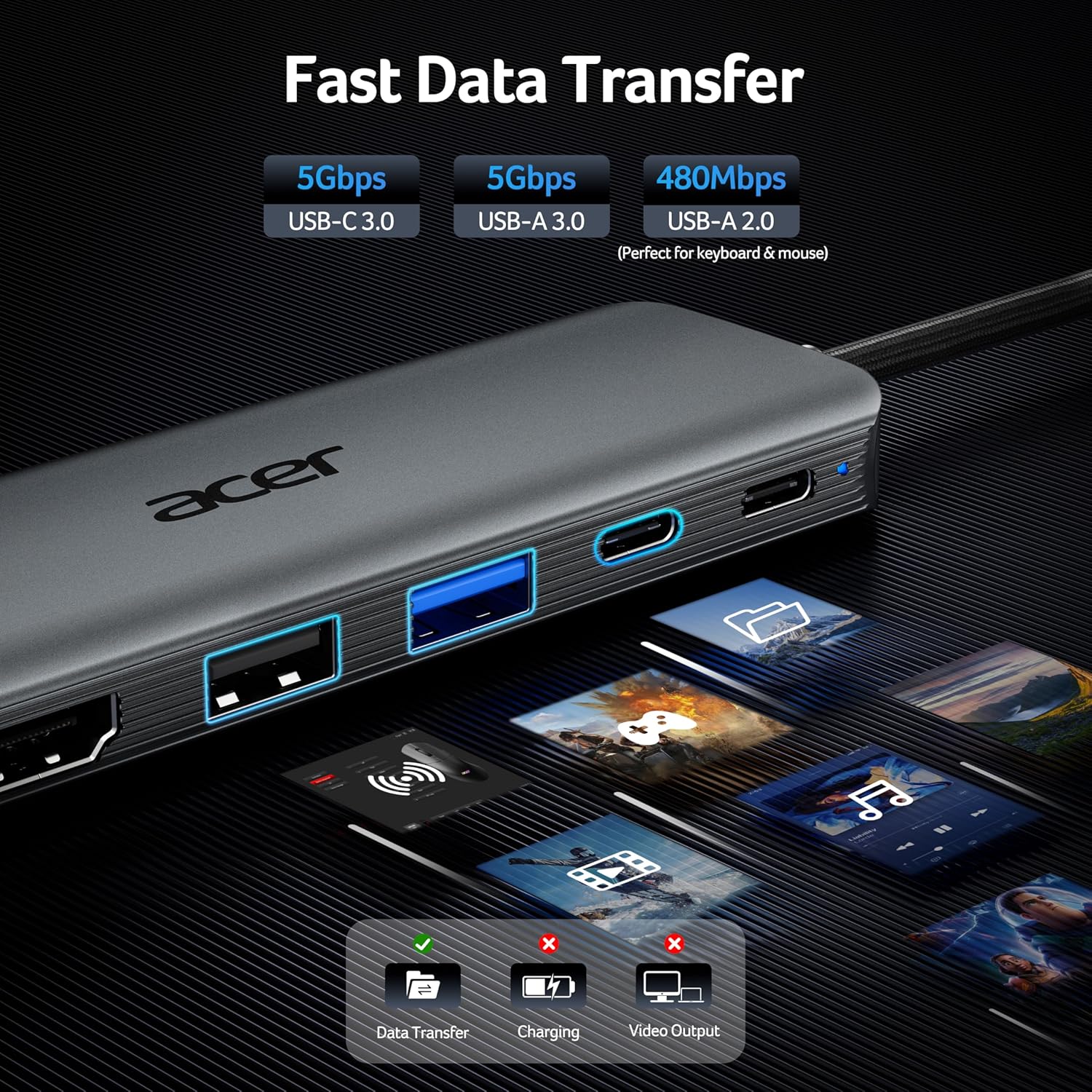
The hub combines HDMI 2.0 with support for up to 4K at 60Hz, pass-through charging rated for up to 100W input, a USB-C 3.0 data port, USB-A 3.0, and USB-A 2.0. The USB-C and USB-A 3.0 ports are listed at 5Gbps, while the USB-A 2.0 port offers a place to connect a lower-speed accessory such as a mouse or keyboard.
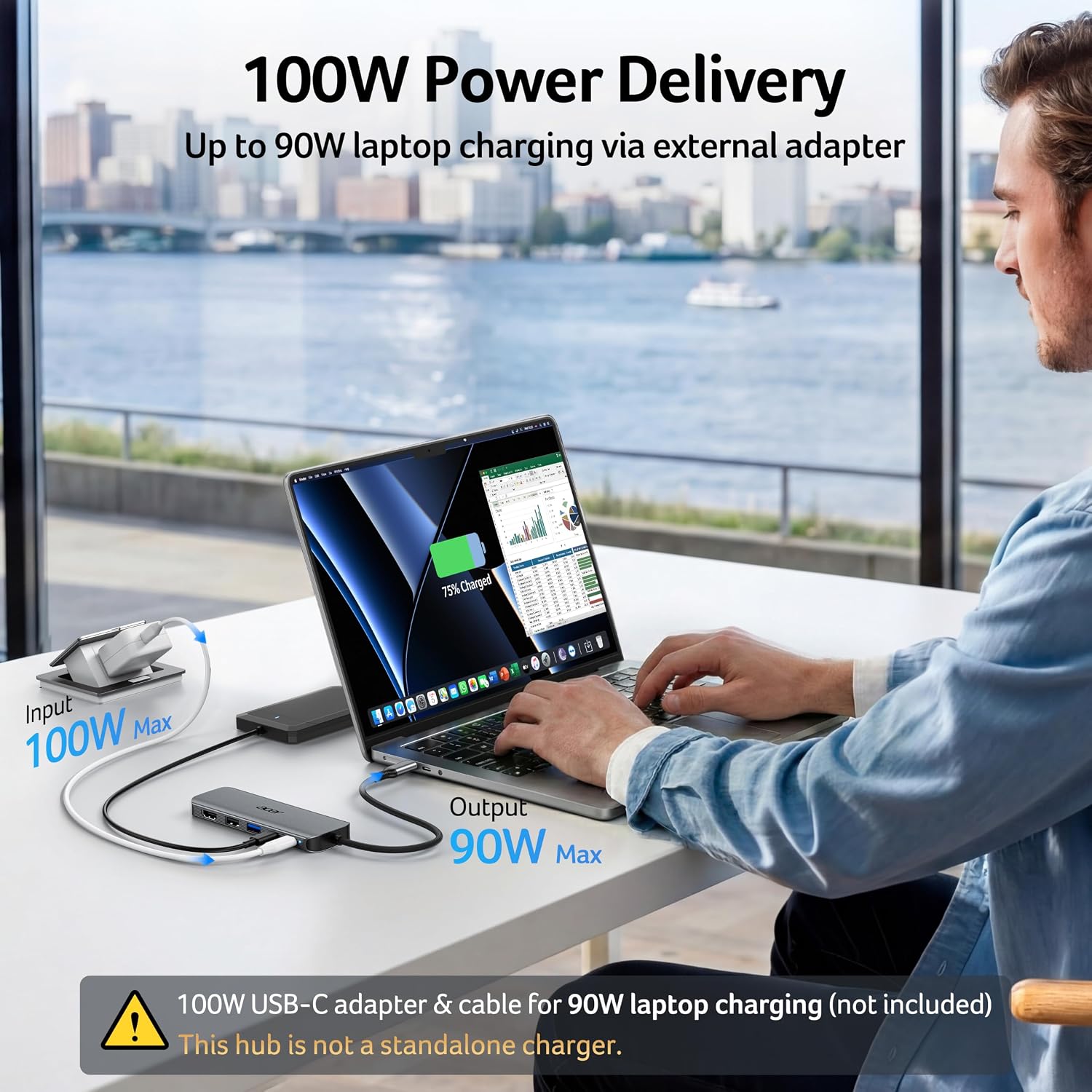
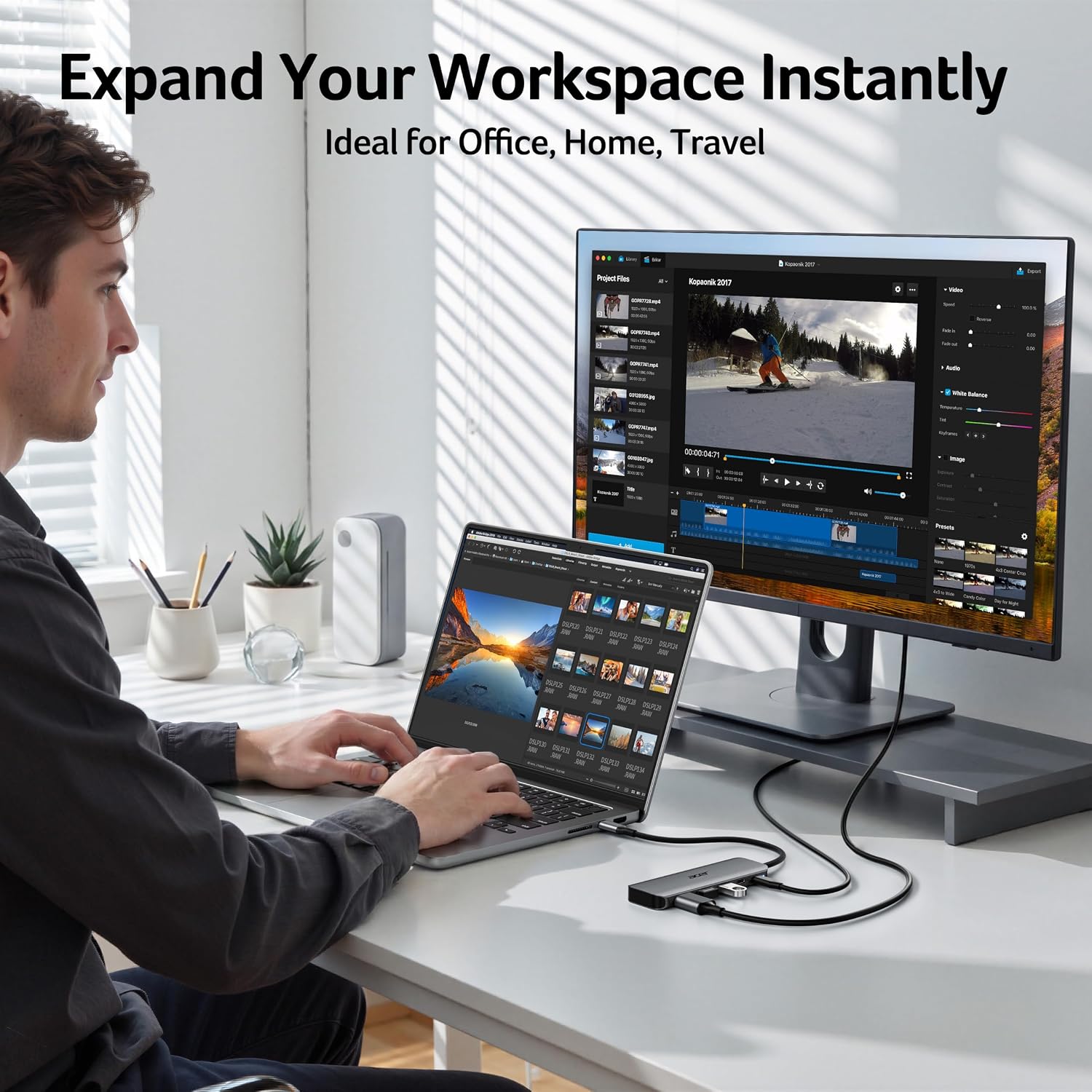
For a practical desk setup, you could connect an external display through HDMI, keep a laptop charger connected to the hub, and use the USB-A ports for a mouse and a flash drive. That is more useful than a basic adapter with only one display connection when you regularly switch between peripherals. Keep in mind that the advertised 90W output requires a 100W power adapter and cable, which are not included. The actual charging setup also depends on the connected charger and device.
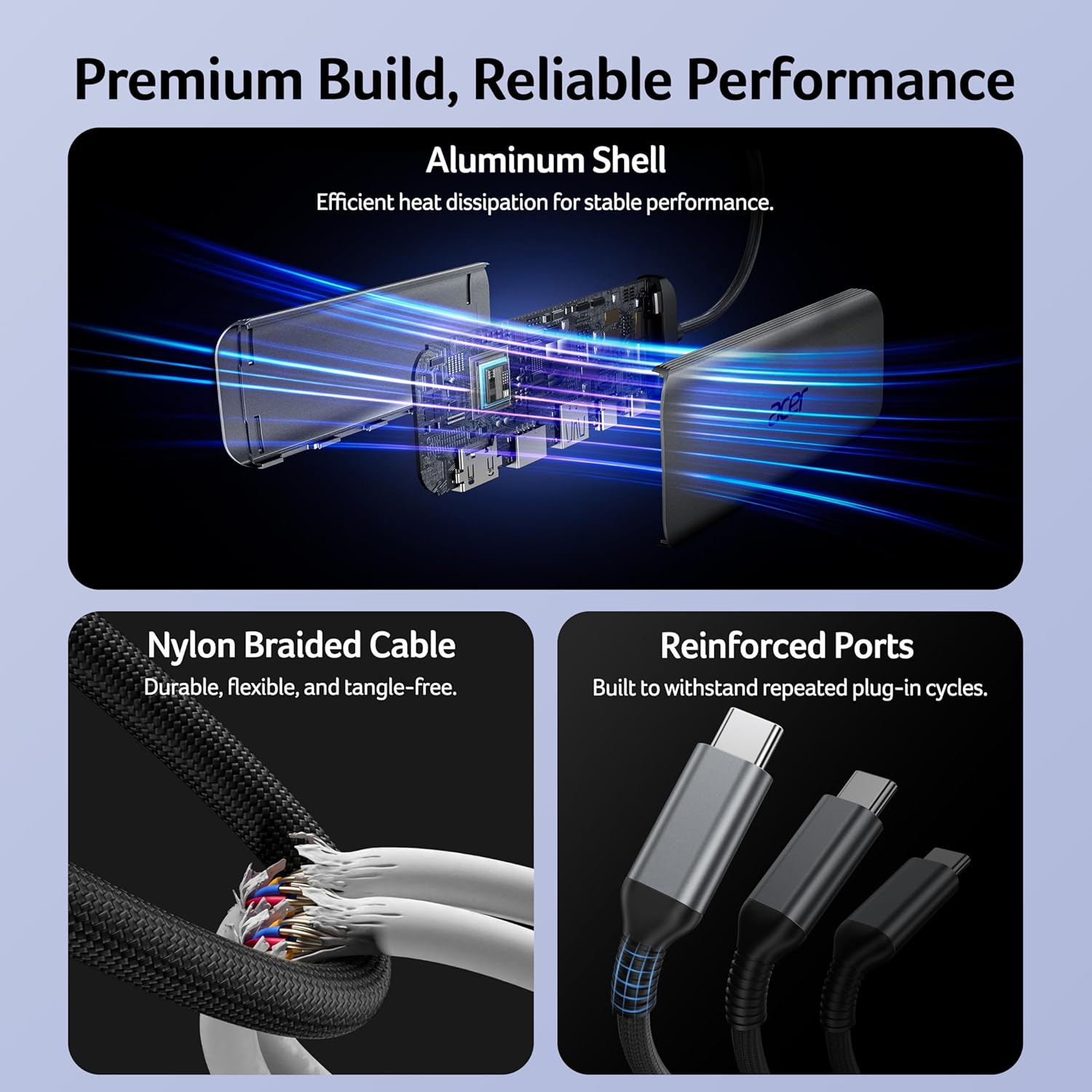
The aluminum shell and slim, lightweight design are intended to make the adapter easier to carry between home, office, and travel. They do not add ports or remove the need to check your laptop’s USB-C capabilities before choosing it.
How to use it
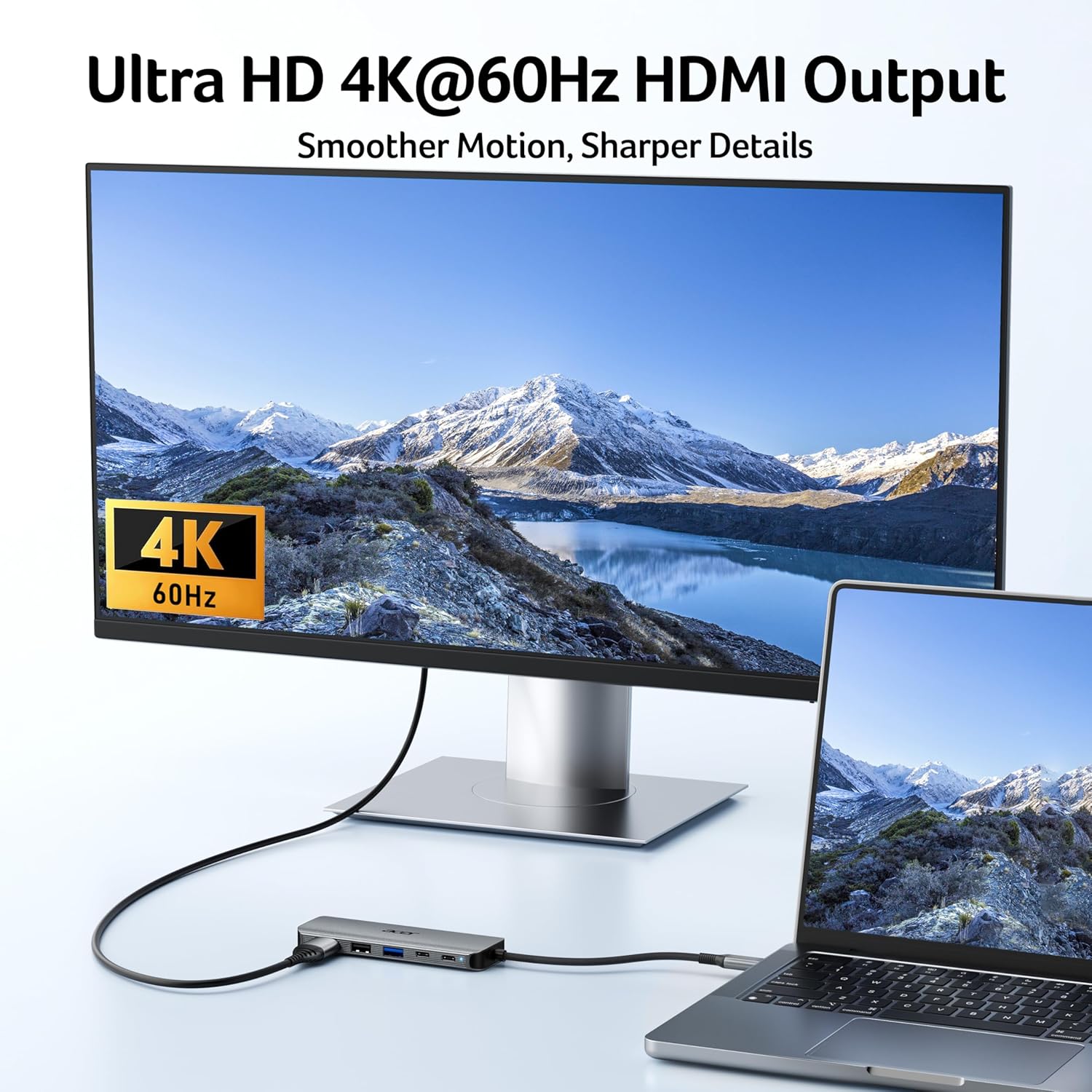
Connect the hub to a full-featured USB-C port on the host device, then attach a compatible HDMI display or USB accessory. For video, the computer’s USB-C port needs DisplayPort Alt Mode, for pass-through charging, it needs to support Power Delivery. The listing names Windows, macOS, and ChromeOS compatibility, but that does not mean every device running those systems supports every hub function.
If you want to charge while using the hub, connect a suitable power adapter and cable to its power input. The 100W figure describes the maximum input, while the listing states up to 90W output to the laptop. HDMI resolution and refresh rate also depend on the host device and display supporting the requested mode.
Practical tips
Before buying, check the specifications for your exact laptop, tablet, or phone rather than relying only on the shape of its USB-C port. This matters most if you plan to use an external monitor or charge through the hub. Also think about which accessories need faster data transfer: the USB 3.0 ports are rated at 5Gbps, while the USB 2.0 port is better suited to basic peripherals than to fast file copying.
A useful everyday setup might be connecting a monitor for a video call, leaving the laptop’s charger attached, and plugging in a mouse without swapping cables. If your routine involves several high-speed storage devices, a larger dock with more ports may suit you better. The listing also says ultrawide monitors are not supported, so this hub is a poor fit if that is the display format you need.
Practical doubts
Does it support 4K at 60Hz? The HDMI connection is listed for up to 4K at 60Hz. Your host device and display must also support the required output.
Can it charge a laptop while connected? It supports pass-through charging, with up to 100W input and up to 90W output stated. A 100W power adapter and cable are recommended for the 90W output and are not included.
Will it work with an ultrawide monitor? No. The product information explicitly says ultrawide monitors are not supported.
When it makes sense
It makes sense if you want one small adapter for a standard HDMI display, pass-through charging, and a few USB accessories, and your device supports the necessary USB-C features. It may be a convenient alternative to carrying separate single-purpose adapters, especially when moving between a home desk and a work setup. You may want to skip it if you need an ultrawide display, more ports, or guaranteed compatibility with a USB-C device whose video and power capabilities you have not confirmed. The strongest reason to choose it is the combination of 4K-at-60Hz HDMI and several data ports, the main trade-off is that its usefulness depends on host support and the monitor format.