

Acer 4-in-1 USB-C Hub with 4K@60Hz Video, 10Gbps Data and 100W PD
Product description
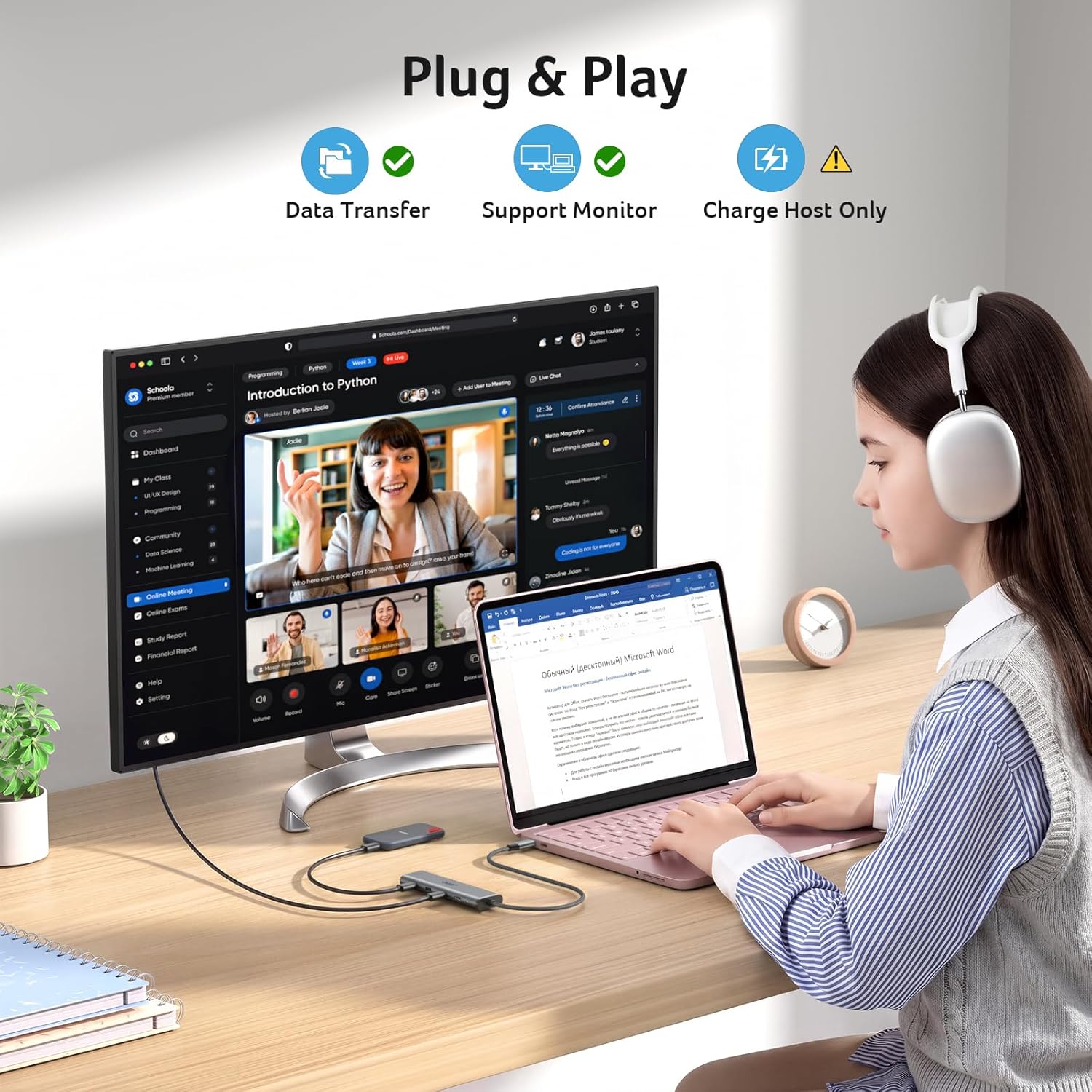
If your laptop has one USB-C port and you need to connect a display, transfer files, and keep the host device charging, the Acer 4-in-1 USB-C hub brings those functions together in a compact adapter.
Its four USB-C connections serve different purposes: one handles video, two are for data, and one is for power delivery. That layout is useful when your accessories are USB-C, but it is not a general-purpose mix of USB-A and USB-C ports.
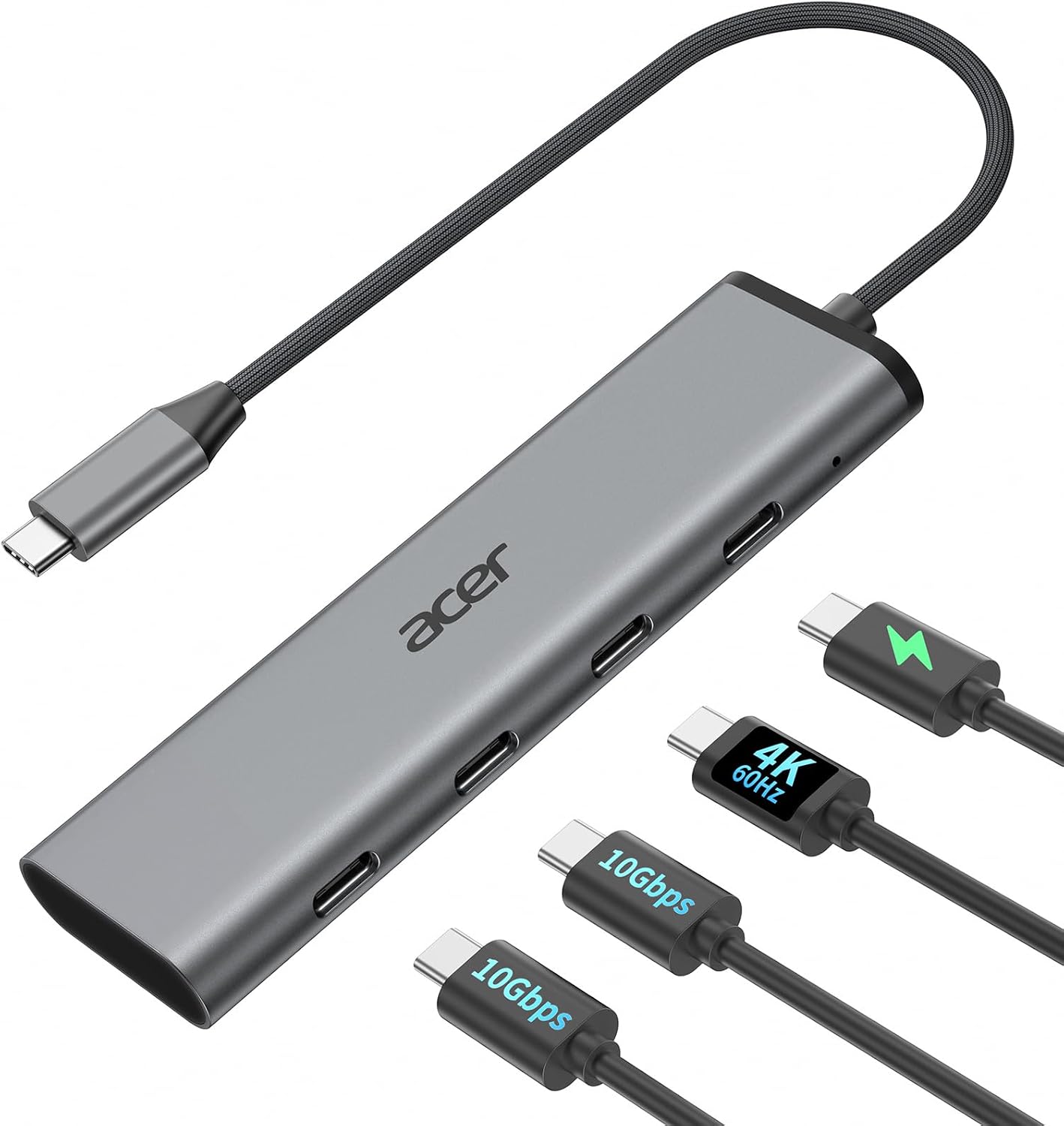
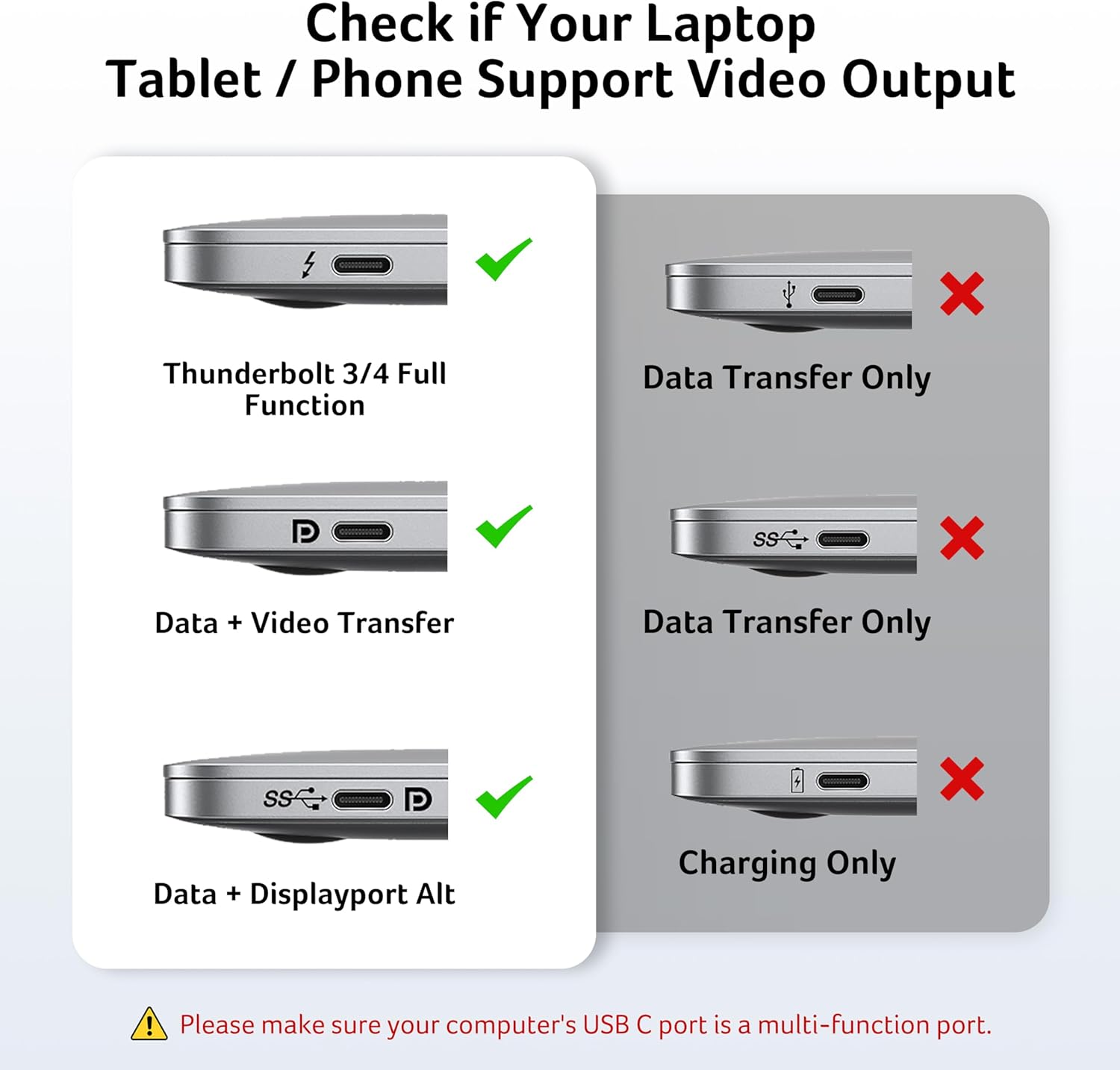
The key question is whether your host device supports the features you plan to use. Video requires a full-featured USB-C port with DisplayPort Alt Mode, USB4, or Thunderbolt support, top data speeds also depend on the host, cable, and connected device.
How to use it
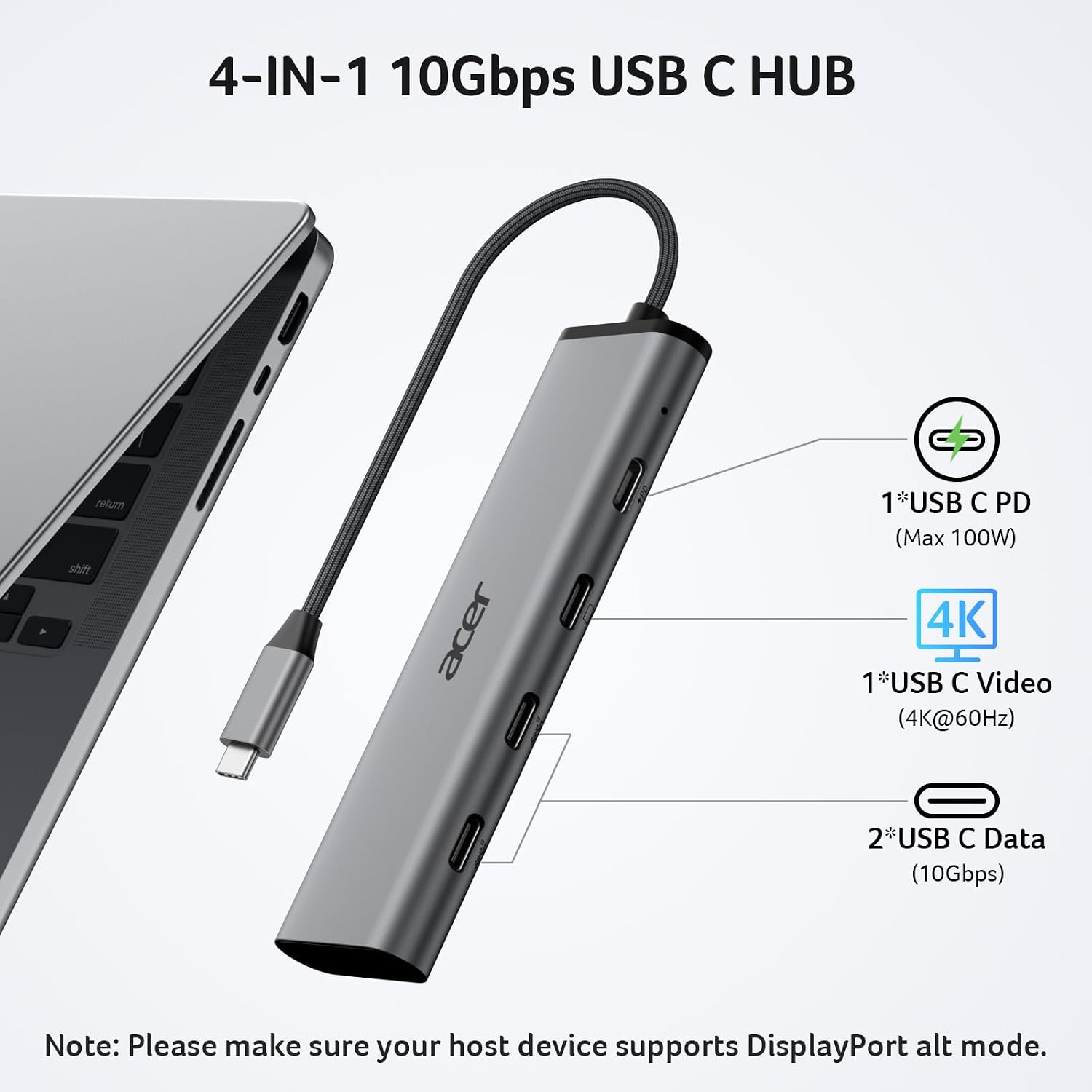
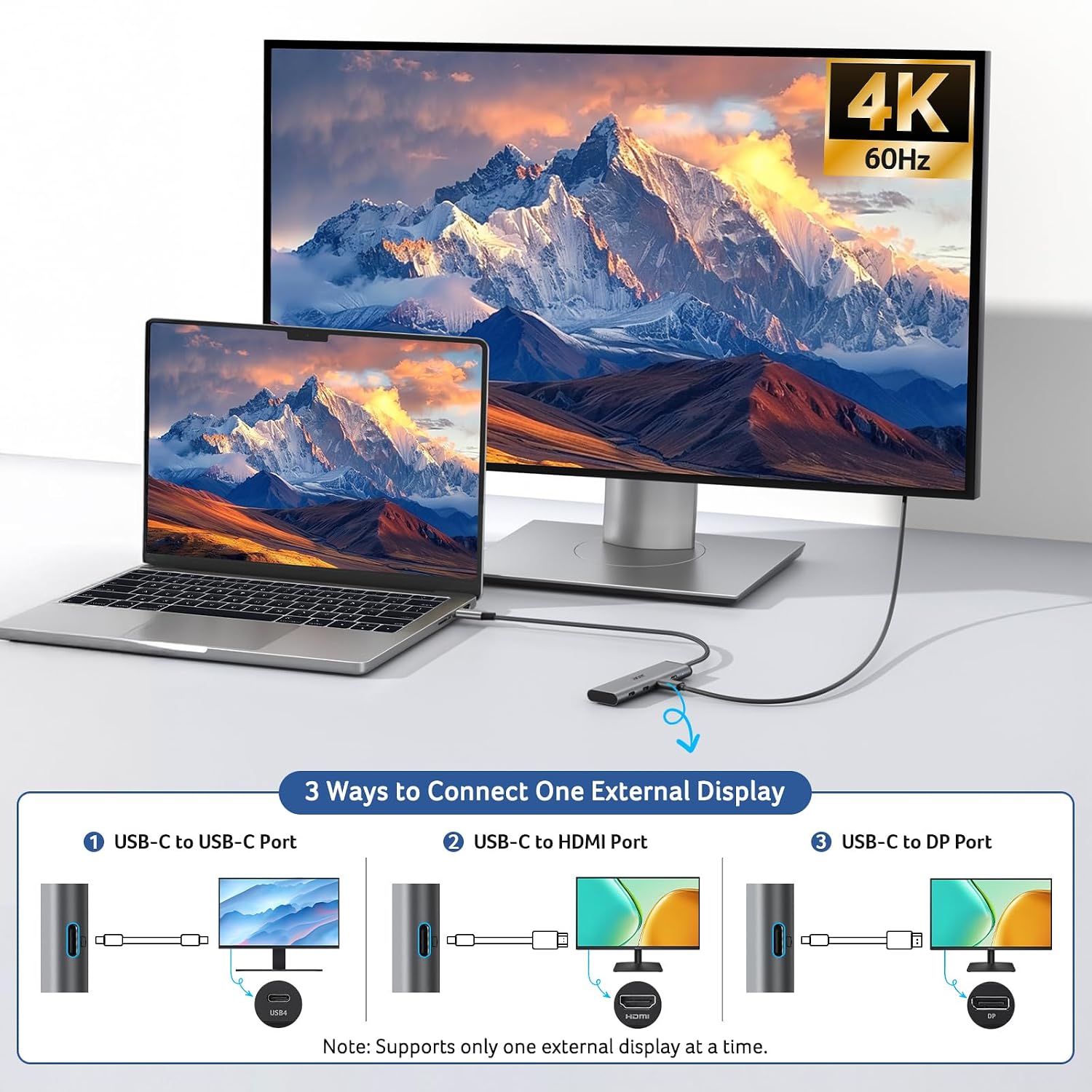
Connect the hub to a compatible USB-C port on your laptop or other host device. For an external display, use the video-output port and make sure the host, display, and video cable all support the intended resolution and refresh rate. The hub supports up to 4K at 60Hz, but a setup with a 4K@30Hz component will not reach 60Hz.
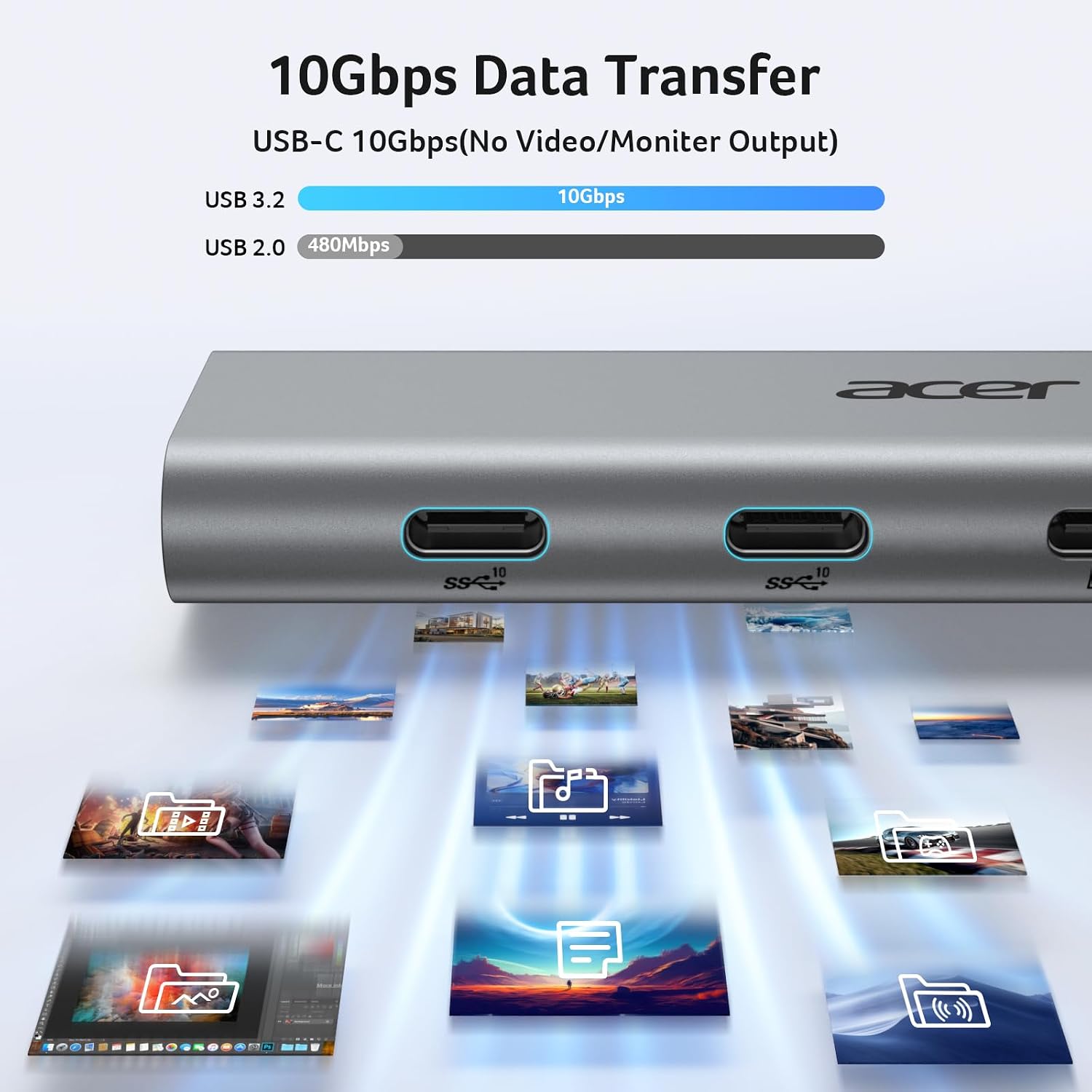
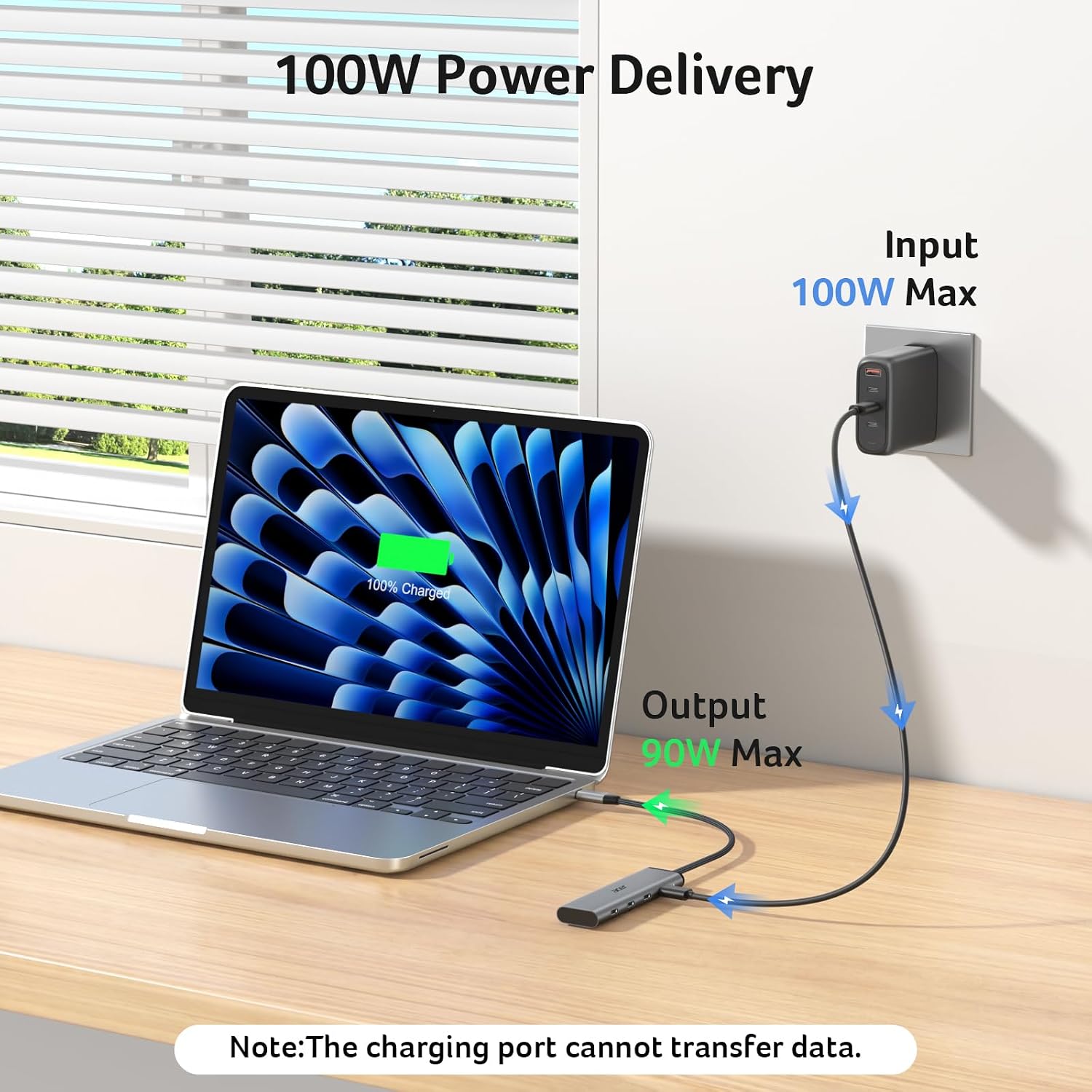
For file transfers, connect accessories to either of the two USB-C data ports. Each supports up to 10Gbps when the host port, cable, and device are also rated for that speed. The separate PD port is for charging only: it carries no data or video. The hub accepts up to 100W input and provides up to 90W output to the host. A 100W-or-higher charger and cable are required and are not included.
Pros
Combining display output, two high-speed USB-C data connections, and host charging can reduce the need to swap adapters during a work session. For example, someone moving files from a compatible external drive while using an external monitor can connect both through one hub, then use the PD input to charge the laptop.
Compared with a basic data-only splitter, this adds video and host charging. The trade-off is that all four connections are USB-C, so shoppers who need USB-A, Ethernet, or other port types should look for a hub that explicitly includes them. Buyers’ feedback on reliability and power delivery is mixed, so those reports are worth weighing rather than treating the charging function as a guarantee of performance in every setup.
At a glance
- Type: 4-in-1 USB-C hub
- Connections: USB-C video output, two USB-C data ports, one USB-C PD charging port
- Video: Up to 4K@60Hz, subject to host, display, and cable support
- Data: Up to 10Gbps per data port with compatible equipment
- Power: Up to 100W input and 90W output to the host, PD port is charging-only
- Included power equipment: Charger and cable are not included
What to clarify
Will video work with any USB-C laptop? No. The host port must support DisplayPort Alt Mode, USB4, or Thunderbolt, and the display setup must support the selected resolution and refresh rate.
Why might transfers fall short of 10Gbps? The host port, connected device, and cable all need to support 10Gbps. A lower-rated component can limit the connection.
Can the PD port connect a drive or monitor? No. It is for charging the host device only and does not carry data or video.
Is it worth it?
Worth considering if your setup is built around USB-C and you want display output, two data ports, and charging from one adapter. The main purchase check is your host’s port capabilities: a USB-C connector alone does not ensure video output or maximum transfer speeds. Better avoided if your setup depends on USB-A or Ethernet connections, or if you need the PD port to handle anything beyond host charging.