

Upgraded 15.6" Laptop Screen Extender with 4-in-1 Modes
Product description
What it is and what it solves
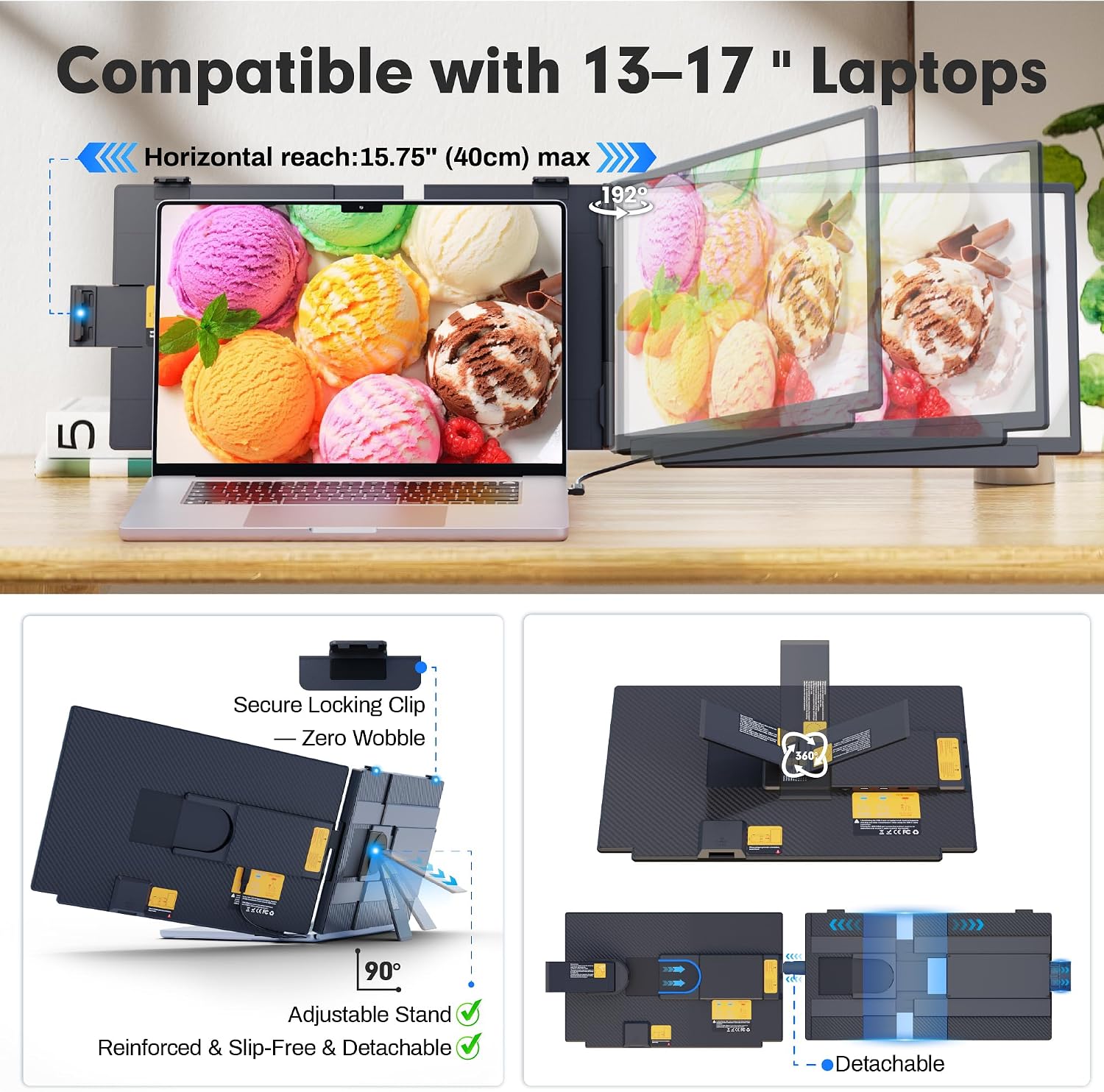
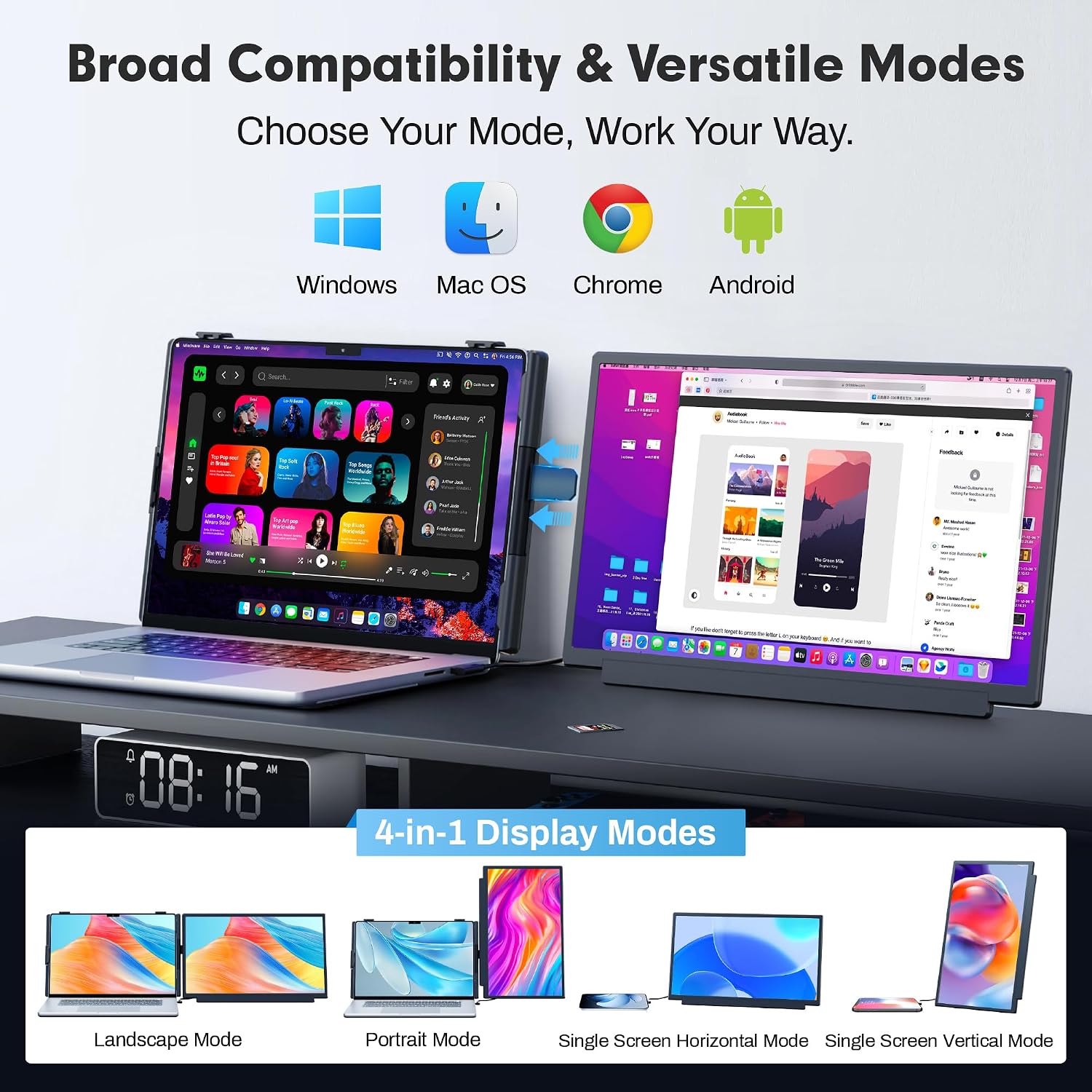
The Upgraded Laptop Screen Extender is a portable 15.6" dual-screen monitor that attaches to your laptop to create extra workflow space. It’s designed for people who want a second display on the go without the bulk of traditional dual-monitor setups. The kit uses a detachable screen and rear stand, so you can switch between landscape, portrait, or single-screen modes depending on the task. If you work with documents, spreadsheets, coding, or content creation, this extender can help you view more at once and reduce tab-clutter.
How it looks and feels in daily use
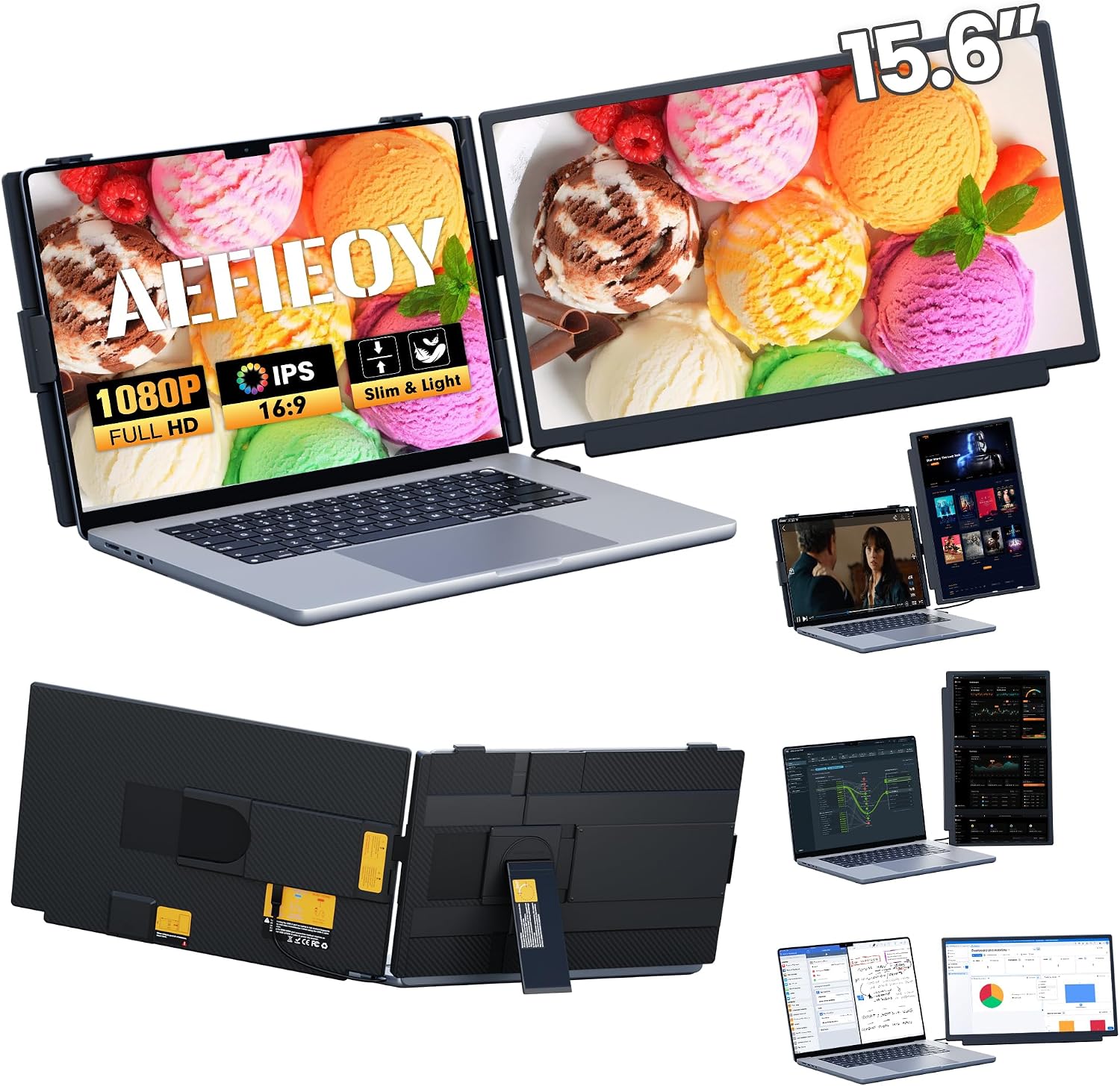
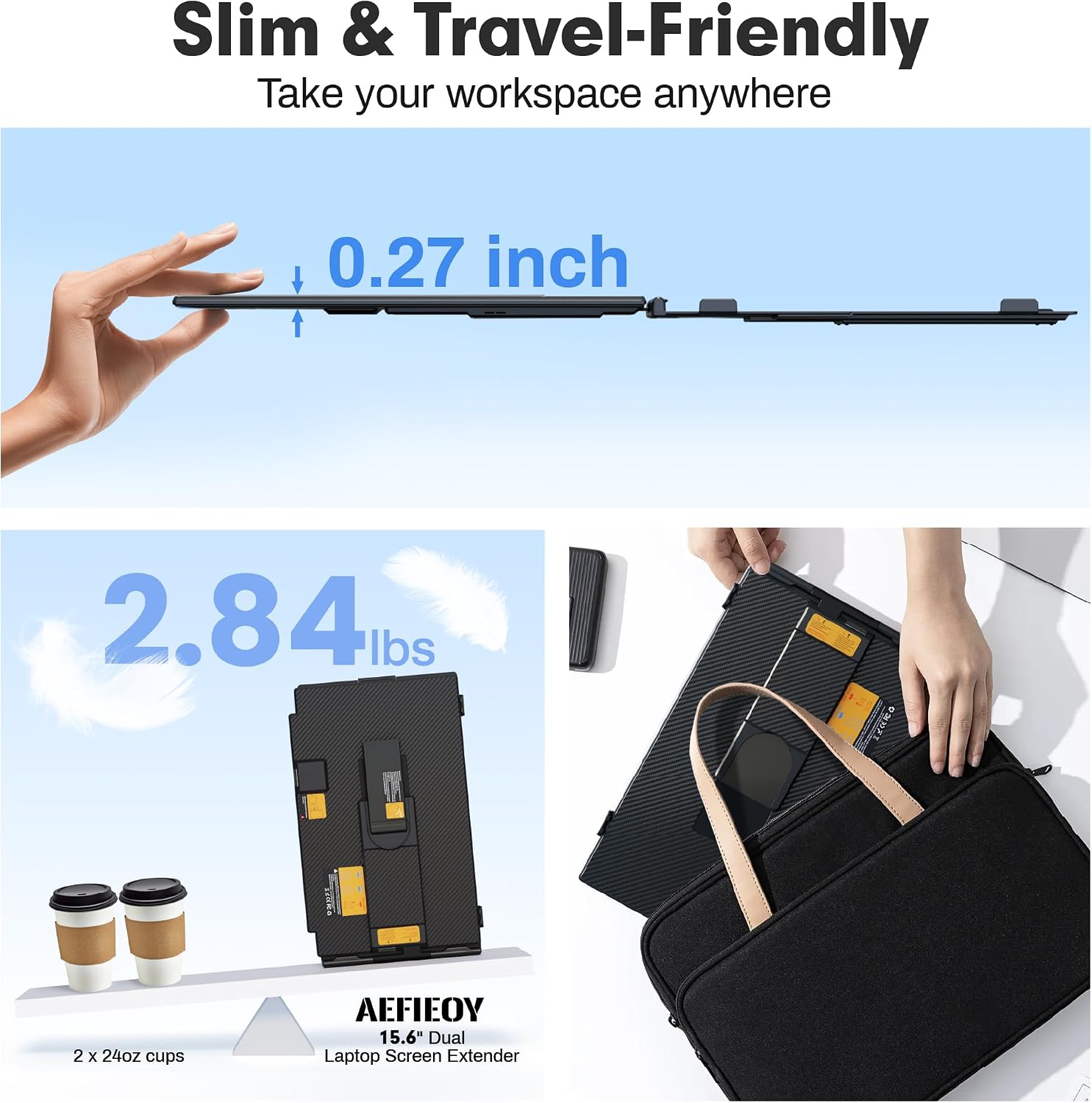
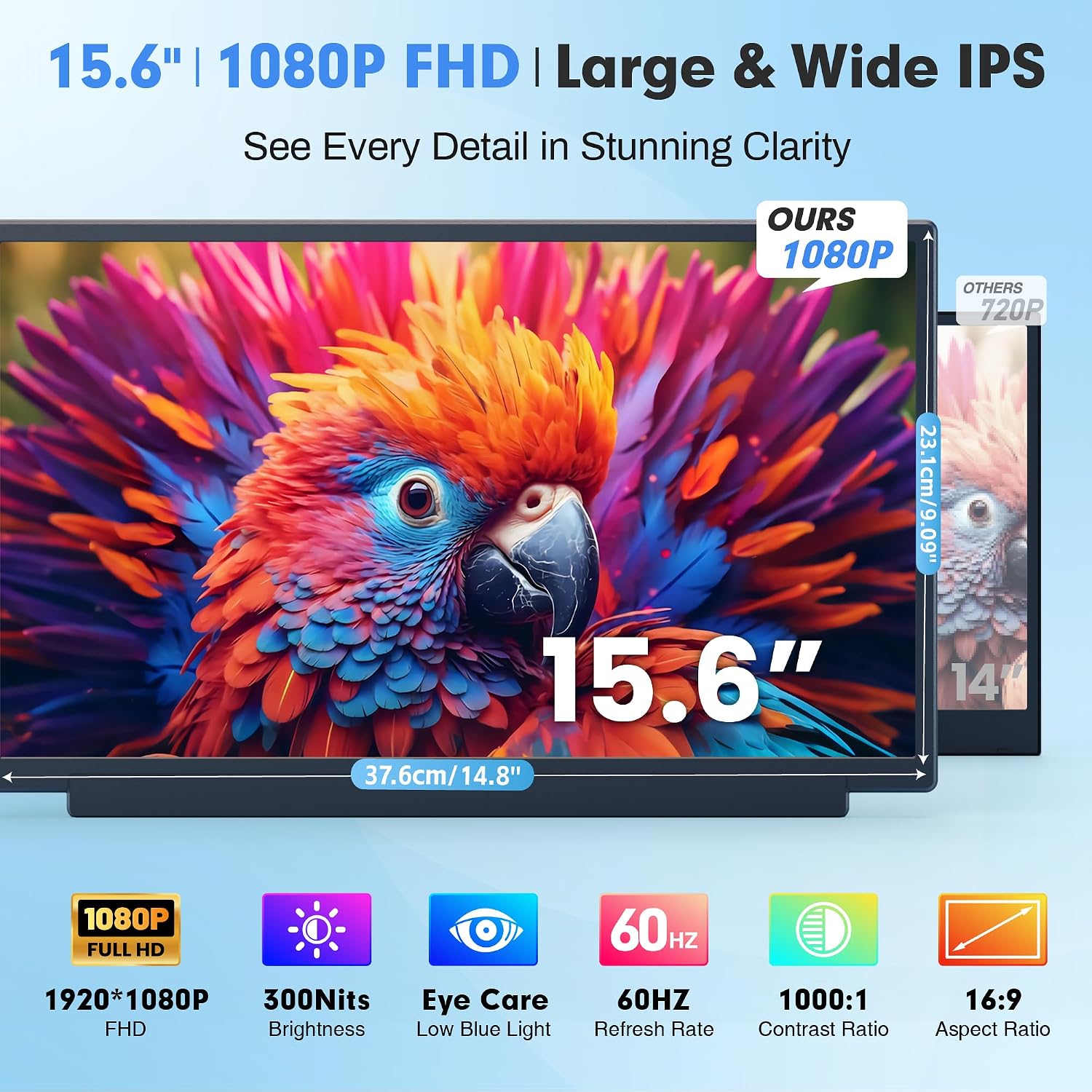
This monitor is built to travel light. Weighing around 2.8 lb and just 0.27" thick, it slots into a backpack or briefcase easily. The display covers 100% of sRGB with a 1080P FHD panel and IPS technology, aiming for color accuracy and wide viewing angles. Brightness reaches about 300 nits with an anti-glare coating and blue-light reduction baked in for longer sessions. The shell is a blend of premium PC+ABS and aluminum alloy, and a reinforced top hook helps keep the unit secured to your laptop.
Core specs you can rely on (on paper)
- 15.6" FHD IPS panel, 1080P, 300 nits, 1000:1 contrast, 100% sRGB
- Ultra-thin, detachable screen and rear stand (360° rotation)
- Compatibility with 13–17" laptops, plug & play via USB-C and HDMI (video via HDMI, power via USB-C or USB-A to USB-C as needed)
- Lightweight ~2.8 lb, thickness ~0.27"
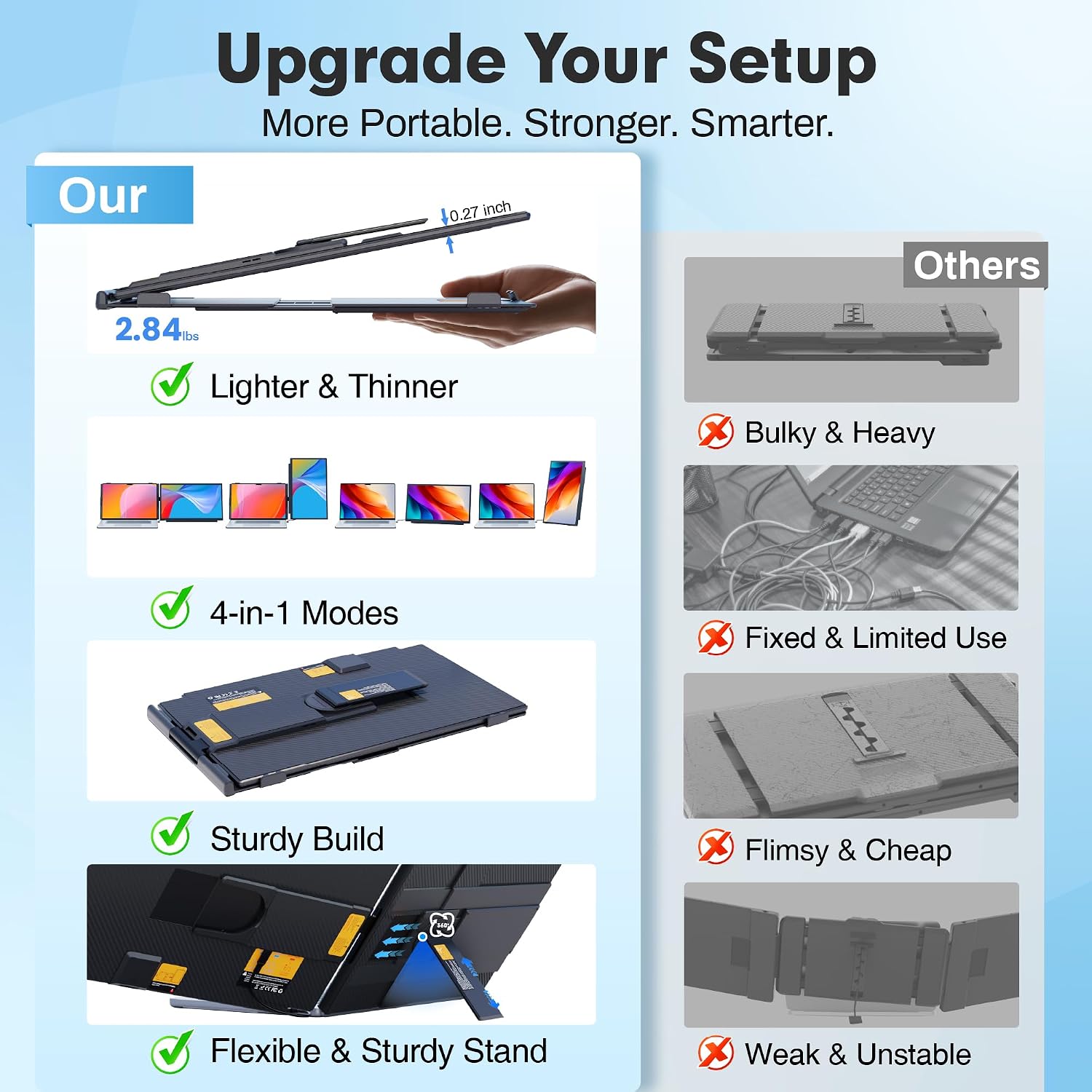
- 4-in-1 modes: landscape, portrait, dual-screen, and single-screen use
Pros: what stands out in everyday use
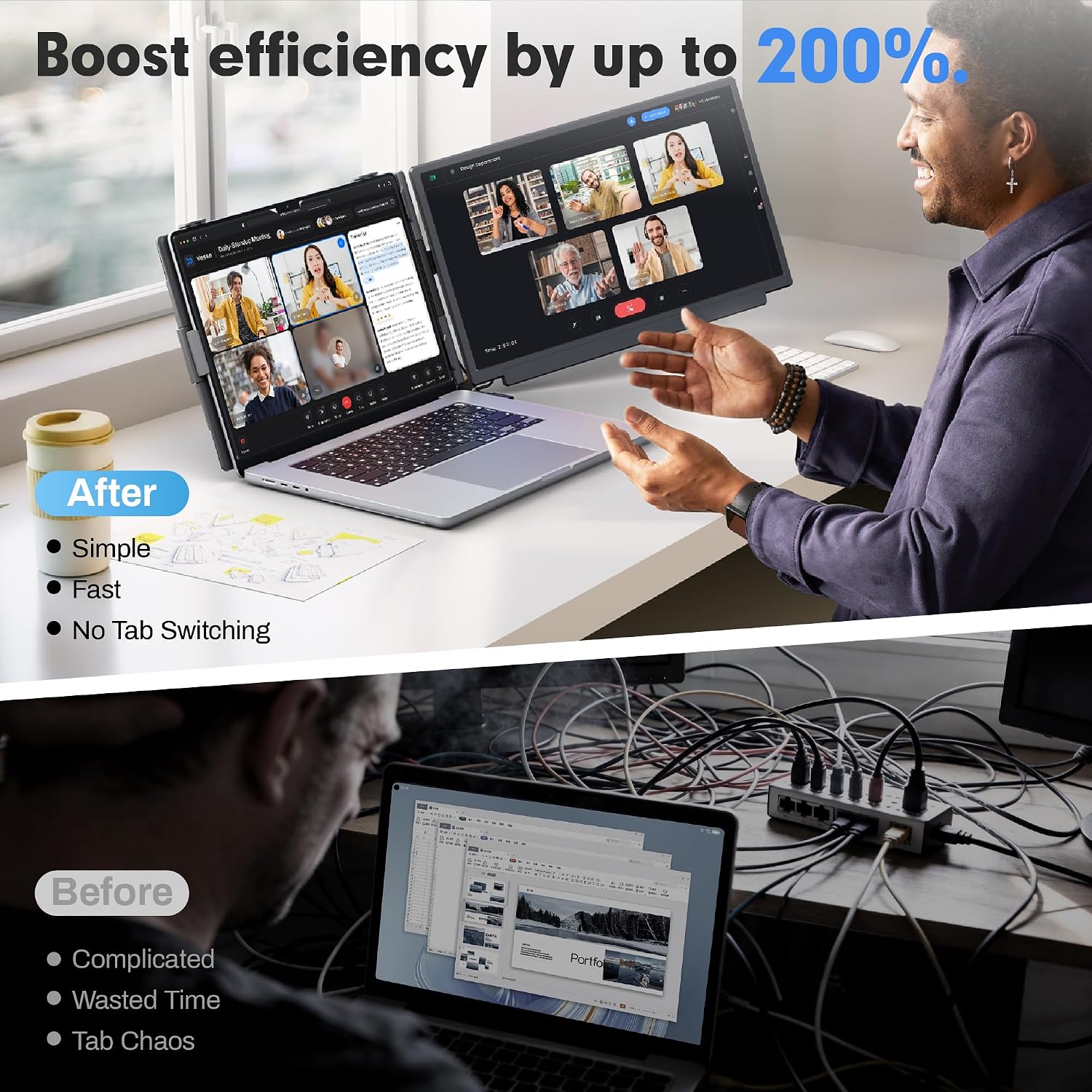
You’ll notice the practical boost in productivity when you can view two windows side by side without constantly switching tabs. The plug-and-play setup means less time fiddling with drivers and more time working. The rotation capability and detachable design add flexibility for presentations or shared screens. The sturdy build and non-slip rear stand help keep things stable on a desk or table.
Cons or limitations to consider
If you rely on a single USB-C port for both video and power, you may need to adapt with the included cables. Some laptops with weaker USB-C power delivery might require the extra USB-A to USB-C cable option. The brightness and color accuracy are solid for typical office tasks, but it’s not a high-end color-critical display. Also, the extra screen adds weight and takes up desk space, which could be a drawback for ultra-mobile minimalists.
Who it’s for (and who it’s not)
This extender is a good fit for students, remote workers, designers, data analysts, and developers who want extra screen real estate while traveling or working in small spaces. It’s convenient for those who routinely juggle documents, imaging data, and multiple apps. It’s less ideal for users who need true color-critical work, or for those who already pack light and don’t want any extra gear.
When does it make sense to buy
If you frequently work with multiple windows, presentations, or collaborative reviews away from a full desktop setup, this portable dual display can save time and reduce back-and-forth tab-switching. It’s also a reasonable option if you want a gift for a student or traveler who can benefit from a larger yet portable second screen.
When you might want to skip it
If you don’t have a reliable place to set up a second screen, or if your laptop already provides adequate on-screen real estate, this accessory may feel like overkill. If color-critical work (photo editing with precise color workflows) is a core need, you might prefer a display with higher color accuracy and calibration options.
What to check before buying
- Confirm your laptop size range is within 13–17" and that you’re comfortable with a detachable screen.
- Check the available ports on your laptop (HDMI output, USB-C power/video). If your USB-C is full-featured, one cable can handle power and video, otherwise you’ll rely on HDMI plus a separate power cable.
- Consider your typical working environment: desk space, whether you’ll travel with the monitor, and how often you’ll rotate between landscape and portrait modes.
Practical usage example
Imagine editing a long report while cross-referencing data in a separate sheet. You place the extender to the right of your laptop, set the main window in landscape for reading, and rotate the secondary screen to portrait for the data table. With two apps visible side by side, you finish edits faster and reduce back-and-forth tab switching during reviews.
FAQ (quick answers)
- Is it plug-and-play? Yes, no driver installation required for most systems.
- Can it rotate? Yes, the screen supports 360° rotation and can switch between modes.
- What about power? It can be powered via USB-C or by using the included USB-A to USB-C cable when needed.
- Will it fit my laptop? It’s designed for 13–17" laptops.
Is it worth it?
Final verdict: it’s worth considering if you value extra screen real estate on the go and need a simple, portable solution to boost productivity without a bulky setup.