


Baseus Spacemate 11 in 1 Dock ⚙
Product description
This Baseus Spacemate 11 in 1 Dock serves as a versatile hub for charging and connecting multiple devices, ideal for users who manage multiple screens or need fast charging. With a range of ports and high-speed capabilities, it supports seamless setup for work, streaming, and gaming.
Key Points
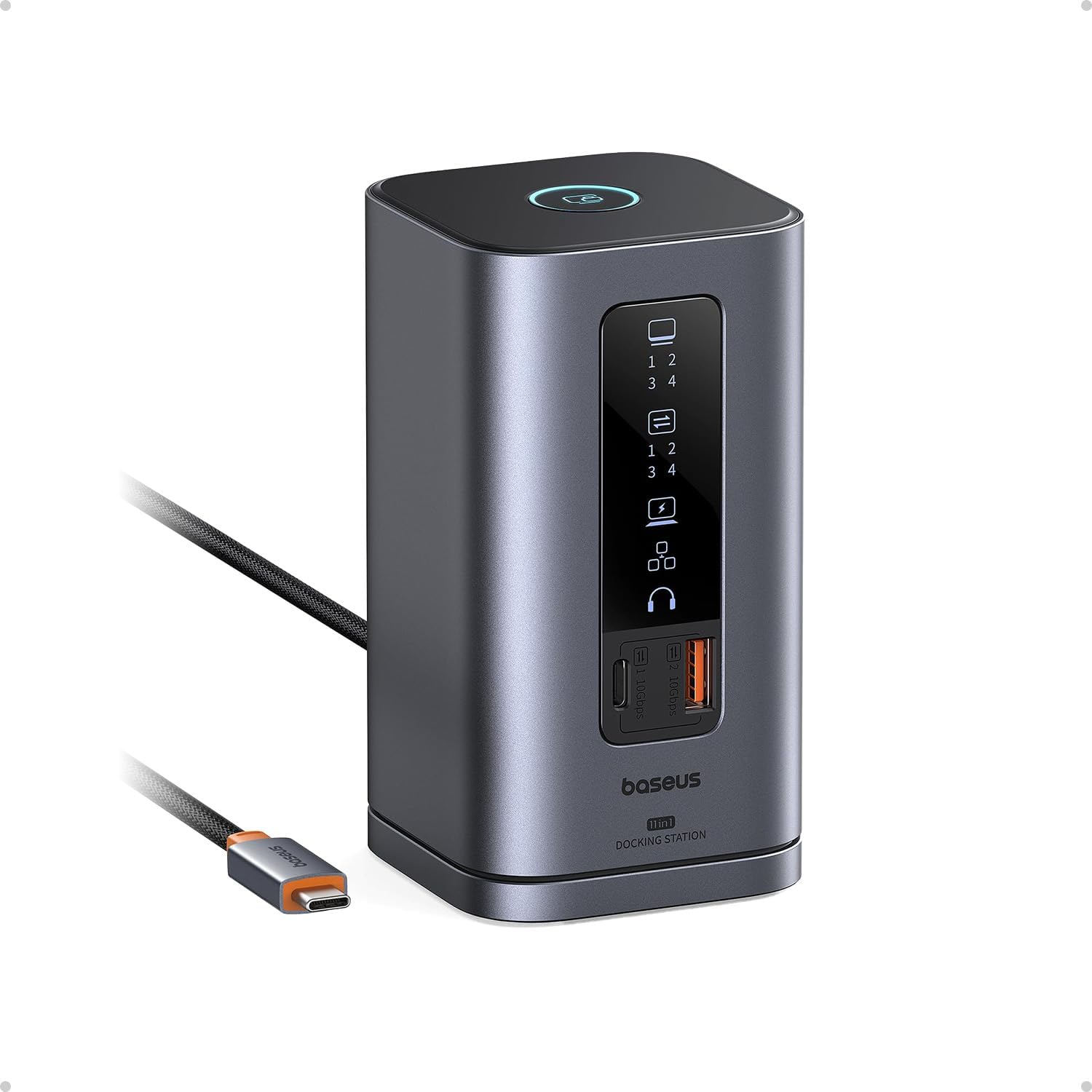
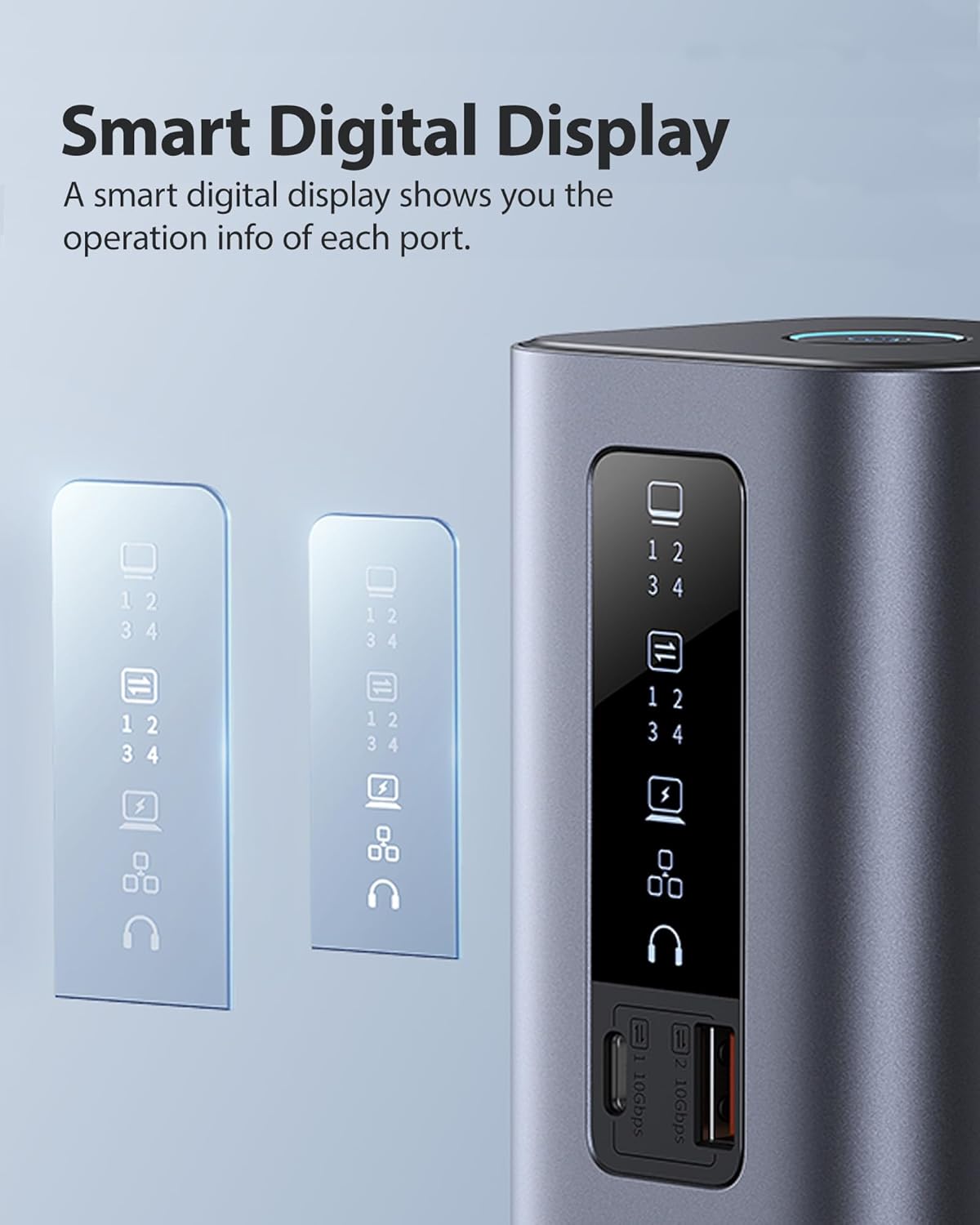
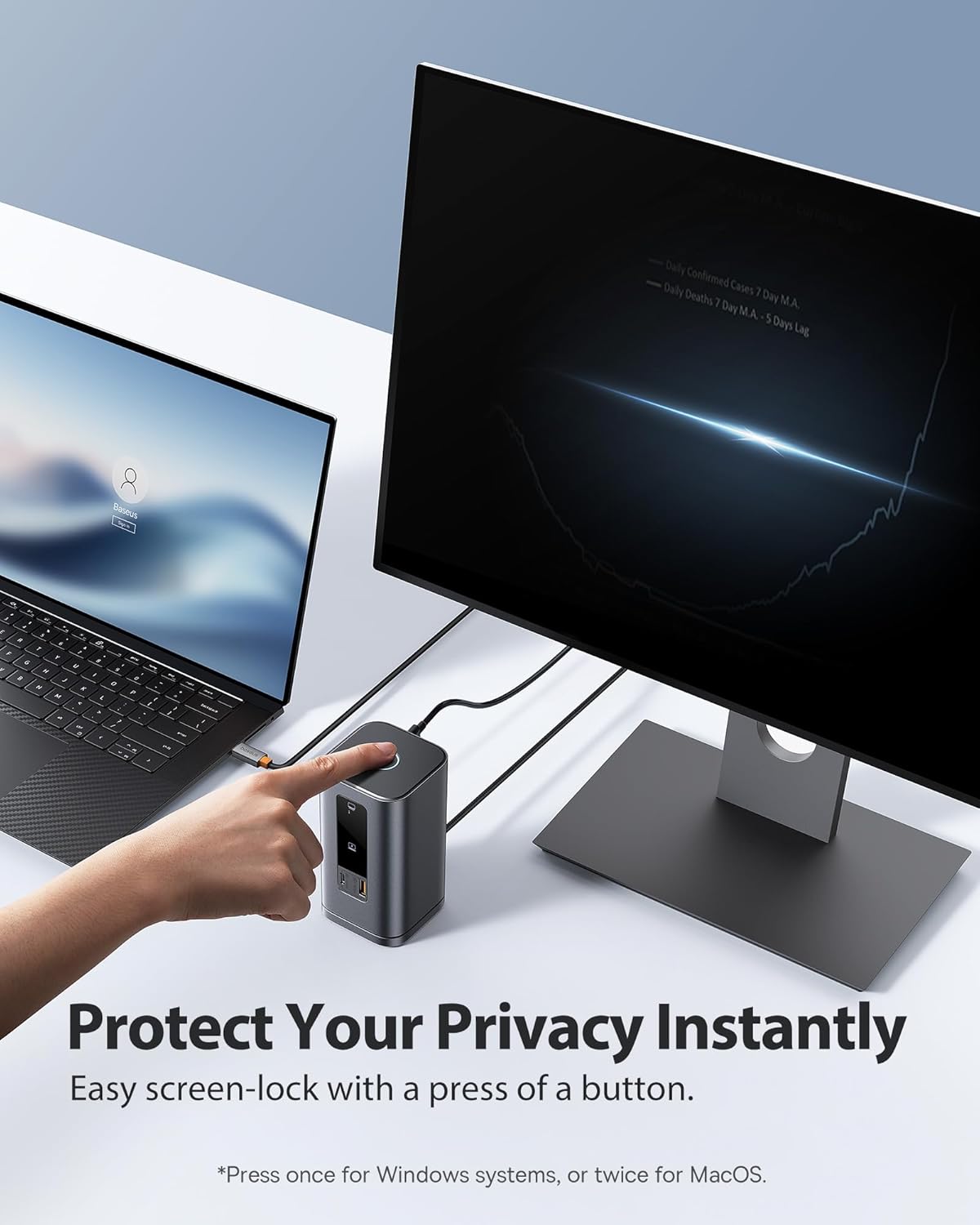
The Baseus Spacemate 11 in 1 Dock combines power delivery and connectivity in one compact unit. It includes two HDMI and two DisplayPort outputs, allowing users to extend their desktop across three monitors with 4K resolution. A 100W USB-C power delivery port ensures fast charging for laptops and other devices. The dock also features a 10 Gbps USB-A port and a USB-C port, enabling quick file transfers. A built-in LED screen displays real-time status for each connection, improving usability. The screen-lock button prevents accidental exposure of sensitive content during work sessions.
Technical Specifications
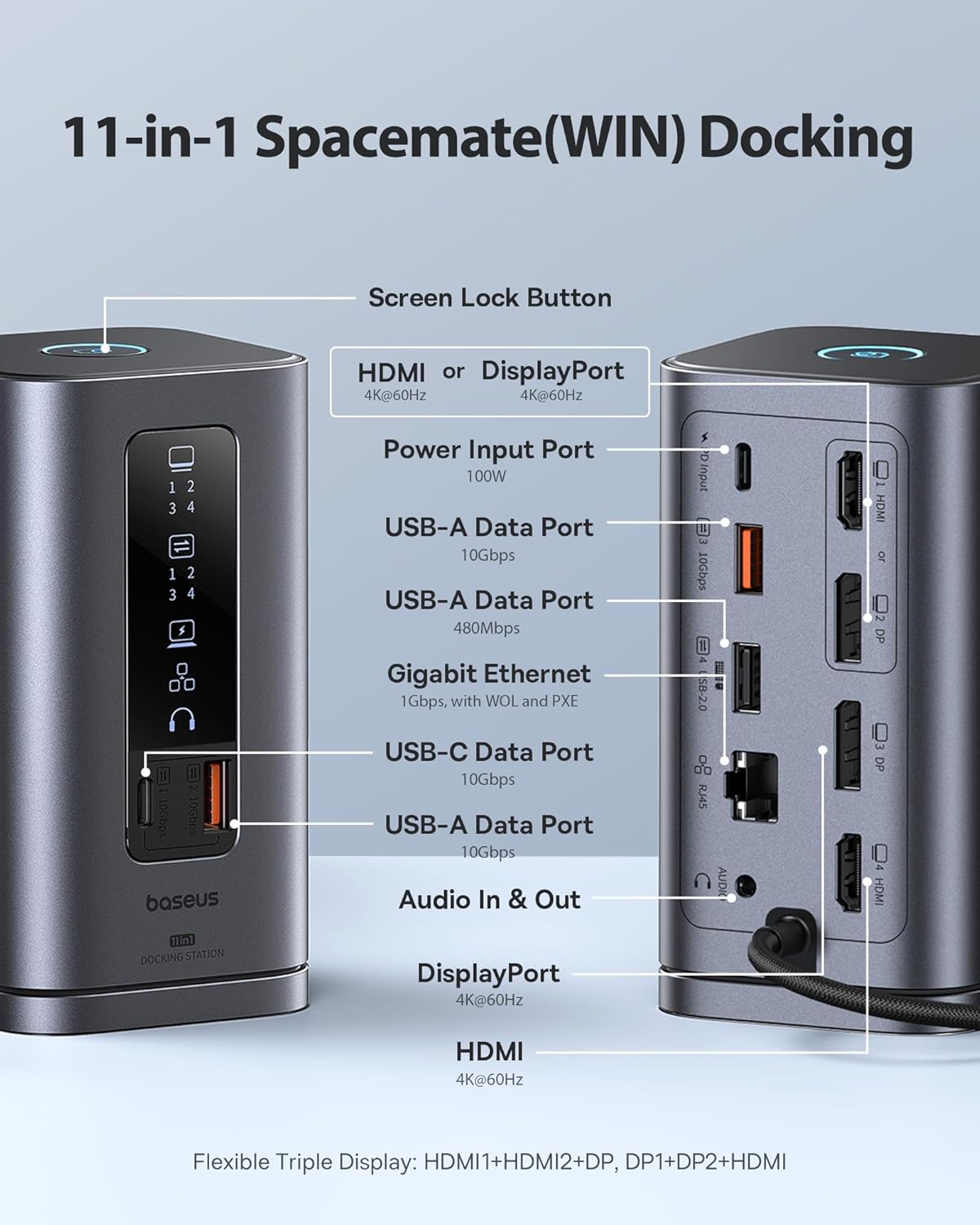
- Brand + model: Baseus Spacemate 11 in 1 Dock
- Power Input: 100W via USB-C
- USB-C Port: 1 with 100W PD support
- USB-A Ports: 2 with 10 Gbps data transfer speed
- HDMI Ports: 2
- DisplayPort Ports: 2
- Ethernet Port: 1 Gbps
- Auxiliary 3.5mm jack: 1
- Display Support: Up to three 4K monitors
Benefits
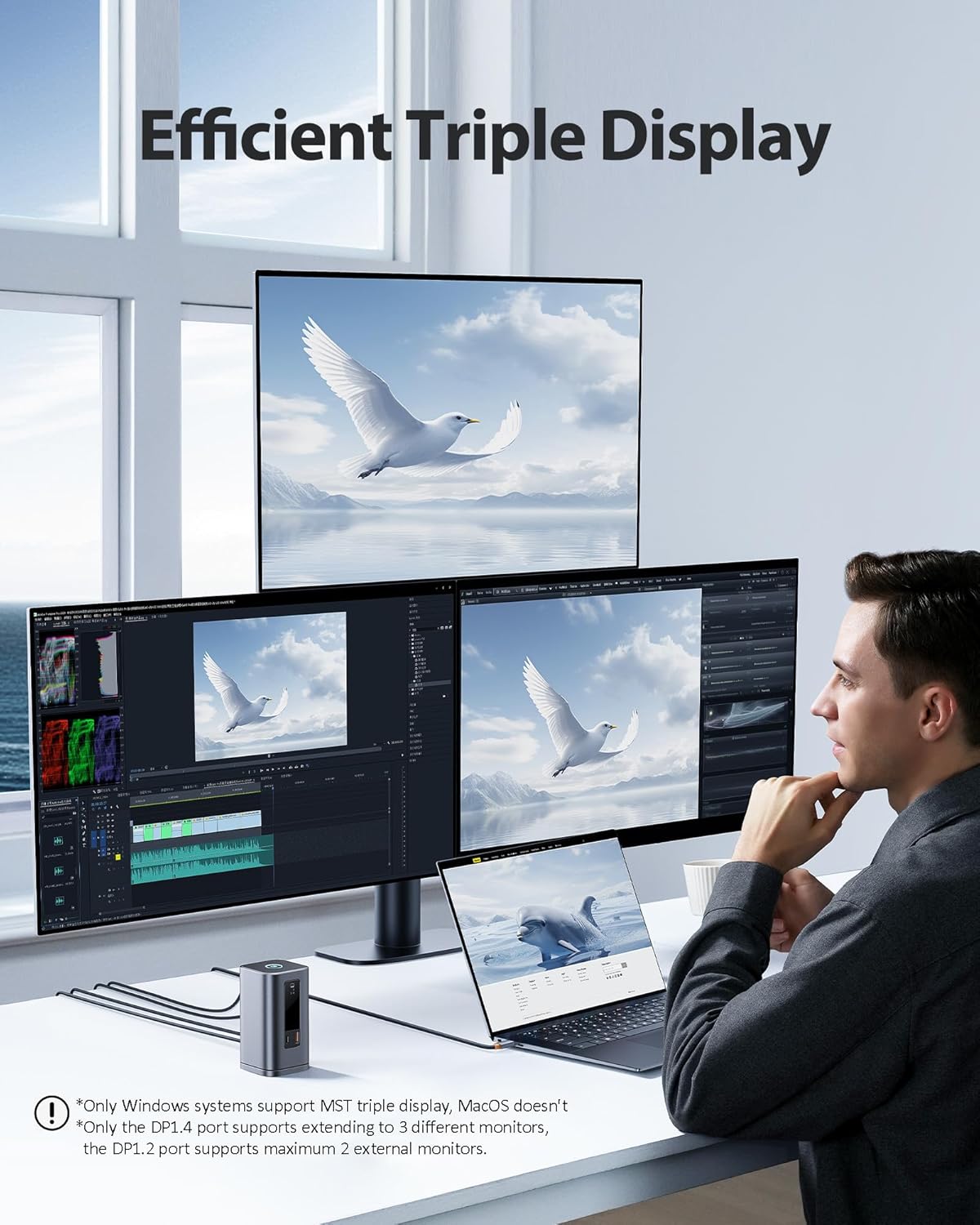
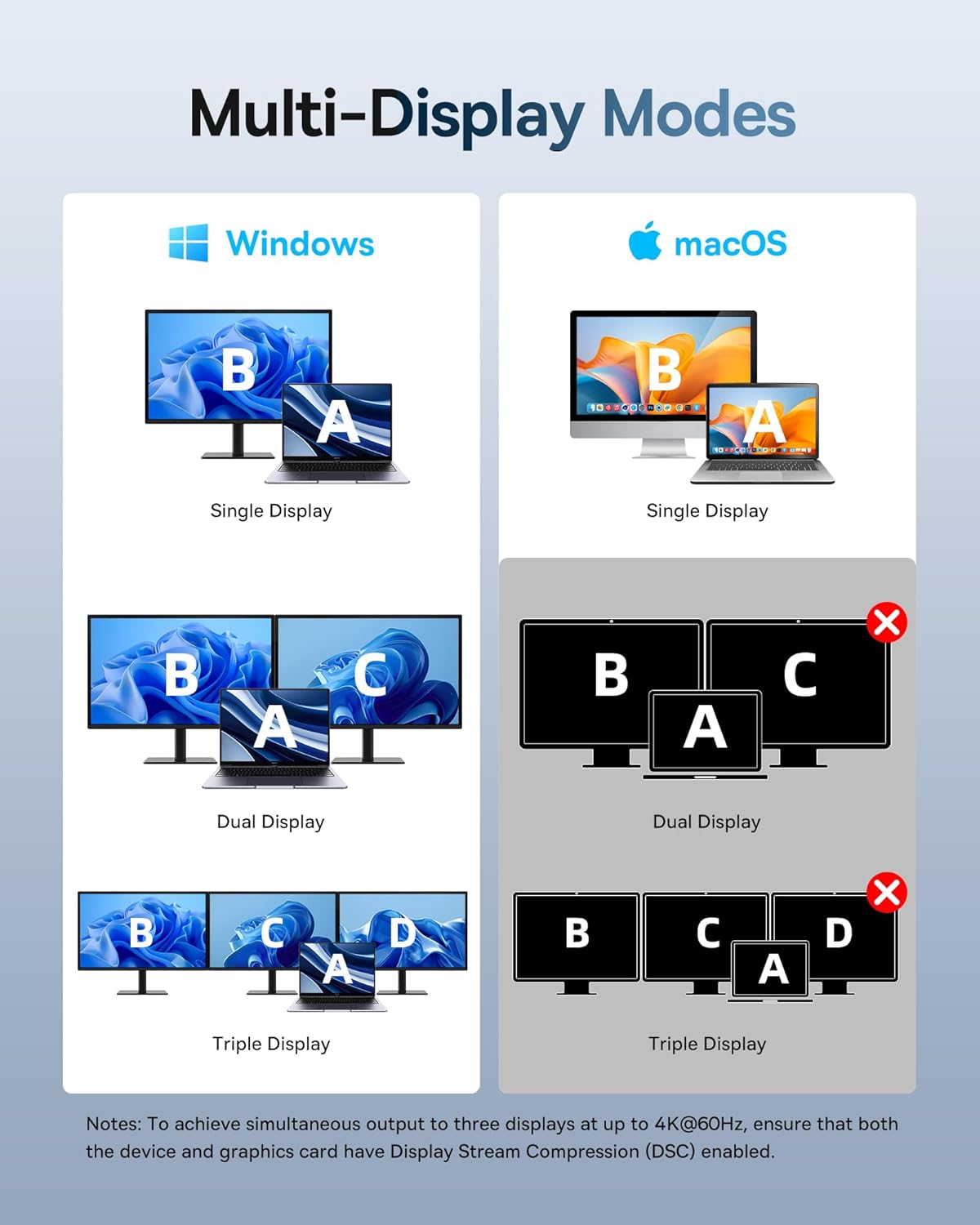
This dock enhances productivity by allowing users to manage multiple displays simultaneously. The 4K resolution output ensures sharp visuals across all connected screens. The fast charging capability reduces downtime for devices that rely on frequent battery replenishment. The LED status panel helps users quickly identify which ports are active or in use. The magnetic vertical design fits well on desks and keeps cables neatly arranged.
Usage Recommendations
For professionals working on multitasking projects, the dock supports running multiple applications across different screens. It works well with laptops, tablets, and external monitors. Users should ensure their devices support 10 Gbps data transfer and 4K video output to fully benefit from the display capabilities. The dock does not include a power adapter or cable, so those must be purchased separately. For optimal performance, connect devices directly to the dock and avoid using it with older or low-bandwidth peripherals.