

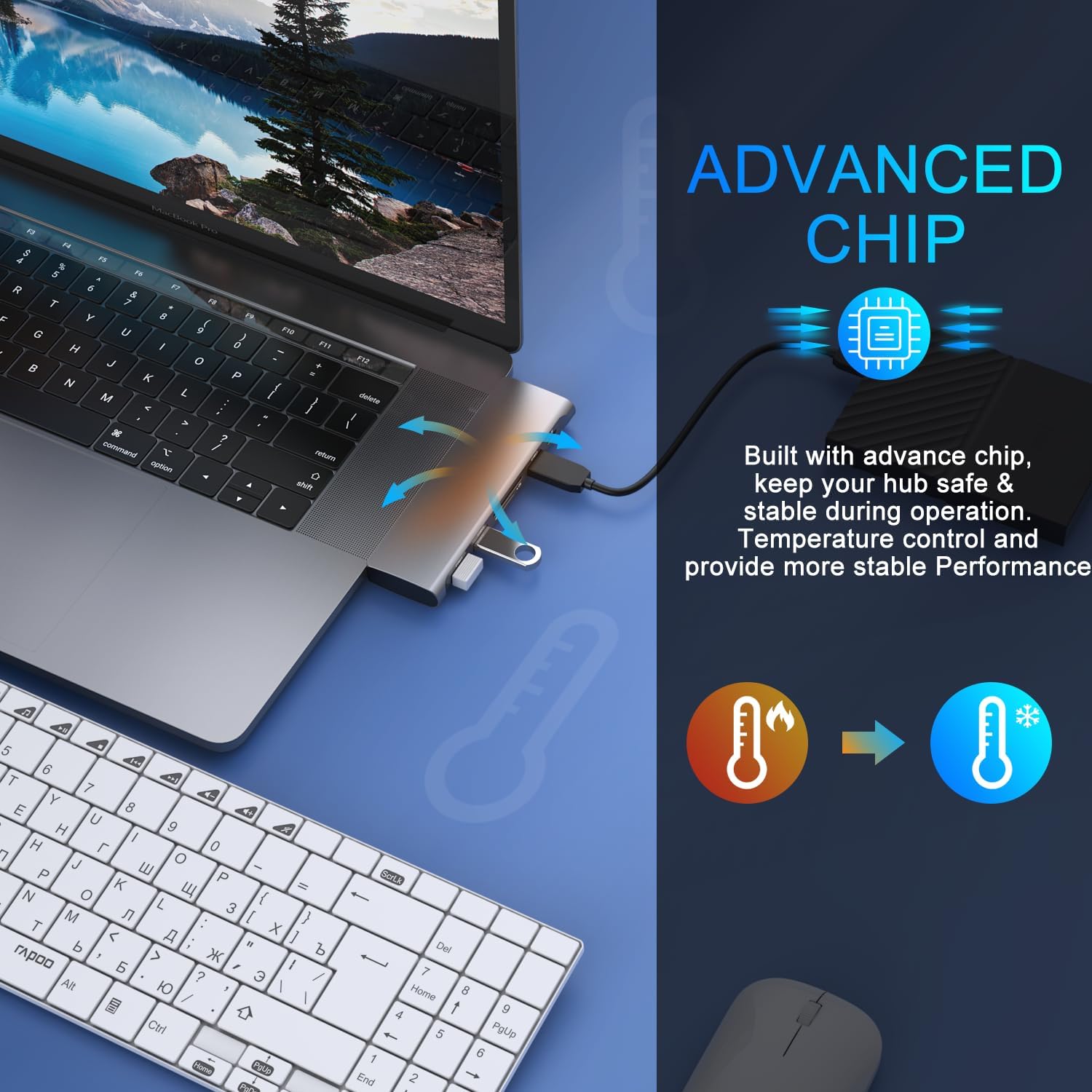
MOKiN USB-C Adapter 6-in-1
Product description
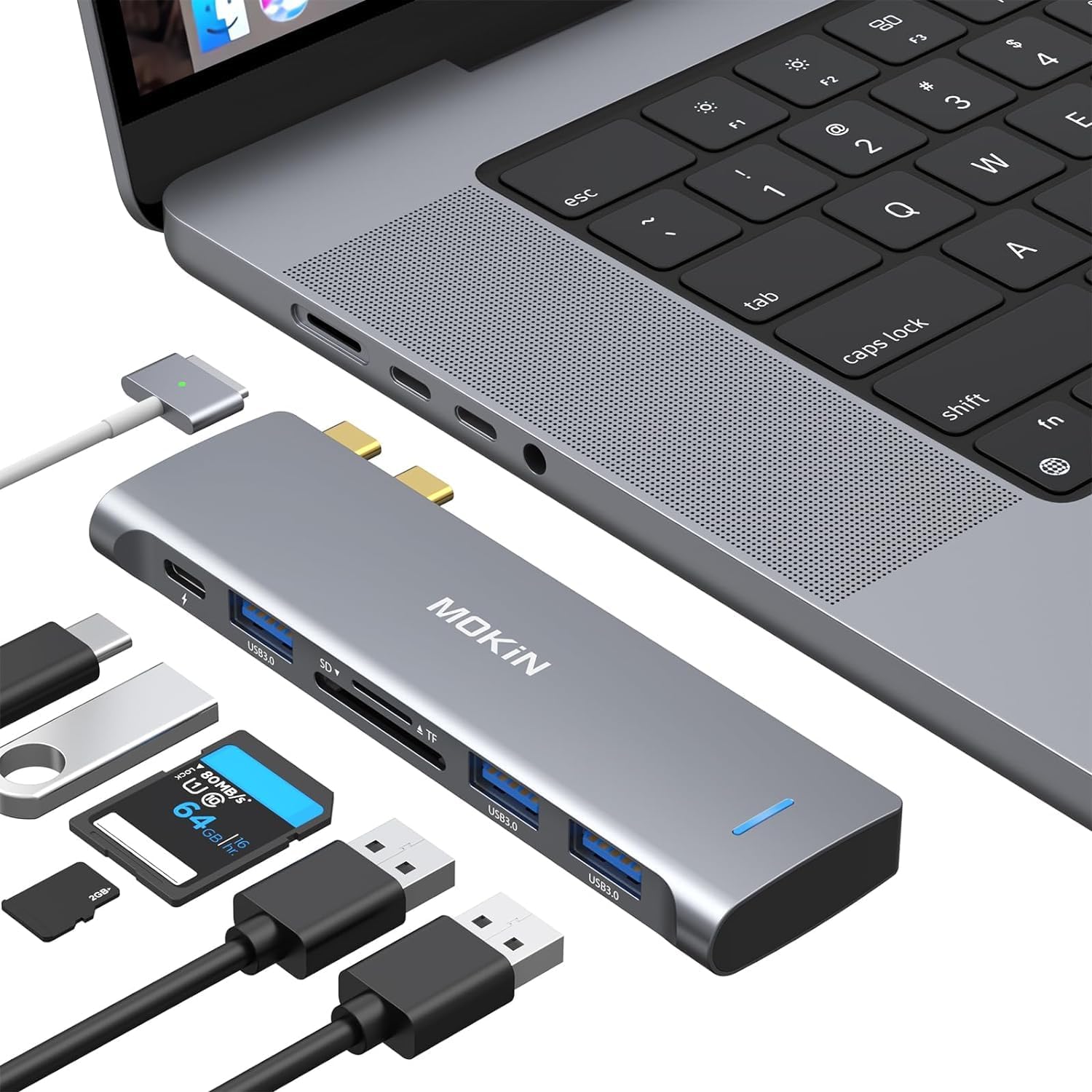
Running out of ports when you connect a mouse, external drive, or memory card can interrupt a simple desk setup. This MOKiN USB-C adapter adds three USB 3.0 ports, SD and microSD card slots, and a USB-C port for power delivery and data, so several everyday connections can share one hub.
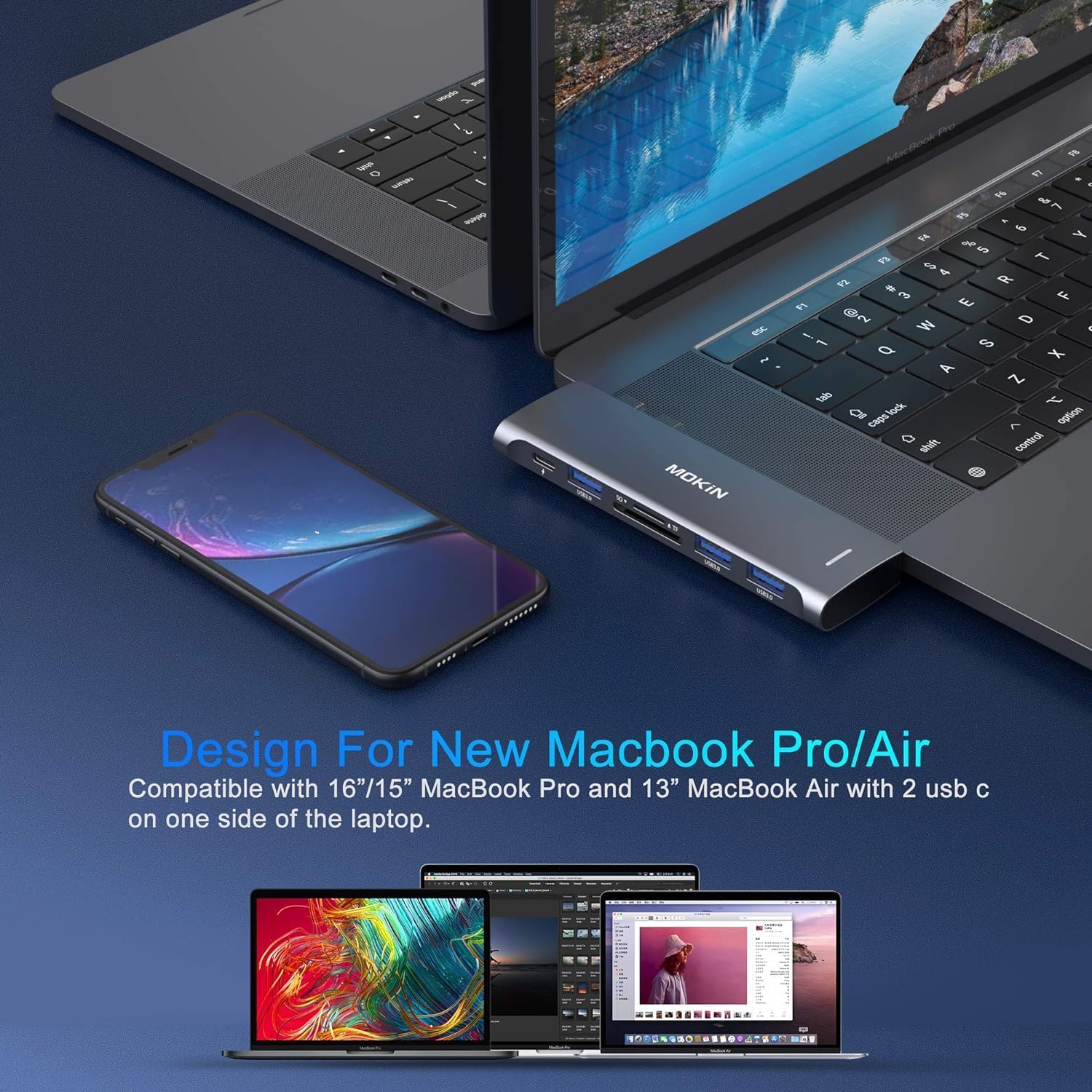
It is aimed at certain MacBook Pro and MacBook Air models, but port layout matters as much as the model name. Check that your MacBook has two Thunderbolt 3 ports on the same side before choosing it.
Where it shines
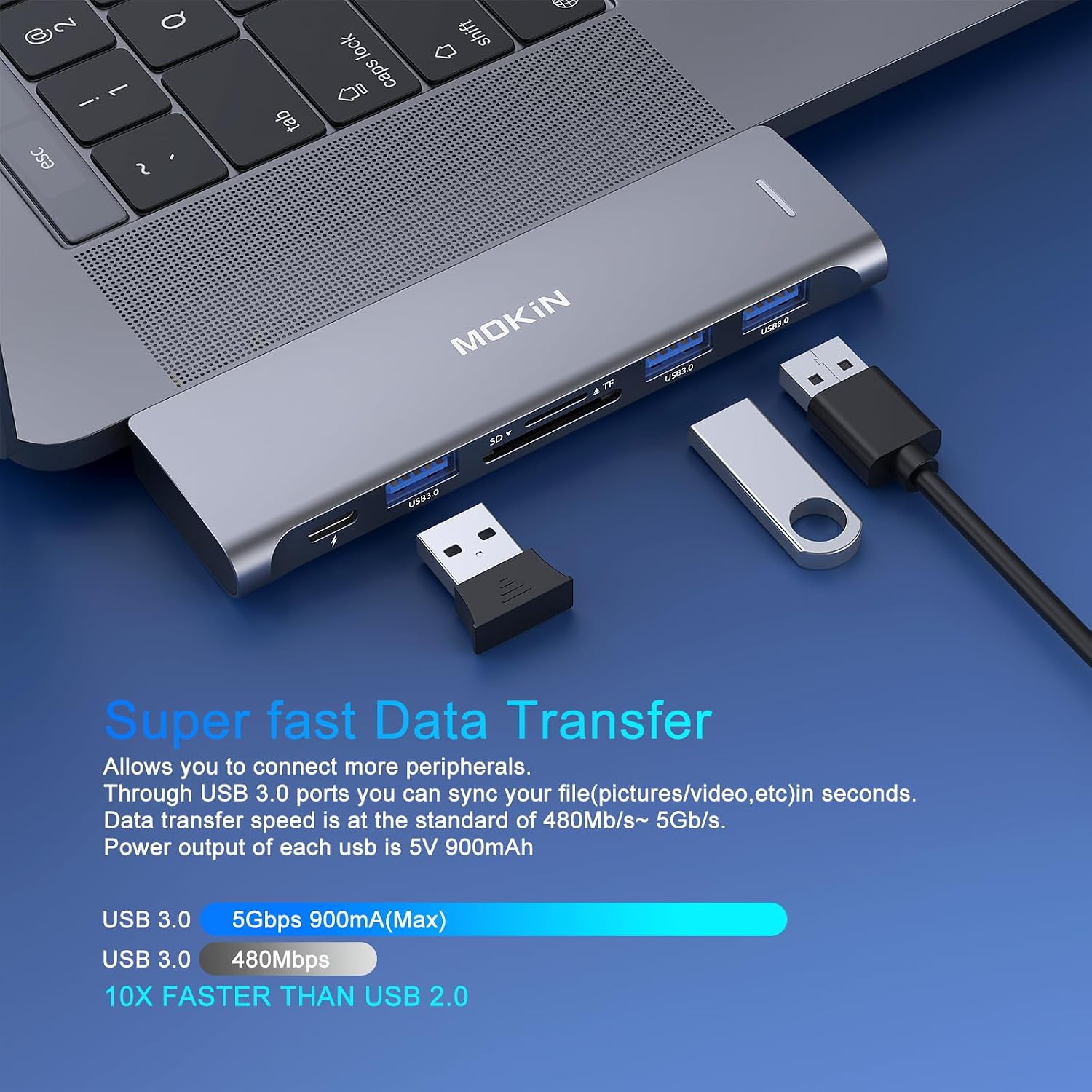
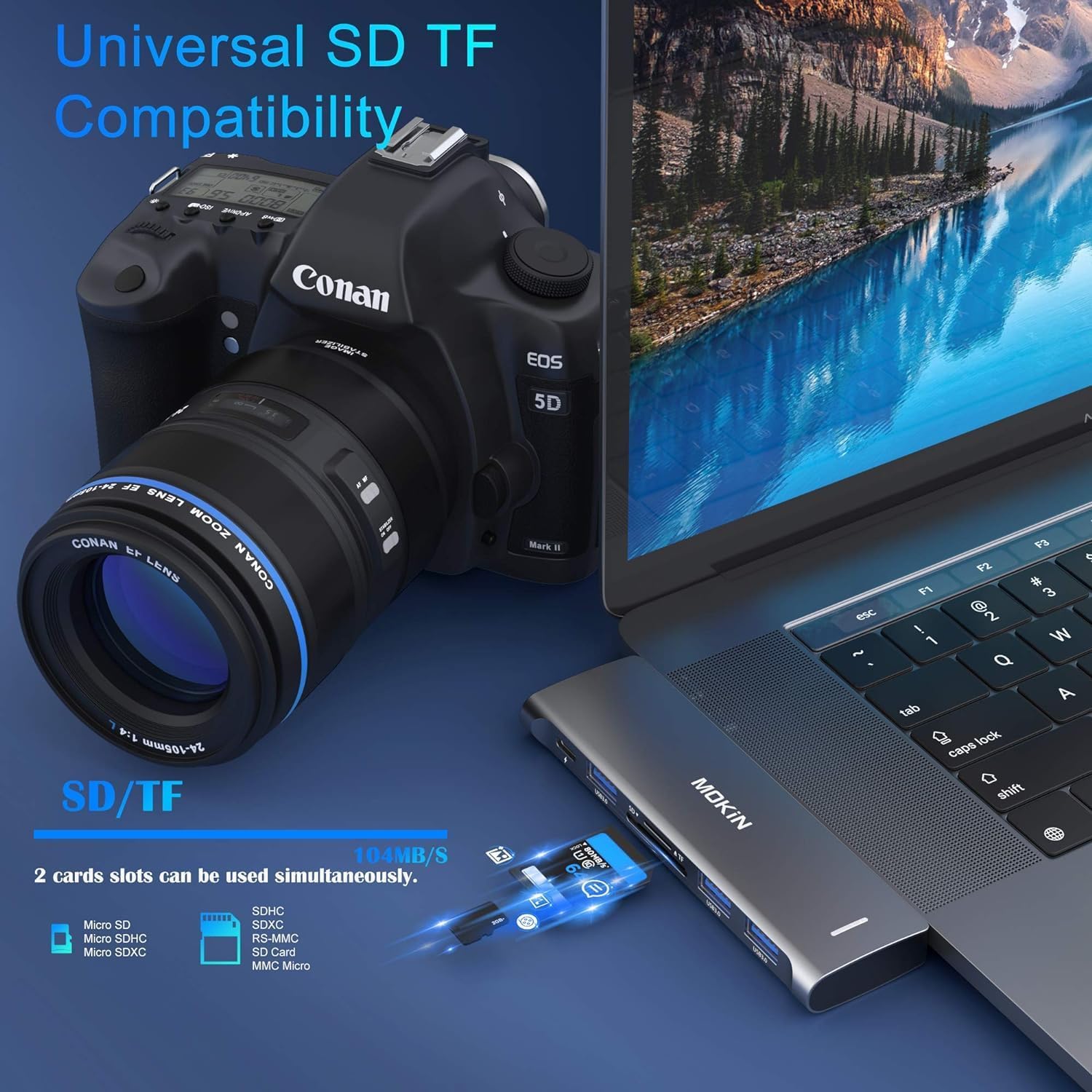
The hub makes the most sense for a MacBook user who regularly switches between peripherals and card-based files. Picture a desk with a keyboard and mouse connected while you plug in a portable hard drive, later, you can read an SD card without reaching for a separate reader. The listing says SD and microSD can be read at the same time, which is useful when you need to move files from both formats.
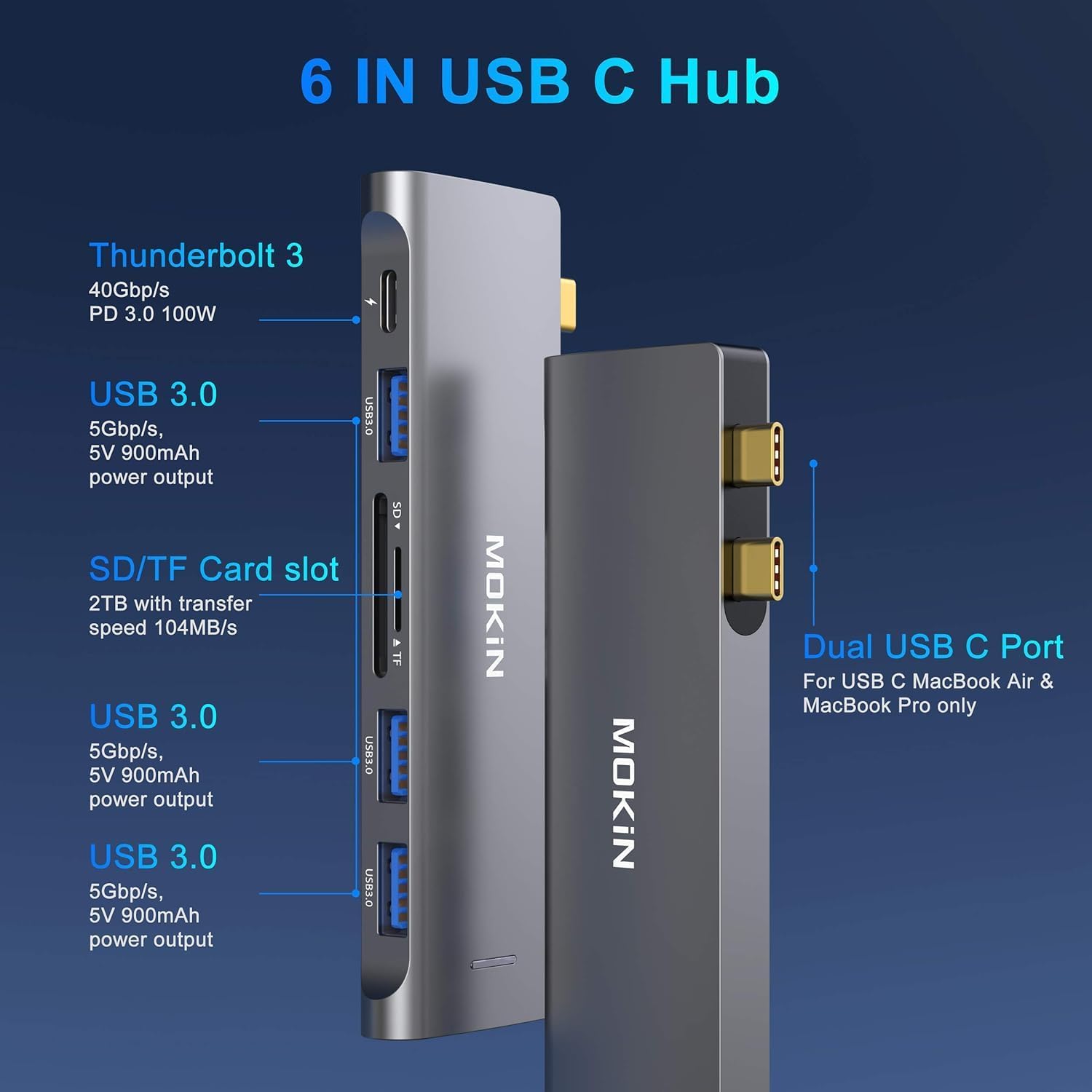
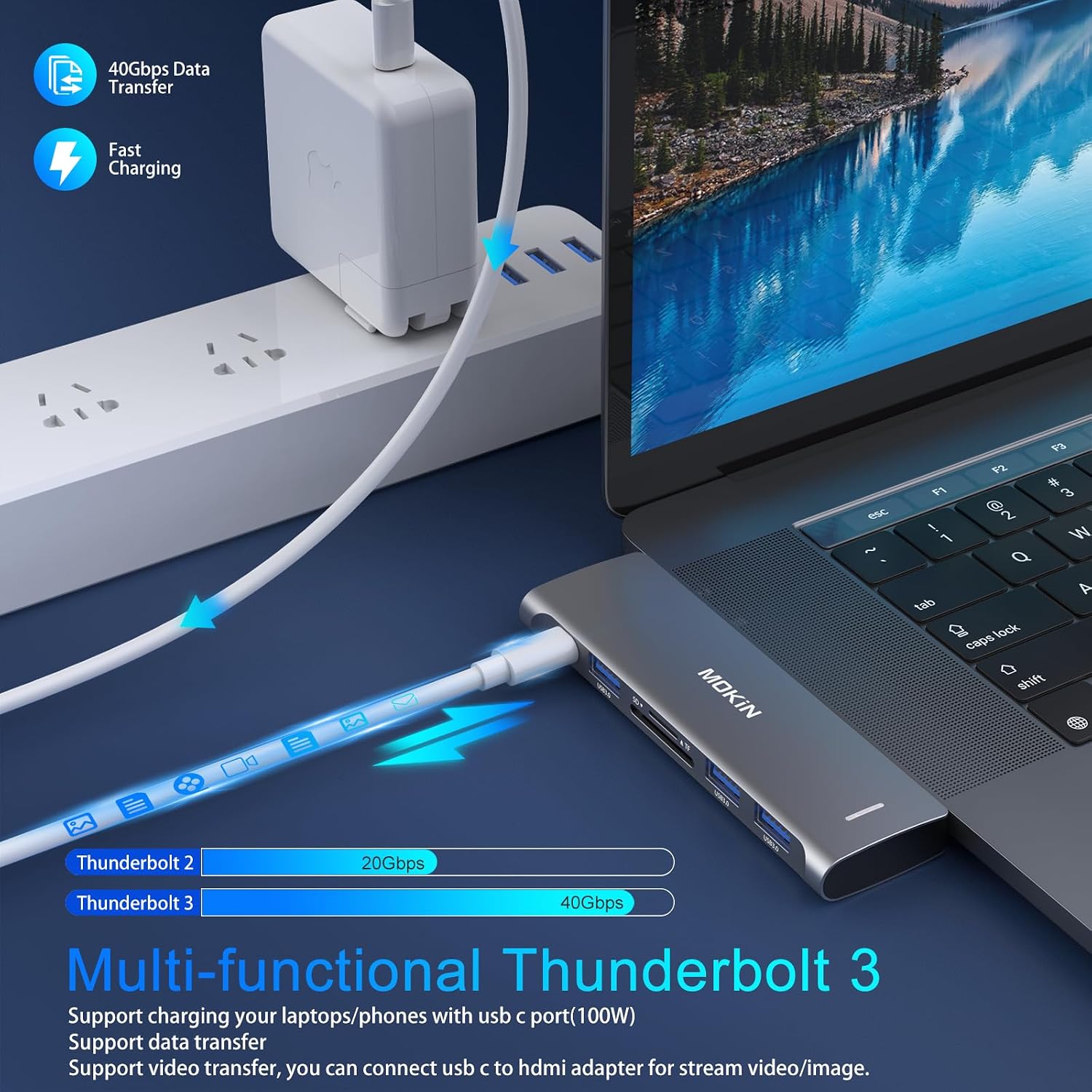
Its USB 3.0 ports are rated for data transfer up to 5Gbps, while the Thunderbolt 3 port is listed for up to 40Gbps and 100W Power Delivery. That extra port can carry charging power while leaving the hub’s other connections available. The adapter also lists support for up to 5K or dual 4K at 60Hz video output. Those are stated maximums, not a guarantee that every connected setup will reach them.
If you prioritize adding several familiar connections in one compact adapter, this layout is practical, if you prefer a hub that works with a wider range of port arrangements, this one’s specific MacBook fit is an important tradeoff. The aluminum body keeps the design slim, though the description does not give dimensions or weight for comparing its portability with other hubs.
Highlights
The six-in-one arrangement combines three USB 3.0 ports, an SD reader, a microSD reader, and a USB-C Thunderbolt 3 port. The card reader is rated up to 104MB/s and supports cards up to 256GB. For someone importing files at a shared workspace, the mix can reduce the need to carry separate adapters for basic peripherals and memory cards.
You’ll appreciate it if your MacBook’s port layout matches the listed two Thunderbolt 3 ports on one side and you want charging, card access, and USB connections together. One specific limitation: the adapter is listed as incompatible with the MacBook USB SuperDrive. Also, the product name mentions M1 and M2, but the compatibility details specify MacBook Pro and Air models from 2017–2021, so confirm your exact model and port arrangement rather than relying on the name alone.
Best use cases
This is best suited to a compatible MacBook used with several accessories at a desk or while transferring photos and other files from SD or microSD cards. The simultaneous card-reading support may help when both slots are in use, while the separate power-delivery port keeps charging part of the same setup. From the way it is set up, the key decision is less about the number of ports than whether your laptop has the required connection layout.
It May not suit you if you need MacBook USB SuperDrive support or your USB-C ports are split across opposite sides. The listing provides no dimensions, weight, or details about what is included in the box, so those practical details remain unclear.
Should you buy it?
Choose this MOKiN hub if your MacBook matches the stated port arrangement and you want one adapter for USB peripherals, SD and microSD cards, and USB-C charging. Its mix is more useful than a basic single-purpose card reader when you routinely connect several kinds of devices. It may not suit you if your MacBook has a different port layout, or if SuperDrive compatibility is essential, in those cases, a hub with confirmed support for your specific setup is the safer fit.