

Laptop Screen Extender, 15.6-inch
Product description
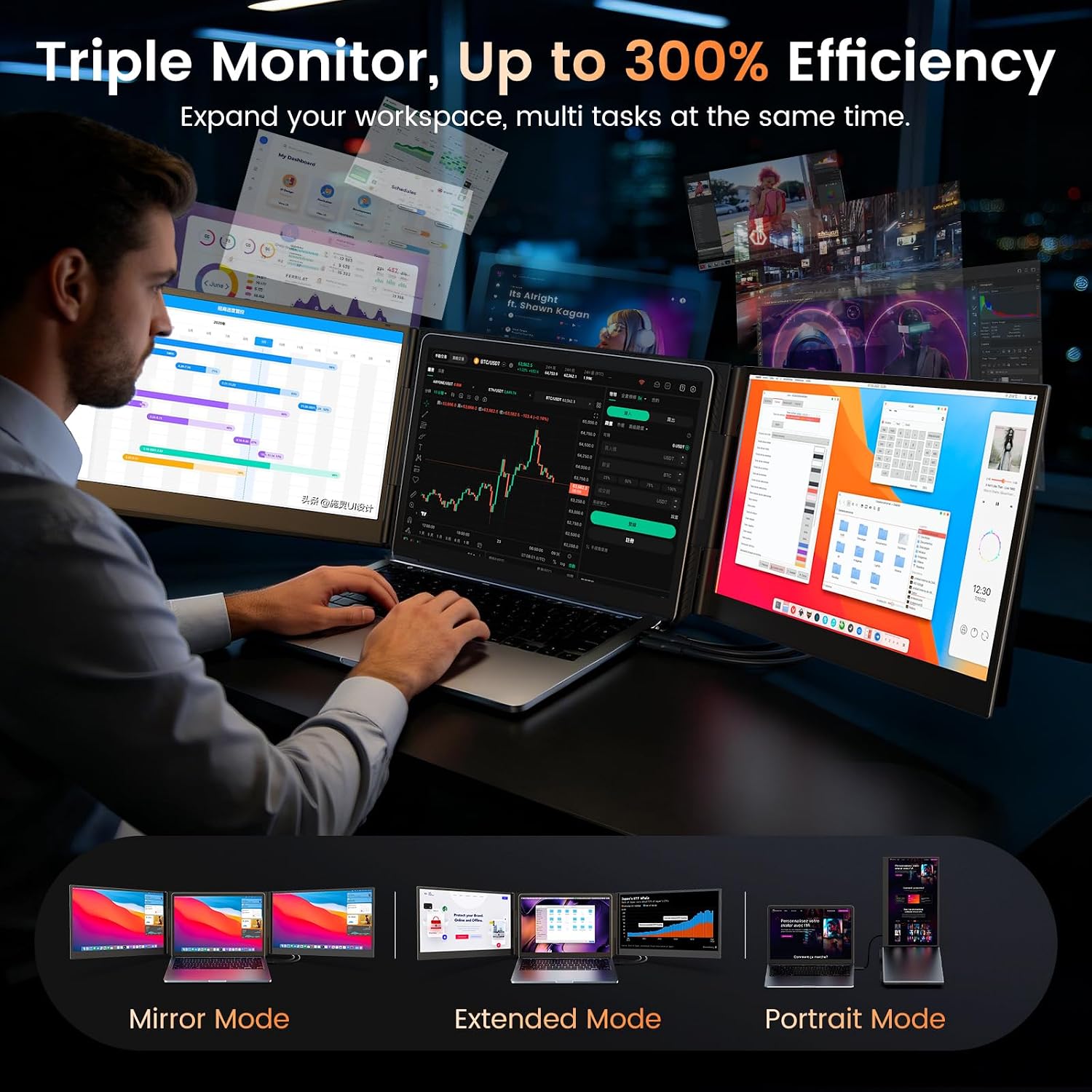
Running out of room on a laptop screen makes comparing documents, keeping a call visible, and checking messages a constant shuffle. This portable extender adds two displays around your laptop for a wider workspace.
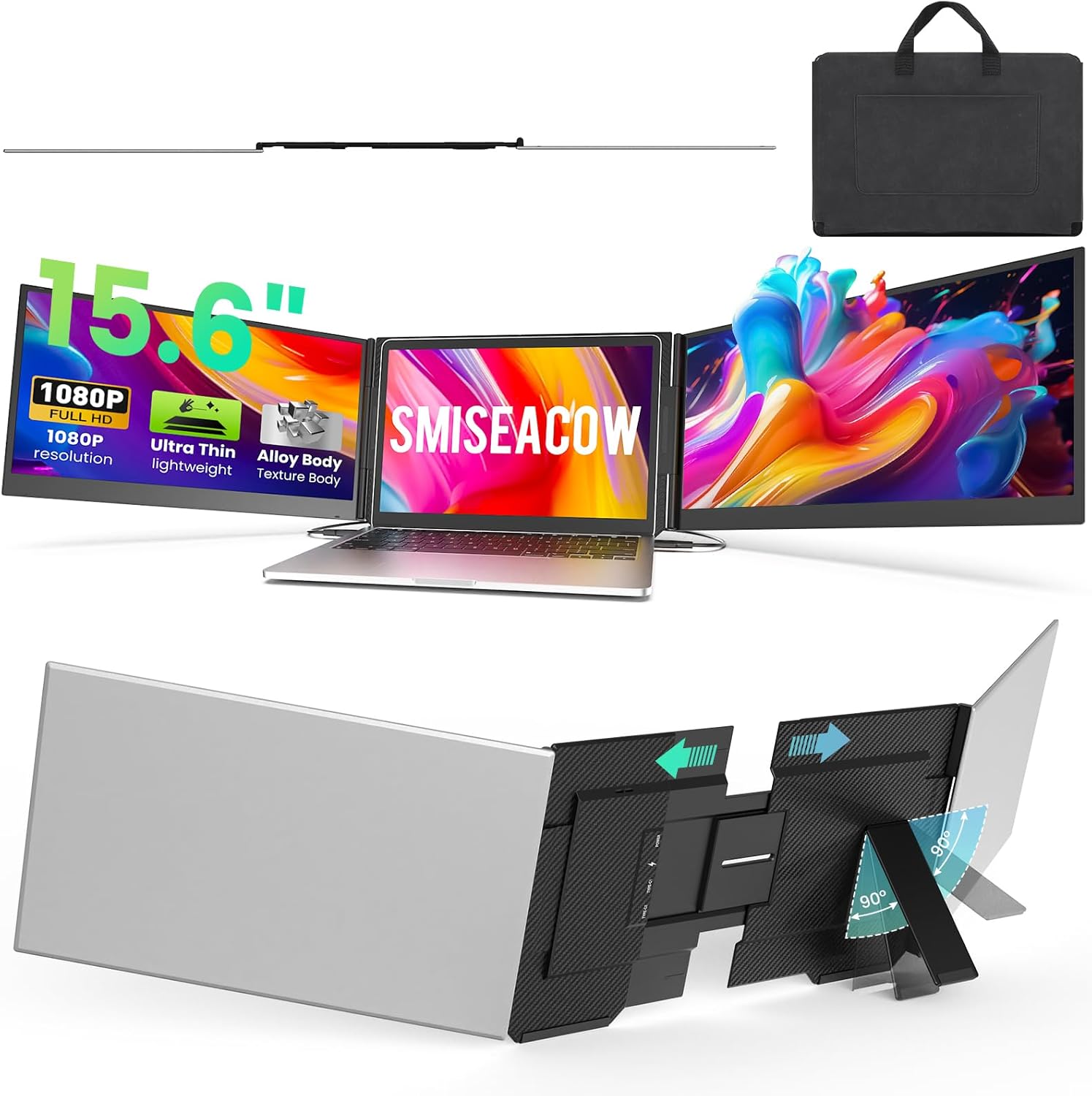
The 15.6-inch screens use 1080p IPS panels, and the unit folds for travel. A carry bag is included, which makes packing it with a laptop more straightforward.
If you prioritize a larger workspace without adding separate desktop monitors, this setup has a clear purpose. If you prefer a simpler, lighter single-screen setup, the extra displays and cables may be more than you need.
Where it shines
The main benefit is keeping several tasks visible at once. For example, you could leave a video meeting on one screen, a document on the other, and your notes open on the laptop instead of switching between tabs. It’s a practical layout for remote work, spreadsheet comparisons, coding, or other tasks that involve juggling windows.
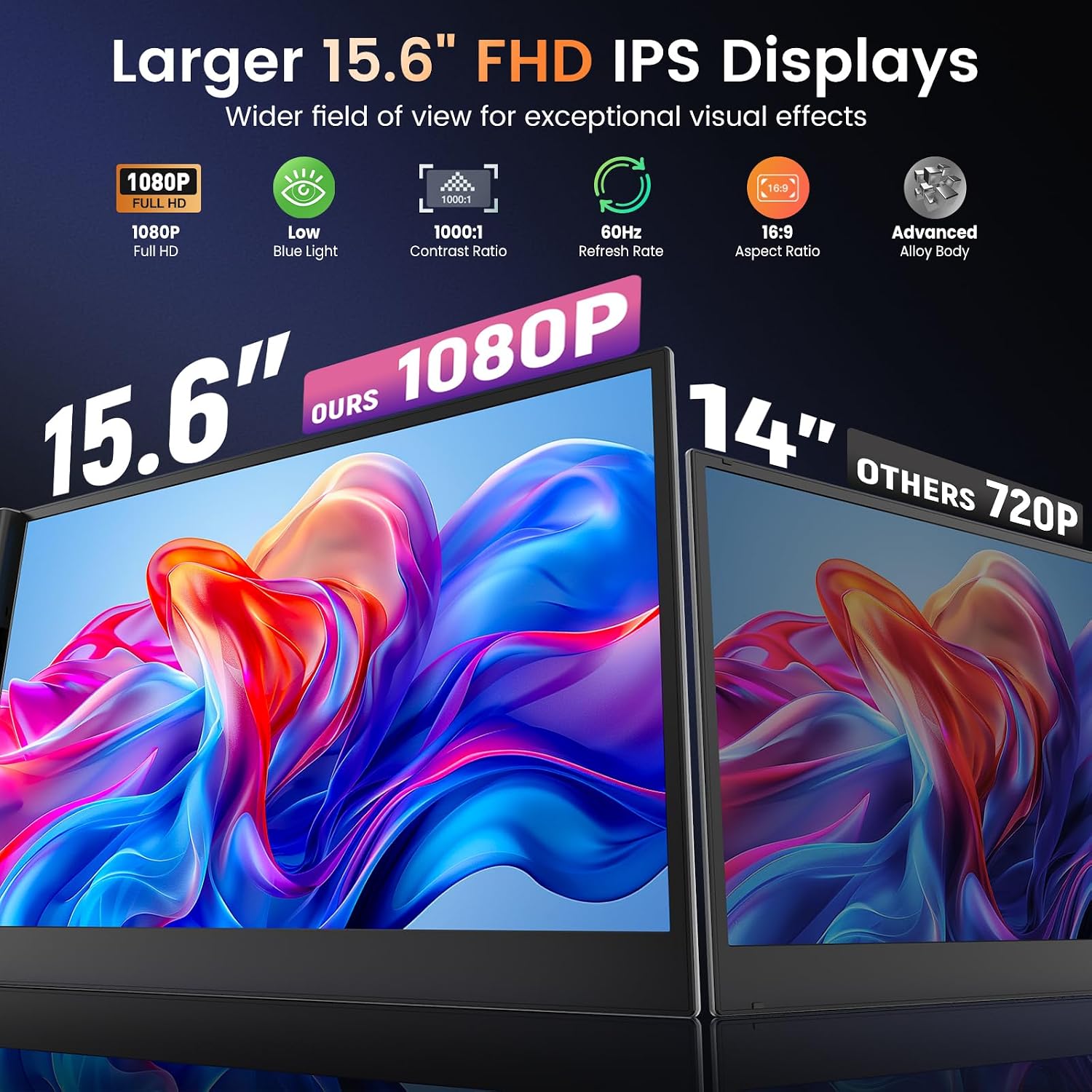
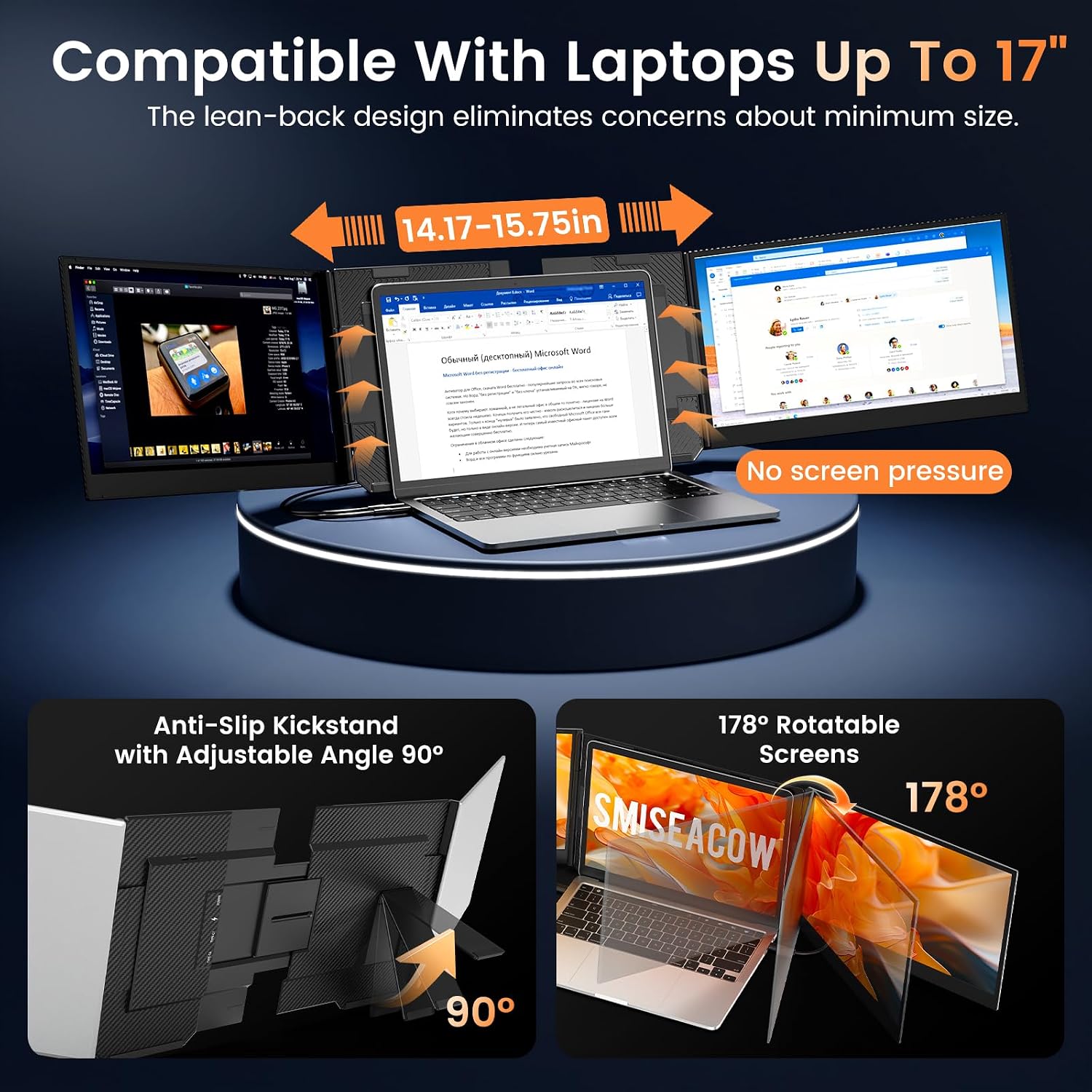
Each display is 15.6 inches with 1920 × 1080 resolution, an IPS panel, 300 nits of brightness, and a 1000:1 contrast ratio. The screens fold from 0 to 180 degrees, so you can adjust their position rather than relying on a fixed viewing angle. The aluminum body has a free-standing bracket with anti-slip pads and is designed to fit laptops from 12 to 17.3 inches without attaching to the laptop lid.
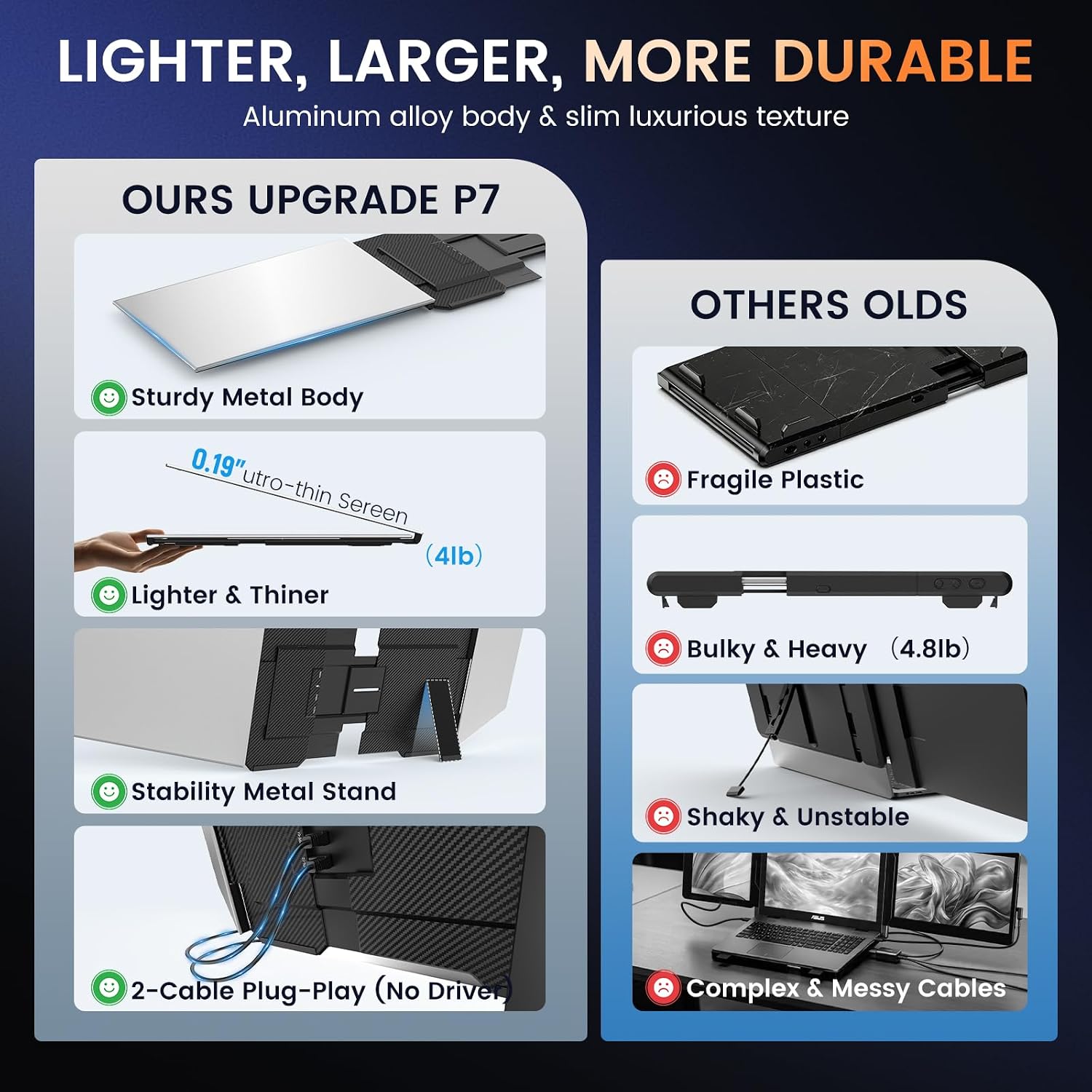
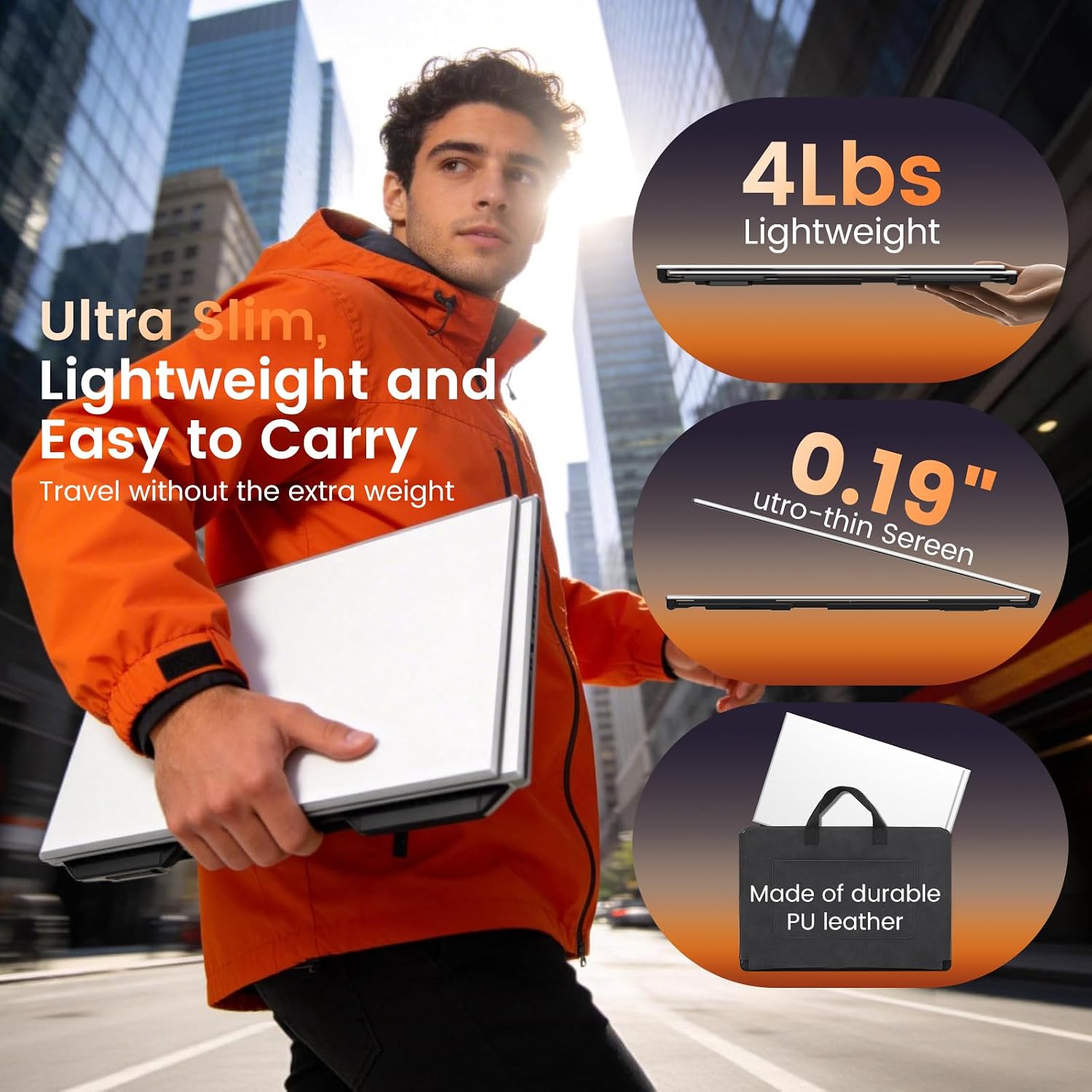
At 0.18 inches thick and 3.9 lbs, it is described as travel-ready, and the included soft carry bag supports that use. Still, it adds weight and accessories compared with carrying a laptop alone. Without having tried it, the most important practical question is whether your device can provide the video connections this layout needs.
Highlights
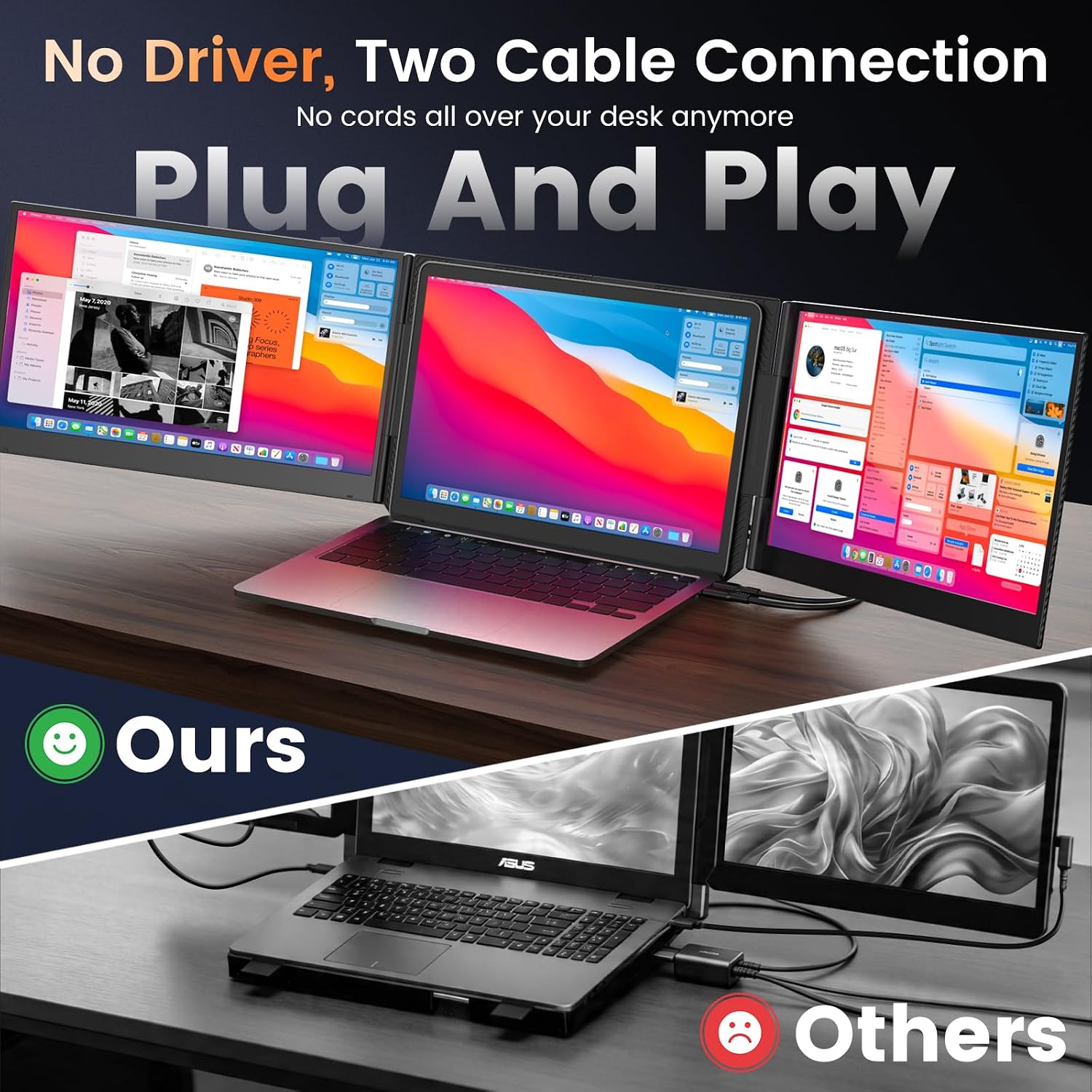
The extender connects through two USB-C connections or a USB-C and HDMI combination, with cables included. No driver installation is required, and the listed modes include extended, mirrored, and second-screen display. The description says the laptop needs two video output ports for the standard connection. Some configurations need an H5 cable, which is not included and must be obtained separately, the listing specifically notes this for M1–M4 MacBooks.
Compatibility is listed for Windows, macOS, and Chrome, as well as PS4/PS5, Xbox, Switch, and USB-C phones with video output. That phone requirement matters: a USB-C port alone does not establish that a phone can send video. Built-in software offers display adjustments, including brightness, contrast, and color temperature, along with Eye Care, Game, and Split Screen modes. A low blue light mode is also listed, but those features do not replace checking that your device supports the needed video output.
Best use cases
Worth considering if you regularly keep reference material, messages, or a meeting open while working on a laptop, and want a foldable alternative to assembling a desk-based multi-monitor setup. The freestanding design may also suit people who do not want an extender attached to the laptop lid.
It’s not for you if your laptop cannot provide compatible video output, you want a single portable monitor rather than a multi-screen arrangement, or you need a setup with no separate cable requirements. The H5 cable caveat is especially relevant for the listed MacBook models.
Should you buy it?
This is a purpose-built way to create a three-screen workspace from a laptop, with 1080p IPS panels and adjustable folding screens. Its usefulness depends less on the display count than on your ports and your willingness to carry and set up the extra hardware. Choose it if side-by-side work would save you repeated window switching and your device supports the connection method. Skip it if you mainly need a light travel screen or cannot confirm video output compatibility.