



USB C Docking Station 3 Monitors 150W
Product description
Quick overview
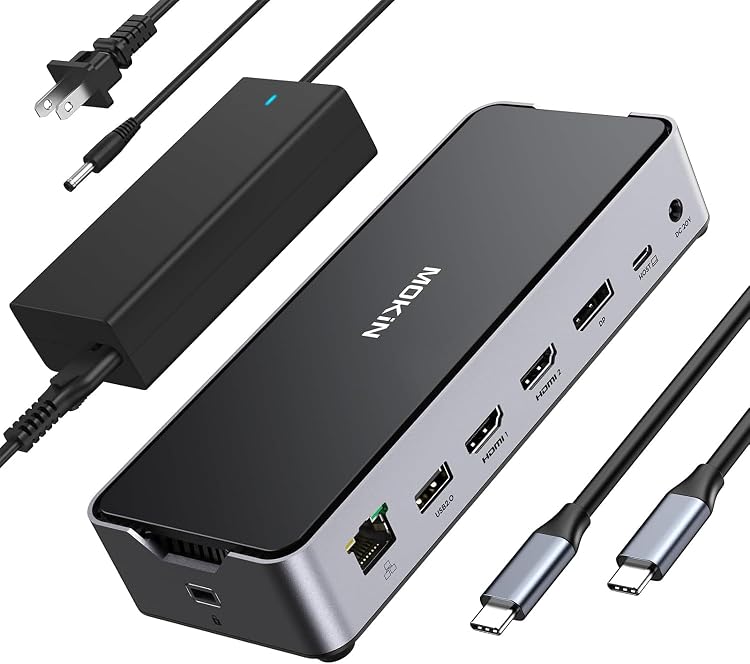
This 13-in-1 USB C docking station turns a single USB-C or Thunderbolt laptop port into a full desktop hub that powers devices and expands displays. It delivers triple monitor support via two HDMI ports and one DisplayPort, plus high-speed USB and Ethernet to streamline work or play. If you need a reliable multiport solution for a Dell, Lenovo or HP laptop this dock covers most bases and speeds up setup time.
Tech specs
- Name: USB C Docking Station 13-in-1
- Type: Multiport docking station
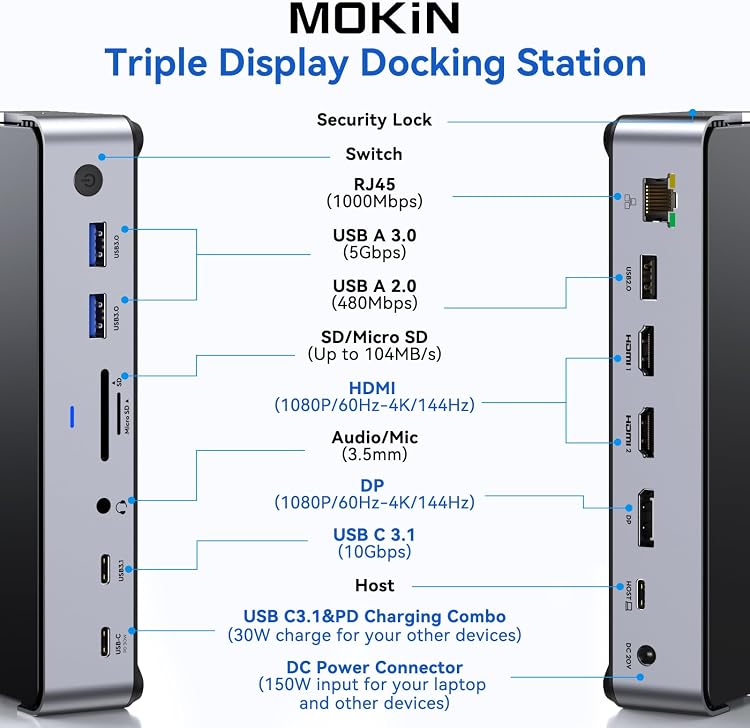
- Display: 2 x HDMI plus 1 x DisplayPort
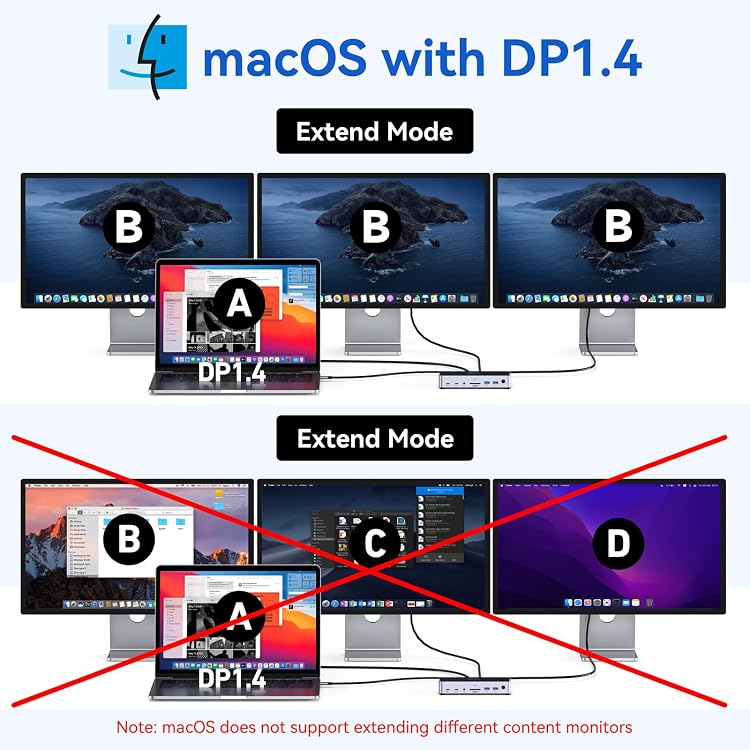
- Resolution: Single 4K@144Hz under DP1.4 for Windows, Single 4K@120Hz for macOS
- Processor: USB-C 3.1 10Gbps ports for high speed data
- Memory: USB-A 3.0 and 2.0 ports for peripheral support
- Capacity: 150W DC power adapter with 100W laptop charging and 30W USB-C output
- Connectivity: 1Gbps Ethernet, MicroSD and SD slots, 3.5mm audio and mic
Benefits
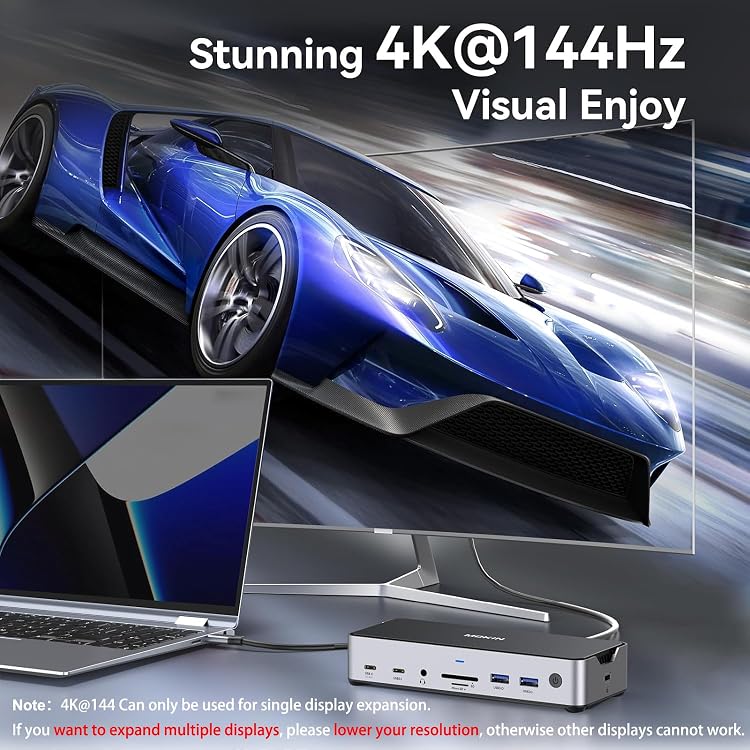
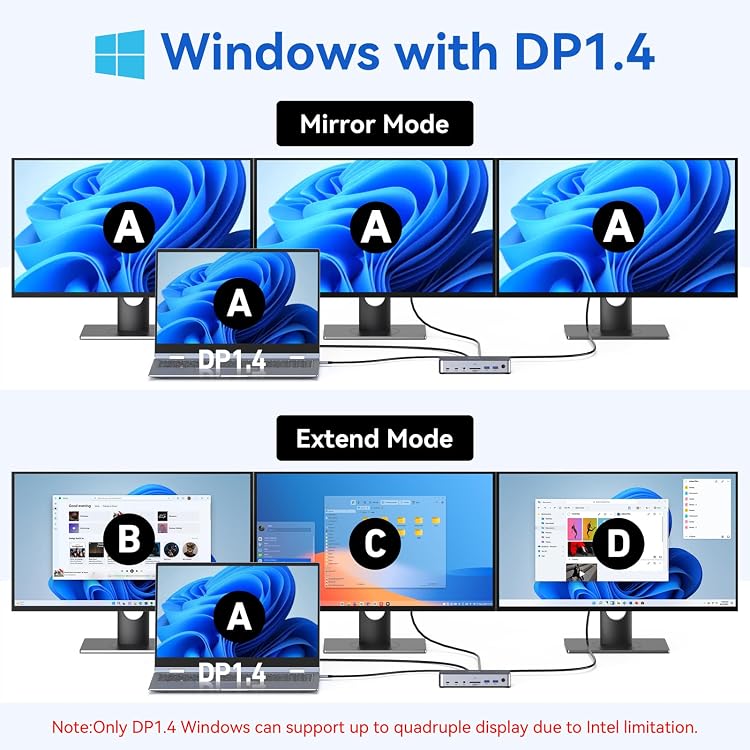
This dock removes cable clutter and reduces time spent swapping adapters by combining power, video and data in one compact unit. High bandwidth USB-C ports make large file transfers faster, while the 150W adapter keeps a power-hungry laptop charged during heavy use. For creatives and multitaskers the multi-display support helps extend timelines or reference material across screens. Note that 4K@144Hz works only as a single display output according to the manufacturer, so lower resolution if you run multiple monitors.
How to use it
Plug the provided 150W DC adapter into the dock, connect your laptop via a host USB-C or Thunderbolt port, then attach monitors using HDMI or DisplayPort. Insert SD or MicroSD cards for quick media access and connect wired networks through the Ethernet jack when you need stable online performance. It’s a great fit if you want to consolidate peripherals and add up to three external displays without multiple adapters.
Care & maintenance
Keep the dock on a flat, ventilated surface and avoid stacking heavy items on top. Unplug power before cleaning and use a dry cloth to remove dust. Avoid moisture and extreme temperatures to preserve ports and the power adapter.