

Kensington SD4760P 11-in-1 Docking Station
Product description
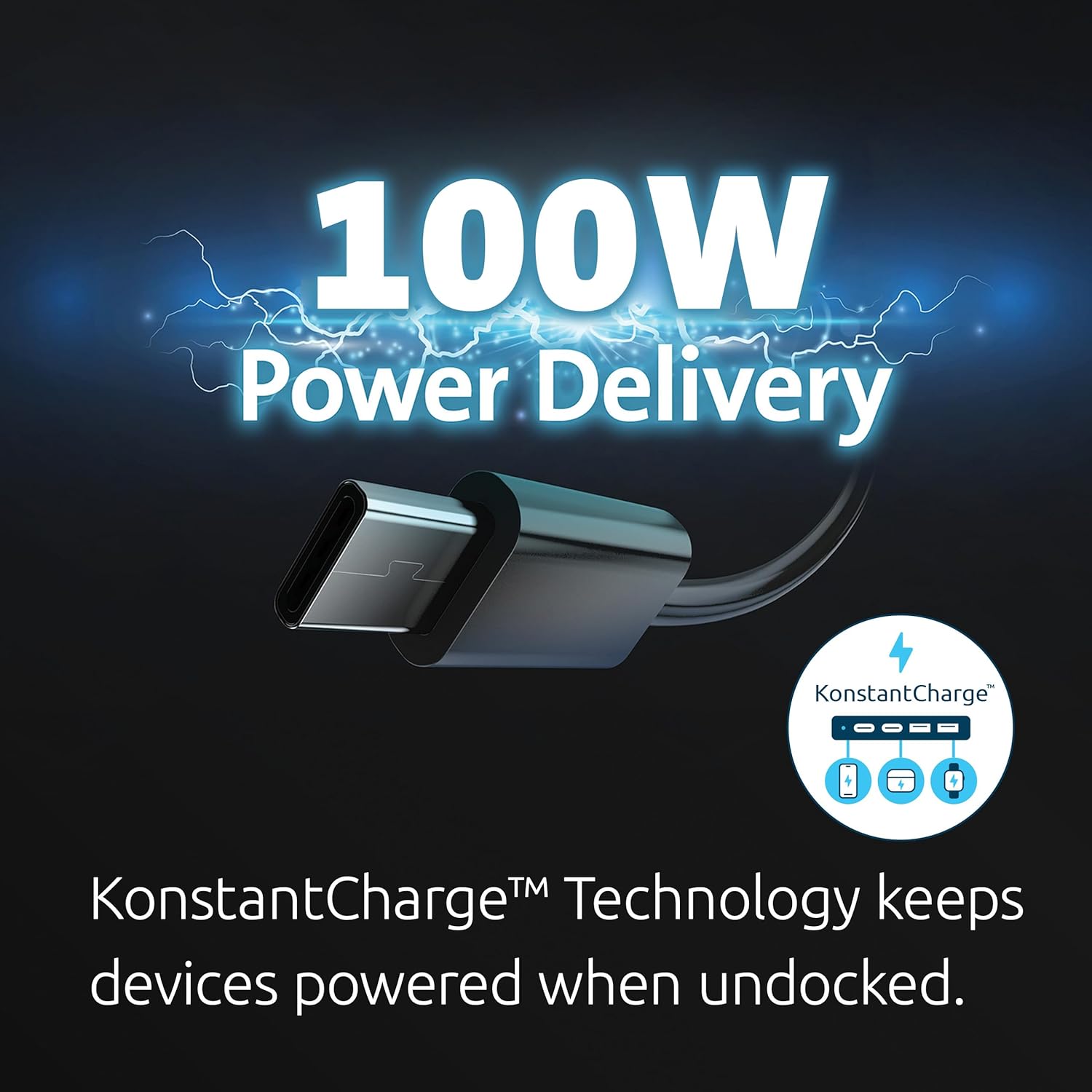
This 11-in-1 USB-C docking station brings multiport convenience to workstations that need a single connection for power and displays. If you need a USB-C docking station for triple monitor setups, this model offers 4K plus dual 1080p output and up to 100W charging to keep a laptop powered while you run peripherals.
Key features
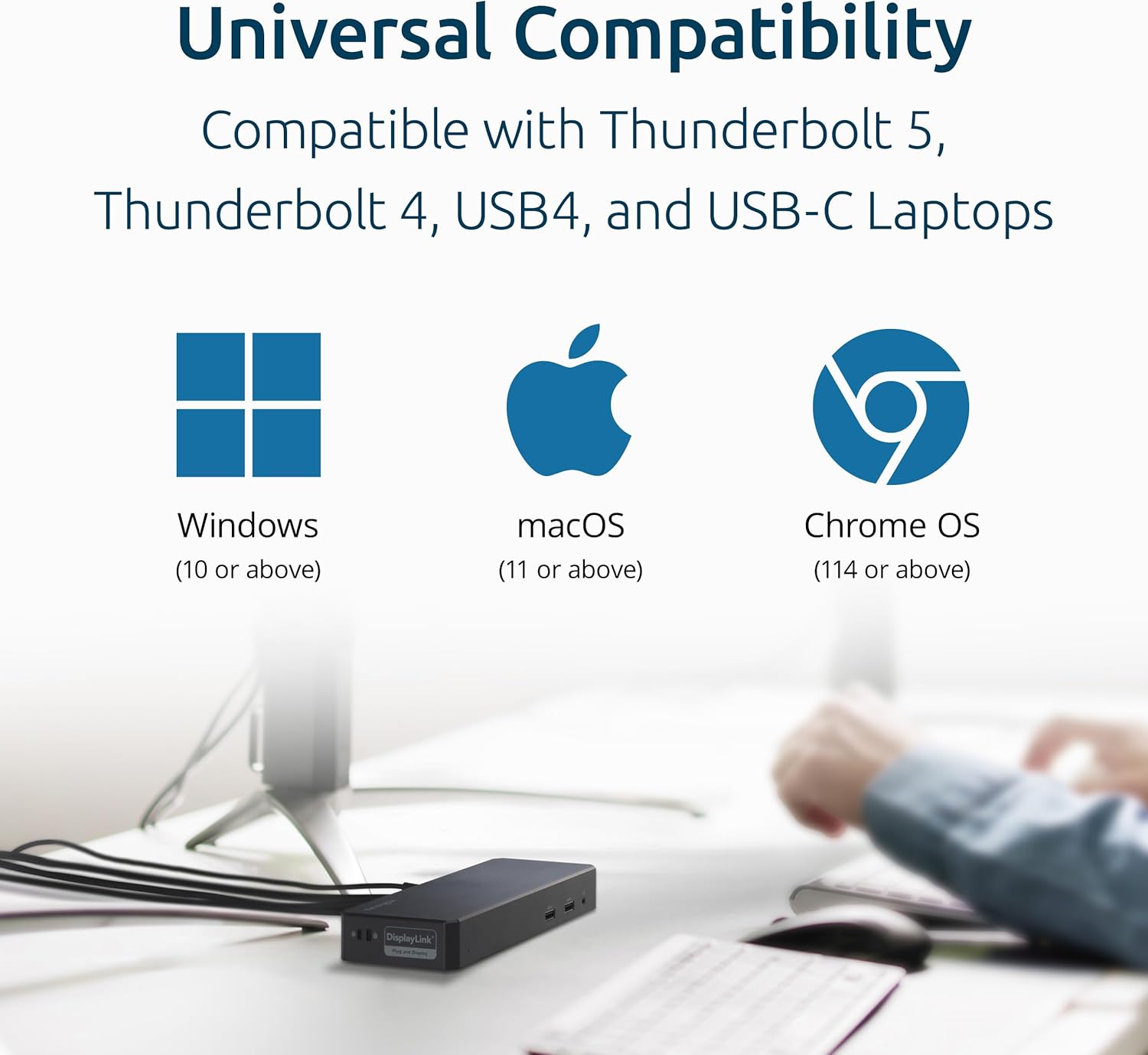
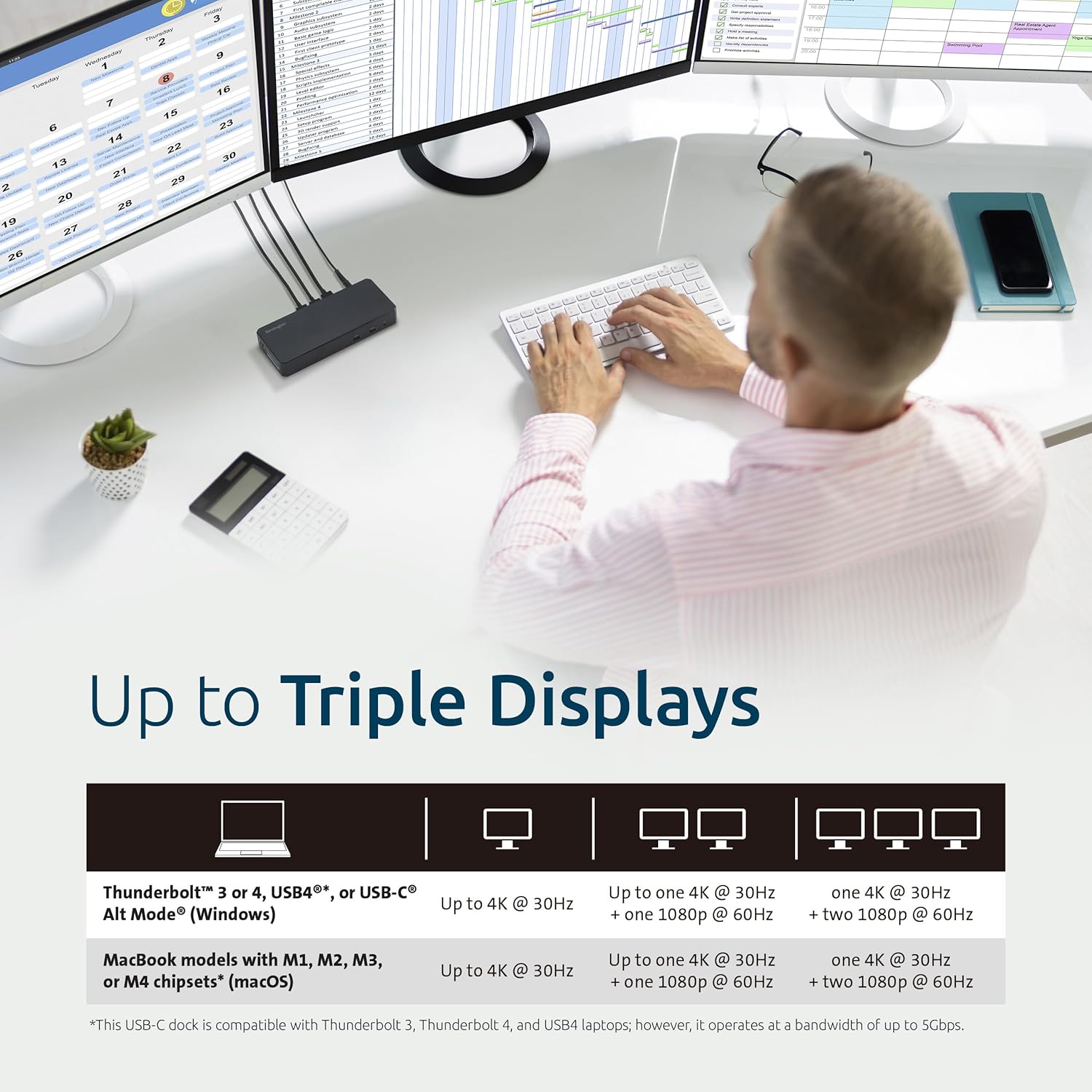
The dock supports one 4K display at 30Hz and two 1080p displays at 60Hz using DisplayLink technology, which helps when your laptop lacks native multi‑display support. It accepts USB‑C Alt Mode and works with Thunderbolt 4, Thunderbolt 5, USB4 and USB‑C hosts running modern OS versions, so you can plug in MacBook M1 to M4 and many Windows laptops. A Gigabit Ethernet port and six USB‑A ports expand wired connectivity for storage, input devices, and accessories, improving desk organization and workflow. ⚡
Benefits
Using the dock consolidates cables and reduces desk clutter, while the 100W charging capability sustains most laptops under normal loads according to the manufacturer. DisplayLink handling means you can run extra screens without relying on your laptop GPU and this can simplify video conferencing and multitasking. Note that DisplayLink drivers are required for full functionality on some systems, and performance may vary depending on host hardware and OS.
How to use it
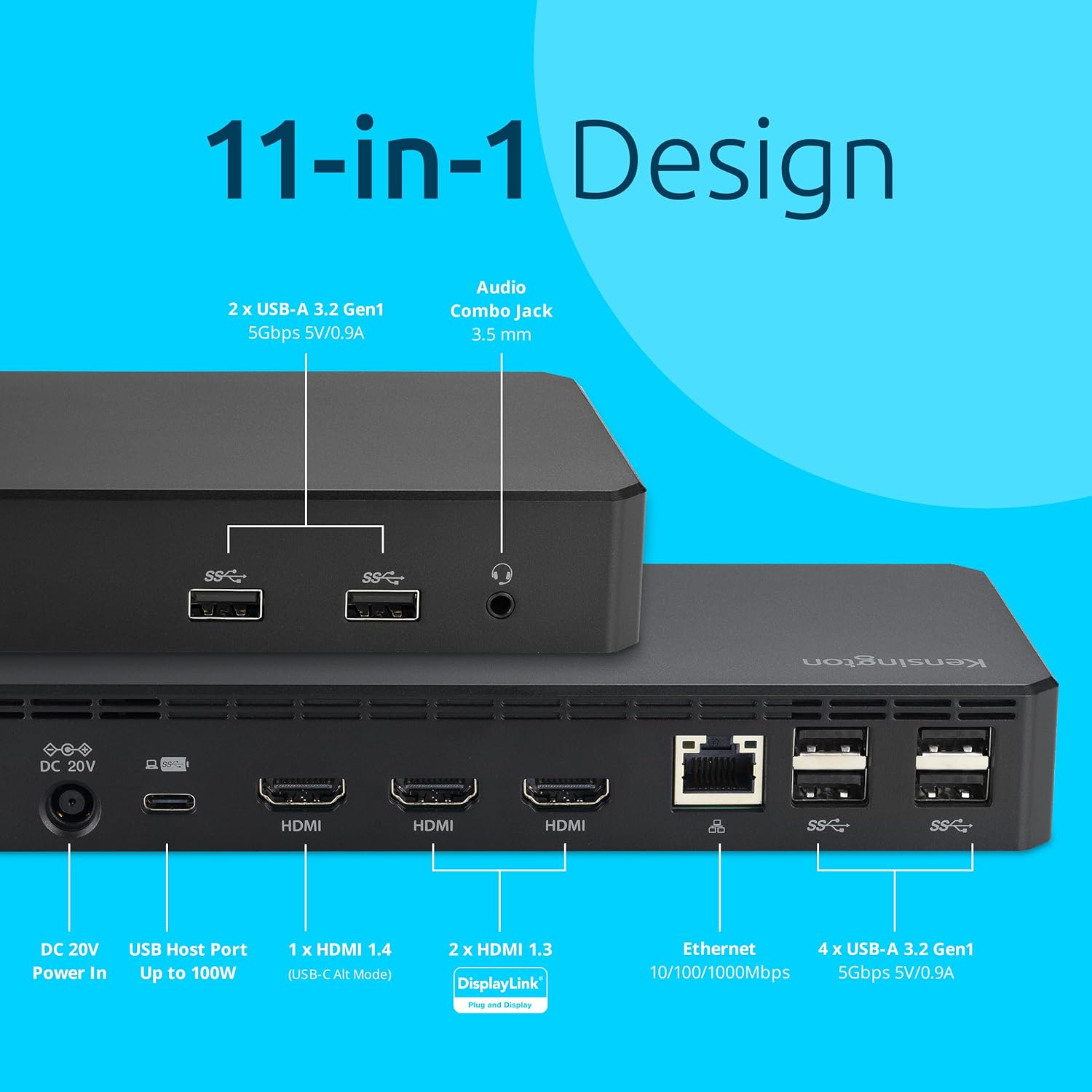
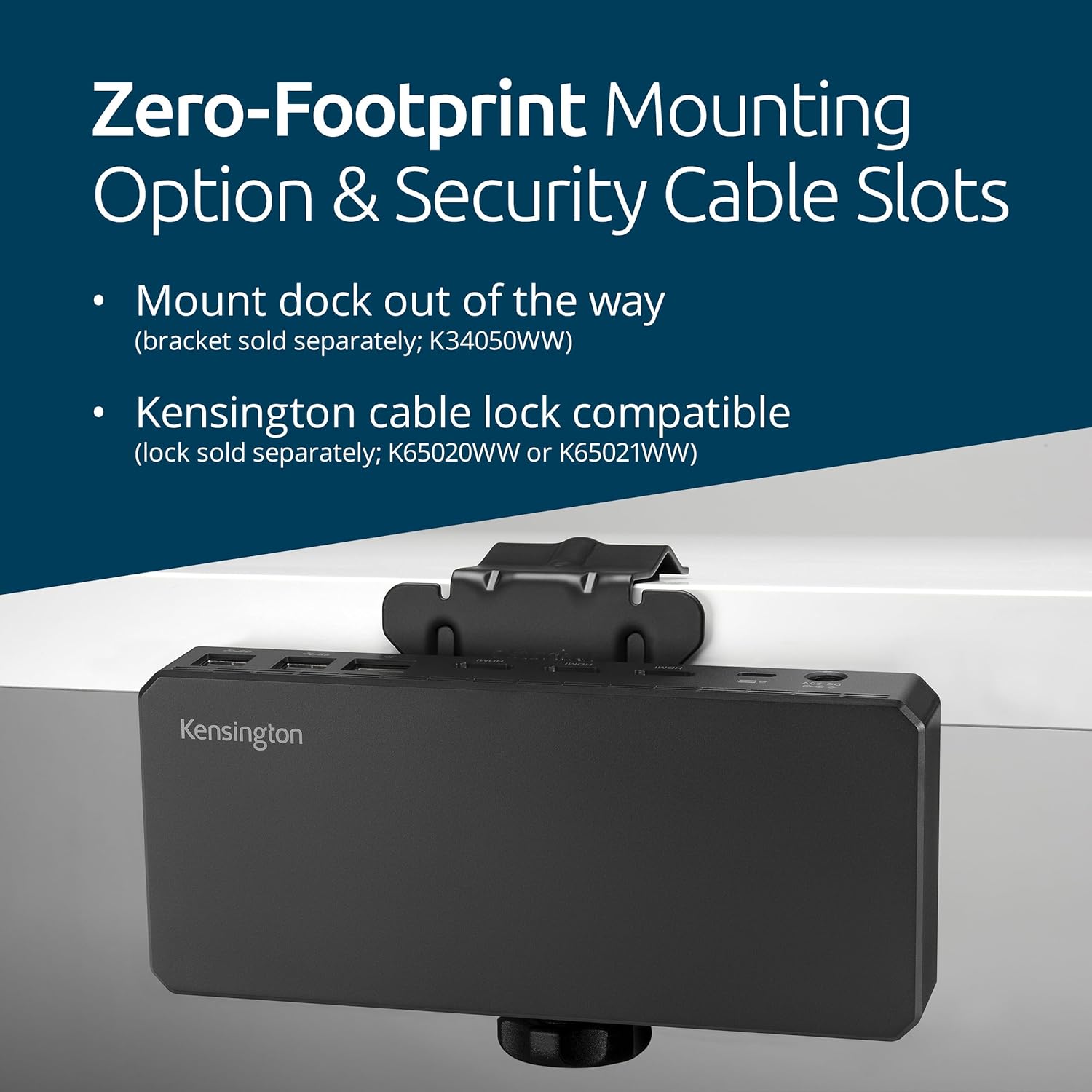
Place the docking station near your workspace and connect the host laptop via the included USB‑C cable, then attach monitors to the HDMI ports and peripherals to the USB‑A ports. For Windows users, install the free DockWorks software to optimize performance and firmware where applicable. Consider using a cable lock for security if the dock is left in shared areas, and use the optional mount bracket to free desktop space. 🔌
Tech specs
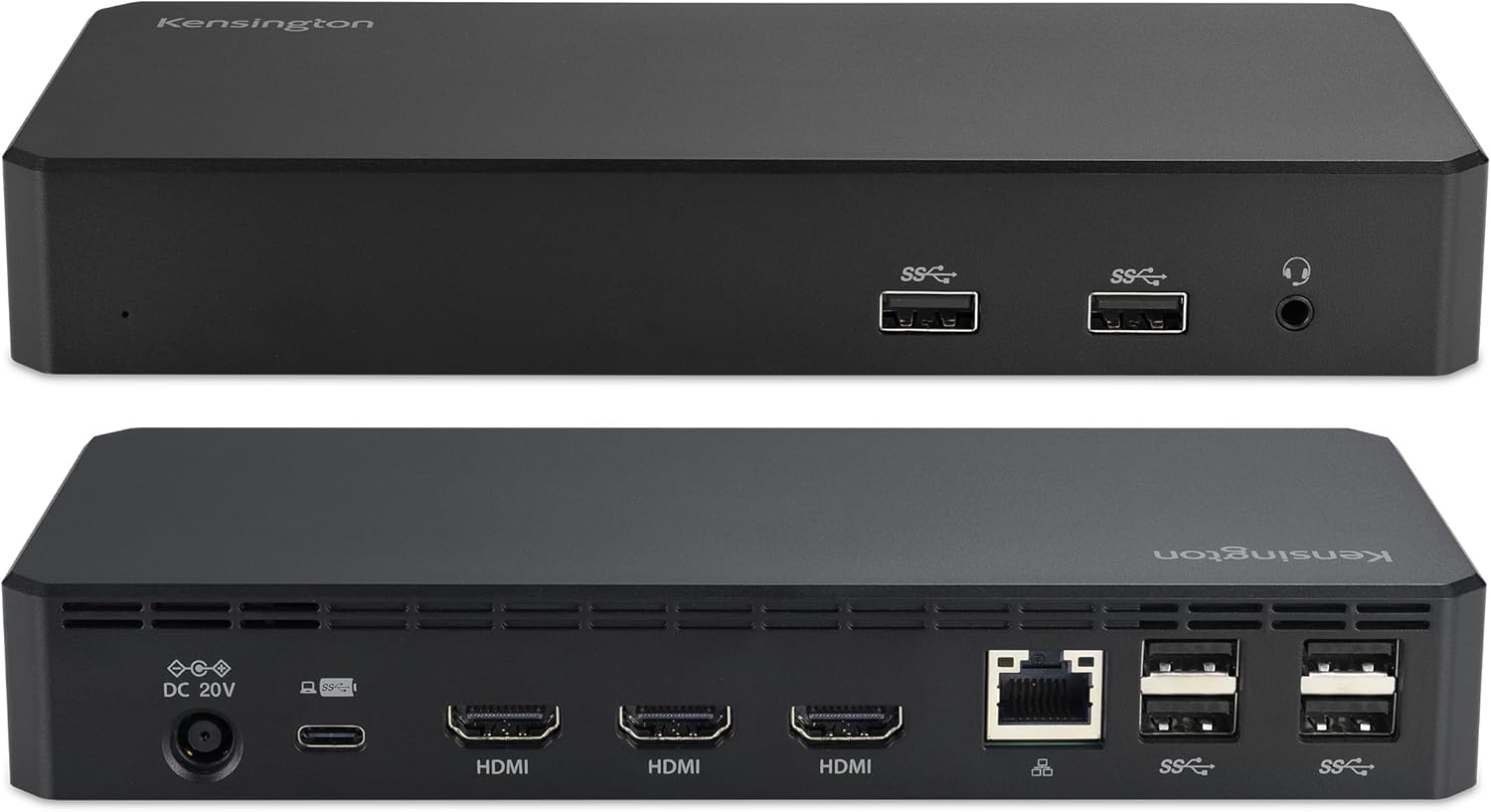
- Name: Kensington SD4760P
- Video outputs: 3x HDMI
- Power delivery: 100W charging for laptop
- USB ports: 6x USB‑A 3.2 Gen1 5Gbps
- Network: Gigabit Ethernet 1Gbps.