

Vixtan 2.2lb 14" Portable Monitor Extender
Product description
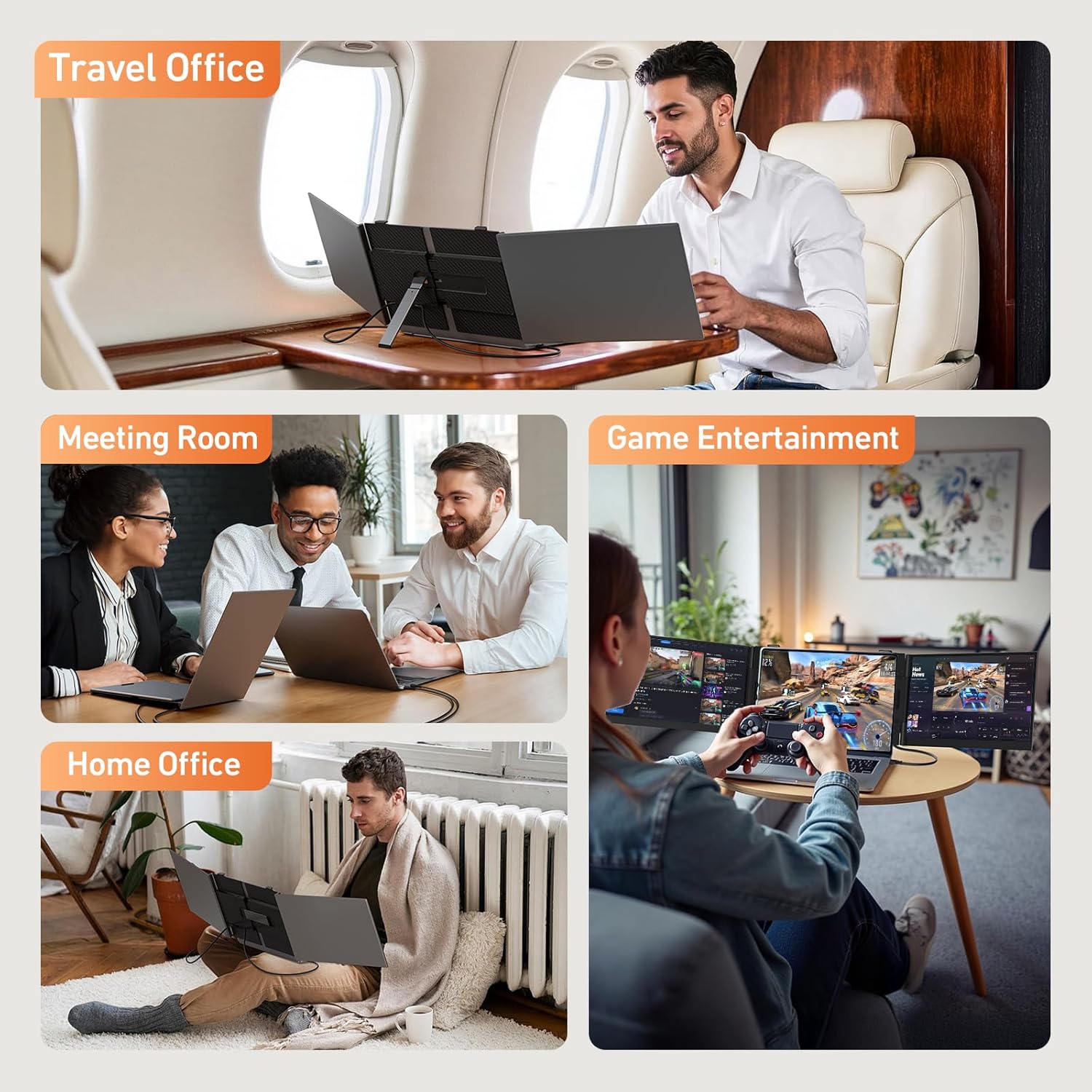
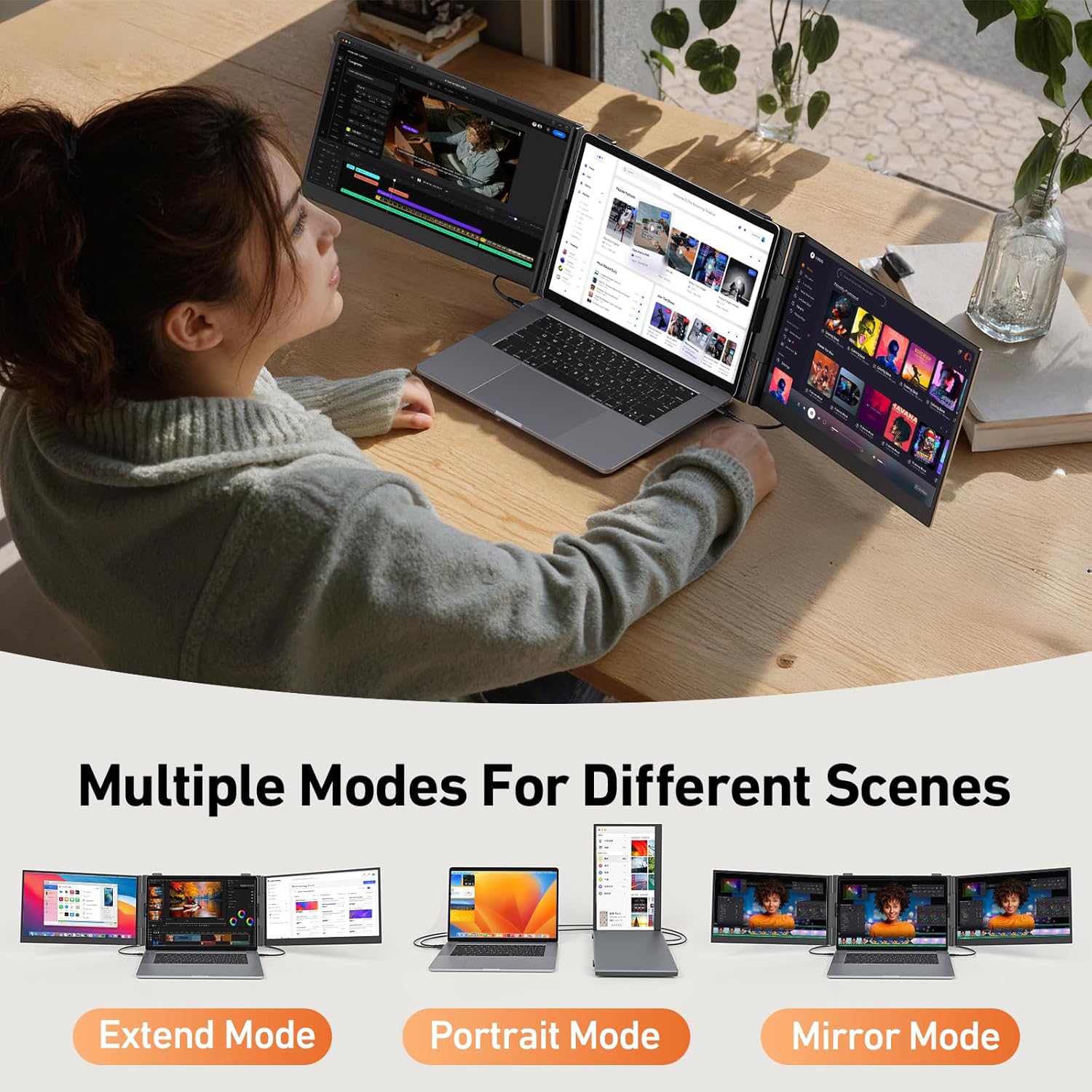
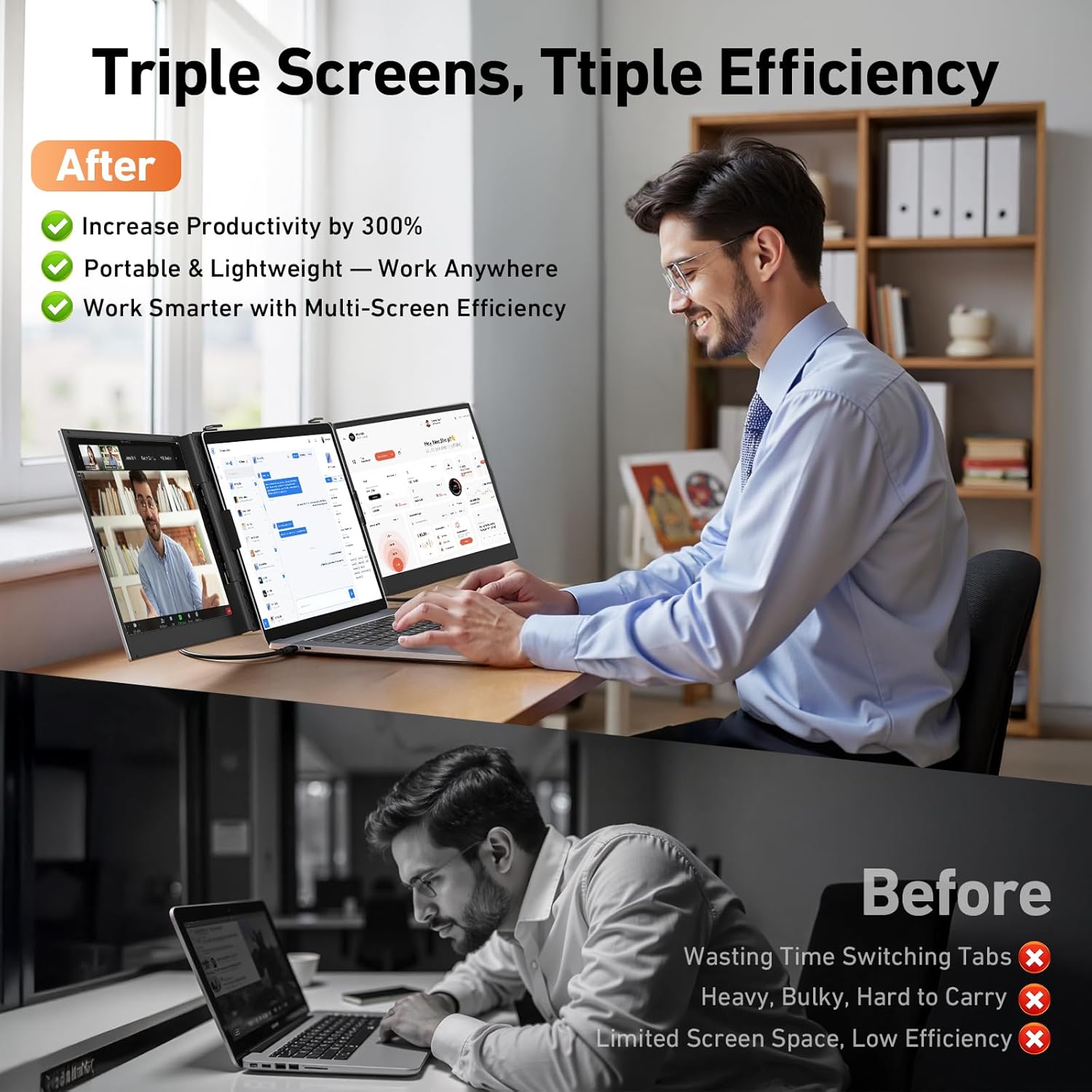
This ultra-portable triple-screen extender boosts productivity for remote work and travel, combining a slim profile with multi-screen flexibility. The 14" triple portable monitor docks to your laptop and expands desktop space for spreadsheets, design canvases, and browser tabs, improving focus and workflow on the go. If you need more screen real estate without lugging a heavy setup, this extender is built for quick setup and frequent mobility.
Key features
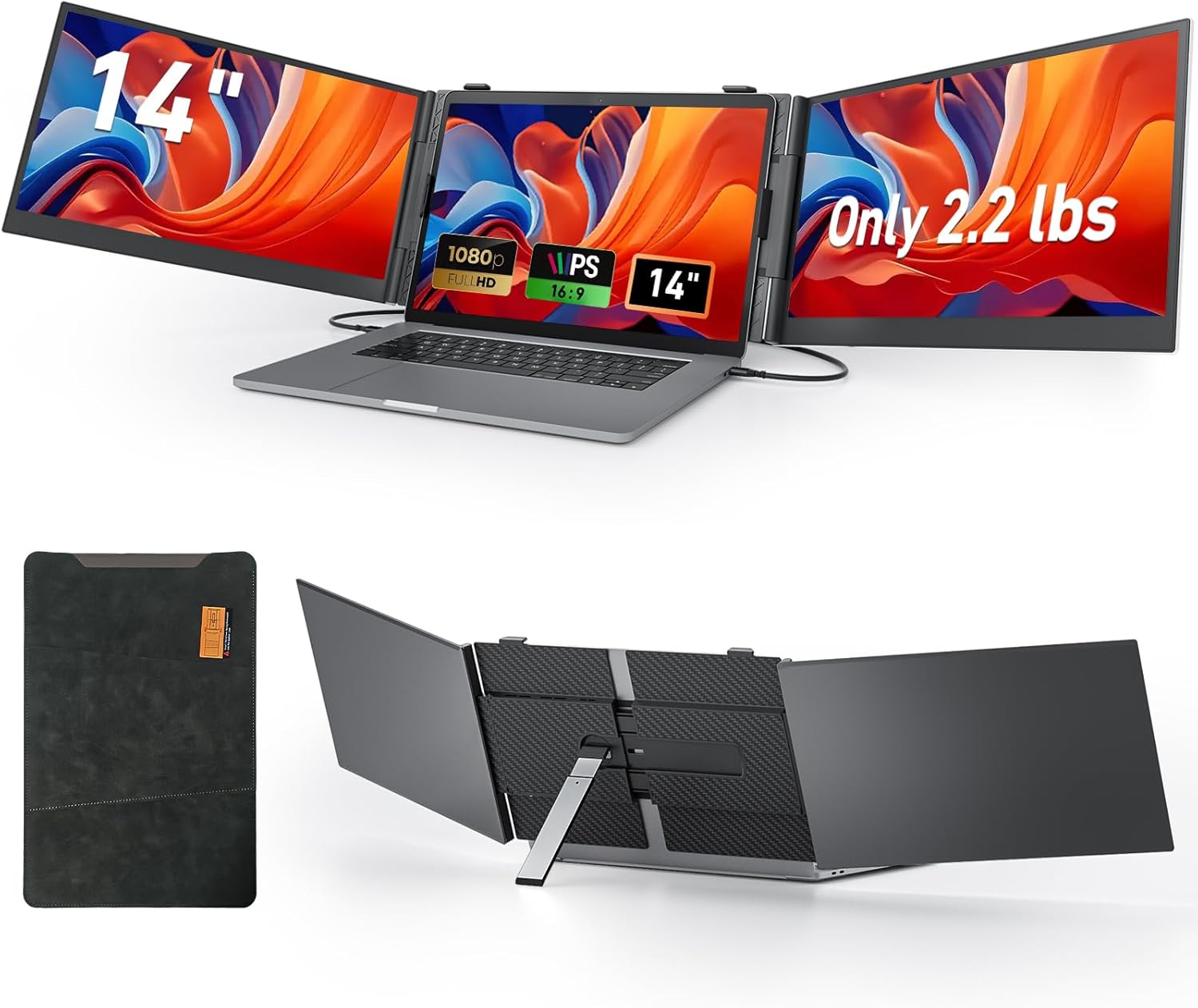
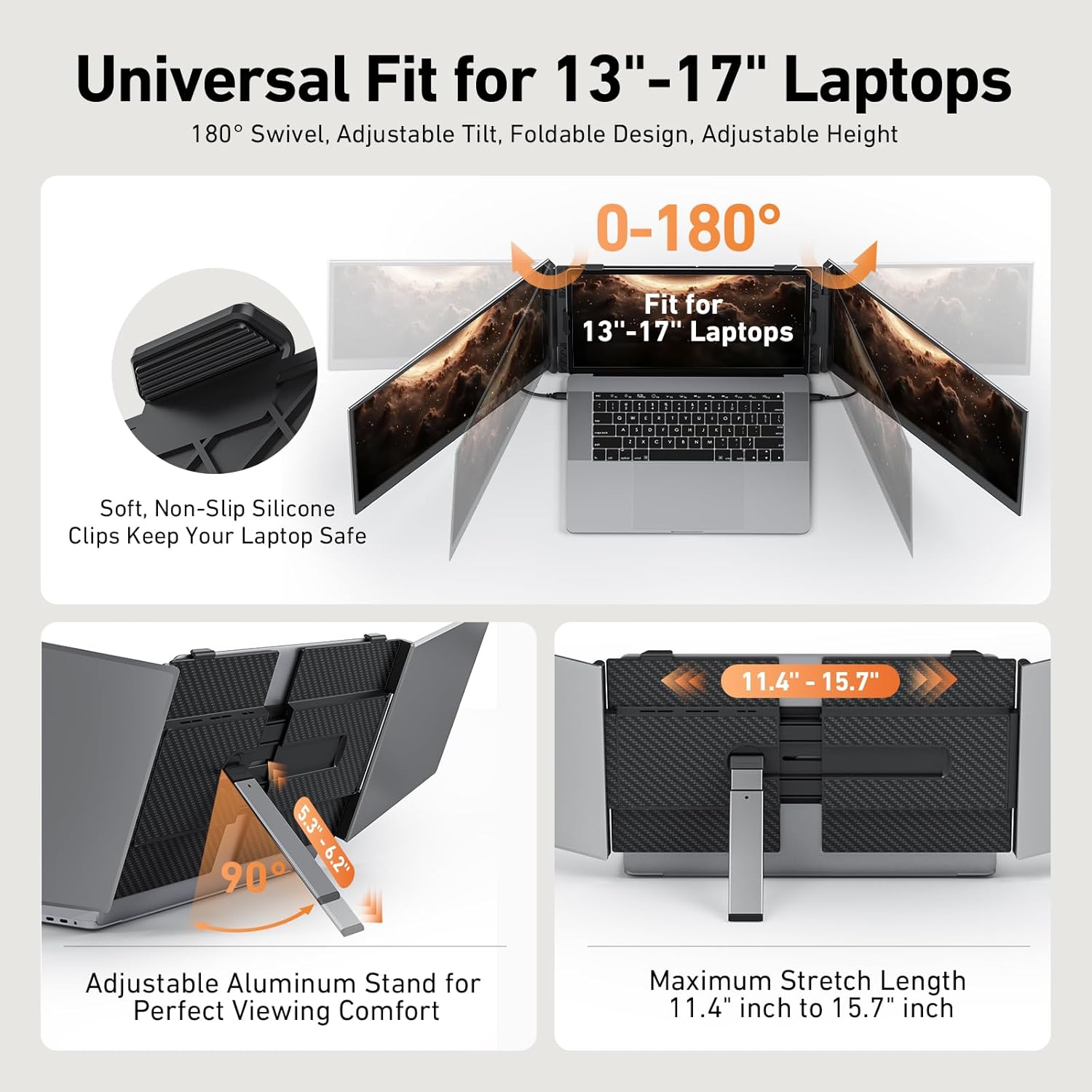
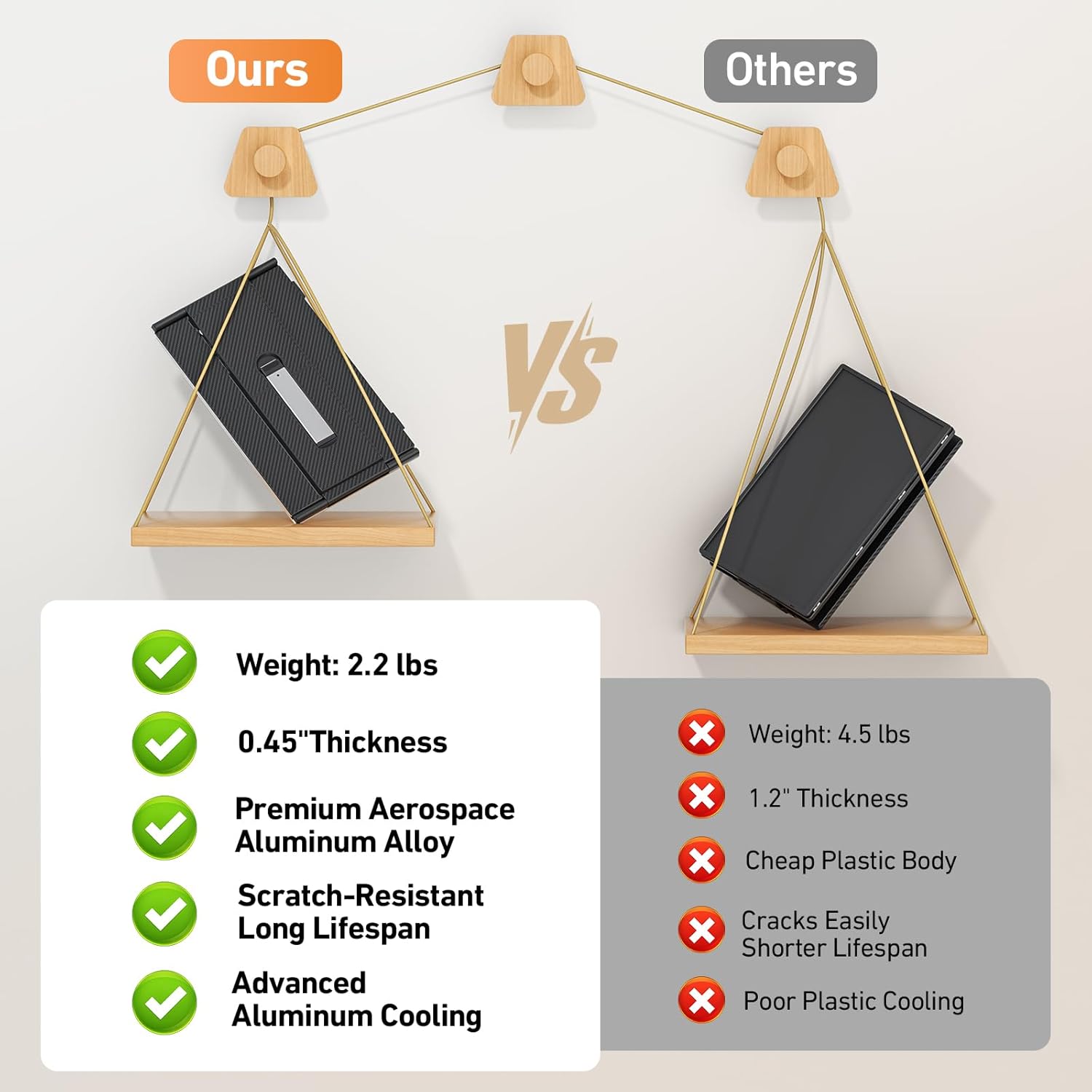
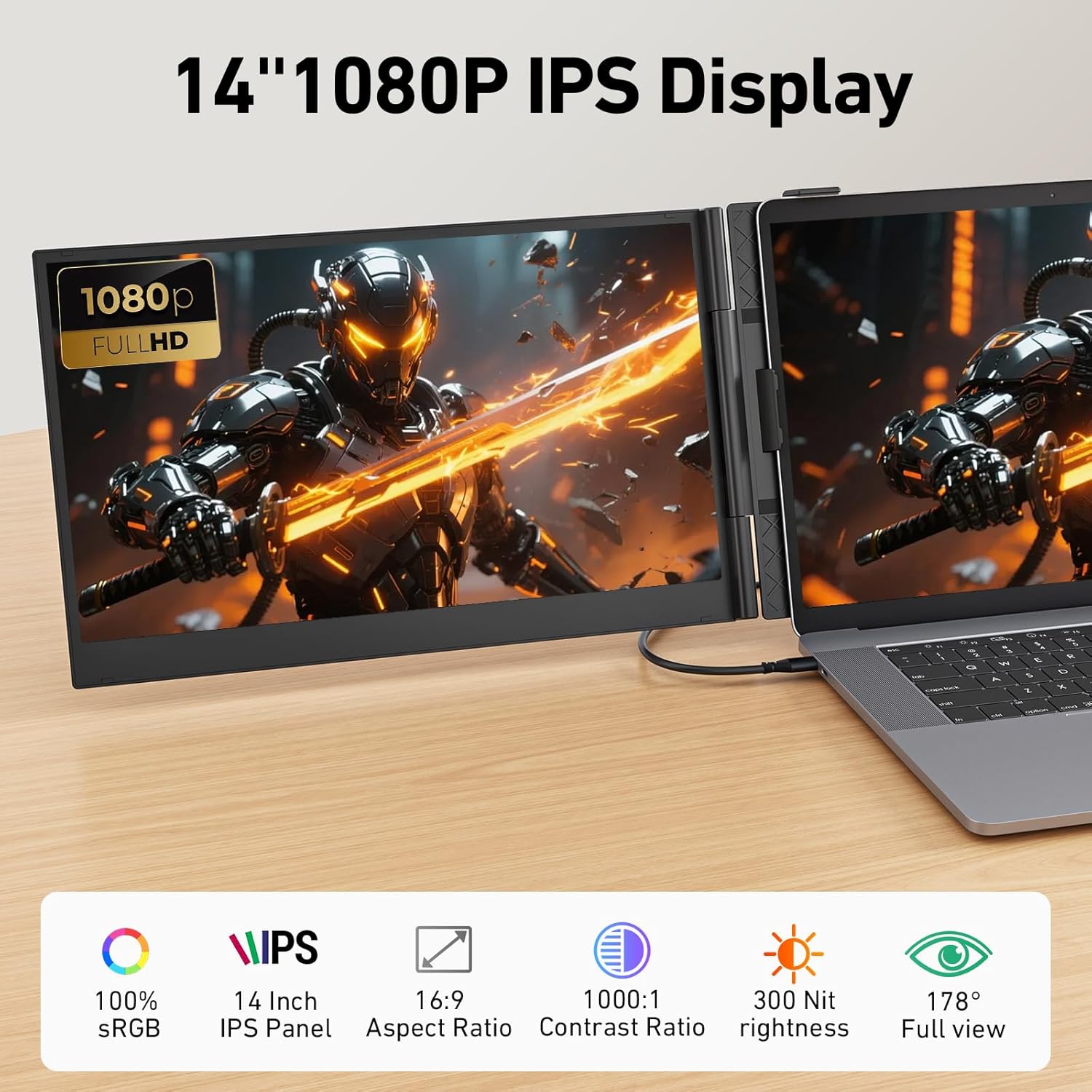
The design centers on portability and practical performance. It is just 0.18 inches thin and weighs 2.2 lb, making it easy to slip into a bag alongside a laptop. The 14" IPS panels deliver 1920x1080 resolution with 300 nit brightness and a 100% sRGB gamut for consistent color when you move between locations. Setup is plug-and-play with Type-C and HDMI options, and the widened aluminum stand offers multi-level height adjustment plus 180° horizontal rotation for sharing the screen during meetings. Note that the extender has no integrated battery and must be powered via your laptop USB or an external adapter, so plan for a power source when you work remotely. ⚡🧳
Tech specs
- Name: Vixtan 2.2lb Ultra-Light Laptop Screen Extender
- Size: 14" display
- Display: 1920x1080 IPS, 300 nit, 100% sRGB
- Material: Aerospace-grade aluminum with leather protective case
- Power: Requires external 5V/2A or higher power via laptop USB or adapter
- Compatibility: Windows, Mac, Chrome OS, Android, supports M1/M2/M3 via H5-T cable
- What’s included: Type-C x2, USB-C to USB-A, HDMI, H5-T cable, carry bag
Who it’s for
It’s a great fit if you travel often and need a lightweight solution that expands screen area without complex setup. It suits traders, designers, and remote workers who switch locations and value quick assembly and consistent color across screens. It may not suit you if you need a self-powered monitor for long sessions away from outlets or if your workflow requires higher-than-1080P resolution for detailed editing.
Practical tips
Keep the included cables organized in the leather case and test the H5-T connection with Macs before important calls, since some configurations may request a driver according to the manufacturer. The wider stand reduces wobble in crowded workspaces, but always check that your laptop hinge angle works with the 180° rotation for comfortable viewing. Vixtan 2.2lb offers a clear way to add two extra displays without a fixed desk setup, though remember to carry a 5V/2A adapter for steady power.