

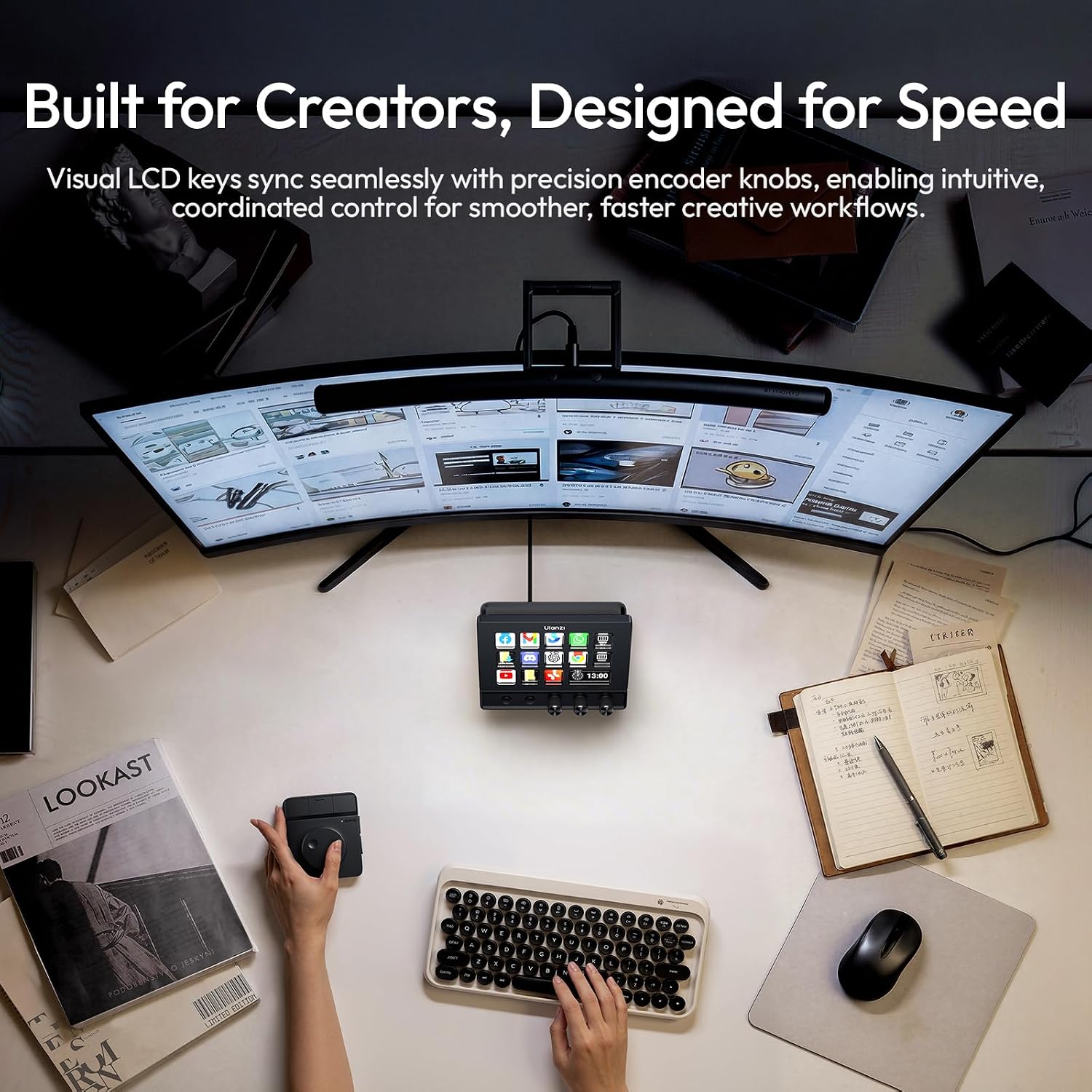
ULANZI D200X Flow Controller with 3 Knobs and 14 LCD Keys: 8-in-1 USB-C Hub for 4K HDMI Streaming, Editing, and Content Creation
Product description
What it is
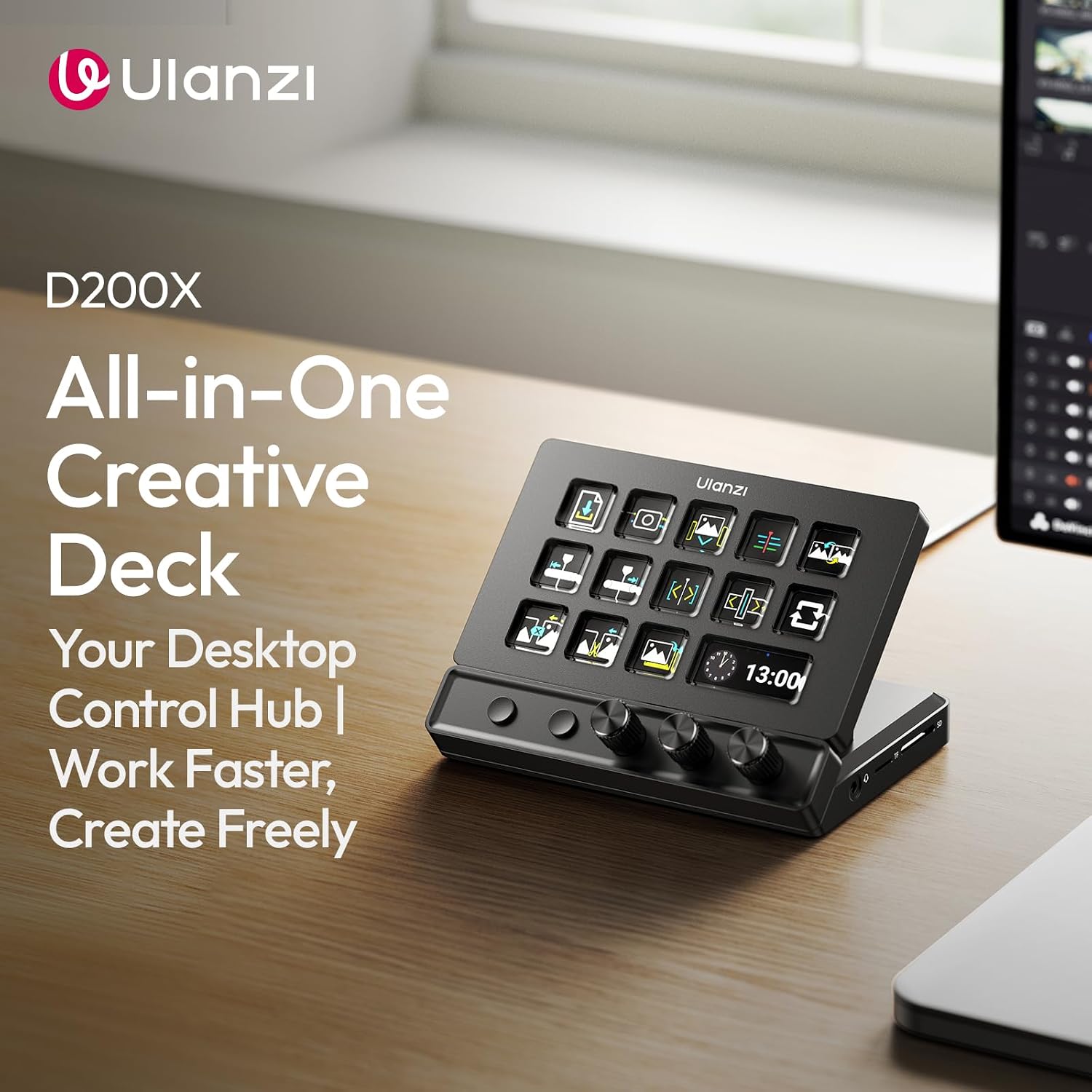
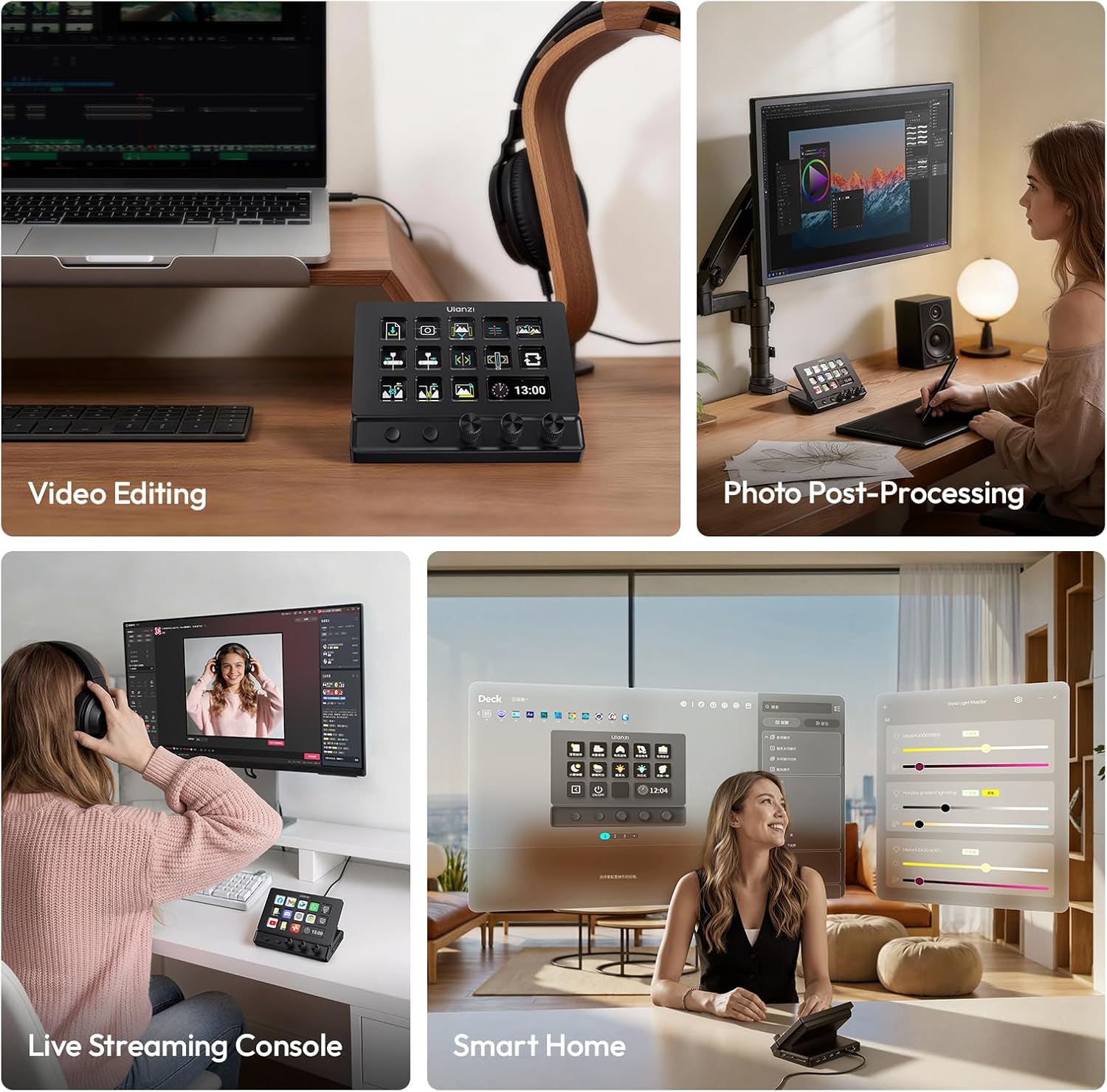
The ULANZI D200X is a compact streaming and content-creation controller that blends two core ideas: a macro keypad with 14 high-visibility LCD keys and 3 precision knobs, plus a built-in 8-in-1 USB-C hub. It’s designed to streamline OBS, Premiere Pro, Final Cut, DaVinci Resolve, CapCut, and more, while also serving as a feature-rich dock for a dual-screen setup. On paper, this is not just a macro pad, it’s a small studio hub that can reduce desk clutter and speed up common tasks.
How it helps your workflow
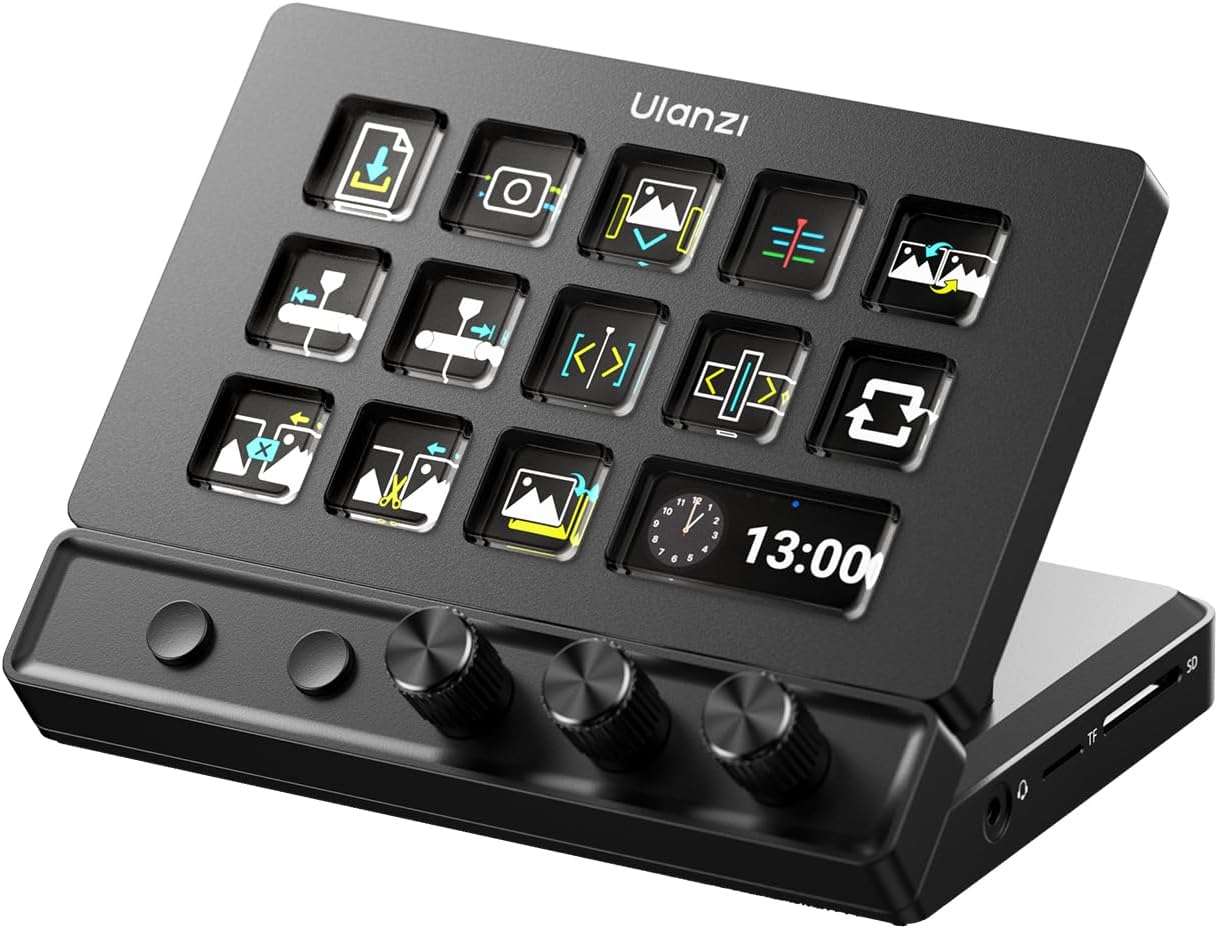
If you prioritize fast scene switching, quick macro access, and precise edits, the D200X offers a straightforward path to fewer keystrokes and more on-screen control. The 14 LCD keys provide clear, at-a-glance feedback, while the 3 dials handle volume, brightness, and timeline nudges. The included docking capabilities—HDMI out for a second display, SD/TF card reading, 3.5mm audio, and 100W PD charging—aim to centralize essential tasks in one device.
What stands out
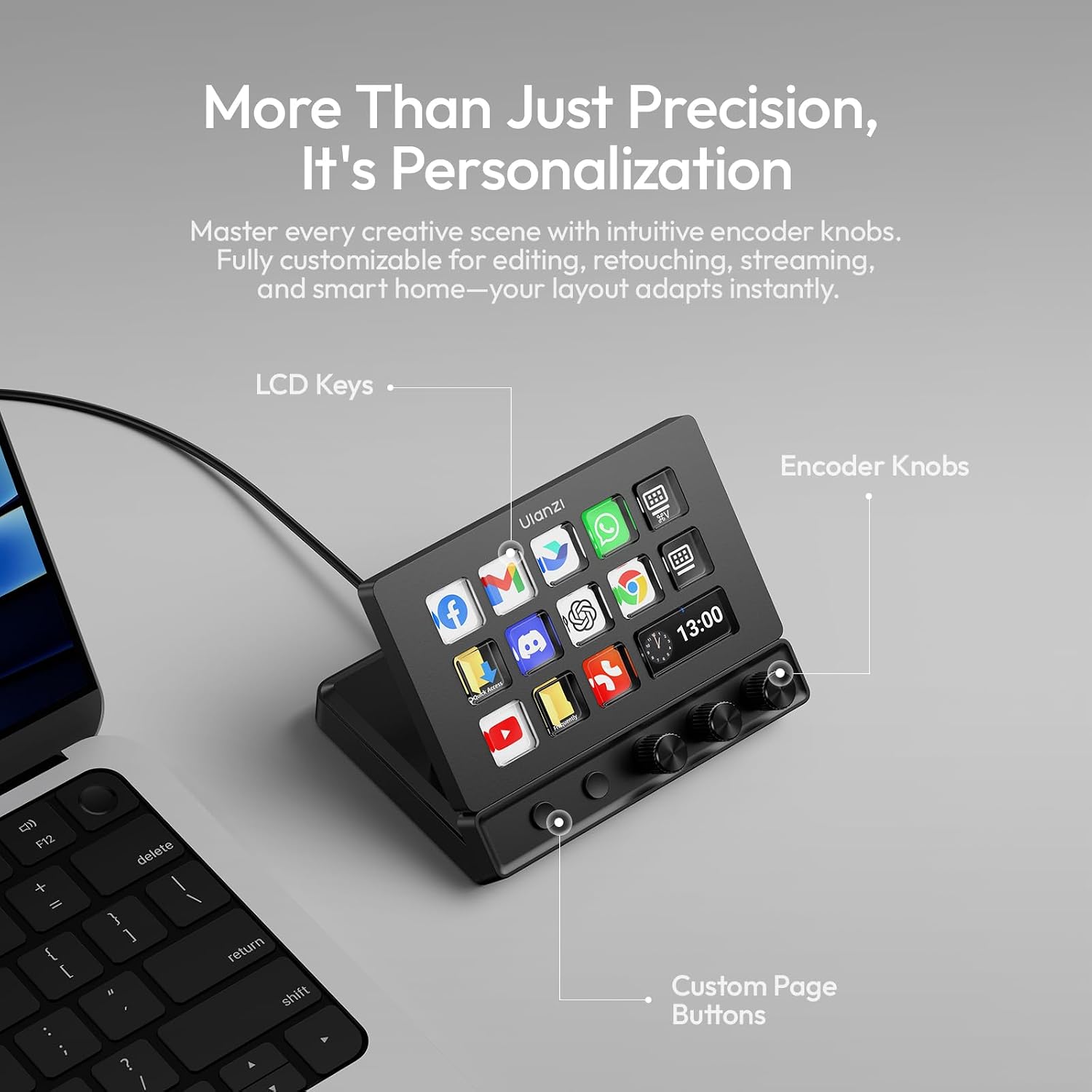
- Dual-control concept: combined macro keypad and physical dials for on-the-fly adjustments.
- Expanded functionality: two physical page-turning keys boost available actions beyond a standard macro keyboard, aiming for 42+ programmable functions.
- All-in-one hub: 4K HDMI output, fast data transfer, storage card reader, audio I/O, and power delivery reduce desk clutter.
- Software ecosystem: compatibility with popular editing and streaming apps, plus Studio software for customizable presets, with claims of free presets and plugins.
- Build and design: aerospace-grade aluminum alloy exterior and a non-slip base, paired with a braided USB-C cable for reliability.
What you’ll notice in use
The D200X can feel most valuable when you’re juggling multiple tasks—editing timelines, color adjustments, audio control, and live streaming. For example, you could map scene switches in OBS to LCD keys and use the dials for real-time color grading or audio mixing. The offline/online modes suggest ease of setup whether you’re testing a new live layout or streaming from a hotel room.
Who it’s for
This device targets streamers, video editors, photographers, podcasters, and content creators who want to reduce mouse dependence and gain tactile control. It’s also pitched as a fit for gamers who value quick commands or for tech-heavy setups using Home Assistant, given the emphasis on macro capabilities and customization.
Who it isn’t the best fit for
If you need a device with strict, device-specific integrations or heavy-duty hardware expansion beyond what an 8-in-1 hub provides, you may outgrow the D200X. Also, if you rely on a plug-and-play USB keyboard without dedicating time to setup, the learning curve could feel steeper than a basic macro pad.
When it makes sense to buy
Consider this when you want to consolidate a streaming/edits workflow into a single desktop hub, reduce cable clutter, and gain tactile control for timelines and scene switching. The combination of HDMI output and PD charging can be appealing if you’re building a small, semi-permanent content studio.
What to check before purchasing
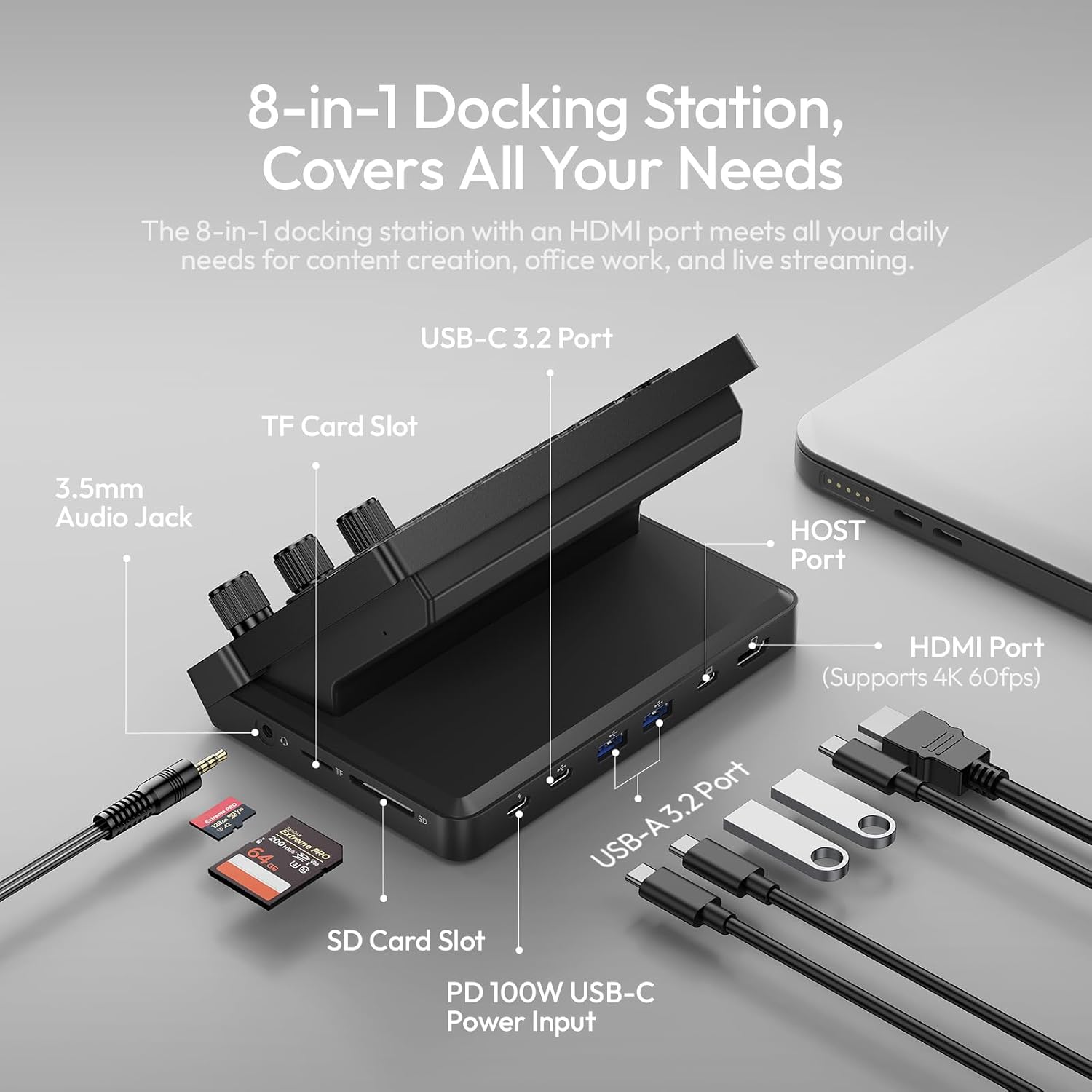
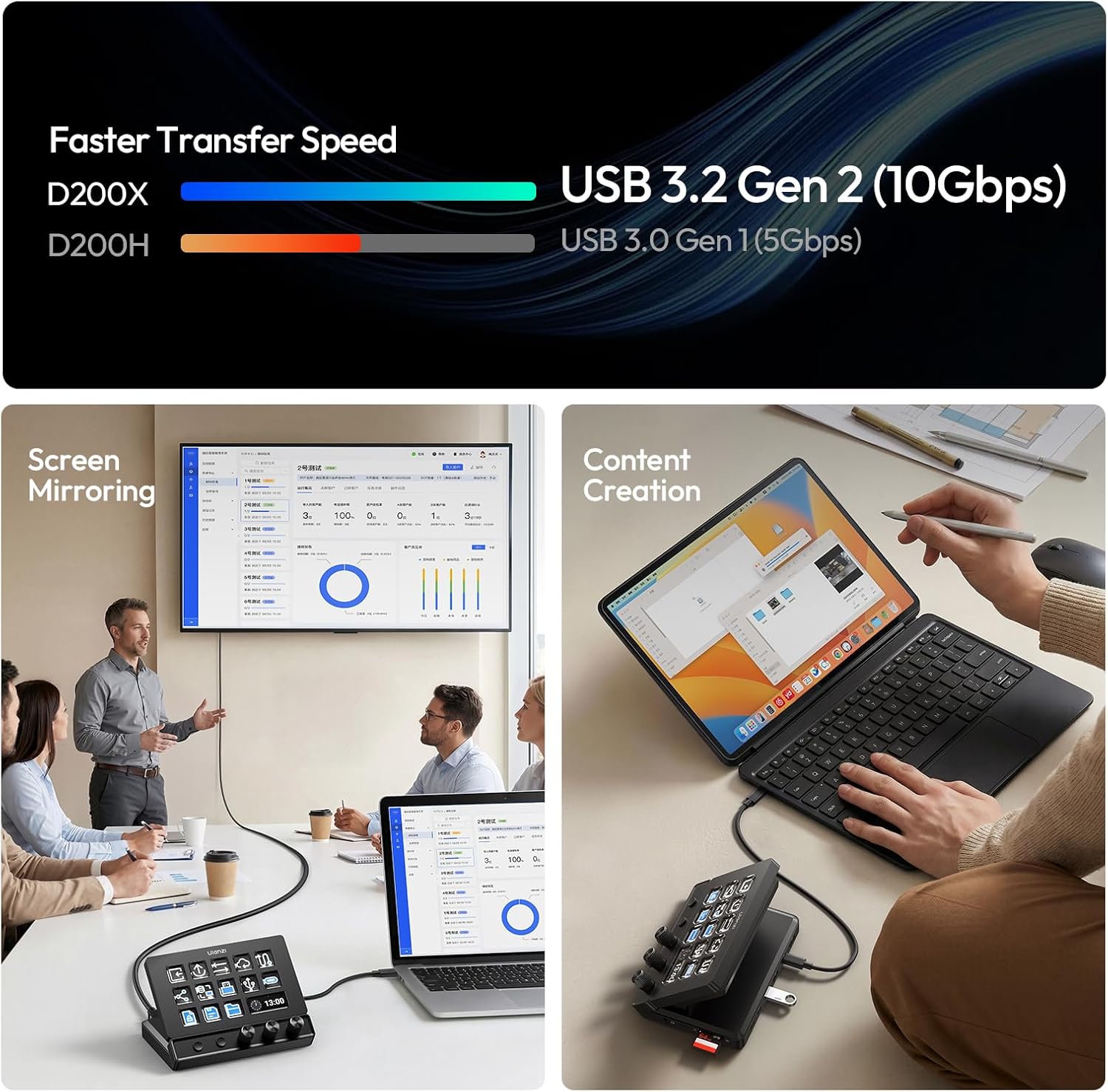
- Confirm your PC/Mac setup supports HDMI 4K output through the hub and USB-C connectivity with your devices.
- Plan your macro map: determine which tasks you’ll assign to LCD keys and dials for smooth day-to-day work.
- Consider the weight and footprint on your desk, the aluminum chassis helps with stability, but it’s still a dedicated peripheral.
- If you expect frequent software updates, verify access to ongoing, free presets and plugins via Ulanzi Studio.
Practical comparison in context
Compared to a plain macro keyboard, the D200X offers a dual-mode approach (button macros plus knobs) and a built-in hub, which can simplify setups that require multiple devices and quick media controls. It fills a niche between traditional stream decks and a full docking station, making sense for creators who value both quick-access controls and a centralized workspace.
FAQ (based on available information)
- Does it require ongoing subscriptions? No, presets and plugins are described as free via Ulanzi Studio.
- Can I use it with both Windows and macOS? Yes, it’s noted as compatible with Windows PC and Mac environments.
- What about latency or response time? A braided USB-C cable is included for wired connectivity, aiming to minimize latency, but no exact figures are provided.
Final verdict
Is it worth it? Worth considering if you want a combined macro/k dial controller with an integrated 8-in-1 hub to streamline streaming, editing, and content creation. It’s a solid option for those who value tactile control and desk consolidation, but it may fall short for users seeking ultra-heavy-duty hardware or plug-and-play simplicity without setup.