

Stylus Pen for iPad (6th–11th Gen): 2x Fast Charge, 1.5mm Tip, Palm Rejection
Product description
What this is and what problem it solves
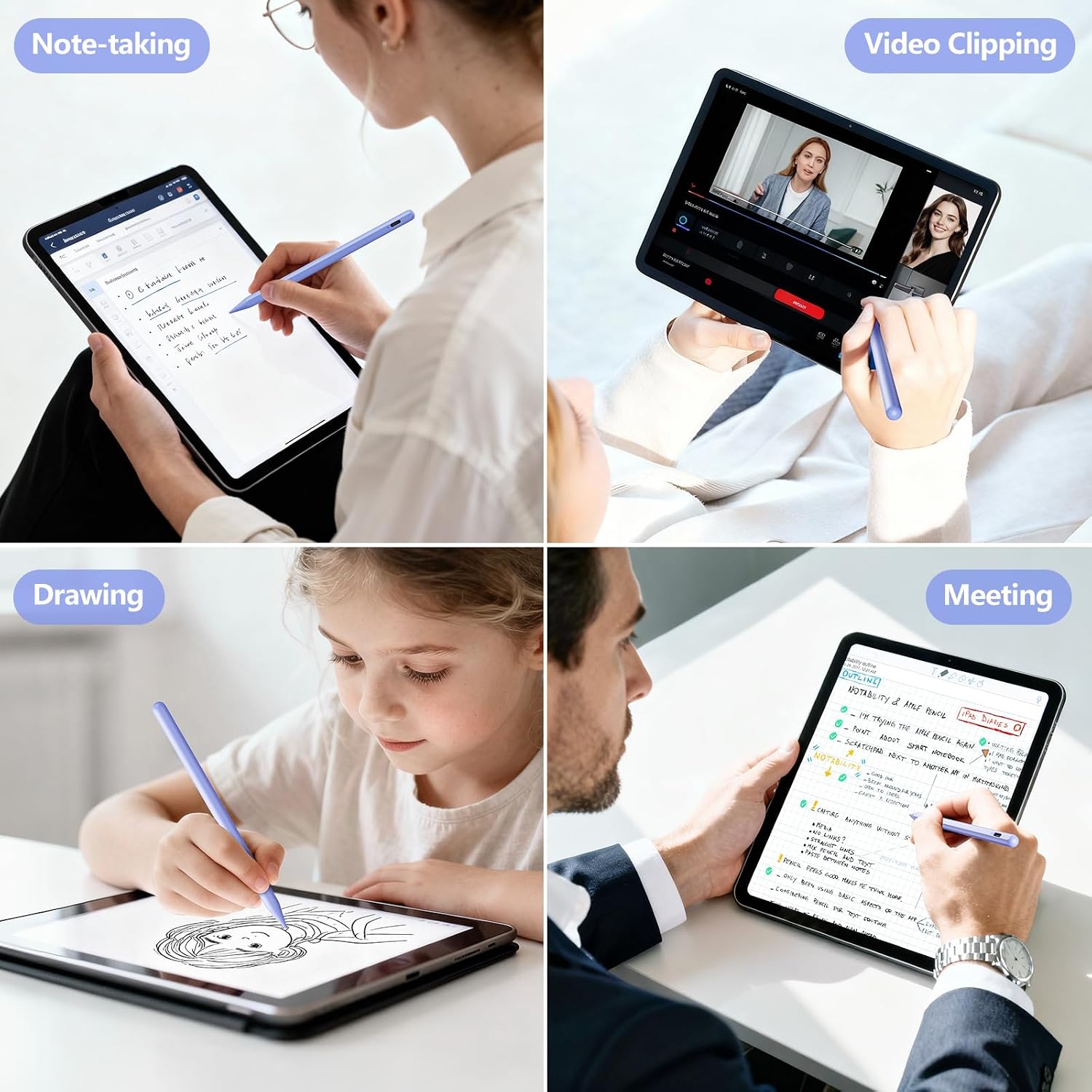
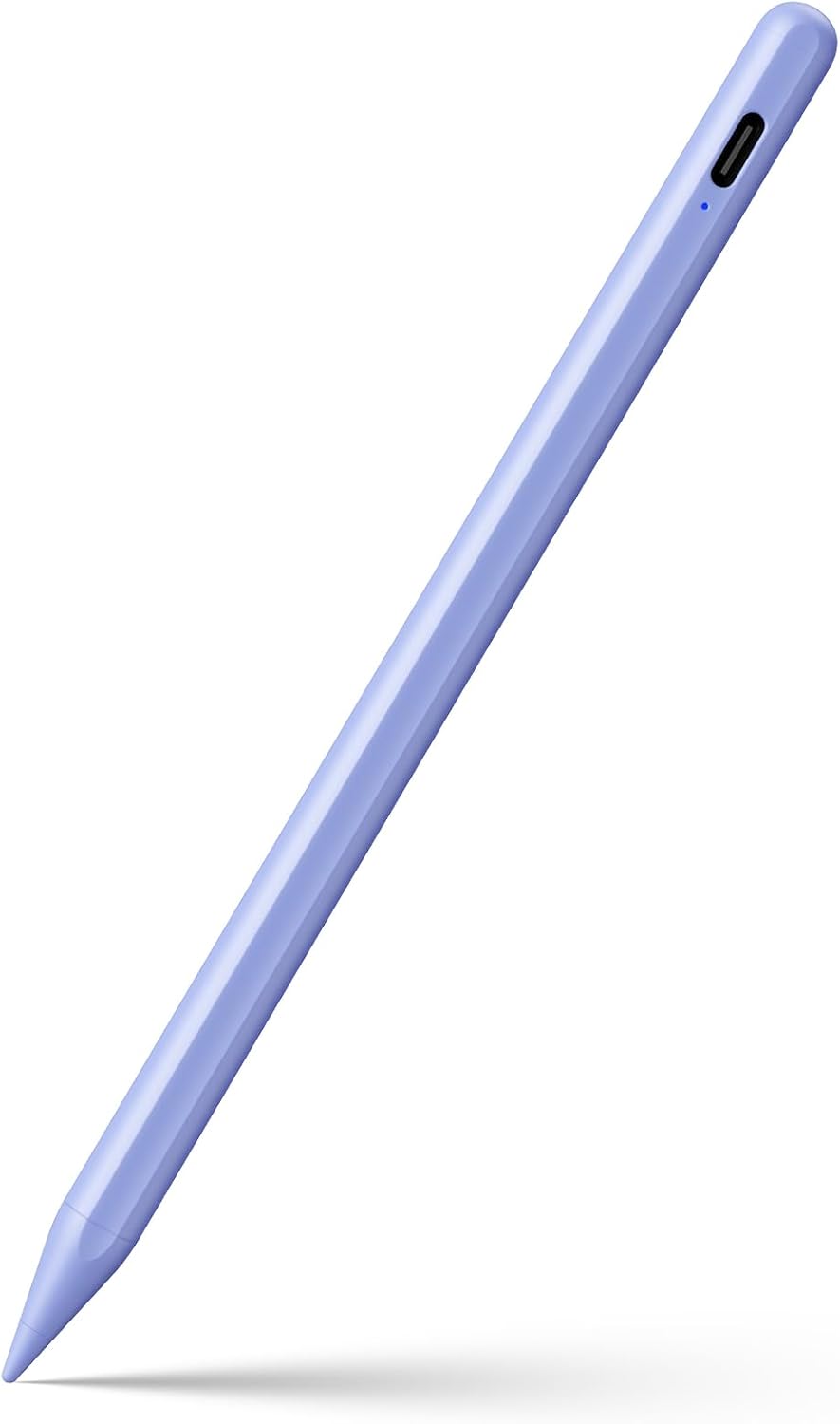
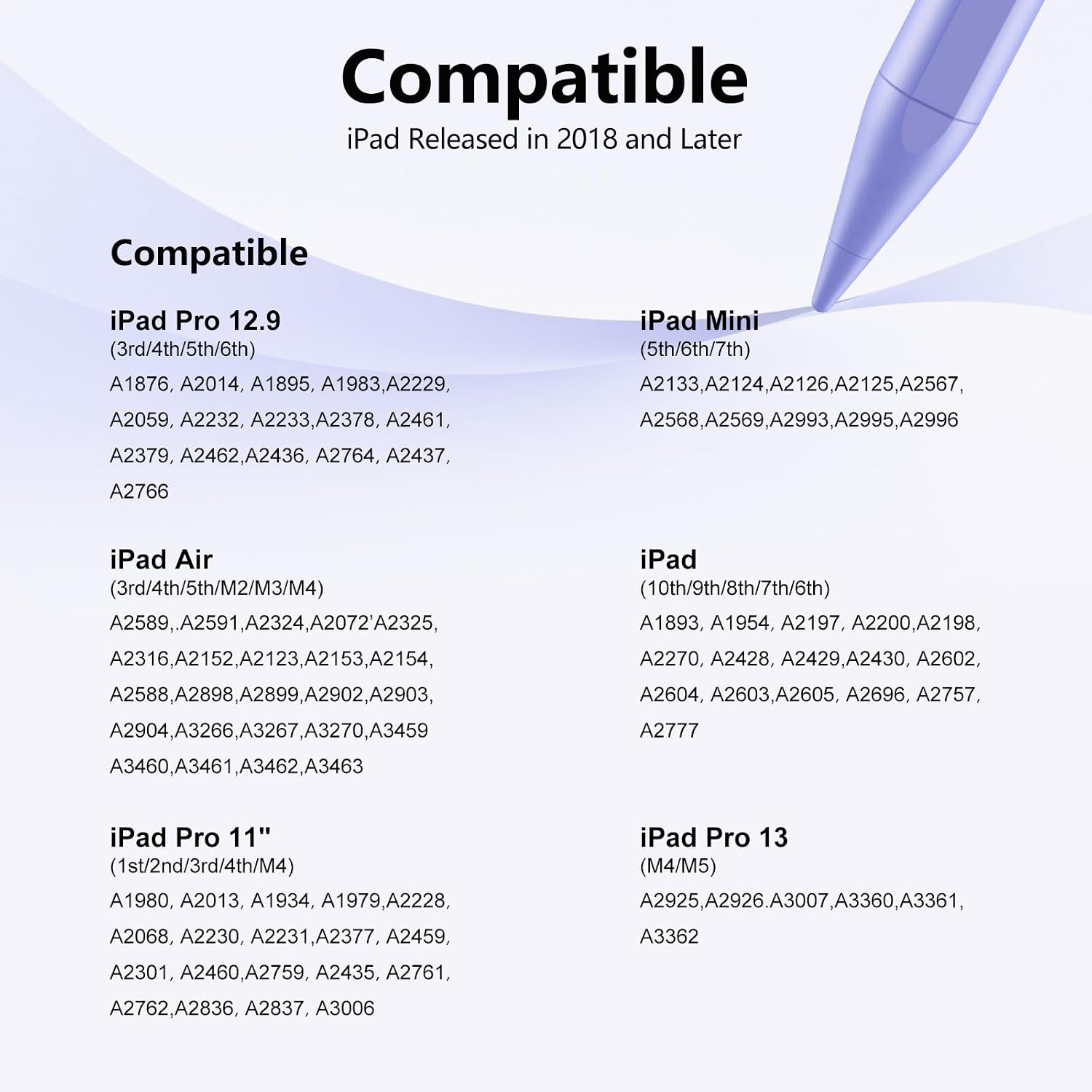
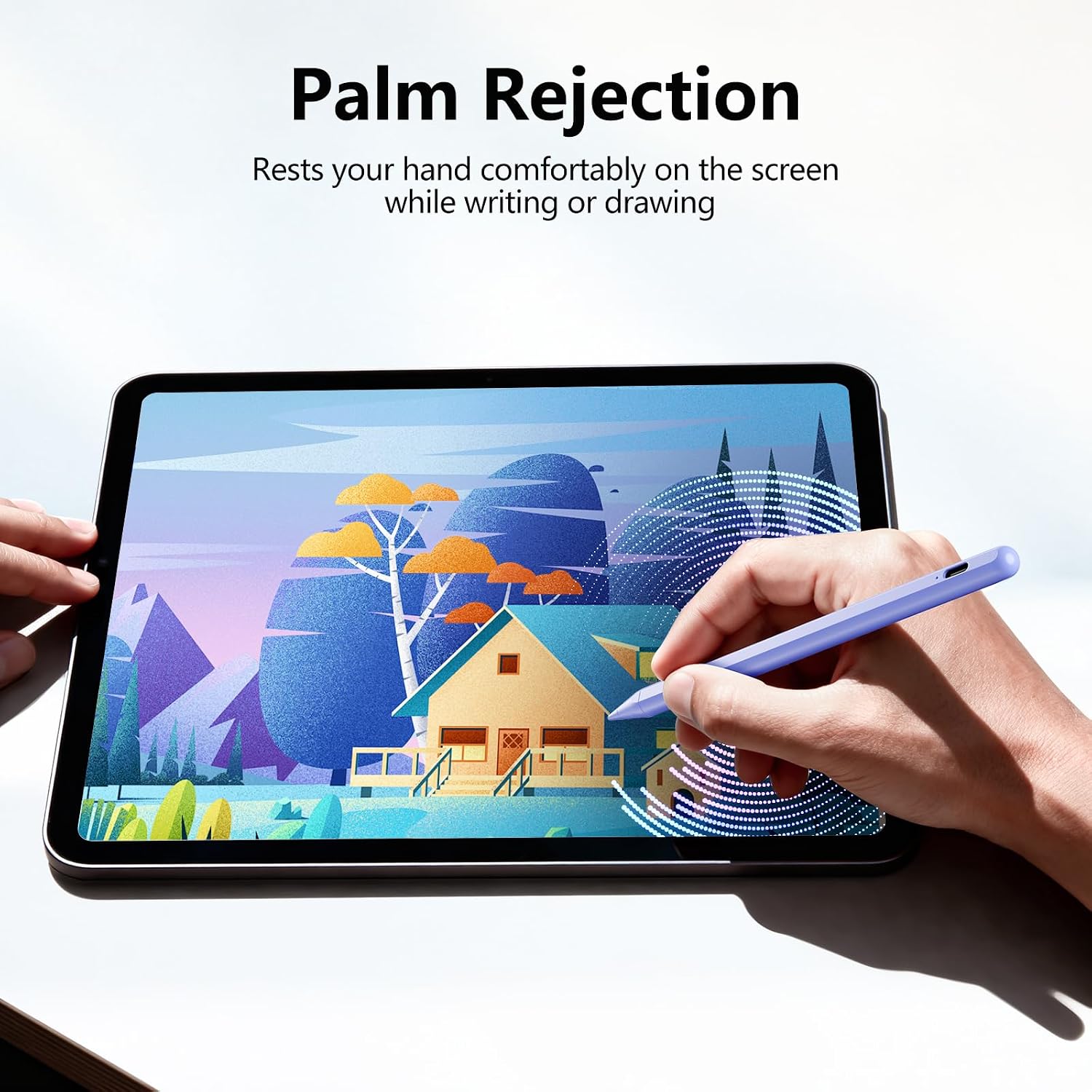
This stylus is designed for a wide range of iPad models released from 2018 through 2026. It provides a finer, more precise input than using a finger, thanks to a 1.5mm tip. The palm rejection feature helps you rest your hand on the screen while you write or draw, which can feel more natural during long notes or detailed illustration work.
How it works (without Bluetooth)
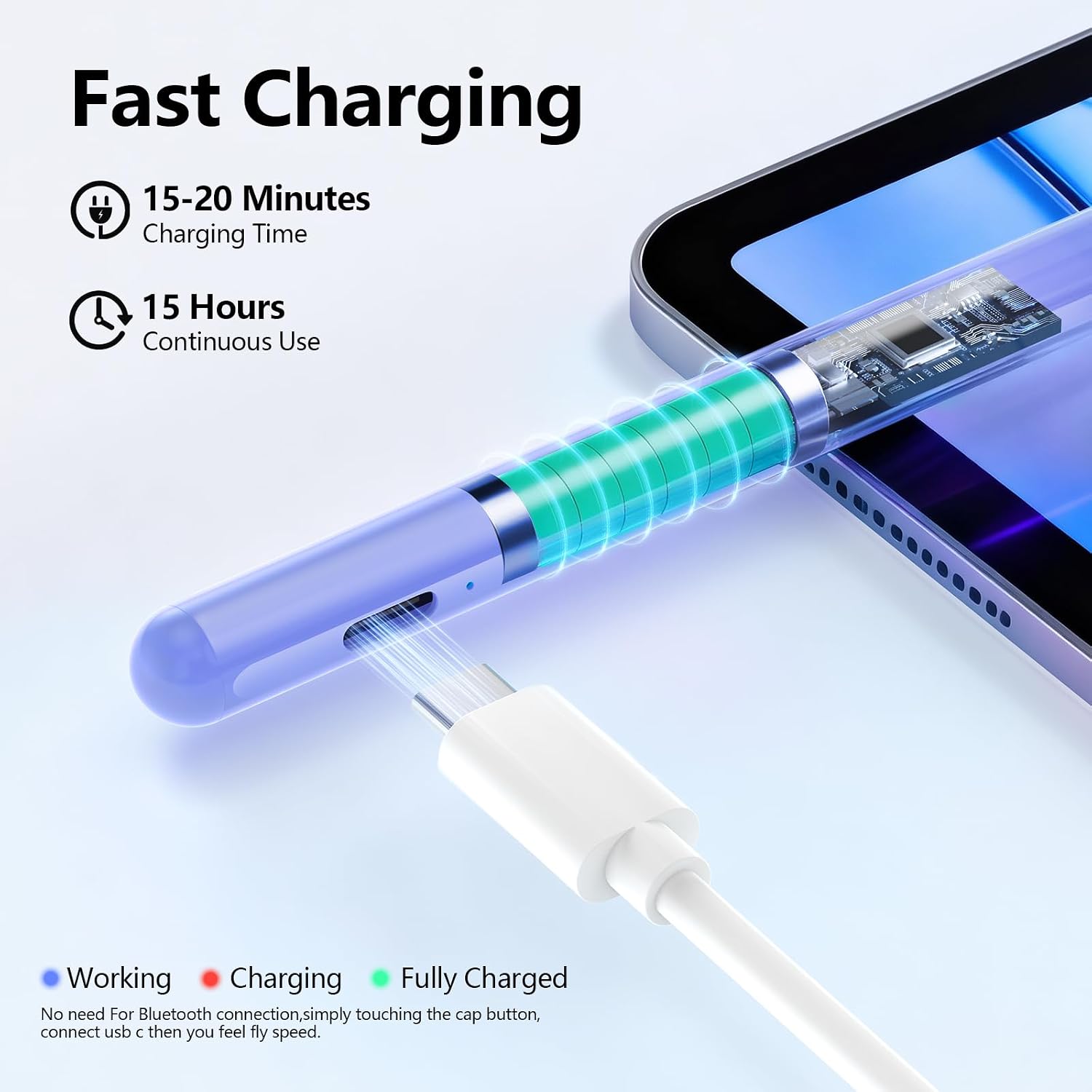
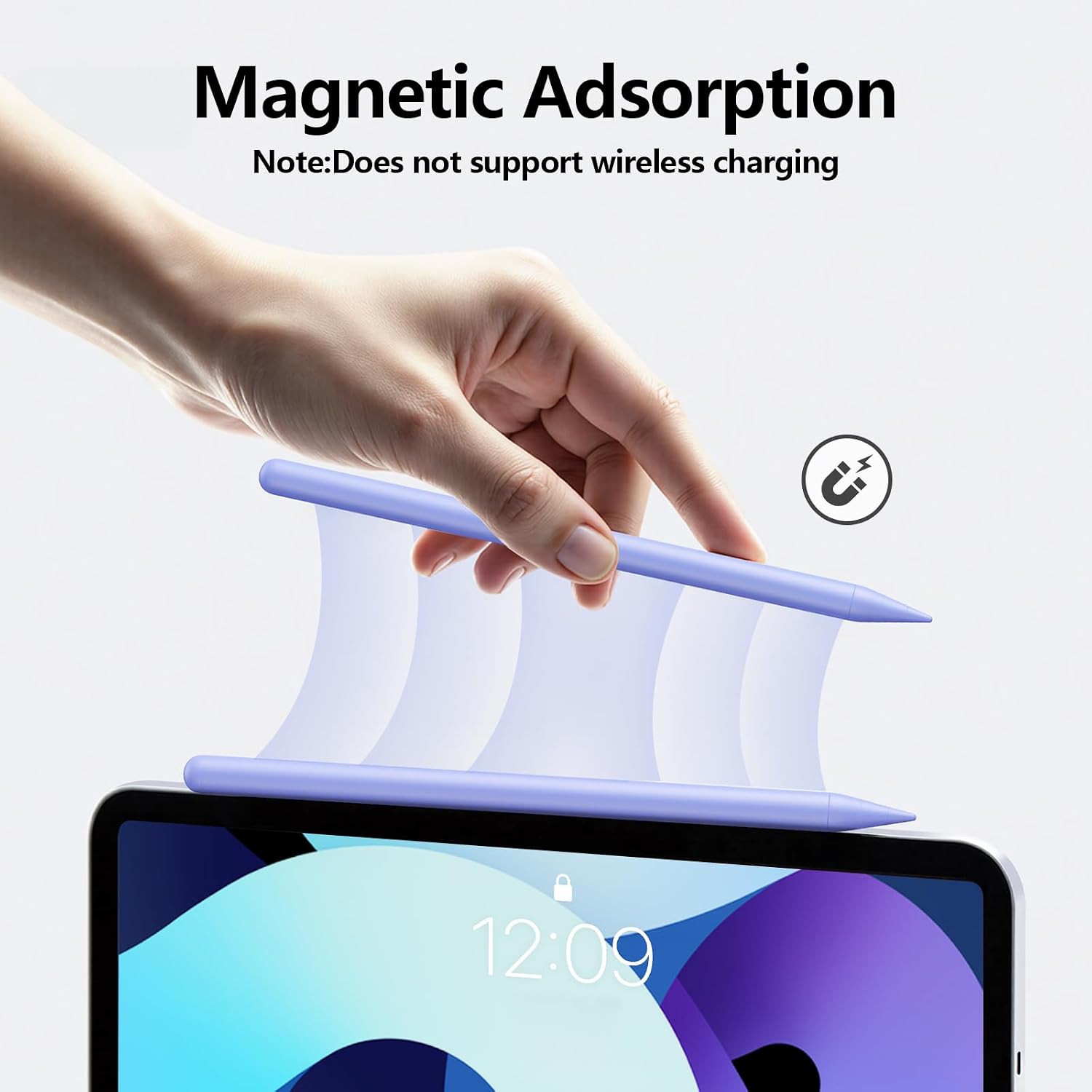
There’s no Bluetooth setup required. A simple touch on the cap button powers the pen, and a quick 15–20 minute charge yields 8–10 hours of use. This makes it convenient for quick bursts of work or longer sessions without hunting for cables or pairing prompts.
What to expect in terms of performance
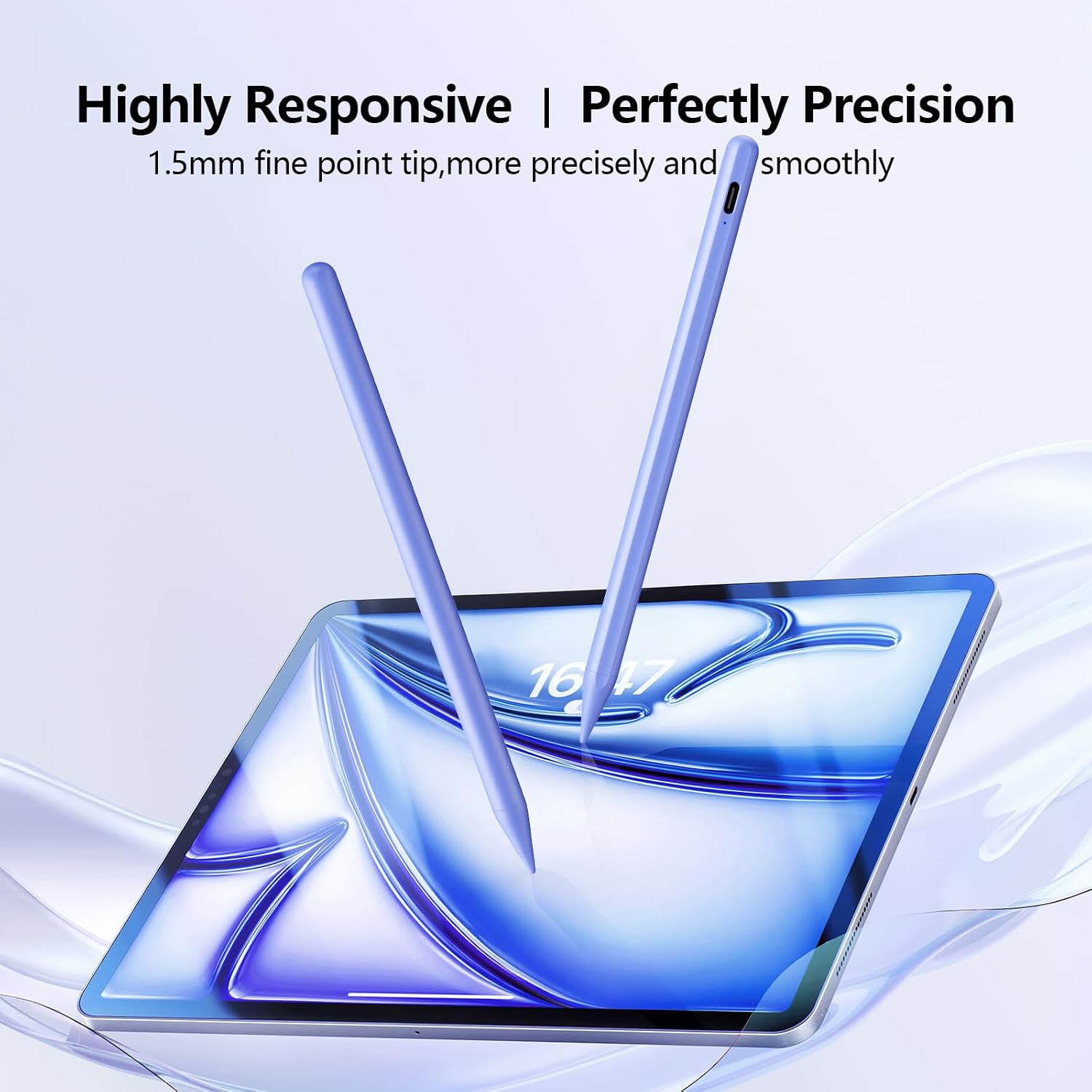
On paper, the pen offers higher sensitivity and accuracy than a basic stylus, with smoother lines and fewer lag points. It’s not pressure-sensitive, which means it won’t register different line weights from pressure alone, but the precise tip can still help with fine detail. A key practical note: the tip and other parts are user-replaceable, which can reduce long-term maintenance costs. If you’re used to a superior feel when sketching or drafting, you’ll notice the improved control and steadier tracking.
Who it’s best for
This stylus is a sensible pick if you own an iPad Pro (11" or 12.9"), iPad Air (3rd–5th Gen and newer M-series), iPad mini (5th–7th Gen), or standard iPad models between 6th and 11th generation. It’s especially appealing for students taking notes, artists doing quick sketches, or professionals who want a more precise digital pen without Bluetooth or app requirements.
Strengths and standout points
- Precise 1.5mm tip improves accuracy for drawing and handwriting.
- Palm rejection enables natural writing without accidental marks.
- Quick charge cycle delivers hours of use from a short top-up.
- Simple power-on mechanism without Bluetooth pairing.
- Interchangeable tips offer a budget-friendly maintenance path.
Limitations and scenarios where it may fall short
- It’s not pressure-sensitive, so it won’t mimic brush or pencil pressure for line variety.
- Some users may prefer a Bluetooth-enabled pen with tilt or button shortcuts for specific workflows.
- It doesn’t include a cap for the charging port or a cover, which means you’ll want to keep track of tiny accessories separately.
- If you rely on magnetic or wireless charging ecosystems, this pen’s charging setup may feel basic in comparison.
Before you buy: what to check
- Confirm your iPad model compatibility (2018–2026 range) to avoid model mismatch.
- Consider whether you need pressure sensitivity or tilt detection, this pen provides precision but not pressure input.
- Review your typical use case: note-taking, illustration, or quick drafts can guide whether this balances cost and capability.
- Decide if you’re comfortable with the micro-issues around tips and charging cables so you’re not surprised after purchase.
How it compares to other approaches
If you’re weighing between a Bluetooth pen with more features and a simple, quick-charge option, this pen leans toward straightforward reliability over feature depth. For casual note-taking or light sketching on compatible iPads, it offers a practical middle ground: better precision than a basic stylus, but without the complexity of wireless connectivity. In setups where you already own glass screen protectors, palm rejection works well, if your workflow requires tactile sensitivity or haptics, you might prefer alternatives with pressure sensitivity.
Final decision: Is it worth it?
Because it offers a precise tip, palm rejection, and no-setup charging, it’s worth considering if you want a no-fuss stylus that works across a broad range of iPad models and supports longer session use after a short charge. It may not be the best option if your priority is pressure sensitivity or a fully Bluetooth-enabled experience. If your use is primarily note-taking, quick doodles, and general navigation on compatible iPads, this pen provides a solid balance between simplicity and performance.
FAQ
- How long does the charge last? It’s advertised to support 8–10 hours of work after a 15–20 minute charge.
- Is it compatible with my model? It targets 2018–2026 iPad and iPad Pro lines, double-check your exact model against the list to be sure.
- Does it require Bluetooth pairing? No, it uses a touch-activated power switch, so there’s no Bluetooth setup to worry about.