

STYLUSHOME Pencil for iPad 11th/10th/9th (2X Fast Charge) Dual-Tip Stylus with Palm Rejection & Tilt Sensitivity
Reviews
Price
Product description
The essentials
If you want a stylus that feels “ready to write” rather than a gadget you have to baby, this STYLUSHOME Pencil for iPad is built around a few practical ideas: a fine precision tip for drawing/writing, palm rejection to reduce accidental touches, and tilt sensitivity for more natural strokes. It’s also positioned as a fast-charging option, with battery readouts so you’re not guessing.
That said, it’s not universal. On paper, this one is aimed at iPads from 2018 onward (and the listing calls out specific compatible models). If you have an older iPad, or you’re trying to use it on a non-iPad touchscreen device, it may simply not work as expected.
Key features that show up in daily use
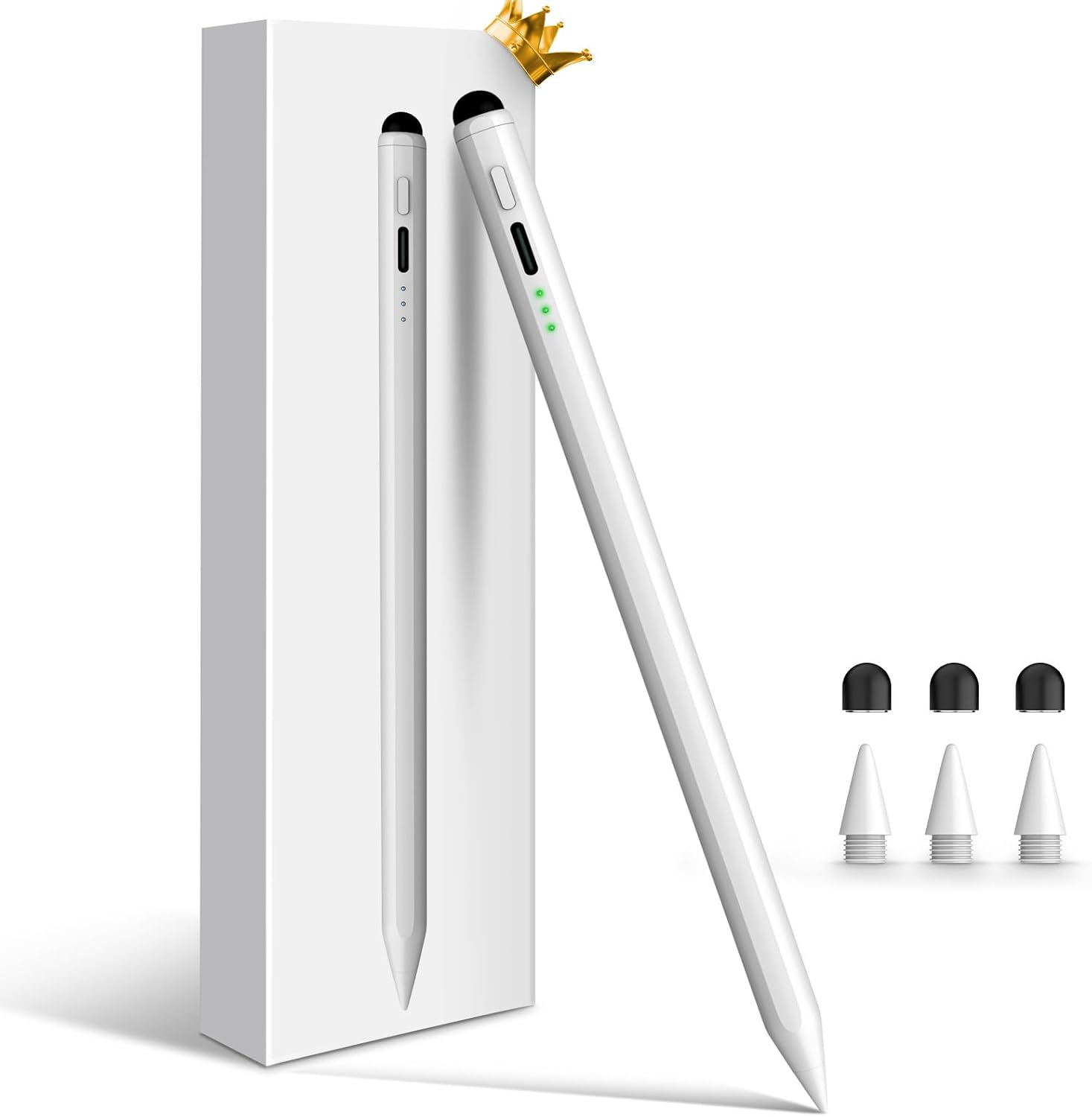
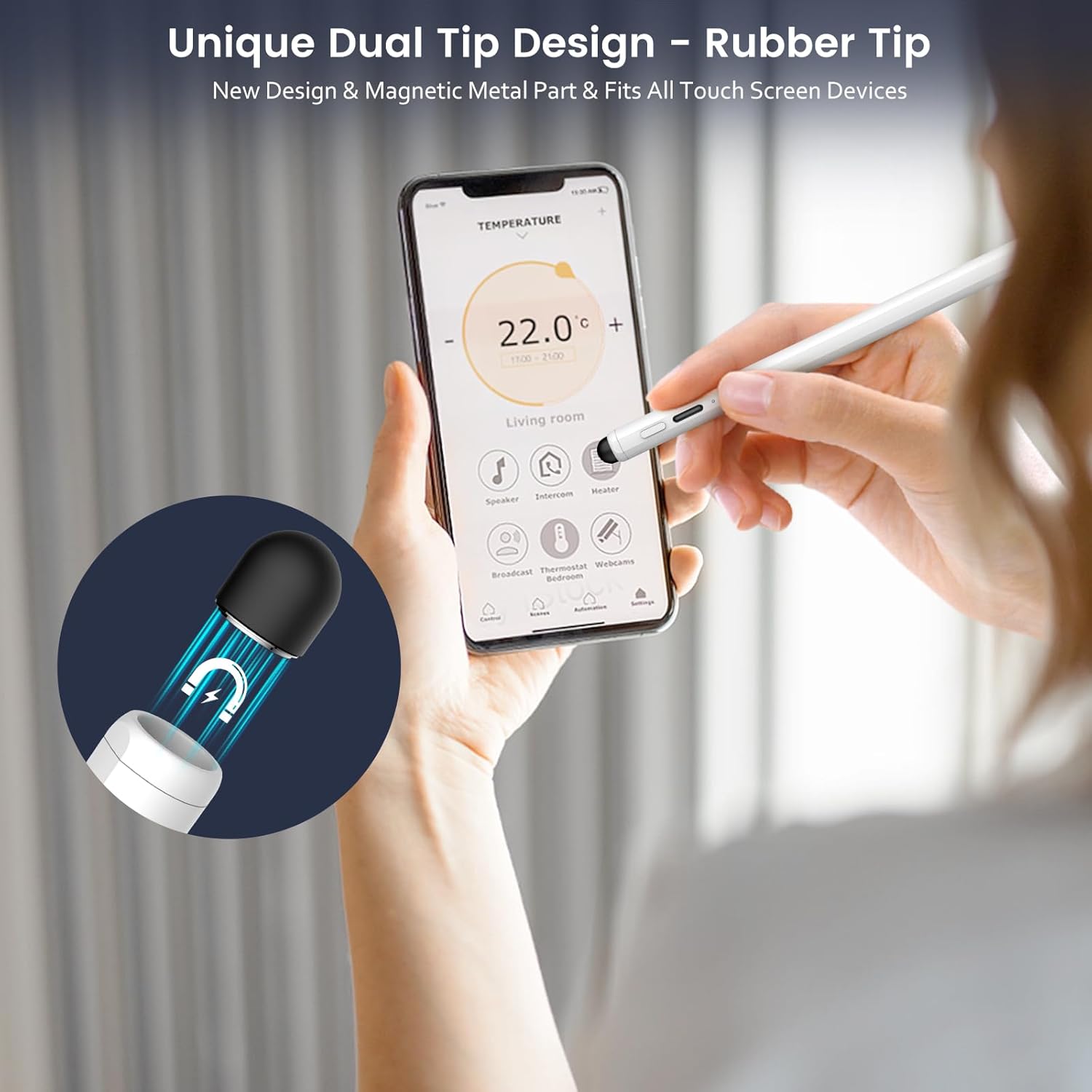
The headline here is the dual-tip concept: a 1.5mm precision fine tip for iPad-style writing and drawing, plus a rubber tip meant for capacitive touchscreens. The listing frames the rubber tip as a “backup” if the stylus runs out of battery, which is a nice touch for everyday situations—think quick note-taking or light interaction when you don’t want to stop what you’re doing.
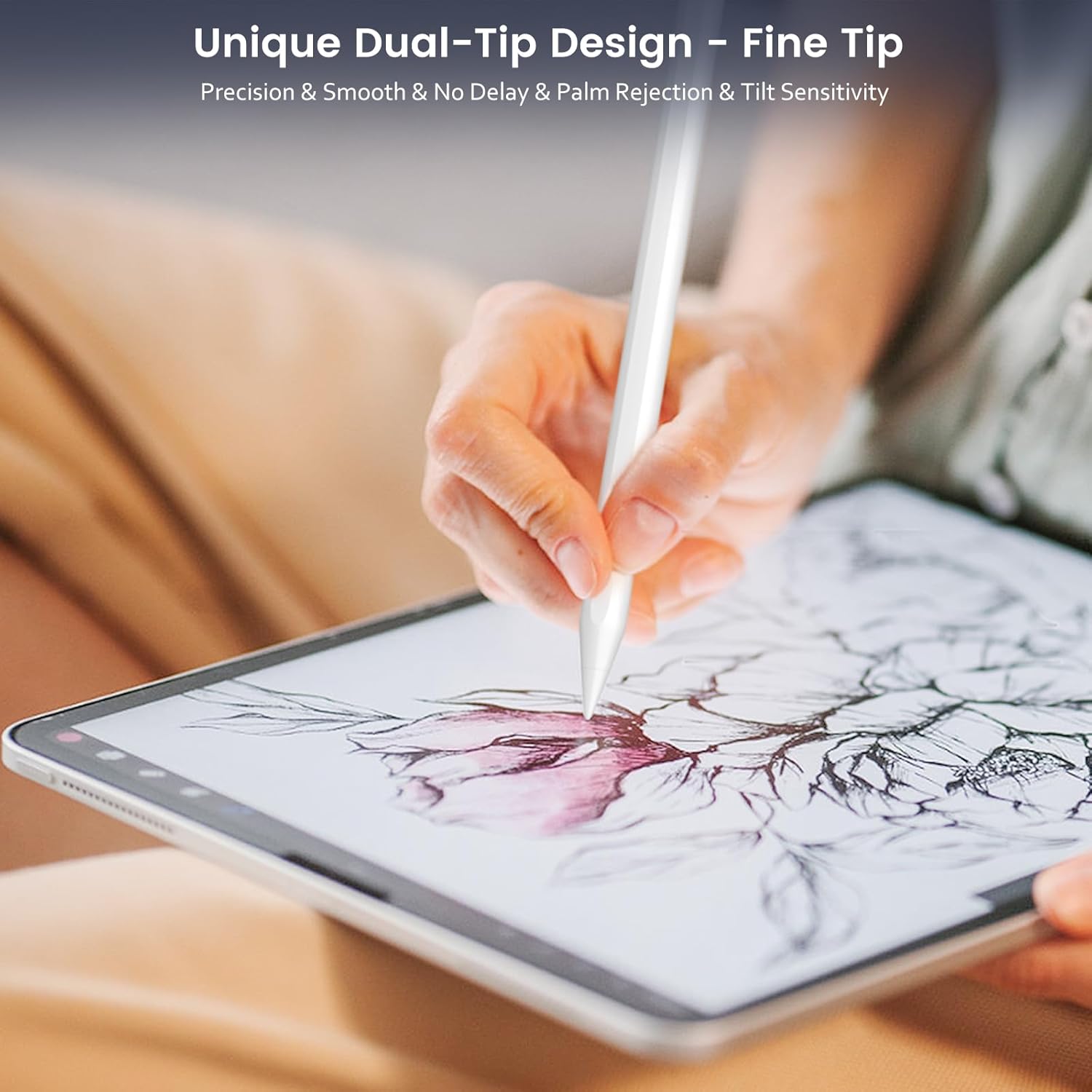
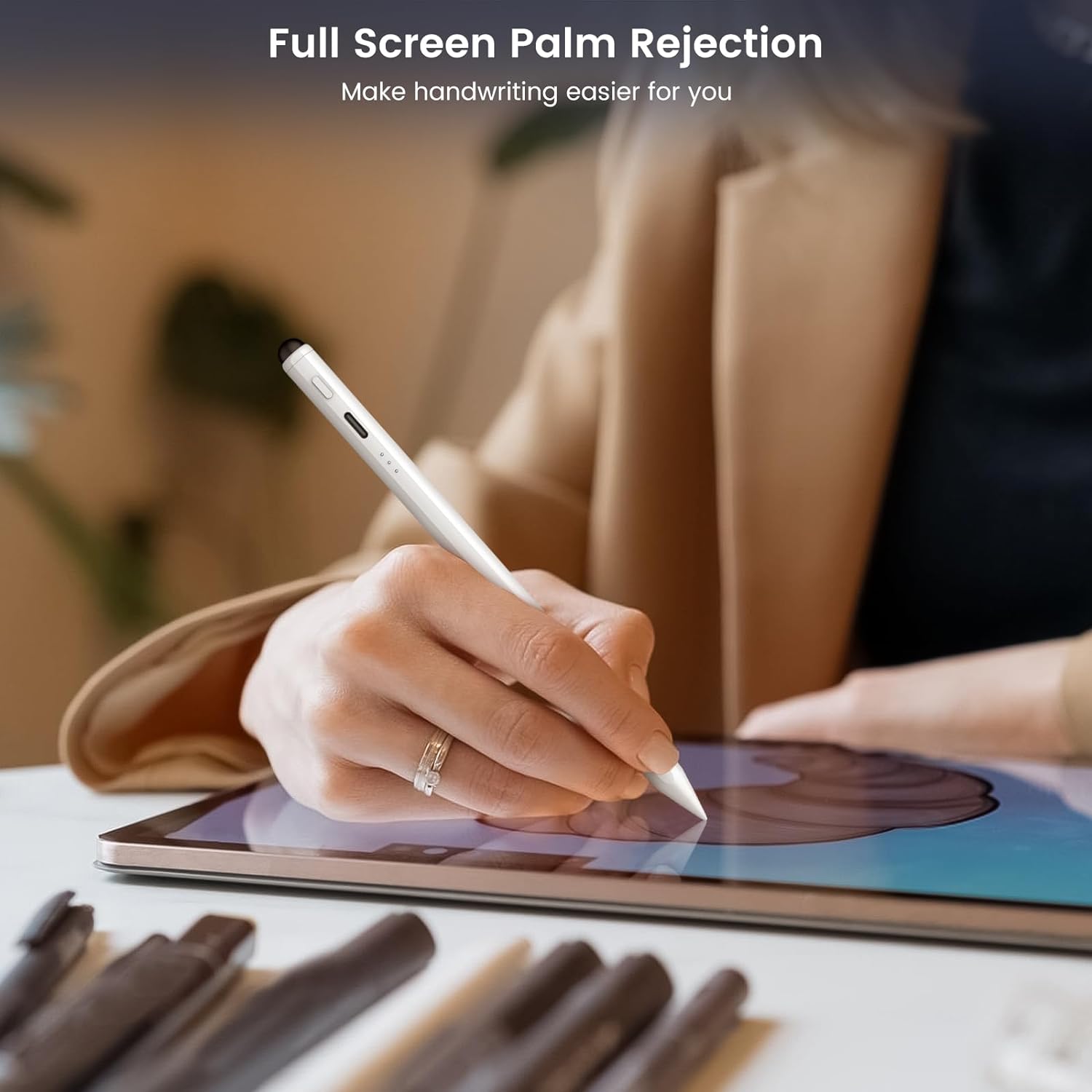
Palm rejection and tilt sensitivity are the two features that tend to matter most once you start using a stylus for longer sessions. Palm rejection helps you rest your hand on the screen more naturally without constant unintended marks. Tilt sensitivity can make your lines feel less mechanical, especially for shading or sketching where pressure and angle matter.
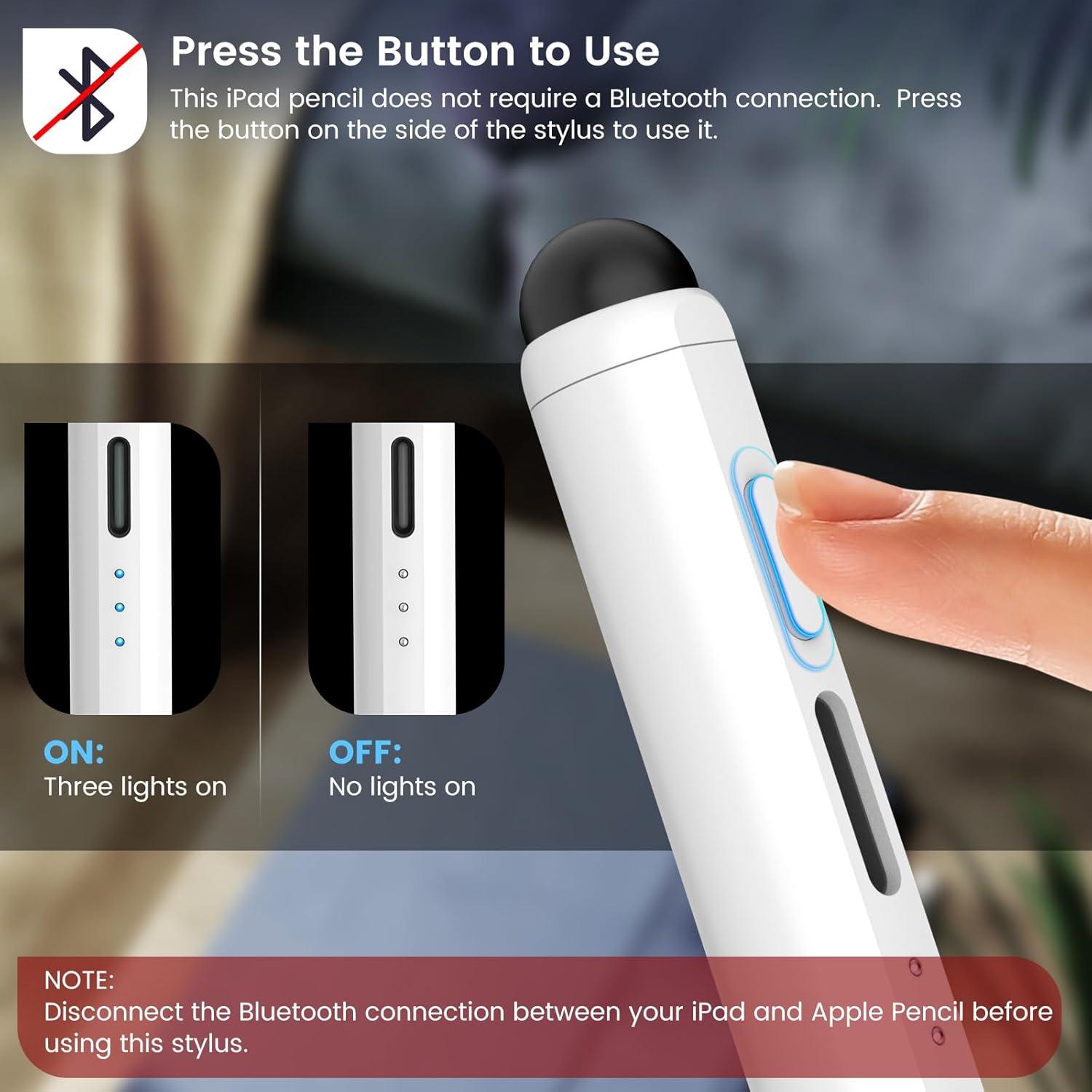
There’s also no Bluetooth requirement described for operation. You power it on/off using the button, and the product notes a couple of troubleshooting steps if you run into issues (including forgetting the Apple Pencil connection).
What to know about charging and battery tracking
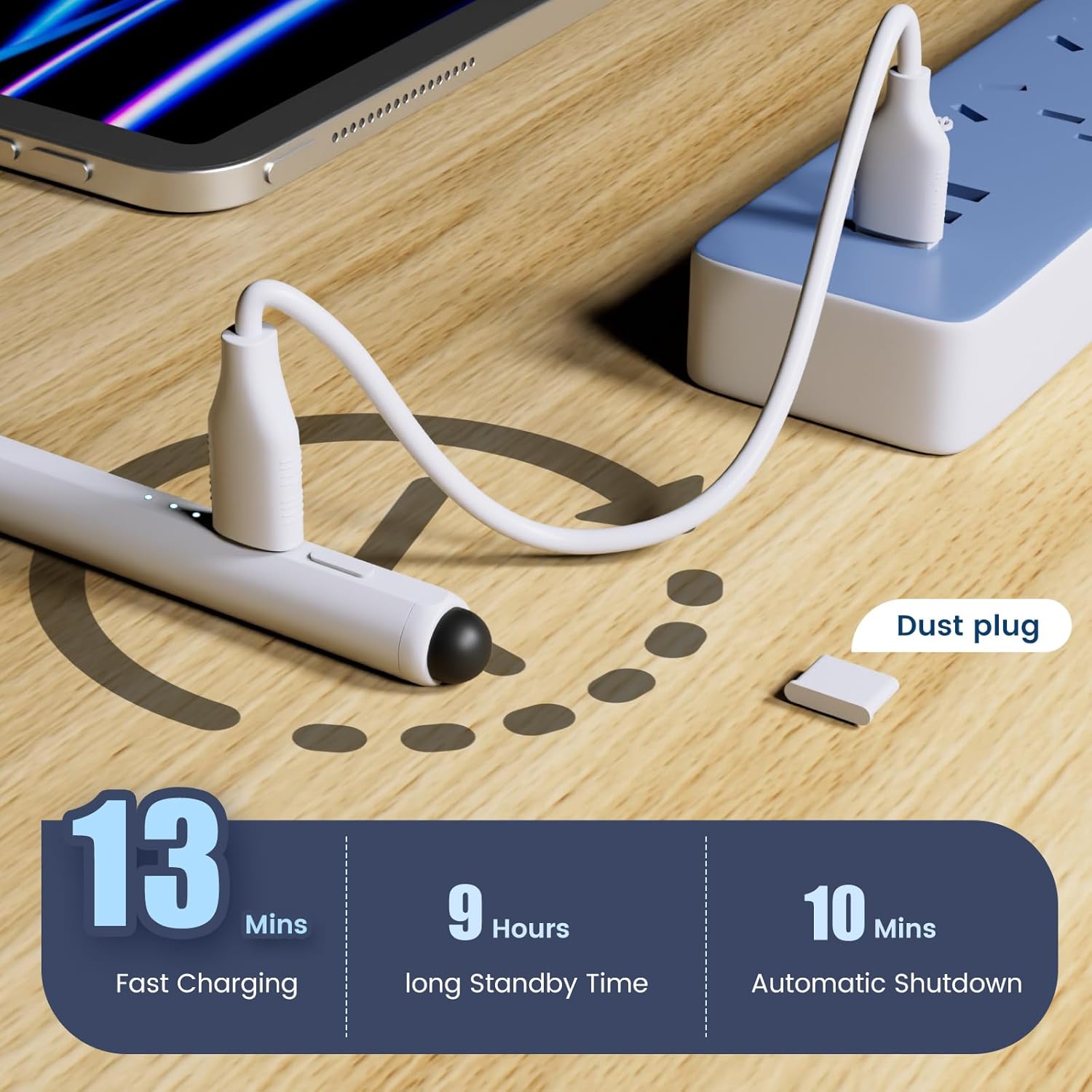
This pencil is described as supporting quick charging: charging for about 10–13 minutes for up to 9 hours of use. It also powers down after 10 minutes of no use, with a one-minute warning flash before it sleeps.
Battery visibility is handled via a triple-indicator power display. The lights correspond to charge ranges (60%–100%, 20%–59%, and below 20%), so you can make a call before your session ends. No, it won’t replace a full battery meter, but for a stylus, this kind of at-a-glance indicator is genuinely helpful.
Compatibility: the make-or-break point
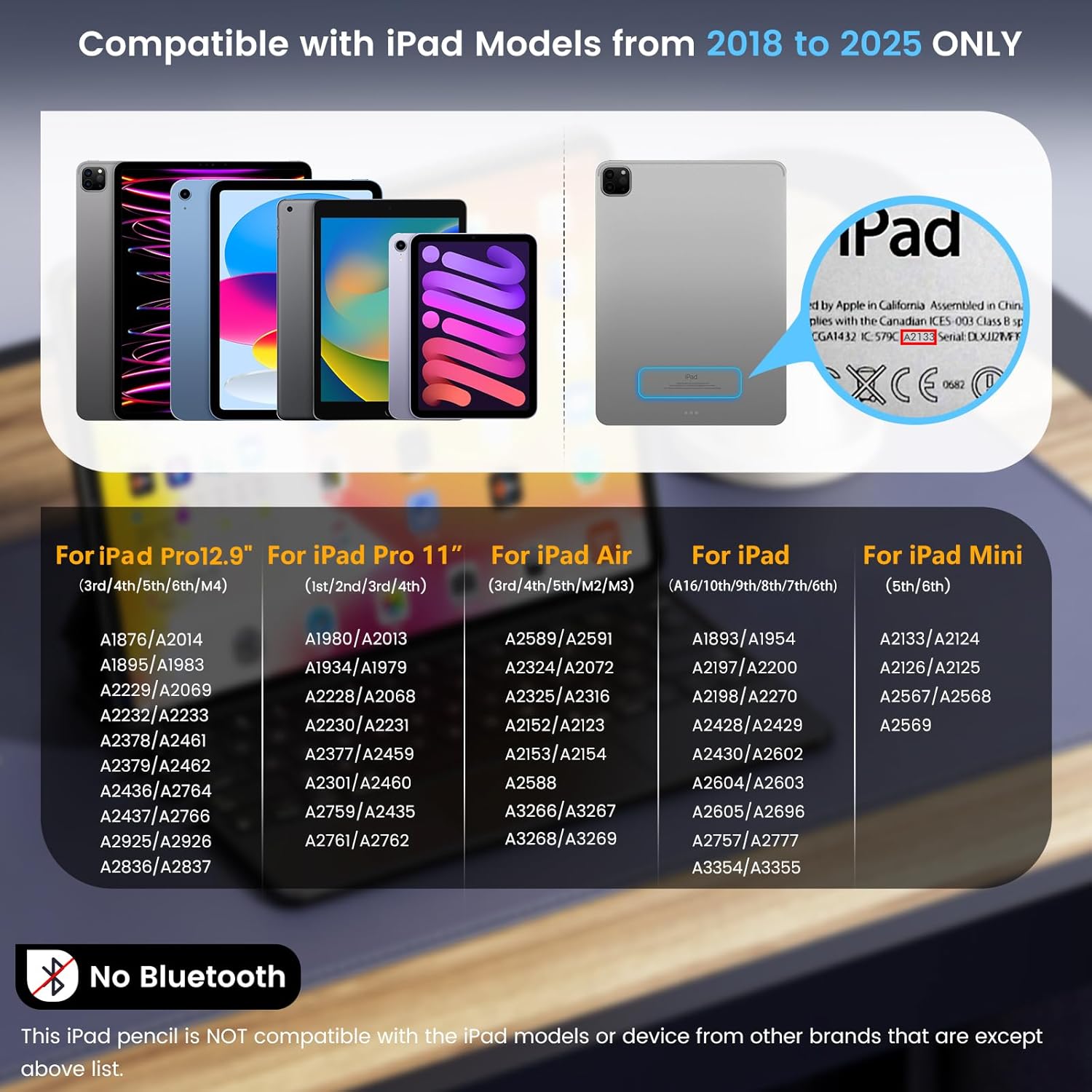
This stylus is listed as compatible only with certain iPads released in the 2018–2025 window. The specific lineup mentioned includes iPad 10th/9th/8th/7th/6th Gen, iPad Pro 11-inch (all generations), iPad Pro 12.9-inch (3rd–7th Gen), iPad Pro M4, iPad Mini 5th and 6th Gen, and iPad Air M2/5th/4th/3rd Gen. The listing also suggests how to confirm: check your model in Settings > General > About.
It’s not positioned for other iPad versions or touchscreen devices from other brands. So if you’re shopping for the “cheapest stylus that works with any iPad,” you may want to skip this and focus on strict compatibility first.
Tech specs (only what’s stated)
What’s included
The box contents listed are: - 1 iPad Stylus Pen - 3 stylus tips and 3 rubber replacement tips - 1 dust plug - 1 Type-C cable - 1 user manual
That tip quantity is worth noting if you plan to use it frequently. Replacement tips are often where these purchases get annoying later—having extras in the package is a small but real convenience.
Best use cases (and a quick reality check)
This pencil makes the most sense if you’re using your iPad for handwriting, note-taking, or sketching and you care about smoother line control. For example, if you’re in class or meetings, palm rejection can reduce accidental marks when you rest your hand near the writing area. For drawing, tilt sensitivity can help when you’re trying to vary stroke thickness for shading.
However, it may not be the best choice if your main goal is ultra-advanced “pro-level” stylus behavior, because the listing doesn’t talk about any high-end features beyond tilt sensitivity, palm rejection, and the dual-tip approach. It also may feel limiting if your iPad model isn’t on the supported list.
Care & maintenance
A simple dust plug is included, which suggests the manufacturer expects regular daily handling. Beyond that, the most practical approach is to keep the tips clean and consider swapping tips when they feel worn—especially since this model explicitly comes with multiple replacement options.
Mini FAQ
Does it require Bluetooth?
The listing says it does not require a Bluetooth connection. You press the button to turn it on/off.
What’s the difference between the fine tip and rubber tip?
The fine tip is designed for iPads, while the rubber tip is for capacitive touchscreens (the listing also frames it as a backup if the stylus battery runs out).
How can I confirm compatibility?
Before buying, check your iPad model in Settings > General > About, and compare it to the compatible iPad generations listed.
How long does the battery last after a quick charge?
According to the listing, charging for 10–13 minutes can provide up to 9 hours of uninterrupted use.
When it makes sense?
Buy this STYLUSHOME pencil if you have a supported iPad model from the 2018–2025 range and you want a stylus focused on writing/drawing comfort (palm rejection), more expressive strokes (tilt sensitivity), and quick top-ups with visible charge lights.
Skip it if your iPad model isn’t in the listed compatibility range, or if you’re expecting it to work like a universal stylus across different brands of touchscreen tablets/phones. Also, if you mainly need a basic capacitive stylus for tapping and scrolling, the rubber-tip angle may not be enough—you’d want to align expectations with what the fine tip is intended to do on iPads.