

Aspaper M4 Stylus Pen for iPad with Tilt Sensitivity and Palm Rejection
Product description
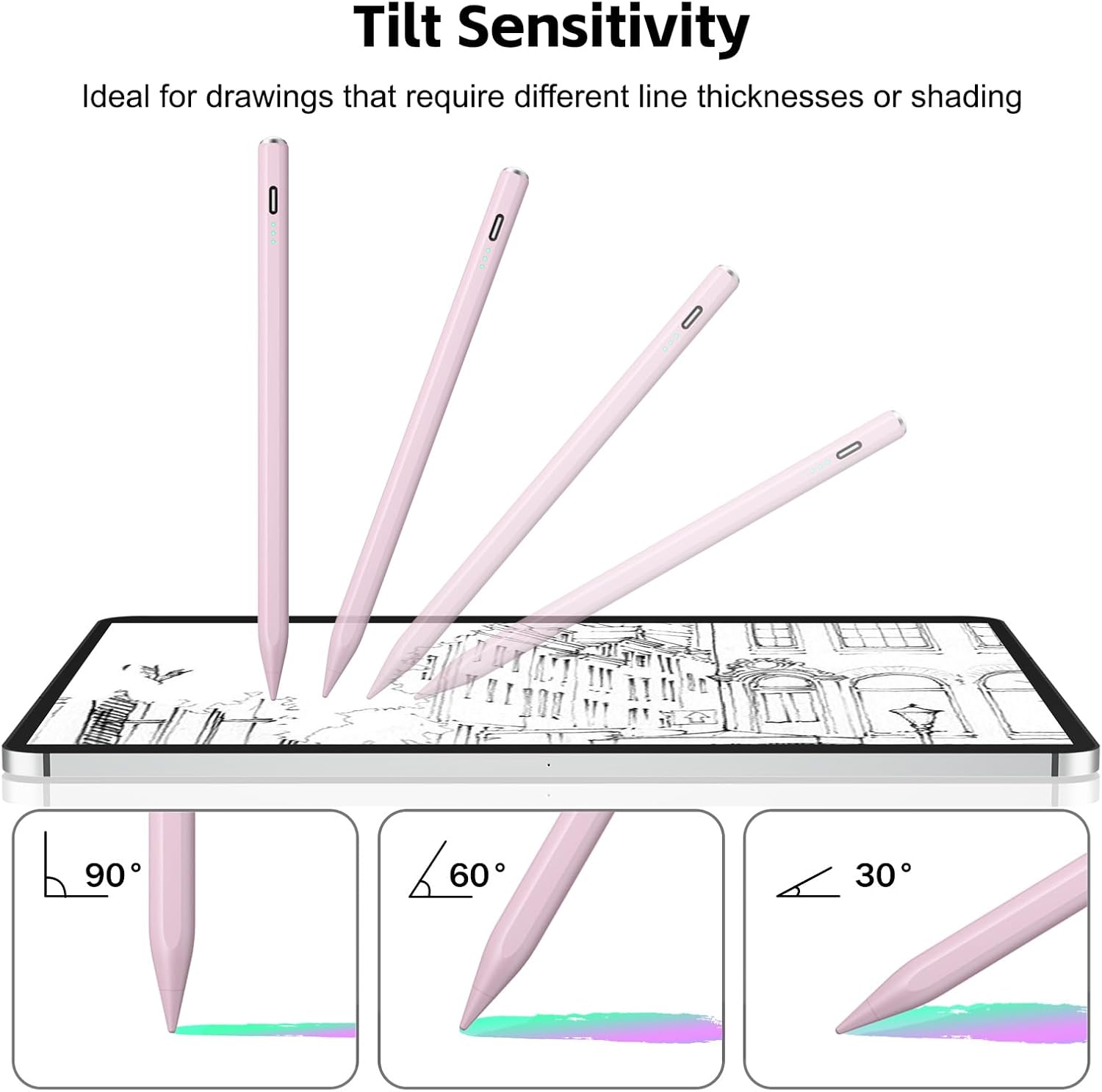
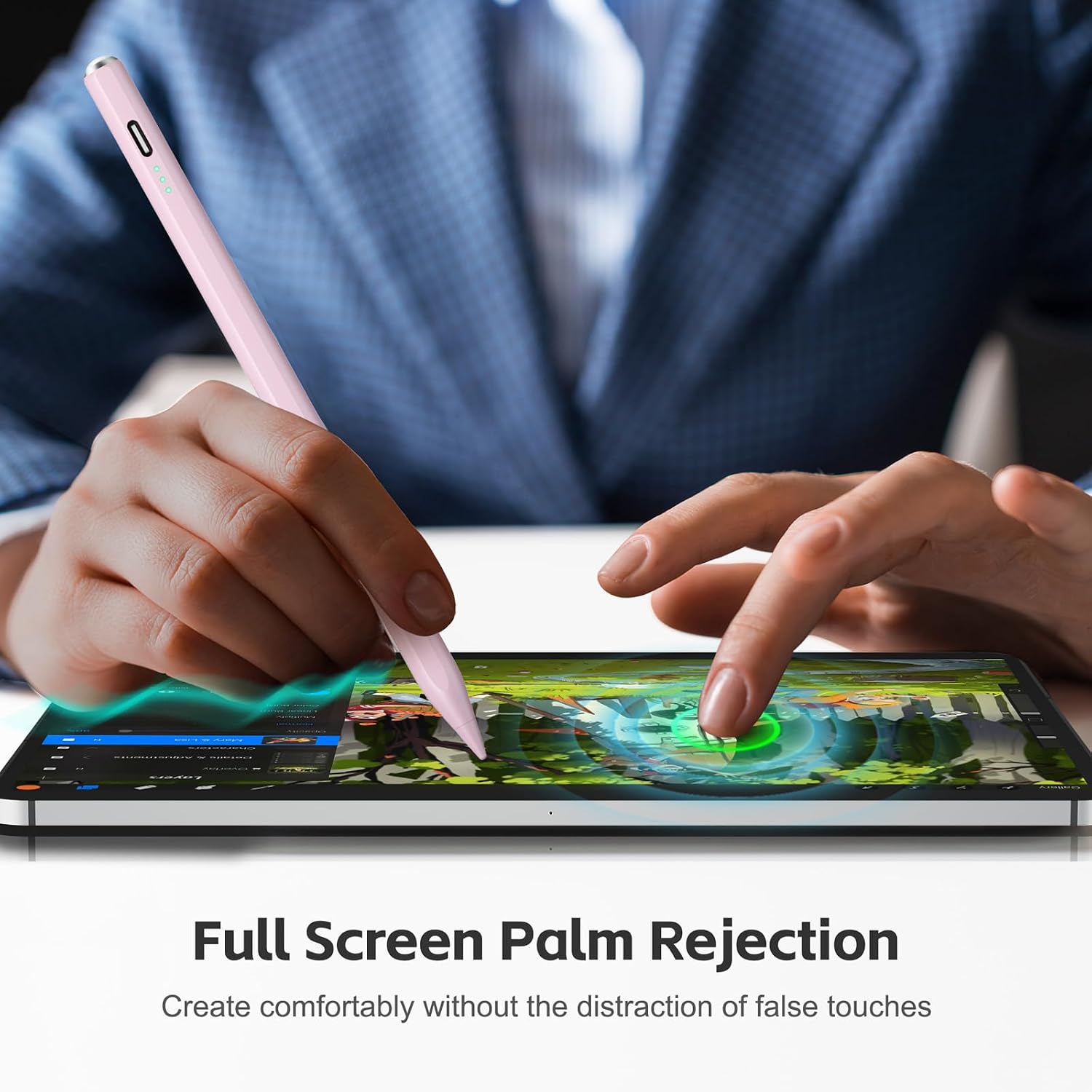
A basic stylus can cover occasional taps, while handwriting and sketching call for more control. The Aspaper M4 adds palm rejection, tilt-based line-width adjustment, and a fine tip, making it better suited to notes and drawing on compatible iPads.
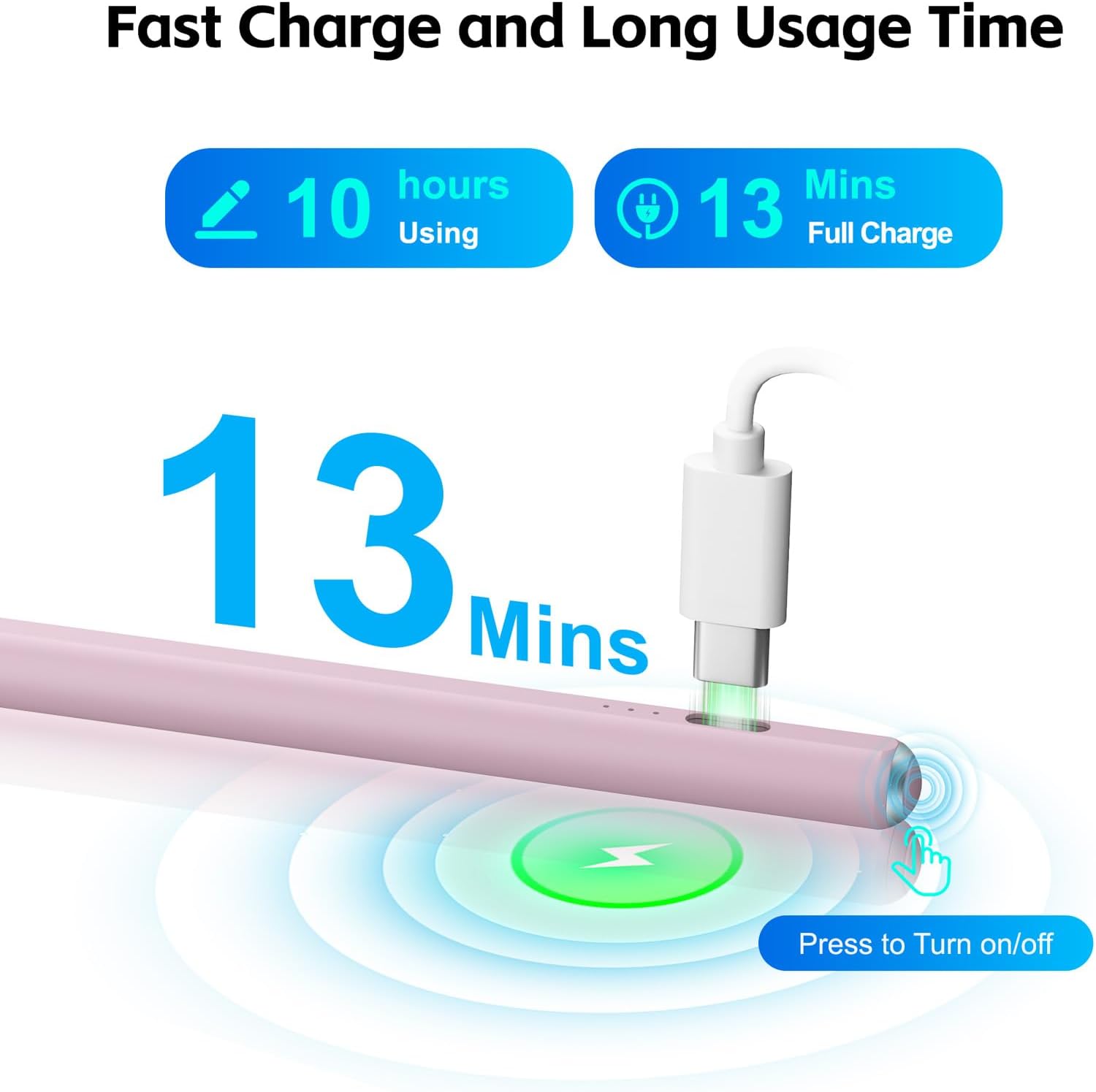
It charges in 13 minutes for up to 8 hours of continuous use. Pressure sensitivity is not supported, so the tilt feature should not be mistaken for pressure-based control.
Specifications
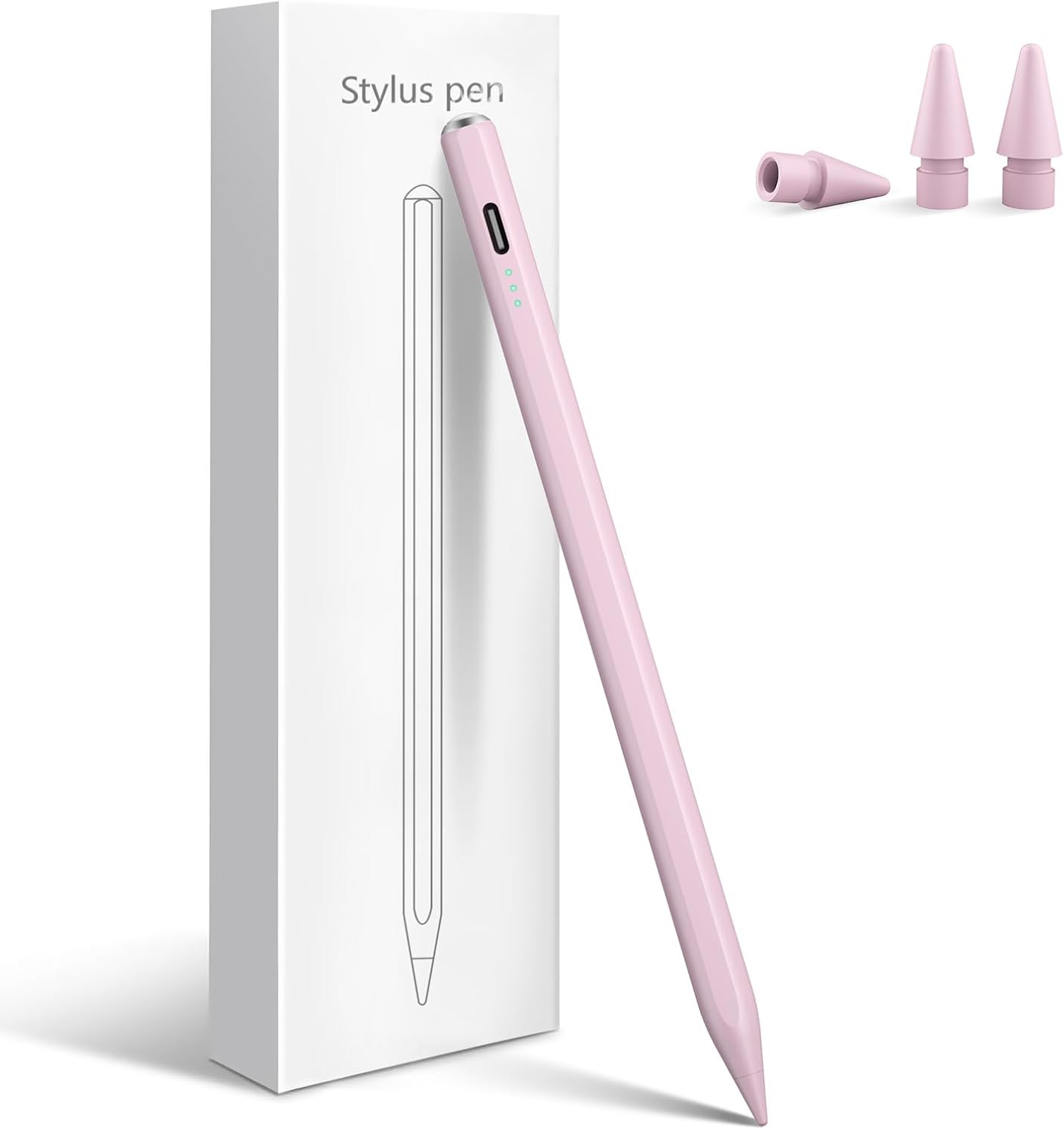
- Type: Stylus pen
- Model: M4
- Color: Pink
- Material: Metal
- Dimensions: 6.3 x 0.39 x 0.39 inches
- Weight: 0.07 kg
- Minimum operating system: iPadOS 13
- Warranty: 1 year
The combination of palm rejection and tilt sensitivity is aimed at writing and sketching: your hand can rest on the screen while you work, and tilting the tip adjusts line width. The product description also specifies a fine tip and a top button for power. For shoppers comparing a straightforward iPad stylus with a more advanced drawing tool, the key distinction is that this model offers tilt control but not pressure sensitivity.
Everyday compatibility
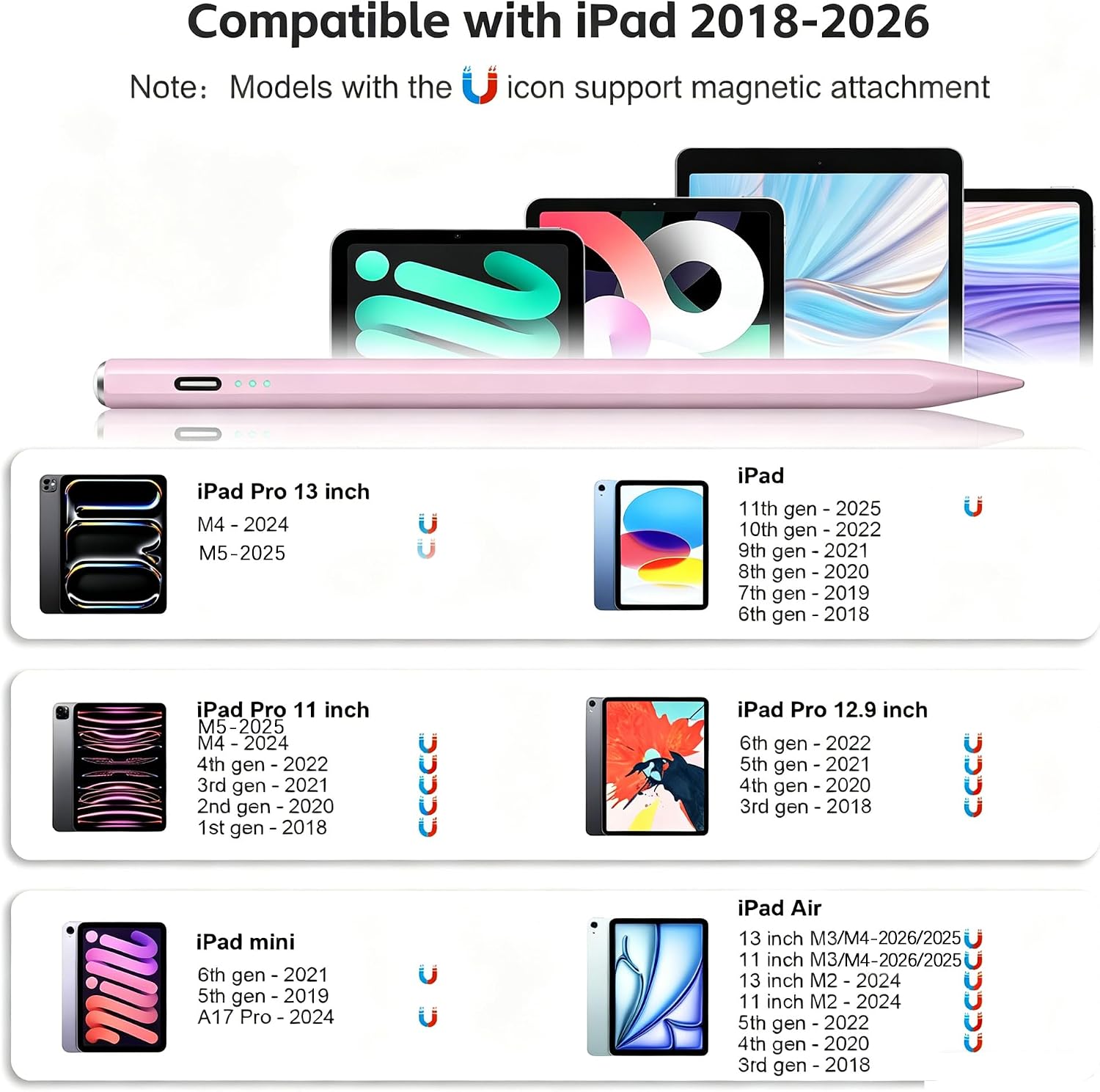
The listed devices include iPad Pro 11- and 13-inch M4/M5 models, iPad Pro 12.9-inch generations 3 through 6, iPad models 6th through 11th generation, iPad Air generations 3 through 5 and M2/M3/M4 models, and iPad mini generations 5 and 6 plus mini A17 Pro. Compatibility is limited to the listed iPads, the product description excludes Android tablets, phones, iPhones, and Microsoft devices. Check the iPad model under Settings > General > About before ordering, since the generation and screen size matter.
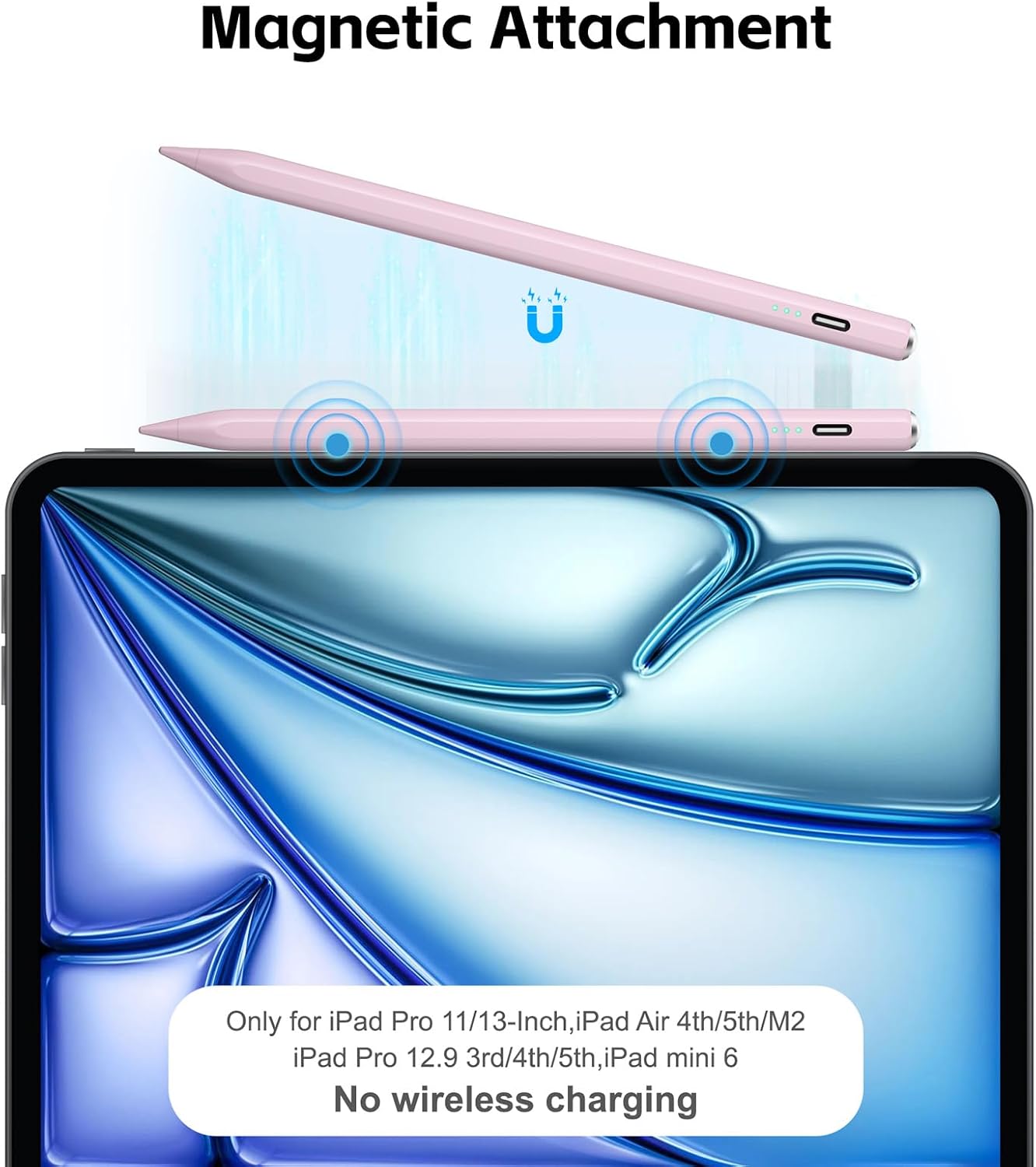
The built-in magnet attaches to select iPad models, including specified Pro, Air, and mini versions. That attachment is not the same as charging: wireless charging is not supported. Buyers describe setup and everyday writing as easy, and some report using it without Bluetooth pairing. Those reports are useful context, but checking the compatibility list remains the safer way to determine fit.
How to use it
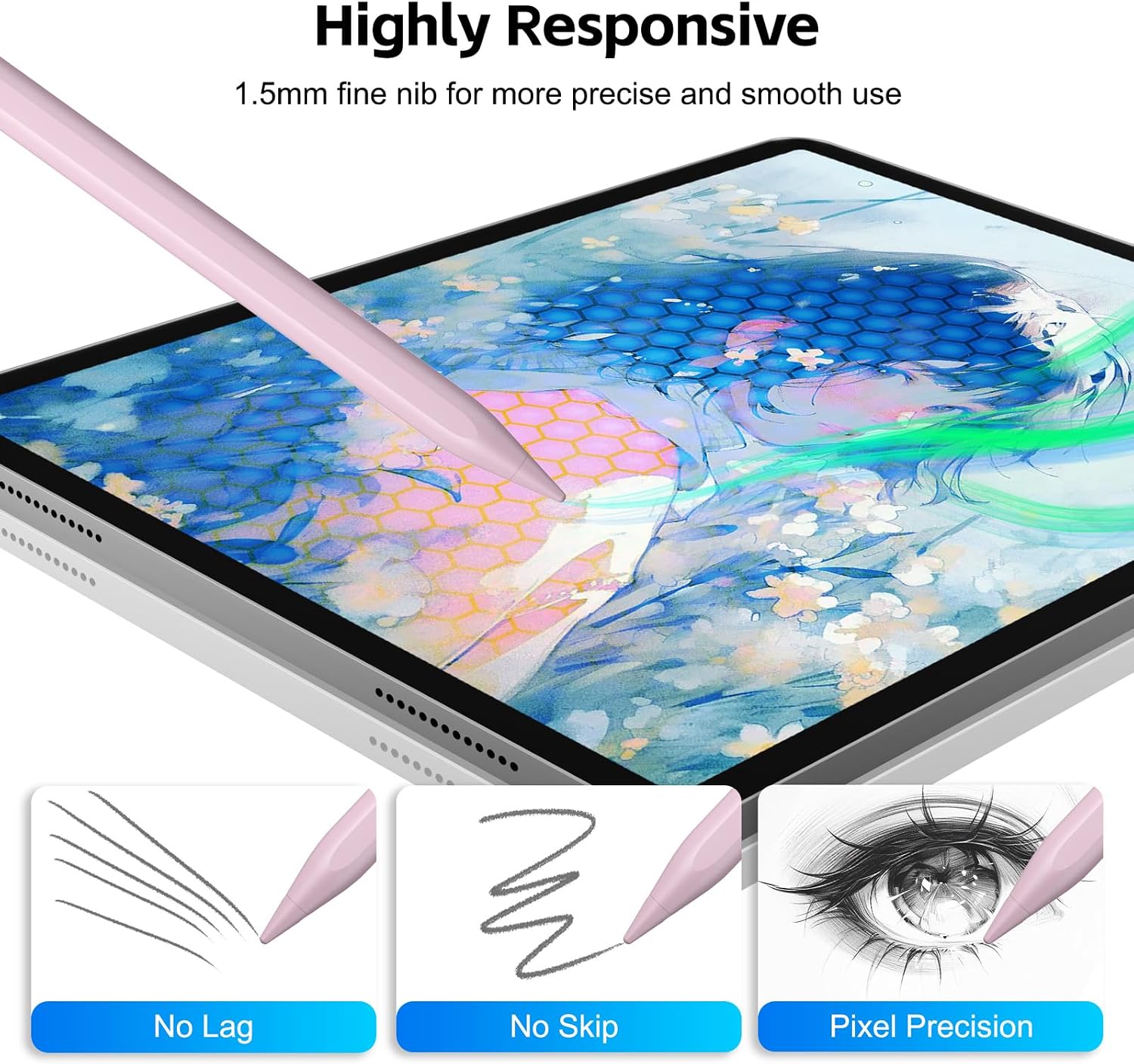
Press the button on top to turn the stylus on or off. Use the fine tip for notes, screen interaction, or drawing, and tilt it to adjust line width. Palm rejection is intended to reduce accidental touches while writing or sketching. A practical use would be annotating notes or making a quick sketch on a compatible iPad, for artwork that depends on pressure-sensitive strokes, this pen lacks that control.
The stated charge time is 13 minutes, with up to 8 hours of continuous use. Three indicator lights show power status, and the stylus automatically shuts off after 5 minutes of inactivity. Buyers also mention smooth, responsive writing and appreciate that the tip can be changed. You’ll appreciate it if you want those note-taking and sketching features without pressure sensitivity being a requirement. Better avoided if pressure-based line variation or use with a non-iPad device is essential.
Practical questions
Does it work with every iPad? No. It is listed for specific iPad generations and models, so identify your iPad in Settings before choosing it.
Does tilting the pen provide pressure sensitivity? No. Tilt adjusts line width, but pressure sensitivity is not supported.
Can it charge wirelessly while attached magnetically? No. The magnet attaches to select iPads, but wireless charging is not supported, the stated charge time is 13 minutes.
Final verdict
The Aspaper M4 is suited to compatible iPad owners who want palm rejection, tilt-based line adjustment, and a quick stated charge for notes or casual drawing. Its clearest trade-off is the lack of pressure sensitivity, and its magnetic attachment applies only to select devices. If you prioritize pressure-dependent artwork or need a stylus for Android, phone, or Microsoft hardware, this is not the fit described here.