

KEEPRO iPen-Blue Stylus Pen for iPad with Tilt Sensitivity and USB-C
Reviews
Price
Product description
At 6.5 inches long, the light blue KEEPRO iPen-Blue is an aluminum-and-PC stylus made for compatible iPads. Its familiar pen shape suits everyday writing, drawing, and screen navigation.
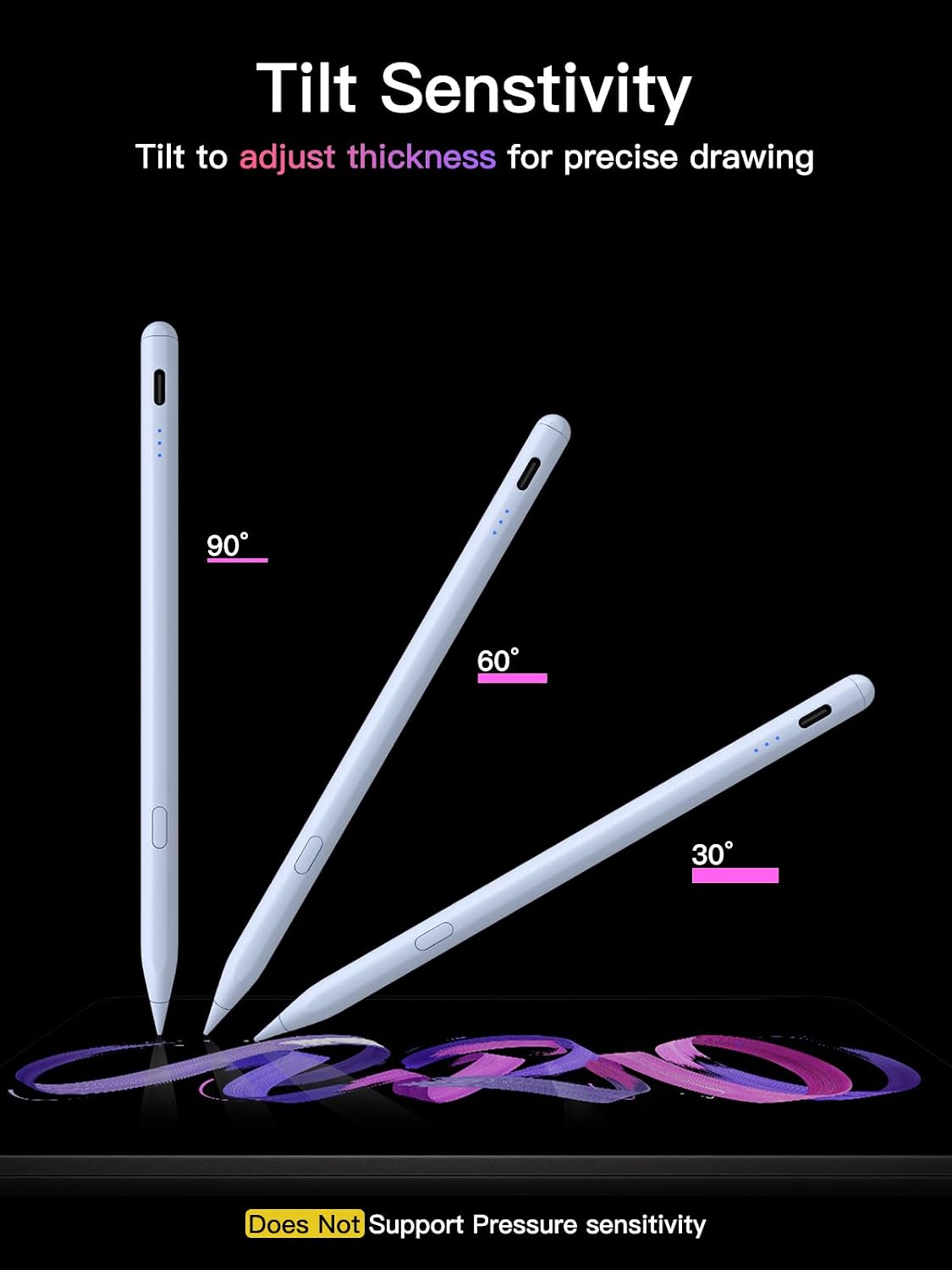
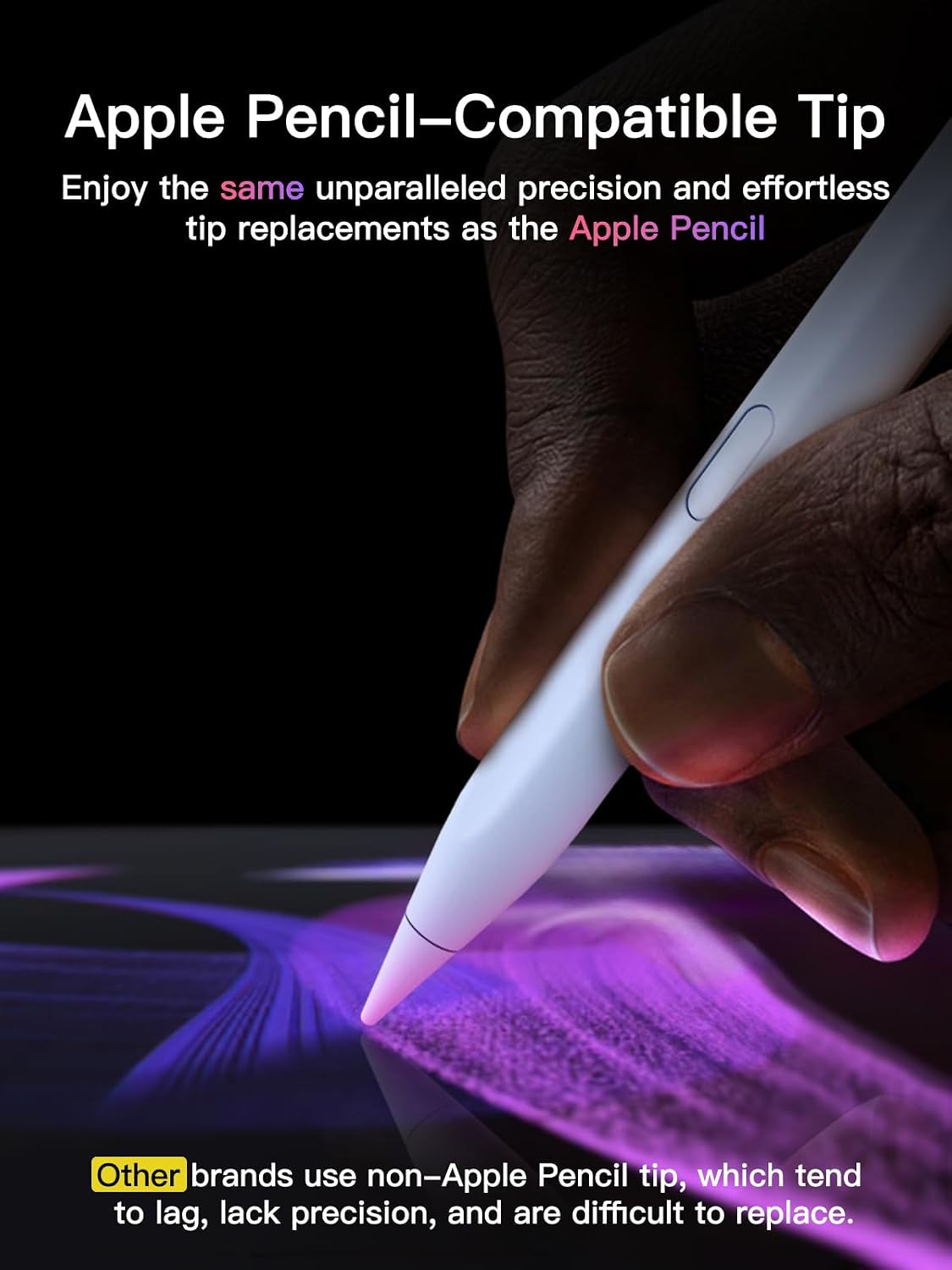
Tilt sensitivity supports natural-looking shading and strokes for sketching, coloring, and note-taking. The replaceable tip uses the same tip type as Apple Pencil, and three extra tips are included.
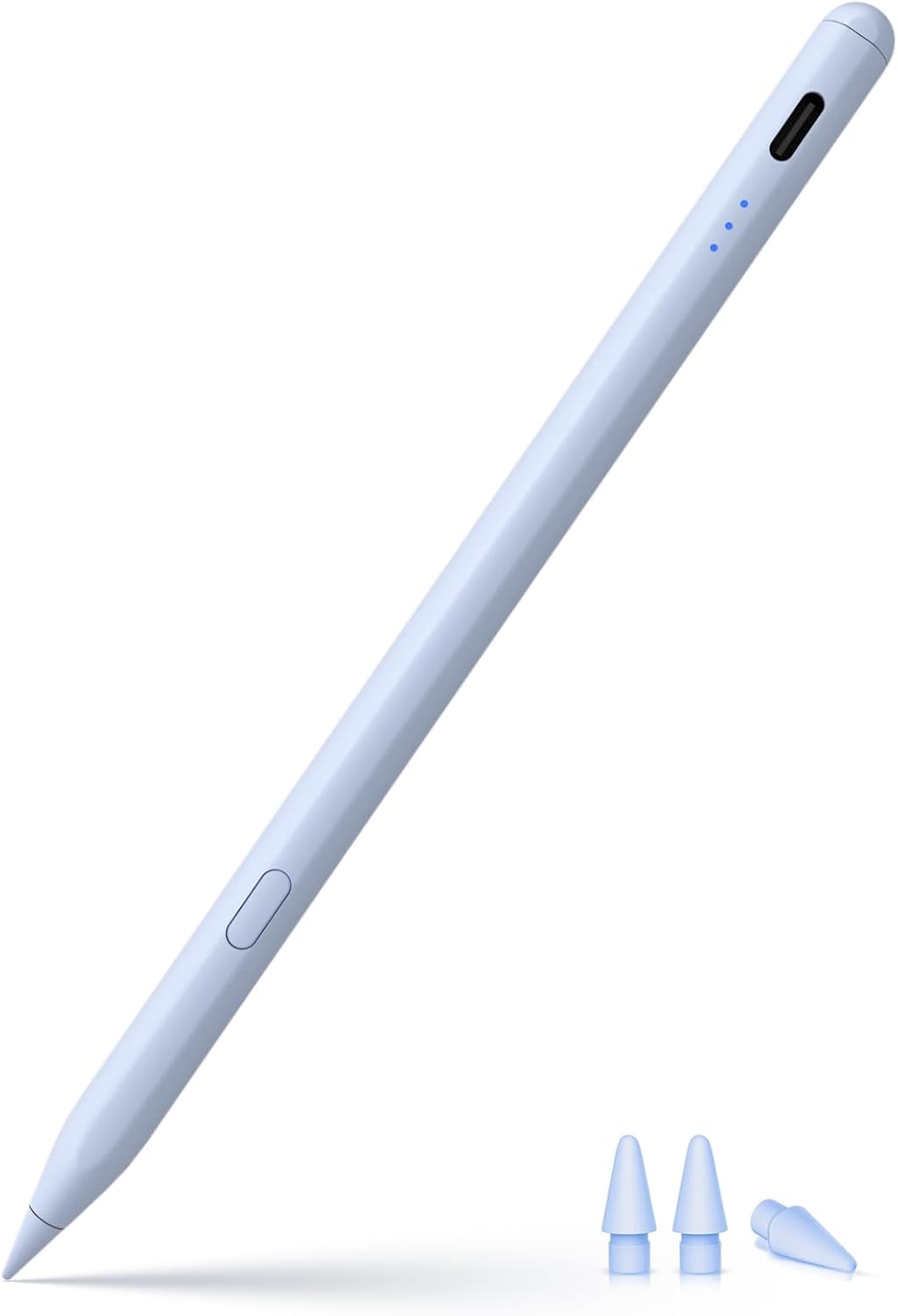
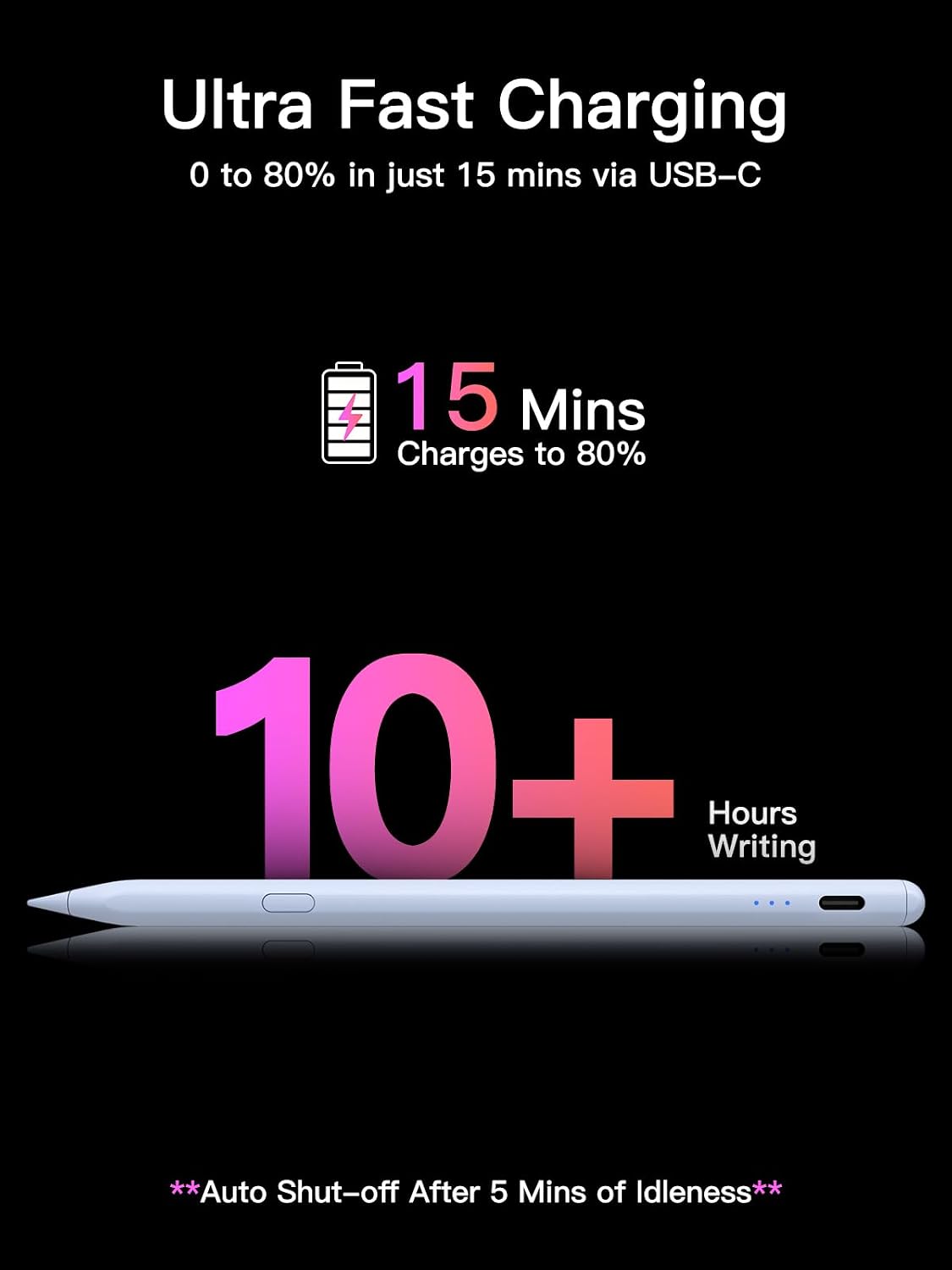
USB-C charging and optional Bluetooth shortcuts add convenient controls. Use the pen for class notes, work documents, sketches, or PDF markup on a compatible iPad.
At a glance
- Type: Stylus pen
- Material: Aluminum and PC
- Color: Light blue
- Dimensions: 6.5 x 0.35 x 0.35 inches
- Charging: USB-C
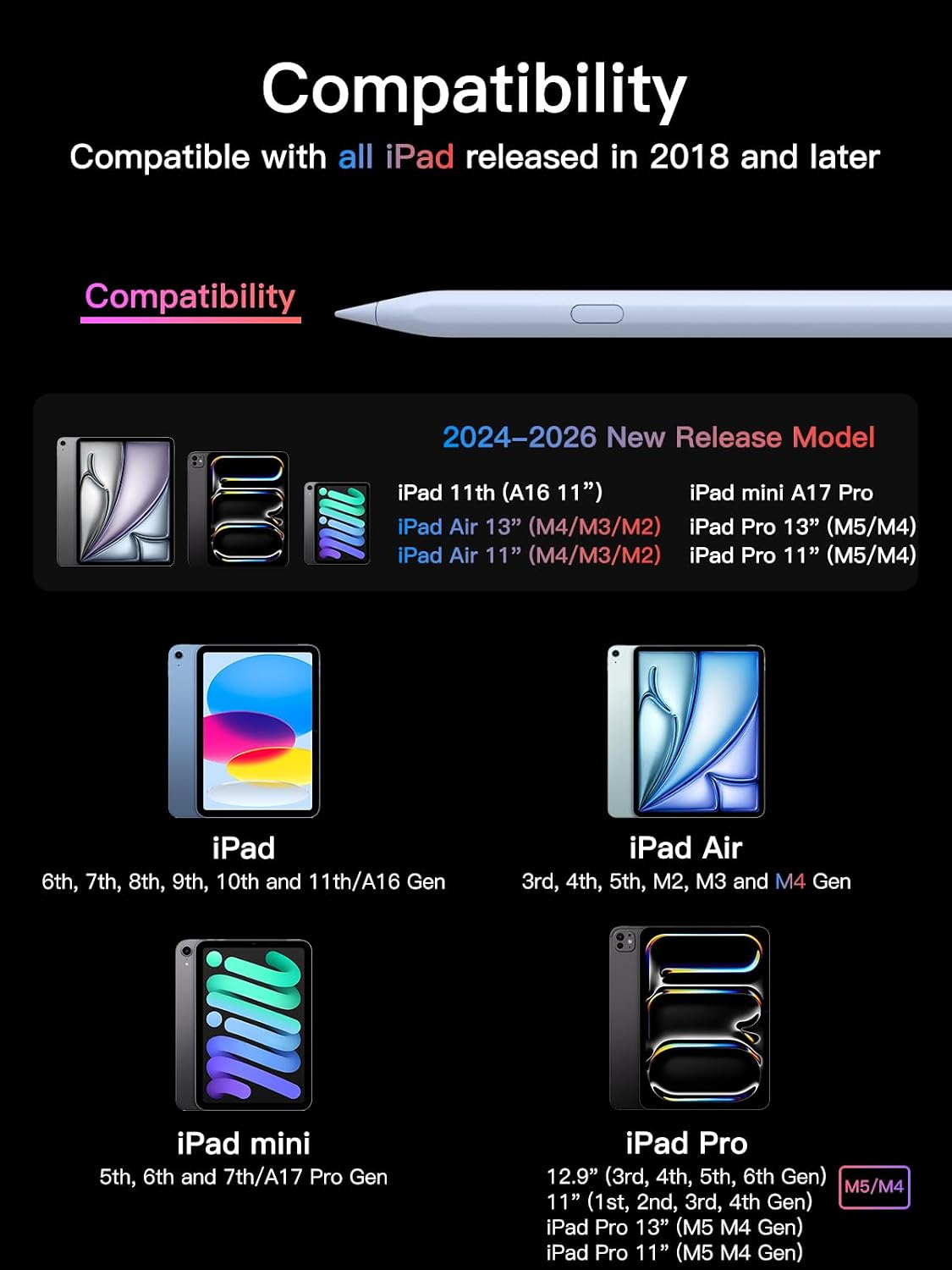
- Compatibility: Select iPad models released from 2018 onward
Tilt sensitivity helps vary strokes when you angle the pen, making it useful for both handwriting and drawing. The pen does not support pressure sensitivity, so stroke changes come from tilt rather than how firmly you press. Its tip is replaceable, with three extra tips included for continued use.
Getting the most from it
For sketching or coloring, angle the stylus to use its tilt response, for notes and document markup, hold it as you would a regular pen. The iPen-Blue is a practical alternative to choosing a stylus specifically for pressure-based drawing, with tilt-enabled input and a one-click undo shortcut for supported workflows.
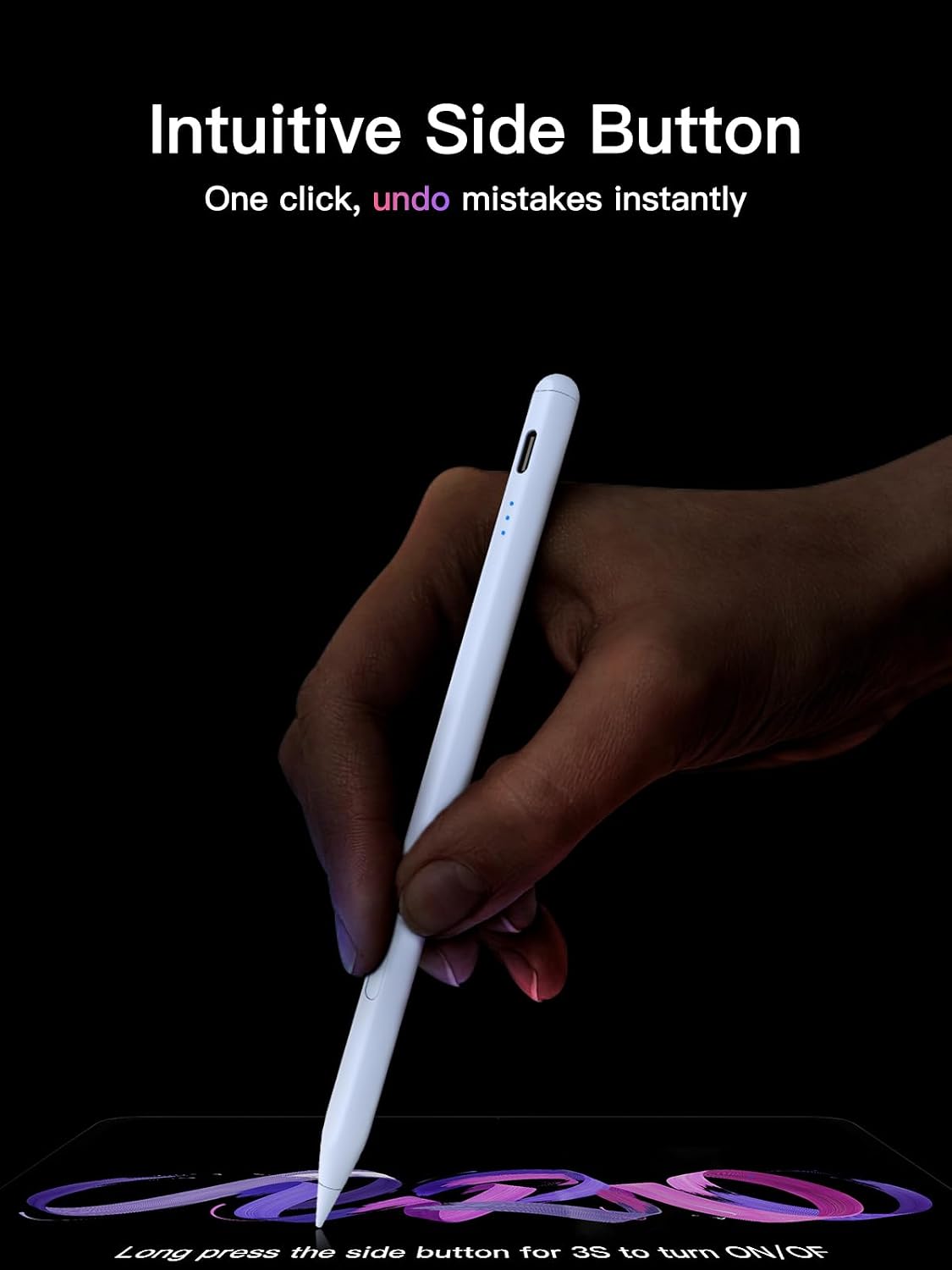
Buyers often highlight straightforward iPad use, smooth writing, USB-C charging, and usefulness for notes and sketches. Feedback on durability is mixed, with some customers reporting that the tip wears sooner than expected. The replaceable-tip design offers a way to refresh the writing surface when needed.
How to use it
Long-press the control button for three seconds to turn the stylus on or off. You can use its basic pen functions without Bluetooth. Pair it through Bluetooth to view the pen’s battery percentage on the iPad and use the one-click undo shortcut. If the shortcut features are needed, disconnect an existing Apple Pencil Bluetooth connection in the iPad’s Bluetooth settings before pairing the KEEPRO stylus.
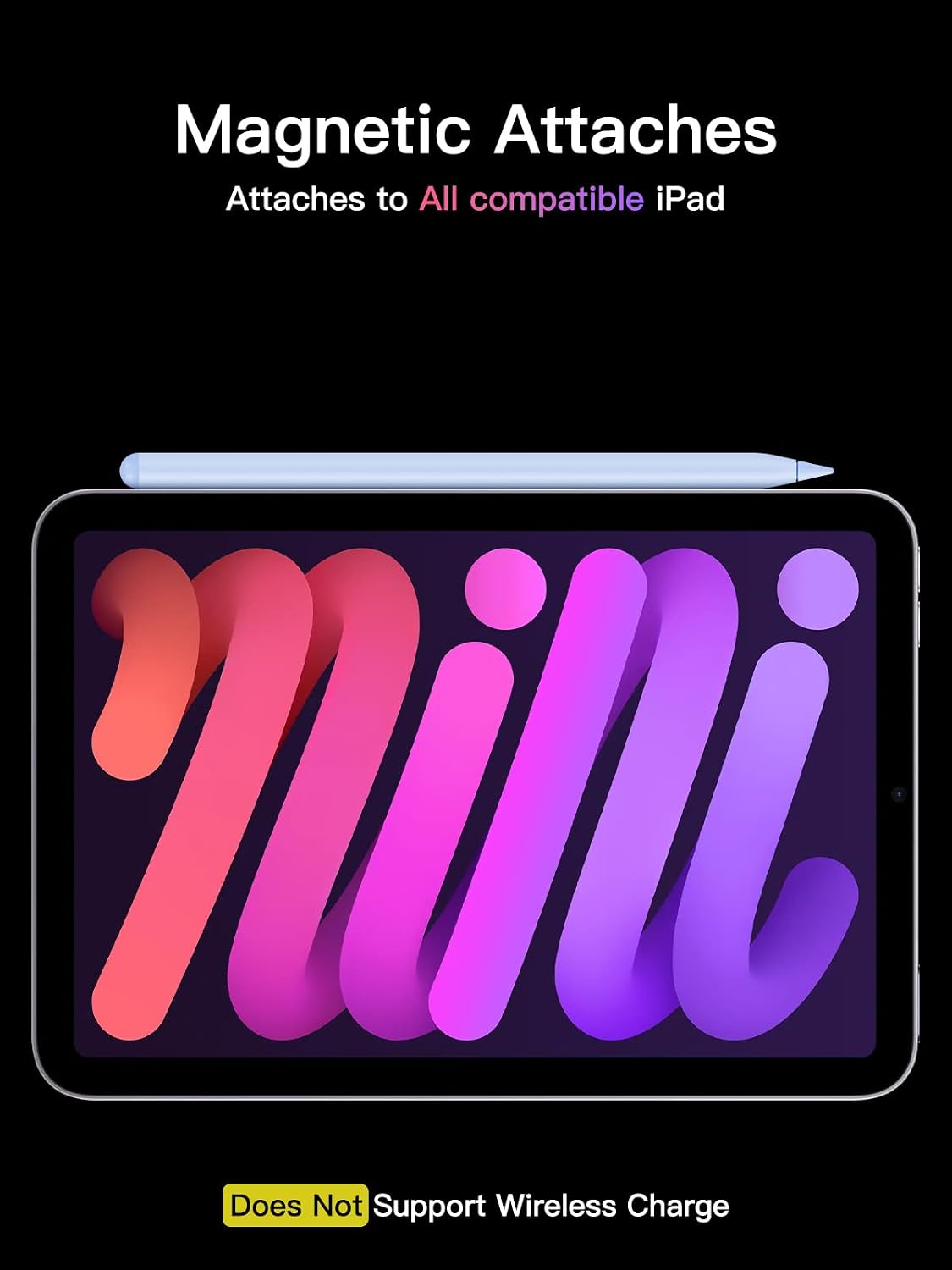
The listed compatible devices include iPad A16 and iPad generations 6 through 11, iPad mini generations 5 through 7 and iPad mini A17 Pro, iPad Air generations 3 through 7 and Air 11-inch or 13-inch models with M2, M3, or M4, and iPad Pro 11-inch or 13-inch models with M4 or M5, plus 11-inch and 12.9-inch Pro models listed by generation. The minimum required operating system version is iOS 16. Match your iPad model to the compatibility list before use.
Before you decide
Does the stylus work without Bluetooth? Yes. Basic writing and drawing work without a Bluetooth connection. Bluetooth is needed for the battery display and undo shortcut.
Can it change stroke width with pressure? No. It supports tilt sensitivity, not pressure sensitivity, so the angle of the stylus—not pressing harder—affects tilt-based strokes.
Can the tip be replaced? Yes. It uses the same tip type as Apple Pencil, and three extra tips are included.
Should you buy it?
Choose the KEEPRO iPen-Blue if you want a USB-C-charged stylus for writing, sketching, coloring, and PDF markup on a compatible iPad. Tilt input, replaceable tips, and optional Bluetooth undo give it useful everyday functions in a straightforward pen format.