

Zhao Cai Jin Bao K-518 Stylus Pens, 6-Pack with Disc and Fiber Tips
Product description
Usage tips
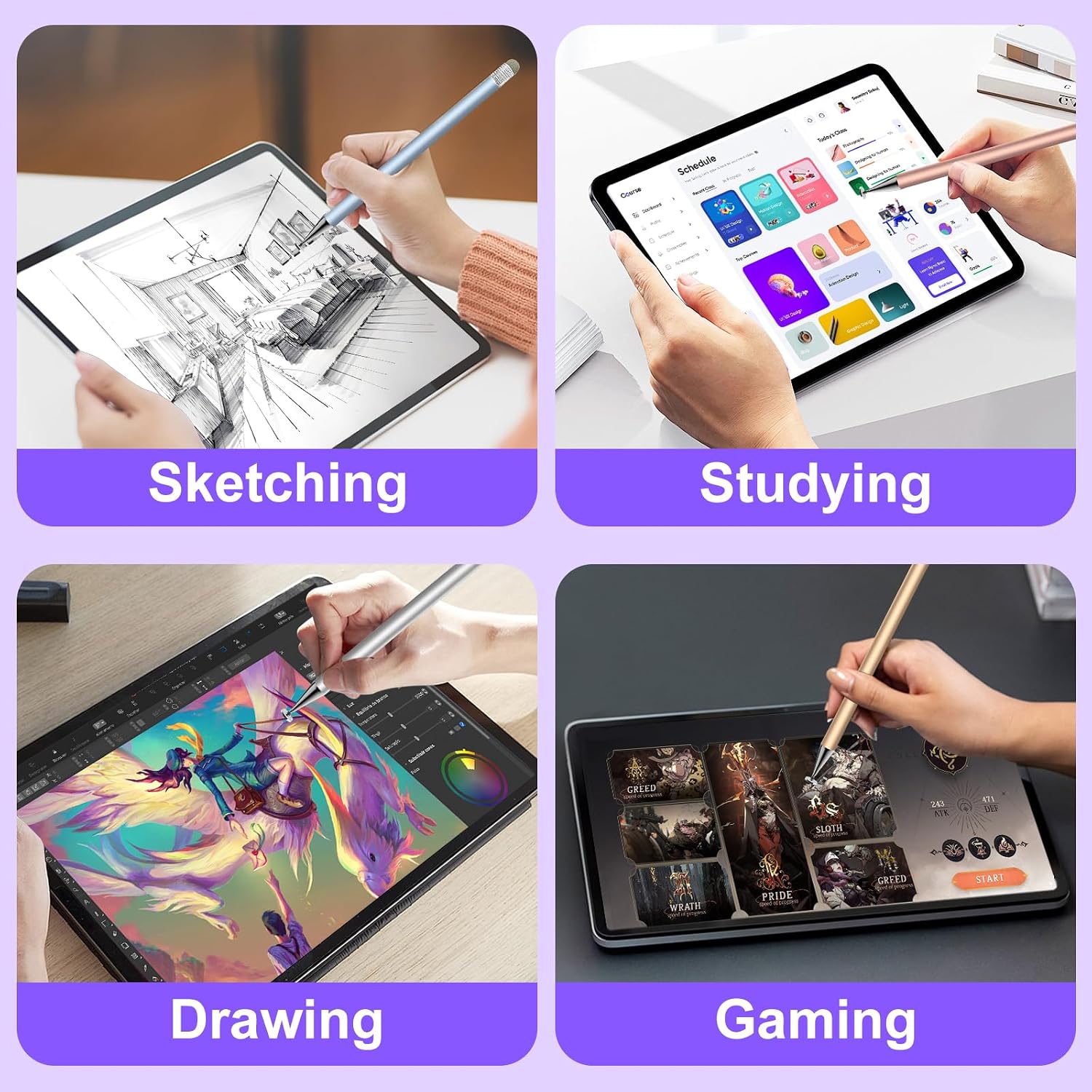
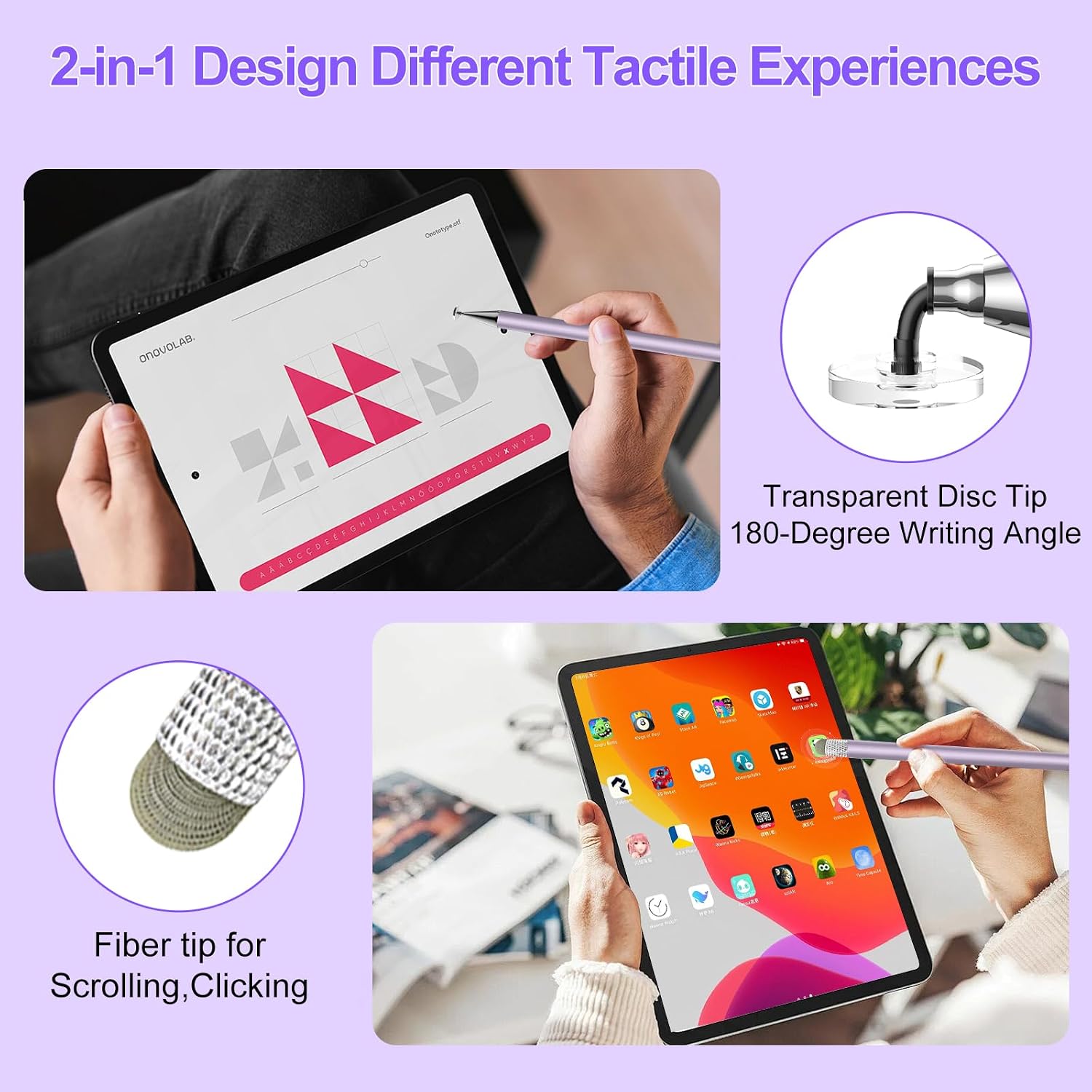
For quick notes on a tablet, more precise sketching, or scrolling through a game on Nintendo Switch, the Zhao Cai Jin Bao K-518 set offers two tip styles in each stylus. Use the transparent disc tip when seeing the contact point matters, such as when tracing or placing a mark. Switch to the fiber tip for browsing and general touchscreen use. The pens are passive, so there is no pairing, charging, or app setup.
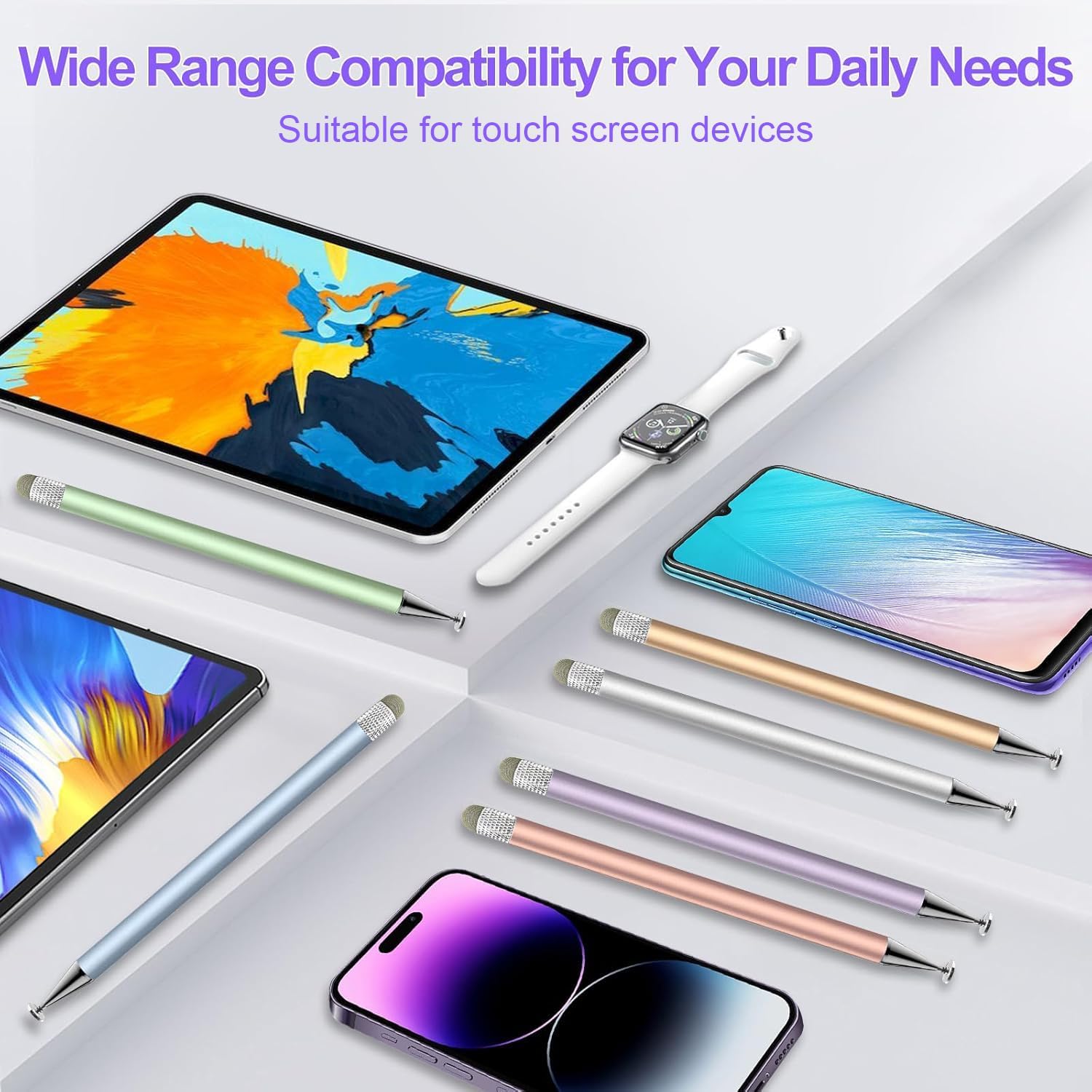
The listing describes these pens as compatible with capacitive touchscreens, including iPad, iPhone, Android tablets, and Nintendo Switch devices. It also says they work with tempered-glass screen protectors. These are everyday input tools, not active pens: they do not provide pressure sensitivity or palm rejection. If your drawing or note-taking routine depends on either feature, an active stylus designed for that purpose would be a better fit.
Tech specs
- Model: K-518
- Type: Passive capacitive stylus pen
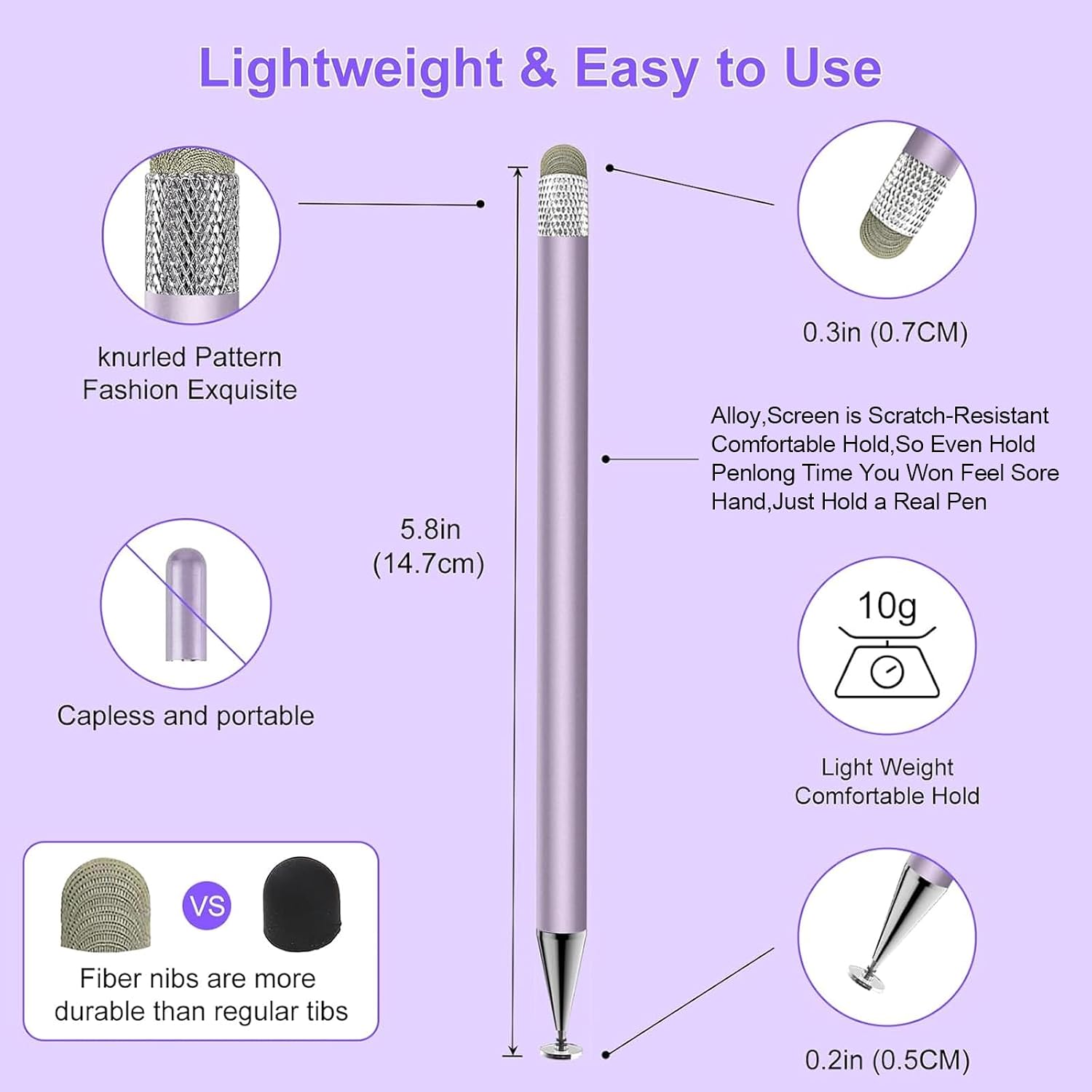
- Tips: Disc and fiber, 0.2-inch disc tip and 0.3-inch fiber tip
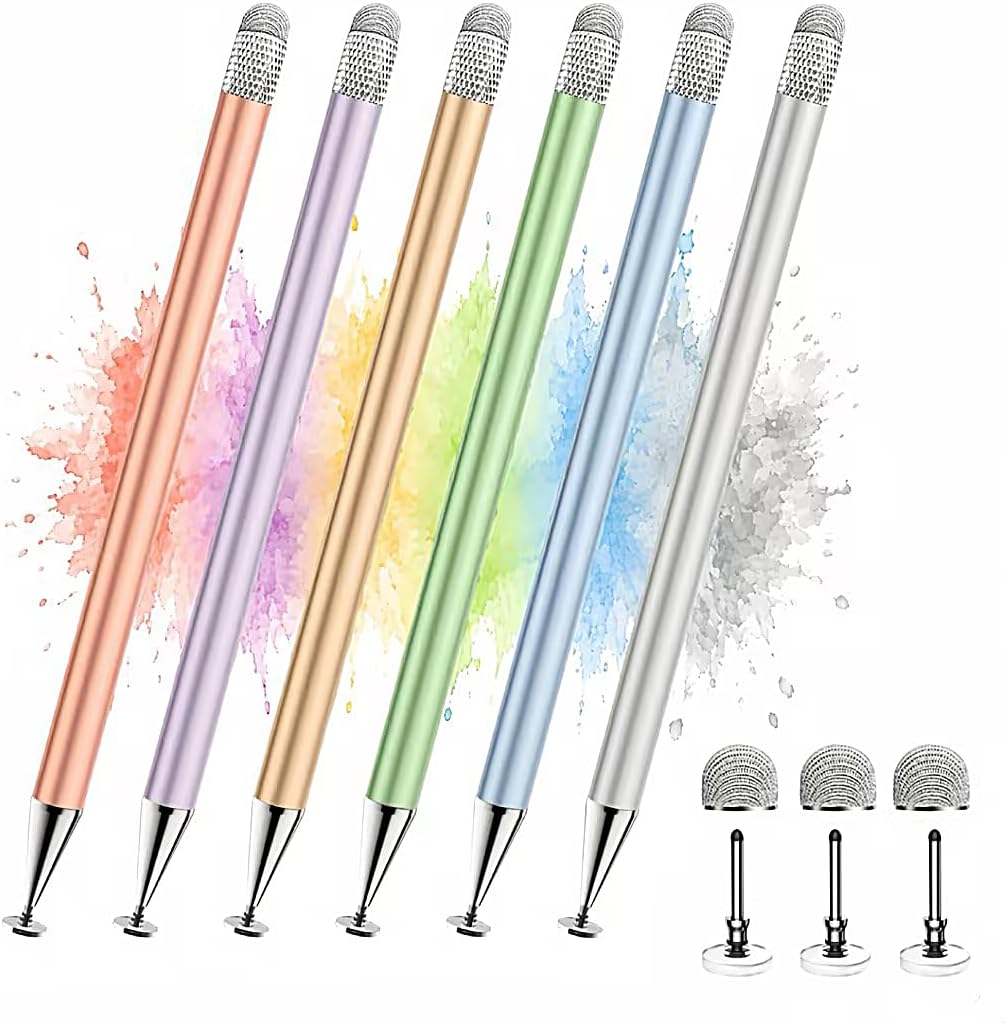
- What’s included: 6 stylus pens and 6 replacement tips (3 disc, 3 fiber)
- Material: Alloy
- Colors: Green, purple, rose gold, silver, blue, and gold
- Compatibility: Capacitive touchscreen devices
- Item dimensions: 7.08 x 1.96 x 0.59 inches
- Weight: 0.09 lbs per stylus
Why it’s worth it
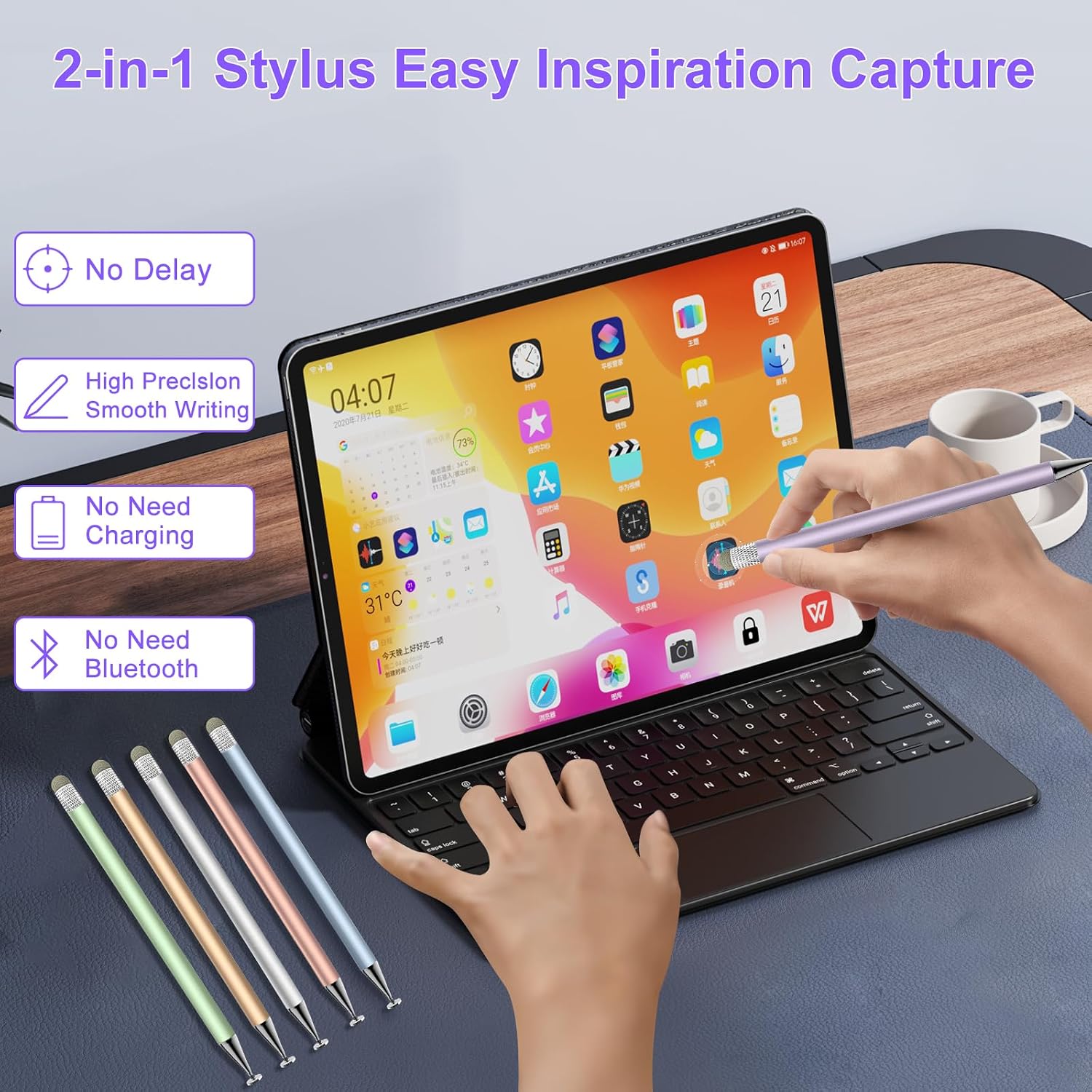
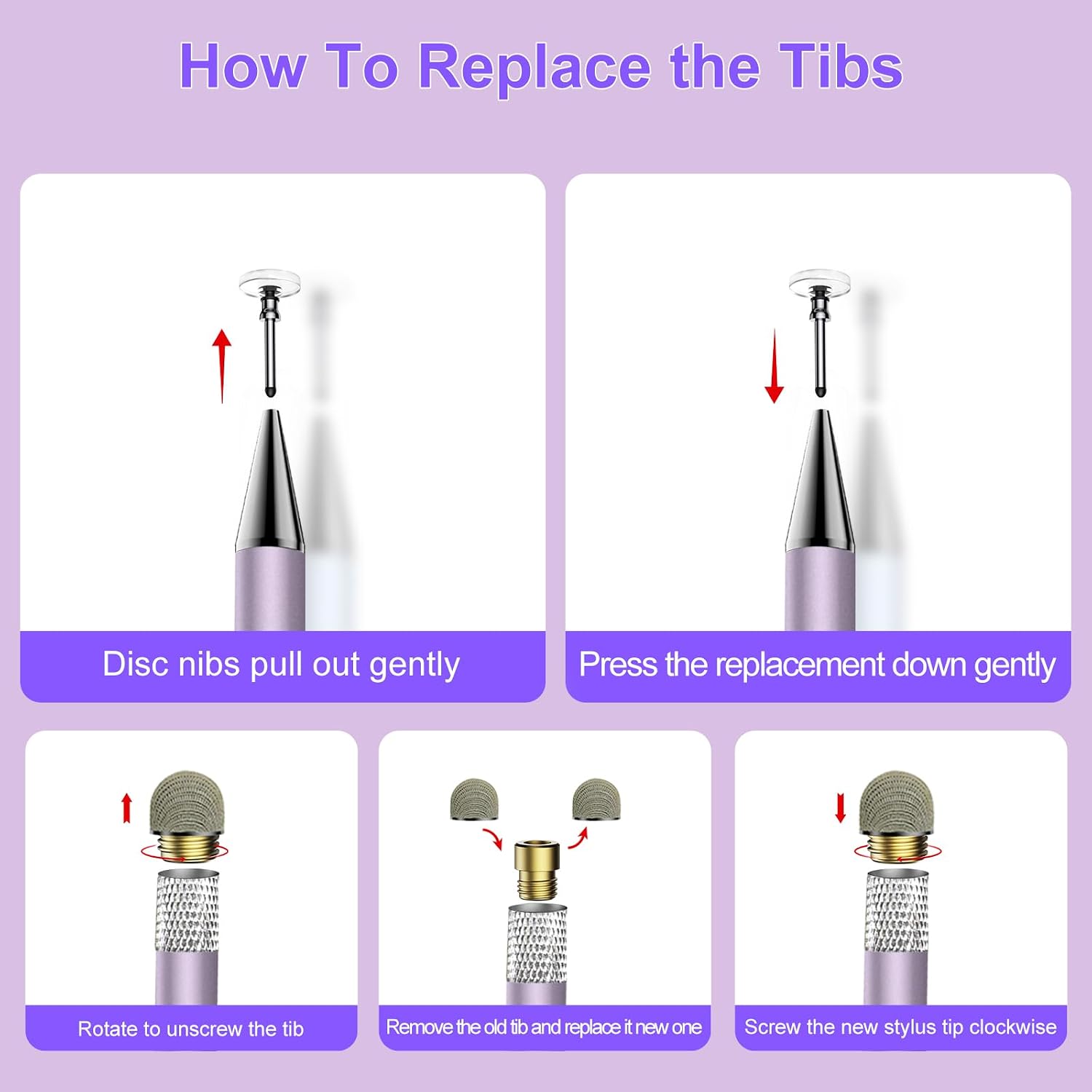
The practical appeal is having a choice of contact style without carrying separate pens. A disc tip offers a visible point for controlled placement, while a fiber tip suits broader, lighter interactions such as scrolling. The six-pen pack can also be useful for keeping a stylus in more than one place—for example, one near a shared tablet at home and another with a device used for school or work. Replacement tips are included, and the listing says they can be changed without tools.
Customer feedback highlights ease of use across several devices, along with the color selection and included spare tips. Some buyers also mention using the pens for writing and drawing. Those impressions can help set expectations for casual touchscreen tasks, but they do not change the stated limitation: this model has no pressure sensitivity or palm rejection. It’s a great fit if you want a no-pairing stylus set for basic writing, browsing, or casual drawing on capacitive screens. Not the best choice if your workflow requires pressure-aware strokes or palm rejection.
Before you decide
Does it need Bluetooth or charging? No. It is a passive capacitive stylus and is described as ready to use without pairing, charging, or an app.
What is the difference between the two tips? The transparent disc tip is intended for more precise placement, while the fiber tip is suited to smooth scrolling and general use. The package also includes three replacement tips of each type.
Can it be used for pressure-sensitive drawing? No. The listing states that the stylus does not support pressure sensitivity or palm rejection. Choose an active stylus if those functions are essential to your drawing or writing setup.
Is it worth it?
This set makes sense when the priority is having several straightforward styluses for capacitive screens, with two tip styles and replacement tips in the package. It covers common tasks such as notes, casual sketches, browsing, and touchscreen gaming without a setup step. Its usefulness depends on matching that simple role: for pressure-sensitive illustration or palm-rejection support, look for a stylus with those features instead.