

DIGIROOT Universal Stylus Pens, Metal Barrel
Product description
Quick overview
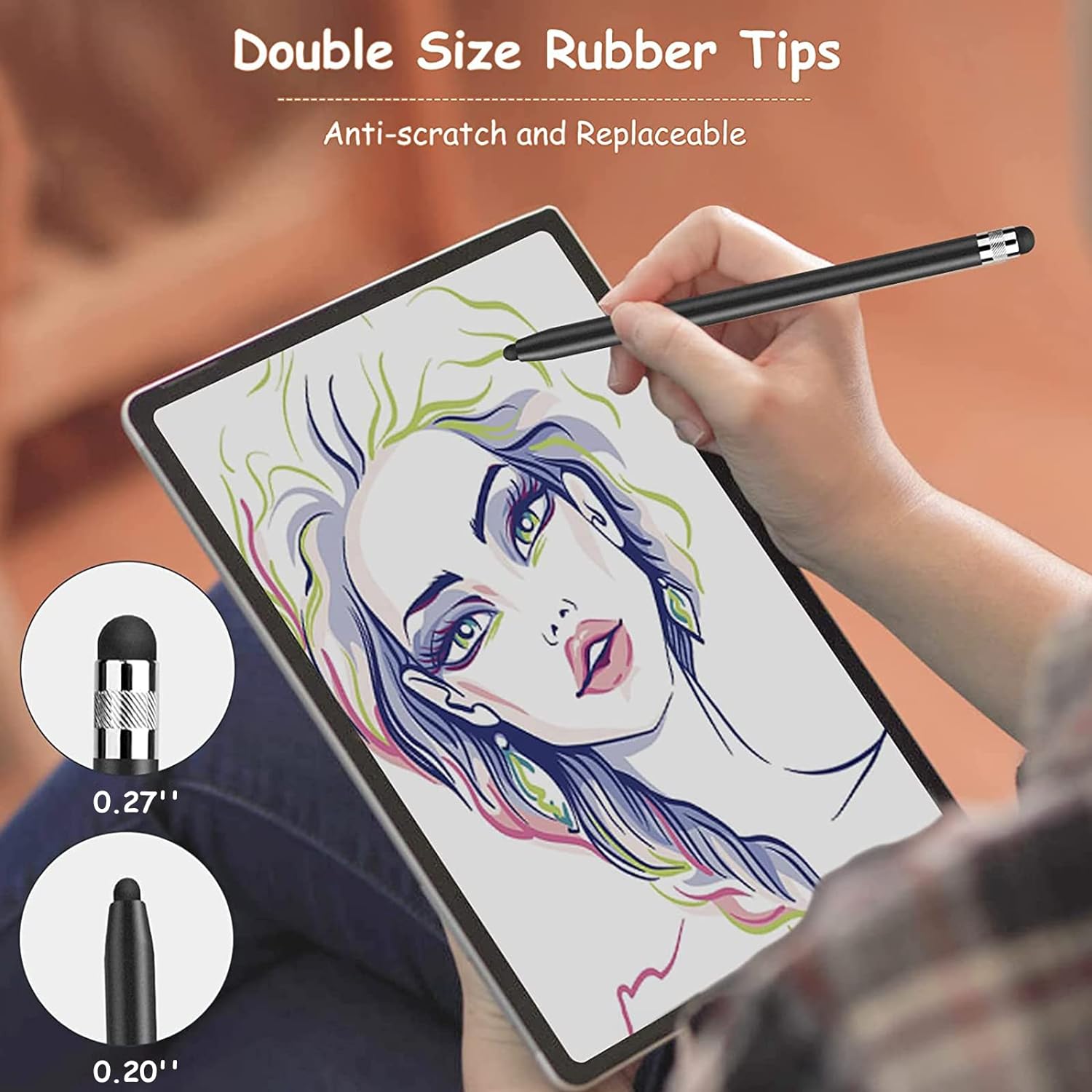
Typing, tapping, or sketching with a fingertip can feel clumsy on a touchscreen. These DIGIROOT styluses give you a rubber tip to work with instead, with two tip sizes built into each pen.
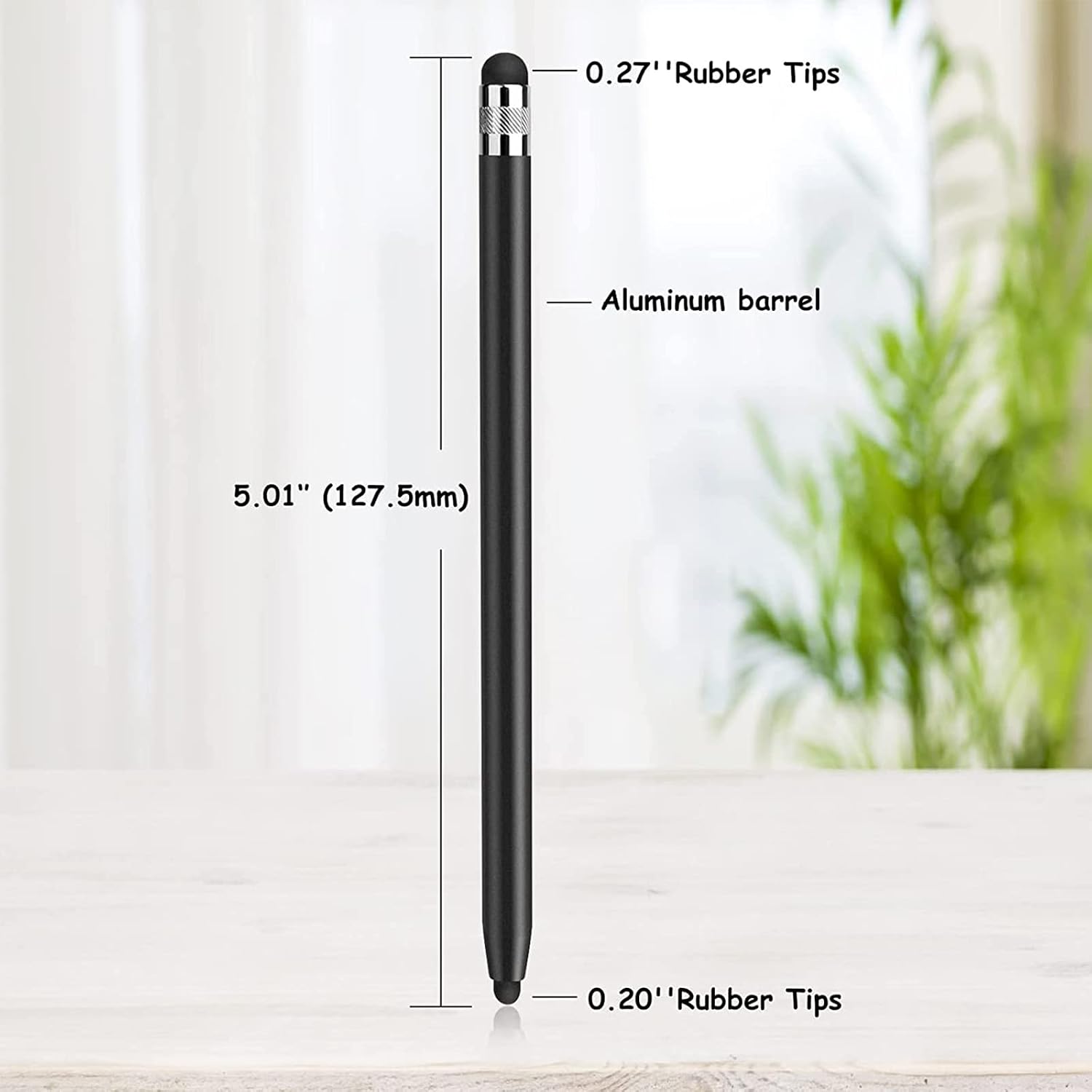
The two-ended design makes it easy to switch between the smaller 0.20-inch tip and the 0.27-inch tip, depending on what feels more comfortable for the task.
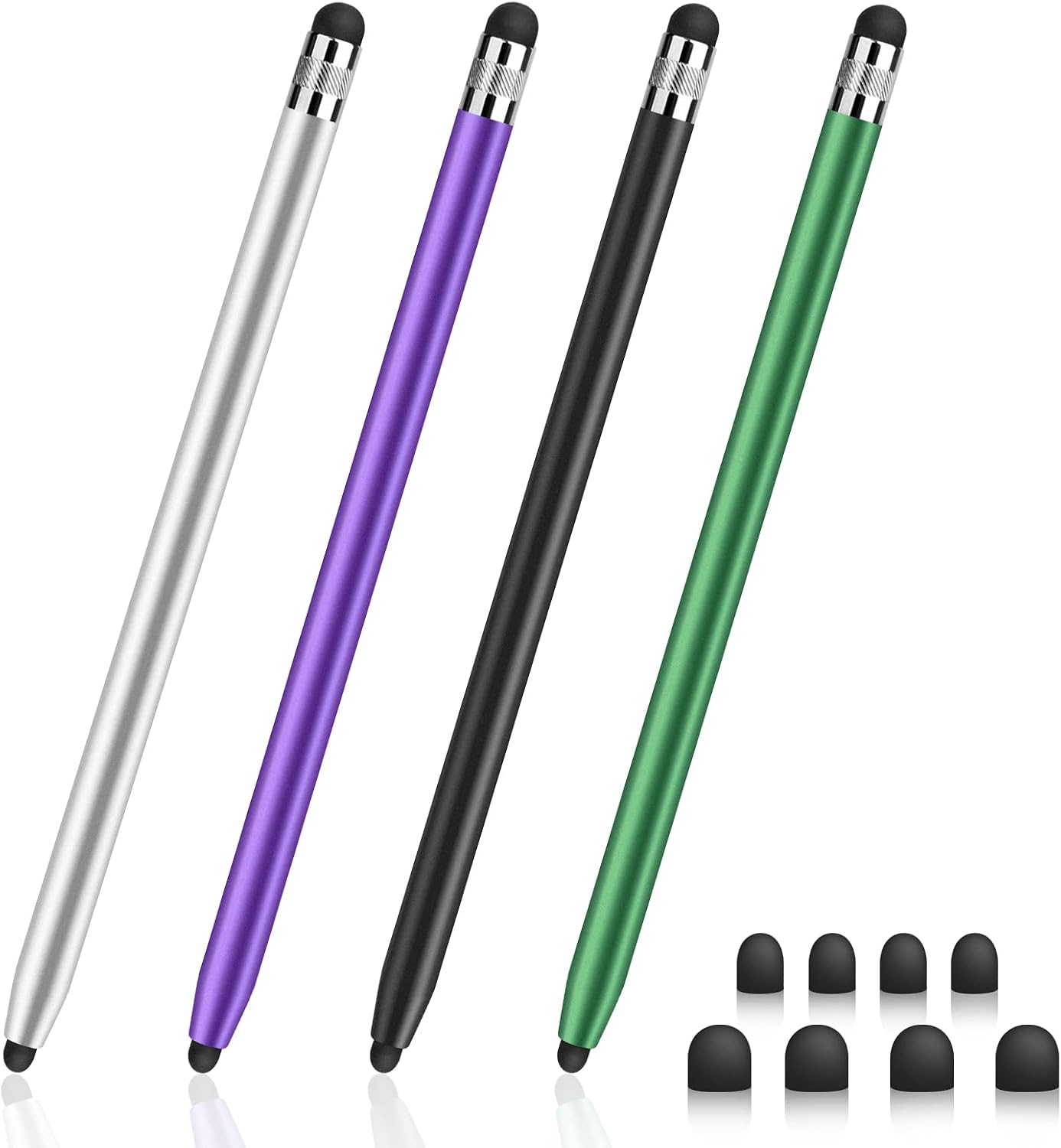
The package includes four styluses and replacement rubber tips. That makes it practical to keep one at a desk, another in a bag, and spares where you tend to misplace small accessories.
Best use cases
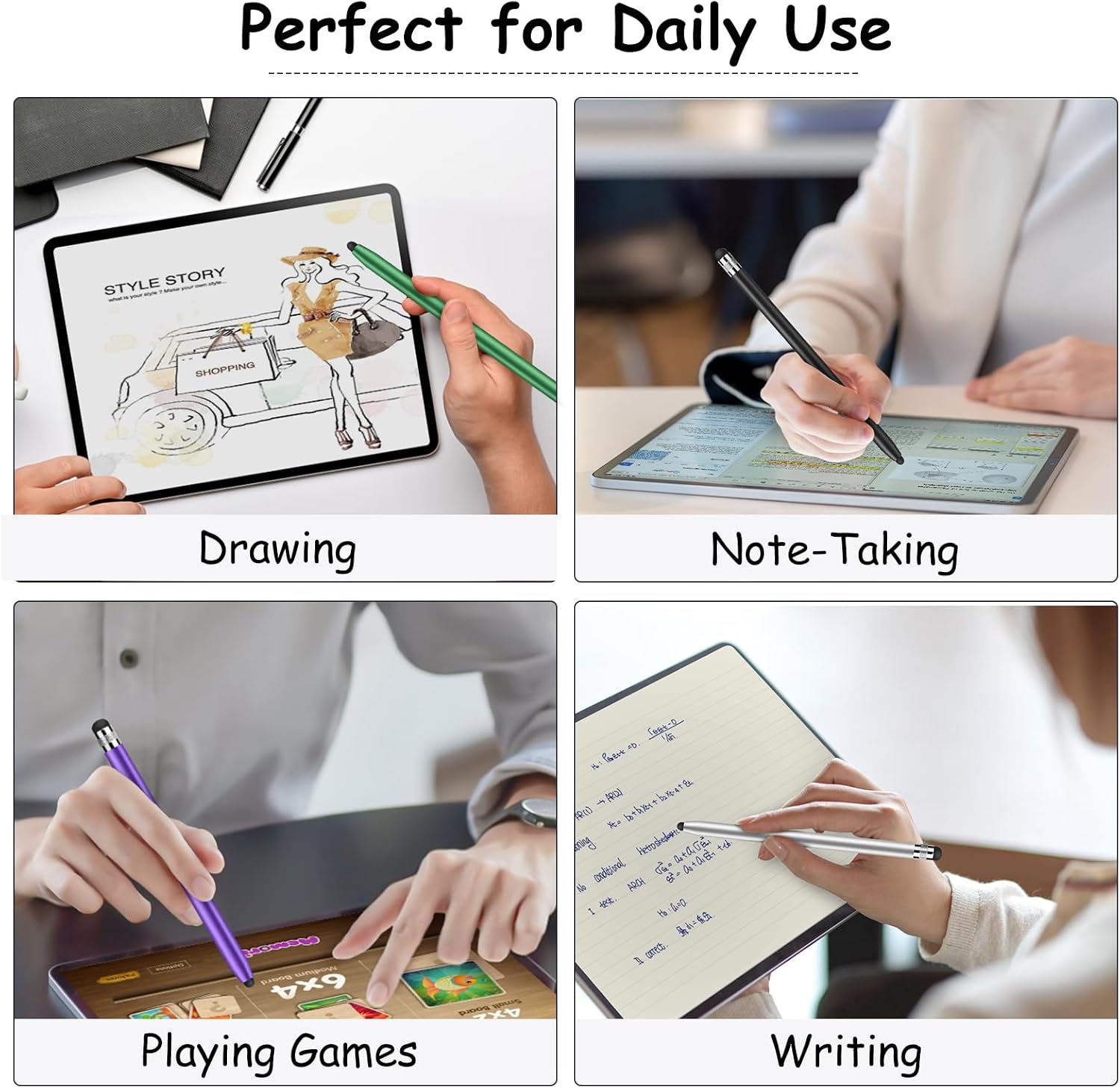
These pens are intended for capacitive touchscreens, including phones, tablets, touchscreen laptops and PCs, and e-readers. The listing also names devices such as iPads, iPhones, Android phones, Samsung devices, Nintendo Switch, and Kindle. It’s a broad compatibility claim for standard touch input, not a promise of device-specific pen features.
For example, you could use the finer tip to tap through a recipe on a tablet while cooking, then flip to the wider end for casual notes or browsing. It suits you if you want a simple alternative to finger input for everyday navigation, studying, light drawing, or games.
Keep in mind that the listing describes rubber tips for capacitive screens, not pressure sensitivity, palm rejection, or other active-stylus controls. If your work depends on those features, a purpose-built active pen is a different kind of purchase.
Tips for day-to-day use
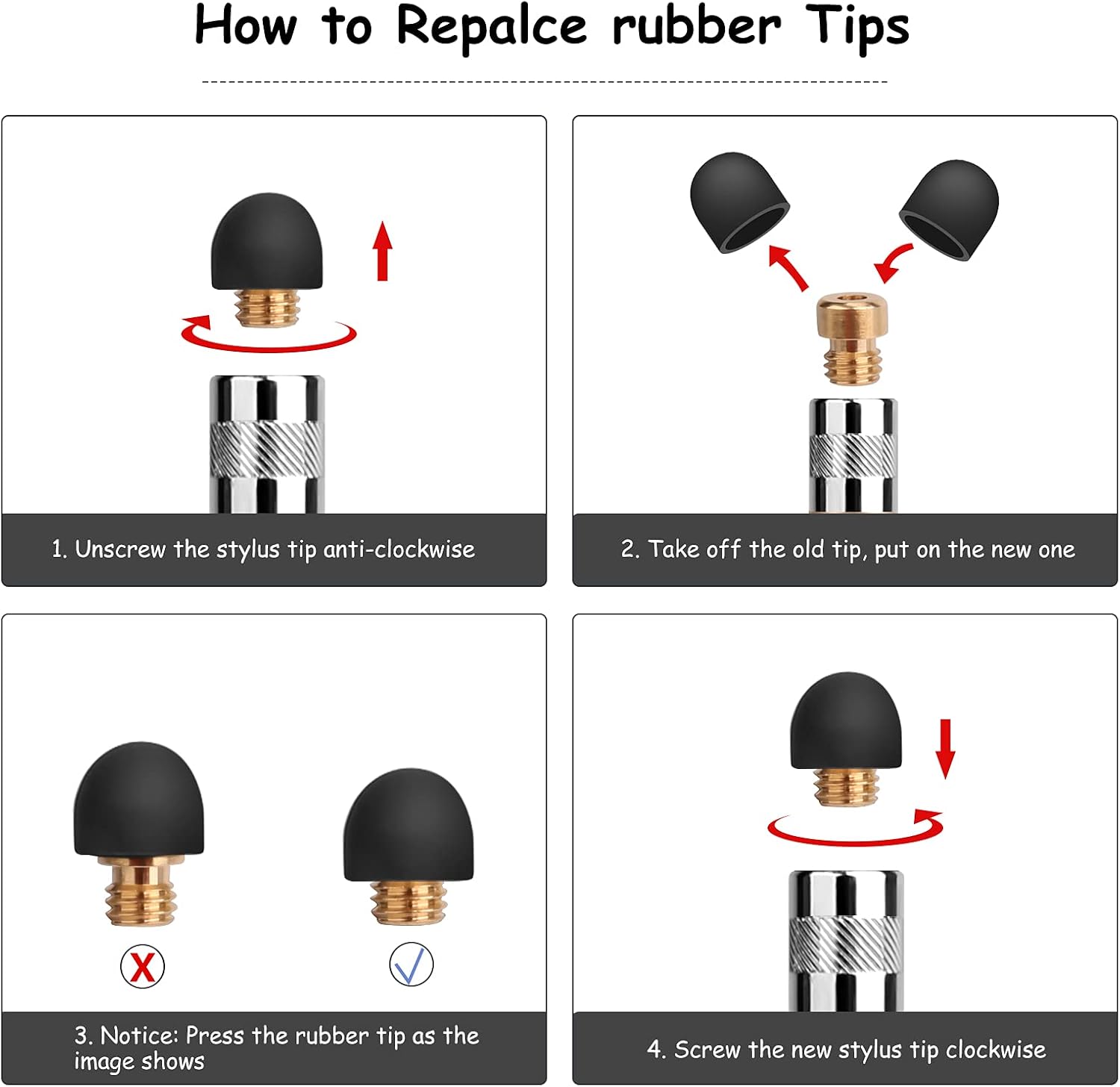
Try both ends on your screen and keep the one that feels easier for the task: the smaller tip offers a narrower contact point, while the larger one gives you another option for general tapping. The listing describes the tips as soft and replaceable, and says replacement can be done without tools. Four replacement tips of each listed size are included, so you have spares if a tip wears down or goes missing.
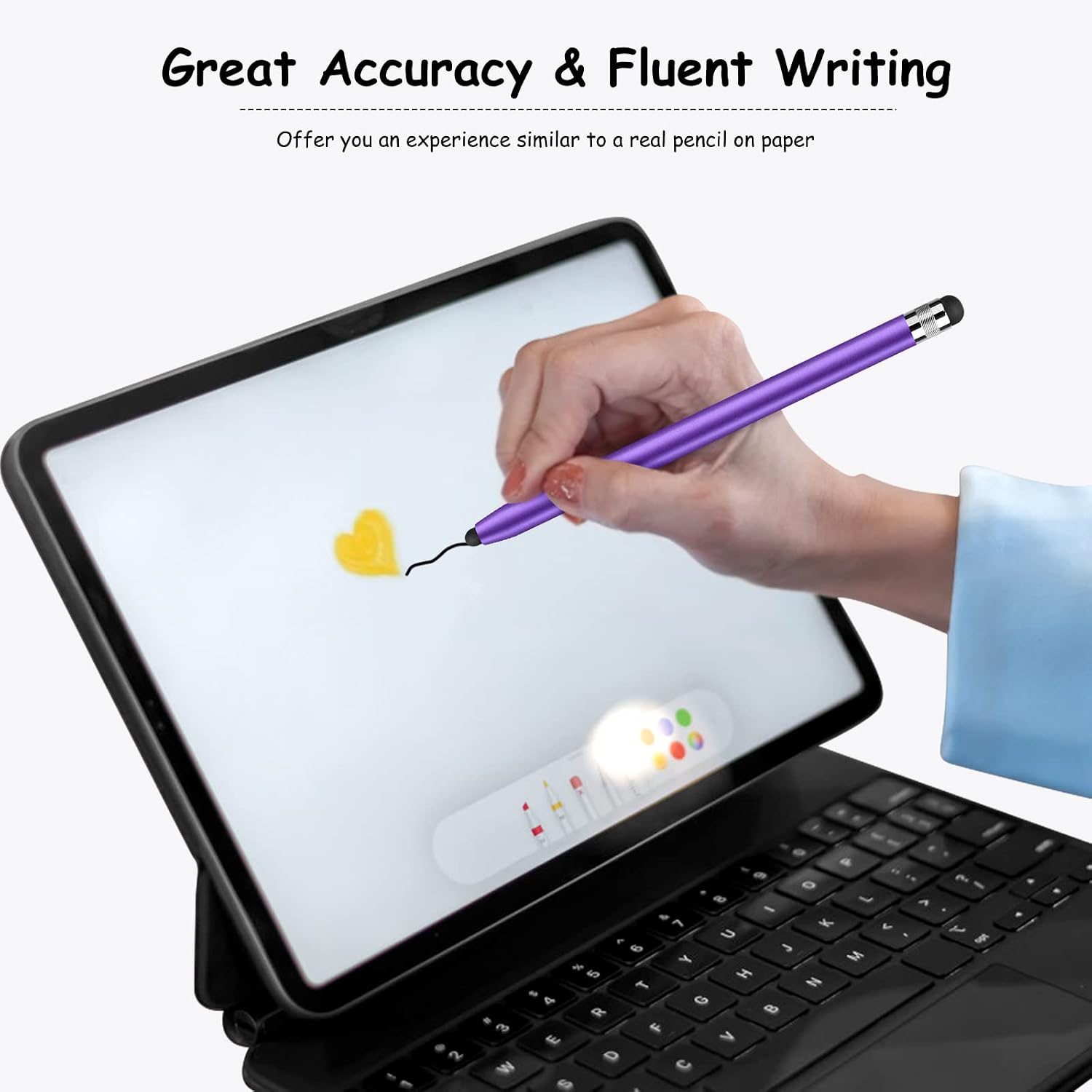
The metal barrel gives the pens a more solid-bodied format than a basic, lightweight plastic stick. That may appeal if you prefer something that feels more like a conventional pen in your hand, though the product details do not give a weight or dimensions to help judge its feel before buying. From the way it is set up, this is a straightforward touchscreen accessory rather than a digital drawing system with advanced controls.
Before you decide
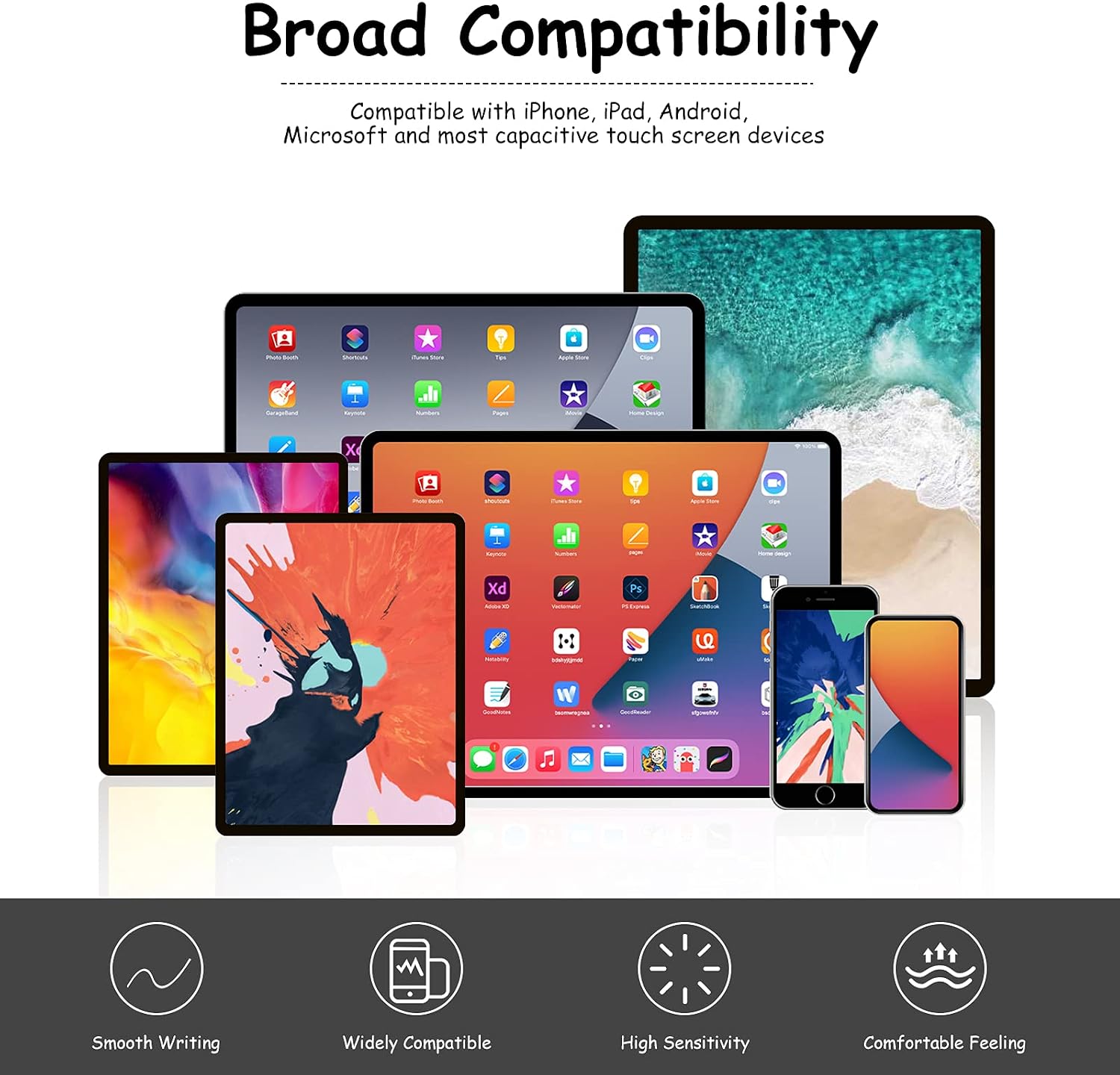
Are these pens limited to one device brand? The listing says they work with capacitive touchscreens and names several types of phones, tablets, computers, and e-readers. It does not describe them as being made for just one brand.
Can you replace the tips? Yes. Both ends have replaceable rubber tips, and the listing says they can be changed without tools. Replacement tips are included in the package.
What do the two ends do? Each pen has a 0.20-inch tip on one end and a 0.27-inch tip on the other, giving you two contact sizes to choose from.
When it makes sense
Choose this set if you want basic, brand-flexible touch input and like having several pens and spare tips on hand. The two tip sizes offer a small but useful choice for tapping, reading, casual notes, and simple on-screen drawing. You may want to skip it if you need pressure-sensitive artwork tools or specific active-pen functions, since those aren’t listed. For ordinary capacitive-screen use, the appeal is convenience and replaceable tips, not advanced control.